Hi,
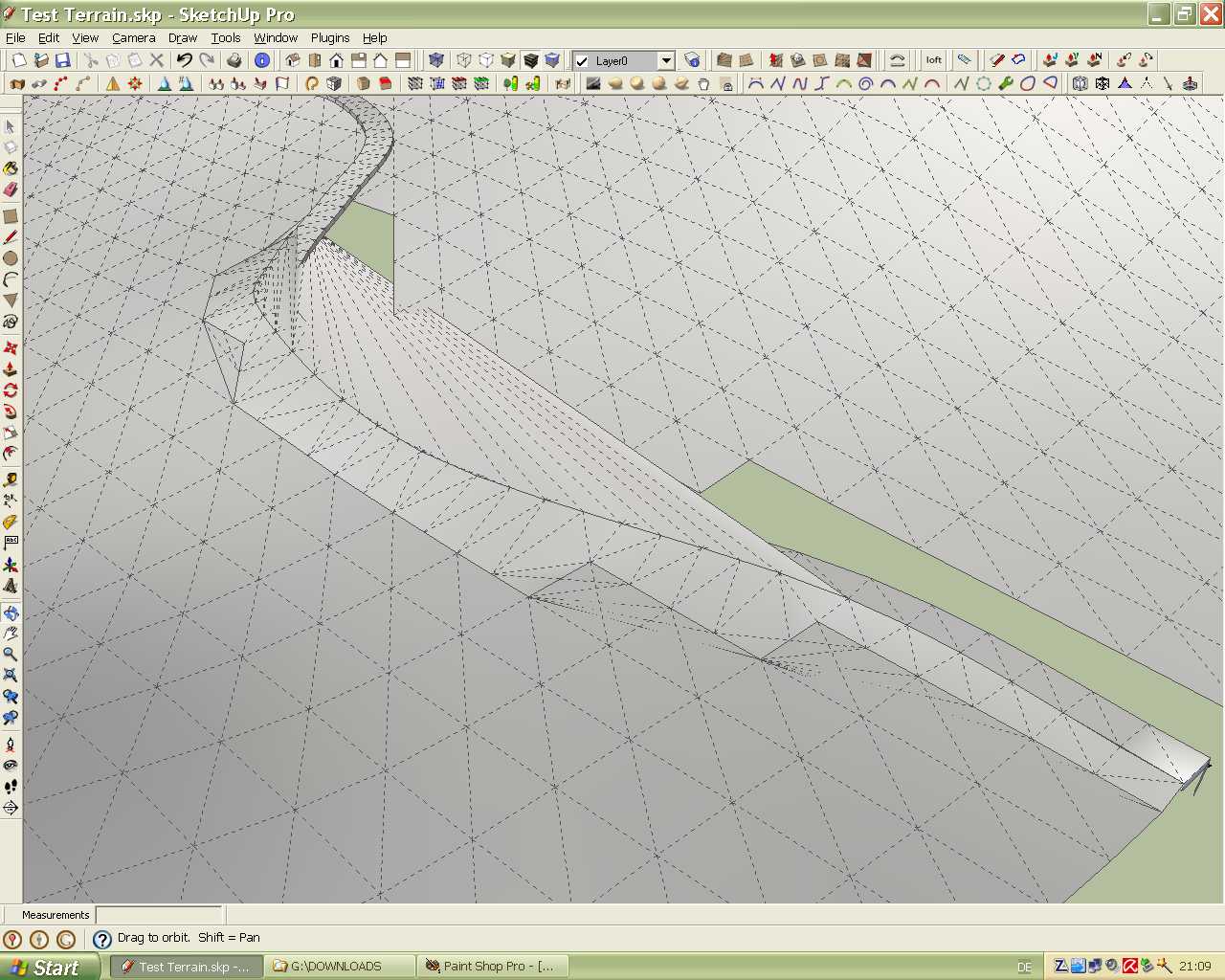
i forgot to mention that the spline should be welded by the weld plugin and the road as a group has to be exploded. If you have further questions don't hesitate to ask me.
Karlheinz
 Offline
Hi,
i forgot to mention that the spline should be welded by the weld plugin and the road as a group has to be exploded. If you have further questions don't hesitate to ask me.
Karlheinz
OK, OK , Csaba and Malais exceptionally I will share my secret with you. 
Basically, the method is quite simple. But a bit of manual work is still needed. No pain, no gain. I would be glad if the workflow could improved by other users.
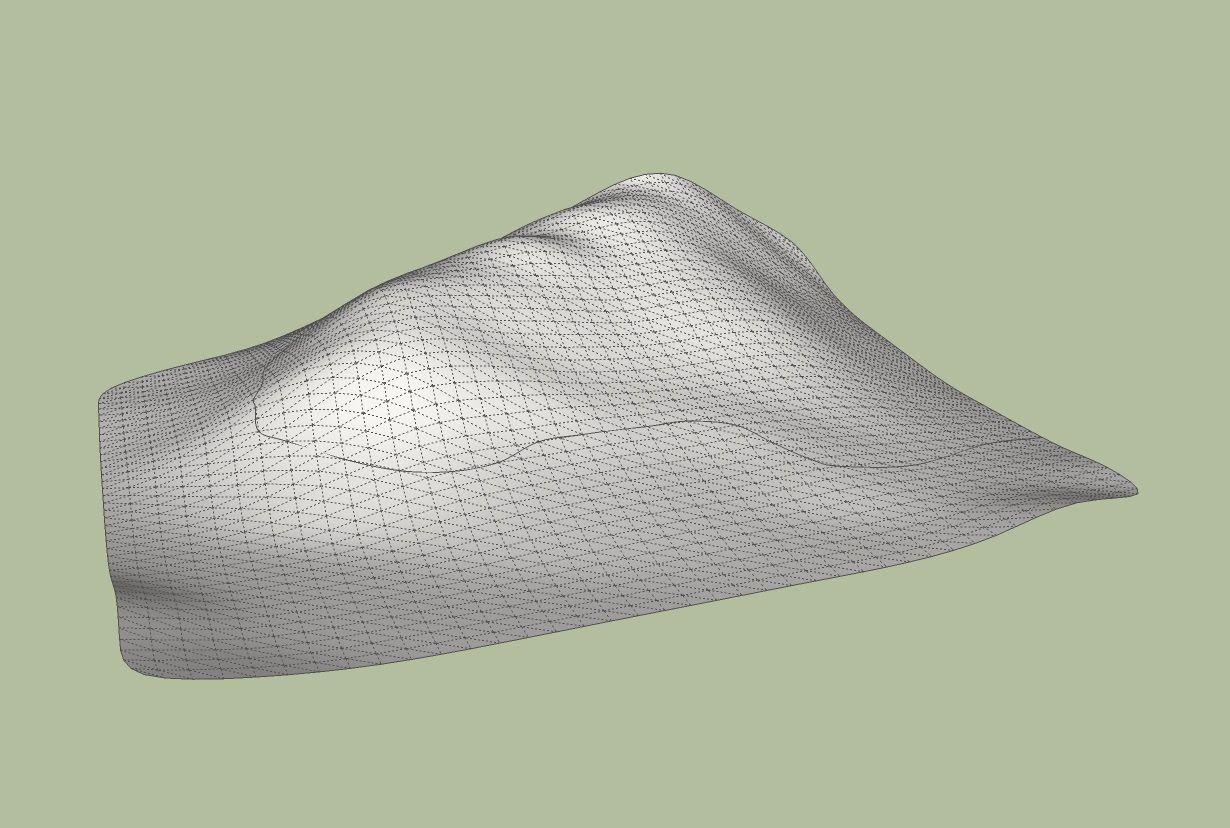
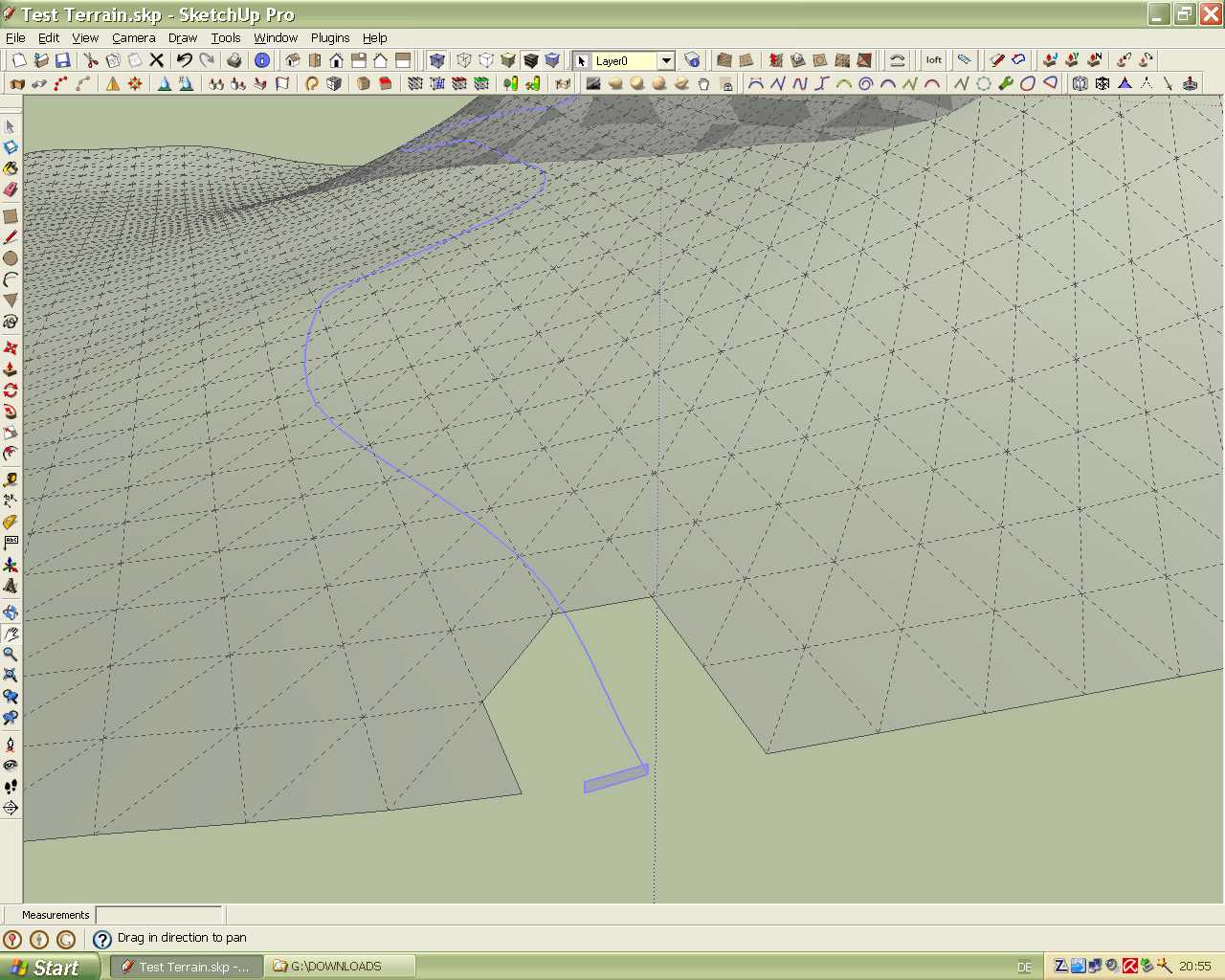
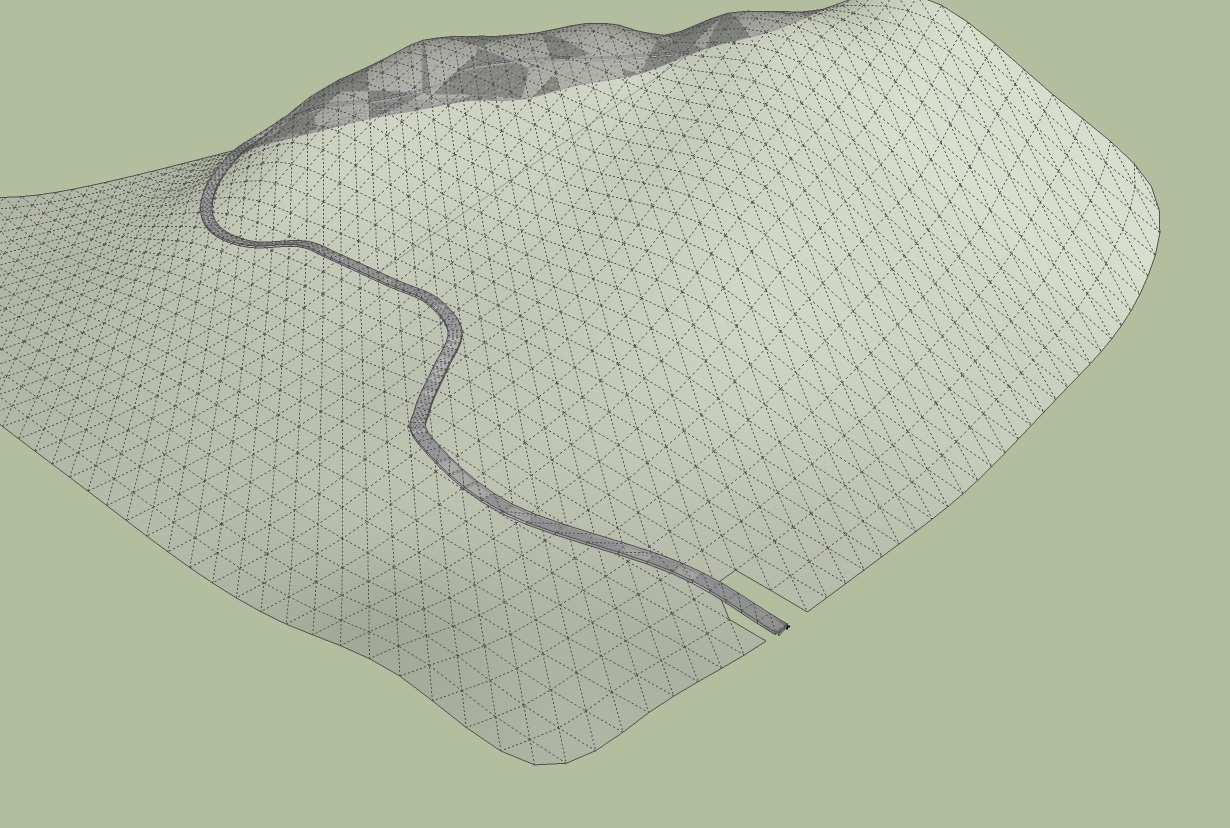
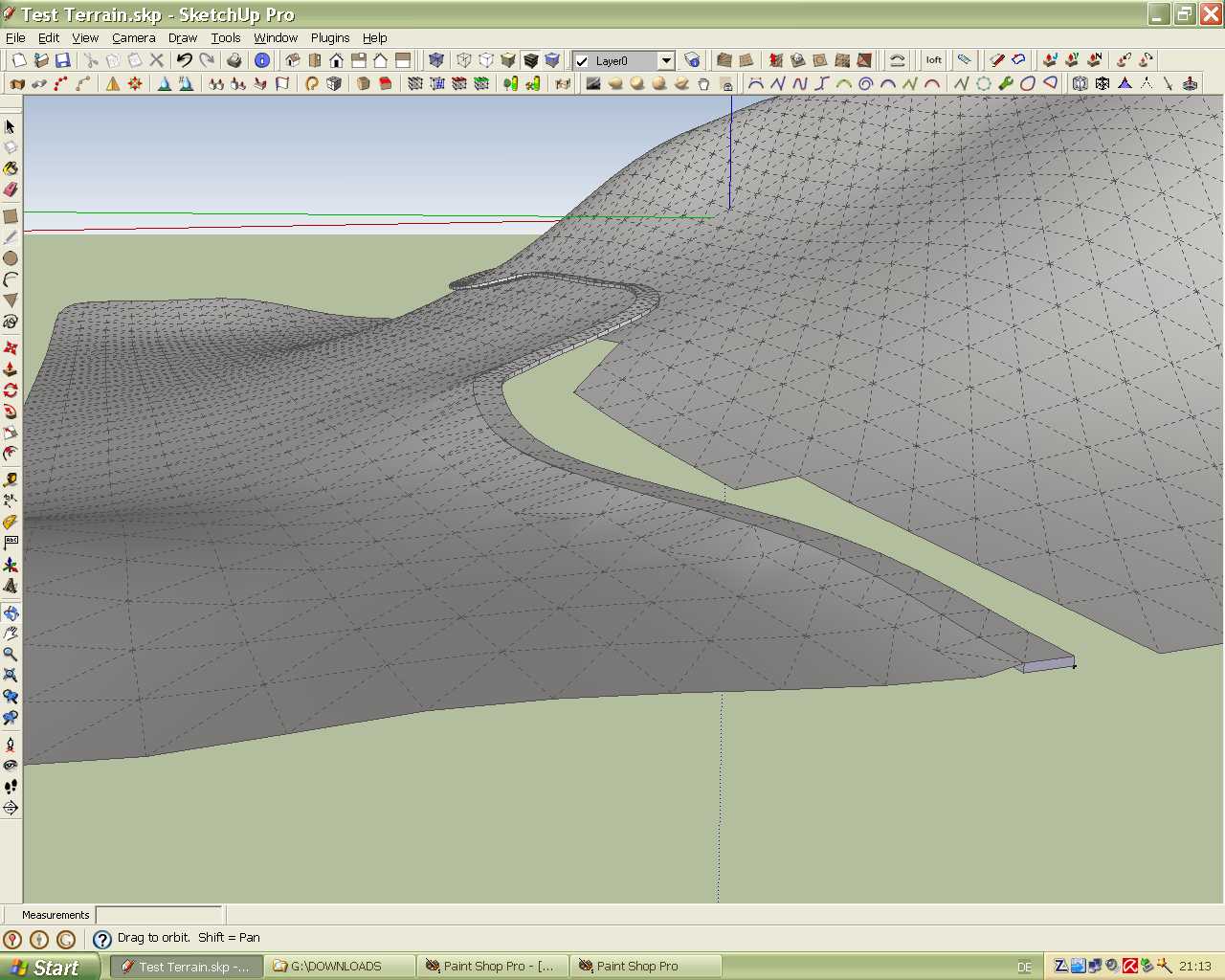
For the creation of the road survey line on the surface of the terrain I used the Bezier splines plugin from Fredo6 especially the Catmull Spline. The next tests i will try the F- and B-spline to see what is the best. Thanks to Fredo for this great plugin. The work with this tool requires a little practice to get an optimal result because the line goes sometimes into the surface.
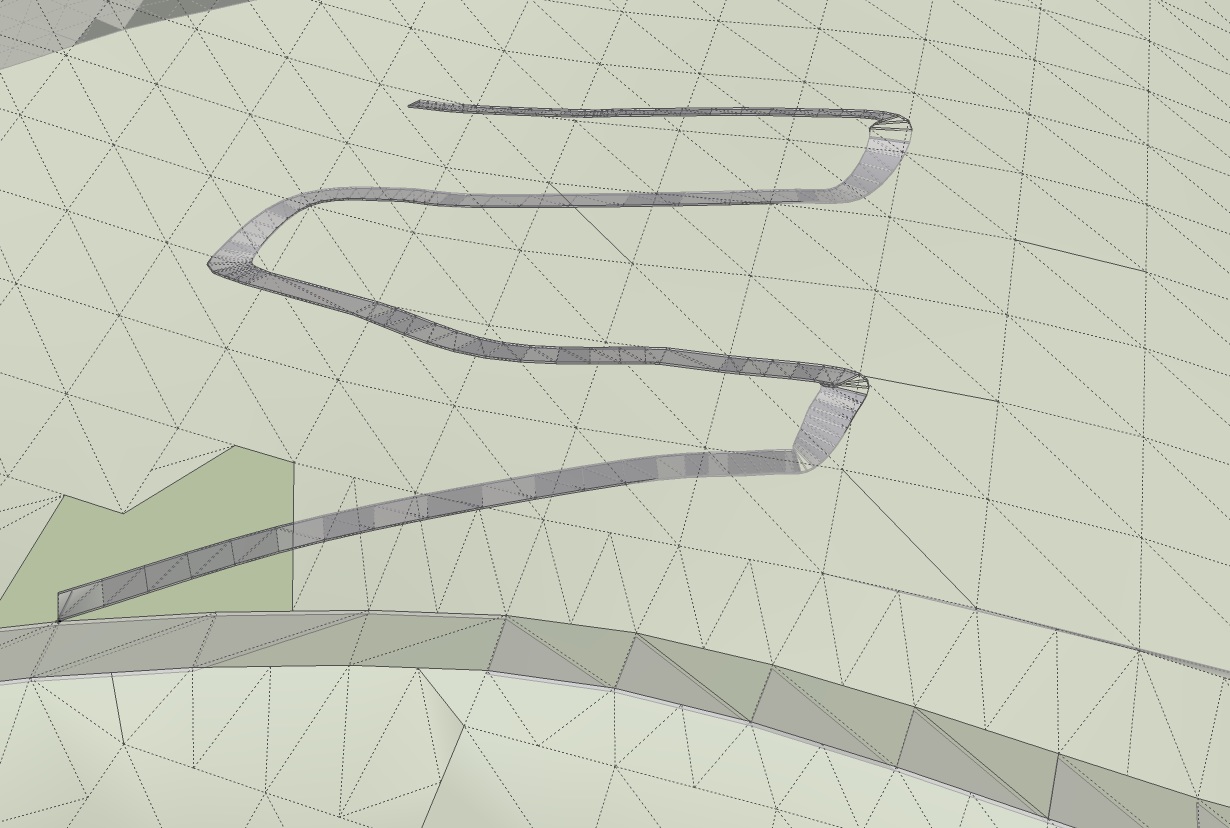
Problems i had with the Followmeandkeep plugin when the road has strong winding curves. See an example in the skp below.
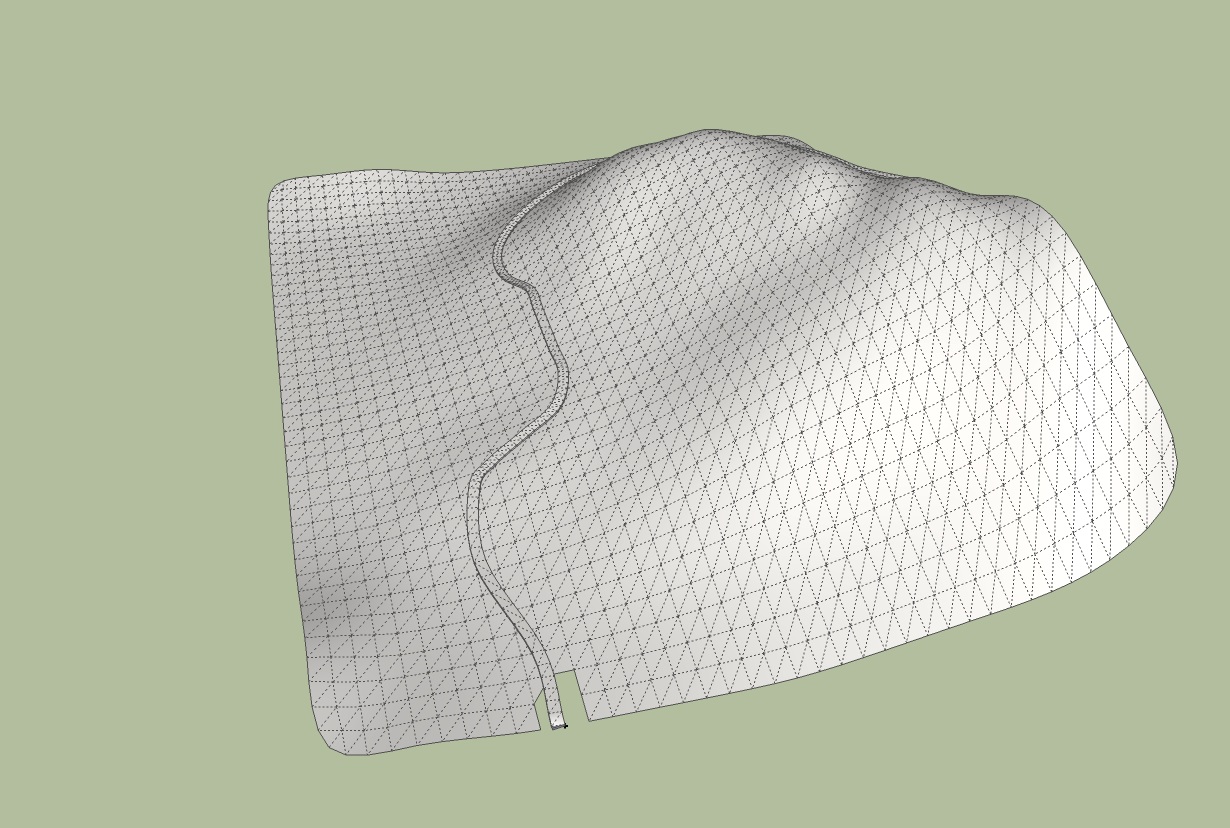
When i was satified with the road survey line , i used the Followmeandkeep plugin to create the road along this line. Thanks also to Wikii.
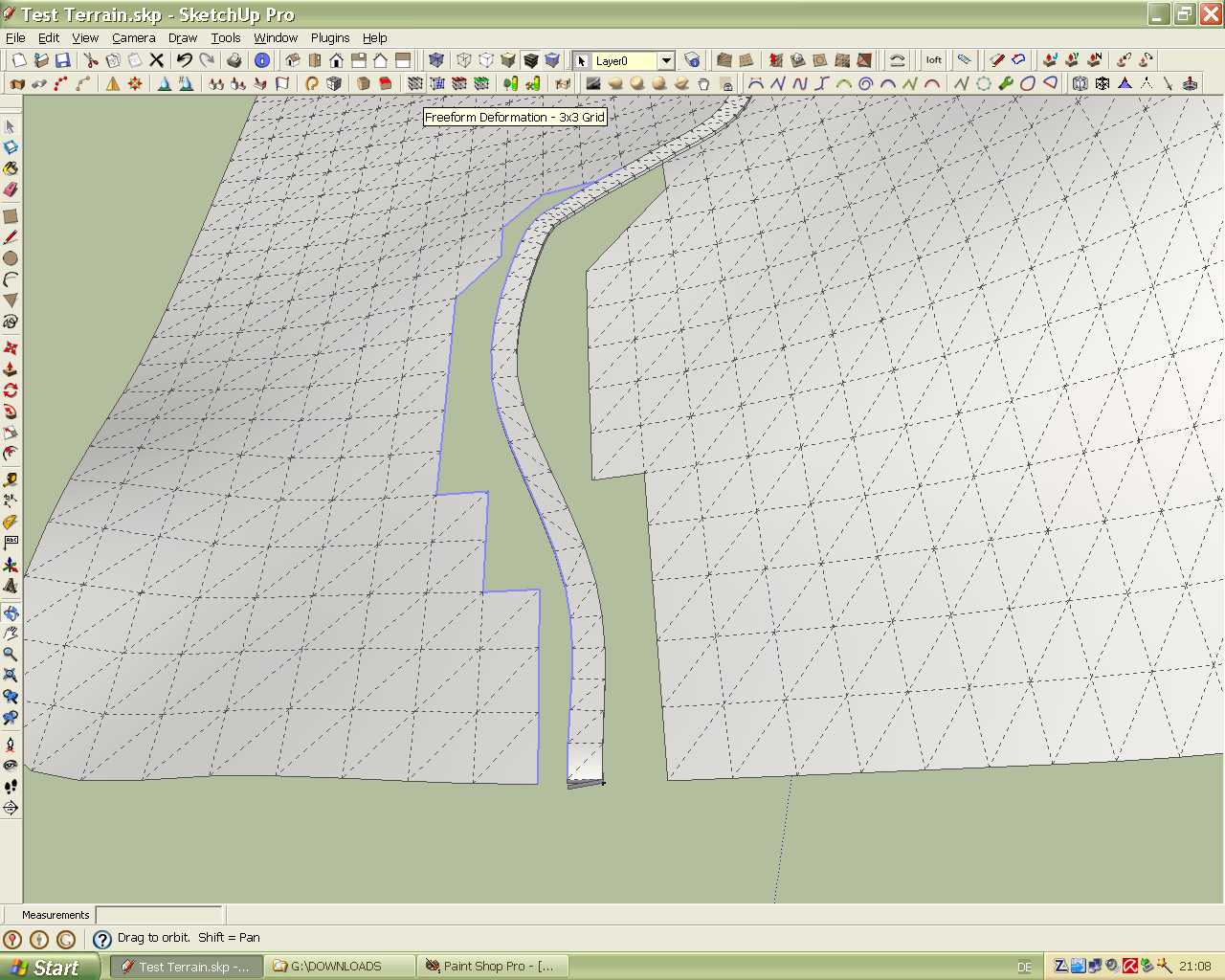
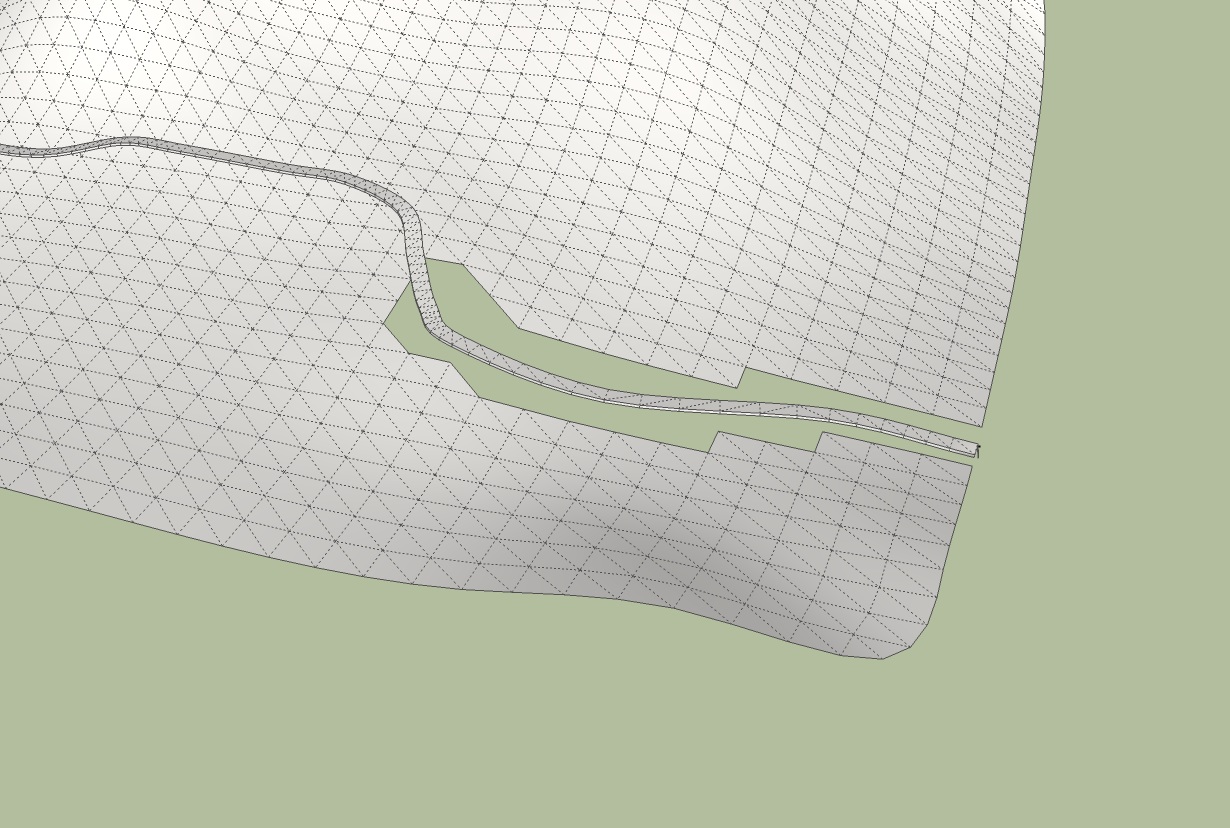
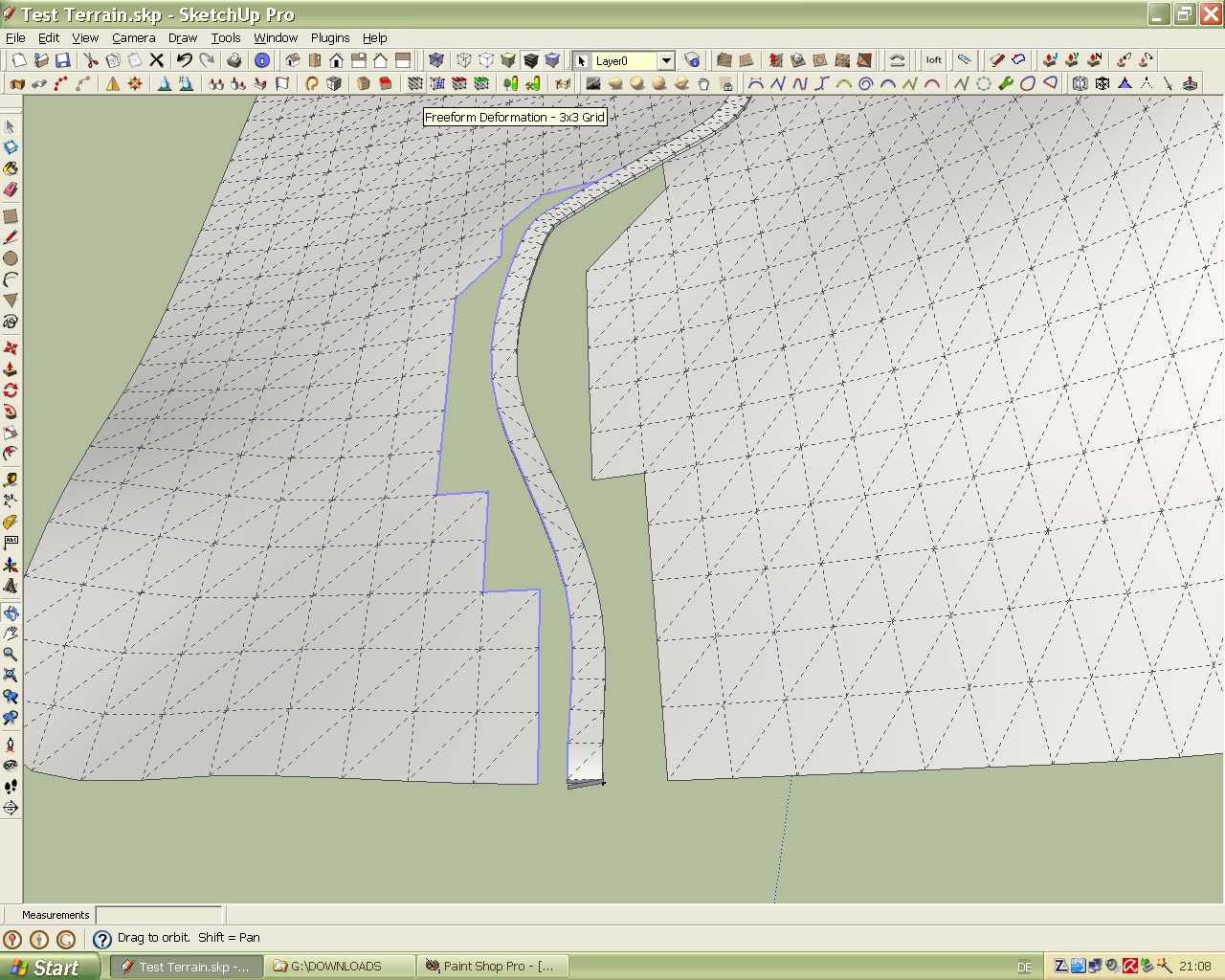
And now the handmade part had to be started. I removed all the terrain surfaces below the road. Afterwards i selected all edges from the road and from the trerrain surface and generated a new surface between the road the rest of the terrain with the sandbox tool "From Contours". This tool produces some overlapping surfaces but after exploding it is easy to erase that surfaces.
I hope you will understand my workflow description. It would be nice to hear from other users about their experiences with this method and possible improvements.
Karlheinz
Hi to All,
The first method (http://forums.sketchucation.com/viewtopic.php?f=18&t=19578#p161992)i used was very cumbersome and much time consuming because of use of many plugins. But this was closer to the technics which are used in civil engneering. In between i tried some special civil engineering software. But the problem is that these software requires height informations, measuring data for every point (x,y,Z) on the terrain.
The second idea was to find a solution to get height points data from a GE terrain within Sketchup. But this was not successfull. I couldn't find any way to do that.
Sometimes i play a little bit with different plugins to find out if there are other purposes they can be used for and i found two. I make it a little more exciting. For this method only two plugins and the sandbox tool is necessary. May be this method could be be optimized.
To be continued
Karlheinz
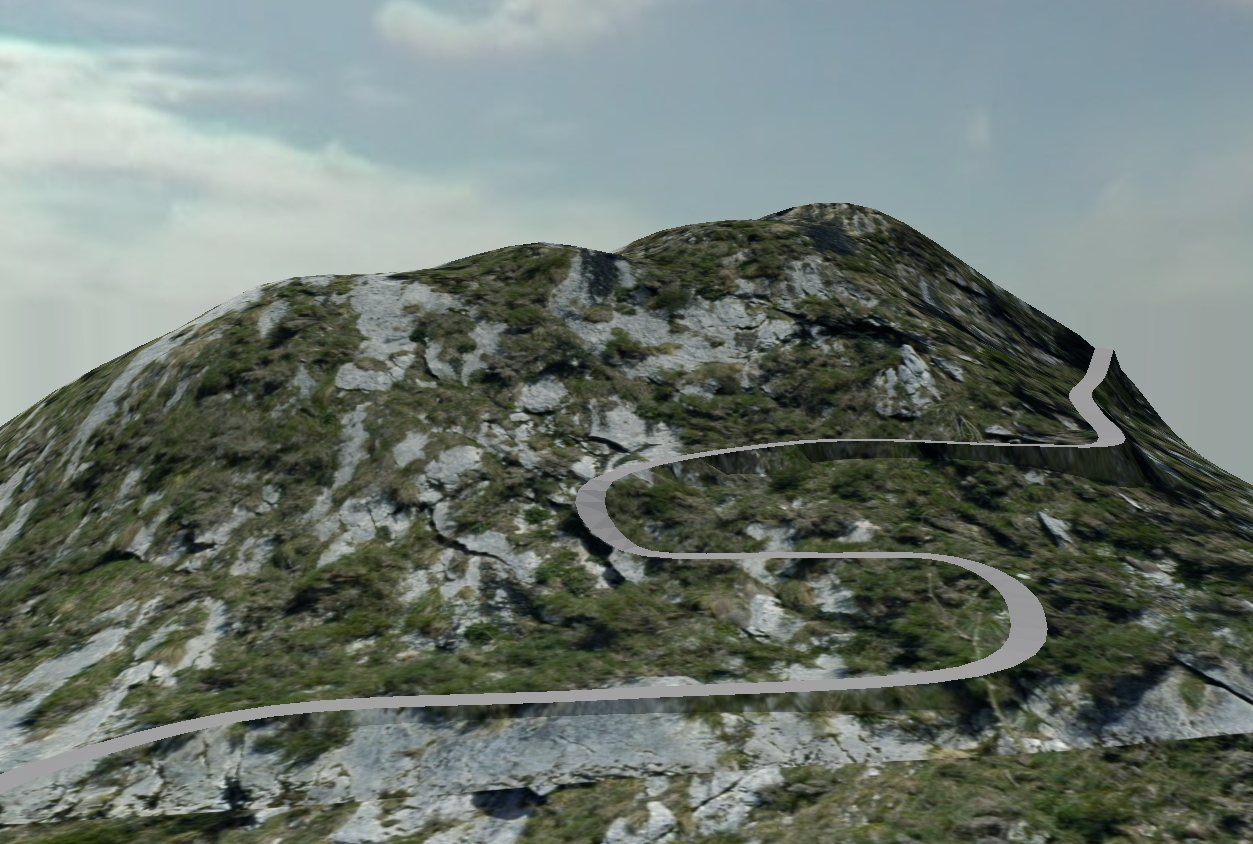
Hi to All interested,
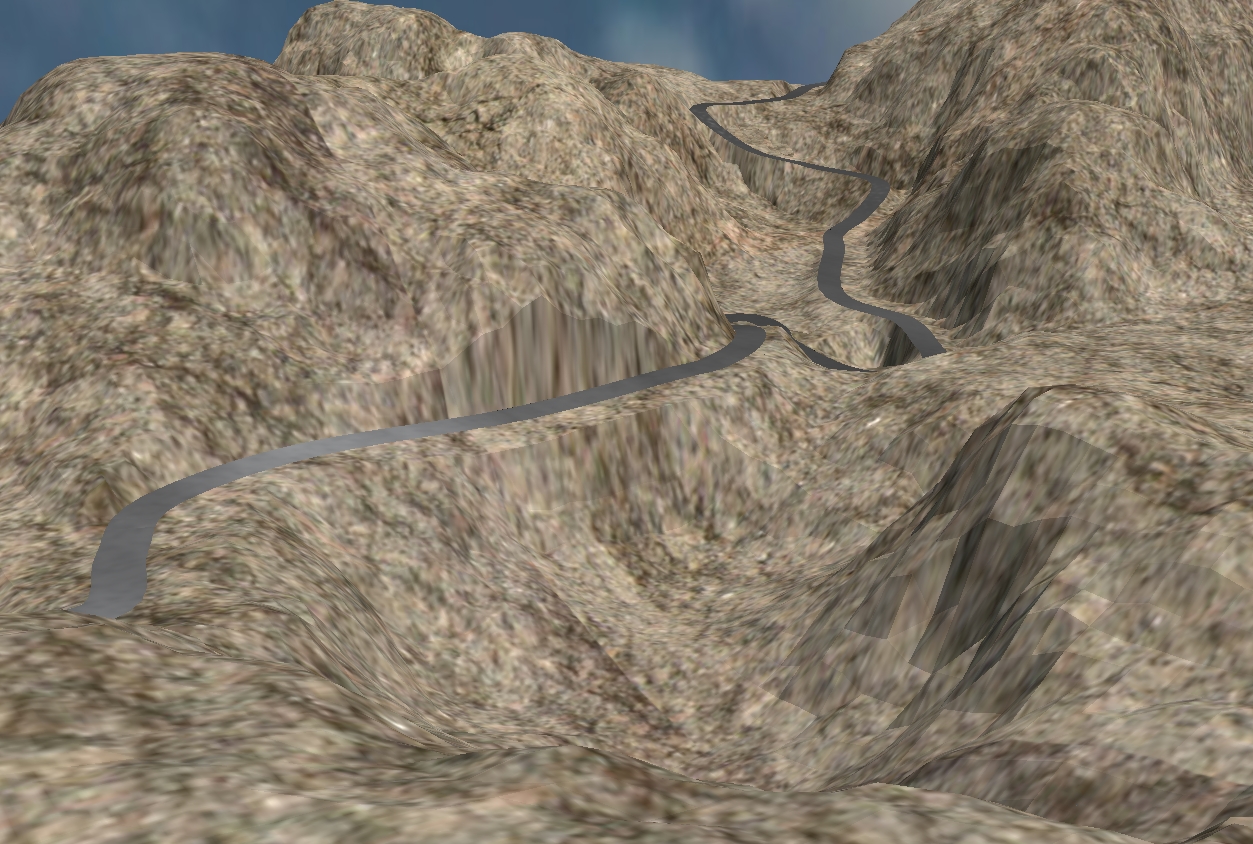
today i found a new method to create roads on a terrain. If anybody is interested i will post more in the next days.
Karlheinz
Hi to All,
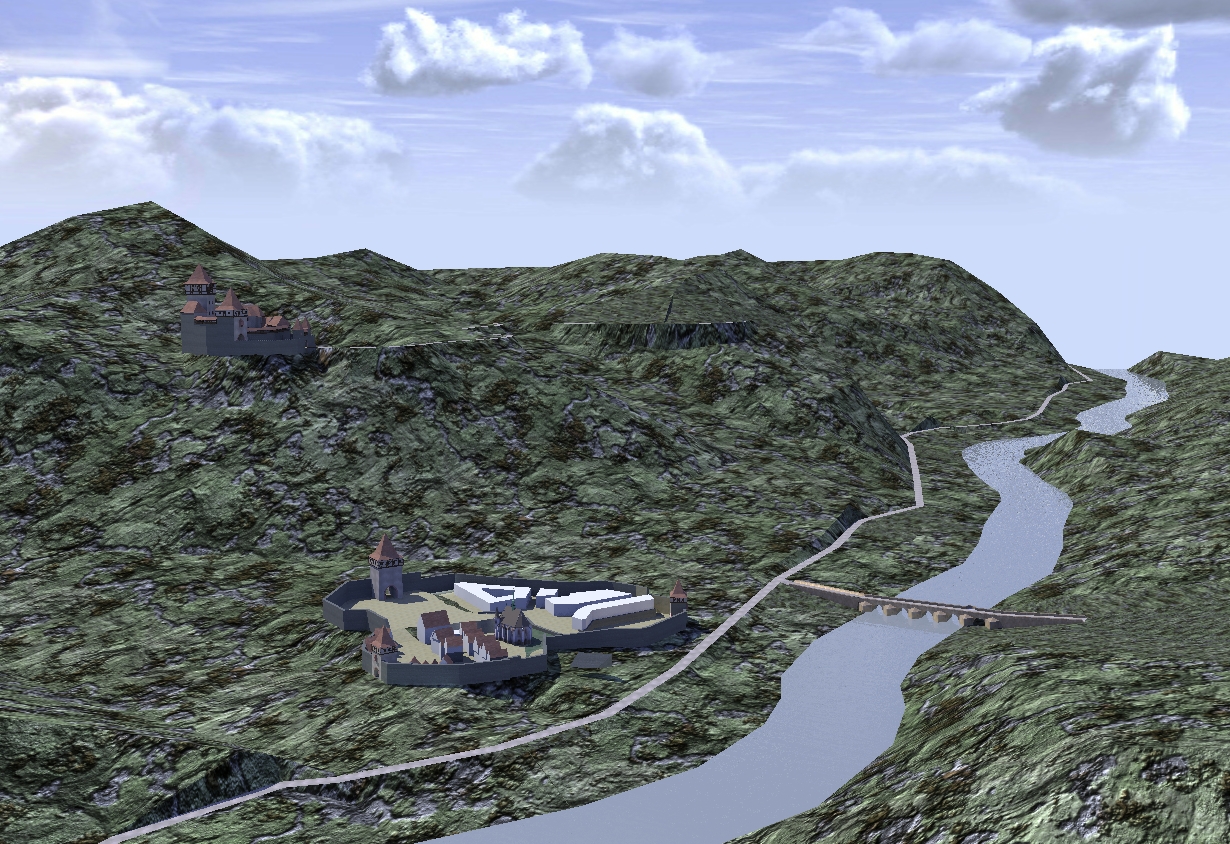
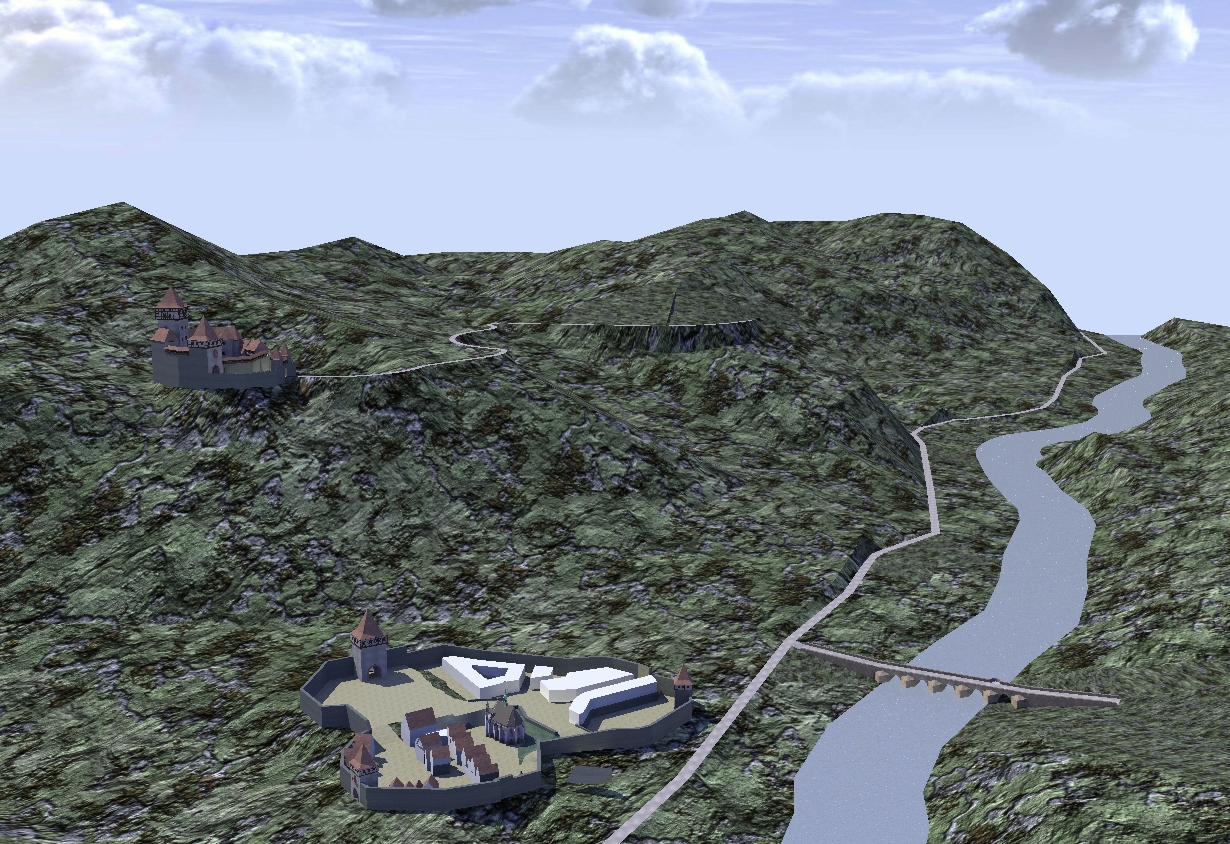
i extended the scene by adding a small village and a bridge crossing the river.
Karlheinz
Hi bravoddb,
I'm not shure but you can do it in Sketchup. Look at this post: http://forums.sketchucation.com/viewtopic.php?f=15&t=20911#p175685.
Karlheinz
Hi,
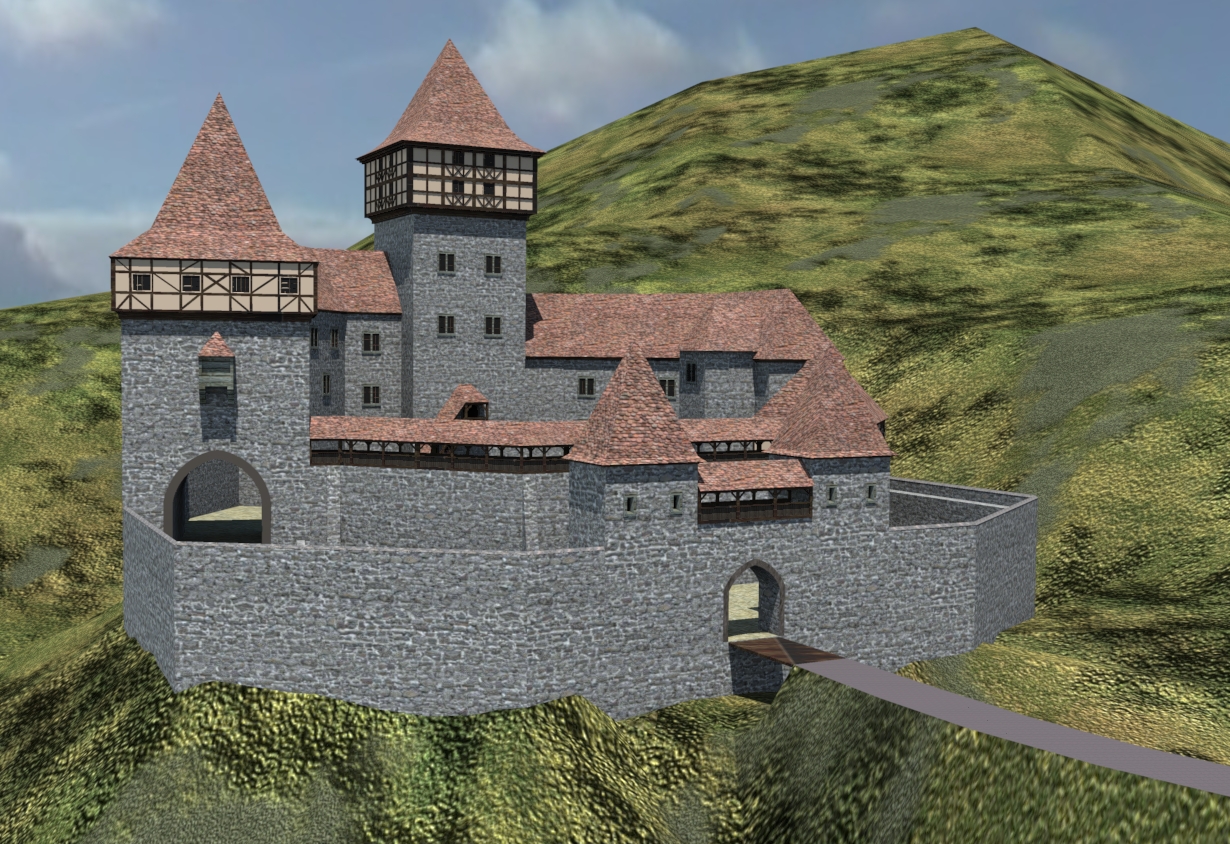
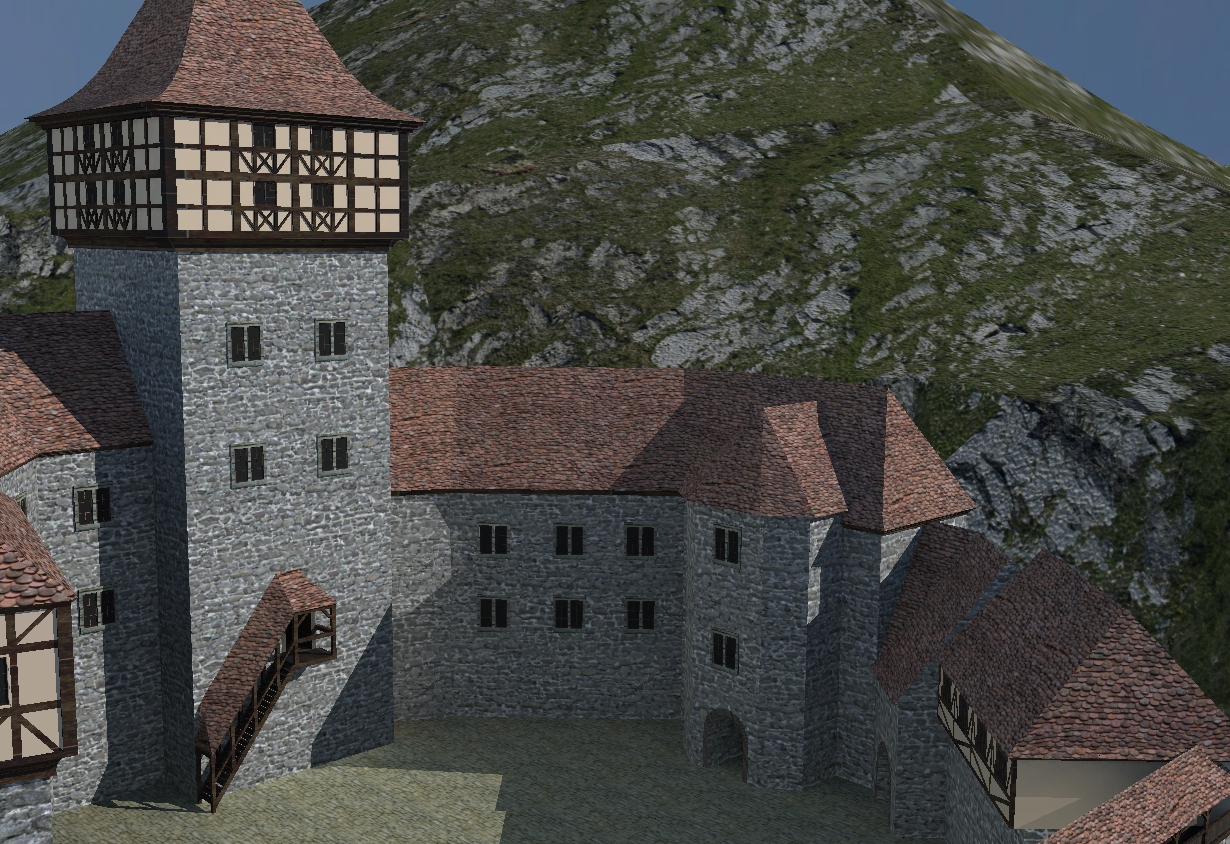
The newest results with a quick render.
Karlheinz
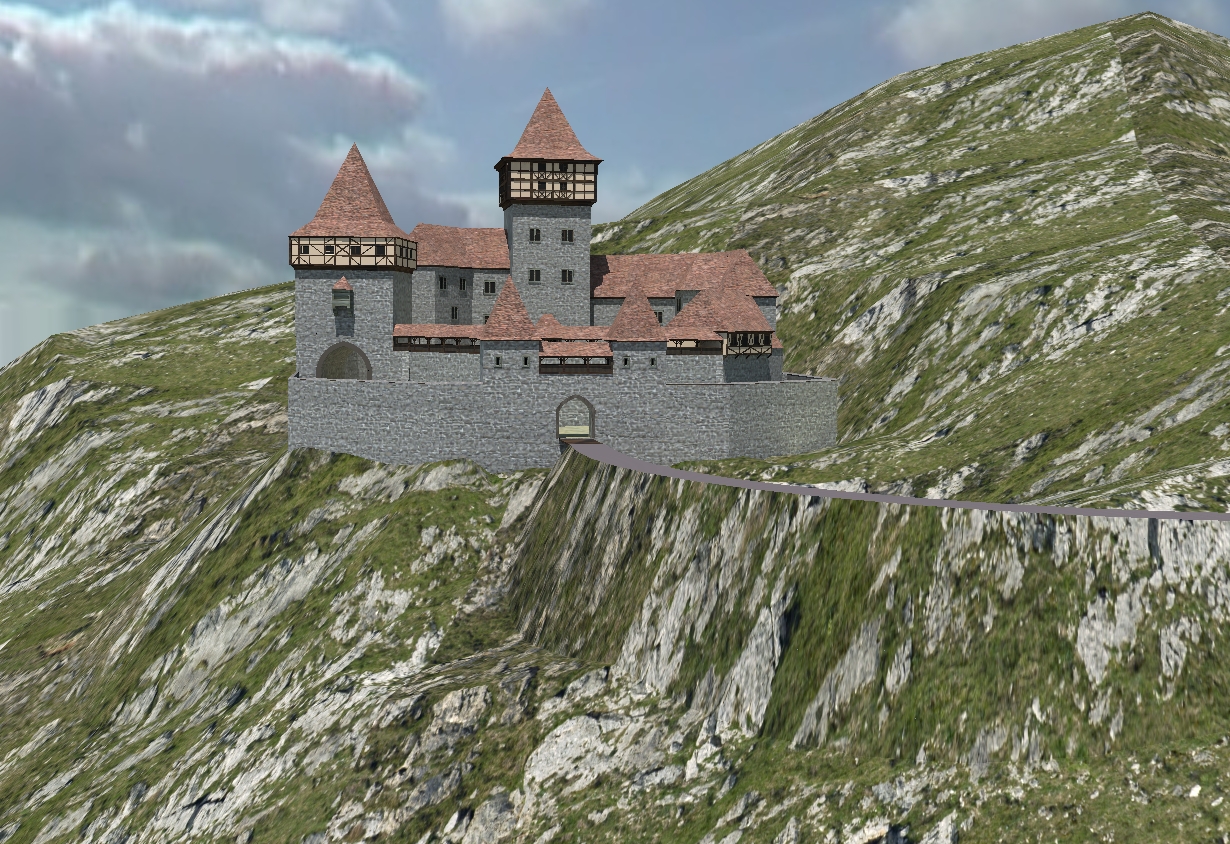
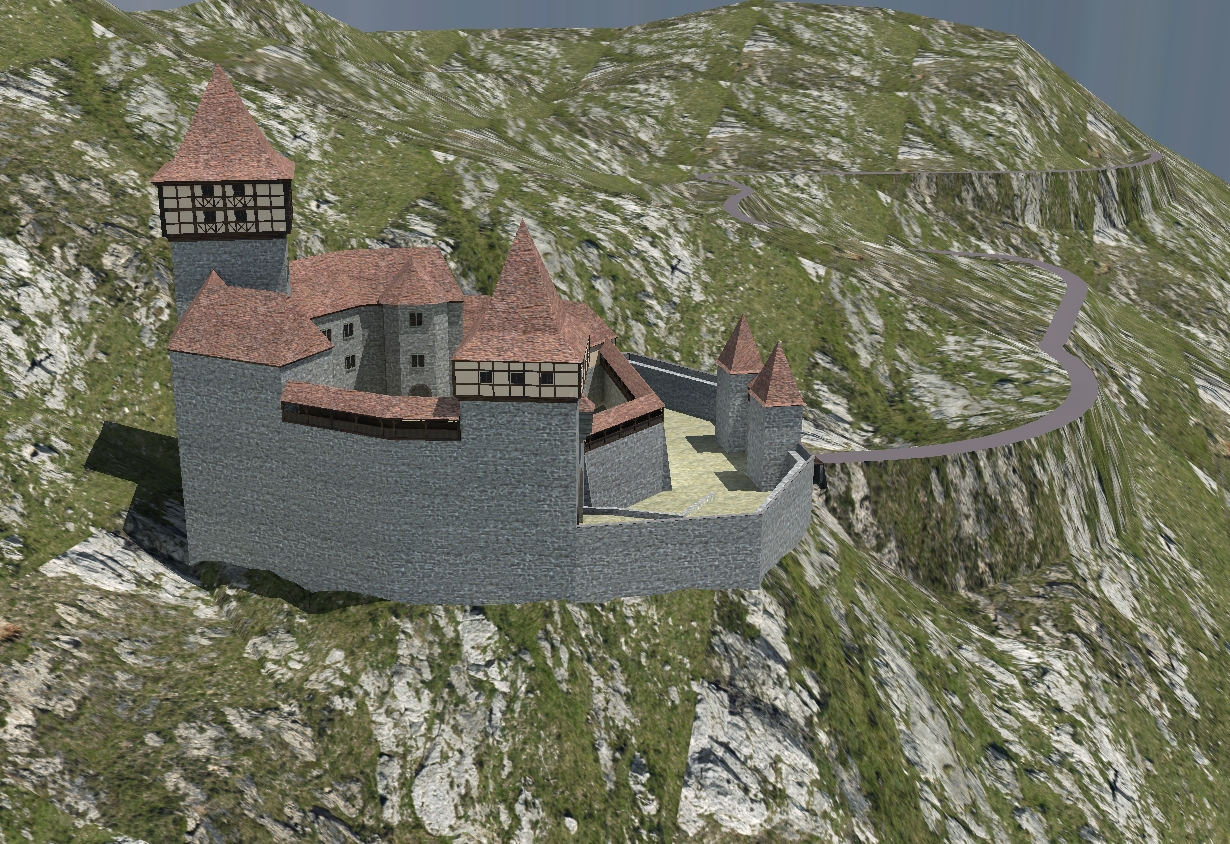
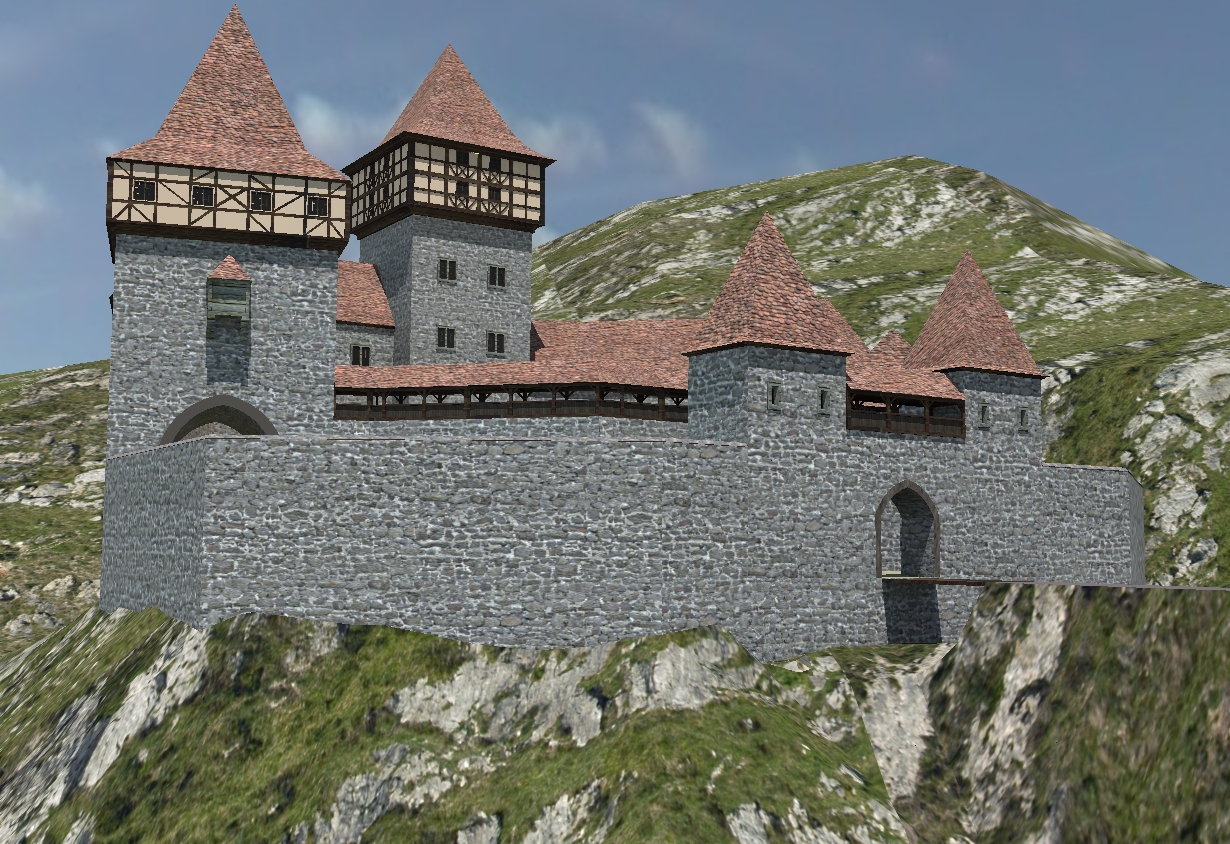
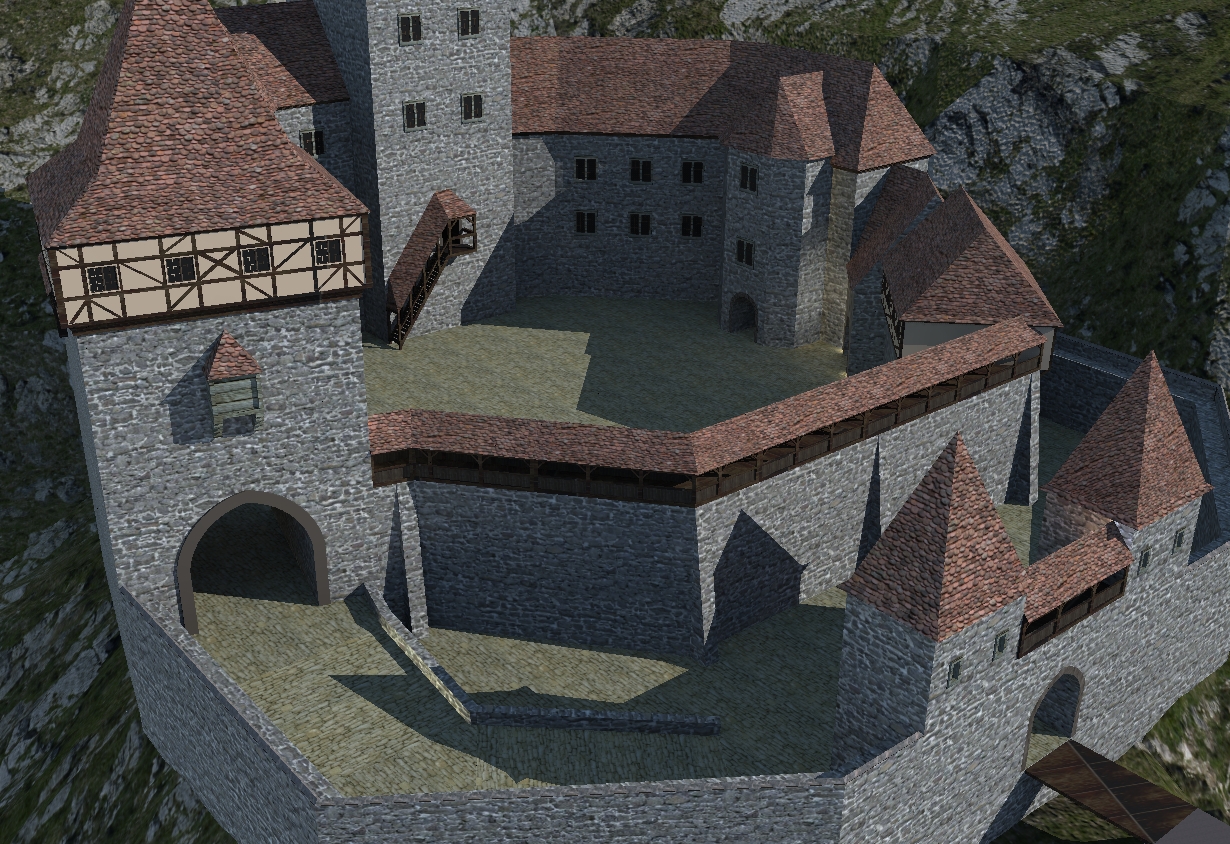
Hi Al,
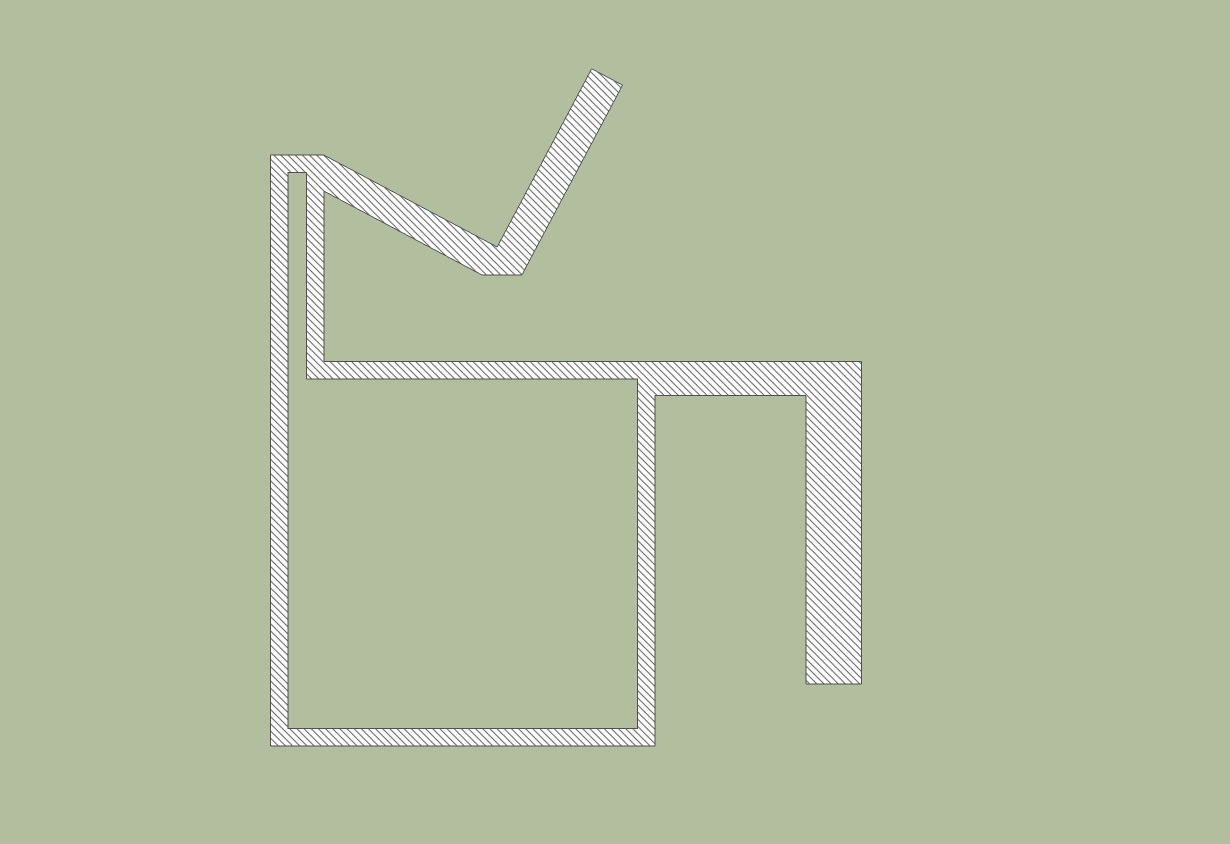
could this be a solution. I took a texture with 45 degree line and scaled it down.
Karlheinz


Hi Csaba,
thanks for your advice.
Karlheinz
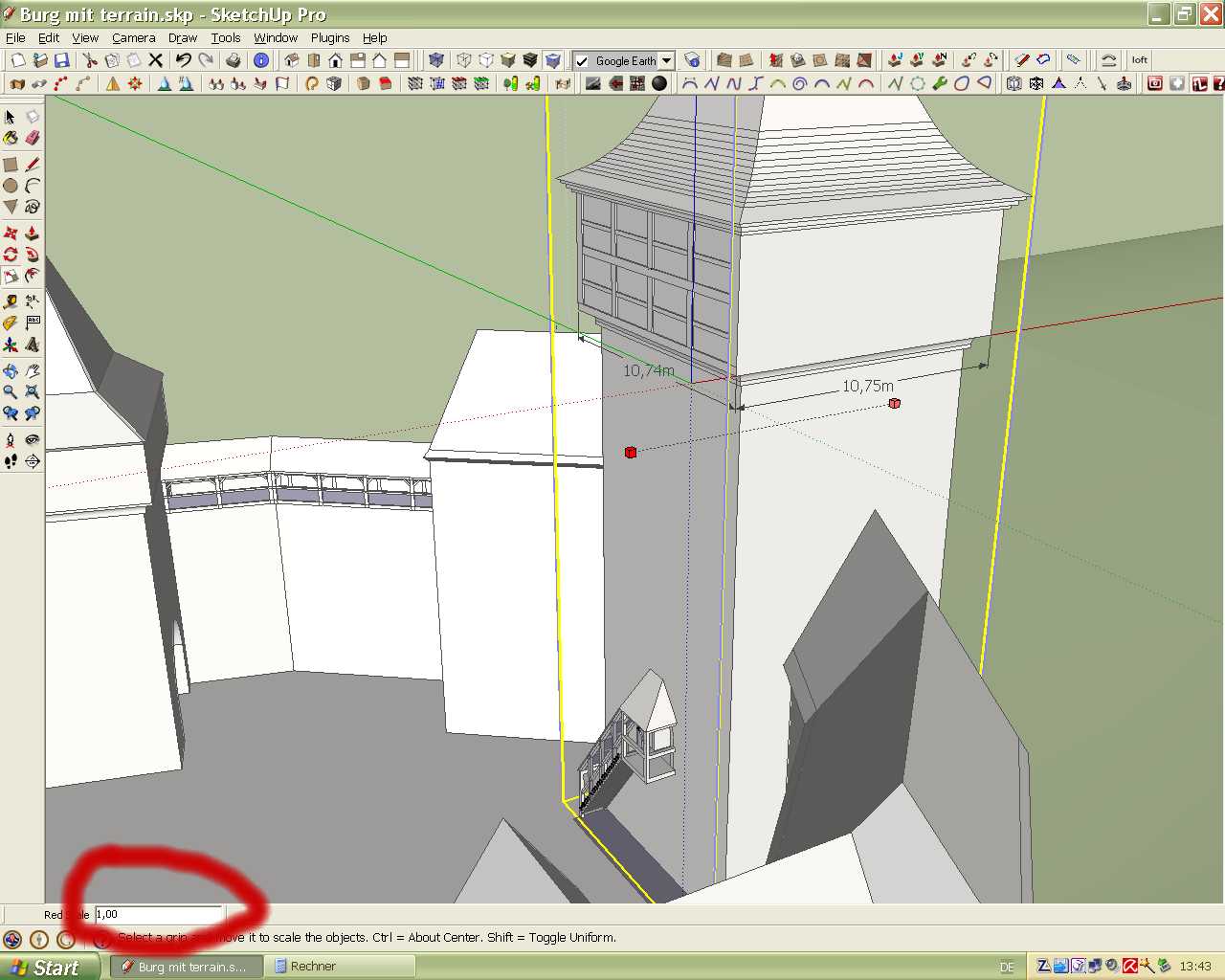
problem solved! I made a mistake 0,999 is the correct value.
Karlheinz
Hi to All,
need help. I'm a little bit confused about scaling with values. I don't exactly understand how it works. In this case i want to change the red scale from 10,75 to 10,74 m. The value shown in the input window is 1. If i put in 0,99 the measure gives 10,64m. What do i wrong?
Karlheinz
Hi,
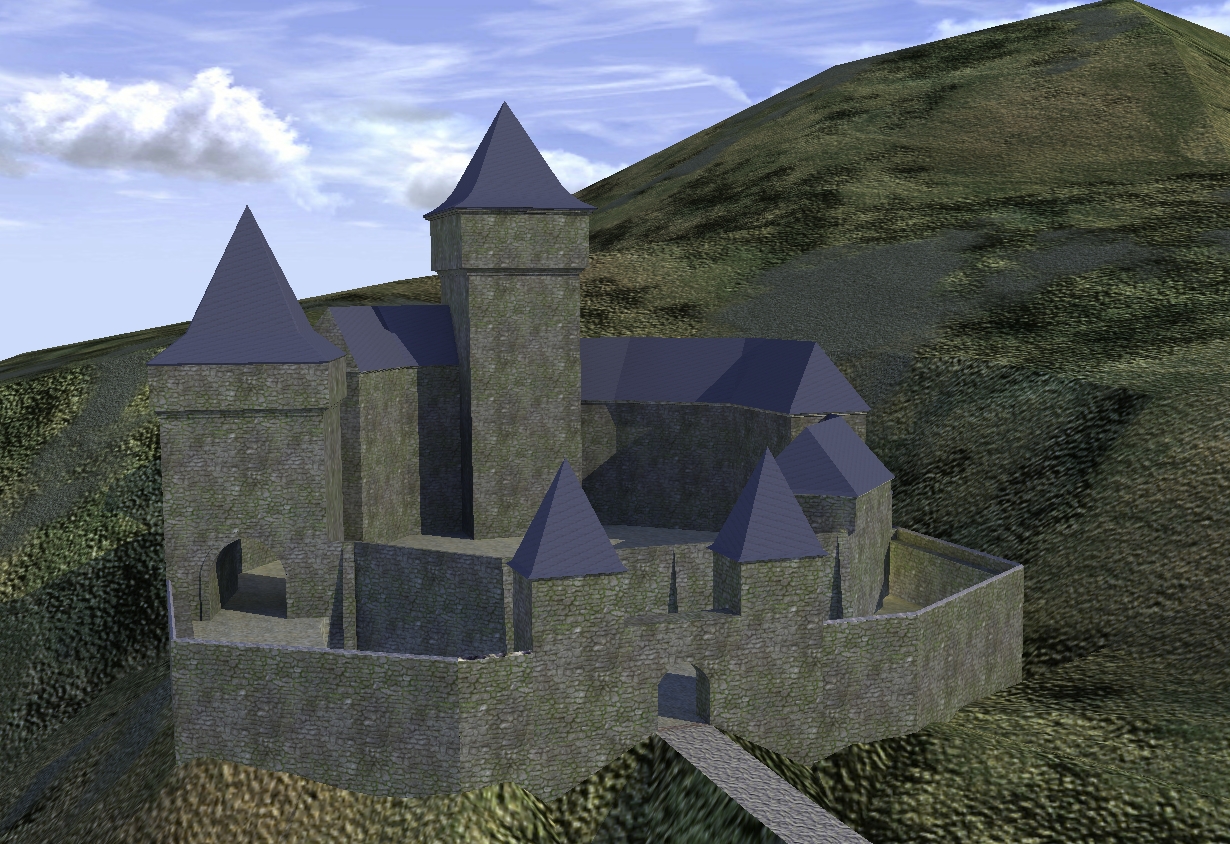
i don't know if it was posted before, i found at the Spiral Graphics page a free Viewer with a high resulation texture library. The textures can also be modified. In the free version the resolution is limited to 2048 x 2048 pixel, but i think that enough. The terrain texture in the image below is from this´viewer.
http://www.spiralgraphics.biz/viewer/index.htm
Karlheinz
Hi Csaba,
thanks for this advice for scaled texture on group problem. As for the terrain textures i have not a problem with very big resolution images. This Problem can be solved if i apply the textures within Kerkythea.
My problem is to find a workflow to create a terrain texture for example with Photoshop. In between i found some tutorials which i have to work through. My efforts i will post here asap.
Karlheinz
At another page http://www.howintheworld.com/textures/index.html i found this :
"
@unknownuser said:
How this set was created...
Each texture in the set was digitally hand painted by our artists here at How in the World, using aerial imagery and satellite photos as a base reference. These are not, however, aerial photographs, meaning that you won't have to deal with washed out color, inconsistent lighting, non-ortho-corrected views, etc. The textures are specially created to easily blend together to help you create your own unique combinations and land types. You will not find a package like this anywhere else.
"
But the Question is how the basic images should be.
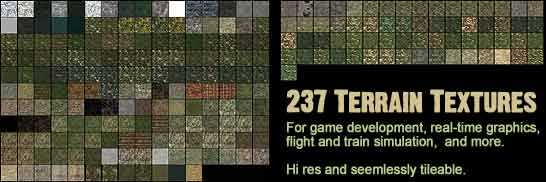
I found some terrain textures at this link:
http://www.virtual-lands-3d.com/texture-tags.html?start=0&tags=Terrain+textures.
But these are especially for use in Bryce i think.
Karlheinz
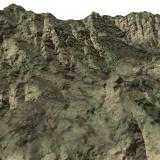
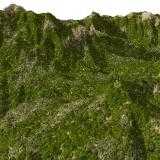
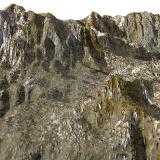
Thanks Jakob and Thomas,
Jakob you are right, i forgot that i made two of them a group.
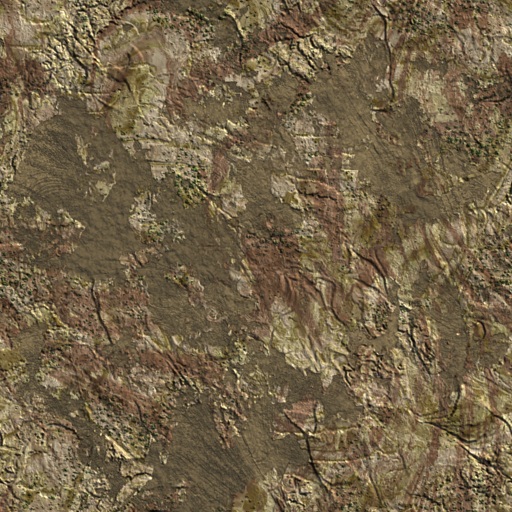
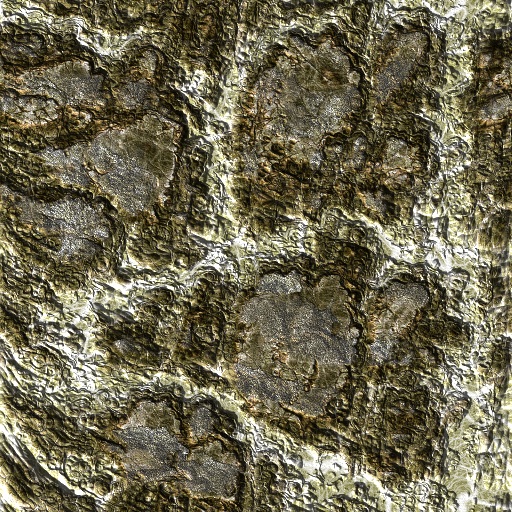
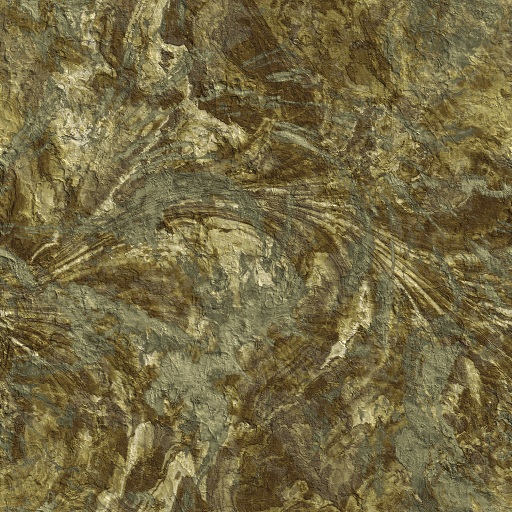
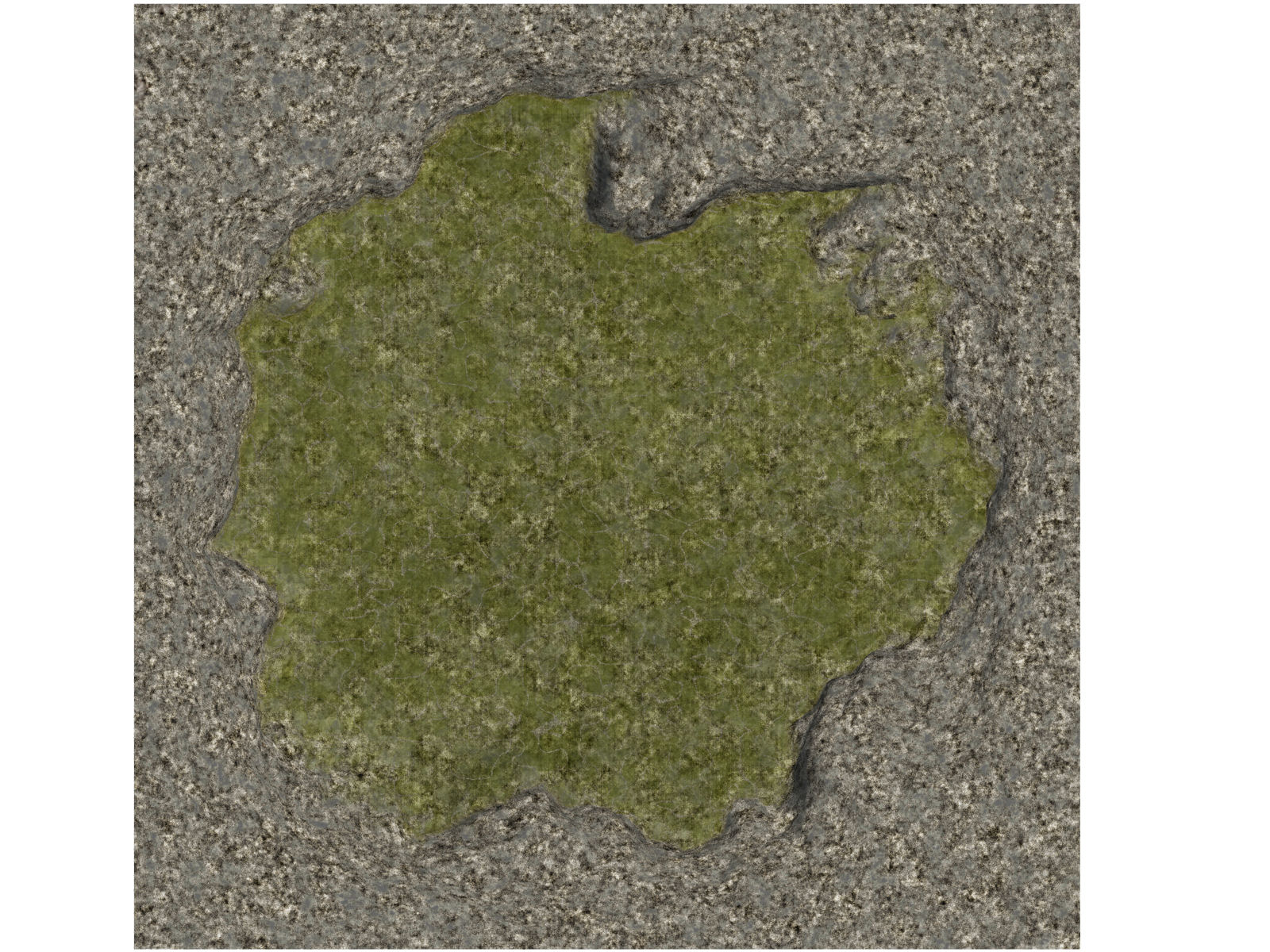
What i mean with terrain texture see the examples below.
Karlheinz
Hi to All,
i would like to create terrain textures for using in Sketchup but i don't know the way. What tools are necessary. In the web i saw many different terrain generators for different 3D software. But I'm still confused. I would be grateful for your help.
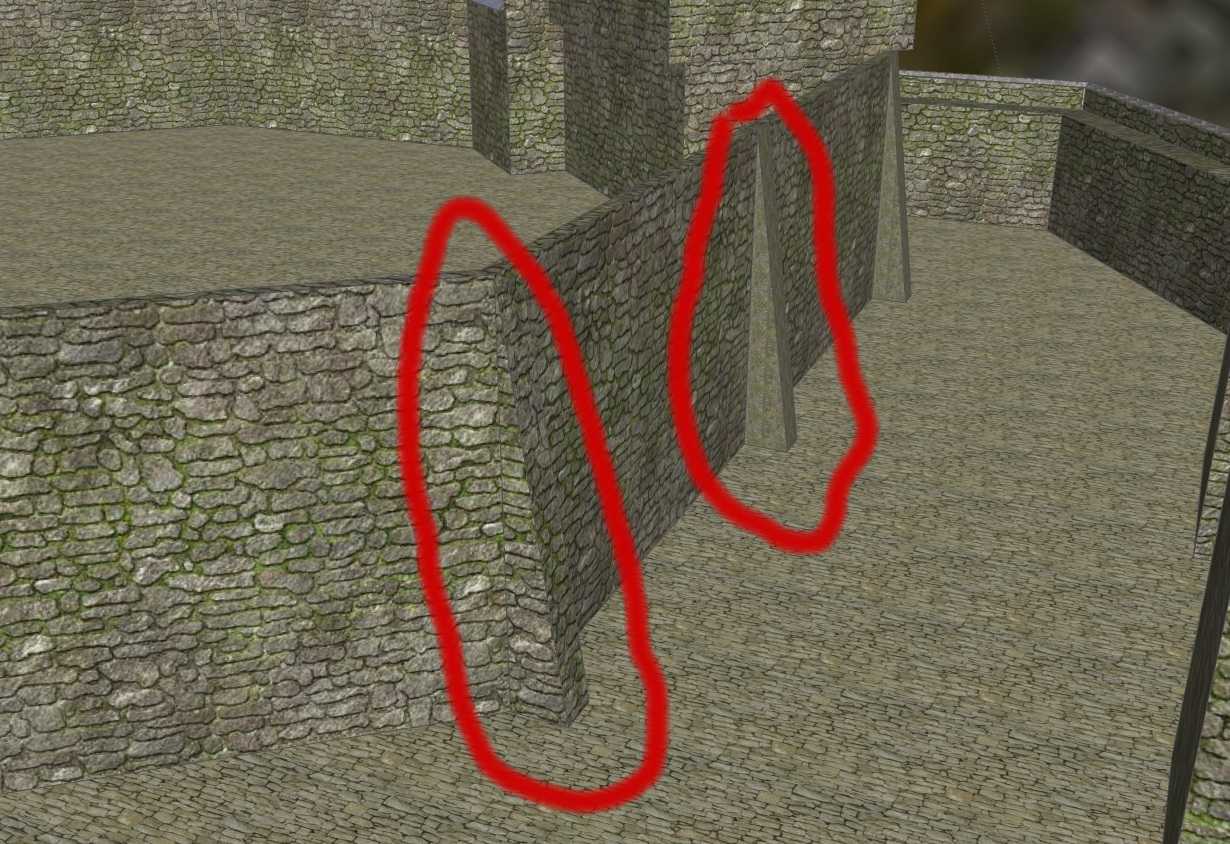
Also i have a problem with textures applied to faces. The same texture has different sizes, see Photo below.
Karlheinz
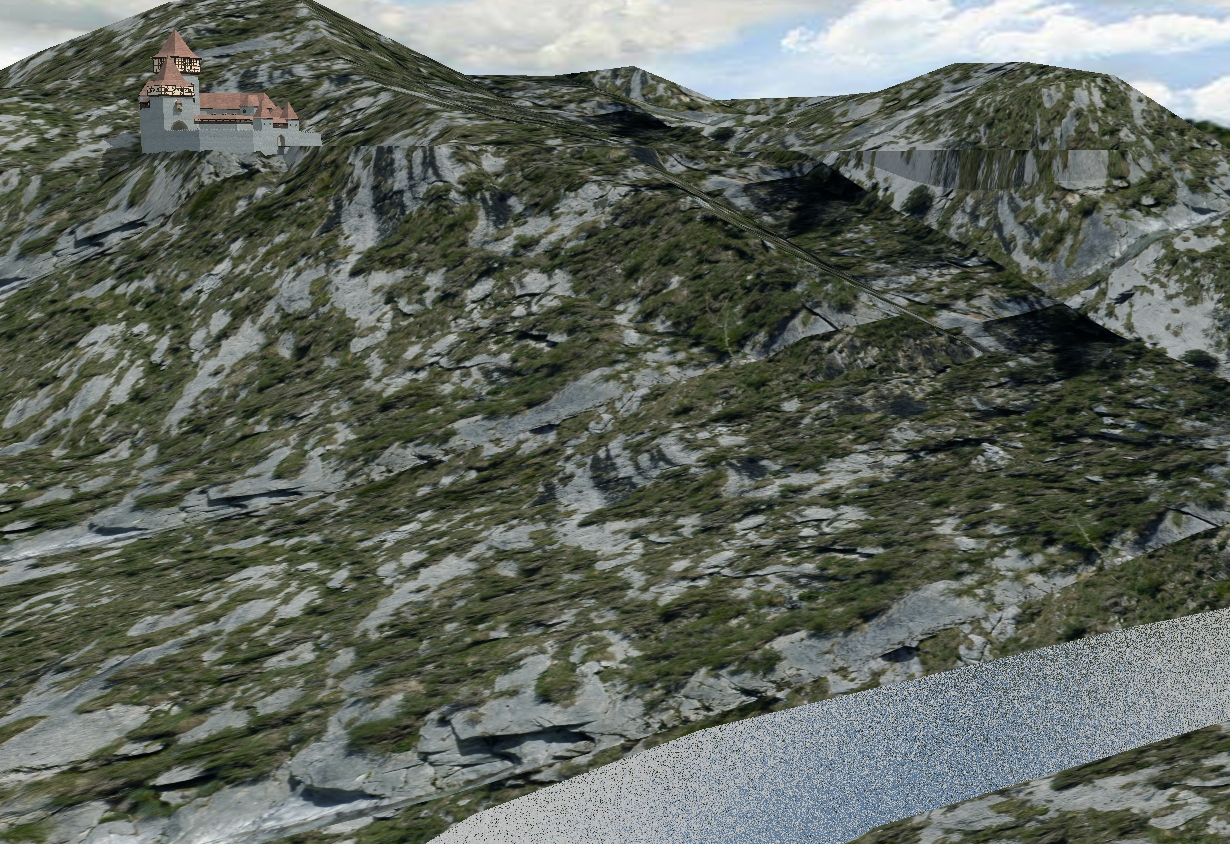
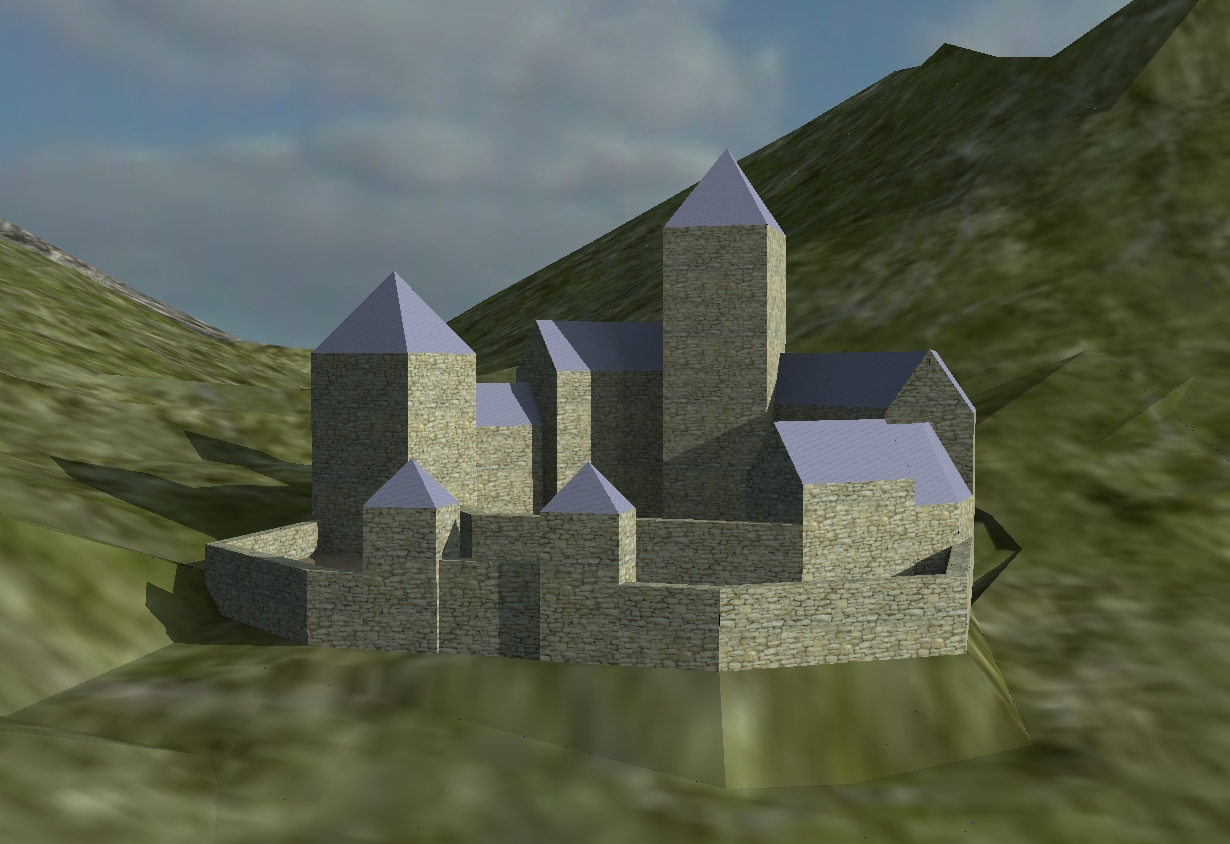
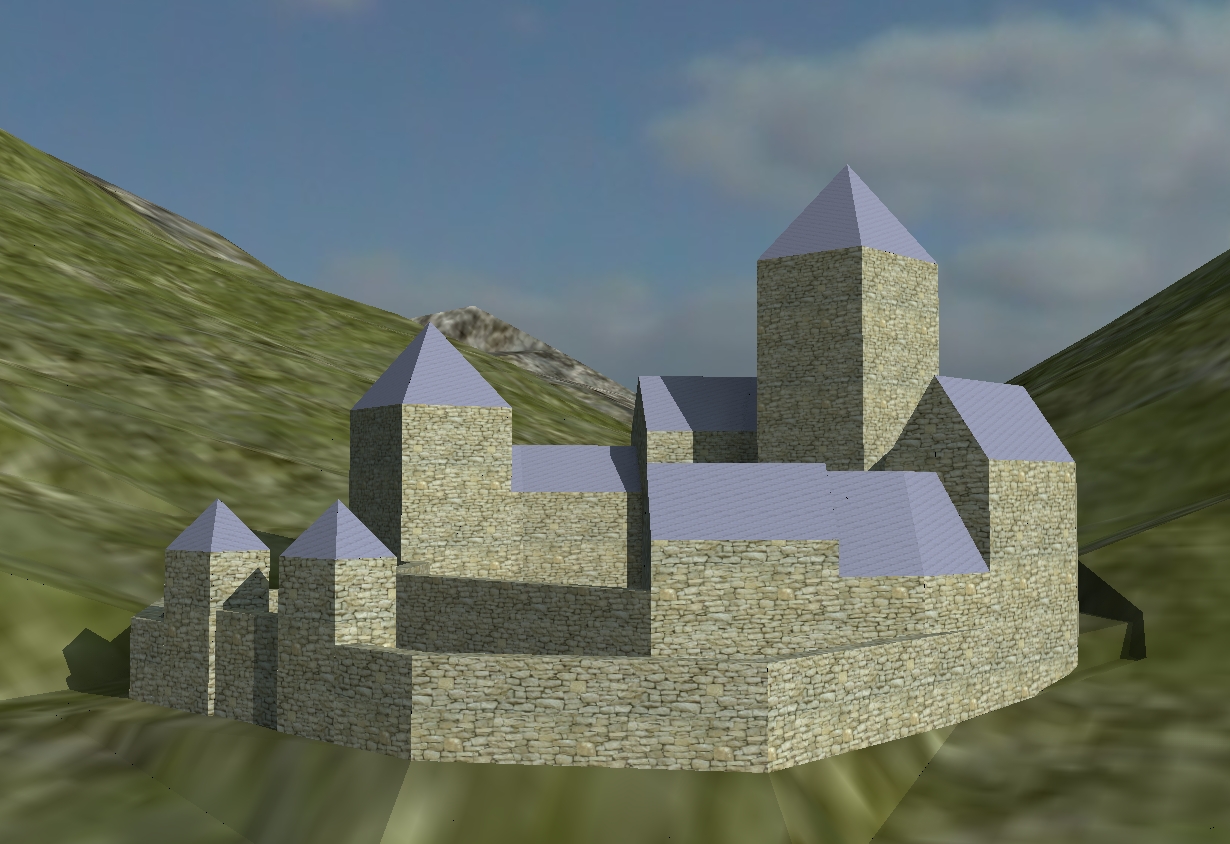
The first rough idea for a mountain castle in a GE terrain.
At present i use the standard configuration in Sketchup i adjusted only the speed. Maybe if you use different 3D applications it could be necessary to create a configuration for a specific application which differs from the standard controls.
Karlheinz