sketchucation logo sketchucation
    • Login
    1. Home
    2. bianhai
    3. Posts
    Oops, your profile's looking a bit empty! To help us tailor your experience, please fill in key details like your SketchUp version, skill level, operating system, and more. Update and save your info on your profile page today!
    🚨 Skimp | 25% Off until March 30 Buy Now
    B
    Offline
    • Profile
    • Following 0
    • Followers 0
    • Topics 24
    • Posts 188
    • Groups 1

    Posts

    Recent Best Controversial
    • SU Podium 1.6 Windows Beta

      from:
      http://www.suplugins.com/index.php?p=page&page_id=Podium_16_beta

      Podium 1.5 customers - download your free Podium 1.6 beta from theRegistered User Page
      Create a new account if you do not have a user name or password. You must have a Podium 1.5 serial number for 1.6 beta to work. Be aware that when you install Podium 1.6 Beta, it will replace your Podium 1.5 program files. To restore to Podium 1.5, download Podium 1.5 from the Registered User page and install again.

      What's New in Version 1.6 Beta

      Multi-threading support means faster rendering, Alpha Transparency support, Plants and Trees Library, Render All renders all SketchUp scenes in a batch (or tries to)

      1.6 beta is faster....much faster. Because Podium 1.6 now supports multi-threading, your dual or quad processors will be used during the raytracing and anti-aliasing process of the rendering. This will lead to two to three times speed increase in rendering times compared to version 1.5. The speed increases depends a lot on the number of processors your computer has and the size of the image resolution. Generally the higher the image resolution, the greater the speed difference from Podium 1.5. Cadalog, Inc. tests have seen speed differences of two to four times. However, be aware that Geometry Process, Mesh building, Photon mapping do not support multi-threading so initially when you start the render, it may not seem that the rendering is going any faster than 1.5. Once the raytracing and anti-aliasing process starts, you will notice the speed difference.

      Alpha Transparency. PNG images that have backgrounds that are alpha transparency are now supported in Podium. These images can be placed in SketchUp and will render with transparent backgrounds. There is no need for clip maps anymore.

      Free Plants and Trees Library. Cadalog, Inc. has create a drag and drop plug-in for SketchUp which is comprised of dozens of components of plants, trees and shrubs. This is a web dialog based plug-in which simply allows you to drag and drop the various trees and plants. Each plant and tree image is contained in a face me component. Please download from the Registered User page. Download file size is 230 mb.

      Render all scenes- batch rendering of scenes When you choose Render all scenes from the Podium menu and then click Render, Podium will render each scene in the SketchUp model. Podium only renders the scenes with a camera view. The idea behind Render all scenes is that you can use a tool like SU Animate to create a SketchUp walk thru animation. Once you have all the scenes of your SketchUp animation, Podium will render each scene and save each finished image (JPG or PNG). You can then take all the rendered images and use a program like Microsoft's Movie Maker to create a rendered animation video.

      One problem is that depending on the resolution size you have chosen, your computer's processors, how much memory you have or a number of other variables, if you have more than 30 scenes, chances are Podium will stop rendering and even crash your SketchUp session. We have found that you may need to setup all your scenes, let Podium render as many as it can, then delete the scenes that were already rendered and start the rendering process over again. We are curious to hear your reaction to this Render all feature. It's definitely a work-in-progress but it can be very useful.

      Known Problems and Issues:

      Default Preset is brighter The default.xml preset in Podium 16 Beta produces brighter images than in 1.5. Default is the fastest preset in Podium 1.6 Beta. The additional brightness is not a bug but the way the default preset was designed. It produces particularly brighter images when you use omni lights. If you prefer the Podium 1.5 default settings, use old15.xml. We welcome your comments regarding Presets in the Beta forum.

      Render all scenes - Does not always complete rendering every scene in the model. You may need to delete the scenes that are successfully rendered and start again.

      Presets.The default preset is the fastest preset in terms of rendering speed. However, you may notice more brightness with the new default preset. This may require adjusting your original Podium 1.5 settings. Check the Beta forum for updates with presets and feedback.

      Windows only at this time. We are working on the Mac version of this Podium 1.6 Beta. We hope to have it released in a week or two.

      Join the Podium 1.6 Beta forum

      The Podium 1.6 Beta forum is listed as a category in the http://www.suplugins.com Forum. It is listed simply as "Beta". It requires a password to enter. The password is "ilovepodium". Please only join this Forum if you have install Podium 1.6 and are using it. You must have purchase Podium to be able to use Podium 1.6.

      Podium 1.6 Windows Beta Download
      http://www.suplugins.com/index.php?p=page&page_id=user_page

      posted in Extensions & Applications Discussions extensions
      B
      bianhai
    • RE: [Plugin] Get centroid and area properties for any face

      A good work!
      thaks!alexschreyer. 👍

      posted in Plugins
      B
      bianhai
    • RE: [Obsolete] F-Spline (extension to BezierSpline)

      Thanks for your works! 👍

      posted in Developers' Forum
      B
      bianhai
    • RE: [Plugin] follow me rotate

      @rufy said:

      nice plugin 👍
      by the way,what is SUTOOL 2009? it is new plugin ?, i saw the toolbar at the video by bianhai, i search in google, i found it , i know that site but i can understand chinese languange, 🎉

      see here:
      sutool v0.38
      http://www.sketchucation.com/forums/scf/viewtopic.php?f=180&t=10248&p=67084&hilit=+wikii#p67084

      [Plugin] SUTool: a new way to manager your RB script
      http://www.sketchucation.com/forums/scf/viewtopic.php?f=180&t=5946&st=0&sk=t&sd=a&hilit=wikii
      Add a RB script to:
      Drop down menu? difficult to use~
      Toolbar? cost a lot screen area to display~
      Context menu? it is already too long~

      SUTool organises RB scripts in a AutoCAD_screen_menu_like sidemenu ,as the Gif show.

      SUTool v0.06 has ability to add in a new RB script automatically,as the Gif show.

      and:

      New chinese version released is SUTOOL2009.

      posted in Plugins
      B
      bianhai
    • RE: [Plugin] Smoothstep Animation

      very good!
      thank you , Whaat. 👍

      posted in Plugins
      B
      bianhai
    • RE: [Plugin] follow me rotate

      side panel is SUTOOL2009

      posted in Plugins
      B
      bianhai
    • RE: Radio Control Model Plans using sketchup

      very good, davereap. 👍

      posted in SketchUp Tutorials
      B
      bianhai
    • RE: [Plugin] follow me rotate

      follow me rotate tutorials
      http://www.sketchupbbs.com/thread-13577-1-1.html

      http://www.sketchupbbs.com/attachments/month_0809/20080927_f20be19093c967fcf1a22HBisFh3rjMv.gif

      SUTOOL2009 tutorials
      see here blog:
      http://www.sketchupbbs.com/Blog/?54739/

      posted in Plugins
      B
      bianhai
    • RE: [Plugin]Matchbox_r1.1

      very good!thank you! 👍
      1.jpg

      posted in Plugins
      B
      bianhai
    • RE: [Plugin] Name Group on Creation

      Thanks!Jim! 👍

      posted in Plugins
      B
      bianhai
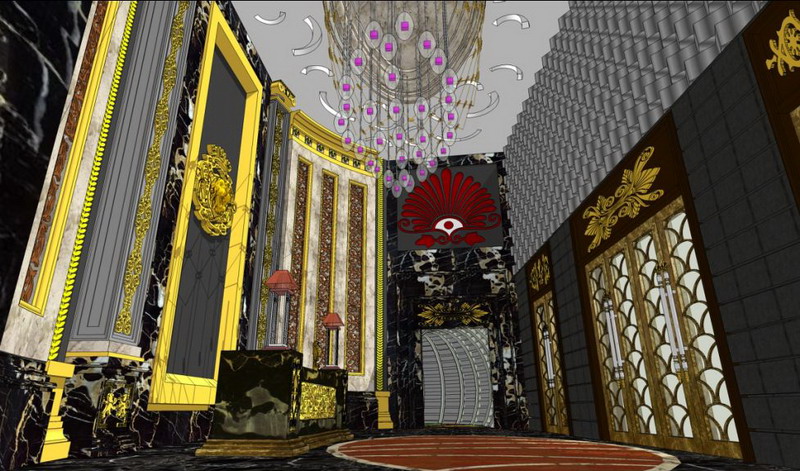
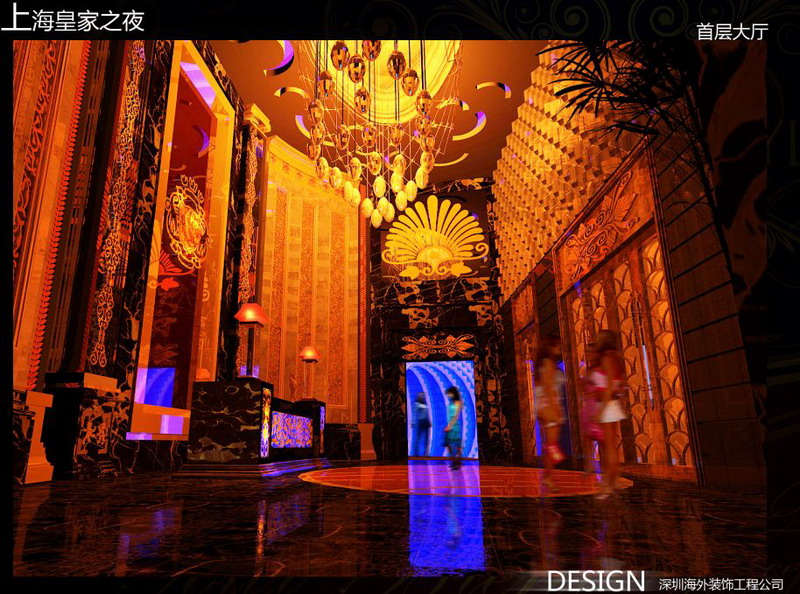
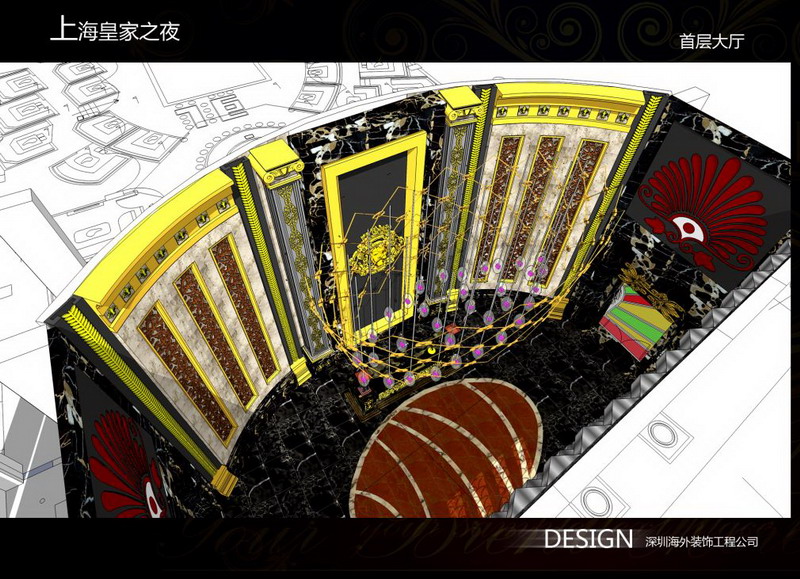
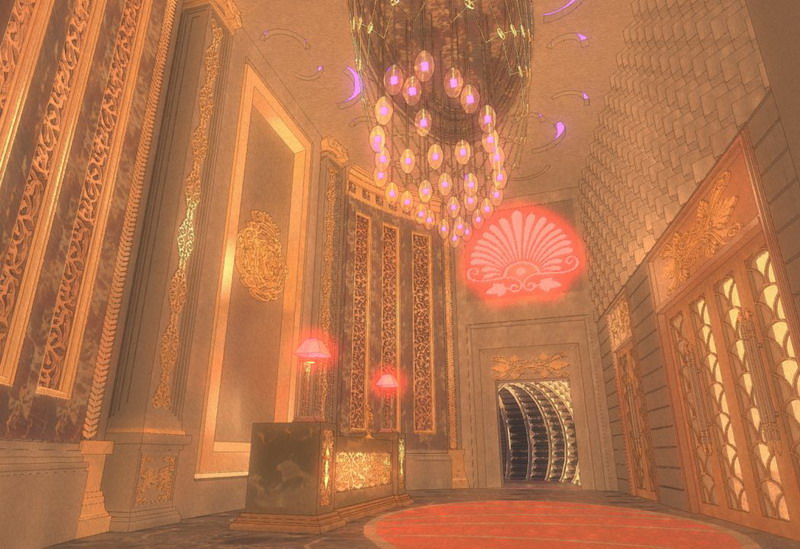
    • SketchUpbbsNew works-SHANGHAI KTV DESIGN SketchUp+Artlantis

      New works-SHANGHAI KTV DESIGN SketchUp+Artlantis
      Wellcome to my website.
      http://www.SketchUpBBS.com
      this website is open !look at :
      viedo:
      http://www.sketchupbbs.com/youkuindex.php
      http://www.sketchupbbs.com/cclist.php
      http://www.sketchupbbs.com/youtu.php
      picture:
      http://www.sketchupbbs.com/ppsearch.php?imgall=1
      http://www.sketchupbbs.com/userpoto.php?p=1
      blog:
      http://www.sketchupbbs.com/Blog/Xscape/blog.html


      A_缩小大小.jpg


      B_缩小大小.jpg


      d_缩小大小.jpg


      c_缩小大小.jpg

      posted in Gallery
      B
      bianhai
    • RE: Heads Up : Free IDX Renderer for Sketchup

      Thank you!
      I am useing this tool!

      Dear Brian,

      Thank you for registering for a trial with IDX.

      You have selected a trial of IDX Renditioner for Google SketchUp, PC
      version.

      IDX Renditioner requires Google SketchUp 6.4x or later. We recommend
      that you install an update to SketchUp, if needed, prior to installing
      IDX Renditioner. The link below will take you to the Google download
      page to read any notices and select your version of SketchUp.
      Alternatively, on the PC you may open SketchUp and from the menu select
      [Help] and [Check for Update] to have the program look for the right
      download for your version of SketchUp.

      Error 404 (Not Found)!!1

      favicon

      (sketchup.google.com)

      During the product installation you will be prompted for aserial number.
      You may enter all zeros for a 15 day trial, or use the serial number
      shown below for the full 30 day trial. You will be prompted for your
      activation code the first time you run the product.

      Click on the download link below to begin downloading the product.
      Select to run the program or save the file to your desktop where it can
      be easily found and executed.

      The download is approximately 18 MB.

      Let us know if we can be of help at any time during your evaluation.
      For support, or to purchase the product, call us at 1-800-833-8082
      (outside the US call +1-415-878-4030), or visit us on the web at
      http://www.idx-design.com for more options.

      I hope you will share your renderings and insights, or feel free to come
      ask questions, at our forums: http://forums.idx-design.com

      Best regards,

      The IDX team at IMSI/Design

      posted in Extensions & Applications Discussions
      B
      bianhai
    • RE: SketchUpBBS-Chinese Olympic Games

      http://lp.xkoo.com/l/49326/f/fe/fef/fefa/1c04e24q11070.fc380b.jpg

      posted in Gallery
      B
      bianhai
    • RE: [Plugin] Xref Manager

      Very good!Thank you ! 👍

      posted in Plugins
      B
      bianhai
    • RE: Paper clips

      Great job! I like this! 👍

      posted in Gallery
      B
      bianhai
    • SketchUpBBS-Chinese Olympic Games

      奥运开幕式压轴嘉宾登场~~~福娃五合体
      😄
      by 7895123
      http://www.sketchupbbs.com/thread-11284-1-1.html

      http://lp.xkoo.com/l/49326/2/24/24f/24f1/1e0111fq53015.df2480.jpg

      http://lp.xkoo.com/l/49326/3/32/329/329a/1f0303q106f4.0398af.jpg

      http://lp.xkoo.com/l/49326/d/d7/d7b/d7b2/1e04423q10f92.3f5964.jpg

      http://lp.xkoo.com/l/49326/6/60/608/6080/1504f54q11150.5b9e6f.jpg

      http://lp.xkoo.com/l/49326/8/8e/8eb/8eb0/1304f37q10f98.29cc14.jpg

      posted in Gallery
      B
      bianhai
    • RE: SketchUpBBS-SketchUp model competes to practice

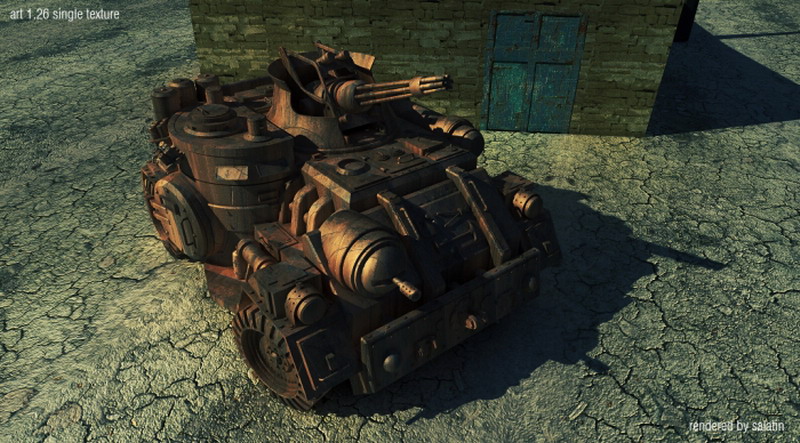
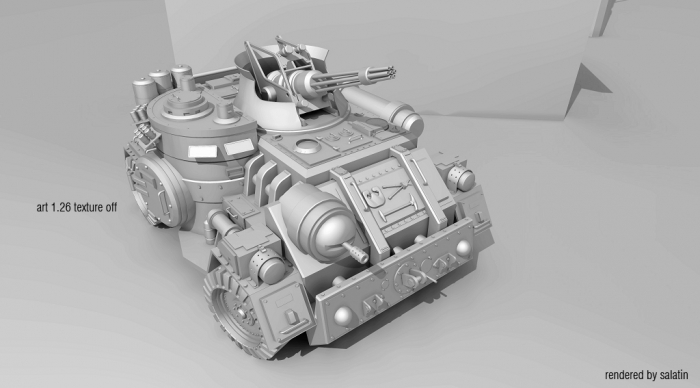
      Upload this model:

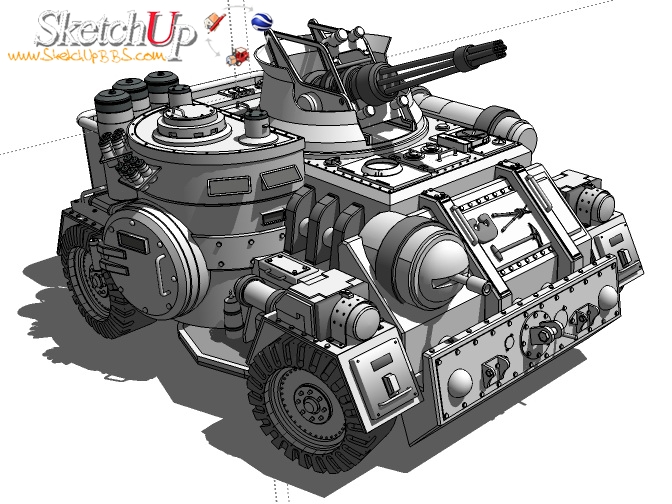
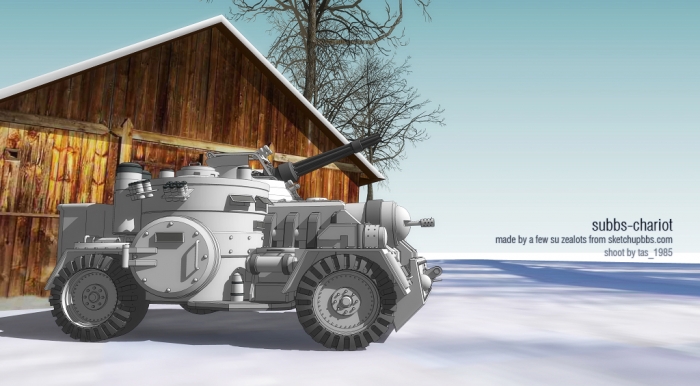
      http://www.sketchupbbs.com/model/TANK.rar

      PP_缩小大小.JPG

      posted in Gallery
      B
      bianhai
    • RE: SketchUpBBS-SketchUp model competes to practice

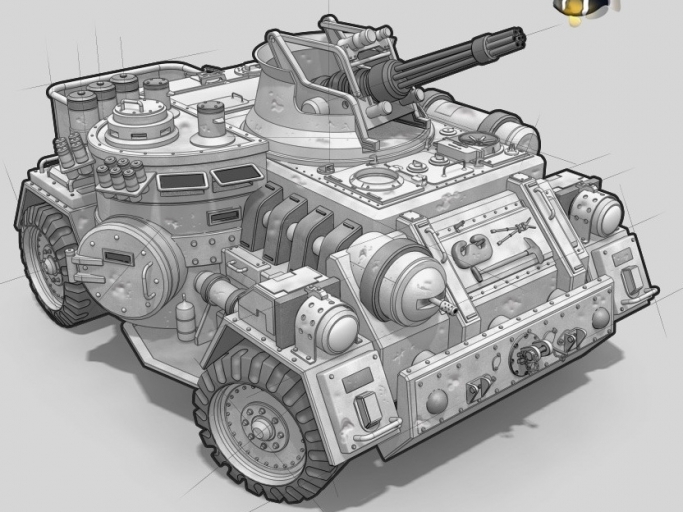
      Continues to upload


      NN.JPG


      OO.JPG

      posted in Gallery
      B
      bianhai
    • RE: SketchUpBBS-SketchUp model competes to practice

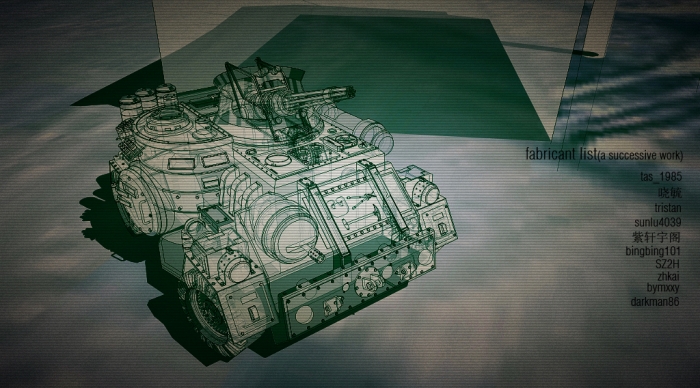
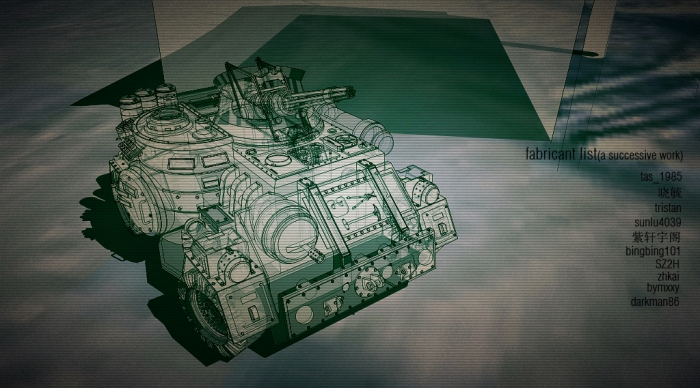
      本作品由 tas_1985 版主于6月24 发起 7月31日完成
      晓毓 版主 做了主体框架
      tristan 做了炮塔
      sunlu4039
      紫轩宇阁
      bingbing101
      SZ2H
      zhkai
      bymxxy
      共同完成


      KK.JPG


      LL.JPG


      MM.JPG

      posted in Gallery
      B
      bianhai
    • RE: SketchUpBBS-SketchUp model competes to practice

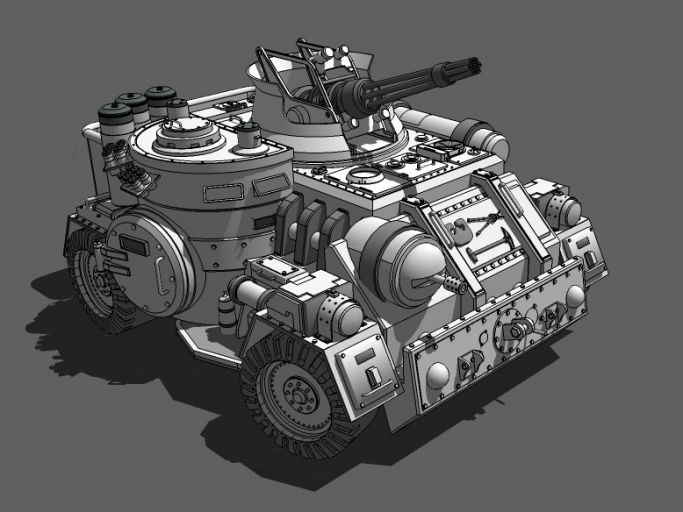
      Continues to upload


      GG.JPG


      HH.JPG


      II.JPG


      JJ.JPG


      KK.JPG

      posted in Gallery
      B
      bianhai
    • 1 / 1