Thank you,you think in first picture- trees should be higher?i mean to rise horizon line?
Oops, your profile's looking a bit empty! To help us tailor your experience, please fill in key details like your SketchUp version, skill level, operating system, and more. Update and save your info on your profile page today!
Urasik Extensions | Lots of new extensions to check out Learn More
A
Offline
Posts
-
RE: Living room render
-
RE: Living room render
Thanks,i tried to make something different from modern - minimalistic(sometimes pretty cold)
-
Living room render
Hi all,
post my new renders,comments for improvement welcome as always:)this is was the file with invisible background through windows,although when i was hiding glass material, i could see landscape in render, the issue was in painting landscape image on front face of arc surface,since it was on back face,it caused white surface after rendering
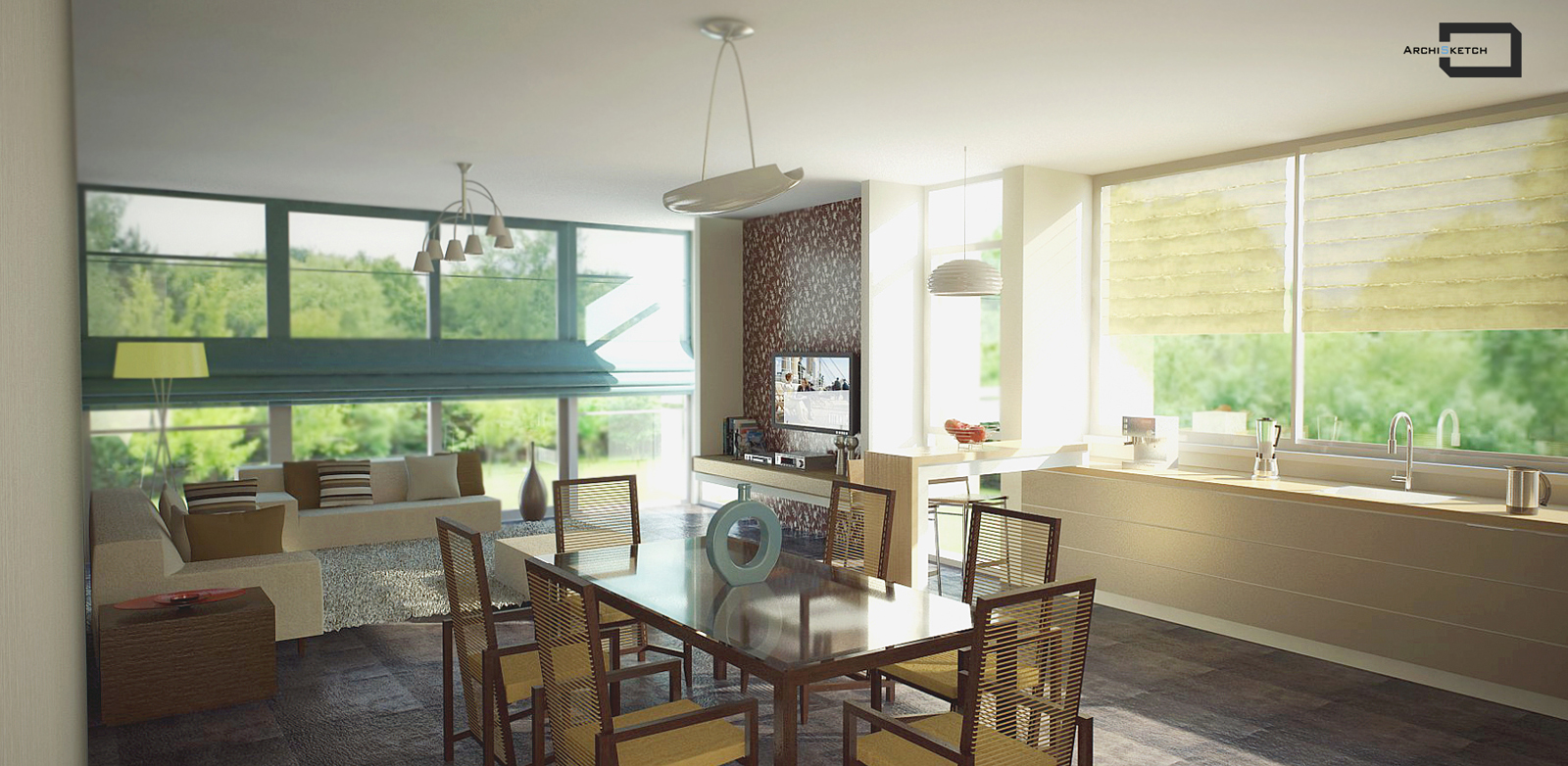
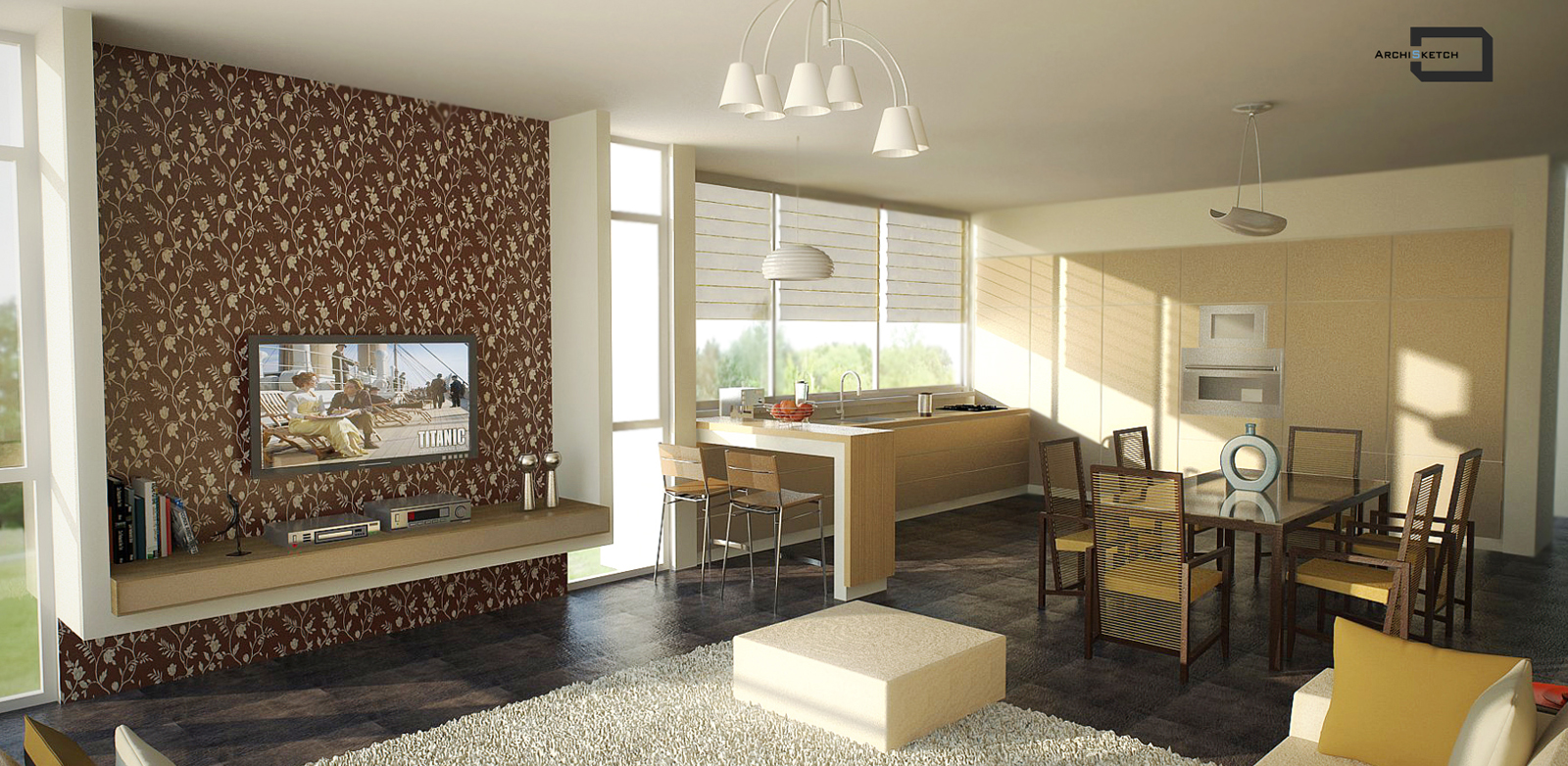
-
RE: Background visibility
Hi Andy)
it's chaos from Chaos Vray for Su forum,here i have a different nick...i have solved this problem,it's strange,when i was hiding glass material,i could see my landscape image,but the problem was not in glass component or glass material, the problem was that landscape image was layered on back face of arc surface,it wasn't facing out,when i paint my image on front face - everything is get okay)))))just 6-7 hours of wondering,trying, asking were spent,but now i know where the source of that was -
RE: Adding background to a landscape
Instead of putting bitmap image in BG Vray options,you can draw arc "wall" behind your windows(i prefer it better instead of putting image in BG slot,because i used for Sun)
you can draw closed arc plan,push it above,make group,delete all the faces except your arc vertical surface,import your landscape image on the arc surface,right click - texture - projected- go to paint bucket,chose sample paint,click on your image,pick paint bucket again,and color your whole arc surface
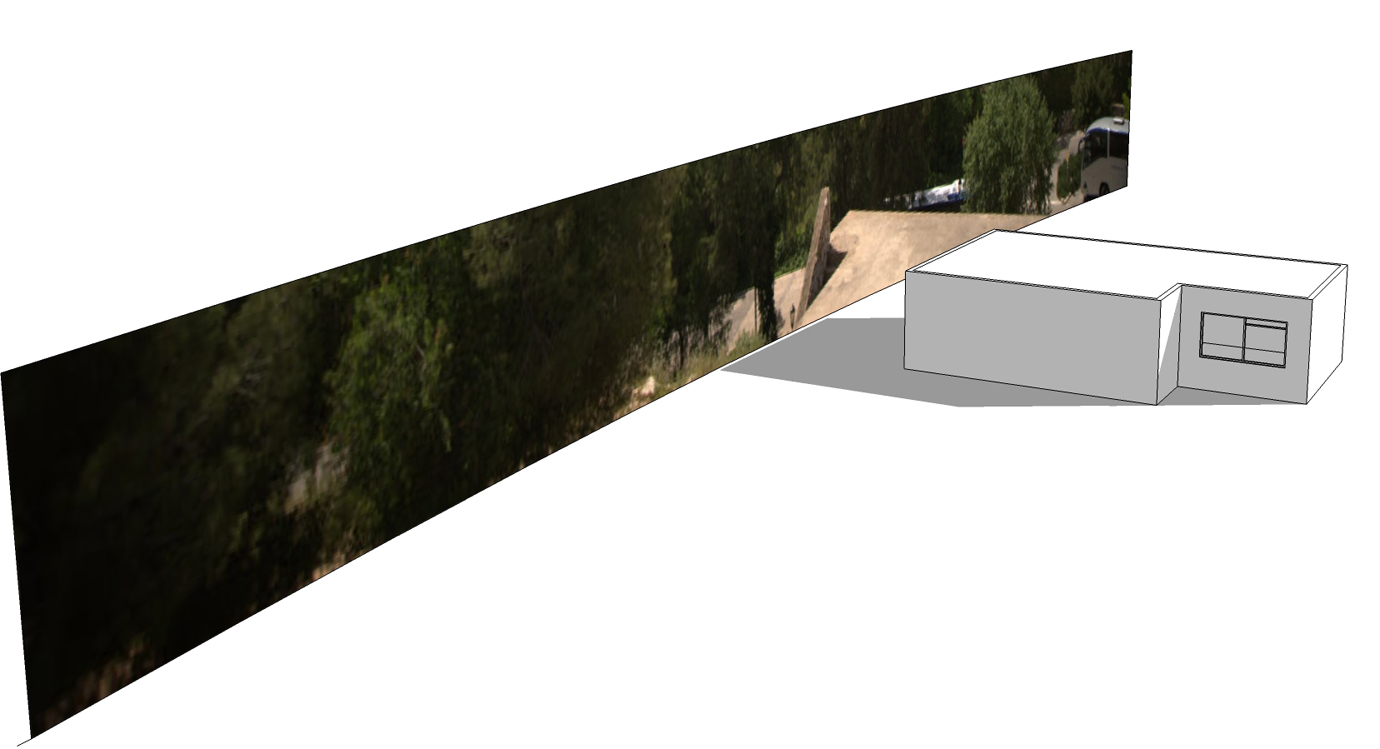
-
RE: Background visibility
Thanks Valerostudio,
i will try your suggestion,it's something deal with refraction,in some strange way refraction has been blocked -
RE: Background visibility
Hi thank you for your comment,you right the problem is in the glass transparent material,
but i have painted both sides of window glass,it has thickness 1 cm,still the problem stays
I have find the solution to this very strange thing since the same materials in two different files,in one file is fine and in another is wrong.
in Glass material,in options i check "Only visible in secondary" - maybe,it's damages in certain way on seeing reflections on the glass,but at least i can see background lanscape through windows -
Background visibility
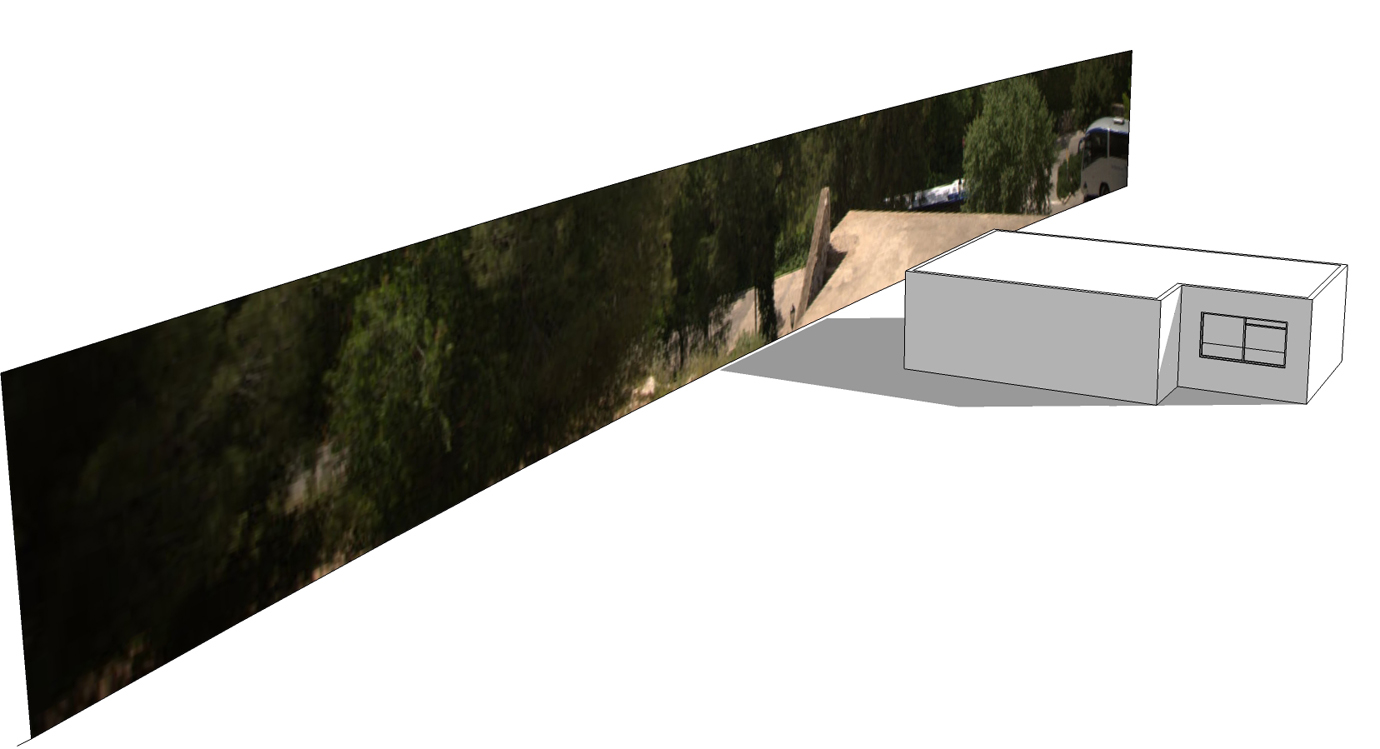
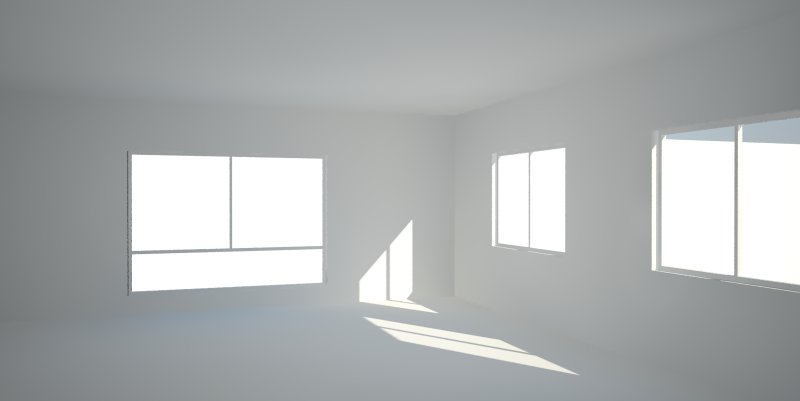
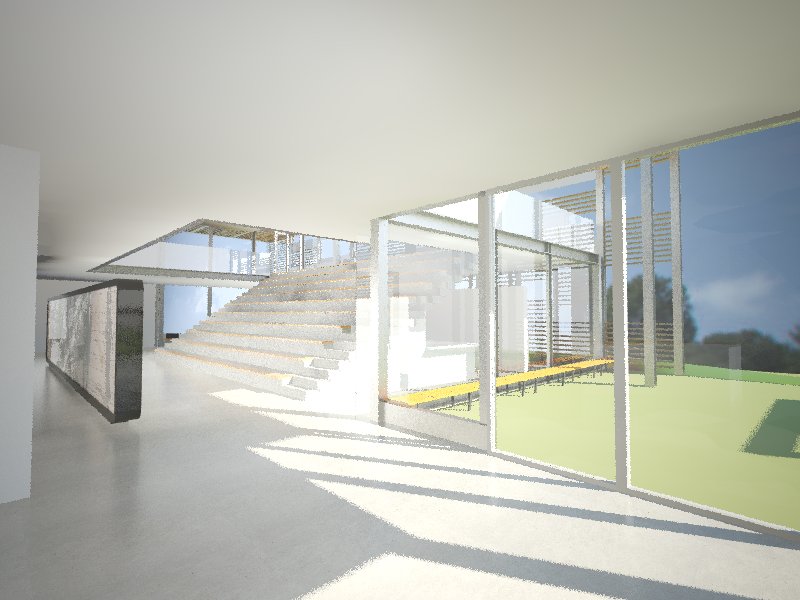 Hi guys,
really need you help, i have very strange problem,when i put background image for interior scene to see it through windows,i just get white surface
i can't understand where the problem is,i spent hours try to understand what can cause that problem - check the material transparency for windows,check a lot of background jpeg images - i use the same image for background,the same transparent glass material in two different files - in one everything is okay, and i can see background image through window,in another file, i can't.it's really strange,any suggestions are very welcome,appreciate your help!!! -
RE: Render output quality
Hi,
another question,how much memory RAM you have for 5000 pixels renders?
4G it could be enough? -
RE: Render output quality
Hi,
resolution that i use with settings is about 1800x1260pixels,
when i use Threshold 0.01 is much faster,even more than double time less, and more kind of crispy-saturated.
what you mean "Also, I would turn on any antialiasing filter - this adds to render time and could be why your results are not crisp."
where to turn on anti-aliasing filter?in Vray render options?Thanks

-
Render output quality
Hi all,
in my Vray render settings,i put high parameters,
and i wondering why i can't get "crispy",saturated result,but clean,
i get smooth,but a kind of blurry output,
maybe it concerns with "Image Sampler" - i put "Adaptive DMC" - min.1/max.99, Color Threshold - 0.002
"DMC Sampler" - "Noise Threshold" - 0.001, Min.Samples -8,Subdivs.Mult - 1,
maybe i can change my settings, increase,for example,"Noise Threshold" - 0.1 and increase Subdivs.Mult - 2,
i intend that i cause my output to be more noisy,but i compensate this with increasing Subdivs.Mult,that makes render smoother(but takes more render time)or it's just about post production and not a Vray render settings?
Thanks to all for their suggestions
-
Vray - roughness in diffuse layer
Hi everybody,
Someone has tried new roughness parameter in Diffuse layer in Material Editor in VfSU 1.49.01?
Maybe knows for what this feature responsible and what this adds to material,it's kind of Bump?Thanks in advance,
I use Sketcup 8 Pro and Vray 1.49.01