Modlumi - Easy 3D modelling

-
Hello Thomas,
if I try to import this skp model I get this error message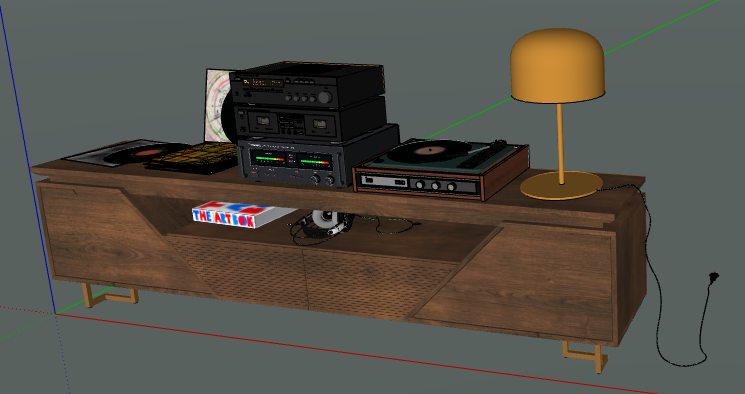
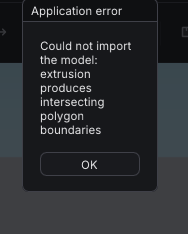
Here is th model: https://www.swisstransfer.com/dl/01a1c470-3f4d-73e6-90e9-0c7fc5fdc0f1Krass
-
Just curious, are there any plans in the future to combine Modlumi and Rayscaper?
-
Yes! That's what Pixelcruncher said
-
-
-
Bug : crossing arcs extruded can't be Extruded ! (multiple)
Or very difficult to find the good start!

-
Requests

PushPull + CTRL on the fly!
PushPull with Direction ( we have yet Follow me or Rail Sweep but)
Edit Points
SubDivisionHave happy coding!


-
-
Request ! AlignSelected Objects (there are some cool selection similar functions but...
-
Modlumi 0.27 is out!
This release is about getting started and getting around. Modlumi now opens on a welcome screen with two finished models to explore, you can find any command by typing its name, and big models move a lot faster. Several fixes come straight from the models you posted here, so thank you for those.
Download it for Windows from https://modlumi.com/download/latest/windows, or open the browser version at https://modlumi.com/app/. If you already run 0.26 on Windows, it will offer you the update. The Mac build of 0.27 will follow later.
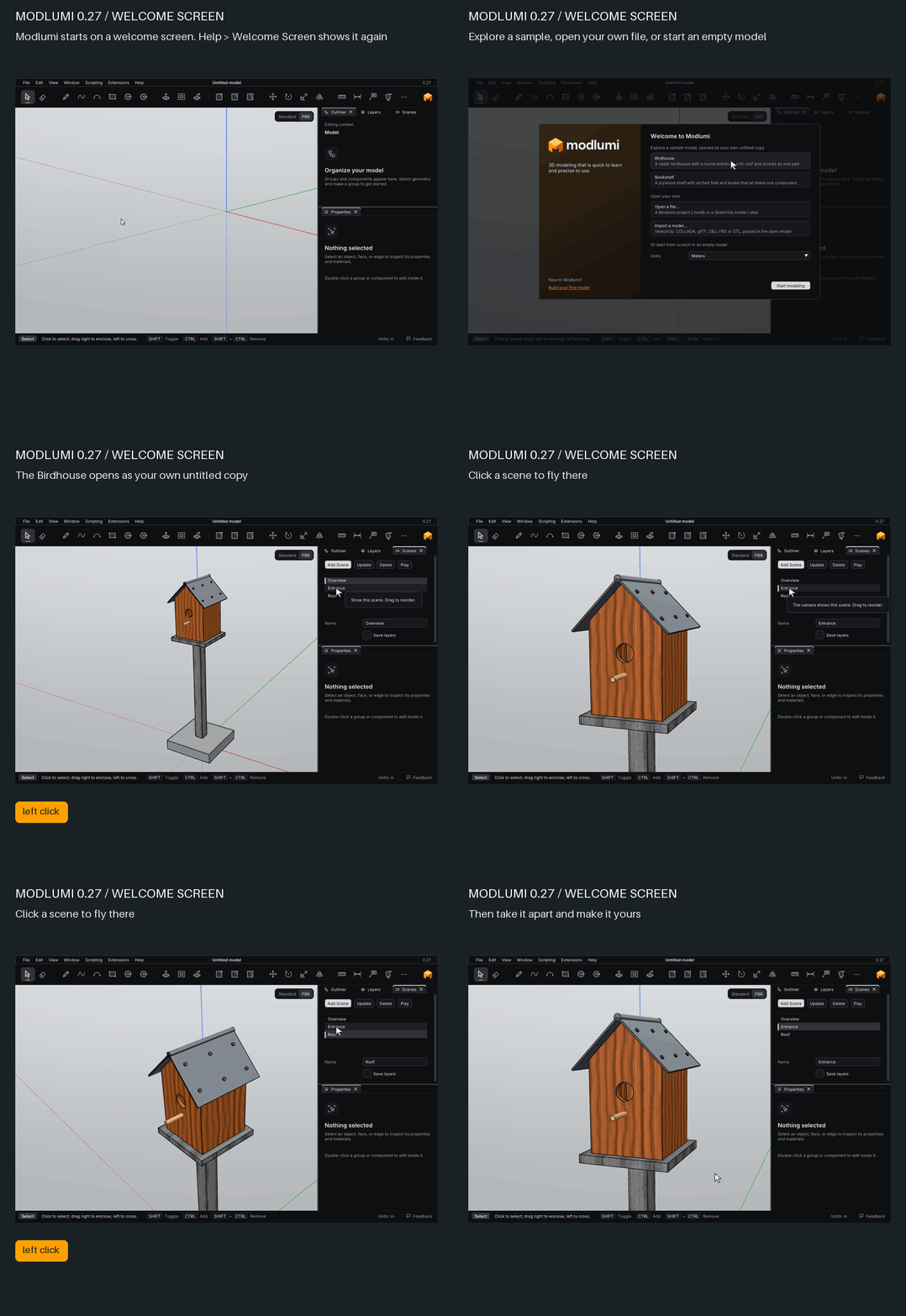
Start from the welcome screen
When Modlumi starts, it offers a finished birdhouse and bookshelf to explore, your own files to open or import, and the units for a new model. A sample opens as an untitled copy, so you can pull it apart freely. If you're new, Build your first model opens a short hands-on lesson. Help → Welcome Screen shows the screen again, and you can turn it off at startup.

The interface
A tour of the Modlumi window, from the menus and toolbar to panels and the status bar.

Modlumi Docs (modlumi.com)
Your first model
A ten-minute hands-on lesson that builds a row of stools, using drawing, extruding, components, copies, materials and saving.
Modlumi Docs (modlumi.com)
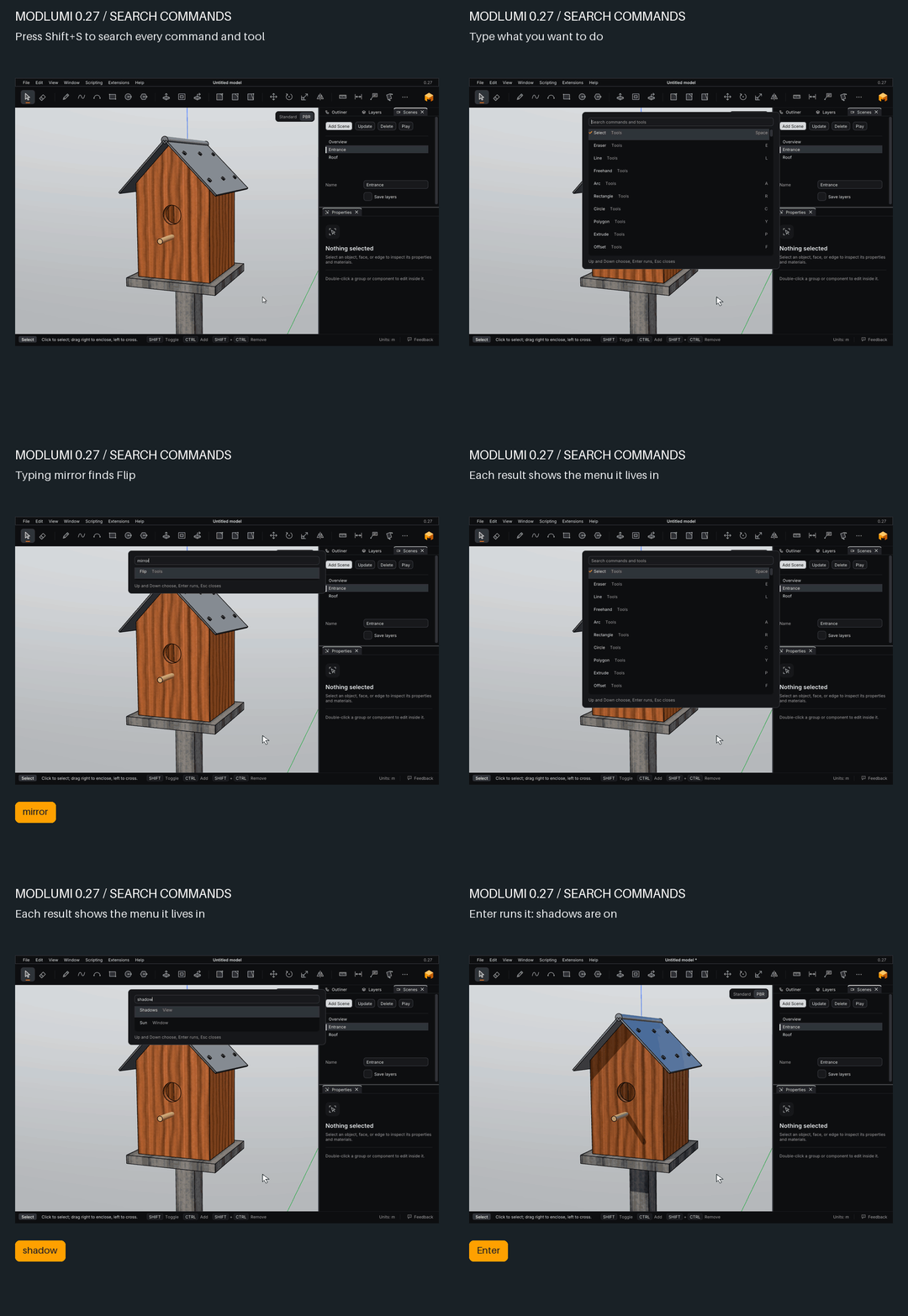
Find any command by typing
Press Shift+S (as in SketchUp) or Ctrl+K, or choose Help → Search Commands, and type what you want to do. Each result shows where the command lives in the menus and its shortcut. Typing mirror finds Flip. Extension commands are listed too, and the commands you used last come first.
SketchUp text and dimensions come along
Leader text, screen text and linear dimensions in your SketchUp files now import with their position, text, tag and hidden state. If a file holds annotations Modlumi can't keep, it tells you and imports the rest.
And also
- Large models orbit, edit and undo faster. A detailed house model draws in less than half the time per frame, an edit or undo inside it rebuilds only the part that changed, and hovering over dense geometry finds snap points several times sooner.
Fixes
- @pilou, both of your Extrude bugs are fixed. The side of your stepped block now extrudes as far as you like, and the wall faces where your two crossing arcs meet extrude too.
- @ntxdave, section planes now fill only solid shapes. Your box made of single faces shows its cut lines and you can see inside, as in SketchUp.
- @Krass, your buffet model imports now. One face had a hole shaped like a figure 8, which stopped the whole import. Thanks @Mike-Amos for confirming it.
- New models start in the units you chose, in every open window. A window that was already open when you chose Use for New Models in another one kept using the old units.
- Long bug reports are no longer lost. Help → Report a Bug accepted descriptions longer than the site takes and then dropped them silently. The form now counts characters as you near the limit.
All the details are in the release notes: https://modlumi.com/docs/release-notes/
Thanks again for all the feedback. As always, tell me what breaks and what you'd like next. Help → Report a Bug can attach your model.
-
Very cool Bravo!
BUT hight request priority : PushPull + CTRL for separate (or not) the "copy move" of the PushPull ! (and multiple of course)
It's the more important thing when you modelise! Without we are so deprived!
All your challengers make it so... -
Modlumi online is 0.28 ??
And here 0.27 !
https://modlumi.com/app/ -
About the Sweep 2 Rails : we can't Click again on the Rail 1 as Rail 2 for make a Sweep One rail ?








Hello! It looks like you're interested in this conversation, but you don't have an account yet.
Getting fed up of having to scroll through the same posts each visit? When you register for an account, you'll always come back to exactly where you were before, and choose to be notified of new replies (either via email, or push notification). You'll also be able to save bookmarks and upvote posts to show your appreciation to other community members.
With your input, this post could be even better 💗
Register Login


Advertisement