sketchucation logo sketchucation
    • Login
    Oops, your profile's looking a bit empty! To help us tailor your experience, please fill in key details like your SketchUp version, skill level, operating system, and more. Update and save your info on your profile page today!
    Mac User? | Join the Rayscaper Beta for Mac Learn More

    Modlumi - Easy 3D modelling
    Scheduled Pinned Locked Moved Corner Bar
    355 Posts 9 Posters 44.2k Views 8 Watching
    Loading More Posts
    • Oldest to Newest
    • Newest to Oldest
    • Most Votes
    Reply
    • Reply as topic
    Log in to reply
    This topic has been deleted. Only users with topic management privileges can see it.
    • pilouP
      pilou
      last edited by

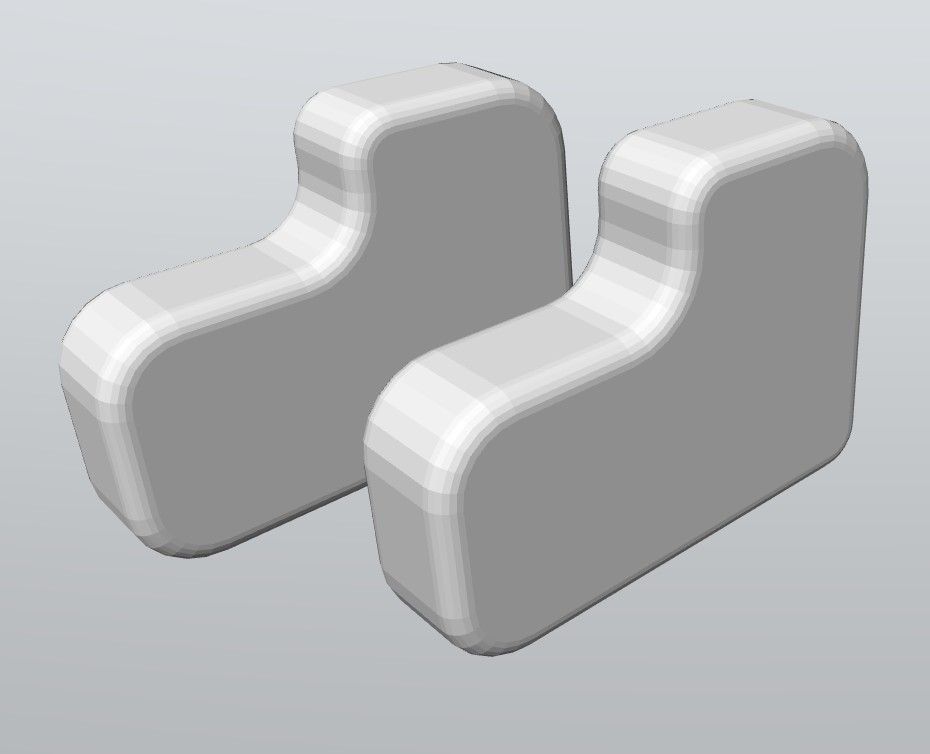
      ski.jpg
      ski1.jpg

      Frenchy Pilou
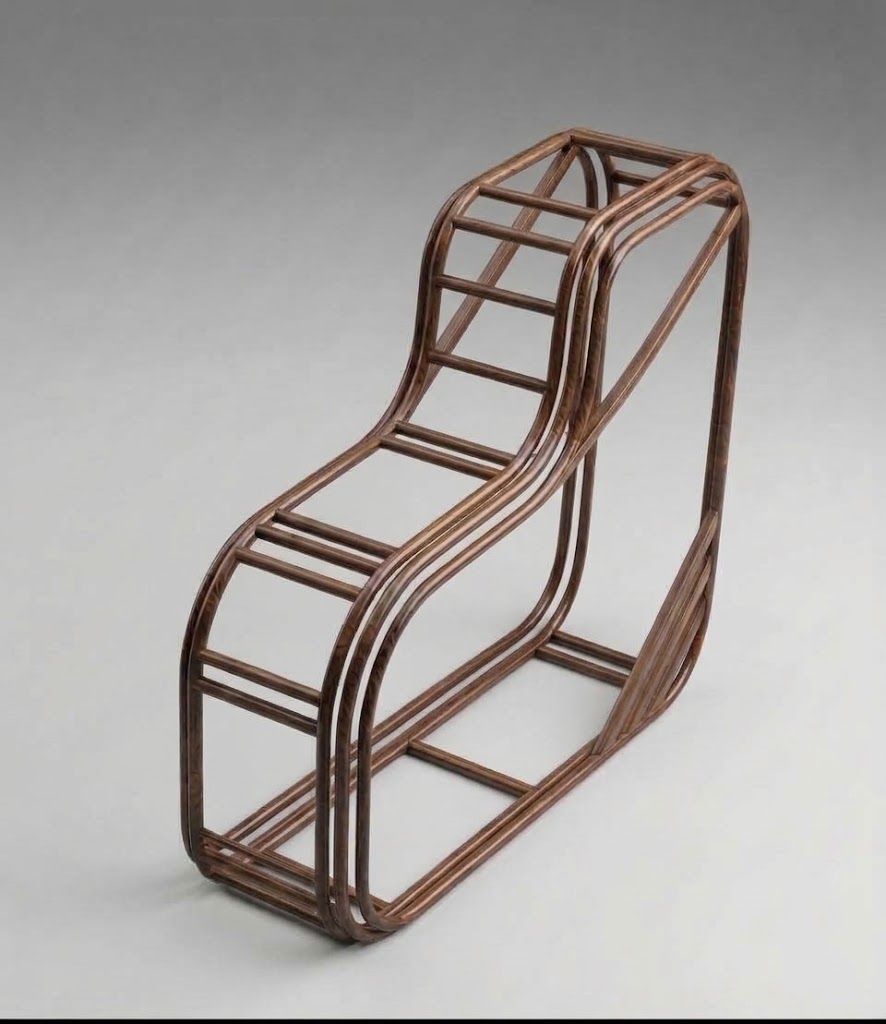
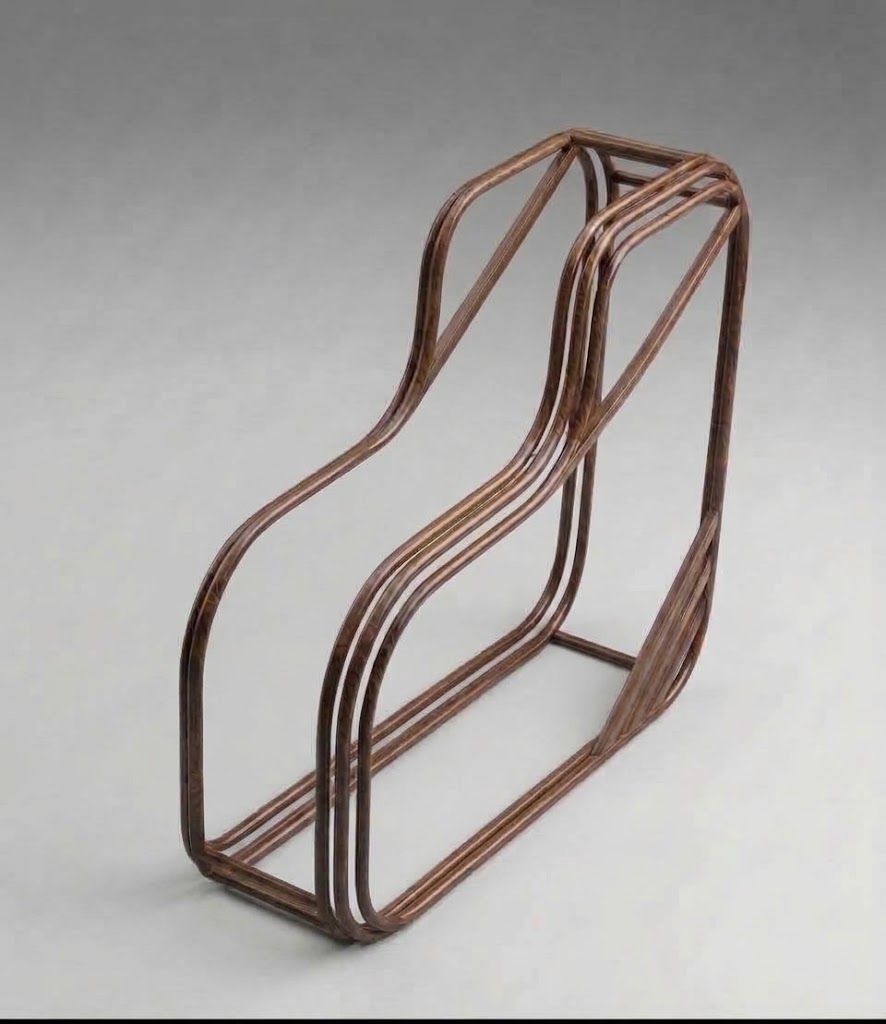
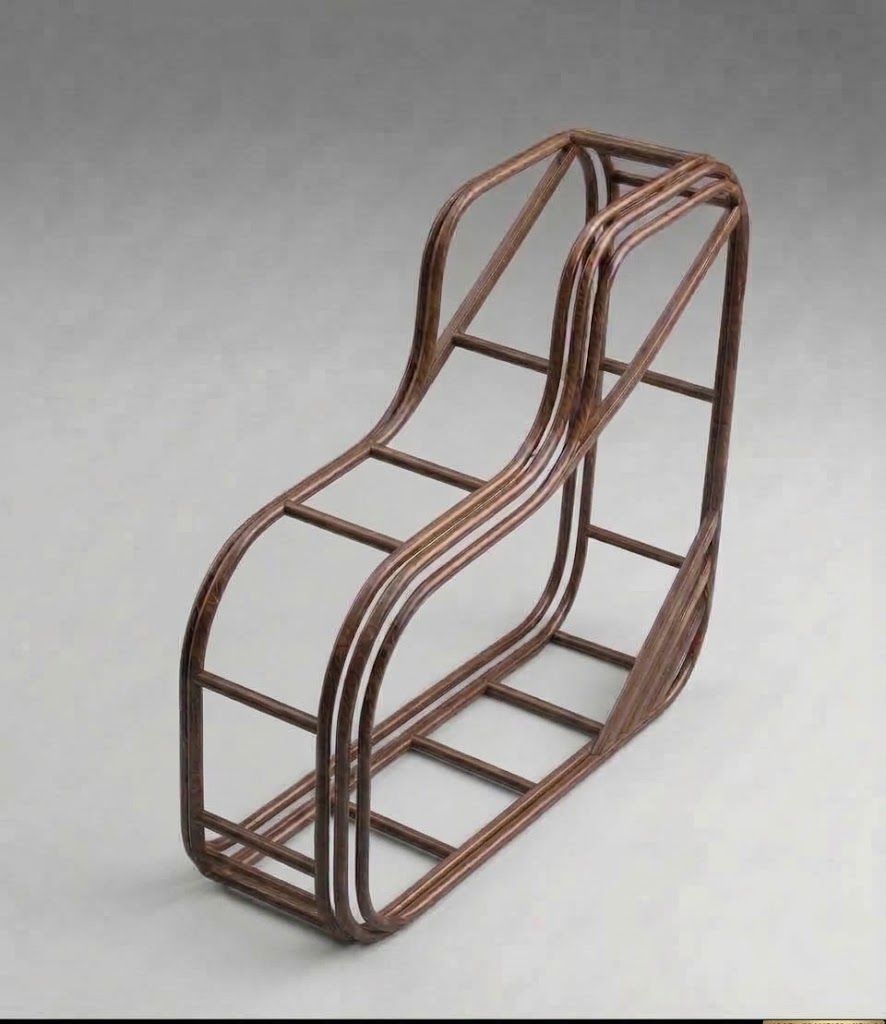
      Is beautiful that please without concept!
      My Little site :)

      1 Reply Last reply
      Reply Quote 0
      • pixelcruncherP
        pixelcruncher Extension Creator @ntxdave
        last edited by pixelcruncher

        @ntxdave I made something myself (with AI help) to capture the Modlumi screen and keystrokes. It's a Frankenstein hack I put together so I can document things for Modlumi super quickly. It is tailor made for modlumi docs, not a generic program so I can't really help you out here.

        edit: But maybe I should integrate this in modlumi itself so users can make their own little explainer gifs when reporting a bug?

        I'm the developer of Rayscaper: https://rayscaper.com/ - Fast and easy rendering for SketchUp.

        ntxdaveN 1 Reply Last reply
        Reply Quote 0
        • pilouP
          pilou
          last edited by

          He who can do the greater can also do the lesser! πŸ˜‰

          Frenchy Pilou
          Is beautiful that please without concept!
          My Little site :)

          1 Reply Last reply
          Reply Quote 0
          • pilouP
            pilou
            last edited by pilou

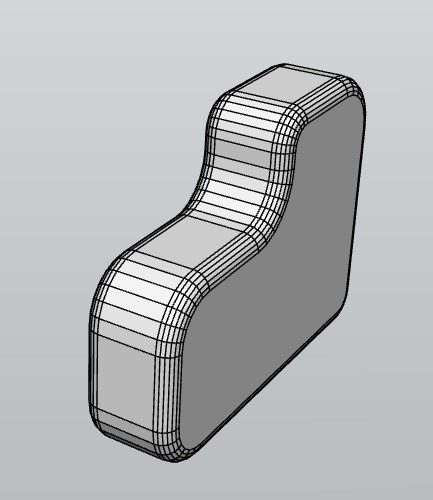
            Request
            Can we have only wire ? (not with the faces)
            (or maybe it's yet existing but i don't find it! πŸ™‚
            soft1.jpg

            Frenchy Pilou
            Is beautiful that please without concept!
            My Little site :)

            1 Reply Last reply
            Reply Quote 0
            • pilouP
              pilou
              last edited by Rich O Brien

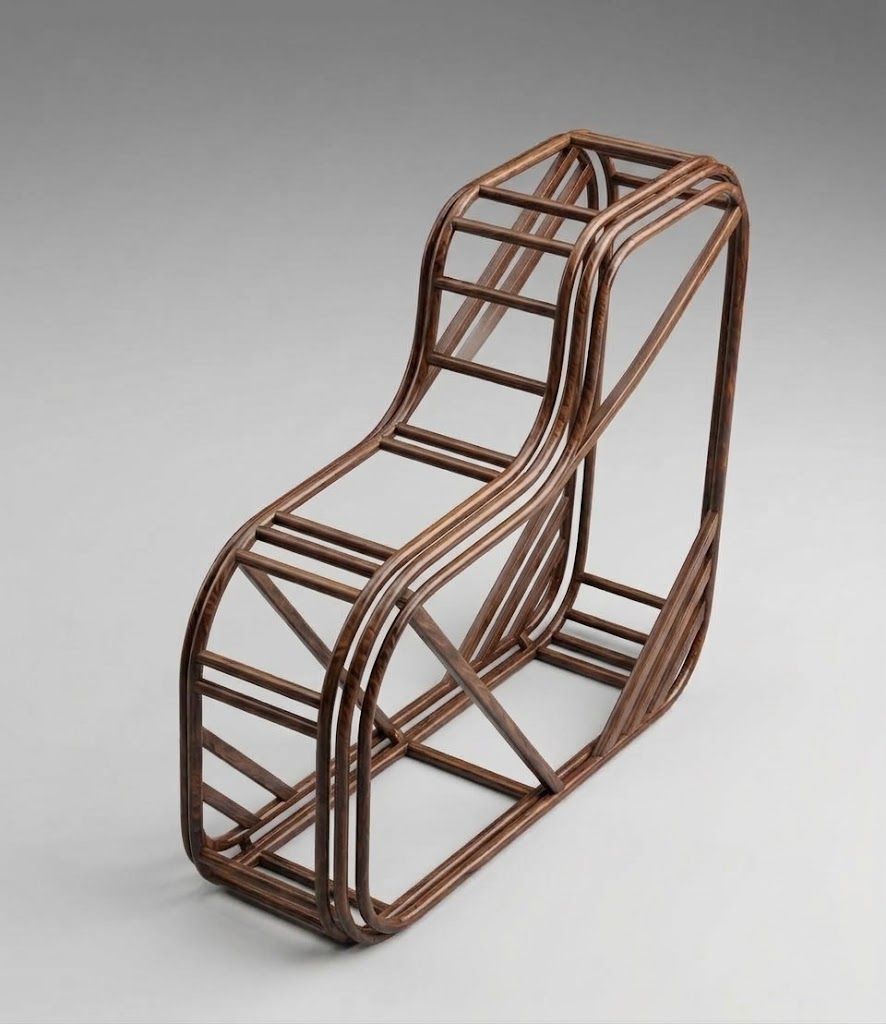
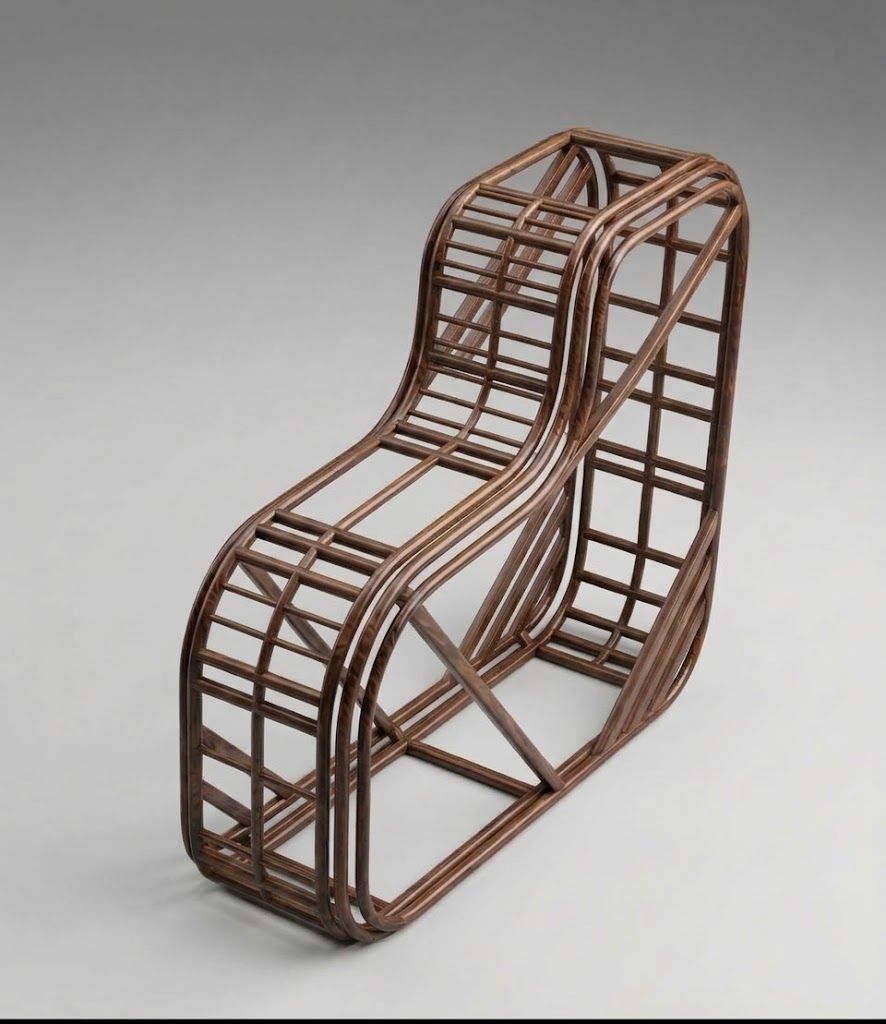
              We want a true wire for help the Ai! πŸ˜‰de82ae11-9ad3-4c86-a077-9321bc5d32ab.jpg

              Frenchy Pilou
              Is beautiful that please without concept!
              My Little site :)

              1 Reply Last reply
              Reply Quote 0
              • KrassK
                Krass @pixelcruncher
                last edited by

                @pixelcruncher said:

                Soften Edges smooths the selected edges by the angle between their faces, so a faceted cylinder becomes a smooth one. The Eraser softens an edge with Ctrl and unsoftens it with Alt, and clicking a smoothed surface selects all of it.

                Yes ! thanks a lot

                Krass

                1 Reply Last reply
                Reply Quote 0
                • ntxdaveN
                  ntxdave @pixelcruncher
                  last edited by ntxdave

                  @pixelcruncher

                  Once agin, thanks for your reply. I am attaching a link to something I think you might want to look at. It is a an example oh how to use a tool called Ksnip. In particular if you look at some examples at about the 7:00 minute mark. It might give you some ideas for your tool where we report problems. It has some interesting ideas

                  Ksnip

                  Here is a 2nd example with the instructions and the 0:30 minute mark shows what I wanted you to see.
                  Ksnip 2nd Example

                  I have not installed or tried it. I saw what someone Les had posted on another thread in SketchUcation that I thought was interesting. In particular the way they referenced something they had posted.

                  Press F1...thank me later

                  1 Reply Last reply
                  Reply Quote 0
                  • pilouP
                    pilou
                    last edited by pilou

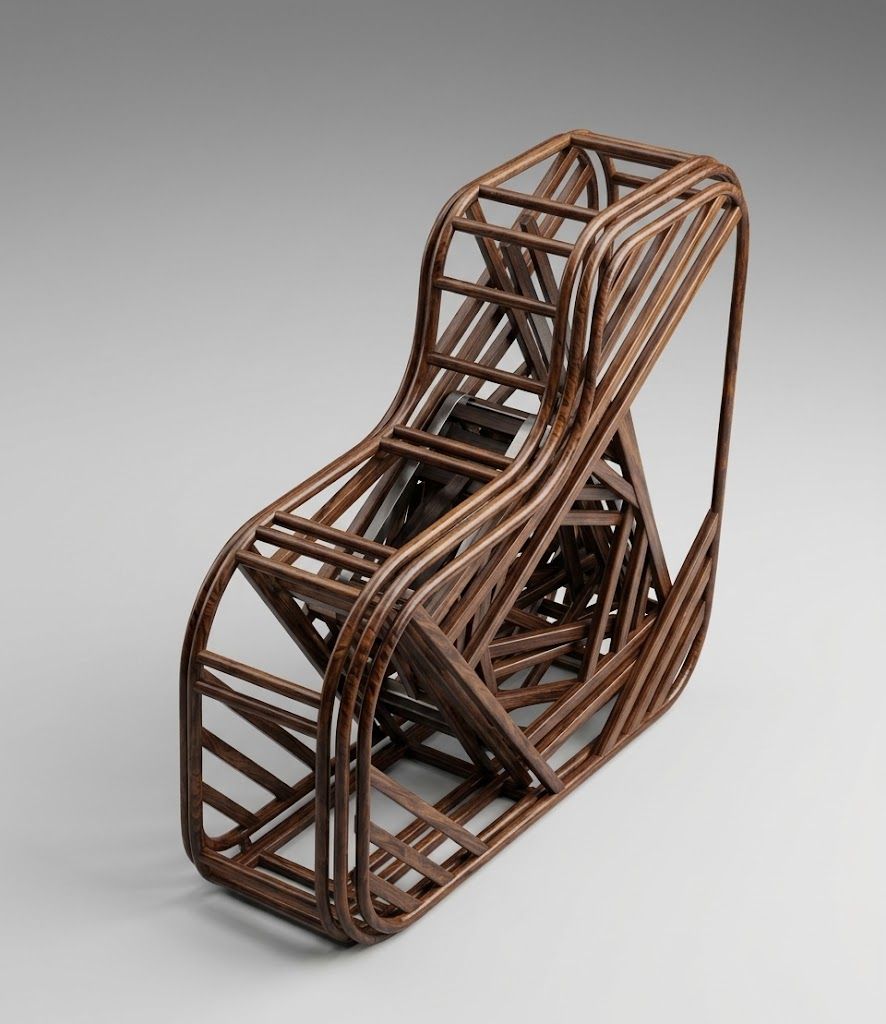
                    Damned rest of my post was not sent!

                    So...

                    As you can see AI has some problem when the entiere wire is not present! πŸ™‚

                    Will be better with the entiere real wire! πŸ™‚
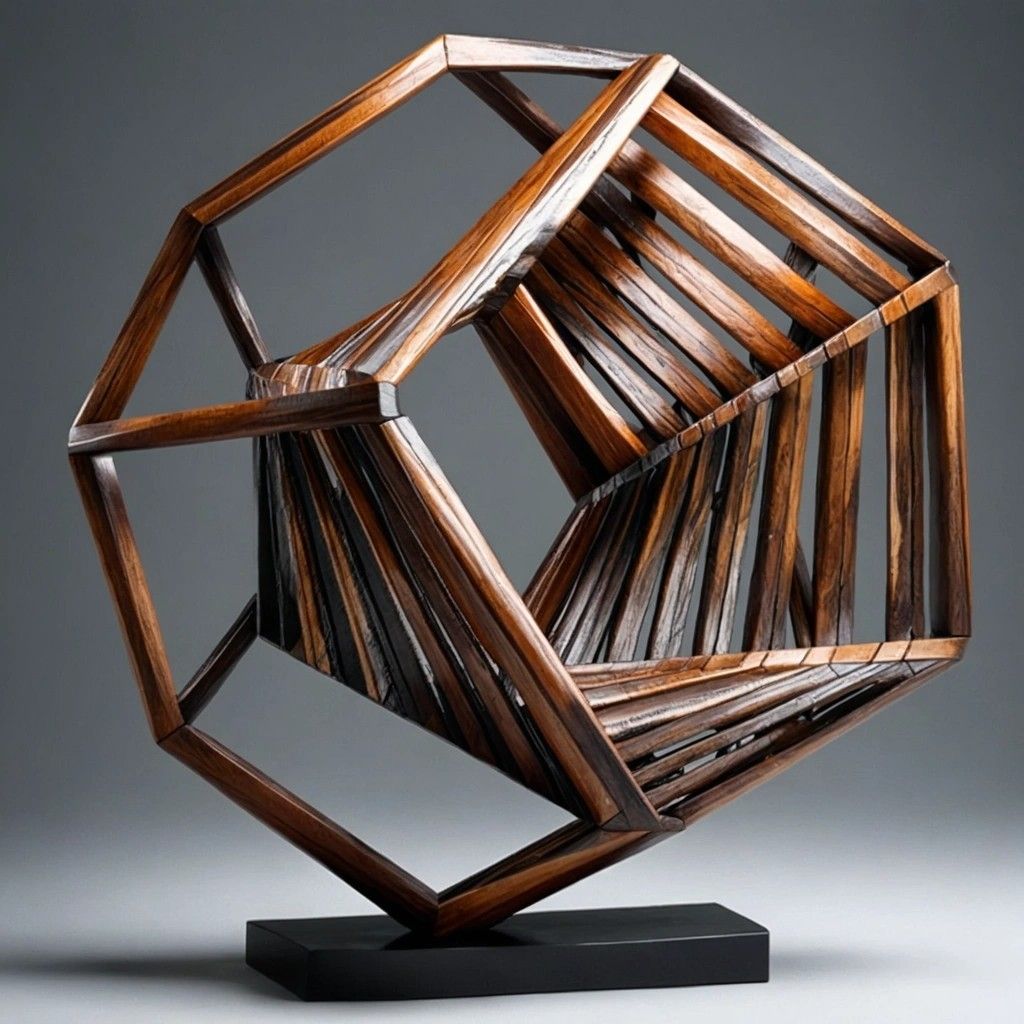
                    3b923d9a-7b2a-4597-b7f3-a969355f95d0.jpg

                    b40a7259-2a88-46dd-a00b-2ffa8d0fd597.jpg

                    60bca7e9-014a-49ec-8df3-4a5581a0a460.jpg

                    16c46196-1384-43e7-9c5b-9a9727bd8e39.jpg

                    169e085b-8378-44e1-86f2-c2e27218a829.jpg

                    e4f6a322-fb06-4c95-8e81-62a18270edd2.jpg

                    Frenchy Pilou
                    Is beautiful that please without concept!
                    My Little site :)

                    1 Reply Last reply
                    Reply Quote 0
                    • ntxdaveN
                      ntxdave
                      last edited by

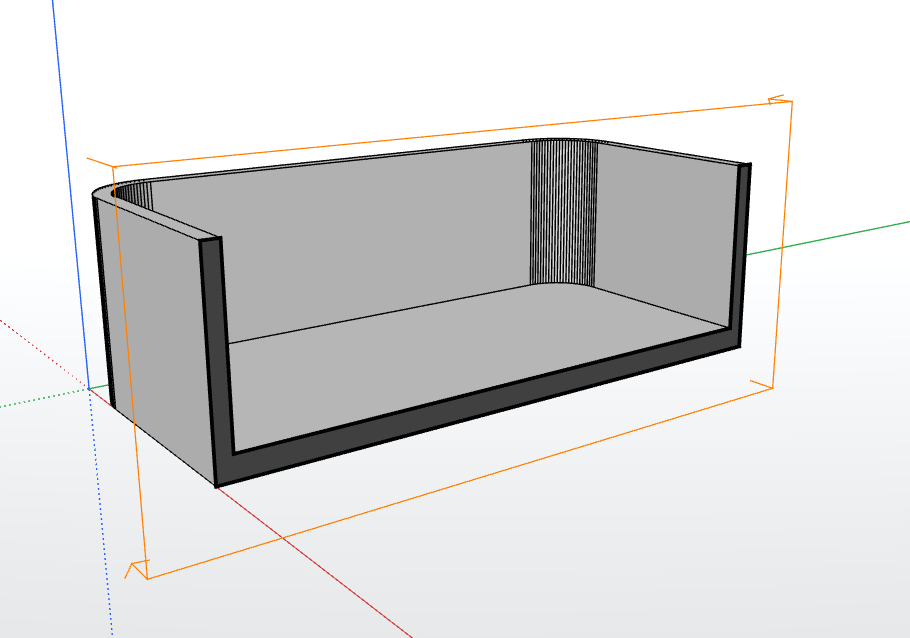
                      I created a box, did an offset on the fop face and then extruded the face so that I created a shape like you see in the image. I then used the Place tool so that I could show the model the way I wanted to see it.

                      So, as you can see in the image you will see the plane view of the simple model. Now for the silly question: how do I remove the plane outline so that it does not show if I want to share the image?
                      Screenshot 2026-11-05 110036.png

                      Press F1...thank me later

                      1 Reply Last reply
                      Reply Quote 0
                      • pilouP
                        pilou
                        last edited by pilou

                        @ntxdave
                        Right Click on the Section Gizmo / Contextual menu / Hide πŸ˜‰

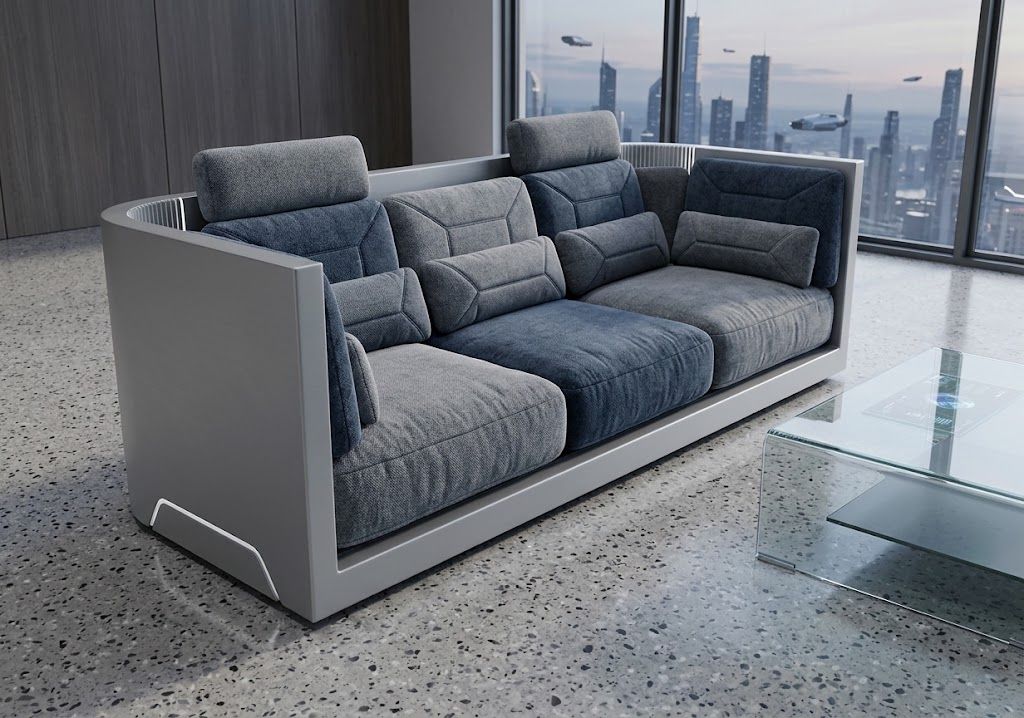
                        But any AI can do that! Prompt : erase axes, lines and make a futuristic sofa with cushions ! πŸ˜‰
                        59fbcbc2-ae77-4375-b16b-6c27861d0a07.jpg

                        Frenchy Pilou
                        Is beautiful that please without concept!
                        My Little site :)

                        ntxdaveN 1 Reply Last reply
                        Reply Quote 0
                        • ntxdaveN
                          ntxdave @pilou
                          last edited by

                          @pilou said:

                          @ntxdave
                          Right Click on the Section Gizmo / Contextual menu / Hide πŸ˜‰

                          Thanks @pilou - I should have figured that one out. πŸ˜‰

                          But any AI can do that! Prompt : erase axes, lines and make a futuristic sofa with cushions ! πŸ˜‰

                          59fbcbc2-ae77-4375-b16b-6c27861d0a07.jpg

                          How the heck do you do this kind of stuff. This looks really great.

                          Press F1...thank me later

                          1 Reply Last reply
                          Reply Quote 0
                          • pilouP
                            pilou
                            last edited by pilou

                            @ntxdave This is the child's game I was telling you about: send your ModLumi image (Drag and Drop) to an free IA (here Gemini https://gemini.google.com/app) And write or Speak a prompt (see above)
                            10 seconds after you obtain that you have asked! πŸ˜‰
                            What do you want more ? No hard learning curve, nothing to learn, infinite world of exploration!
                            And it's only "Still images" !
                            You can imagine for animation! πŸ™‚

                            Frenchy Pilou
                            Is beautiful that please without concept!
                            My Little site :)

                            1 Reply Last reply
                            Reply Quote 0
                            • pilouP
                              pilou
                              last edited by pilou

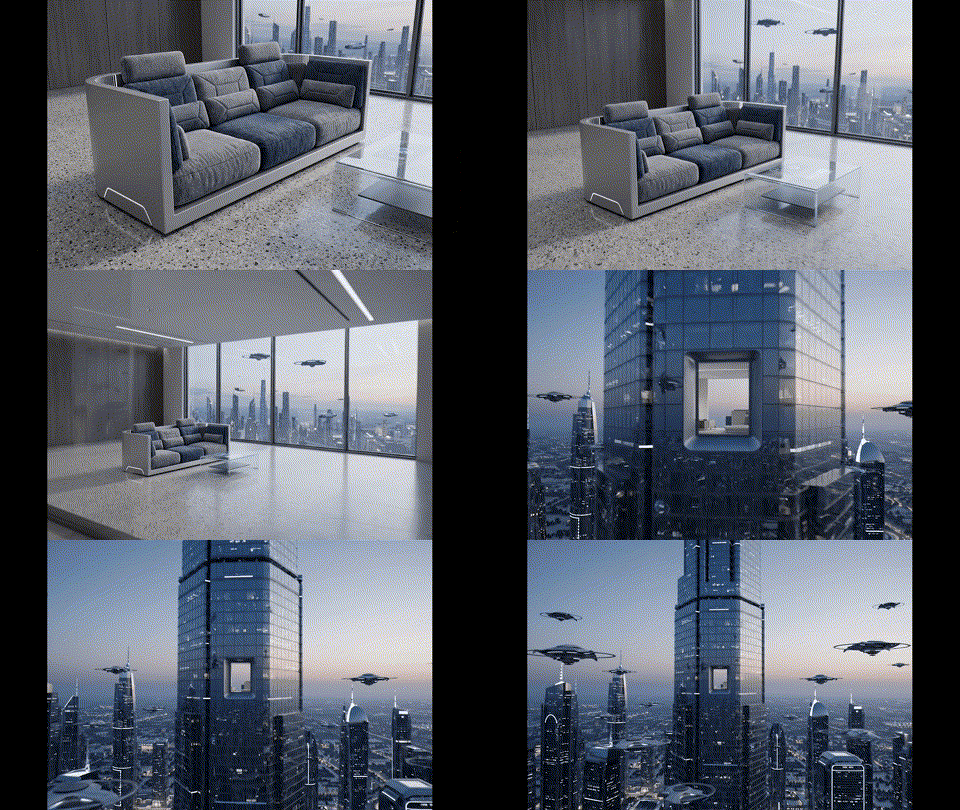
                              @ntxdave Of course in free it's only 7 seconds but you can make several and past them! πŸ˜‰
                              Camera_tracking_out_from_room_3fc08dc1.gif

                              So following ... With sounds! πŸ™‚

                              Camera_tracking_out_from_room_3fc08dc1.mp4

                              Frenchy Pilou
                              Is beautiful that please without concept!
                              My Little site :)

                              1 Reply Last reply
                              Reply Quote 0

                              Hello! It looks like you're interested in this conversation, but you don't have an account yet.

                              Getting fed up of having to scroll through the same posts each visit? When you register for an account, you'll always come back to exactly where you were before, and choose to be notified of new replies (either via email, or push notification). You'll also be able to save bookmarks and upvote posts to show your appreciation to other community members.

                              With your input, this post could be even better πŸ’—

                              Register Login
                              • 1
                              • 2
                              • 5
                              • 6
                              • 7
                              • 8
                              • 9
                              • 17
                              • 18
                              • 7 / 18
                              • First post
                                Last post
                              Buy SketchPlus
                              Buy SUbD
                              Buy WrapR
                              Buy eBook
                              Buy Modelur
                              Buy Vertex Tools
                              Buy SketchCuisine
                              Buy FormFonts

                              Advertisement