sketchucation logo sketchucation
    • Login
    Oops, your profile's looking a bit empty! To help us tailor your experience, please fill in key details like your SketchUp version, skill level, operating system, and more. Update and save your info on your profile page today!
    Mac User? | Join the Rayscaper Beta for Mac Learn More

    Modlumi - Easy 3D modelling


    Scheduled Pinned Locked Moved Corner Bar
    266 Posts 9 Posters 23.6k Views 7 Watching
    Loading More Posts
    • Oldest to Newest
    • Newest to Oldest
    • Most Votes
    Reply
    • Reply as topic
    Log in to reply
    This topic has been deleted. Only users with topic management privileges can see it.
    • pixelcruncherP
      pixelcruncher Extension Creator
      last edited by

      @pilou Thanks for testing 0.21 so quickly! πŸ™‚

      I think I found the Rotate problem from your last picture, but I want to be sure we are talking about the same thing. Here is what I see:

      1. Select the rectangle and start Rotate (Q).
      2. Lock the green axis with the Left arrow.
      3. Hold Shift, then move to the corner of the rectangle. It shows Endpoint.
      4. Click. The center looks like it is on the corner...
      5. ...but when you orbit, you see that the center is not on the corner. Without Shift, it is on the corner.
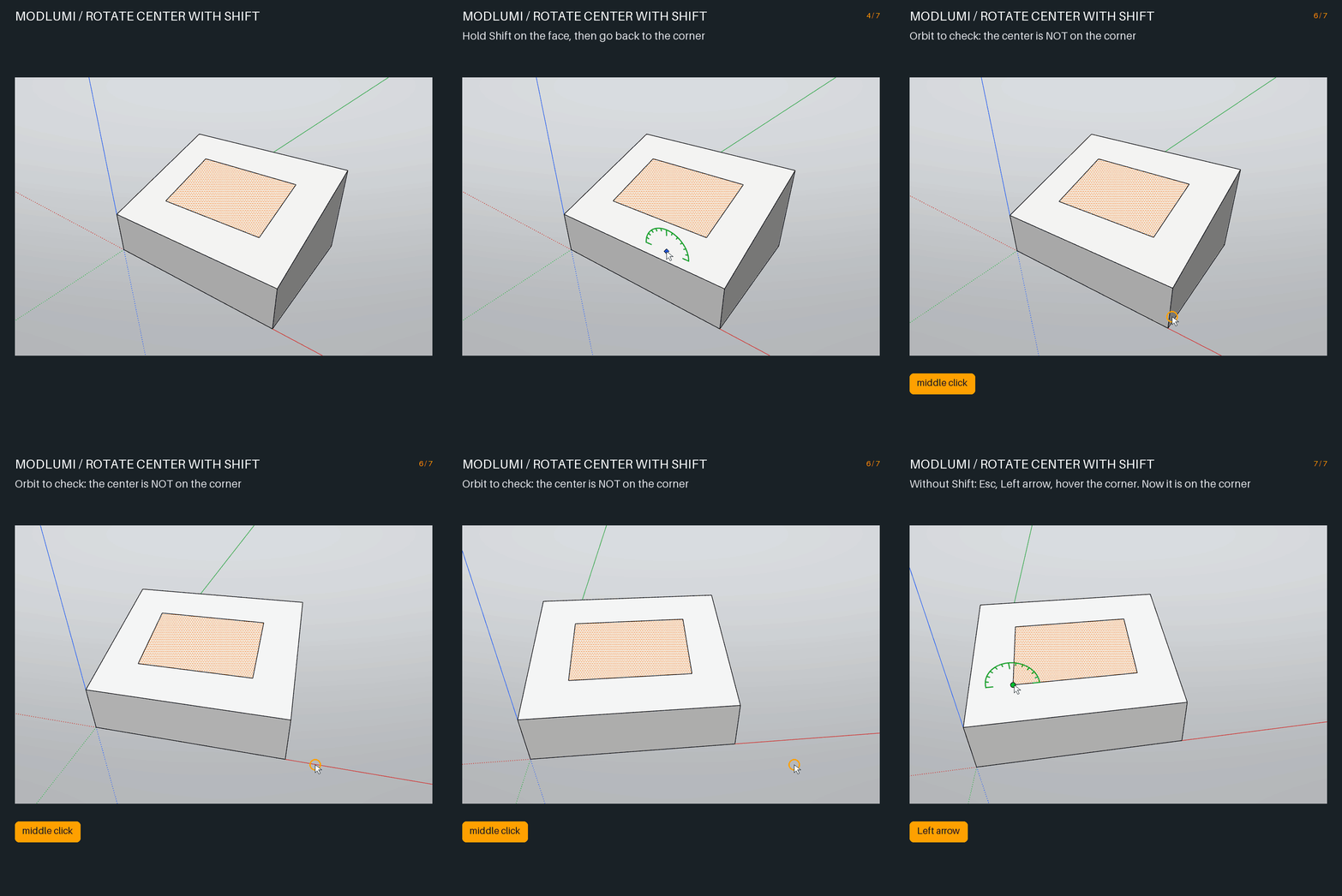
      modlumi-rotate-center.gif

      Is this your problem? Two short questions:

      • Do you hold Shift when you click the center? If not, which keys do you press, and in which order?
      • "The locked axis doesn't work as expected": which line did you want to rotate around? Is it the green line in your picture, or an edge of the rectangle?

      A small GIF of your steps would help a lot. πŸ™‚

      Cheers,
      Thomas

      I'm the developer of Rayscaper: https://rayscaper.com/ - Fast and easy rendering for SketchUp.

      1 Reply Last reply
      Reply Quote 0
      • pilouP
        pilou
        last edited by

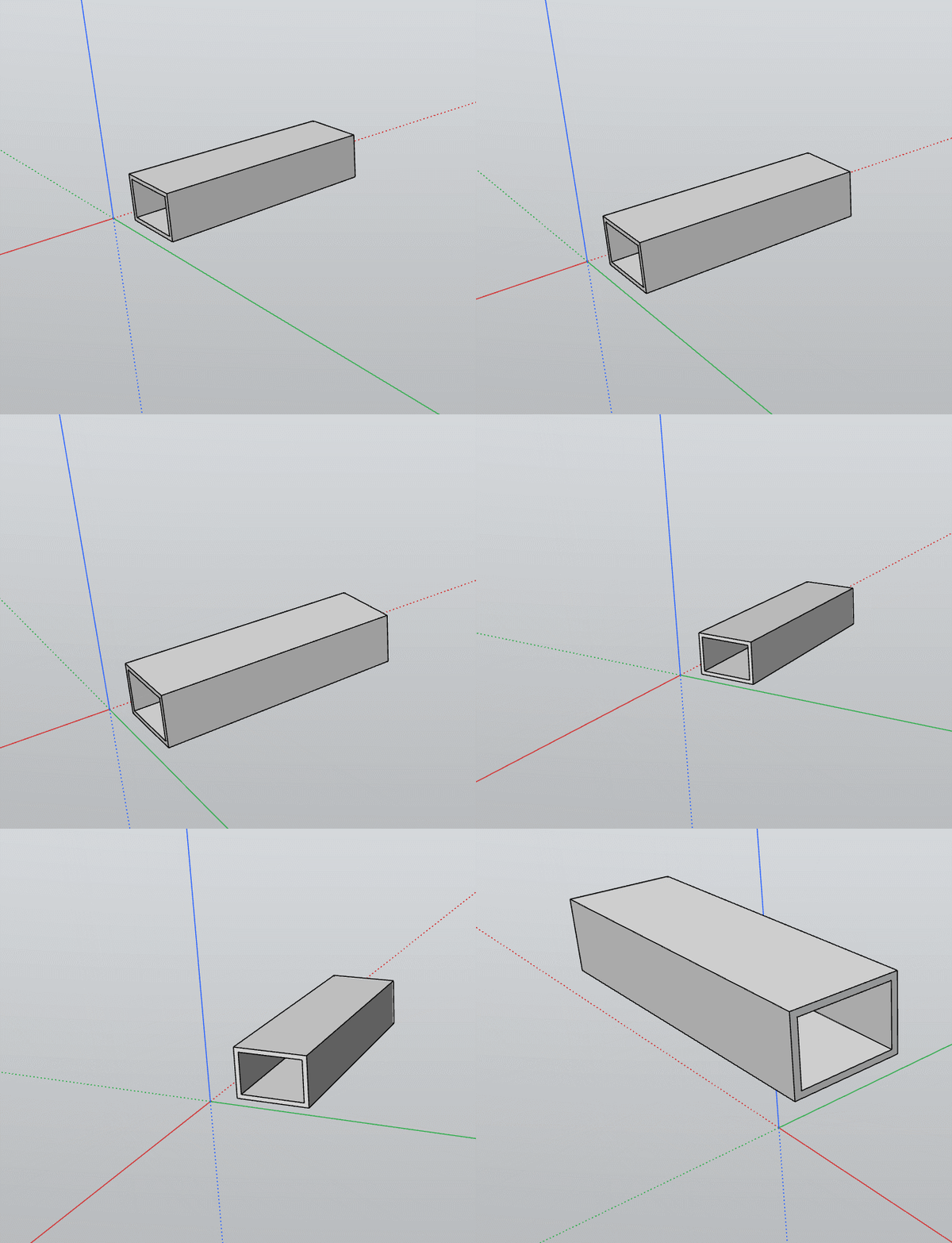
        Ok that was that : i used Shift like in SketchUp for block the plane! πŸ™‚
        Now with your Down Arrow that works like a charm! πŸ™‚ Bravo
        And the Perpendicular works also fine in this case!
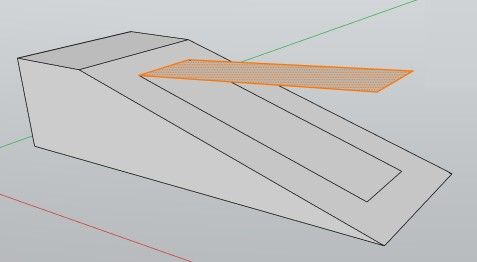
        OK.jpg

        Frenchy Pilou
        Is beautiful that please without concept!
        My Little site :)

        1 Reply Last reply
        Reply Quote 0
        • pilouP
          pilou
          last edited by pilou

          My STL armchair won't works as you said few seconds... never successed from now...
          Maybe i make an error in the process ?
          I see the logo Preparing your Model but...
          I will try again! πŸ™‚

          Edit No definitly not in mm
          but yes in meters and yes in seconds! πŸ™‚ (with merge not enabled)
          I will test in merging coplanar faces! πŸ™‚ No success in reasonable time!

          Ps It's better for your prog to have "quads" volumes subdivided for import ?

          Not sure it's raisonable to work with this sort of thing! πŸ™‚
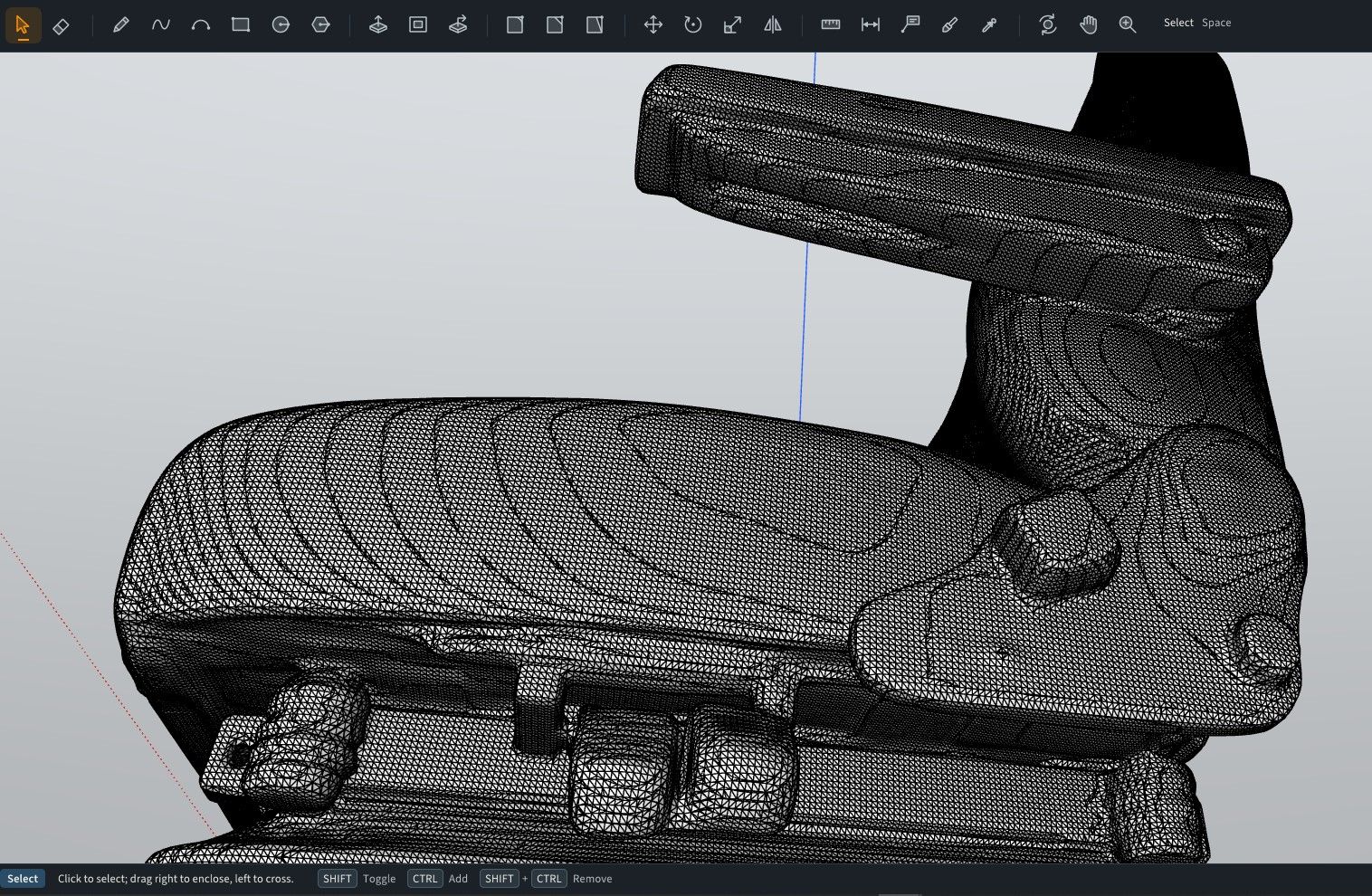
          raisonable.jpg

          Frenchy Pilou
          Is beautiful that please without concept!
          My Little site :)

          1 Reply Last reply
          Reply Quote 0
          • pilouP
            pilou
            last edited by pilou

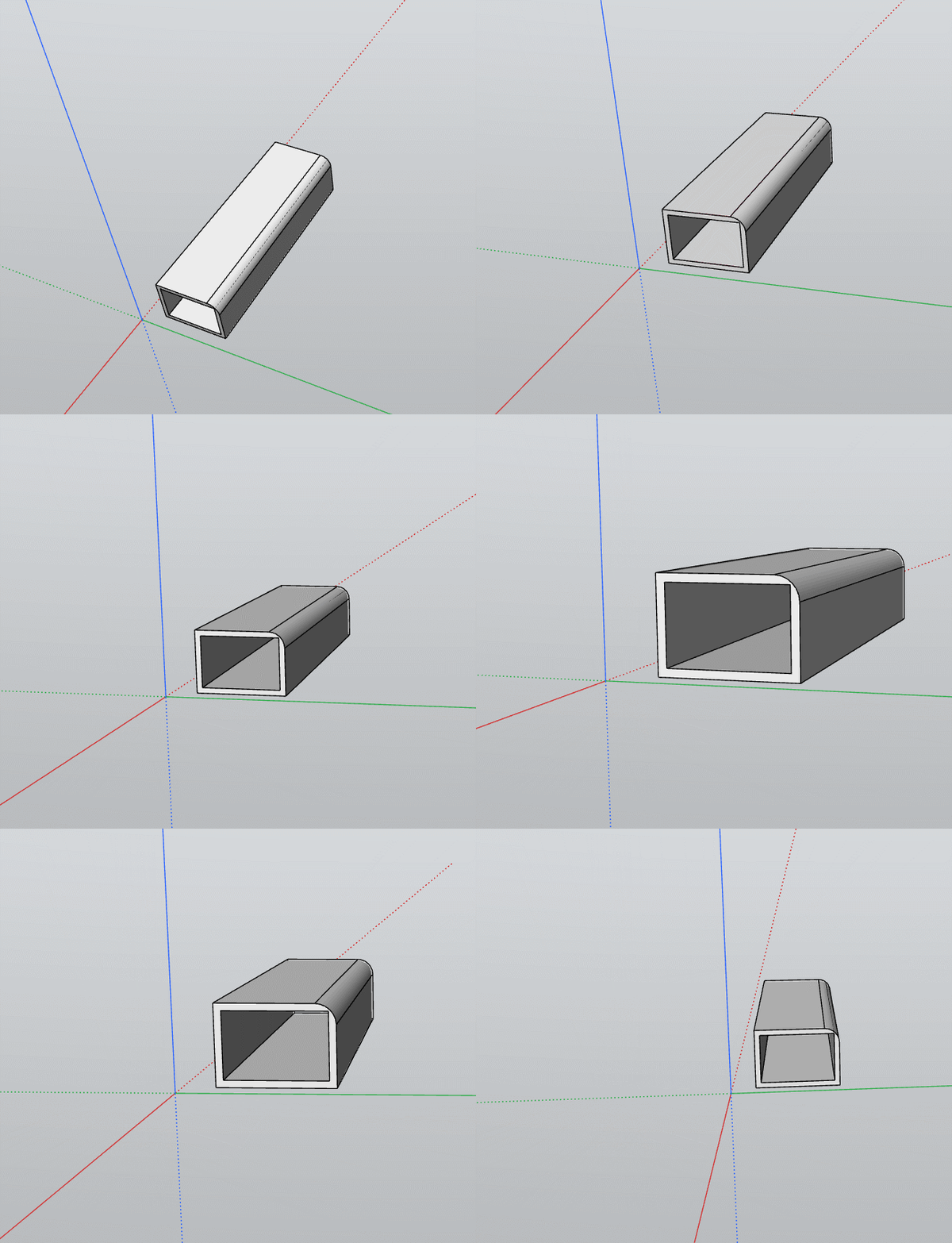
            With your trick of the arrows that works fine! πŸ™‚
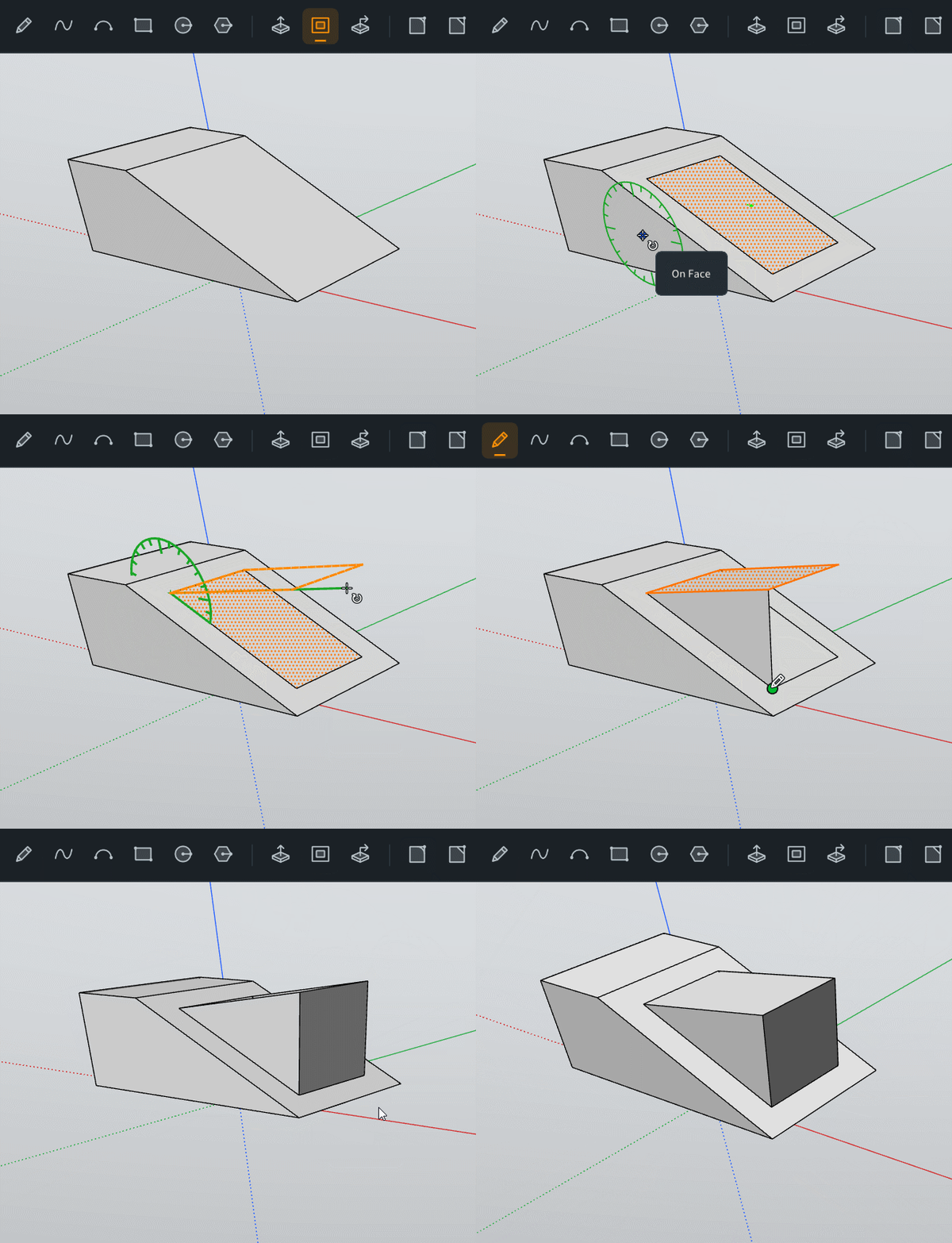
            GIF_rotate_face.gif

            car.jpg

            cars1.jpg

            Frenchy Pilou
            Is beautiful that please without concept!
            My Little site :)

            ntxdaveN 1 Reply Last reply
            Reply Quote 0
            • pilouP
              pilou
              last edited by pilou

              Scenes are very cool and works pefectely!

              Request

              Does it possible to have scenes who keep transformations during the time line ?

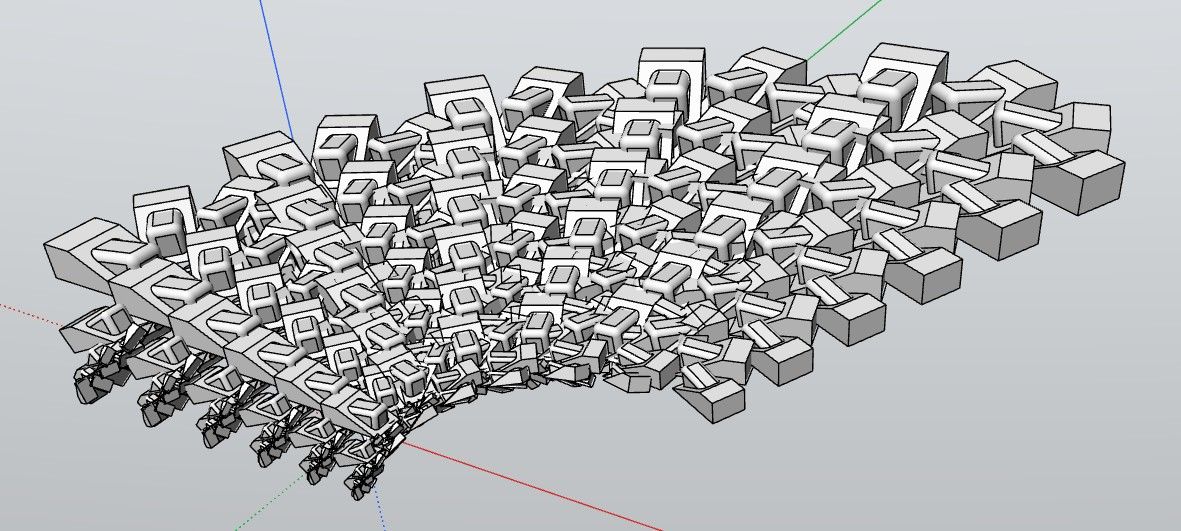
              A volume is not chamfered during scene 1 to 10, then chamfered 10 to 20 etc...GIF_scene1.gif

              GIF_scene.gif

              Frenchy Pilou
              Is beautiful that please without concept!
              My Little site :)

              1 Reply Last reply
              Reply Quote 0
              • ntxdaveN
                ntxdave @pilou
                last edited by ntxdave

                @pilou said:

                With your trick of the arrows that works fine! πŸ™‚
                GIF_rotate_face.gif

                car.jpg

                cars1.jpg

                How do you do stuff like this?

                Press F1...thank me later

                1 Reply Last reply
                Reply Quote 0

                Hello! It looks like you're interested in this conversation, but you don't have an account yet.

                Getting fed up of having to scroll through the same posts each visit? When you register for an account, you'll always come back to exactly where you were before, and choose to be notified of new replies (either via email, or push notification). You'll also be able to save bookmarks and upvote posts to show your appreciation to other community members.

                With your input, this post could be even better πŸ’—

                Register Login
                • 1
                • 2
                • 10
                • 11
                • 12
                • 13
                • 14
                • 14 / 14
                • First post
                  Last post
                Buy SketchPlus
                Buy SUbD
                Buy WrapR
                Buy eBook
                Buy Modelur
                Buy Vertex Tools
                Buy SketchCuisine
                Buy FormFonts

                Advertisement