Modlumi - Easy 3D modelling
-

-
 M majid referenced this topic
-
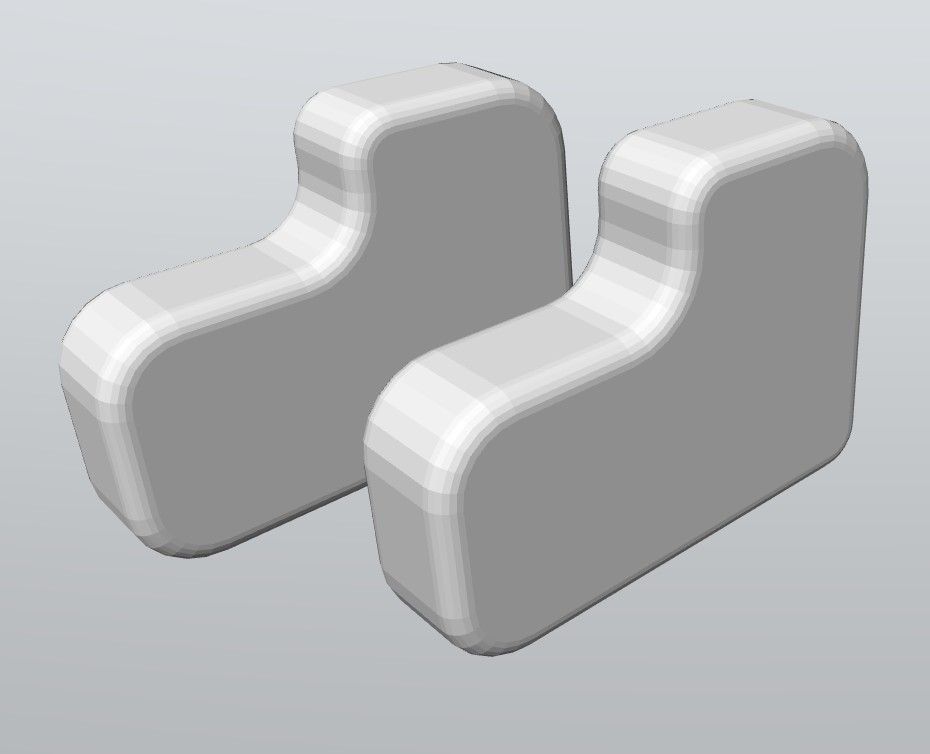
General Request : edit Points - now we have only Objects Volumes, Surfaces, Segments

and natural following "Subdivision" -

-
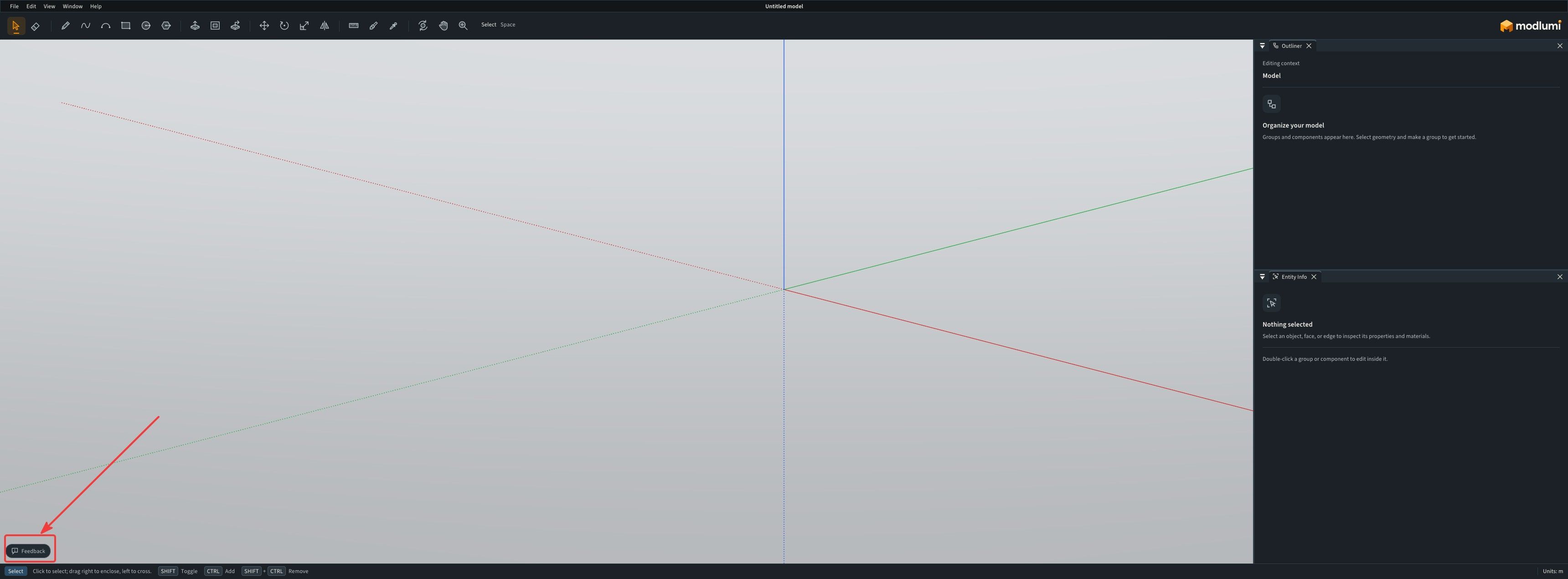
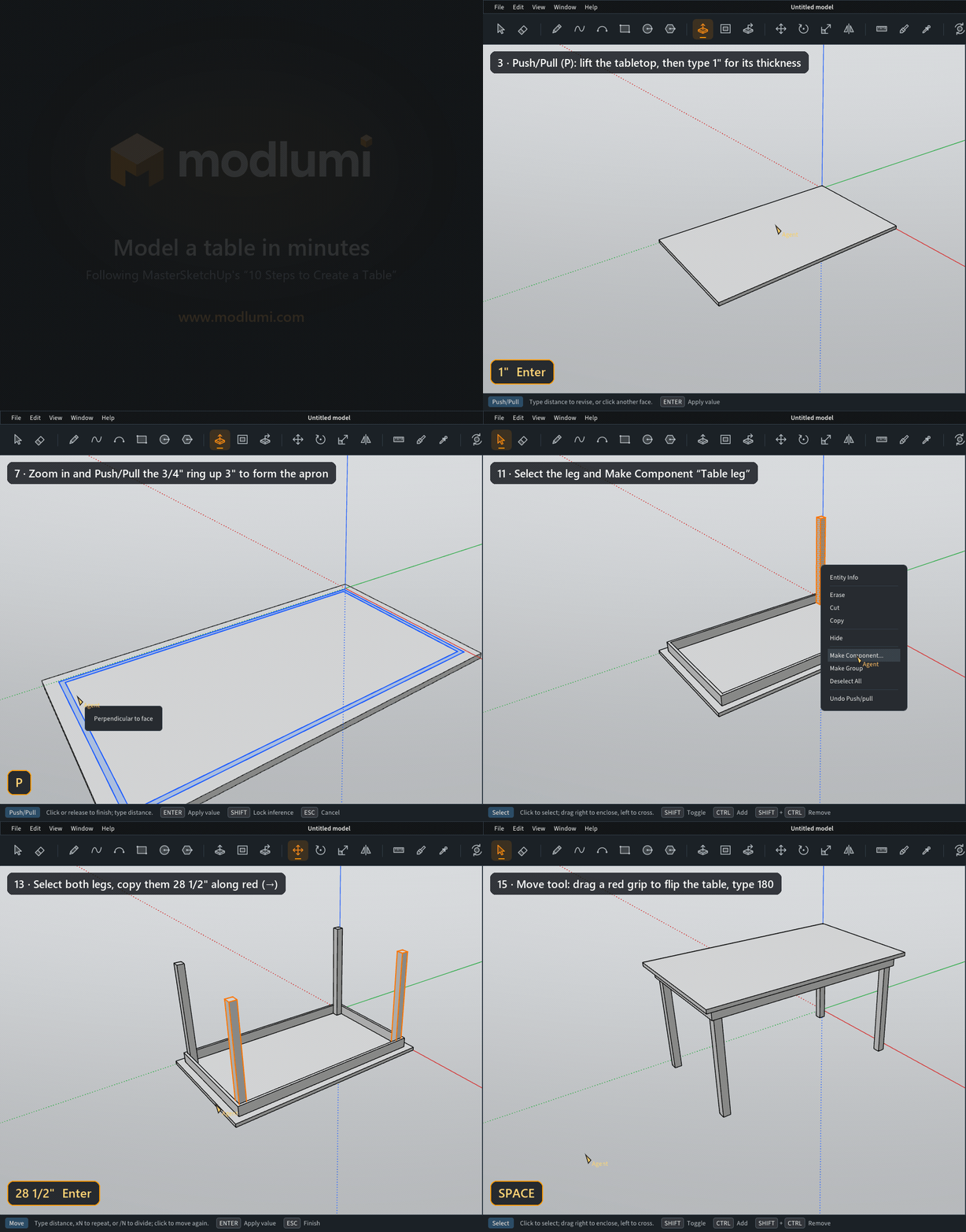
@ntxdave I made something myself (with AI help) to capture the Modlumi screen and keystrokes. It's a Frankenstein hack I put together so I can document things for Modlumi super quickly. It is tailor made for modlumi docs, not a generic program so I can't really help you out here.
edit: But maybe I should integrate this in modlumi itself so users can make their own little explainer gifs when reporting a bug?
I'm the developer of Rayscaper: https://rayscaper.com/ - Fast and easy rendering for SketchUp.
-
He who can do the greater can also do the lesser!

-
Request
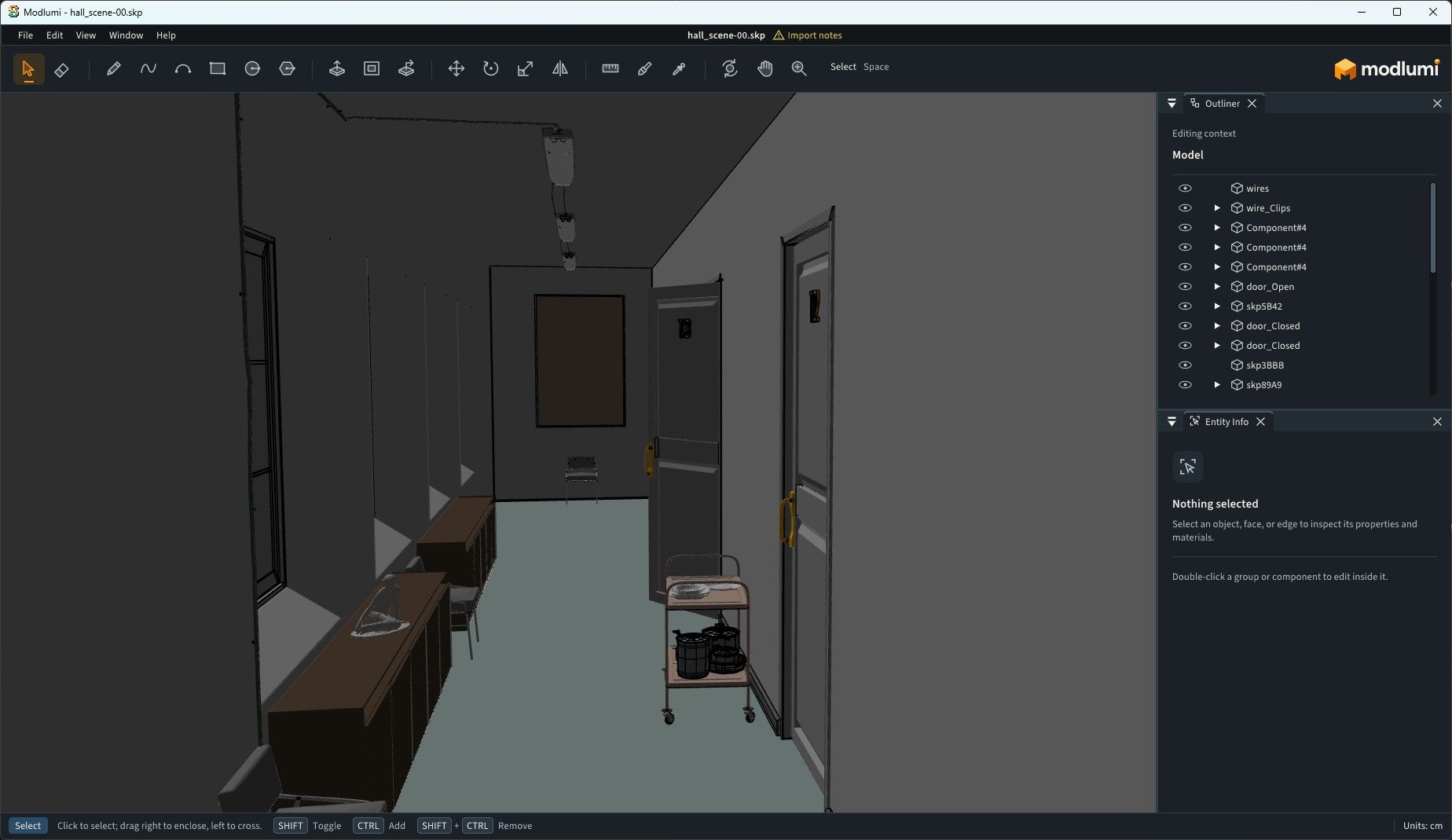
Can we have only wire ? (not with the faces)
(or maybe it's yet existing but i don't find it!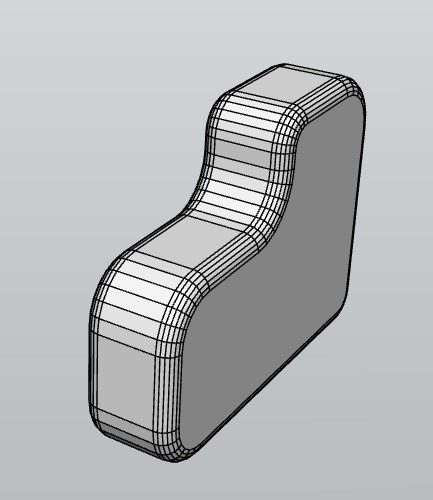
-
We want a true wire for help the Ai!
-
Soften Edges smooths the selected edges by the angle between their faces, so a faceted cylinder becomes a smooth one. The Eraser softens an edge with Ctrl and unsoftens it with Alt, and clicking a smoothed surface selects all of it.
Yes ! thanks a lot
-
Once agin, thanks for your reply. I am attaching a link to something I think you might want to look at. It is a an example oh how to use a tool called Ksnip. In particular if you look at some examples at about the 7:00 minute mark. It might give you some ideas for your tool where we report problems. It has some interesting ideas
Here is a 2nd example with the instructions and the 0:30 minute mark shows what I wanted you to see.
Ksnip 2nd ExampleI have not installed or tried it. I saw what someone Les had posted on another thread in SketchUcation that I thought was interesting. In particular the way they referenced something they had posted.
-
Damned rest of my post was not sent!
So...
As you can see AI has some problem when the entiere wire is not present!
Will be better with the entiere real wire!
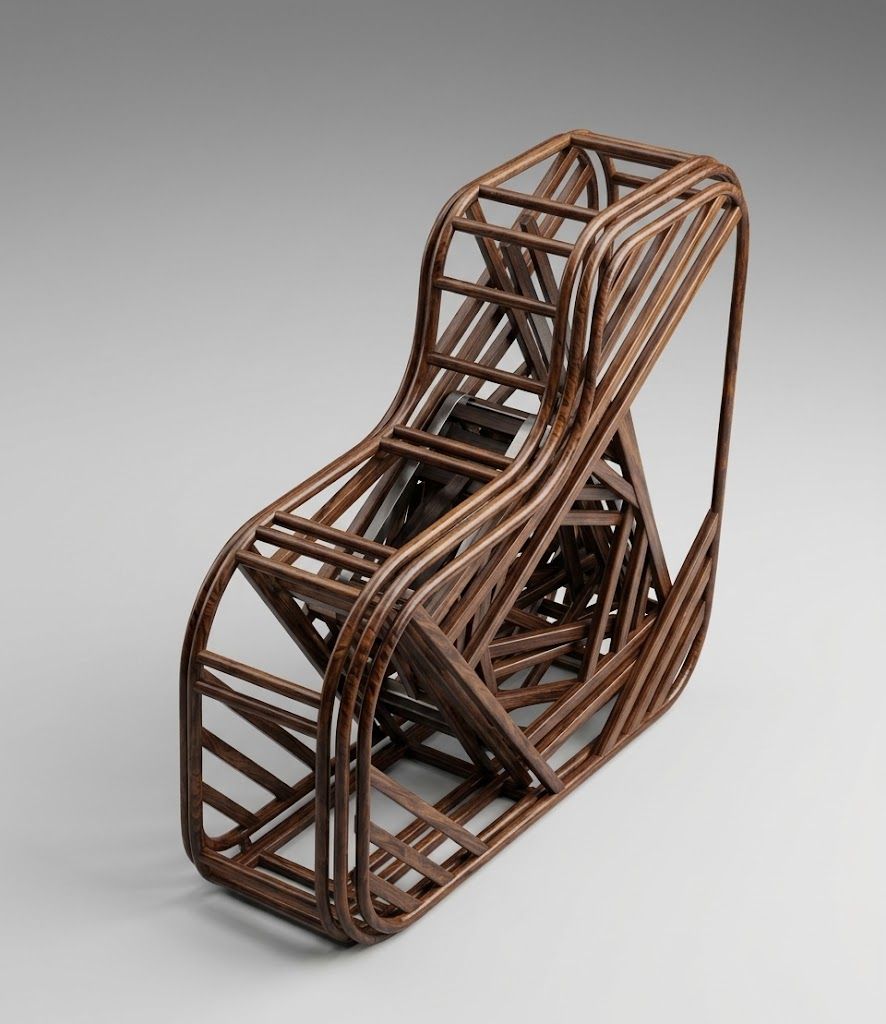
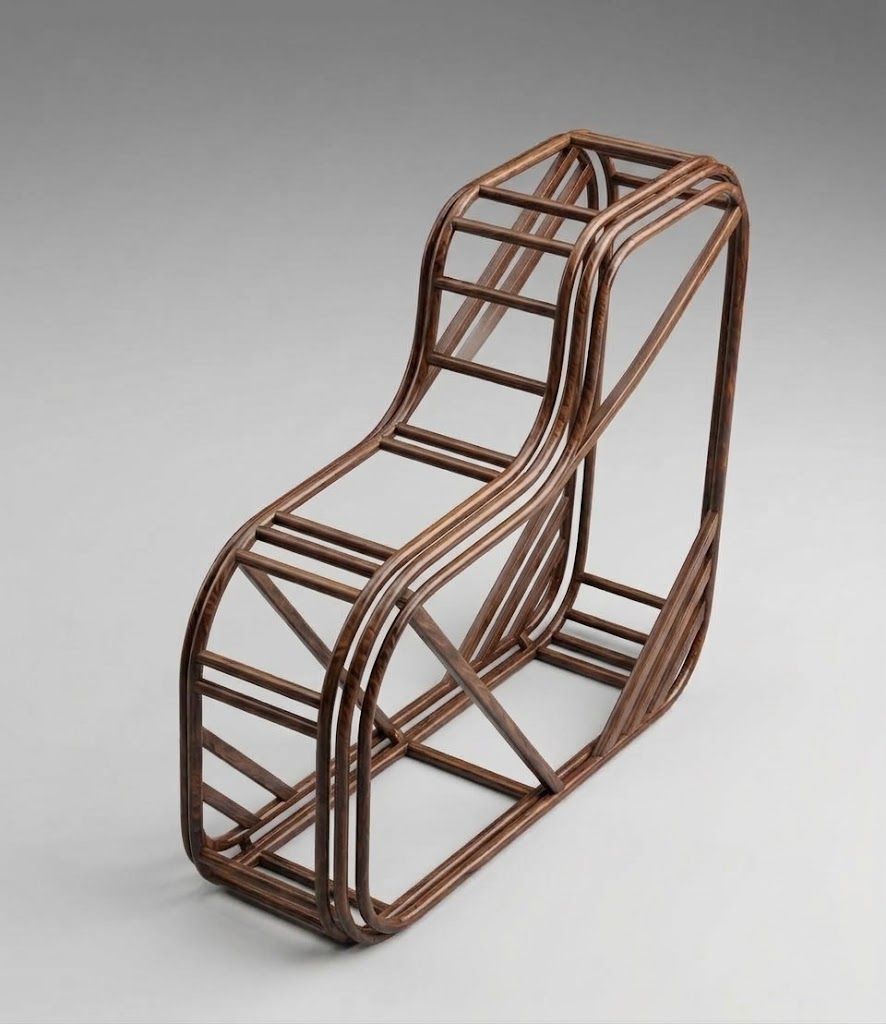
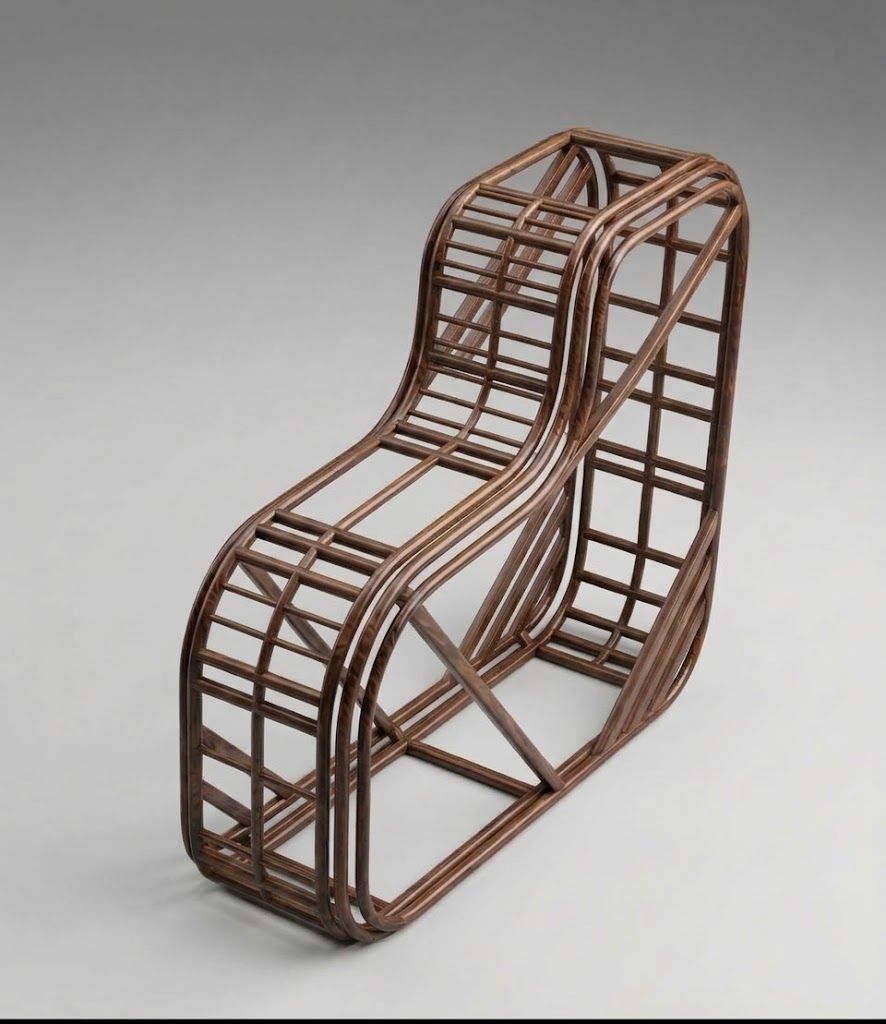
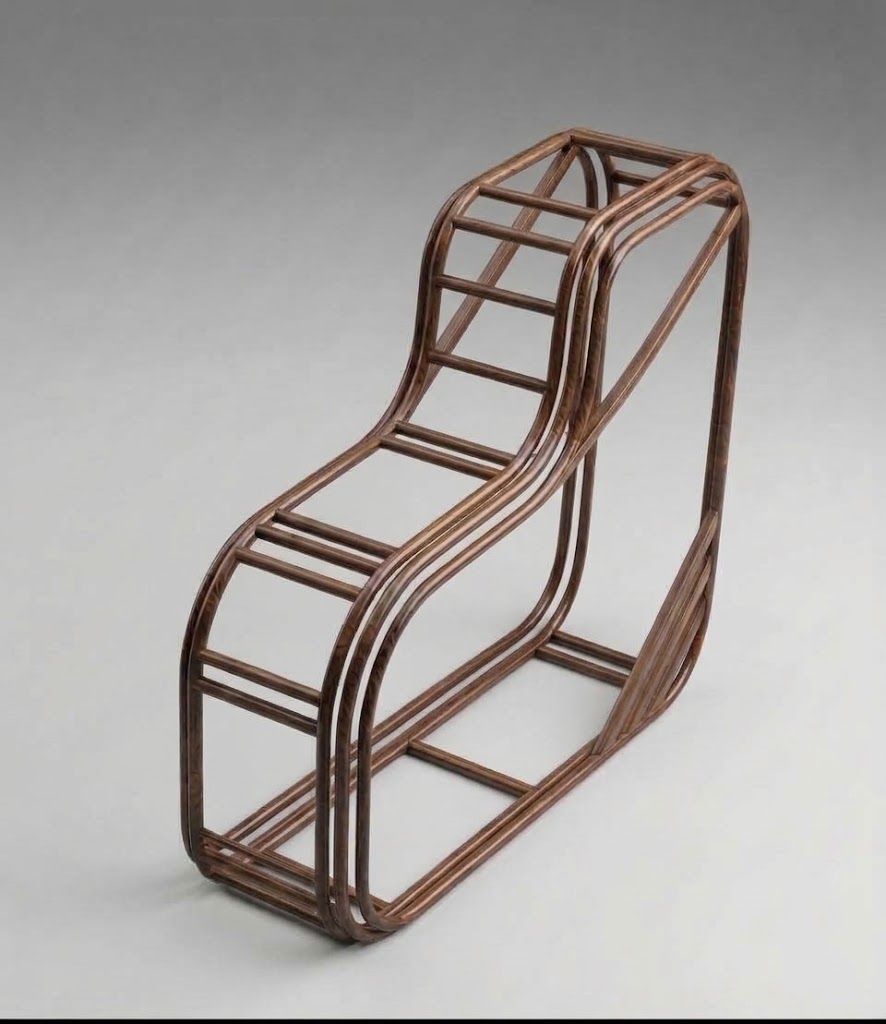
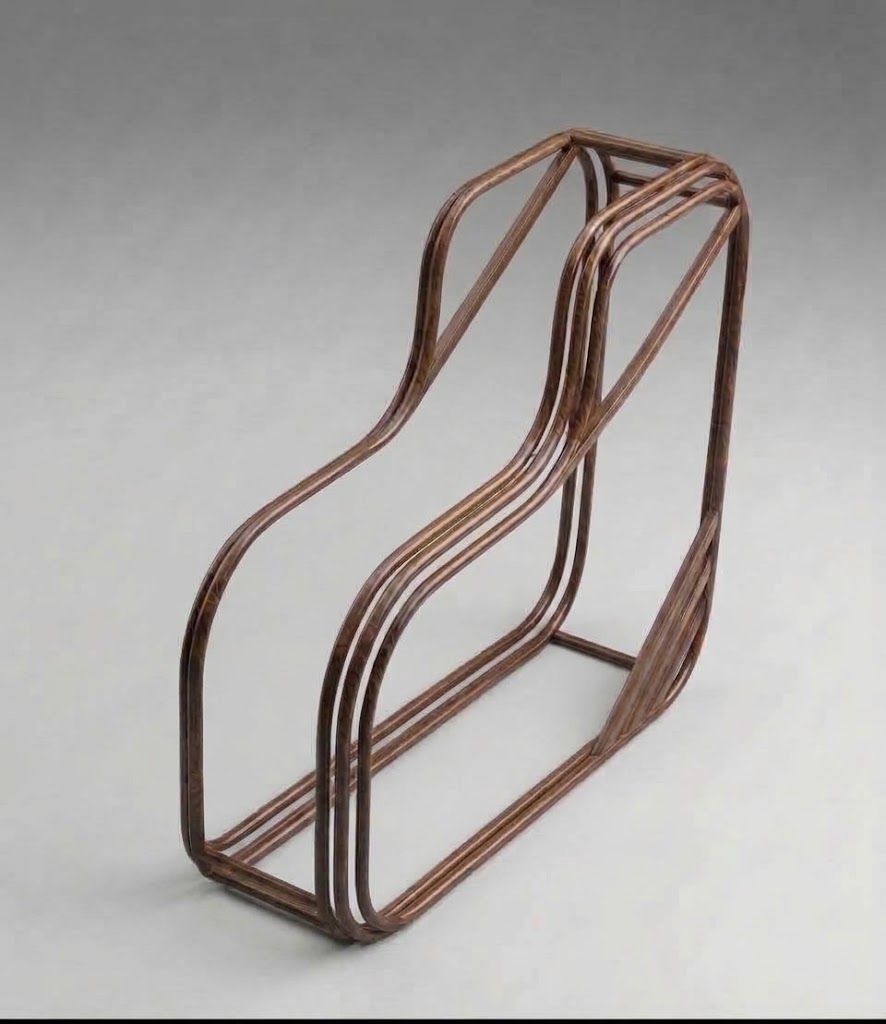
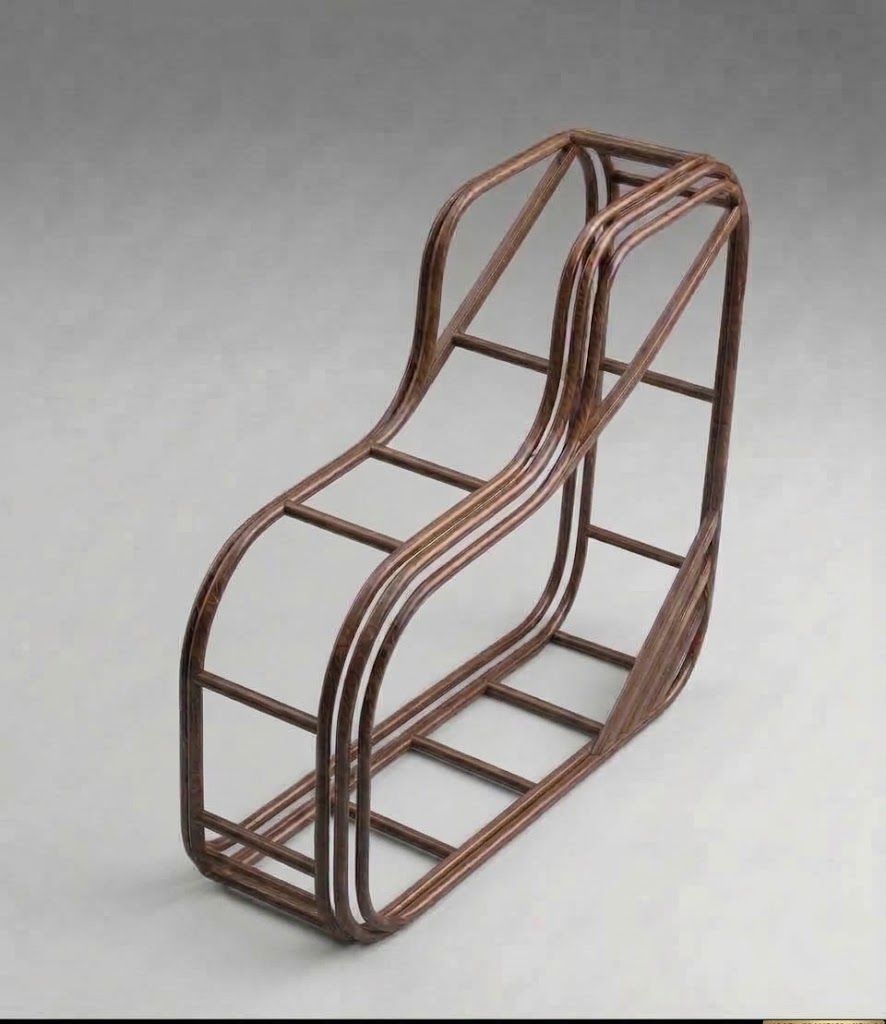
-
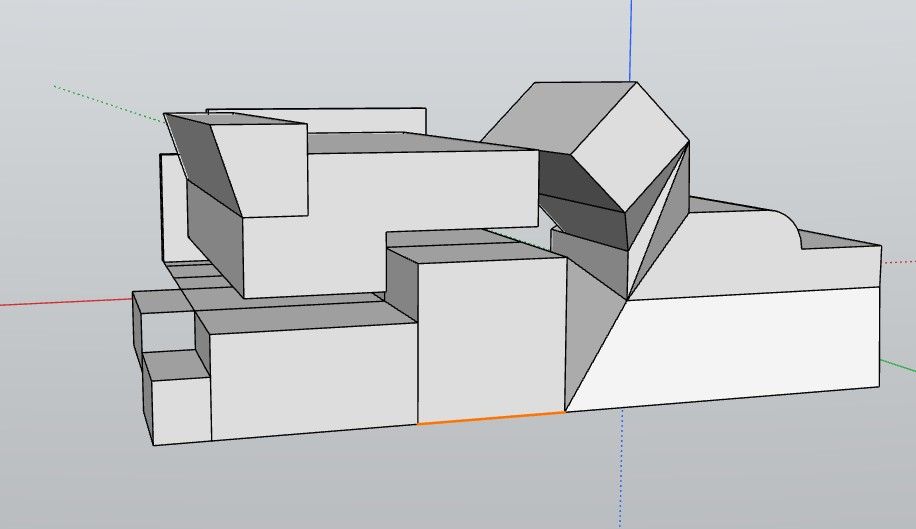
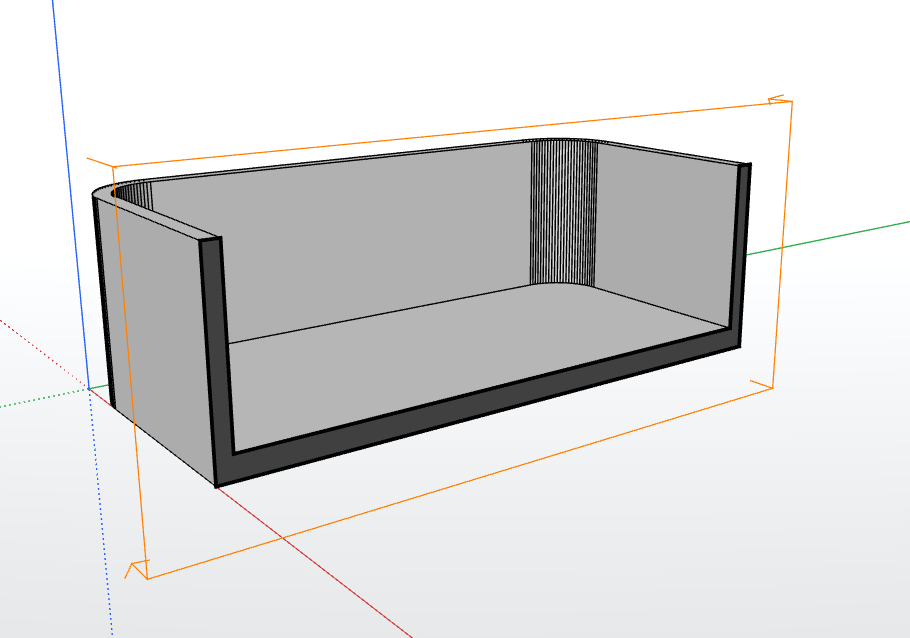
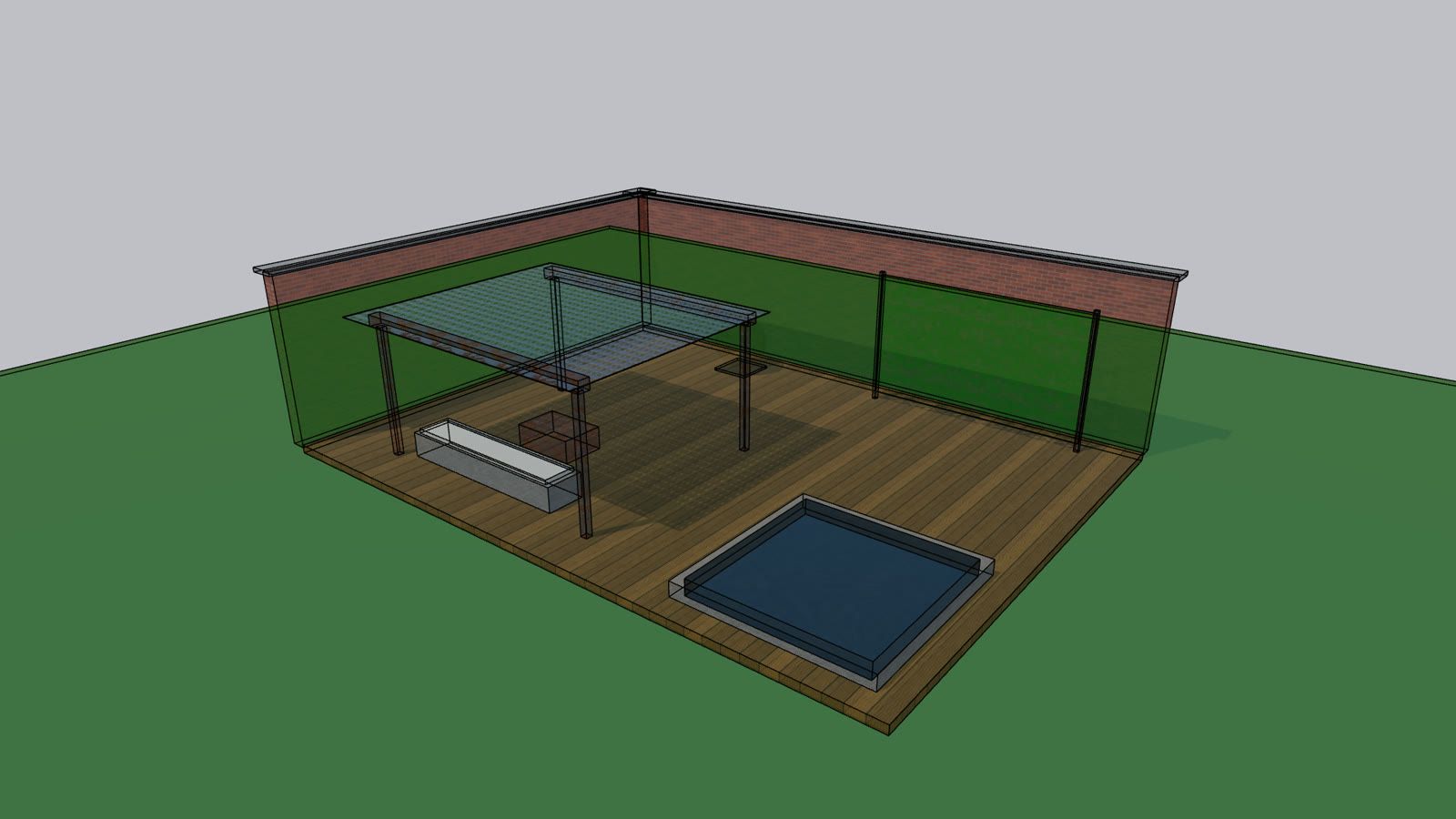
I created a box, did an offset on the fop face and then extruded the face so that I created a shape like you see in the image. I then used the Place tool so that I could show the model the way I wanted to see it.
So, as you can see in the image you will see the plane view of the simple model. Now for the silly question: how do I remove the plane outline so that it does not show if I want to share the image?
-
@ntxdave
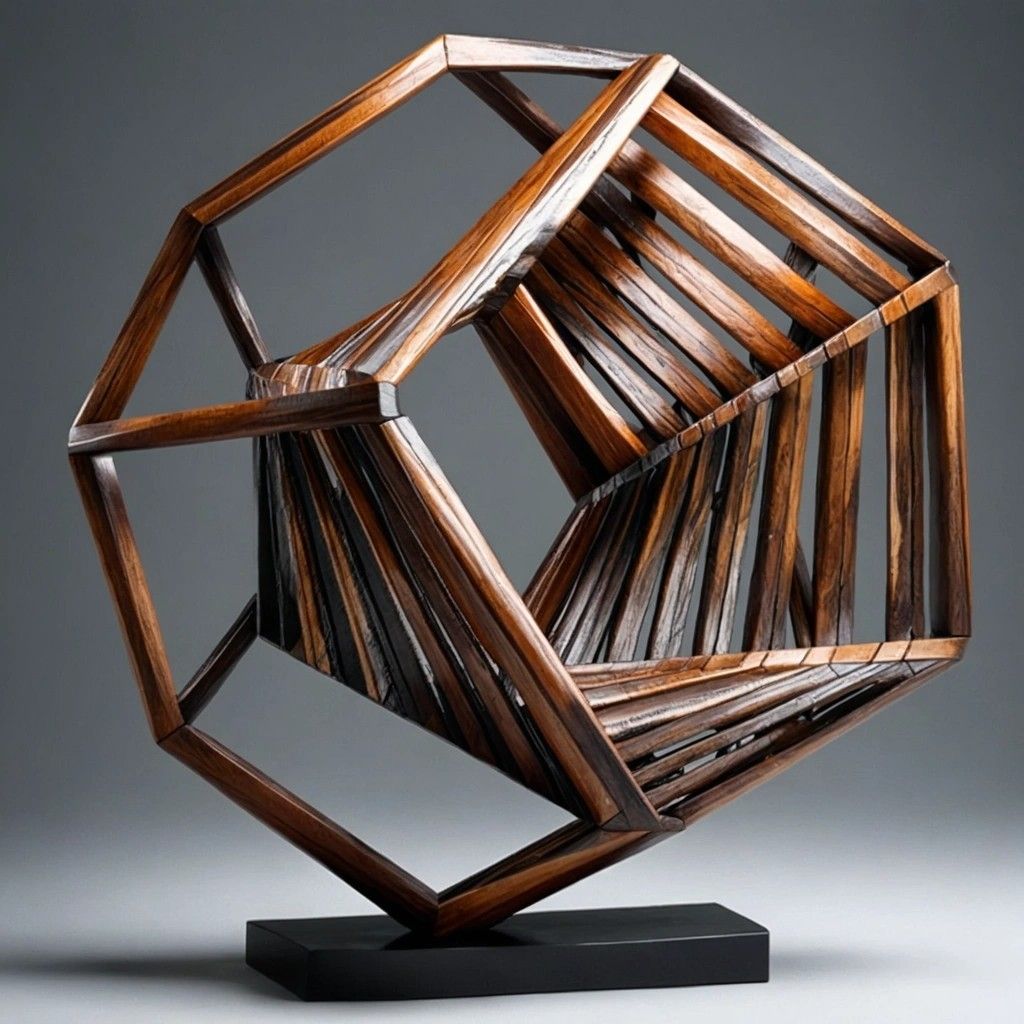
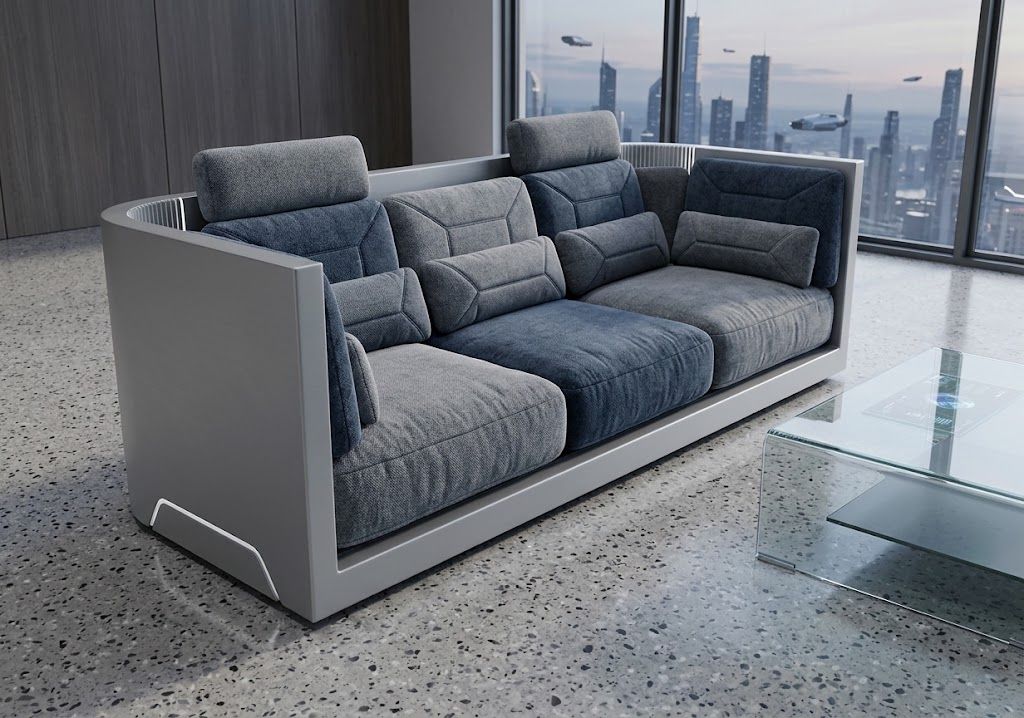
Right Click on the Section Gizmo / Contextual menu / HideBut any AI can do that! Prompt : erase axes, lines and make a futuristic sofa with cushions !
Frenchy Pilou
Is beautiful that please without concept!
My Little site :) -
-
@ntxdave This is the child's game I was telling you about: send your ModLumi image (Drag and Drop) to an free IA (here Gemini https://gemini.google.com/app) And write or Speak a prompt (see above)
10 seconds after you obtain that you have asked!
What do you want more ? No hard learning curve, nothing to learn, infinite world of exploration!
And it's only "Still images" !
You can imagine for animation! -
@ntxdave Of course in free it's only 7 seconds but you can make several and past them!
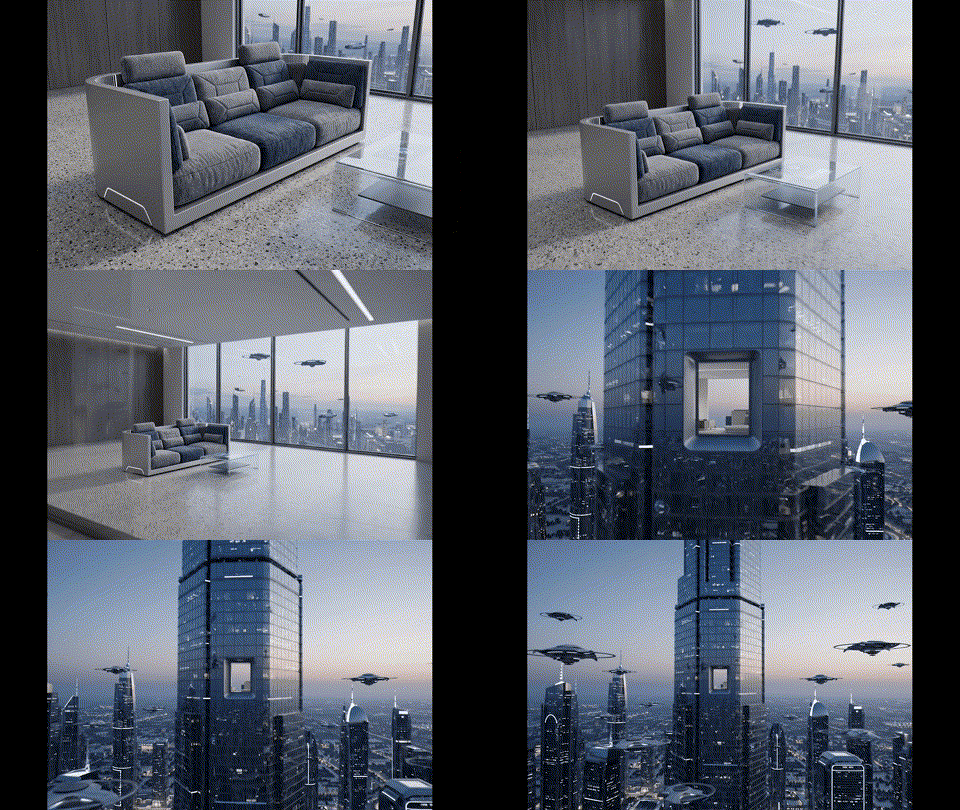
So following ... With sounds!
-
I really enjoyed the "pull/push" over curved surfaces function.
Is there any "sandbox" toolset? -
-
Modlumi 0.26 is out: sun and shadows, realistic materials, X-ray and a Cut List
Your models get a lot more light in this release. The sun now casts real shadows, materials can look like metal, glass or glazed tile, and X-ray lets you see and snap through walls. Woodworkers get a Cut List too. Thank you all for testing every build, posting your models and asking for the next thing. Much of 0.26 started with your requests here and in Help → Report a Bug.
Download it for Windows from https://modlumi.com/download/latest/windows, or open the browser version at https://modlumi.com/app/. If you already run 0.25 on Windows, it will offer you the update. The Mac build of 0.26 will follow later.
Light your model with the sun
Turn on View → Shadows and drag the sun across the sky with the Sun tool. Window → Sun places it by its angles, or as the real sun over a city you pick, on a date and at a time of day. The sun is saved with your model, and every change to it can be undone.
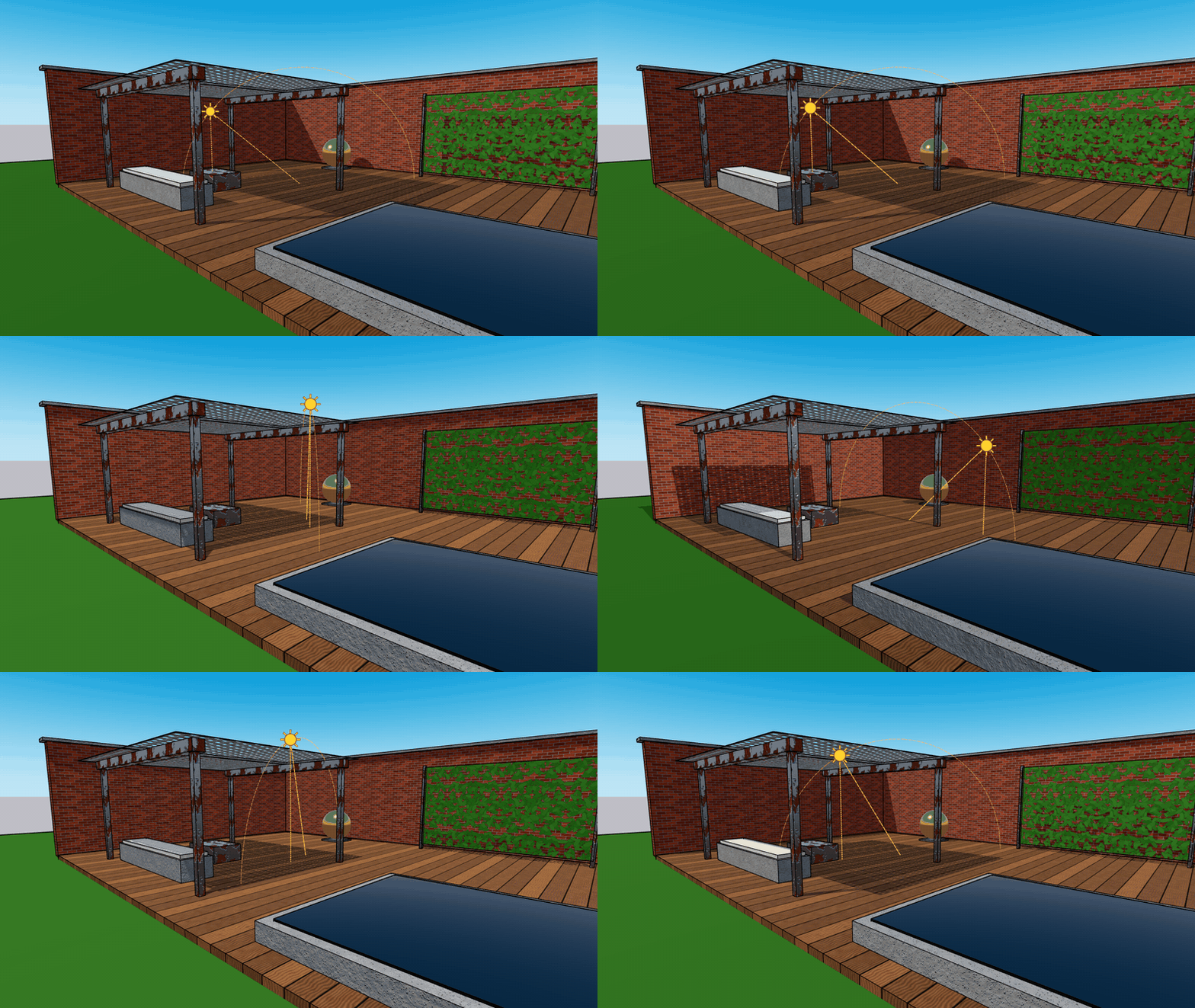

Sun and shadows
Light the model from the sun, cast its shadows, and place the sun by dragging it in the view or typing its angles.

Modlumi Docs (modlumi.com)
Realistic materials with PBR shading
@ntxdave, you asked how to make something look metallic, and for materials whose roughness and shine you can adjust. Here they are. Materials now have roughness and metallic values and can take roughness, metallic, normal and opacity maps. Switch the view to PBR in its corner, or under View → Shading, to see metals reflect the sky and leaves cut out of a flat face. These finishes come in with your SketchUp materials and go out in glTF exports.
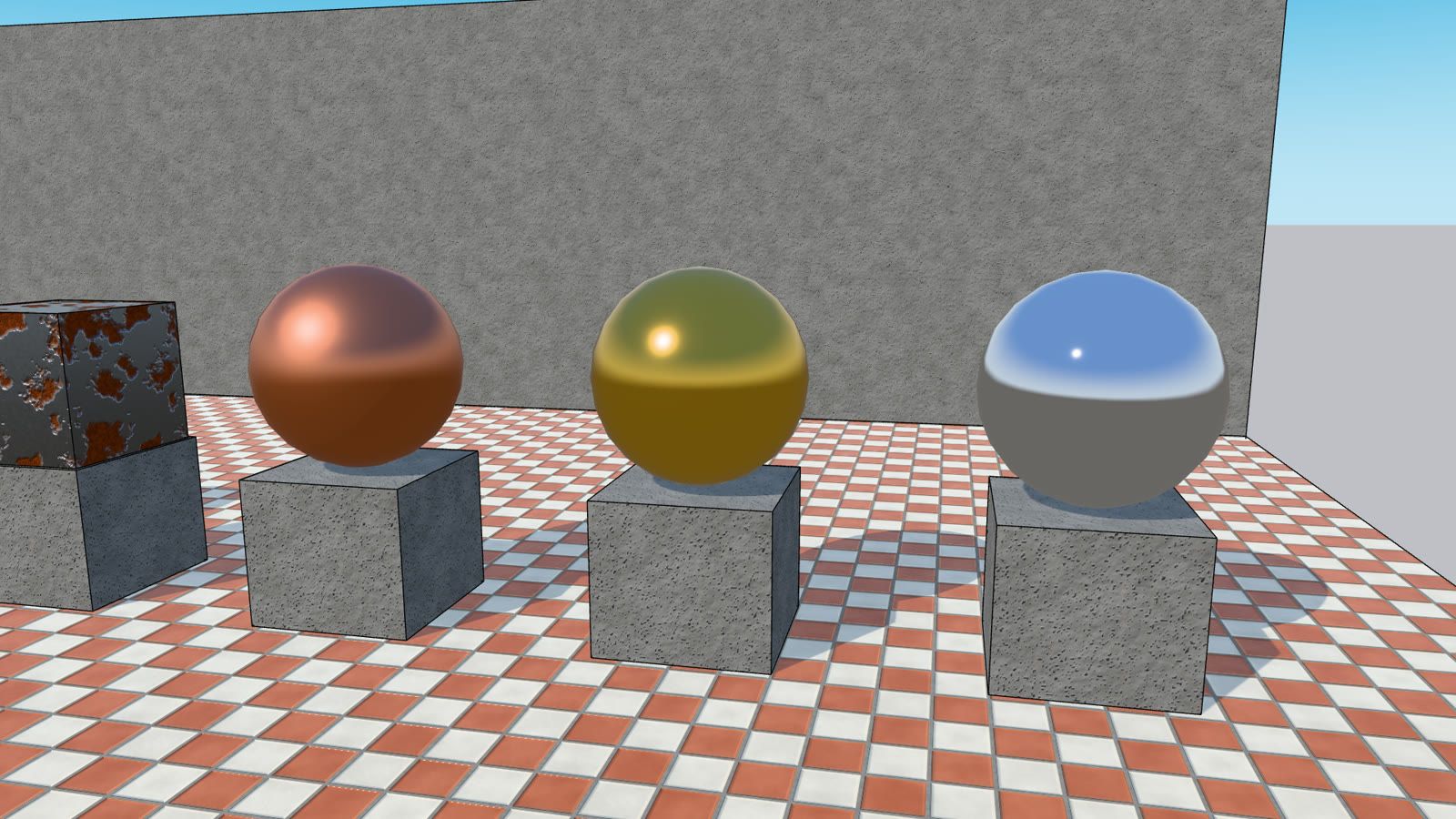
Materials
Paint faces and objects, create and edit materials in the Materials panel, use library materials, share material files, see them in PBR shading and sample existing materials.
Modlumi Docs (modlumi.com)
Create and edit materials
New material in the Materials panel makes a plain color material right away. Select a material to edit it below the list: its color or image, opacity, roughness, metallic and normal map. Or pick a finish from Matte to Mirror and watch the model change as you go.
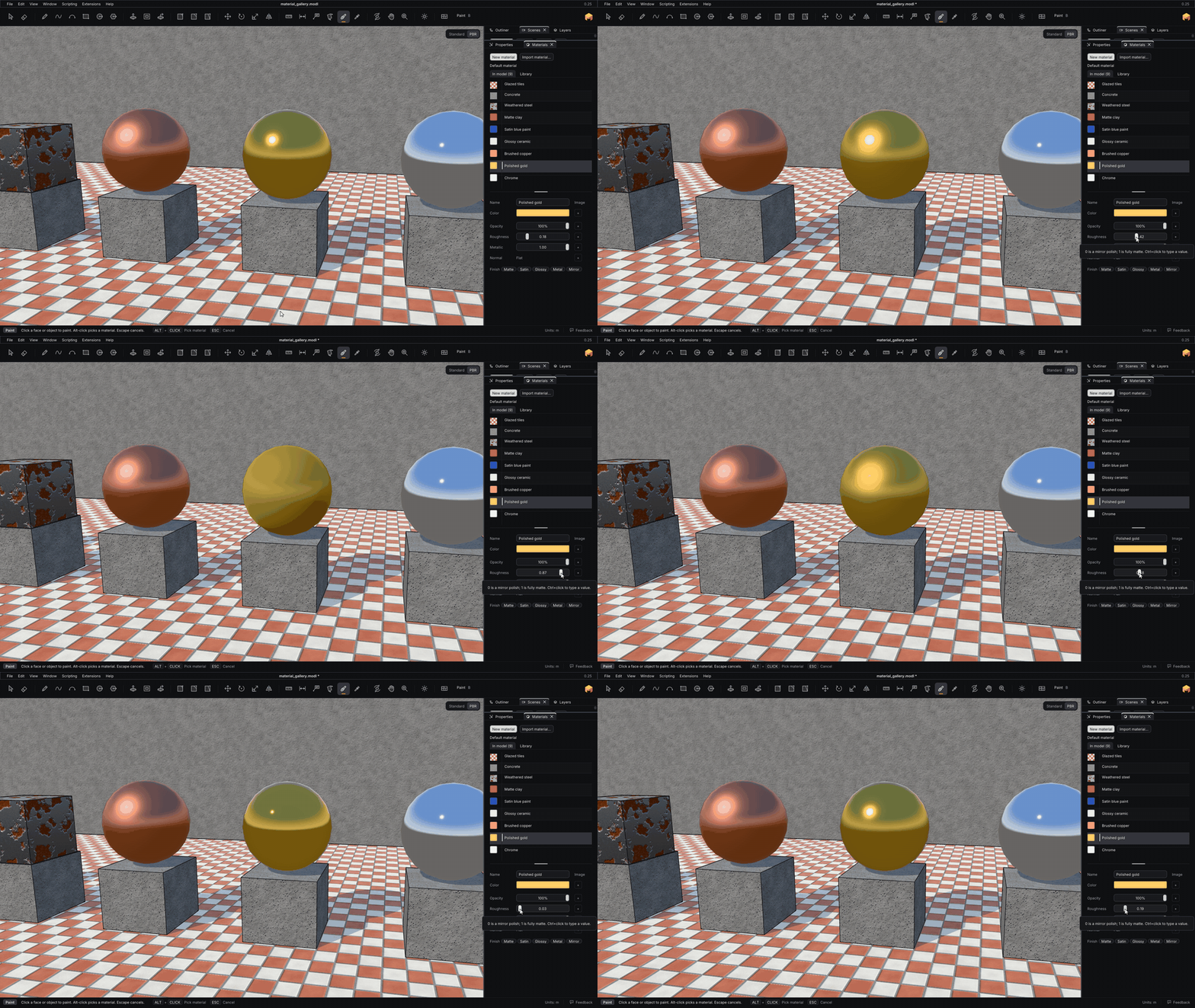
Materials
Paint faces and objects, create and edit materials in the Materials panel, use library materials, share material files, see them in PBR shading and sample existing materials.
Modlumi Docs (modlumi.com)
See through your model with X-ray
View → Face Style switches between Shaded, X-ray and Wireframe. In X-ray, faces turn see-through, so you can select and snap to edges behind a wall, even halfway through drawing or moving something.
Navigate the view
Orbit, pan and zoom around your model, and change how it's displayed.
Modlumi Docs (modlumi.com)
Plan your woodworking with the Cut List
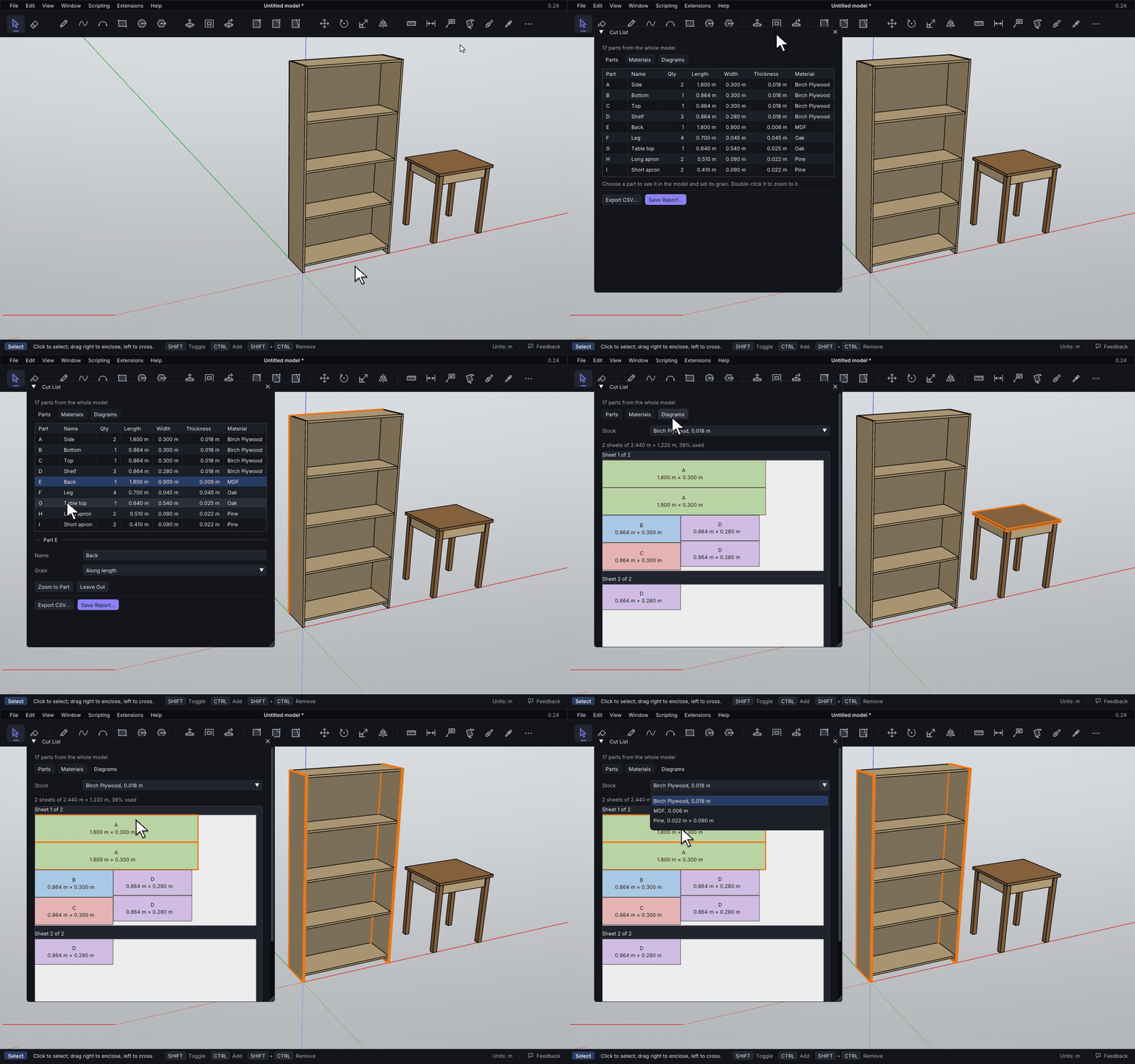
Window → Cut List lists your model's parts with their sizes, quantities and materials. It then lays them out on sheets and boards, allowing for the saw kerf. You can export the list as a CSV or a printable report.
Plugins
The twelve plugins that come with Modlumi, what each one does, and how to turn plugins on and off.
Modlumi Docs (modlumi.com)
And also
- Image thumbnails in the file picker. A Thumbnails view sits beside the list, and pickers that only take images, such as a material's image, open on it.
- A refreshed look in both themes. Calmer grey surfaces with thin outlines, with the orange accent kept for what's active, such as the current tool. The website and documentation match it.
Fixes
- Move moves what you drag. Press on a face, a selection or a screen text label and drag it to move it in one go, so you can now drag a label into place. Thanks to everyone who reported this through Report a Bug!
- Extrude shows its preview when you push a face into a solid. Before, pushing a face down into a box to make a pocket showed nothing until you clicked.
- The file picker sorts numbered names by number (texture-9 before texture-40), and no longer opens with an old search that hides your files.
All the details are in the release notes: https://modlumi.com/docs/release-notes/
Thanks again for all the feedback. Keep it coming, it really shapes what comes next. As always, tell me what breaks and what you'd like next. Help → Report a Bug can attach your model.
-
Great ! Thanks
-
@ntxdave
I believe it's that!
Push Pull Curvated surfaces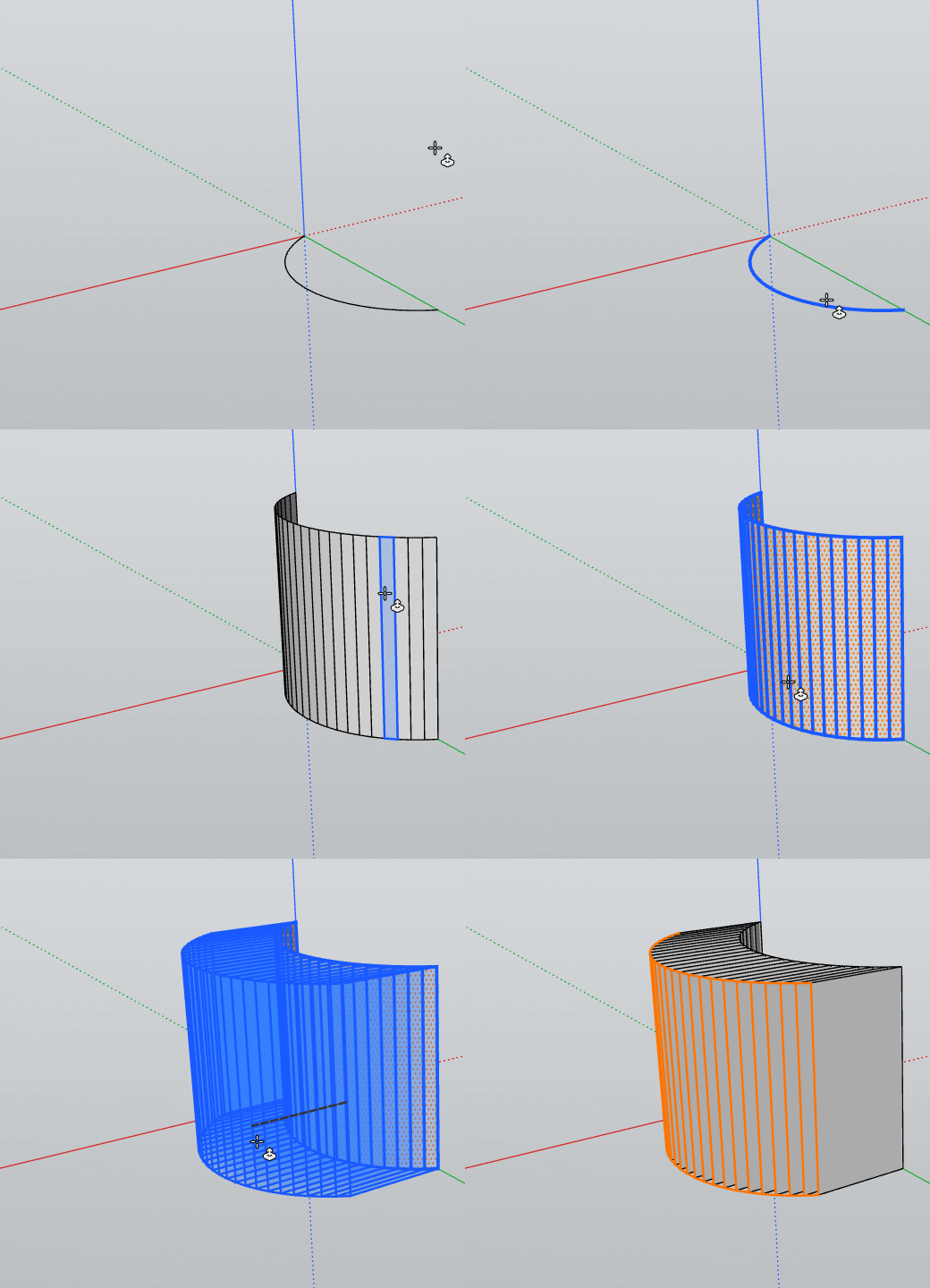
Does exist an option for Extrude only "Normal" faces multiple ?
Frenchy Pilou
Is beautiful that please without concept!
My Little site :)




Hello! It looks like you're interested in this conversation, but you don't have an account yet.
Getting fed up of having to scroll through the same posts each visit? When you register for an account, you'll always come back to exactly where you were before, and choose to be notified of new replies (either via email, or push notification). You'll also be able to save bookmarks and upvote posts to show your appreciation to other community members.
With your input, this post could be even better 💗
Register Login


Advertisement