Rayscaper New Releases
-
@pixelcruncher
Hi Thomas
Firstly, I have recently created some of my own materials, but I have discovered some bugs. When I use the material I made myself, the first drag of the material can accurately fit into the surface of the object, but when I continue to change to another material, the surface of the object will maintain the state of the material I first imported..
Secondly, some users around me have discussed that material management requires custom file paths, and the practice of saving all created materials in the system drive letter by default is too demanding on the system drive space. This is a highly needed feature!
Thirdly, can the batch rendering function generate separate parameter settings for each camera perspective? Including resolution and aspect ratio for each perspective, exposure and tone mapping settings, rendering sampling settings, etc.. Only in this way can batch rendering be used to achieve differentiated rendering output for each perspective at once!
The first question is shown in the picture: Starting from the colorful carpet, replacing the gray white carpet resulted in the loss of texture; Replacing the blue fabric again resulted in jumping back to the colorful carpet.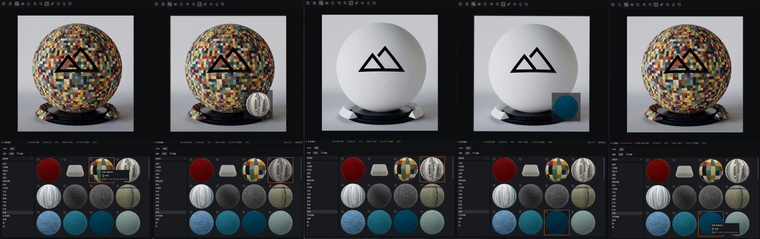
-
@pixelcruncher
Looking forward to your reply. This is very important to me. I have been making teaching videos for Rayscaper recently, and the self-made material library is a key feature that needs to be used in the teaching videos. Some of my demonstrations and explanations cannot proceed smoothly -
@pixelcruncher
I sent you the scene by email
ThanksI'm trying other settings, adding light panels in the windows and other spp level and image size
-
@lightscape
hello,
did you try to restart rayscaper? Sometimes it helps -
Thanks for the clear report and the screenshots, and for making Rayscaper tutorials! Send me the links when you are done! Would love to check it out in Chinese.
1. Your own materials keep the first material's texture
Thanks, your screenshots show the problem well. This is a bug, and I'm working on a fix. I'll let you know here when it's in a release.
2. Choosing where the material library is stored
That's a good point. Right now your saved materials and the downloaded textures and HDRIs go to the Rayscaper folder in AppData on the system drive, and you can't change that. I've added this to the list: a setting to choose the folder.
Until then, there's a workaround on Windows: close SketchUp, move the folder
%APPDATA%\Rayscaper\AssetCache(the downloads, usually the biggest part) to another drive, and put a link in its place, for example:mklink /J "%APPDATA%\Rayscaper\AssetCache" "D:\Rayscaper\AssetCache"3. Different settings for each view in Render Scenes
This is planned: each SketchUp scene will be able to keep its own Rayscaper settings, and Render Scenes will render every scene with its own settings. The first version will cover the environment and the camera, including resolution and aspect ratio. Exposure and tone mapping come after that. I've also noted that you want different sample settings for each view.
Cheers,
Thomas -
The Animal Fur preset sets Coloring to Natural: the hairs get a natural brown color, like a real animal's coat, and the texture only tints that brown. So your gray and white cat turns brown. The surface under the fur uses a darker version of the same color, which is why it looks brown even without fur.
To keep the texture, choose Animal Fur, then open Advanced in the Fur settings and change Coloring (under Color) to Dyed. The hairs then take the colors of your texture.
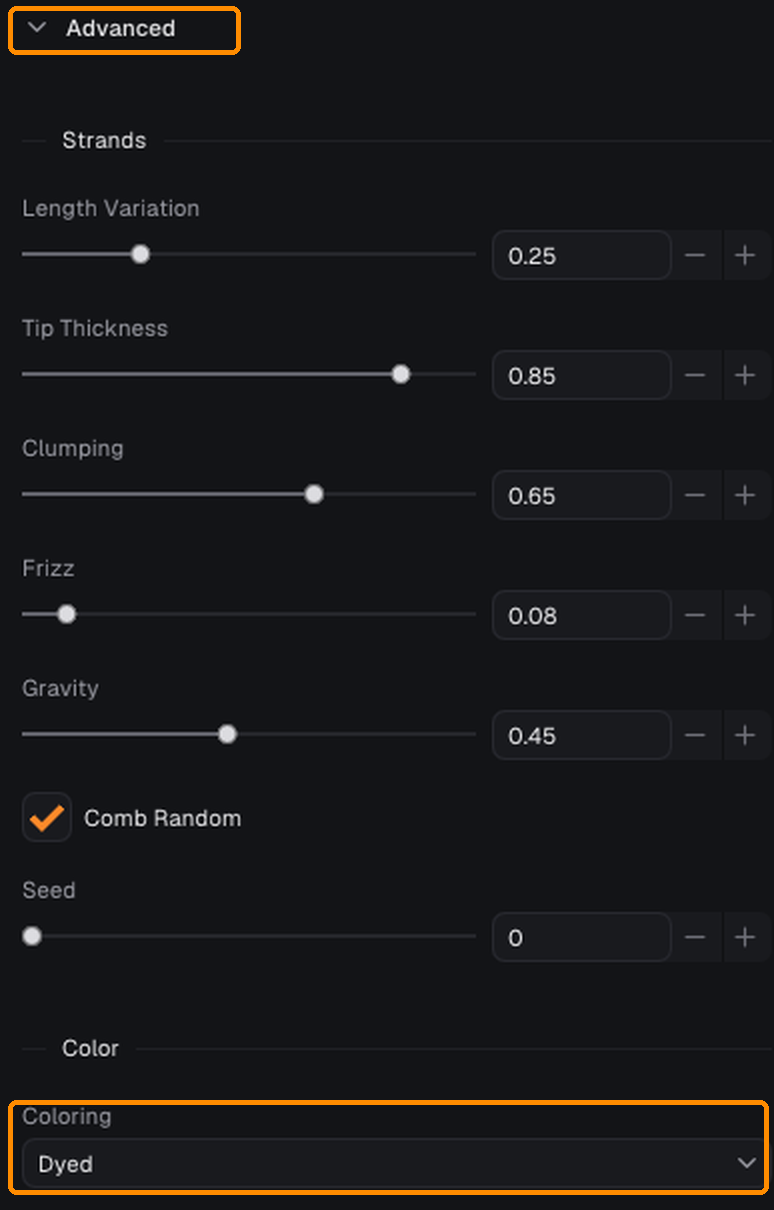
As Mike says, for a short-haired cat, also make the fur much shorter and less dense.
I think a textured animal should just work with Animal Fur, so I'll change that. If it does not work, can you send me the cat model? Then I can test with it.
Cheers,
ThomasI'm the developer of Rayscaper: https://rayscaper.com/ - Fast and easy rendering for SketchUp.
-
@pixelcruncher
Thank you for your work. My tutorial will be released gradually, and I will send you the video link. -
@Krass
I also found a model of eating cats, but I couldn't handle its face well. Fur always affects its mouth and eyes, so I asked it to turn around and look back at the grass.. Fur needs to be very short to show the state of a cat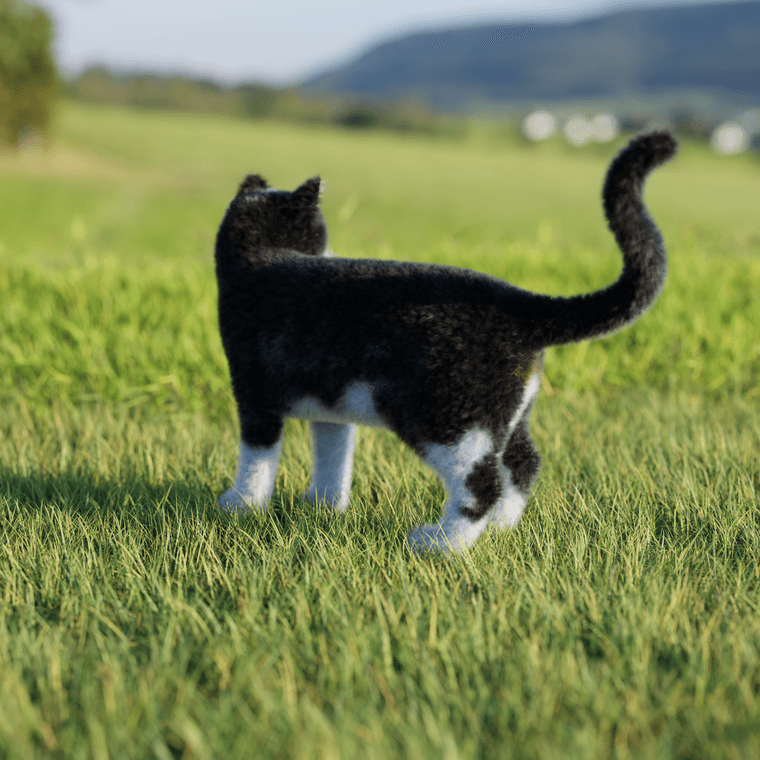
@pixelcruncher
I have also submitted this test to the Showcase
-
@Krass
Yes, I have tried restarting Rayscaper and still encounter this issue -
@pixelcruncher
Ah, yes,
there was a trick to it! You thought of everything!
Thanks
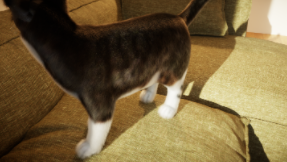
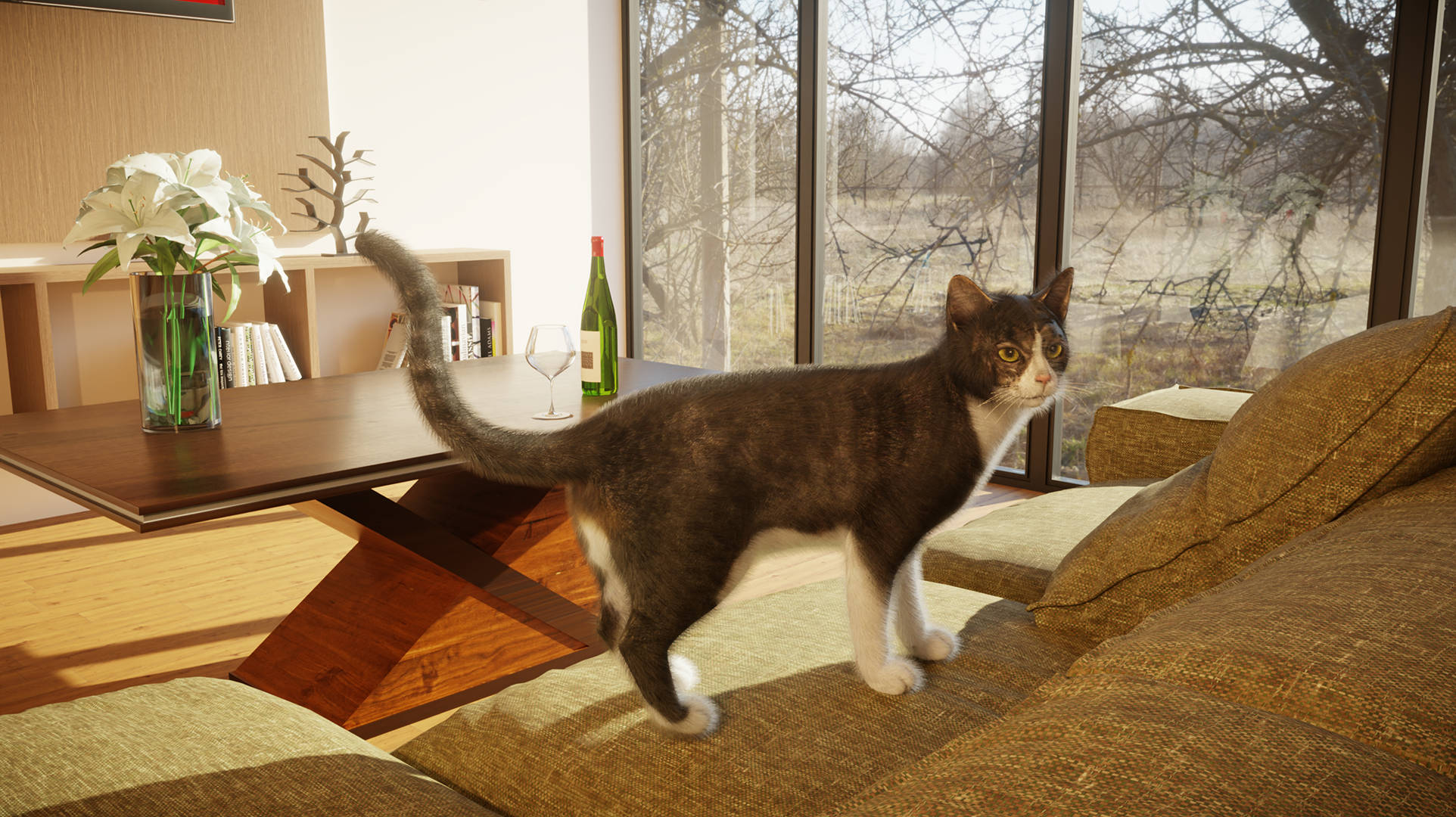
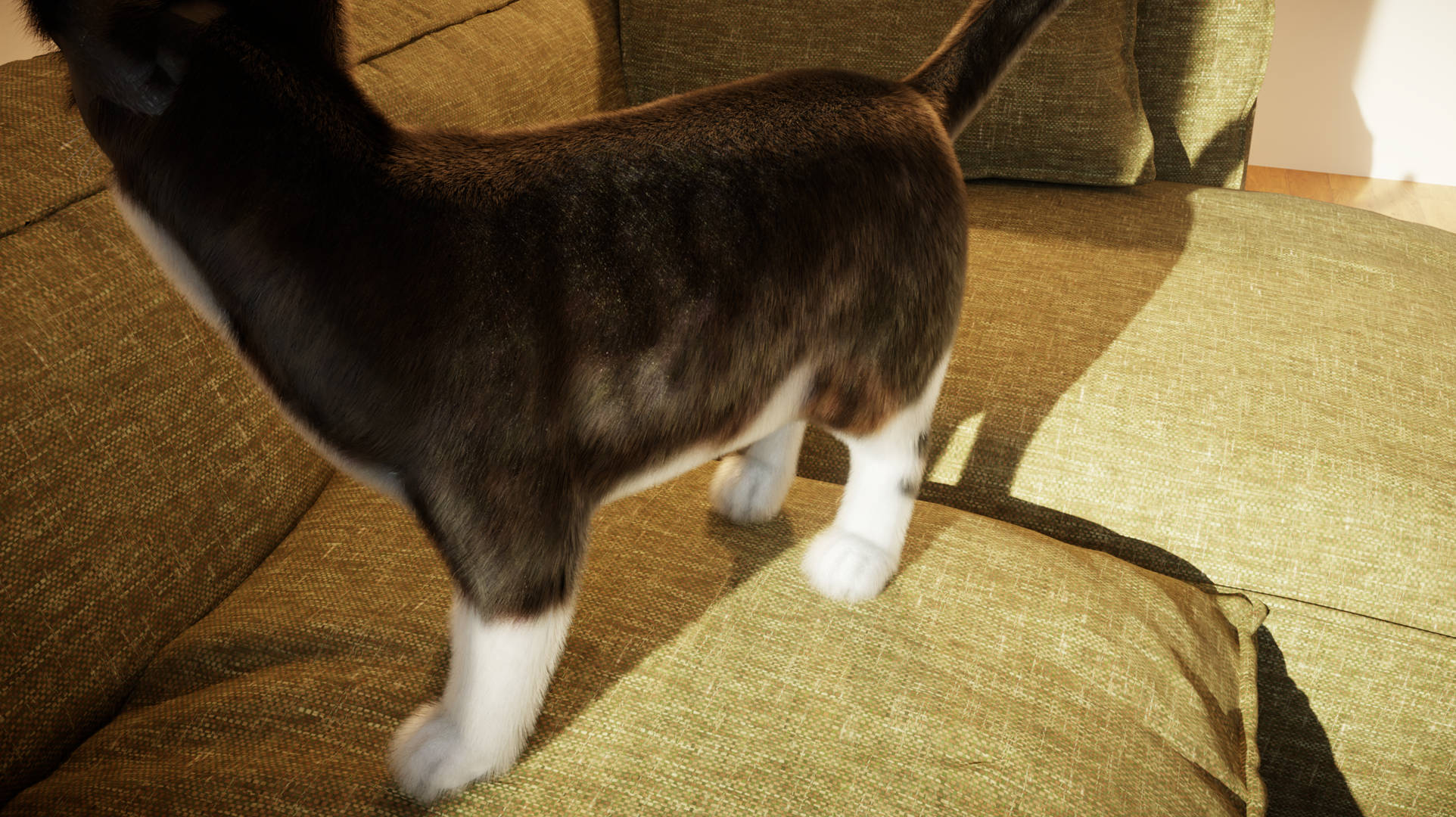
This cat still has a bit of "hair loss," but he’s making progress.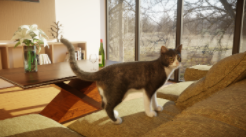
-
@lightscape Yeah, this is a genuine bug. I'm fixing it for the next release (likely somewhere next week).
-
@lightscape
I really like your image,
At first, I thought you’d sent a photo... I said to myself: that’s cheating in this fur-themed contest!
Yeah, your cat still looks a bit like a carpet, but it’s getting closer. may be a young cat, with strong fur.
I think it’s the same model from the 3D Warehouse that we used. -
Thomas,
I’ve actually added two light panels, matching the size of the two corner windows—it’s a great improvement, it changes everything. The only downside is that I lose that realistic, high-contrast, daylight-style atmosphere. For this version, I went with 1440p resolution and 512 samples per pixel (spp); I’ll send the raw file over via email. -
higher density fur cat


Hello! It looks like you're interested in this conversation, but you don't have an account yet.
Getting fed up of having to scroll through the same posts each visit? When you register for an account, you'll always come back to exactly where you were before, and choose to be notified of new replies (either via email, or push notification). You'll also be able to save bookmarks and upvote posts to show your appreciation to other community members.
With your input, this post could be even better 💗
Register Login


Advertisement