Failing to use VisuHole on round surface
-
Hello,
I am new here. Sketchup Beginner to Intermediate. I am using SketchUp to design details of our resort we are building on a small island in Thailand.
We have this round sofa. 12 Meter outer diameter.
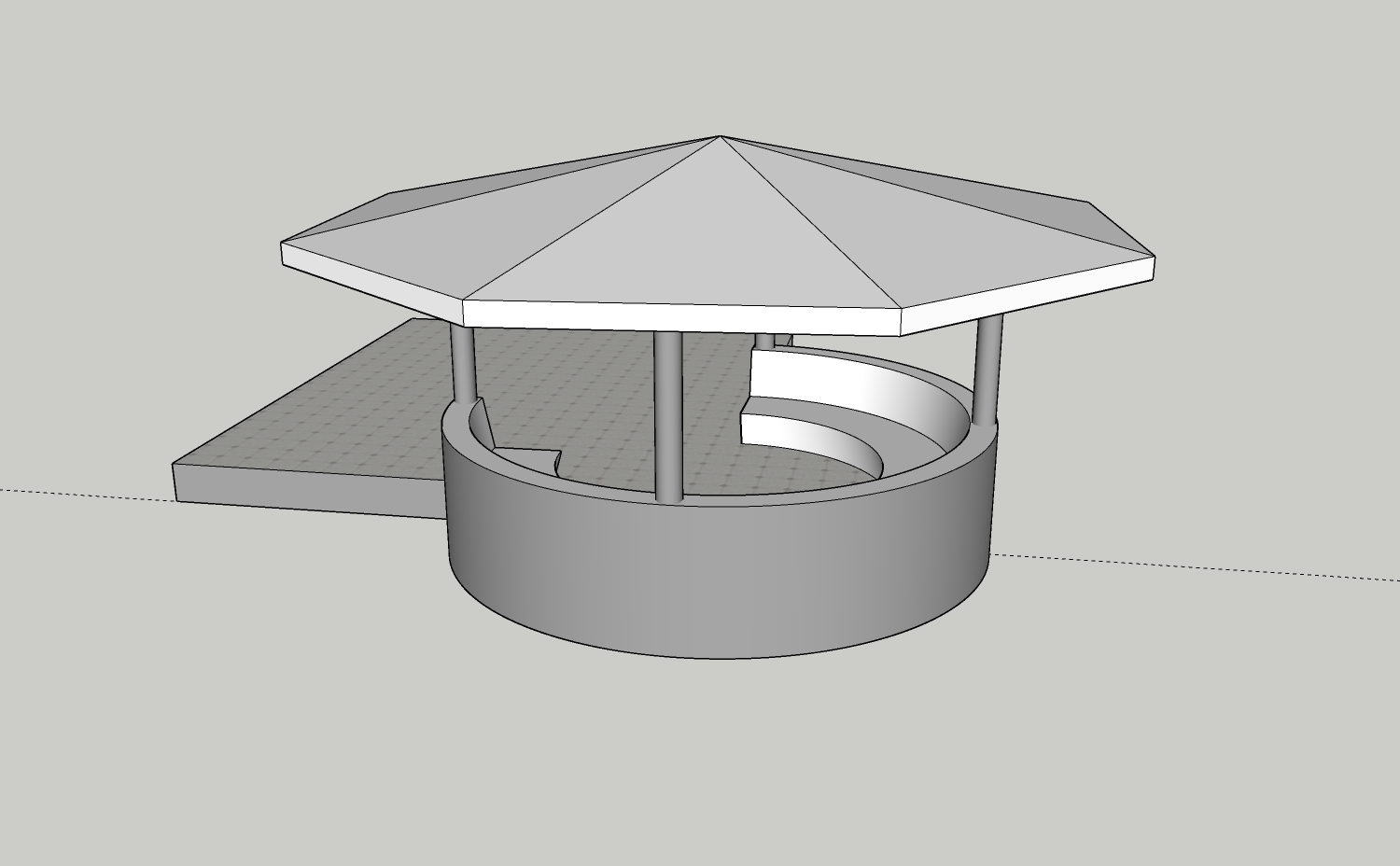
On the outer wall I want to write in big letters "Corsita Resort Koh Mak". I only manage to have VisuHole write part of the text block. Even though it shows the whole Stencil. Even if I would manage to write all 4 words, I then miss a way to strech the words over the hole 12 meters. I can solve this by setting the dimensions on the textblock before using VisuHole but I would have expected to find this function in VisuHole?
In some trials it writes "Corsita R", in the next one "Cors" and in the next one I get "Corsita Resort Koh M". Sometimes even a crash of the extension.
Positioning of the text block is very difficult. Even if I had al 4 words complete it would take me long time with several trials until I find the correct position.
Can anyone help?
Here an actual image of the place:

PS: this post is from March 19th, 2021. At a later date you will end up seeing the final result in this live daily image (changes daily)

-
What you are trying to do would probably be more easily achieved with another extension - like TrueBend or ShapeBender - manipulating a 3dText group...
-
@tig said:
What you are trying to do would probably be more easily achieved with another extension - like TrueBend or ShapeBender - manipulating a 3dText group...
Thanks. Shape Bender was the solution. Not easy to use until you understand. But great when you know how.

Hello! It looks like you're interested in this conversation, but you don't have an account yet.
Getting fed up of having to scroll through the same posts each visit? When you register for an account, you'll always come back to exactly where you were before, and choose to be notified of new replies (either via email, or push notification). You'll also be able to save bookmarks and upvote posts to show your appreciation to other community members.
With your input, this post could be even better 💗
Register Login


Advertisement