Bella Render
-
You should be able to do it here. Just to say, I have to step out of the office for a couple of hours. Also I am polishing a couple of scenes to put on our sample scenes page, should be ready later tonight.
-
As I mentioned earlier in this thread, I would like to see some documentation or tutorials about how to use Bella Render a little better with SketchUp. I decided to try to develop something and have a long way to go. I was going to post in on the Bella SketchUp Plugin forum but did not see a way to add an attachment to a post. So I am attaching it here to see if I can get some feedback from others as to whether this has any value. Would appreciate feedback but as I said, it is only a starting point.
-
Looking good so far! I see you already discovered that the plugin is listening for material selection by eye-dropper (and vice-versa -- it will also select a material in sketchup, when you click on it in the bella settings window).
Apologies that we do not support hosting user content directly on our site, but the various developing laws pertaining to this have caused us to choose, at least for the time being, to simply not do so. So to post things there, you must host the content somewhere else (I use imgur for images) and link to it.
-
Thank you sir. I was trying to do an explanation of The materials I had seen somewhere on your site but the I could not find it again. Hope I can do some more tomorrow.
Any suggestions or would you guys like to take over. What the heck time is in Barcelona or are you located somewhere else? :

-
I'm in the minneapolis area, and the others are (and the company is set up) in barcelona, which is 7 hours ahead of me. On the help, it is actually most interesting to me to see how you are perceiving things, and how you are presenting them.
I am right in the middle of some things now so will not likely work on docs for this plugin for a week or so, so if you wish to continue I am sure it will be useful, and I can talk to the others about working something out, license-wise, to make sure you are not just donating your valuable time.
-
I have now uploaded the example scenes I mentioned earlier, here and here.
They are made available in both SKP and BSZ format, which is a bella format that embeds resources along with the BSX file that uses them (BSX is the binary bella format, as opposed to the ascii BSA format written by this pure ruby plugin).
-
Hi Jeremy!
I posted in the Bella forums but cannot seem to see the post for some reason...anyways...
I downloaded the plugin and this happened :
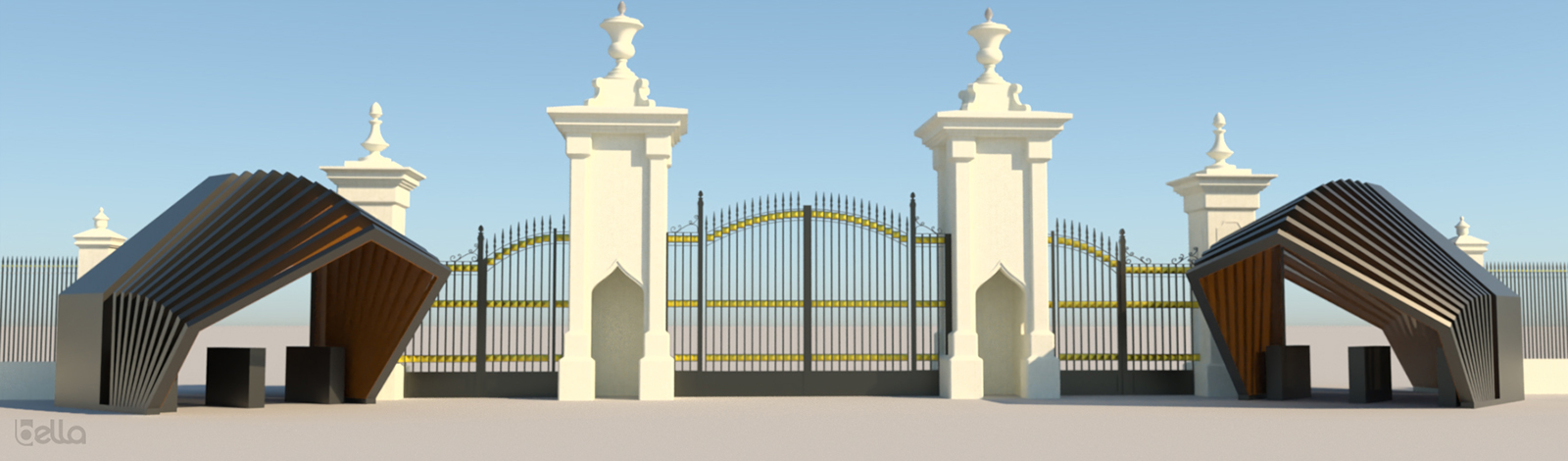
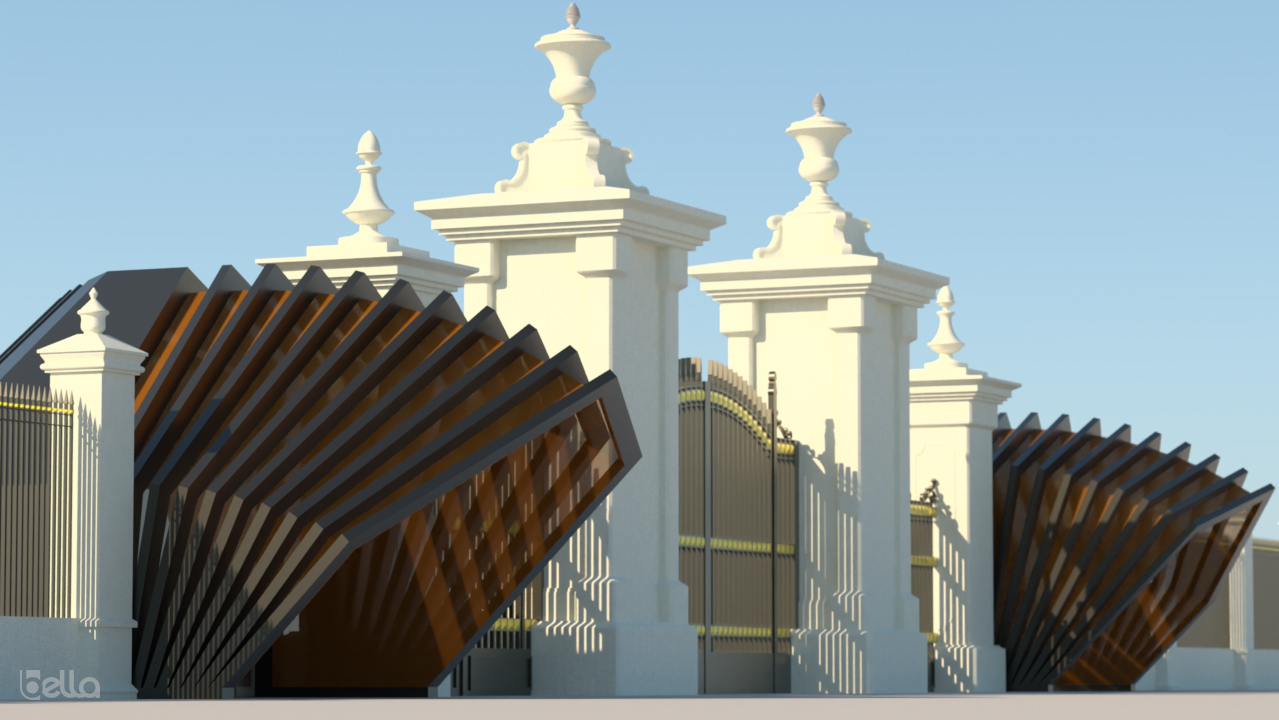
I gotta be honest here... i did struggle a bit with navigation to get the right view and there were a few other things like saving the image (without entering the name it would overwrite the old image etc), and finding all the options in menus and submenus was kind of a pain.. i know this is not the final plugin but getting it to work for us common folk requires some extra patience!
BUT.. i love the quality of light i am getting from the render. The image resolutions does not do justice to the renders here.
i am looking forward to the updates and will definitely give this another spin in the future! -
Hey jenu nice to see you.
 That is really strange about the forum -- it's not just you, I can see that your post is listed as most recent, but the post doesn't appear in the thread .. I'll have to check if I need to update or fix the forum software somehow.
Nice to see some images, looks like you're getting the hang of it already.
True it may not be the easiest thing to use once you get to the GUI (though, that is a bit of a fooler, since it is hiding a full nodal model underneath, while not forcing people to deal with big node graphs), but I made no secret that this is basically an internal script I wrote early on just so the other guys could generate their own geometry during Bella's early development. So it's a bit of a geek toy for sure at this point.However, still worth noting that much of the code that's in there will remain even in the eventual full plugin, so it's good for it to see some use, so we catch any issues early, which will speed up development of the full plugin when the time comes.
And meanwhile, just keep in mind that we have here basically a blank slate for that development. I created the early SketchUp plugin forum, and then this plugin, mainly so that anyone who wishes, can get involved early, to help shape how the full plugin ends up looking.
-
Hi jenujacod, take a look at the document (PDF) I posted earlier In the thread and see if it is headed in a direction that is/would be helpful to you. It still has a long way to go but it was something I had suggested to Jeremy/Bella.
BTW: Your render looks good to me. Especially given where the plugin is in its early development stage.

-
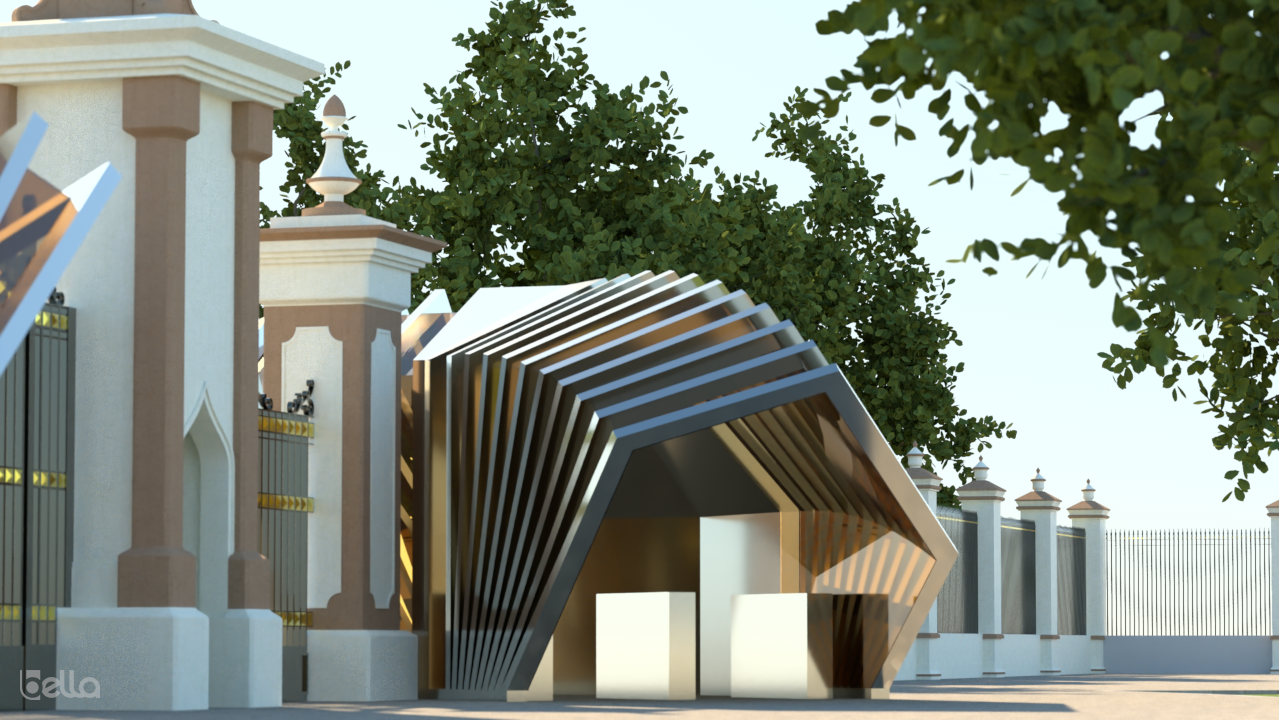
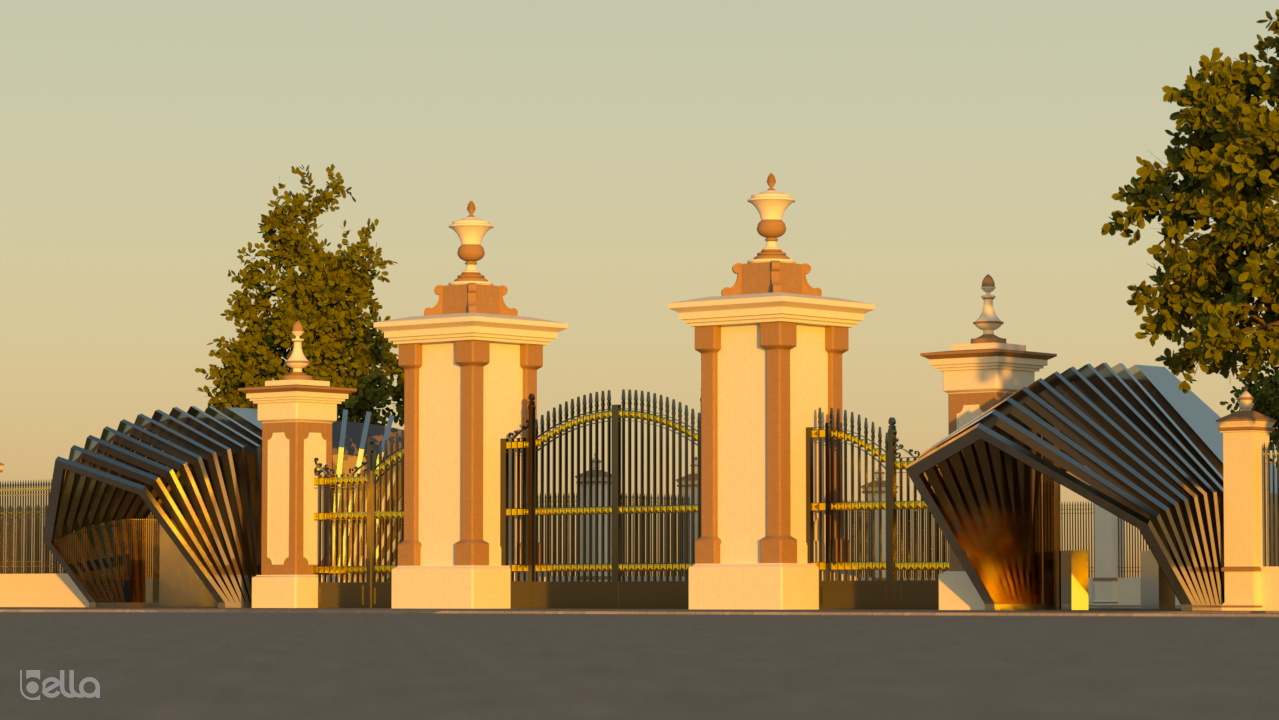
A few more with some trees from the skatter plugin... i couldnt get the grass in (sketchup couldnt handle the raw geometry)
I love the quality of renders coming out of Bella and i am really excited to see where you take the plugin next! hopefully we can get an integrated plugin in the near future!
Jeremy, In the bella forum, i have posted a few points for your consideration.
@ NTXDave : Your PDf seems to be heading in the right direction. Maybe a few step by step points would be helpful for the plugin in its current state? Many folks wouldnt have the time on their hands to find out where certain things are right now in the Bella interface.
-
I wonder how this does with all interior and no natural light. I admit,as mentioned above, I downloaded and got my model into Bella and didn't quite see what to do next, as I might with other plugin renderers. It's hard to find the time to experiment, or learn a new interface. Always looking for more speed relative to computing power as well as speed and smoothness of setup operations.
-
Sounds like you should wait for a version that integrates everything inside sketchup. This one, I wrote basically because jenu and a few others asked.
-
@jenujacob said:
@ NTXDave : Your PDf seems to be heading in the right direction. Maybe a few step by step points would be helpful for the plugin in its current state? Many folks wouldnt have the time on their hands to find out where certain things are right now in the Bella interface.
Thank you sir. I am a new user also and am working on it a little bit at a time. I have added some more but at the rate I am going, it is going to take a little time. I am possibly thinking it might be better with 2 documents. One being a basic definition of things (like the one I am working on) and a 2nd one that is a little more like a tutorial(s). In that case, I would need some better models or suggestions of things to illustrate.
-
@ntxdave said:
@jenujacob said:
@ NTXDave : Your PDf seems to be heading in the right direction. Maybe a few step by step points would be helpful for the plugin in its current state? Many folks wouldnt have the time on their hands to find out where certain things are right now in the Bella interface.
Thank you sir. I am a new user also and am working on it a little bit at a time. I have added some more but at the rate I am going, it is going to take a little time. I am possibly thinking it might be better with 2 documents. One being a basic definition of things (like the one I am working on) and a 2nd one that is a little more like a tutorial(s). In that case, I would need some better models or suggestions of things to illustrate.
Hi Dave, please check PM.
-
Paul Russam's famous church model rendered in Bella....
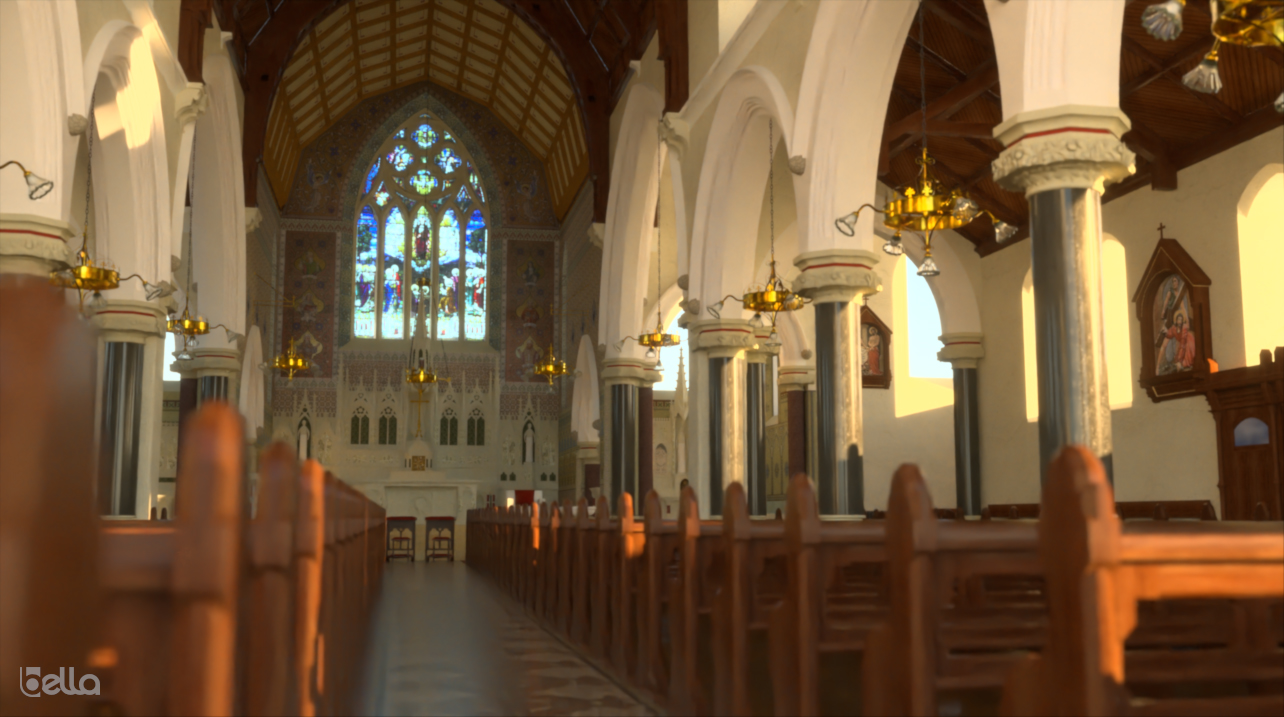
one word : Bellisima! -
@jenujacob said:
Paul Russam's famous church model rendered in Bella....
[attachment=0:1ab9zu6z]<!-- ia0 -->PaulRussamChurch_BR.jpg<!-- ia0 -->[/attachment:1ab9zu6z]
one word : Bellisima!I tried looking for the model at the link provided, but it seems to have been removed?
-
@juju said:
@jenujacob said:
Paul Russam's famous church model rendered in Bella....
[attachment=0:388rlf7s]<!-- ia0 -->PaulRussamChurch_BR.jpg<!-- ia0 -->[/attachment:388rlf7s]
one word : Bellisima!I tried looking for the model at the link provided, but it seems to have been removed?
Yes.. Paul had removed it a couple of years ago... Maybe he can upload it again somewhere? Or if he's OK with it, I could upload the model and share it here.
-
Continuing to learn. Here is an image rendered where the focus was using the Image Dome setting for the background. Yes, there are several things that could be improved but again, the emphasis was on the Image Dome and some of its settings.....
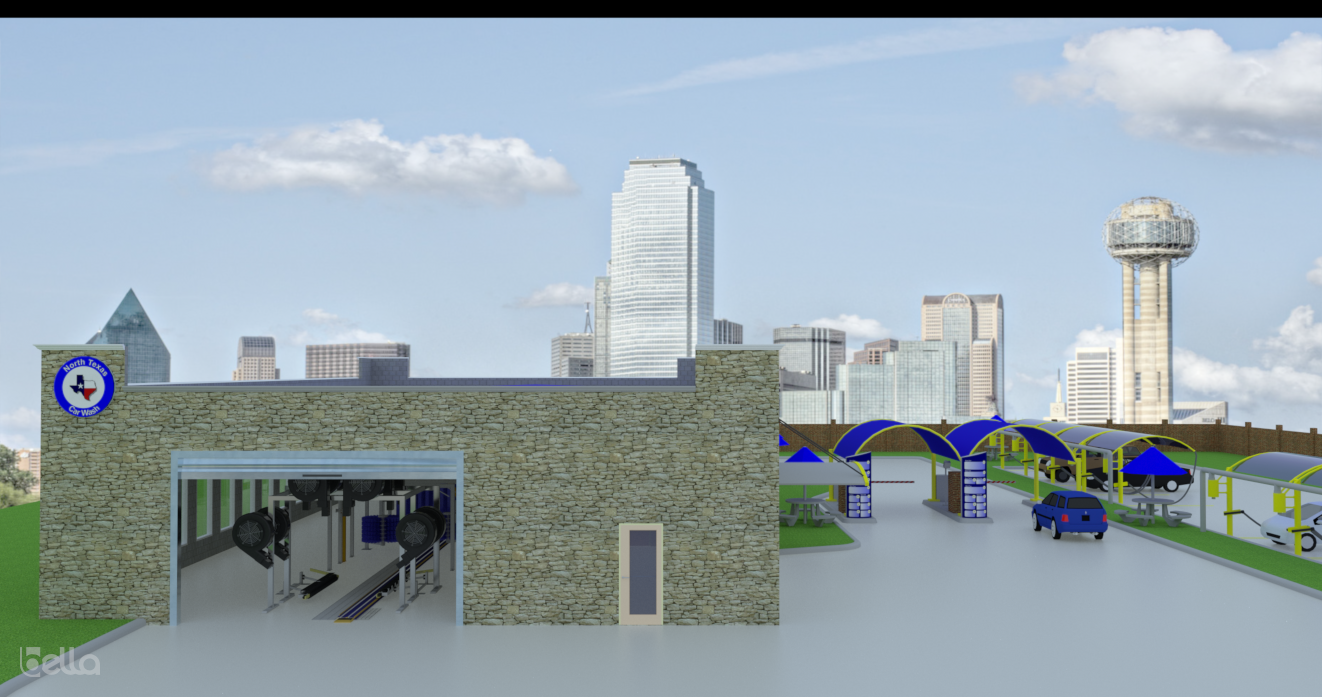
-
I hope you don't mind if I volunteer a tip -- I think this could benefit from use of a higher-quality HDRI, which would be capable of generating nice illumination & shadows:
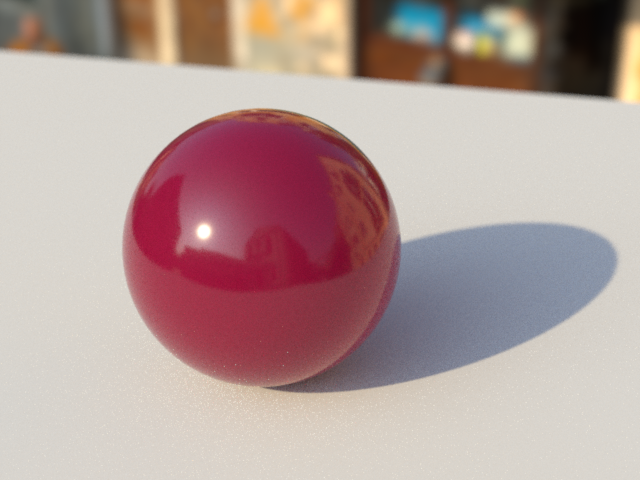
However, since it is clear you want to use this image as a backplate, you could override illumination with a sky dome (or with another image dome using a different HDRI):
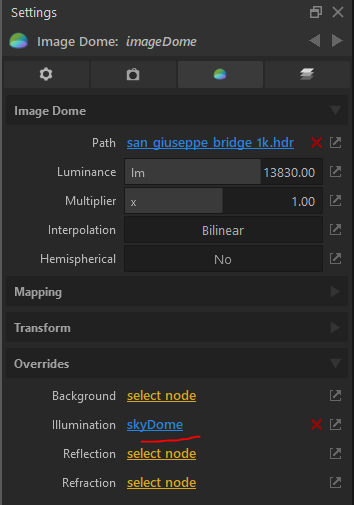
Either option would allow you to keep your city background just as you have set it up, while getting more natural light in the foreground of the scene.
-
Thanks for the feedback. Will do some more test/learning. Would like to have an HDRI that would fit well with my model. At the rate I am going the documentation is a long way off.








Advertisement