SU Pro 2018 Hardware Acceleration Problem
-
I am using a Nvidia 1080ti GPU Driver Version 391.35
When I try to open SU, I get this error: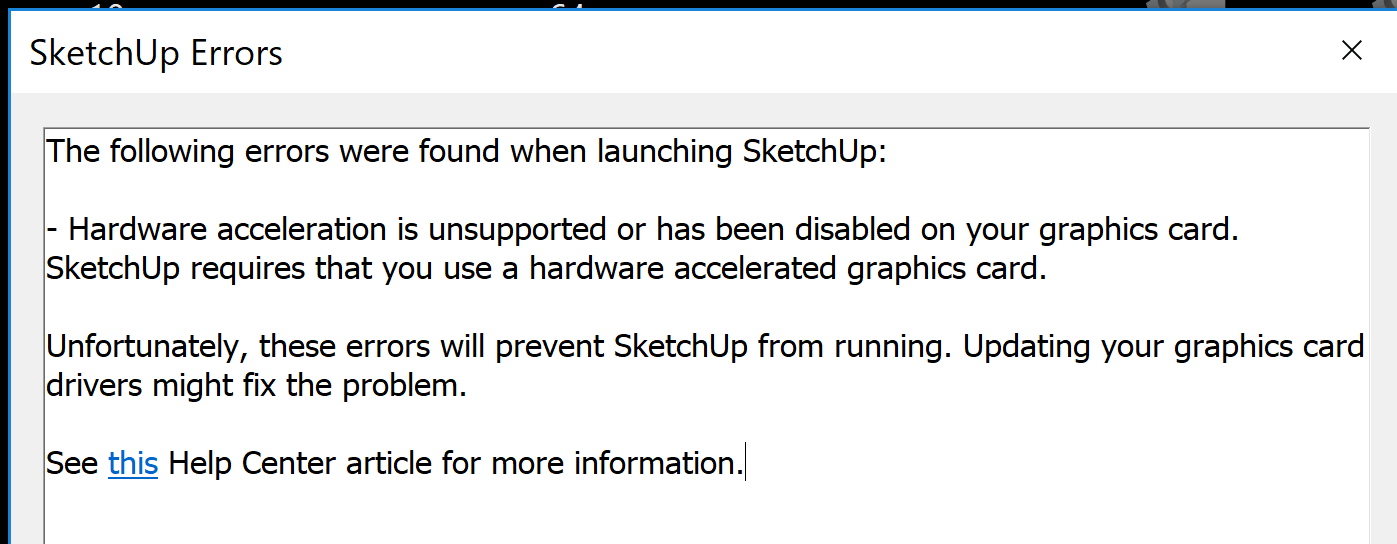
Hardware acceleration is activated:
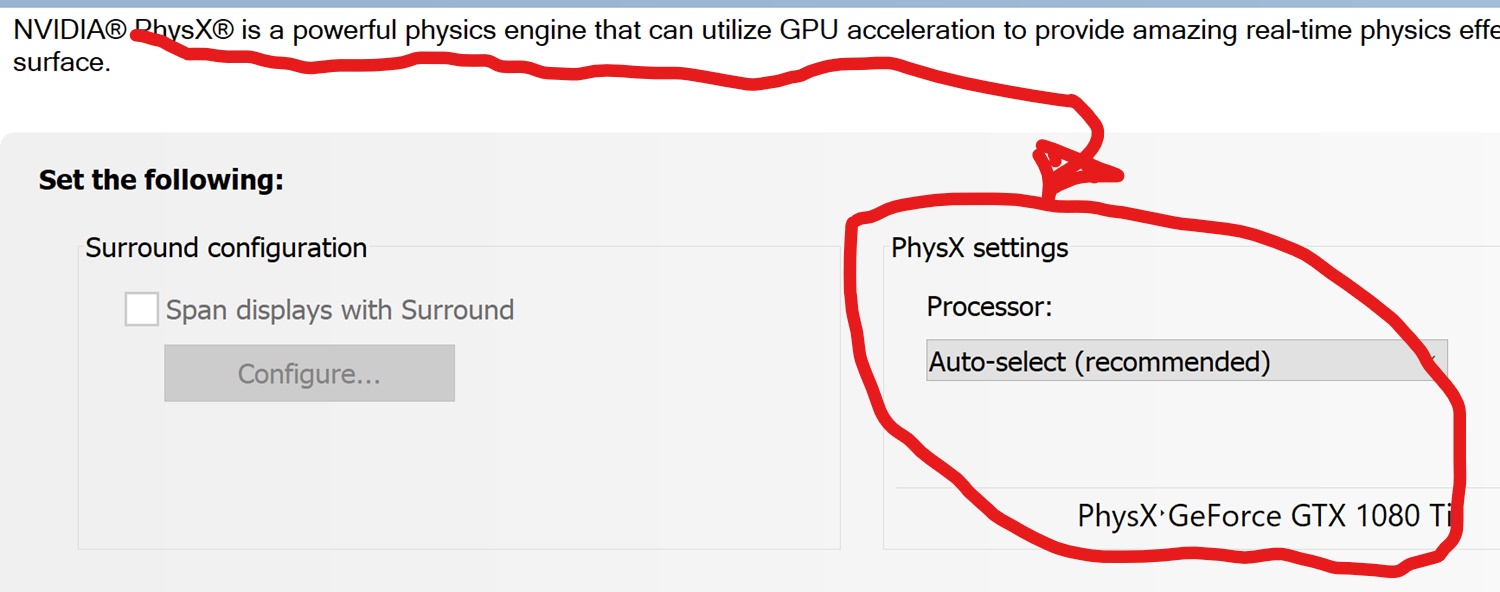
-
SketchUp uses OpenGL.
I'd expect your Graphics Card to have > v3.?Ensure that its drivers are up to date, and it is enabled for SketchUp etc...
Use your NVIDIA Control Panel and set it to 'Let the 3d application decide'...
SketchUp should auto-configure itself...
Under its 'Manage 3d Settings'...
== Trimble SketchUp
Either accept all of the default settings, or consider removing it from the list if it's still being awkward... -
Thank you a TONfor your help. As you can see below I have a couple of questions.
This all started when I updated the drivers.SketchUp uses OpenGL.
I'd expect your Graphics Card to have > v3.?
OpenGL v4.5Ensure that its drivers are up to date,
Version 391.35 is the latestand it is enabled for SketchUp etc...
Do you mean that Trimble SketchUp is in the Manage 3d Settings list?Use your NVIDIA Control Panel and set it to 'Let the 3d application decide'...
Let the 3d application decide what? OpenGL? Hardware Acceleration?SketchUp should auto-configure itself...
%(#FF0000)[Good ]
]Under its 'Manage 3d Settings'...
== Trimble SketchUp
Either accept all of the default settings, or consider removing it from the list if it's still being awkward...
This has all of the default settings since I did not go into NVidia Control Panel/3D Settings/Manage 3D Settings to change any of the 21 settings


Hello! It looks like you're interested in this conversation, but you don't have an account yet.
Getting fed up of having to scroll through the same posts each visit? When you register for an account, you'll always come back to exactly where you were before, and choose to be notified of new replies (either via email, or push notification). You'll also be able to save bookmarks and upvote posts to show your appreciation to other community members.
With your input, this post could be even better 💗
Register Login


Advertisement