Texture question
-
First off let me say that the folk at Chaos have done is an amazing job with this program and the latest updates are more than I ever expected, keep up the good work.
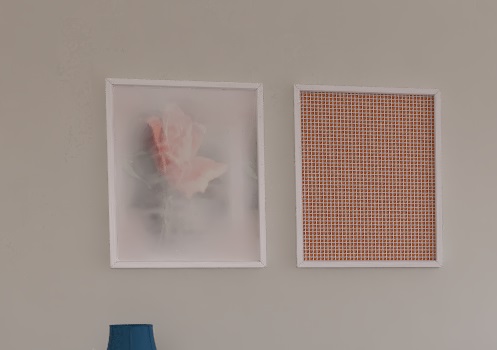
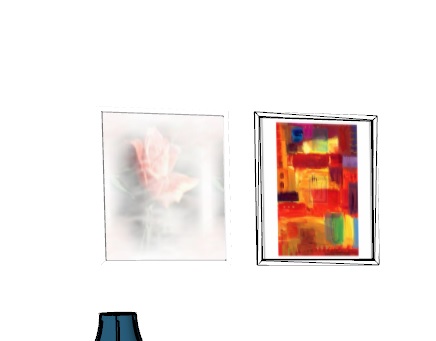
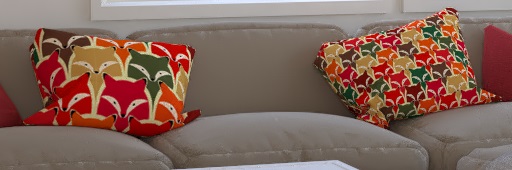
Question I have right now is what I see on the screen and what is outputted in V Ray is different in the first images.
I have had this happen before in previous versions so it’s not something unique to 3.6. I just want to understand what’s going on and how to correct it.
-
Looks like you need to check the texture size in vray as the SU texture size has not translated to vray So the image has tiled much smaller.
-
I like the first one better
-
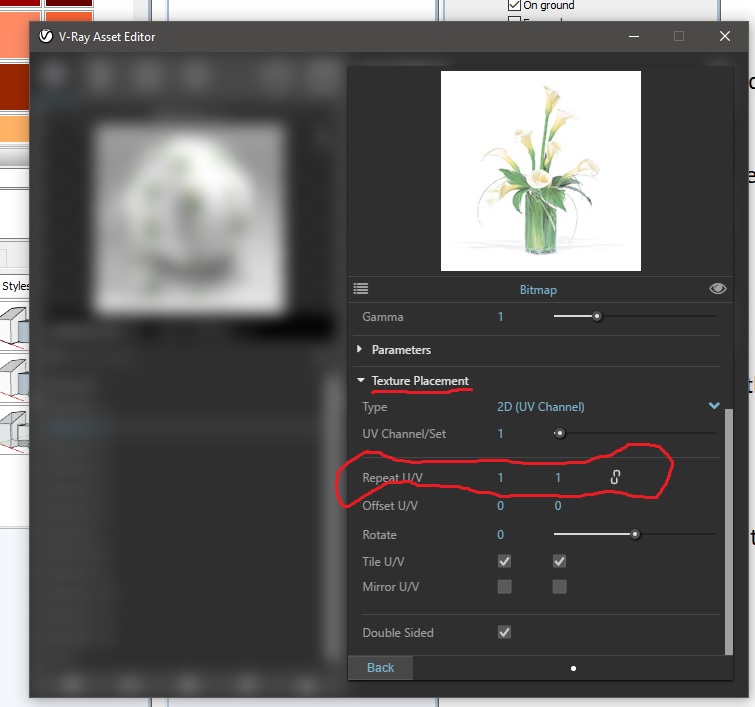
After I post this the program crashed and of course I did not save it and so far I cannot recreate it. But I am summing you mean to check the texture U/V area?
-
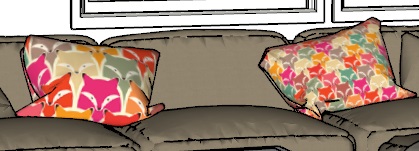
In this second set of images I am using the select and apply drop down in V Ray to copying the material from the right to the pillow on the left. I don’t know why size/scale changed differently. I checked and changed both the SketchUp and V Ray U/V sizes and they both change sizes up or down accordingly. With this being curve surfaces I do not have access to the texture drop down menu.

Hello! It looks like you're interested in this conversation, but you don't have an account yet.
Getting fed up of having to scroll through the same posts each visit? When you register for an account, you'll always come back to exactly where you were before, and choose to be notified of new replies (either via email, or push notification). You'll also be able to save bookmarks and upvote posts to show your appreciation to other community members.
With your input, this post could be even better 💗
Register Login


Advertisement