sketchucation logo sketchucation
    • Login
    Oops, your profile's looking a bit empty! To help us tailor your experience, please fill in key details like your SketchUp version, skill level, operating system, and more. Update and save your info on your profile page today!
    FredoBend | Powerful new bending tool for SketchUp Download

    Translucency rendered correctly with RT but not R

    Scheduled Pinned Locked Moved V-Ray
    renderpluginsextensions
    3 Posts 2 Posters 721 Views 2 Watching
    Loading More Posts
    • Oldest to Newest
    • Newest to Oldest
    • Most Votes
    Reply
    • Reply as topic
    Log in to reply
    This topic has been deleted. Only users with topic management privileges can see it.
    • K Offline
      kokoriko17
      last edited by

      So I've followed literally every tutorial on earth to create a lampshade with translucency and after wasting 5 hours I realized that Vray RT does render the desired output but surprisingly not the final renderer.

      I've used 2 sided material and set the color to RGB 104 with forced 1 side.

      I hit R and below is the output.
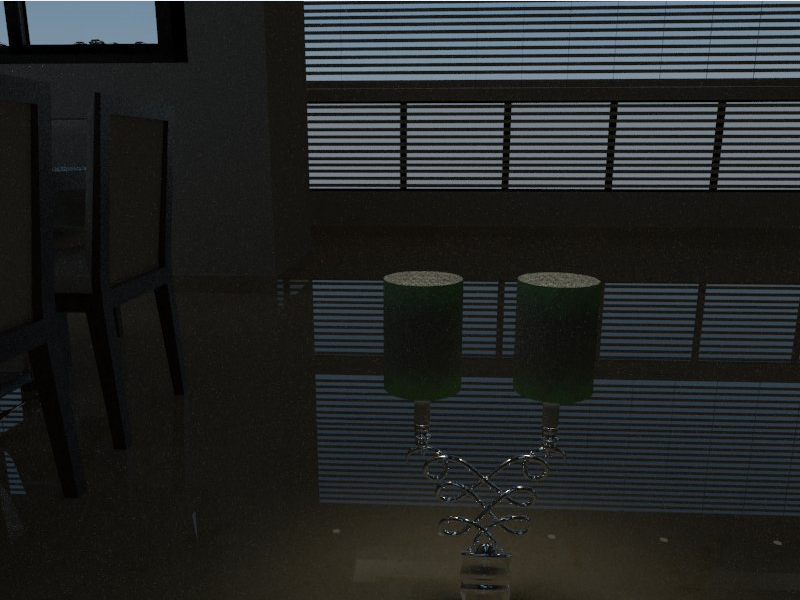
      https://i.gyazo.com/d0c8529b913af3dbeb1d76b79ef4a0fe.png

      I hit RT ( CUDA ) and below is surprisingly a different output
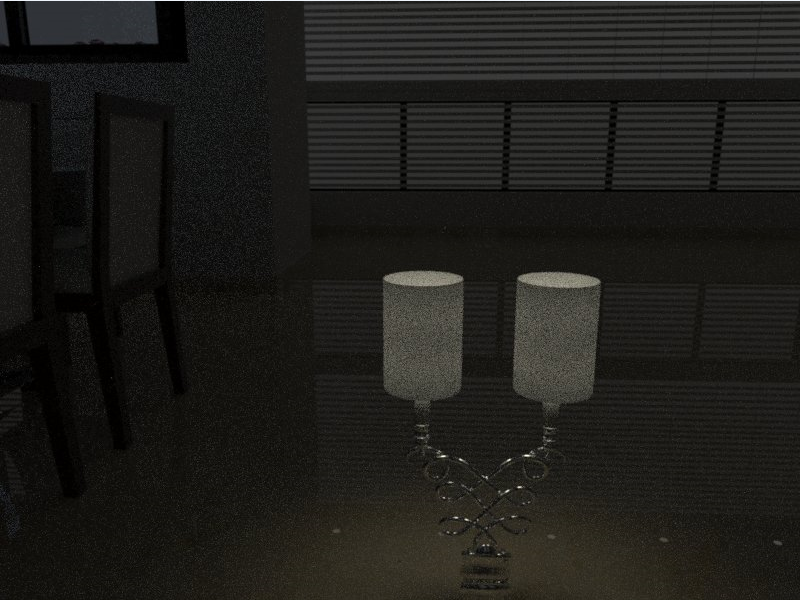
      https://i.gyazo.com/e1461d43796f65202e87176686a019d3.png

      Everything else is rendered correctly in VRAY R
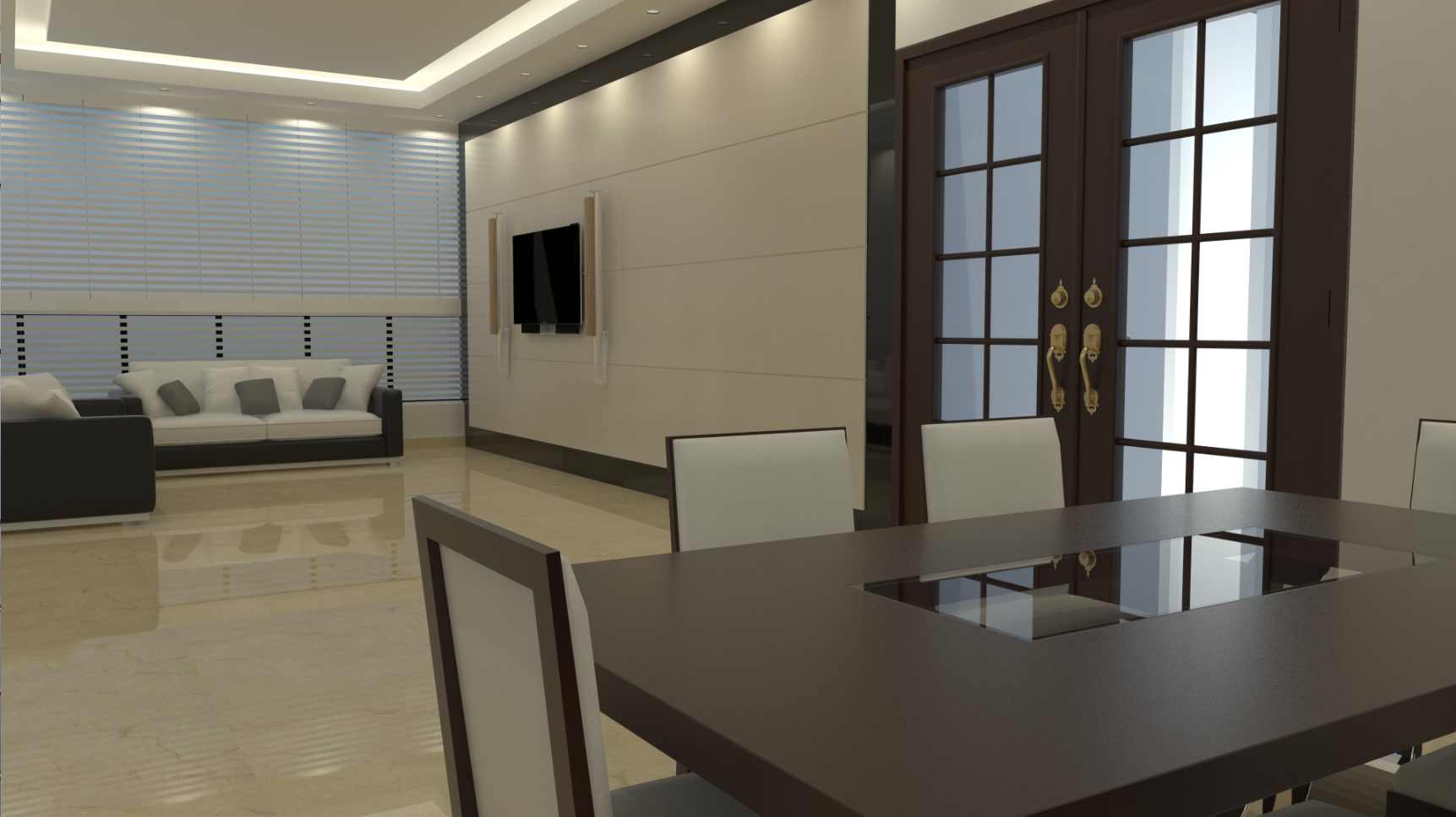
      https://i.gyazo.com/030bb0eab725fc3b9aa326a7f53d9af1.jpg

      https://i.gyazo.com/1e8e4ef456bf056bd1eb84b3b798f5e8.jpg

      Machine :

      iMac 27 Core i7 3.9 GHz
      32GB RAM
      PCIe SSD
      Nvidia GTX 780

      Appreciate some guidance.

      Cheers.

      1 Reply Last reply Reply Quote 0
      • K Offline
        kokoriko17
        last edited by

        37 views and no reply which is a bit sad but I managed to fix it. For some weird reason I had to reverse faces, paint and revert. Now it's rendering correctly.
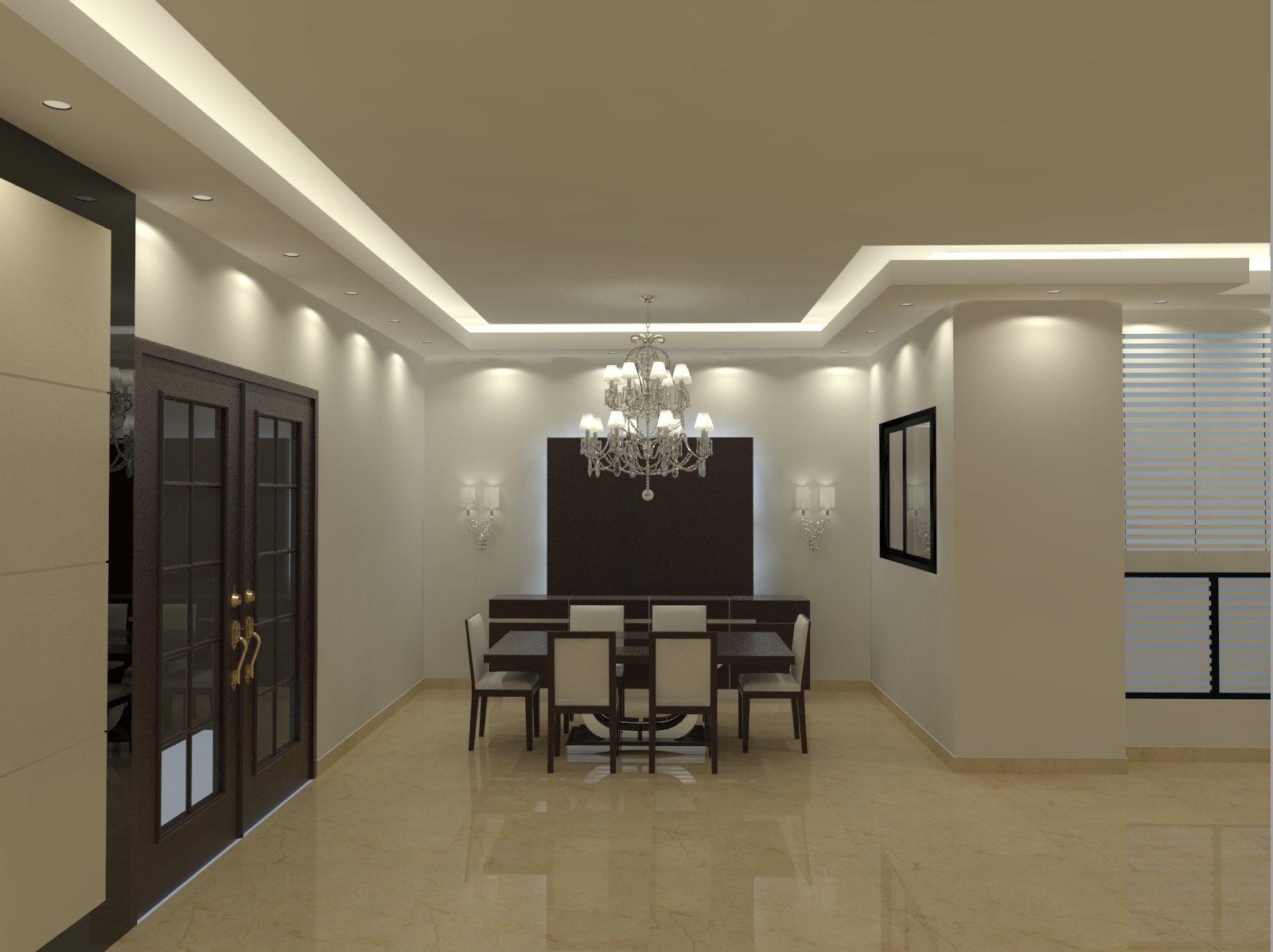
        https://i.gyazo.com/72b643856265afdb08a29c16da2550bb.jpg

        A note to developers, sphere lights are way too bright for an intensity of 30 if they are within a group. I had to put them outside the chandelier group for a proper brightness.

        1 Reply Last reply Reply Quote 0
        • TedVitale_CGT Offline
          TedVitale_CG
          last edited by

          Backside faces are not currently supported by GPU rendering in Sketchup, That may be the reason you were having some errors.

          Ted Vitale
          Owner | Creative Director
          http://www.voxl.vision

          1 Reply Last reply Reply Quote 0

          Hello! It looks like you're interested in this conversation, but you don't have an account yet.

          Getting fed up of having to scroll through the same posts each visit? When you register for an account, you'll always come back to exactly where you were before, and choose to be notified of new replies (either via email, or push notification). You'll also be able to save bookmarks and upvote posts to show your appreciation to other community members.

          With your input, this post could be even better đź’—

          Register Login
          • 1 / 1
          • First post
            Last post
          Buy SketchPlus
          Buy SUbD
          Buy WrapR
          Buy eBook
          Buy Modelur
          Buy Vertex Tools
          Buy SketchCuisine
          Buy FormFonts

          Advertisement