sketchucation logo sketchucation
    • 登入
    Oops, your profile's looking a bit empty! To help us tailor your experience, please fill in key details like your SketchUp version, skill level, operating system, and more. Update and save your info on your profile page today!
    🔌 Smart Spline | Fluid way to handle splines for furniture design and complex structures. Download

    MSPhysics 1.0.3 (16 October 2017)

    已排程 已置頂 已鎖定 已移動 Plugins
    926 貼文 171 Posters 963.5k 瀏覽 172 Watching
    正在載入更多貼文
    • 從舊到新
    • 從新到舊
    • 最多點贊
    回覆
    • 在新貼文中回覆
    登入後回覆
    此主題已被刪除。只有擁有主題管理權限的使用者可以查看。
    • luckyvacL 離線
      luckyvac
      最後由 編輯

      Hello, I would like to know how to increase the damping of the servo motor. Thank you 😄

      1 條回覆 最後回覆 回覆 引用 0
      • A 離線
        Anton_S
        最後由 編輯

        Hi, Luckyvac,

        Which of the joints are you referring to, a servo or a motor?

        To increase the damping of a motor joint, simply select the desired motor joint, open MSPhysics UI, and increase the Damp parameter.

        To increase the damping of a servo joint, that is decrease its angular rate, select the desired servo joint, open MSPhysics UI, and decrease the Angular Rate parameter.

        Hope this helps,

        Anton

        1 條回覆 最後回覆 回覆 引用 0
        • A 離線
          Anton_S
          最後由 編輯

          @luckyvac My appologies for not responding any sooner. I am a bit busy. In short, it's possible to have the servo angle correspond to the table values at time t. The table with angles and times must be converted to a Ruby Hash and then the rest is easy. I will examine your model in depth soon and we'll see what can be done to get the guitar stringing.


          @TheSniper Apparently there were a few reports about the dialog options not working properly on Mac OS X and that's not good. I will check it out soon.


          @SynSuka3D The joystick function accepts four symbols and each of them correspond to an axis on one of the joysticks:
          joystick(:leftx) returns X position on left stick.
          joystick(:lefty) returns Y position on left stick.
          joystick(:rightx) returns X position on right stick.
          joystick(:righty) returns Y position on right stick.

          The position ranges from -1.0 to 1.0.

          Here is the documentation link to the function: http://www.rubydoc.info/github/AntonSynytsia/MSPhysics/MSPhysics/CommonContext#joystick-instance_method

          I suggest you explore the MSPhysics scripting documentation for specs and other functions that might be useful, such as joybutton(button).

          1 條回覆 最後回覆 回覆 引用 0
          • luckyvacL 離線
            luckyvac
            最後由 編輯

            Hi Anton,
            Thank you for your advice it works ... but ... I send you the left hand of the guitarist named "Pierrot".
            I feel that the system comes into resonance when I connect several servo motors to each other.
            What do you think ? How to decrease the resonance ?

            Merci 😉

            have a nice week end. 👍

            Lucky guitaR


            main gauche MOV 03.skp

            1 條回覆 最後回覆 回覆 引用 0
            • A 離線
              Anton_S
              最後由 編輯

              @SynSuka3D Interesting, I will fix this.

              1 條回覆 最後回覆 回覆 引用 0
              • S 離線
                SynSuka3D
                最後由 編輯

                @anton_s said:

                @luckyvac My appologies for not responding any sooner. I am a bit busy. In short, it's possible to have the servo angle correspond to the table values at time t. The table with angles and times must be converted to a Ruby Hash and then the rest is easy. I will examine your model in depth soon and we'll see what can be done to get the guitar stringing.


                @TheSniper Apparently there were a few reports about the dialog options not working properly on Mac OS X and that's not good. I will check it out soon.


                @SynSuka3D The joystick function accepts four symbols and each of them correspond to an axis on one of the joysticks:
                joystick(:leftx) returns X position on left stick.
                joystick(:lefty) returns Y position on left stick.
                joystick(:rightx) returns X position on right stick.
                joystick(:righty) returns Y position on right stick.

                The position ranges from -1.0 to 1.0.

                Here is the documentation link to the function: http://www.rubydoc.info/github/AntonSynytsia/MSPhysics/MSPhysics/CommonContext#joystick-instance_method

                I suggest you explore the MSPhysics scripting documentation for specs and other functions that might be useful, such as joybutton(button).

                https://youtu.be/b0YBVqUhMdU xbox controller faill script ?

                1 條回覆 最後回覆 回覆 引用 0
                • S 離線
                  SynSuka3D
                  最後由 編輯

                  Add joystick(:rightz) and joystick(:leftz) for joy(RT) and joy(LT) please.
                  for xbox controler.

                  1 條回覆 最後回覆 回覆 引用 0
                  • A 離線
                    Anton_S
                    最後由 編輯

                    @synsuka3d said:

                    Add joystick(:rightz) and joystick(:leftz) for joy(RT) and joy(LT) please.
                    for xbox controler.

                    Roger that!

                    1 條回覆 最後回覆 回覆 引用 0
                    • A 離線
                      Anton_S
                      最後由 編輯

                      Hi, SynSuka3D,

                      I fixed it and added rightz/leftx commands.
                      You can download the WIP version here: https://drive.google.com/open?id=0B3qg8f4WrNdHUmE5OXNiWjQ0Vzg

                      You can try out the joystick controller test model attached below.

                      Best regards,
                      Anton


                      Joystick.skp

                      1 條回覆 最後回覆 回覆 引用 0
                      • F 離線
                        faust07
                        最後由 編輯

                        Should make my question more precise:
                        The reason for the loose behaviour of the joints is the update rate in MSPhysics UI - Simulation - Update Rate = 1 (seems the best for my large model).
                        If I change this from 1 to 3, the servos remain more stable in the pivot but the spring no longer brings the steady up and down movement.
                        Have now tried to modify all settings at the Spring Joint, but do not get the desired result.
                        What can I do?
                        Thank you in advance, Anton!
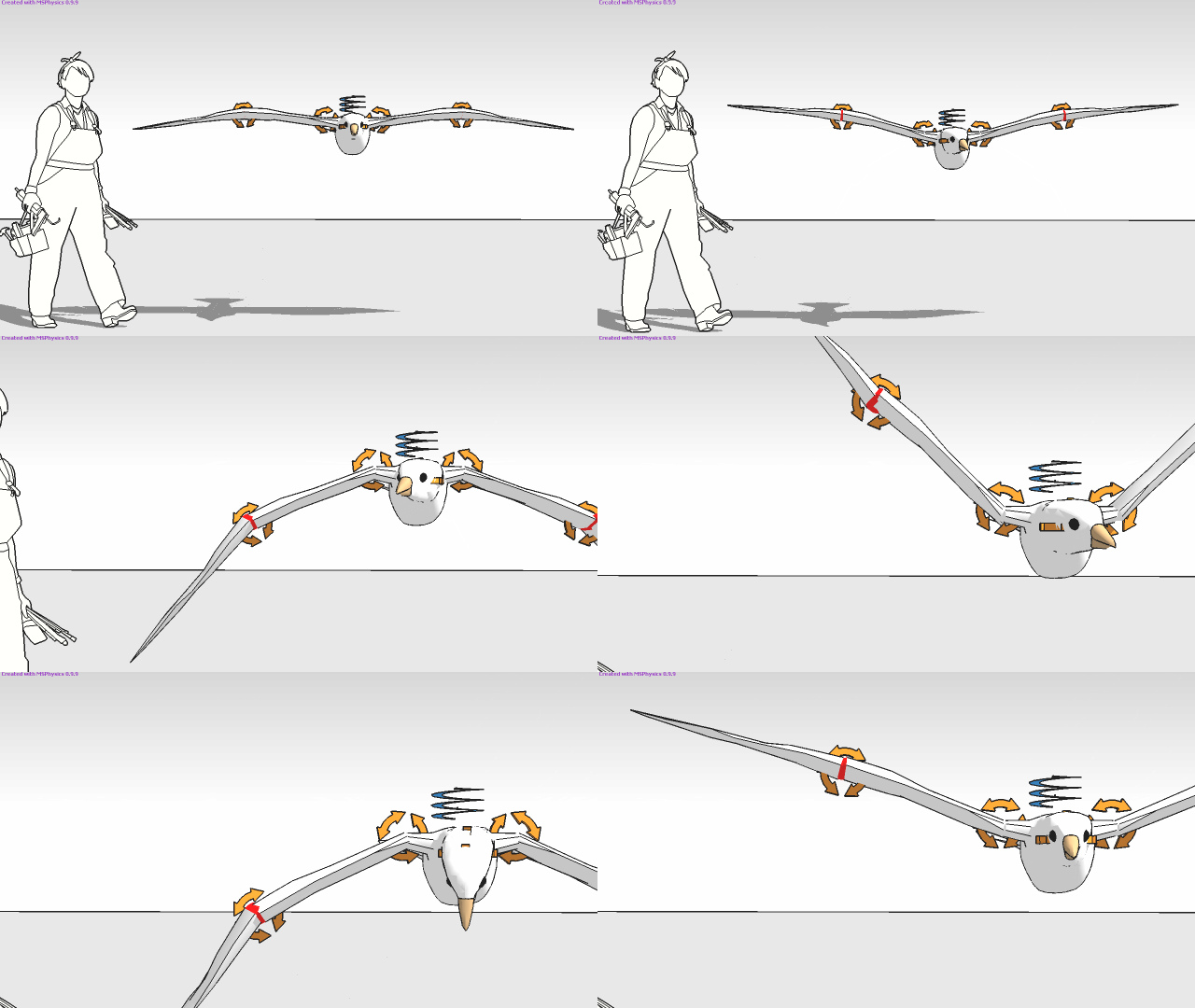

                        Update Rate 1


                        Update Rate 3


                        Servo-Spring-Test

                        1 條回覆 最後回覆 回覆 引用 0
                        • luckyvacL 離線
                          luckyvac
                          最後由 編輯

                          Hi Anton and the community,
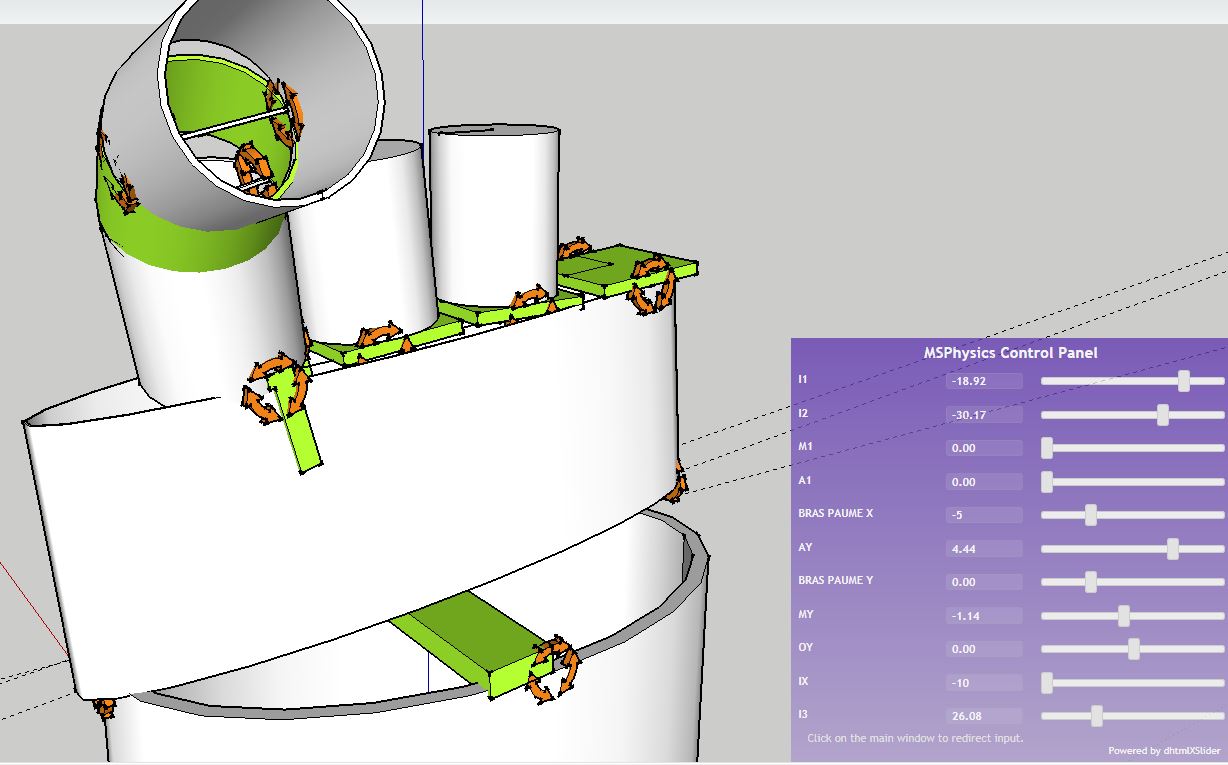
                          I think I have found the solution to control the damping of the servo motor. I worked on the geometry of "green" parts to decrease the sensitivity to the vibratory modes. As we can do in reality.
                          It's impressive !
                          😮
                          Best regards. 😄
                          luckyvac


                          main gauche MOV 03.skp


                          solution geometrie joint vert.JPG

                          1 條回覆 最後回覆 回覆 引用 0
                          • F 離線
                            faust07
                            最後由 編輯

                            Unfortunately, changing the Update Rate from 1 to 3 is not useful when camera, joints, emitter, etc. are based on scripts that use the OnUpdate function. Programmed objects become 3 times faster. The appearance of emitted objects no longer fits to the image rate. The weight of the emitted objects or the lifetime seems to change.
                            For the joints based on pivot points, an option independent of the Update Rate in the user interface seems to be useful for fixing at the pivot point. If this is possible...

                            1 條回覆 最後回覆 回覆 引用 0
                            • S 離線
                              SynSuka3D
                              最後由 編輯

                              @Anton_S goood xbox controller Merci!

                              1 條回覆 最後回覆 回覆 引用 0
                              • S 離線
                                SynSuka3D
                                最後由 編輯

                                @Anton_S
                                @body.set_omega([Internal body axis , 0, axes in global space]) ???

                                ex:
                                *onStart{
                                @body = simulation.find_body_by_name('body')
                                }

                                onUpdate{
                                r_body = @body.get_matrix

                                ax = Geom::Vector3d.new([key('up'), 0, 0]).transform(r_body)

                                @body.set_omega([ax.x, 0, key('right')])
                                }*

                                1 條回覆 最後回覆 回覆 引用 0
                                • T 離線
                                  TheSniper
                                  最後由 編輯

                                  Platform: Sketchup 2017 on Mac 64 bit

                                  Anton,
                                  Got the update, (Thank you) I have not gone thru all the settings as of yet. But so far it appears to working as expected. Ill let you know as soon as I can get thru all the settings THANKS! -S

                                  1 條回覆 最後回覆 回覆 引用 0
                                  • A 離線
                                    Anton_S
                                    最後由 編輯

                                    SynSuka3d, like I said, you should reference the scripting documentation to see what each function does: http://www.rubydoc.info/github/AntonSynytsia/MSPhysics/MSPhysics/Body#set_omega-instance_method

                                    1 條回覆 最後回覆 回覆 引用 0
                                    • S 離線
                                      SynSuka3D
                                      最後由 編輯

                                      my project

                                      https://media.giphy.com/media/l3q2Ugf90Umd7h2Ss/giphy.gif

                                      1 條回覆 最後回覆 回覆 引用 0
                                      • F 離線
                                        faust07
                                        最後由 編輯

                                        A little question regarding Export Replay to SkIndigo: The batch rendering doesn't save the frames complete rendered after the set Halt time but at the point of the last image update during the render process. This point can be minutes before the desired render time per frame. Is it an exporter question or should I ask in the Indigo forum?

                                        1 條回覆 最後回覆 回覆 引用 0
                                        • A 離線
                                          Anton_S
                                          最後由 編輯

                                          @Faust, I don't know. I need to look deeper into that.

                                          1 條回覆 最後回覆 回覆 引用 0
                                          • luckyvacL 離線
                                            luckyvac
                                            最後由 編輯

                                            HI,

                                            Here is the robot hand with 22 servo.

                                            Best regards

                                            luckyvac


                                            main gauche MOV 04.skp

                                            1 條回覆 最後回覆 回覆 引用 0
                                            • 1
                                            • 2
                                            • 39
                                            • 40
                                            • 41
                                            • 42
                                            • 43
                                            • 46
                                            • 47
                                            • 41 / 47
                                            • 第一個貼文
                                              最後的貼文
                                            Buy SketchPlus
                                            Buy SUbD
                                            Buy WrapR
                                            Buy eBook
                                            Buy Modelur
                                            Buy Vertex Tools
                                            Buy SketchCuisine
                                            Buy FormFonts

                                            Advertisement