Golfball
-
Hello everyone,
I am completly new to this program, even though i fooled around with it once a few years ago. Now i decided to get real with this.
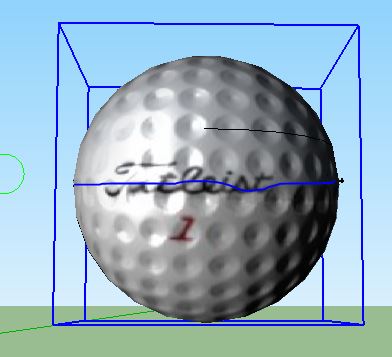
I have a 3D model of a golfball and i'd like to add a strip of some sort 360 degrees around it with room for a name on it.
I hope one of you fine fellows can help me with this.
Hope to hear from ya'll soon.
Cheers!
-
Perhaps make an image with the band and text.
Import it and use it to make a projected texture on the surface.
If you size the image properly and center the text it should project OK.
Search for 'projected textures'... -
@tig said:
Perhaps make an image with the band and text.
Import it and use it to make a projected texture on the surface.
If you size the image properly and center the text it should project OK.
Search for 'projected textures'...It's final product should be a model that is ready to be 3D printed.
-
If you downloaded that one from the 3D warehouse it won't print the dimples. If it is the one I think it is it is nothing more than a smooth sphere with a golfball texture applied to it.
If you want the full shape and writing to be 3d printable then it all needs to be modeled.
-
FYI not enough dimples on that golf ball. I wonder if there is a golf ball blue print to be had online?
-
@box said:
If you downloaded that one from the 3D warehouse it won't print the dimples. If it is the one I think it is it is nothing more than a smooth sphere with a golfball texture applied to it.
If you want the full shape and writing to be 3d printable then it all needs to be modeled.
Yes that's exactly what i want. Yes i do have that 3D model from the Warehouse. Can you explain me how to model that?
-
You're going to do some math or find some math already done on the dimple size and location. then use that info to draw spheres and offset them into the needed location and the intersect the geometry to leave your dimples. Make sense?
-
@krisidious said:
You're going to do some math or find some math already done on the dimple size and location. then use that info to draw spheres and offset them into the needed location and the intersect the geometry to leave your dimples. Make sense?
It does, but can you explain to me step by step how to do that? If possible?
-
Something so complex isn't easily achievable in SketchUp without investing a sizeable amount of time.
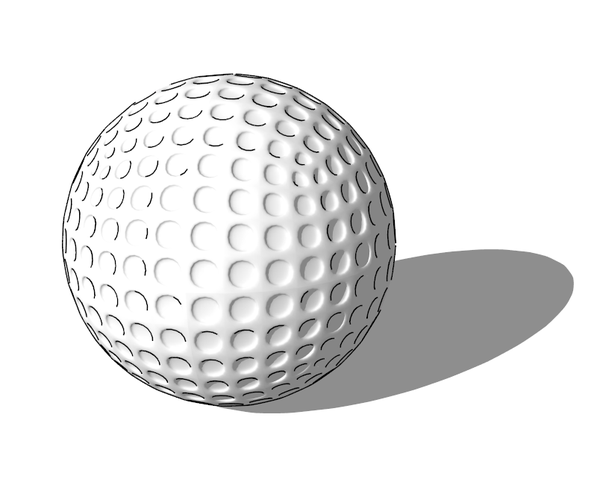
Look at the attached file to see when even using components the size in quite large at ~5MB.
-
Search for geodesic, Taff Goch...
Also: http://sketchucation.com/forums/viewtopic.php?f=79%26amp;t=40505%26amp;hilit=+golf#p358716
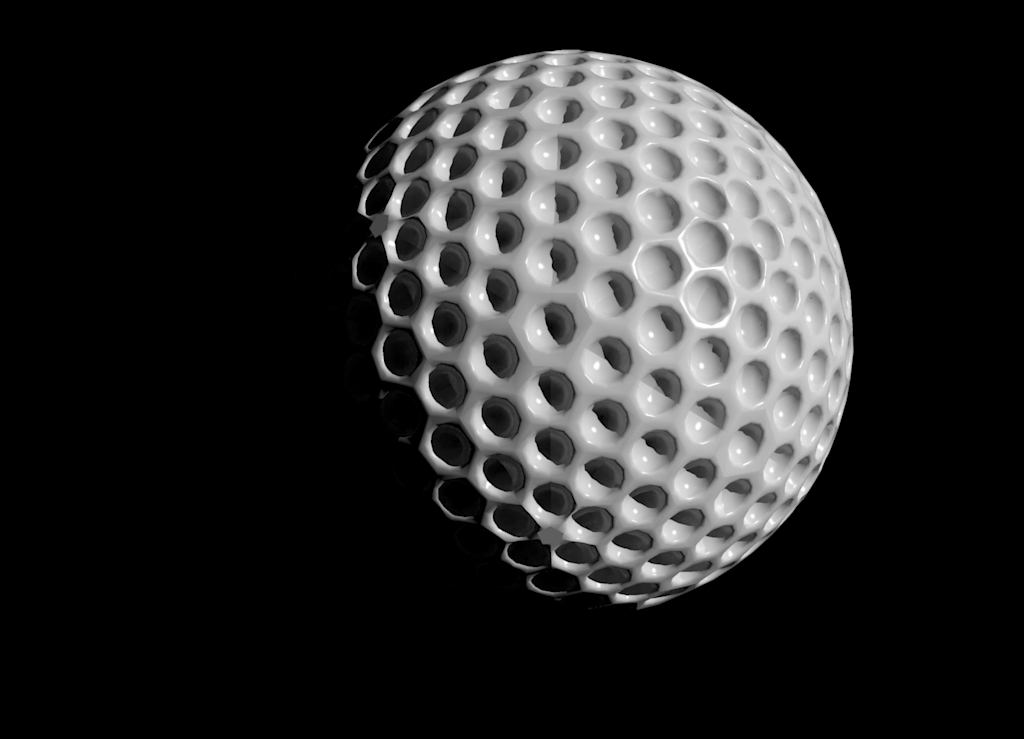
Here is one you could use, to make it printable (solid) explode nested components (may take some times), and rescale.
-
@rich o brien said:
Something so complex isn't easily achievable in SketchUp without investing a sizeable amount of time.
[attachment=2:2rqg3jmz]<!-- ia2 -->golf-ball.zip<!-- ia2 -->[/attachment:2rqg3jmz]
[attachment=1:2rqg3jmz]<!-- ia1 -->Clipboard-1.png<!-- ia1 -->[/attachment:2rqg3jmz]
Look at the attached file to see when even using components the size in quite large at ~5MB.
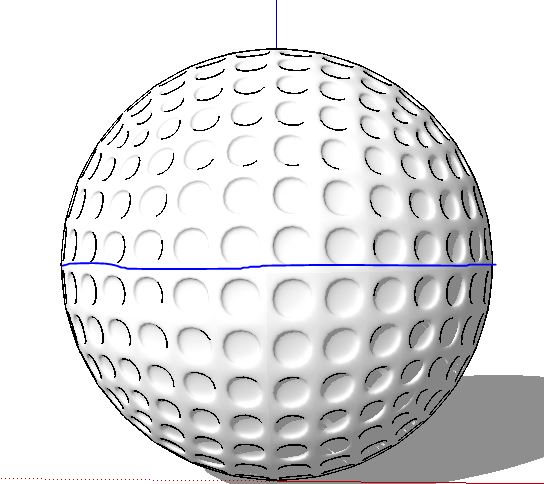
That's exactly what I need. And now along this line i've drawn I want to be able to put a name there. And with that name I want it 3D printed.
-
@chmaaoges said:
I want to be able to put a name there. And with that name I want it 3D printed.
Off you go an do it

-
@rich o brien said:
@chmaaoges said:
I want to be able to put a name there. And with that name I want it 3D printed.
Off you go an do it
Could you also explain that to me? I haven't found my way around Sketchup that good..
-
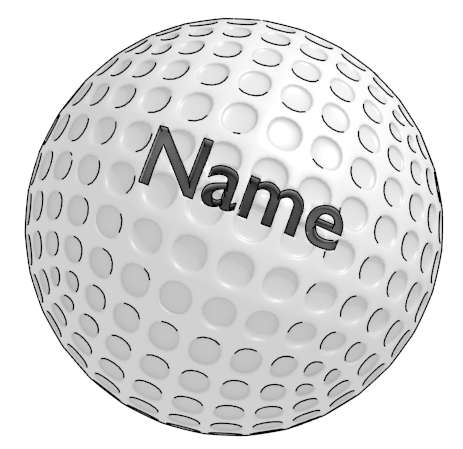
Tools > 3D Text
Type Name hit enter
Scale to size
Subtract text from ball
-
I forgot that Solid Tools is a Pro feature. If you haven't Solid Tools then you can purchase Boolean Tools of the free Boolean plugin floating around here.
End result would look something like this...





Hello! It looks like you're interested in this conversation, but you don't have an account yet.
Getting fed up of having to scroll through the same posts each visit? When you register for an account, you'll always come back to exactly where you were before, and choose to be notified of new replies (either via email, or push notification). You'll also be able to save bookmarks and upvote posts to show your appreciation to other community members.
With your input, this post could be even better 💗
Register Login


Advertisement