Vray render extent
-
Hi,
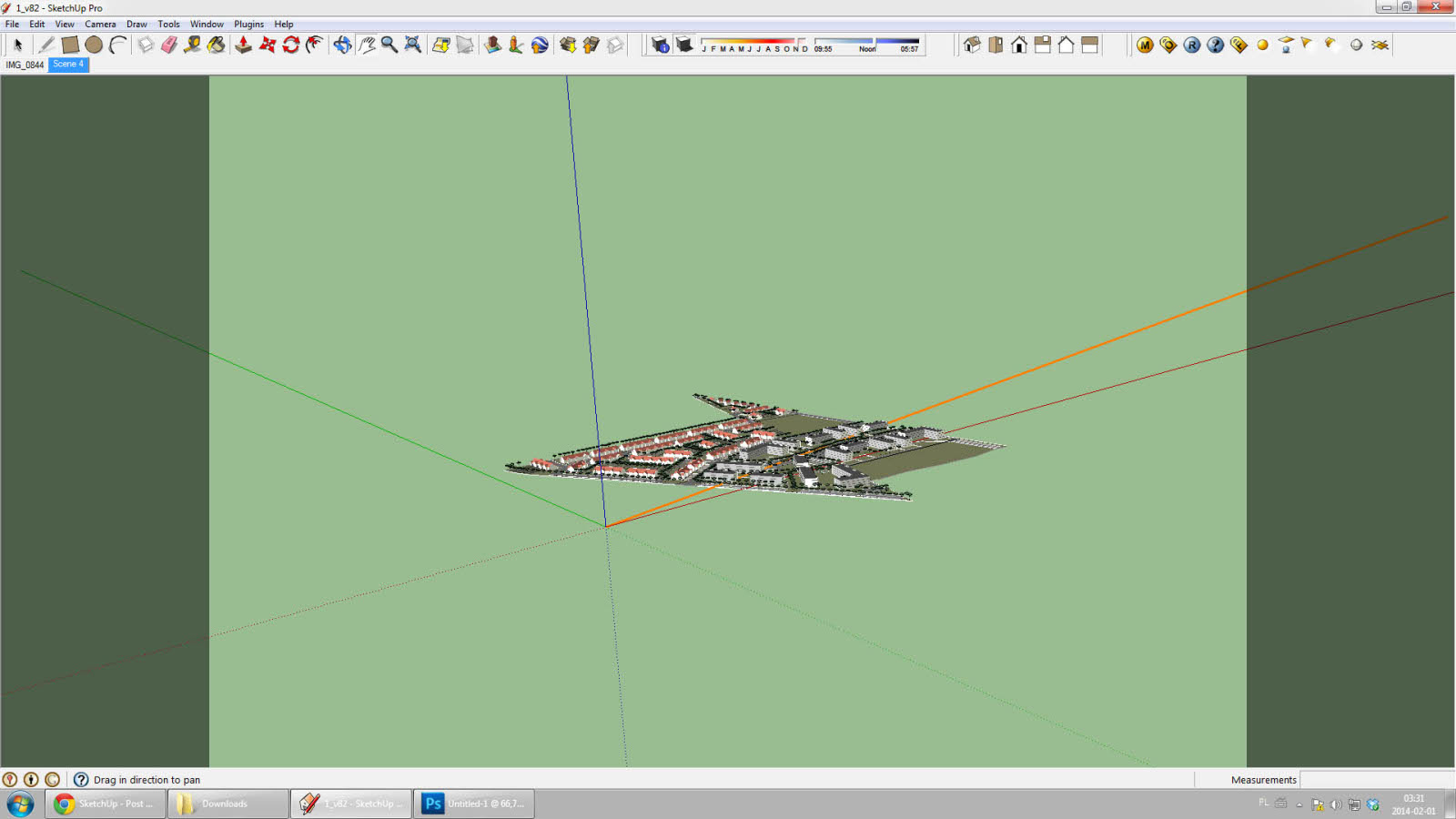
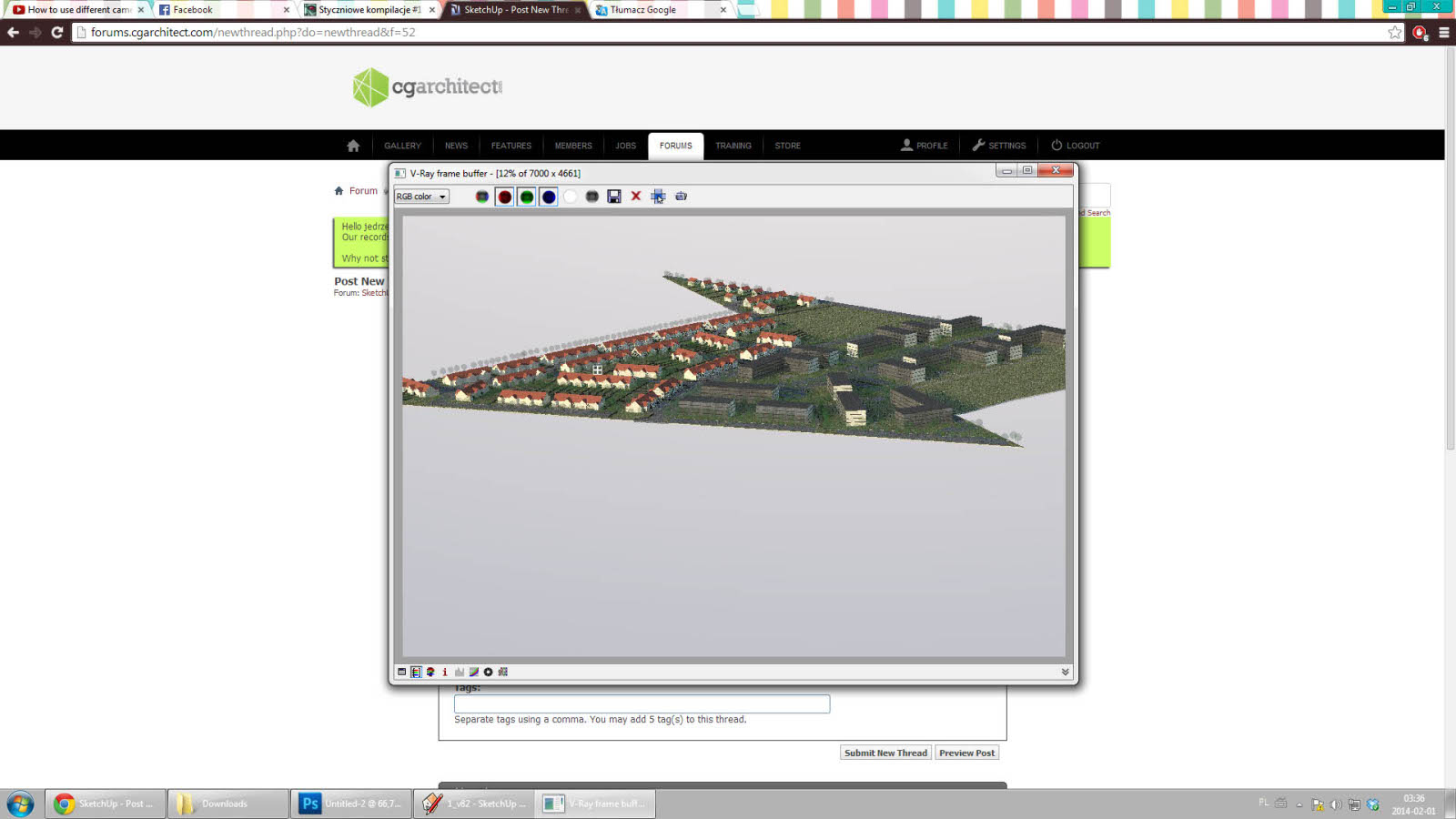
I'm having an issue with render extent. I've matched my model with a photo (it's not seen on screenshots, cause I deleted it). Now, when I want to render it, the camera view somehow changes regardless how I'll position it beforehand.
Here are screenshots to explain better the problem.I've tried zooming it out, ofc, didn't help. Setting the output bigger didn't too anything either. It always comes out like in pic. 2.
I'm helpless. I wasted 4 hours at work trying to figure it out.
-
I assume your scene is a 2D scene, coming from a photomatch?
You can try 'Camera>Parallel Projection', then 'Camera>Perspective', then create a new scene. You should end up with a 3D scene with the same point of view. Vray should then handle it fine.

Hello! It looks like you're interested in this conversation, but you don't have an account yet.
Getting fed up of having to scroll through the same posts each visit? When you register for an account, you'll always come back to exactly where you were before, and choose to be notified of new replies (either via email, or push notification). You'll also be able to save bookmarks and upvote posts to show your appreciation to other community members.
With your input, this post could be even better 💗
Register Login


Advertisement