[Plugin][$] TopoShaper - v2.7b - 30 Jan 26




-
Merci Fredo, tes plugins me sont très utiles, voire indispensables pour certains travaux.
Zooen
-
First Fredo, "Mille mercis", Thank you so much for all your plugins. They are invaluable...
I like and use a lot TopoShaper and i have a request. Could it be possible to add some editing tool for Cloud Points as you did for contours: set CP to a specified Z, remove CP, Add CP at specified Z ?
This will greatly speed up the process of building a nice and clean topography for projects (like for example the site tools in Revit where you just build some topo points by giving the altitude).
Kind regards,
thanks again
and Excellentes fêtes de fin d'annéeXtov
-
@xtov said:
Could it be possible to add some editing tool for Cloud Points as you did for contours: set CP to a specified Z, remove CP, Add CP at specified Z ?
This is in my plan and will be fully addressed in a new plugin called FredoGuides.
I think there are some plugins doing what you are looking for, for instance Thomthom Guide Tools.
Possibly, you may want to have a look at FredoTools:DrawAlong, which allows to create guide points and specify their position.
But I agree that a dedicated tool would be better.
-
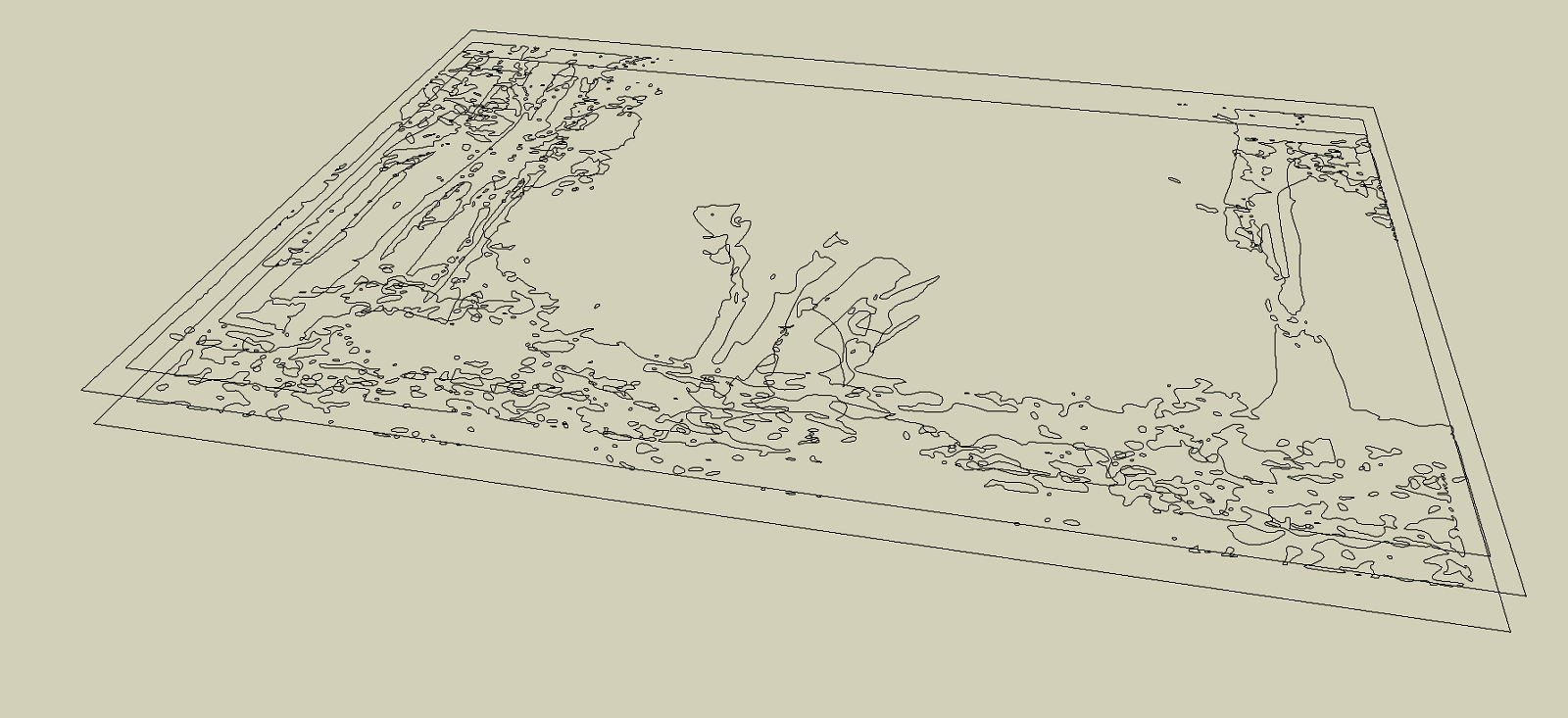
Do you think this plugin will work for details like this or no?
-
@sketchartist023 said:
Do you think this plugin will work for details like this or no?
Difficult to judge, but what is sure is that
- you need to clean up the crossing lines, and also 'artificial' contours that do not seem to belong to the terrain itself.
- A lot of the small rounds may be useless, unless you use a high-resolution grid
Anyway, the best is to try and see.
-
@fredo6 said:
@sketchartist023 said:
Do you think this plugin will work for details like this or no?
Difficult to judge, but what is sure is that
- you need to clean up the crossing lines, and also 'artificial' contours that do not seem to belong to the terrain itself.
- A lot of the small rounds may be useless, unless you use a high-resolution grid
Anyway, the best is to try and see.
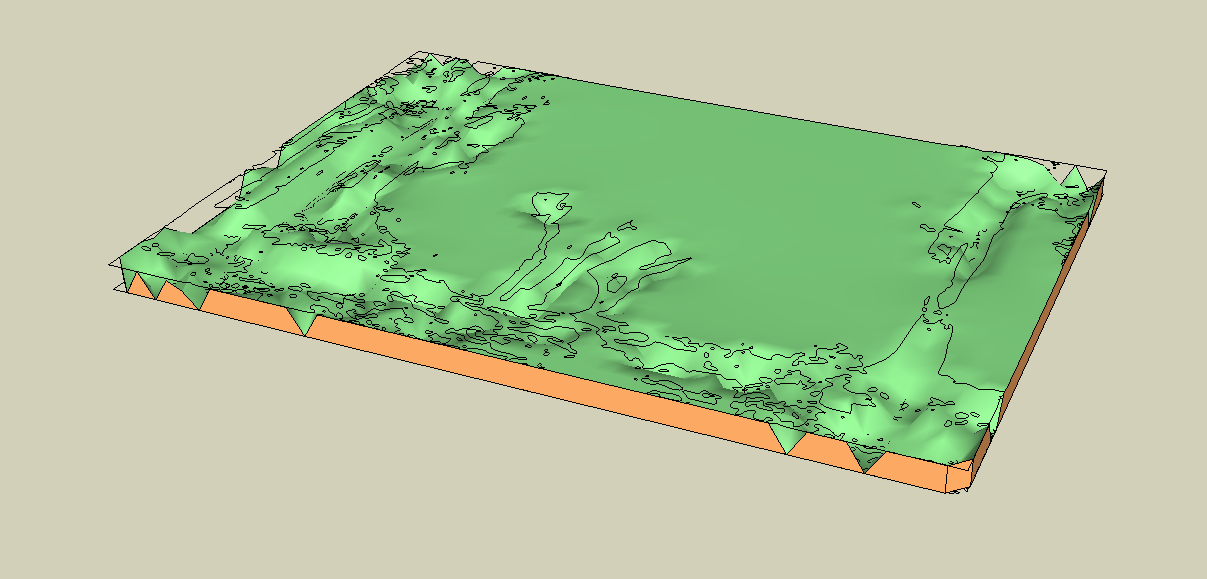
I did just that, and the biggest difference that made no errors were the artificial contours, specifically the very outer border. WHich makes sense because z x and y would all equal the same (therefore an error), so once I deleted those and did a clean (based on the instructions of iso usage), it worked very well!
Check it out

-
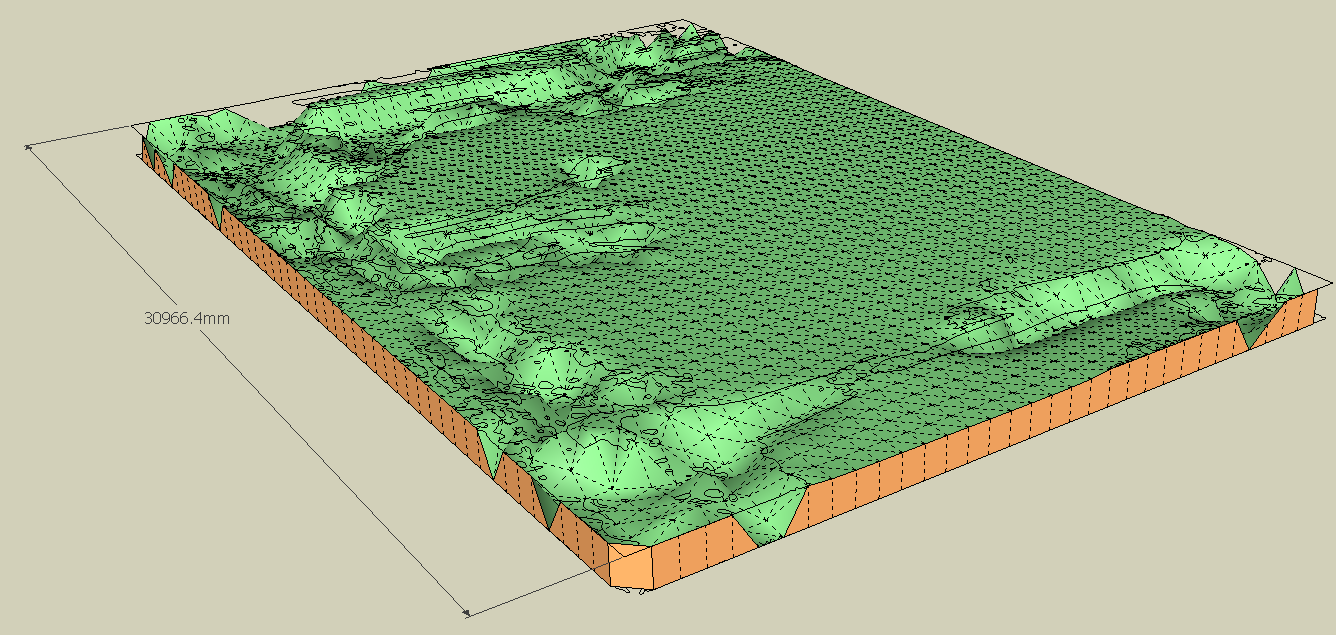
The resolution is also very acceptable considering the width of this model test is only 4 inches

I will read how to change resolution in case I need those smaller ones that you mentioned too. Hopefully, for 3d printing purposes, it will be useful to keep
Thank you much for your help!
-
Wish me luck lolz
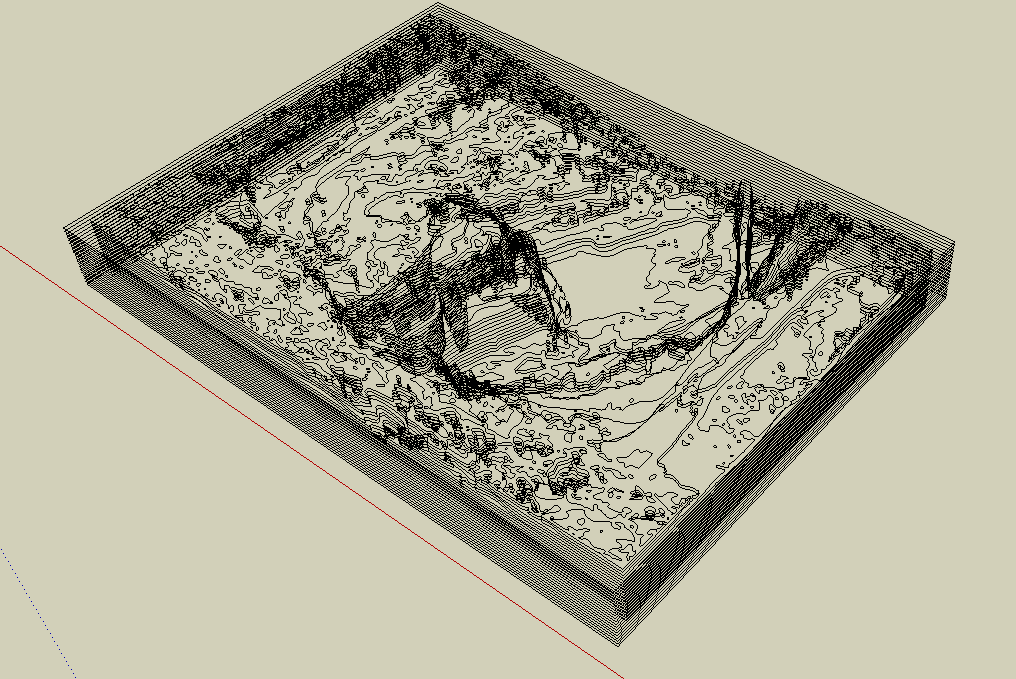
And yes, this was all done by hand so far. Wish could use the js align tool but I have to learn it first Progress is progress!
-
@sketchartist023 said:
The resolution is also very acceptable considering the width of this model test is only 4 inches
I will read how to change resolution in case I need those smaller ones that you mentioned too. Hopefully, for 3d printing purposes, it will be useful to keep Thank you much for your help!I think your model would benefit from a higher resolution, as the terrain is basically flat with some very local deeps.
Also, you can always generate the terrain with its new isocontours (which would be clean), and then
- extract the group with these isocontours
- use them to regenerate a new terrain, possibly with another resolution.
Fredo
-
@fredo6 said:
@sketchartist023 said:
The resolution is also very acceptable considering the width of this model test is only 4 inches
I will read how to change resolution in case I need those smaller ones that you mentioned too. Hopefully, for 3d printing purposes, it will be useful to keep Thank you much for your help!I think your model would benefit from a higher resolution, as the terrain is basically flat with some very local deeps.
Also, you can always generate the terrain with its new isocontours (which would be clean), and then
- extract the group with these isocontours
- use them to regenerate a new terrain, possibly with another resolution.
Fredo
That is great info thank you
Whqat would I likely have to do to generate new isocontours? Do you refer to within the same plugin? I can see howthat would benefit for both generation and time of generation without errors so I'd like to try that method for sure because my SU crashed with this last test. Likely a maxed memory usage idk but new isos would be ideal I agree with this resolution need. Thank you very much again for everything EDIT: The new iso's might also rid the use of artificial contours I would imagine too, to that would be less work for my end if it works out well with generation
In other words, I wouldnt have to manually erase them one by one after alignments -
@sketchartist023 said:
What would I likely have to do to generate new isocontours? Do you refer to within the same plugin?
When you generate the geometry, you have the option to generate the iso-contours for the terrain. These iso-contours are those corresponding to the generated terrain and thus may differ from the original ones. They are created as a subgroup of the terrain group.
-
I have very accurate site contours for a large, hilly site. The contours were drawn by a civil engineer and show the proposed conditions, including many vertical retaining walls. I have used TopoShaper to generate terrain from the contours, but it (like the default SketchUp version) doesn't seem to be able to handle vertical faces. See views below of contours and Toposhaper results:
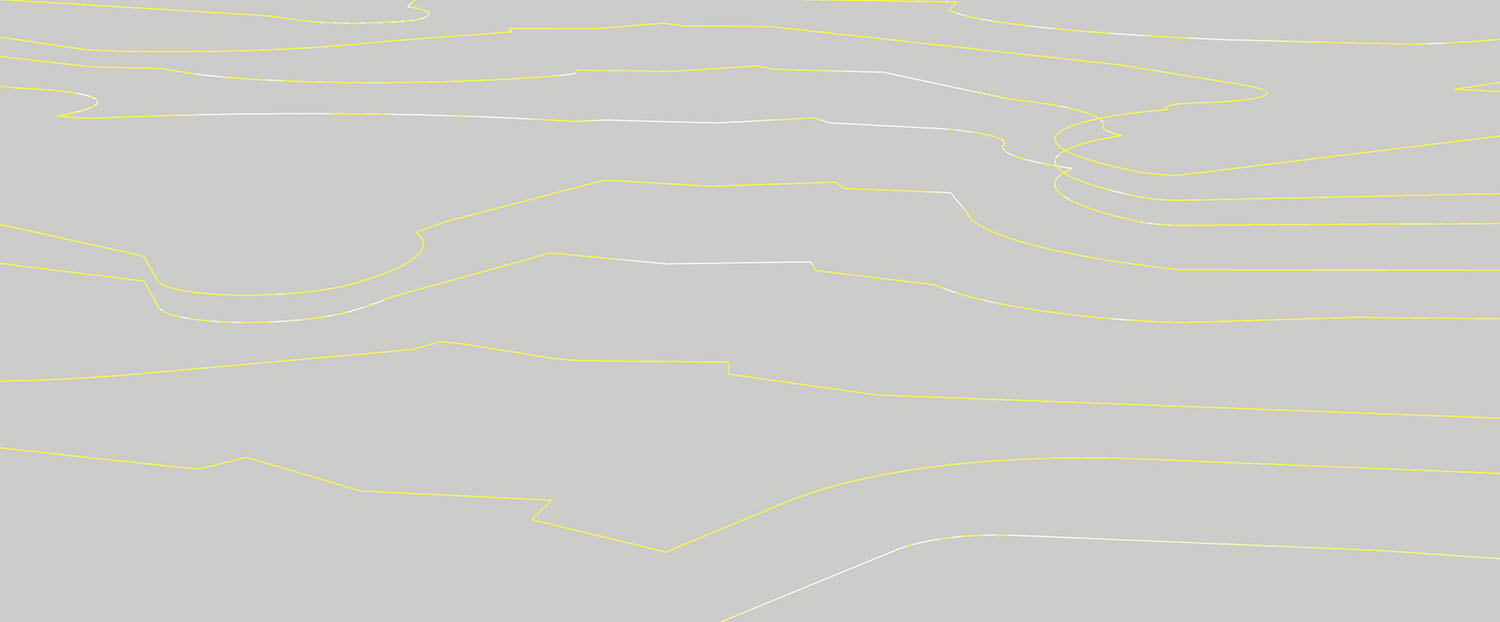
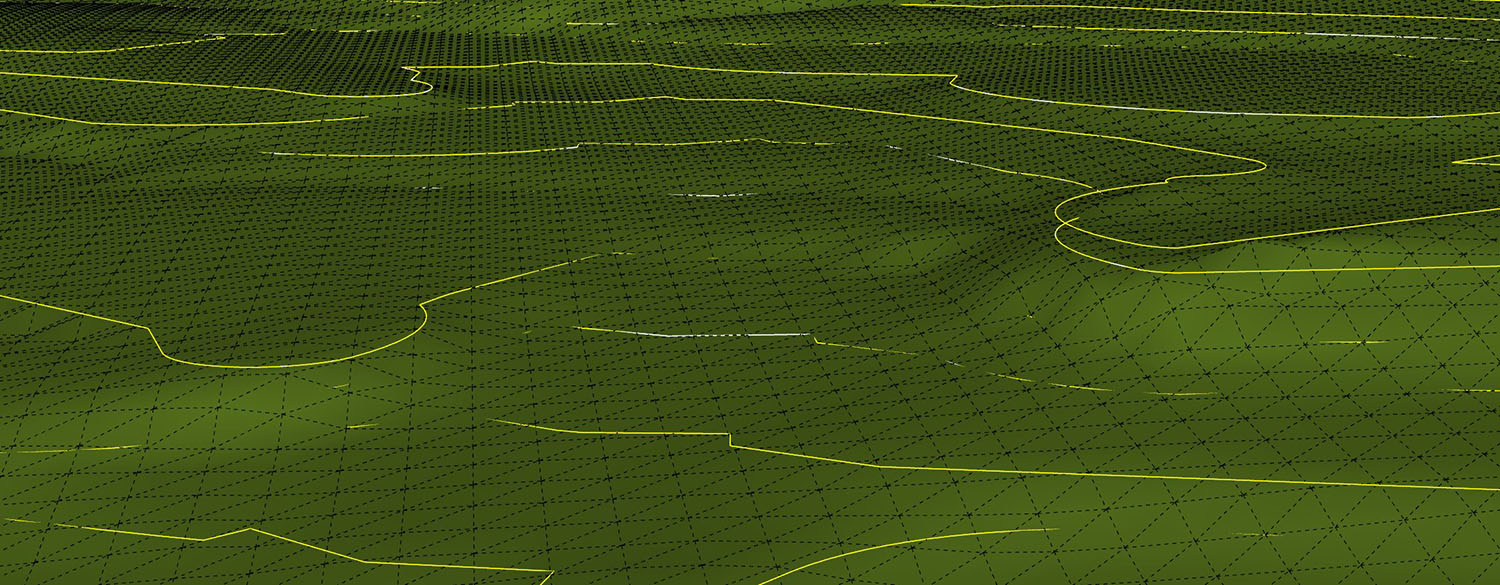
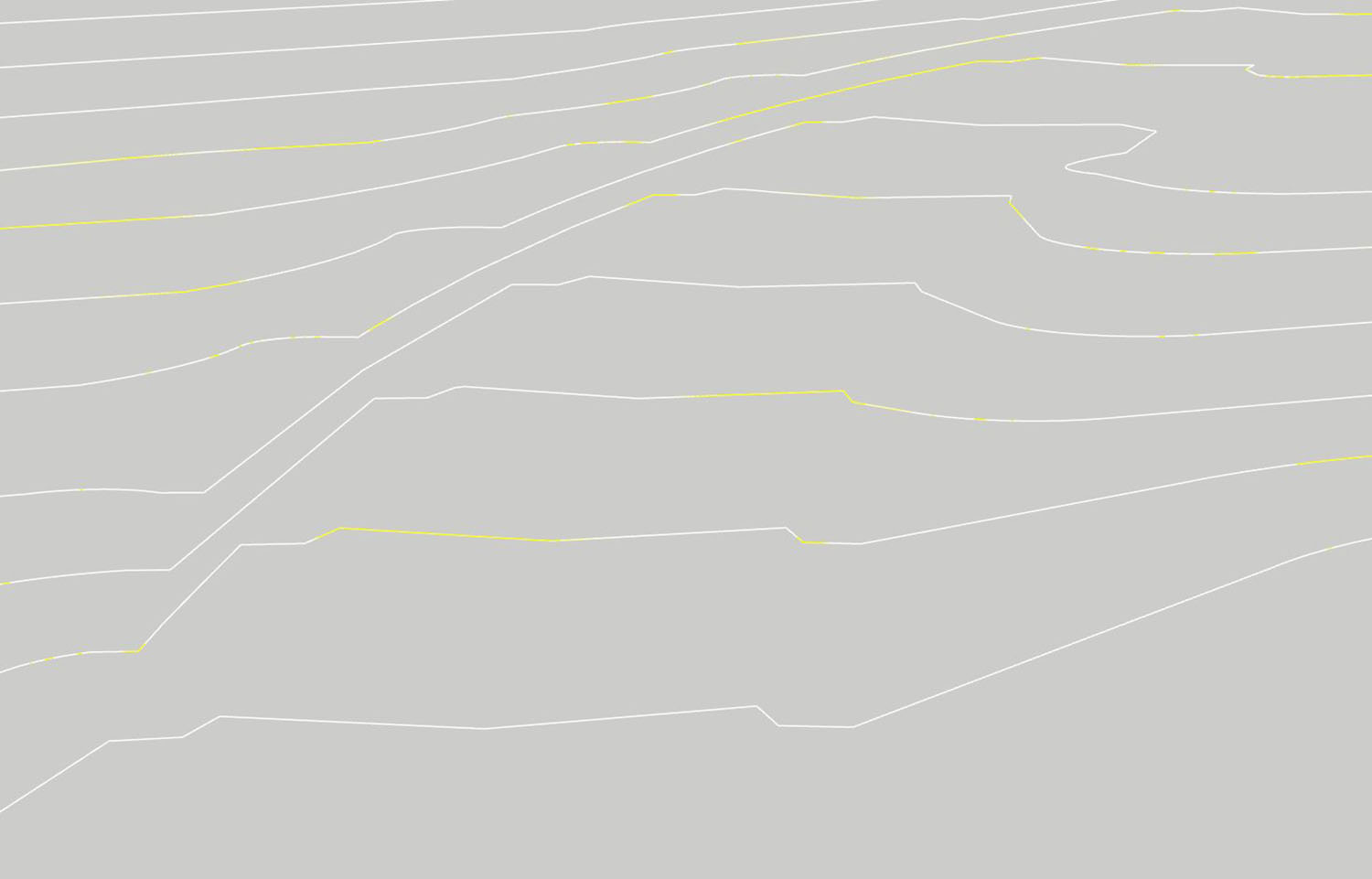
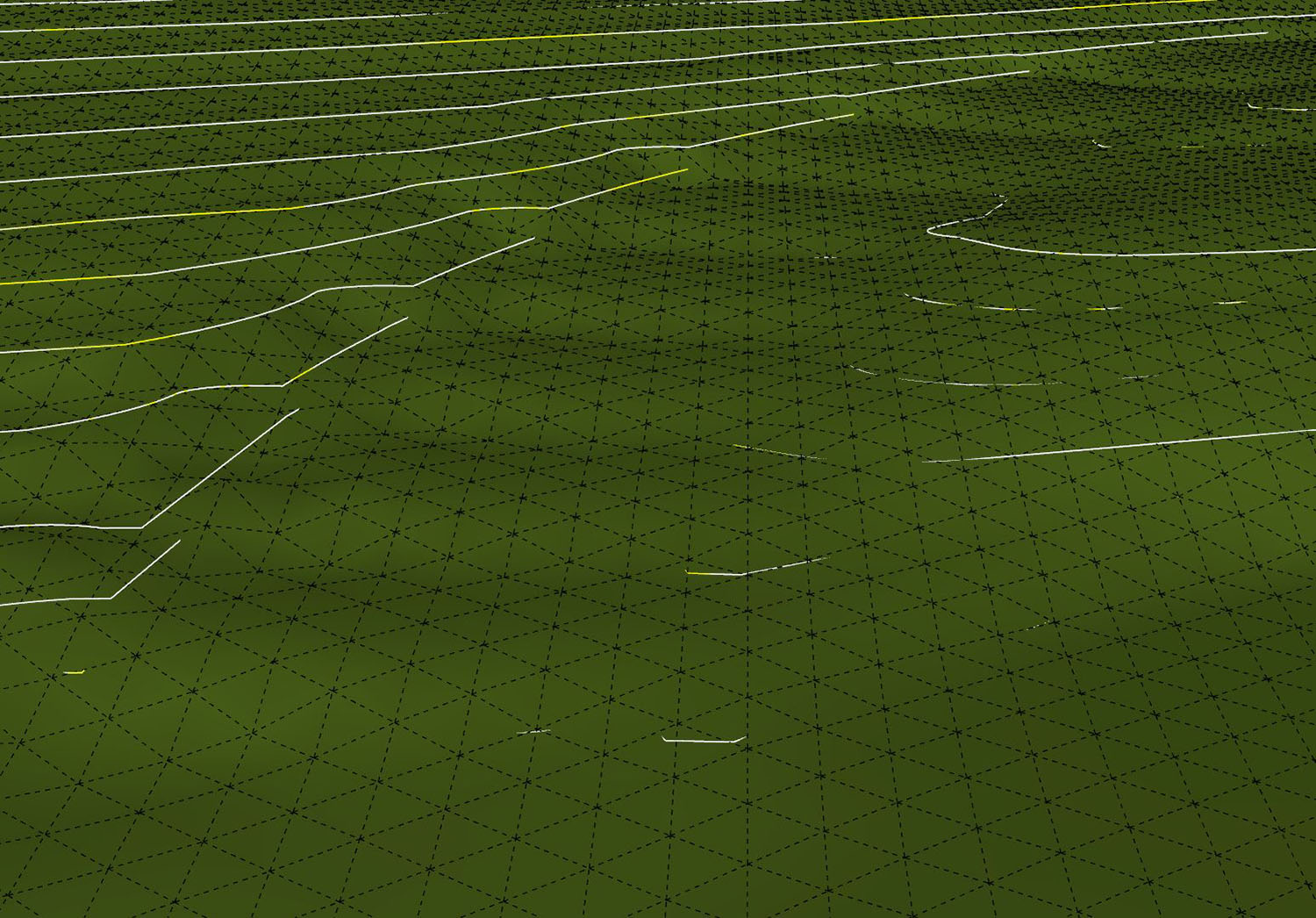
Clearly a lot of detail is being lost here. Does anyone have any suggestions for how to handle this accurately?
@Fredo6: Thanks for your work creating this.
-
This is a limitation of Toposhaper. Vertical faces should be created after the 'natural' terrain has been generated. Vertical faces usually correspond to excavations, road borders, etc.. and should be created along with these objects.
-
Understood, thanks.
I'm curious whether there is another program out there that can create accurate models with vertically stacked contours.
-
@unknownuser said:
I'm curious whether there is another program out there that can create accurate models with vertically stacked contours.
MeshLab http://www.meshlab.net/
-
Hello,
First off, your plugin is remarkable! The terrain from point cloud is working fantastic, but I am running into an issue with a crash to desktop on generation of the quad terrain from ISO-Contours. I tested the example files using the same method and it generates fine. I have attached my file, could anyone maybe explain what I am doing wrong?Thanks!
-
I don't have a problem
- when generating the triangulated terrain from guide points
- when generating the terrain in quadmesh, after extracting the iso-contours from the triangulated terrain
I wonder also what is the object mixing guide points and edges on the right (picture below).
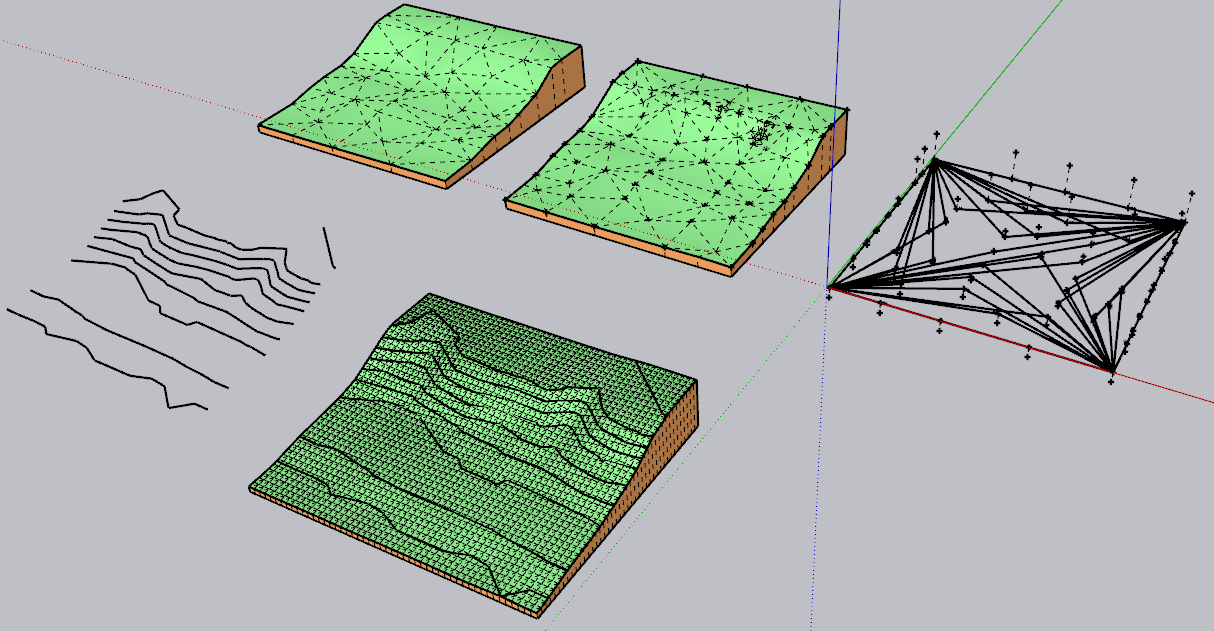
Can you tell me where it crashes.
Fredo
-
The object is a triangulated point map DXF import.
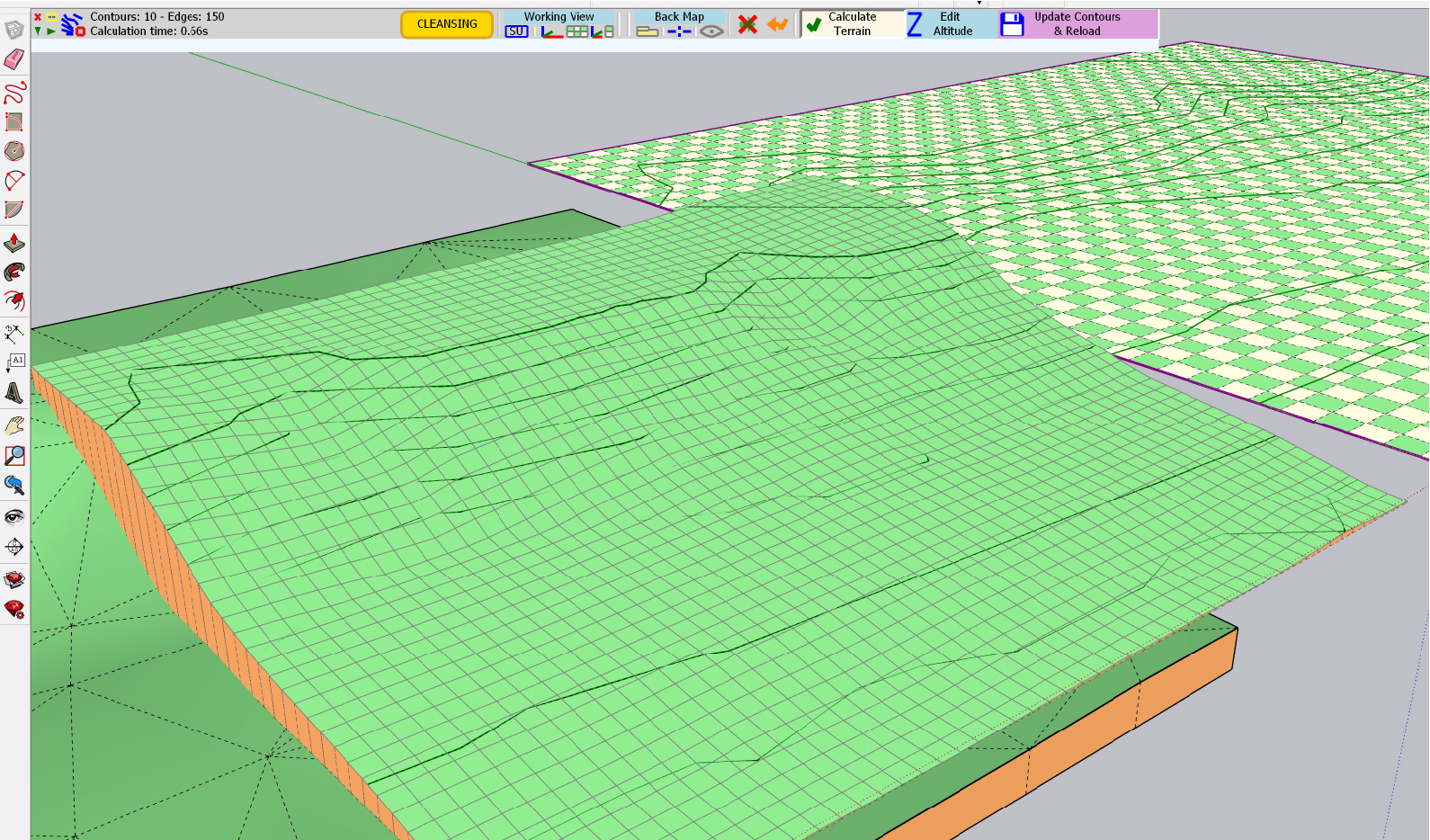
It crashes to desktop approximately 1 second after generating the terrain from ISO contours, I have attached images. I am going to test generation on a different PC today and see if that works.
-
Hi thanks a lot for this plug in, I've been looking for something of the sort for a very long time.
I have a question, and aware this might not be the right place but maybe you're able to address me to the right topic.
I've got the elevation data in a cad file (from a survey), but how do I import it into sketchup so that it recognises it as guide points?
-
Fredo, your plugins give sketchup a huge lift and usefulness that without them sketchup would be second rate.
many thanks for all your plugins and thank you for offering them free... sketchup should be paying you.! im going to donate to you now,!




Advertisement