Intersect selection problem !
-
@unknownuser said:
It's not the scaling I'm talking about here it's the fact that 'Intersect with Model' and 'Seletcion' can still cause issues.
It's a bad example I know but it's something I run into every now and then.Rich, can you tell where you got that face from? Is it imported? And whenever you run into this "bug", are the faces from import.
In cases like this rather than scaling the entire face in all directions (like Jeff did) I add a single 1mm edge perpendicular to the face. Then I right clcik on the face and select 'Align Axis'. Finally I can scale perpendicular to the face, leaving the perimeter the same size.
Do this with the face in your model. Pick the middle grip and scale upwards by 1000x. You'll see a folded face that when fixed (Model Info > Statistic >Fix Problems) reveals the same hidden geometry that you see after intersecting with the cylinder.Even after just aligning the axes to the face (and without scaling) you can measure differences in the new blue direction. When Z should be zero for all of its endpoints.
So is the face a result from an imported file?
-
@wo3dan said:
So is the face a result from an imported file?
No, it's a small section of a chair seat that was made Artisan.
@Jeff
You nailed it Jeff. My plane had 2 verts off by an immeasurable distance in SketchUp. I never scale by x1000 (normally 100) but when I did I found the bastards. That's is some killer info
As for avoiding it I'm afraid at x1000 Artisan reintroduced the wacky verts.
-
I have worked with some dwg blueprints(and I have used that geometry to intersect and cut some faces), perhaps that was part of my problem[Sketchup asked to fix my model,but I usually know fixing model will mess my model(erasing faces,loosing geometry etc)].
Still this adding hidden lines method happens on regular files too(thanks to Thomas for his cleanup plugin , which serves so well on this matter).Cheers !
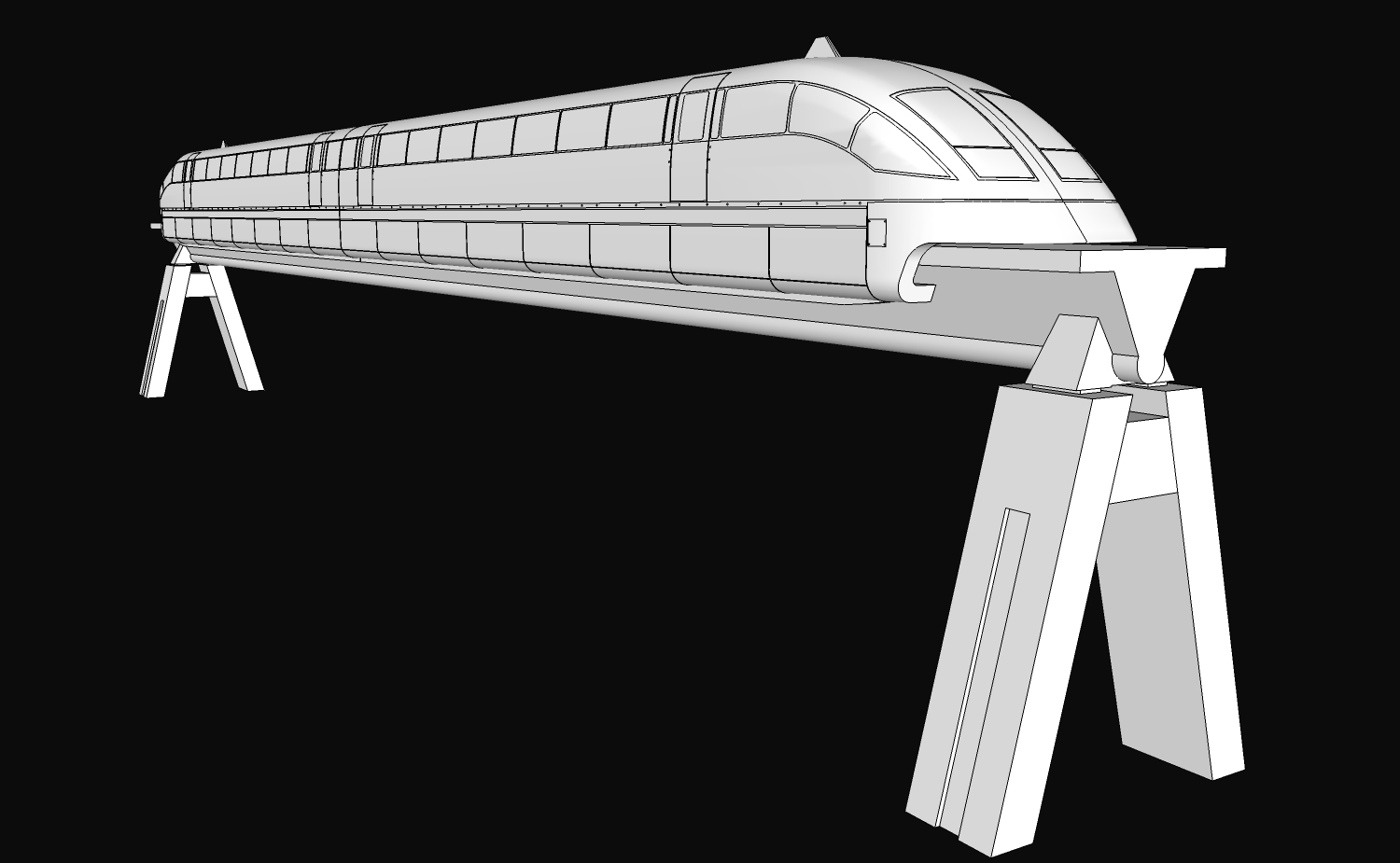
Btw this is the project I was working on .
-
Thanks guys !
Jeff , indeed your method worked.And yes there seemed to be some other hidden lines that I was not aware of .
The idea is that this shouldn't happened . This was a special case but there are many others where this happens especially when the geometry is not separated as mine .Yesterday I almost quit on it, but i had to deliver it and I had to pursue it and I finally ended by drawing a series of circles , copy paste them and I used Joint Push Pull(Thanks again Fredo!!) to pull them out !
Have a great one !
-
I've had this problem crop up periodically and it's an enormous pain at times. I figured that the planes were imperfect at some tolerance and I couldn't correct the problem. It doesn't happen all the time, but it happens enough. When it does I try to erase as many of the hidden lines as possible while leaving those that would cause planes to disappear. It's a time consuming pain. I've even erased absolutely everything and started from scratch only to have the hidden lines appear again often enough. Aarrrgh!!!
What I find doubly annoying is cleaning up a model only to find many of the lines reappearing after I saw the model. Undoing Check Validity removes the lines in the model I already erased, but that doesn't solve the issur that those reappearing lines have been saved in the model.





Advertisement