Dimensions in SketchUp don't stay in position
-
Placed dimensions inside group don't preserve position when I close the group.
Below you can see print-screen, also sketchup model.
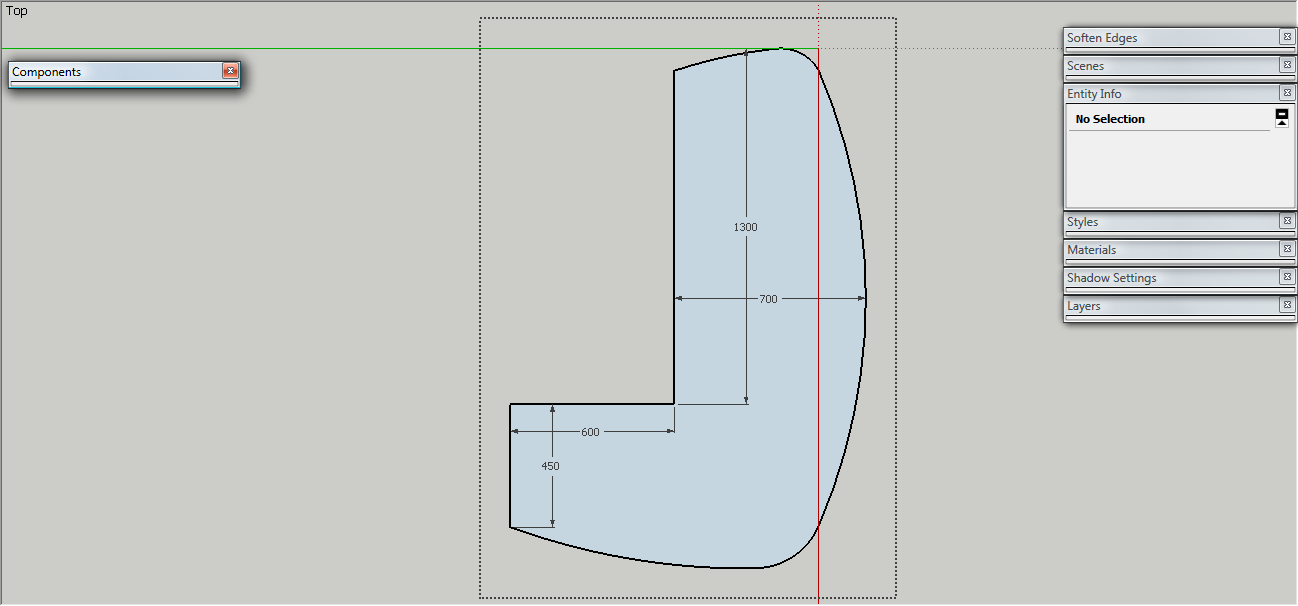
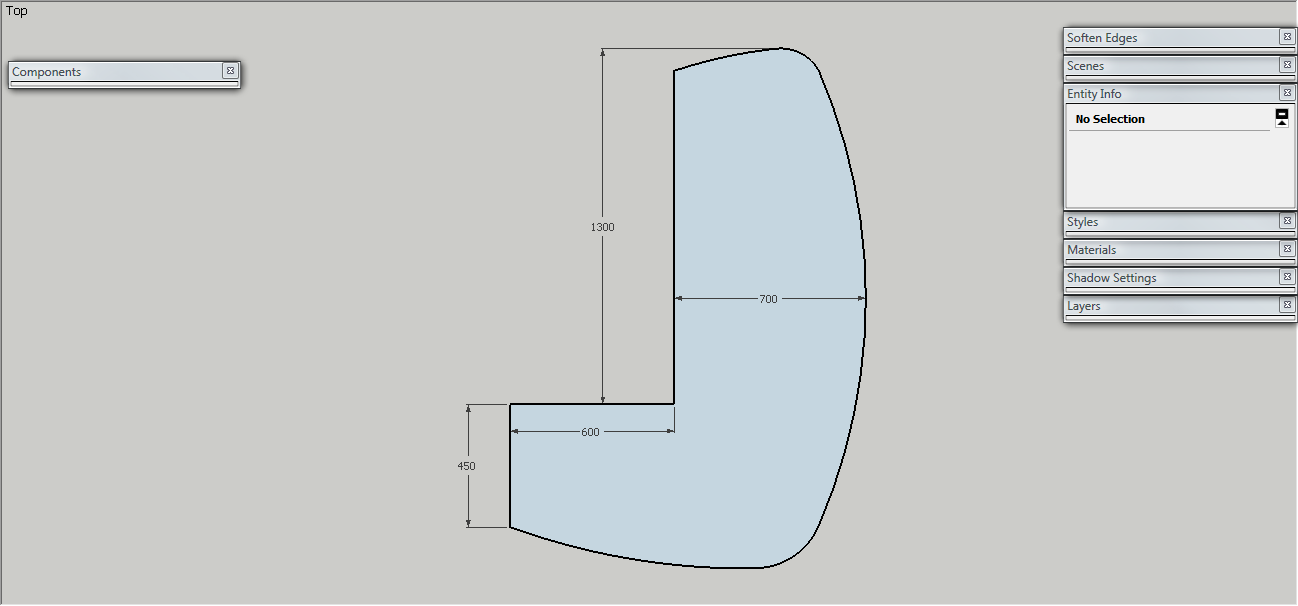
-
That's strange to say the least. Maybe the group wasn't open for edit I don't know but I did figure out how to fix it.
I exploded group and went to edit- select all and regrouped it now their were you want. You may have your own reason for putting dim. in group but I would add a layer for dim. to show or hide them. You could group dim. if you wanted. On more complex models that would be they to do best. In layering I learned to name dim. with a z- in layer name so they showed up in layers list at bottom good reasoning behind that also.
-
@mwm5053 said:
That's strange to say the least.
I exploded group and went to edit- select all and regrouped it now their were you want....so, it might be a SketchUp bug? Hmm...
Anyway, the reason for grouping all together is not important, as it was a temporary action. The fact itself is. If it's a bug, it should be fixed. -
I guess the group's axes' directions and the model's axes' directions differ ?
Try exploding the group in place and immediately regrouping it so the axes reset, re-dimension and see if the dims are then fixed...
If it's a component then you can try resetting the component's axes to mimic the model's axes directions etc.

-
@tig said:
I guess the group's axes' directions and the model's axes' directions differ ?
Try exploding the group in place and immediately regrouping it so the axes reset, re-dimension and see if the dims are then fixed...
If it's a component then you can try resetting the component's axes to mimic the model's axes directions etc.
indeed, the axis were different. But I'm thinking now that the cause was a earlier mirroring, because after exploding/regrouping I changed the axis again, and everything stayed in place.


Hello! It looks like you're interested in this conversation, but you don't have an account yet.
Getting fed up of having to scroll through the same posts each visit? When you register for an account, you'll always come back to exactly where you were before, and choose to be notified of new replies (either via email, or push notification). You'll also be able to save bookmarks and upvote posts to show your appreciation to other community members.
With your input, this post could be even better 💗
Register Login


Advertisement