[Plugin] Pen Tool +
-
Cool Rich, great job on posting a plugin. I'll never ever use it as I'm sure I won't understand its accent, but should be lots of fun to install just to hear it mock me and my modeling habits all the time

-
Make sure to use the Weld tool on your mouth. Before I write a Foot tool for your ass

-
@Rich:
Did you live in the states for awhile? -
A visit is all it takes.
-
Comes of drinking American beer at high elevations for a week when you're not used to either.

-
-
@Rich:
'Twas the nuances of your snappy comeback that made me wonder
In your honor:
A fellow we know named O'Brien,
Sometimes can leave folks a-cryin'.
But sometimes his gaffin',
Will start you to laffin',
Even when sparks are a-flyin'.oh, well.
-
@mitcorb said:
A fellow we know named O'Brien,
Sometimes can leave folks a-cryin'.
But sometimes his gaffin',
Will start you to laffin',
Even when sparks are a-flyin'.

-
Where does this plugin locate itself? I have it installed, the toolbar works fine but when I look in the plugins folder the PenTool+.rb or a folder holding the icons are nowhere to be found. I am confused (as usual).
-
Look for a folder called 'rob_hsltool'
The 'Draw' menu contains the modes of drawing also
-
Not there that I can see. Weird. Here is my plugins folder and a screen shot of the toolbar active.
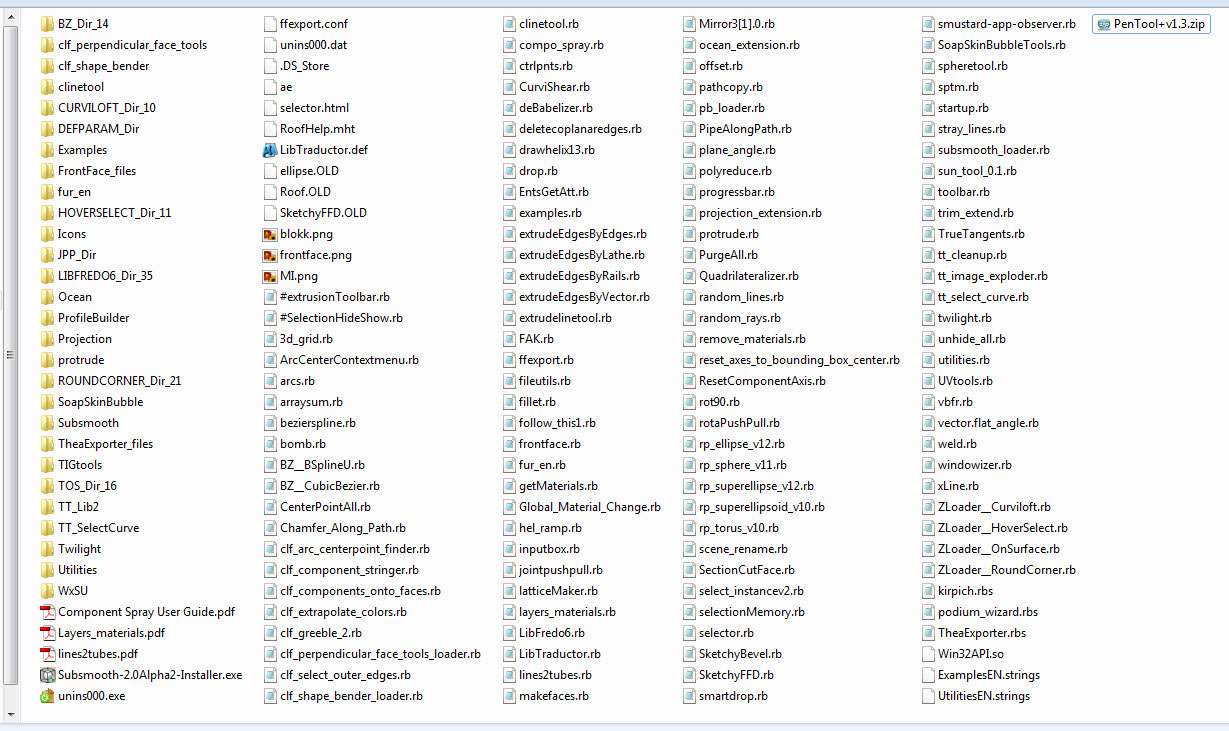
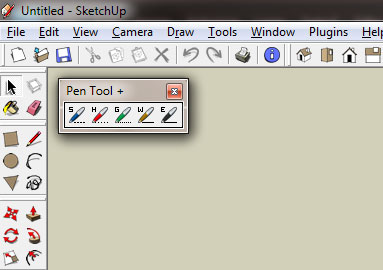
-
Any chance that's your SU7 Plugins directory?
-
Nope, I checked and the folder you see is here:
C:\Program Files (x86)\Google\Google SketchUp 8\PluginsThis is my SU7 Plugin folder.
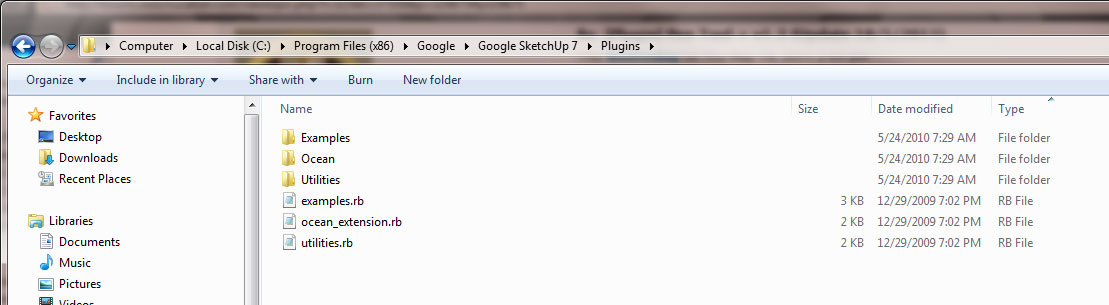
-
What's in that zipped PenTool folder?
-
Well that is what I downloaded from the first post in this thread. I can delete it from the plugins folder and I still get the pen tools to show up when I start SketchUp. They have to be referenced somewhere I just don't see it. I even did a search on the computer and they don't show up either. Maybe if I restart my machine it will go away???
Odd. -
Well I'm the wrong gut to ask. I probably contributed to 5-10% of the earlier part of this plugin. I'm not blaming TIG for this behaviour but maybe he can shed some light on this?
I can't see how this can happen because the .rb clearly states to look in the 'rob_hsltool' folder for the toolbar icons. You have neither in your Plugins folder? Have you 'show hidden files' enabled? In case you accidentally hid them

-
Yep, show hidden files is on and after restarting and not having the zip file, the ruby file or that image file folder in the computer at all I still get the pen tools showing up.
-
Eric, that's very weird.
-
I know right!?
One thought, since I am on a network here it might have been installed somewhere other than my machine and is pointing there...? Just a thought.
-
Great Pen Tool Thanks for this nice work
Can you integrate an constr. Point






Hello! It looks like you're interested in this conversation, but you don't have an account yet.
Getting fed up of having to scroll through the same posts each visit? When you register for an account, you'll always come back to exactly where you were before, and choose to be notified of new replies (either via email, or push notification). You'll also be able to save bookmarks and upvote posts to show your appreciation to other community members.
With your input, this post could be even better 💗
Register Login


Advertisement