VRImage from 1.49?
-
Has anybody successfully exported to vrimage? One I convert it to .exr it opens just as a black image.
Is it necessary to save the irrdiance map first?
I have SU8, vray 1.49, win 32 bit, 4 gb, 2.53 dual core. The scene is around 30 mb. I have tried taking out high poly geometry and rendering a small output with no luck.
Any input is appreciated.
-
-
@jarynzlesa said:
Das funktioniert. Ja gůt
 .
.Yes, I have tried that step-by-step. First of all, that is for Rhino and some of the steps aren't options in 1.49 (eg. enable the "New Map mode" )
However, I can follow it, but it results in a black image.
-
I discovered that there is an option for a direct output to .exr from vray. I tried that and I got something better than all black, but the colors are washed out and there is a white line around the profile. Attached are some pictures.
Ultimately, I'm trying to cut time out of a rendering I'm working on (11hrs for 5000px wide). Maybe this isn't a viable technique to help reduce rendering time.
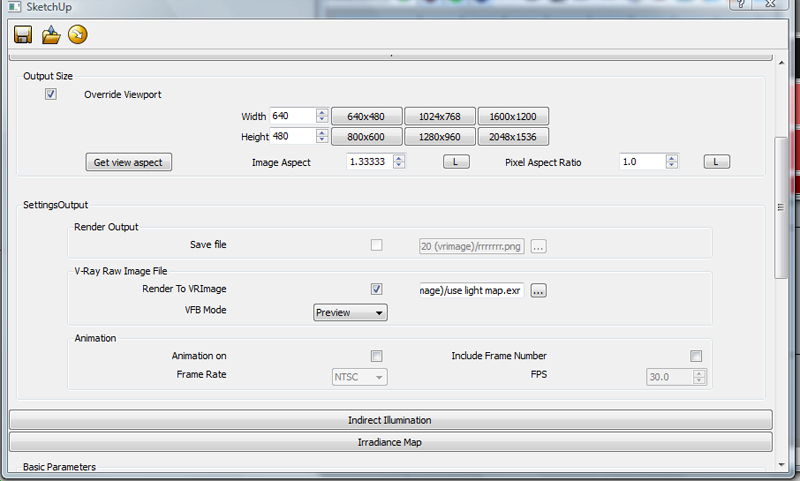
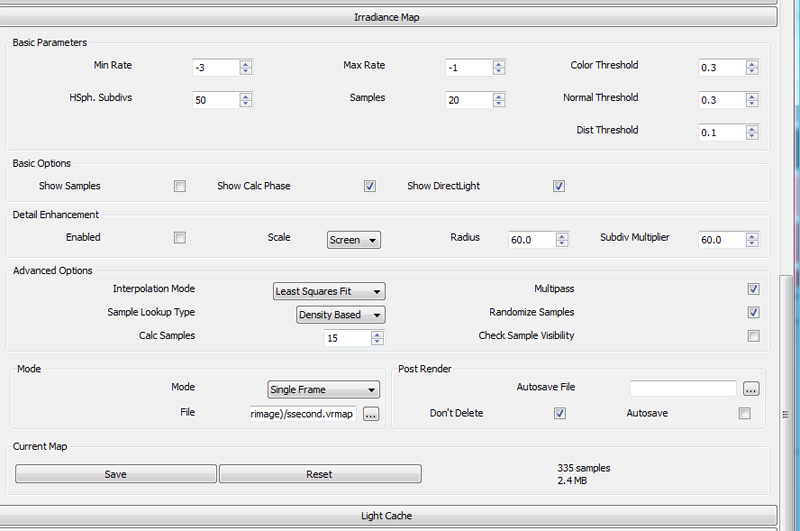
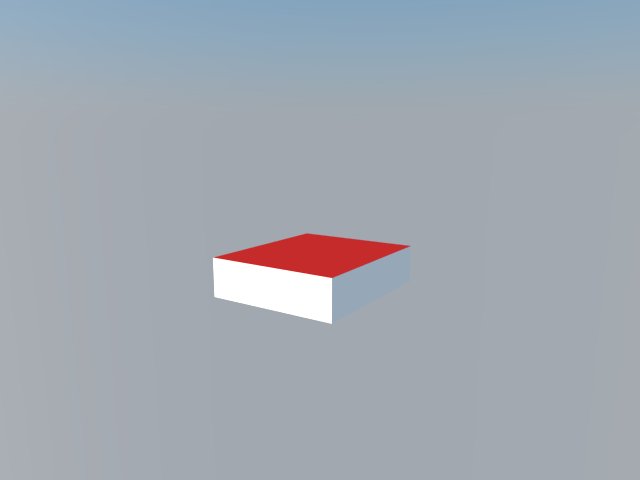
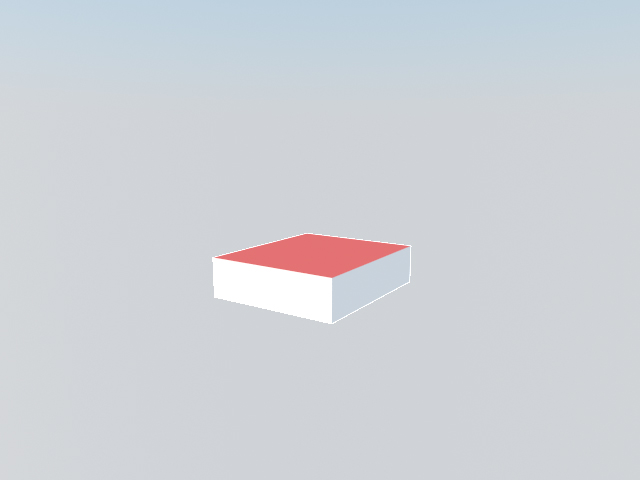
-
open *.exr in photoshop. after you open *.exr, photoshop should ask you for adjusting the gamma.
-
Adjusting the gamma makes the image quality better. However, that white line is still there. Thanks for the ideas.
I'm not convinced vrimage is useful for me.


Hello! It looks like you're interested in this conversation, but you don't have an account yet.
Getting fed up of having to scroll through the same posts each visit? When you register for an account, you'll always come back to exactly where you were before, and choose to be notified of new replies (either via email, or push notification). You'll also be able to save bookmarks and upvote posts to show your appreciation to other community members.
With your input, this post could be even better 💗
Register Login


Advertisement