[Plugin] ImageTrimmer
-
Don't do it you fool!
"Just step away from the tree... put your mouse down where I can see it..."But seriously though folks

Spend time up front getting the PNG right.
Crop it tightly so there's minimal transparent background.
Make sure that the outline isn't too complex, e.g. any thin leaves, twigs, branches etc, that are less than ~2pxs wide will be ignored because the edges they define will be considered 'coincident' and therefore won't make a face, BUT they'll still clog up the processing time if they are included in the pixels to look at - so either erase them so they are not considered OR fatten them up so they are used.
The edges of every 'hole' in the PNG have to be individually processed, 'smoothed' etc - so the more holes the longer it'll take to complete.
Be patient - if it whites-out it's almost certainly still working away on things, but it's just taking its time - so have a coffee [or a glass of beer!] or two and chill out...
This palm took too many hours to process in the background while I did something else [>7!]... It has a lot of thin 'fronds' to process...
-
Alright, I might be a little ambitious there but I have this logo which is a perfect example of things I usually would want to outline.
Usually I open these vector logos in Illustrator, export it to dwg, import in SU and make faces et voilà.But with this one, I get a bad export from Illustrator which I don't know how to clean:

So I turned to ImageTrimmer and blessed TIG and all the ruby programmers one more time (
 ).
).But, believe it or not, when I open this png logo as an image in SU, save the file and launch ImageTrimmer, the statusbar appears and at the same time it opens my Nokia Ovi Store app (
 ), then stops and nothing happens...
What do you think f that (especially the Nokia part
)?

-

Is this Nokia thing a Java launcher? I know this plugin is heavily reliant on Java so it could be related to that?
Anyway I'd add any Ruby Console messages here if there are any showing. The thing I've noticed with ImageTrimmer is that it's doing something even when it appears nothing is happening.
-
Rich,
It is an app I'd installed to backup my phone's contacts onmy computer... It's called NOkia Ovi Suite. Made me laugh a while

Here's the Console message from my other computer (which doesn't have the Nokia suite installed... You never know...

Error: #<Errno::ENOENT: No such file or directory - C:\Users\le miniLab\Desktop\TrimmedImages\logo-nb[Edges].dat>
C:/Program Files (x86)/Google/Google SketchUp 8/Plugins/SKMtools/ImageTrimmer.rb:238:inreadlines' C:/Program Files (x86)/Google/Google SketchUp 8/Plugins/SKMtools/ImageTrimmer.rb:238:inmake_edges'
C:/Program Files (x86)/Google/Google SketchUp 8/Plugins/SKMtools/ImageTrimmer.rb:187:inprocess_image' C:/Program Files (x86)/Google/Google SketchUp 8/Plugins/SKMtools/ImageTrimmer.rb:164:ininitialize'
C:/Program Files (x86)/Google/Google SketchUp 8/Plugins/SKMtools/ImageTrimmer.rb:769:innew' C:/Program Files (x86)/Google/Google SketchUp 8/Plugins/SKMtools/ImageTrimmer.rb:769 C:/Program Files (x86)/Google/Google SketchUp 8/Plugins/SKMtools/ImageTrimmer.rb:238:incall'
C:/Program Files (x86)/Google/Google SketchUp 8/Plugins/SKMtools/ImageTrimmer.rb:238I think this time Image Trimmer didn't do anything while it looked like it didn't do anything!
-
Nicolas
Seems you might not have Java enabled correctly...
Look back through this thread about how it needs to be installed / control-panel etc... and that any .jar files must be executables, and NOT opened by other apps, like zip apps etc...If Java is properly set up the .jar files will fire and thereby make the files needed for ImageTrimmer to work...
-
Thank you very much TIG, I'll check that tomorrow!

-
Hi!
It works. I had to create an admin account with a password ot get it to work but it worked perfectly.
I also understood what created these unwanted lines on dwg export from Illustrator: There was a clipping mask with a gradient applied to the shape... I ungrouped the shape and the gradient, re-exported and it came out perfect and could use my usual workflow.Anyway: thank you very much for your time and thanks a lot for this very valuable tool!

-
Hi,
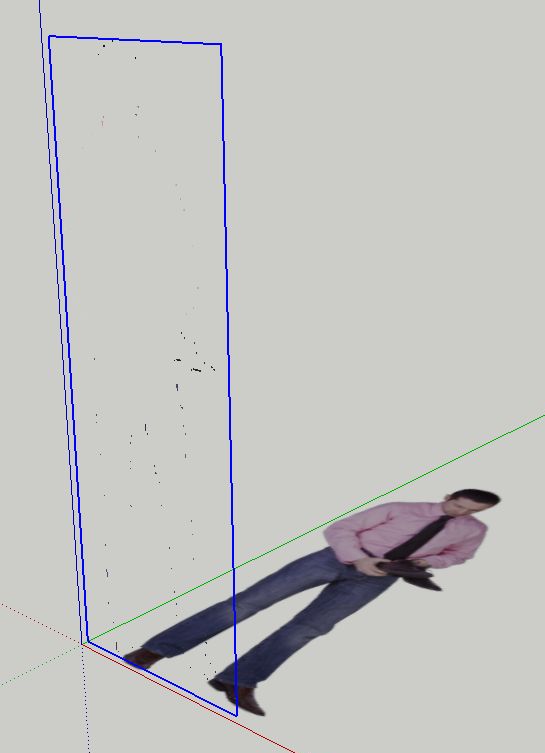
I have been using this plugin and I am very happy with it. But lately I am having problems with some, not all, images, that when processed appear like that. Just very few pixels are included in the component made by the plugin. What could be the reason?
-
@unclebim said:
Hi,
I have been using this plugin and I am very happy with it. But lately I am having problems with some, not all, images, that when processed appear like that. Just very few pixels are included in the component made by the plugin. What could be the reason?
HI,
how did you change your Java settings? I have windows 7 pro 64, and cant seem to get this plugin to work? -
@jmdesigns said:
@unclebim said:
Hi,
I have been using this plugin and I am very happy with it. But lately I am having problems with some, not all, images, that when processed appear like that. Just very few pixels are included in the component made by the plugin. What could be the reason?
HI,
how did you change your Java settings? I have windows 7 pro 64, and cant seem to get this plugin to work?I did not change Java settings, I run SU as administrator and it works. The only problem I have lately is as quoted.
-
 Thanks unclebim, that worked perfect !...the plugin works
 -
unclebim
Looks to me like your PNG has lots of semi-transparent areas.
The way the tool works is the find all transparent pixels and then use them to determine the 'outlines' of the image that will remain.
If a pixel is even slightly transparent it's taken as one to be considered when forming the 'outlines'!
So typically when editing the image out-side of Sketchup 'pre-trimming' you need to ensure that firstly there are NO transparent pixels - i.e. you need to 'Merge' any layers and 'Flatten' it.
Then add back a transparent alpha layer.
then select all of the outer 'white' areas [sometimes the pixels are 'black'!] perhaps using a magic-wand tool [depends on you ImageEditor] and delete them.
So now you should have a solid image with just the 'background' showing as transparent.
Save the PNG and [re]import into your SKp as an Image and try ImageTrimmer on it again...
This time what you want to be left behind should be... -
dear TIG :
I've try image trimmer plugin, but after the process it nothing happened to my png image.. can you explain whats wrong with that??
-
@dannielstevanus said:
dear TIG :
I've try image trimmer plugin, but after the process it nothing happened to my png image.. can you explain whats wrong with that??
If I saw the PNG image it might help
I suspect you haven't got any transparent pixels in it [as the 'background'] to be erased, so it doesn't change, except it becomes a component? ...
Are there any error messages or anything shown in the Ruby Console [open it before processing an image].
Post the PNG so we can at least start to see what the issue might be... -
It finally worked when i try to run sketchup as an administrator.. its a great plugins TIG, i want to appreciate your work for it.
it can work fine with people's image, but unfortunately when i try it to trees image it can't work properly and cause my sketchup stop working.. I think its because the complex transparent image in tree object so this plugins should process all of them one by one that cause this program run too heavy
I think this will be better if this plugins can process trees image, maybe it don't need too details, just enough trimming an outline of the tree. I hope I can choose an option whether I need a details trimming or just a basic trimming
I hope you can do some upgrade for this great plugins to become an excellent perfect image trimmer plugins in sketchup (just for suggestions).
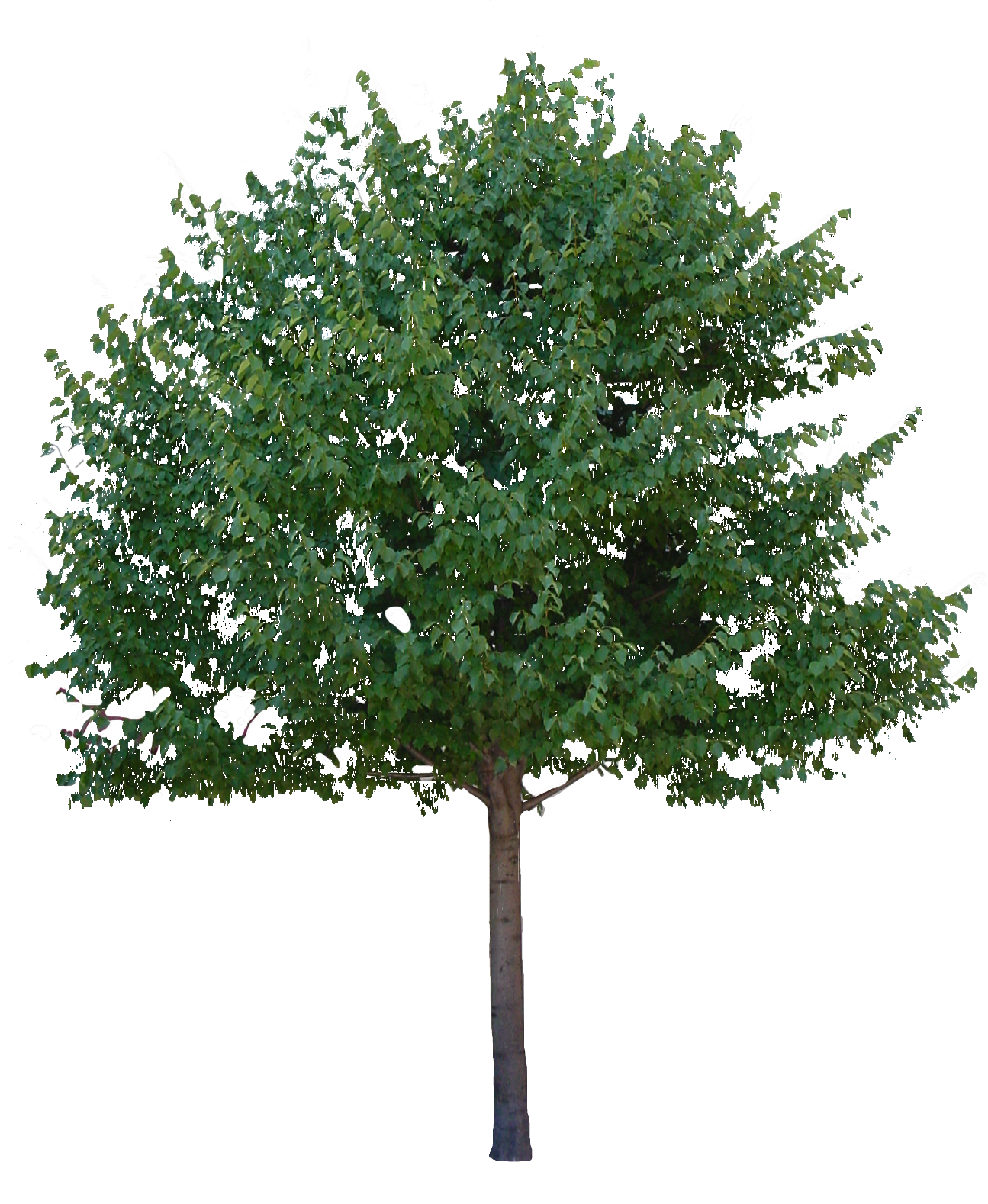
i will upload my tree object that can't be processed with this plugins so you can try it TIG..
thanks for your great plugins
best regards- Danniel Stevanus -
-
Danniel,
Complex geometry is just complex geometry no matter how you create it; as a 3D tre or as a 2D, face me component with extremely detailed cutouts for realistic shadows. Both will be handled with issues in SketchUp.
For such plants, a much more rough, simple manual outline is fine most of the time. Or use some technique Alan Fraser describes here:
http://forums.sketchucation.com/viewtopic.php?p=48726#p48726 -
After it's trimmed you need to simplify the outline [built-in] BUT you need to offer it a sensible image with reasonably sized areas/holes and distinct transparent/opaque areas - I'll look at the image and reply shortly...
-
Your tree png will fail to give a good/quick result because many of its pixels have slight transparency.
The Trimmer removes all transparent pixels, even semi-opaque ones.
So Edit the png [with say Gimp].
Flatten it so there is no transparency.
Add back a transparent alpha-channel layer.
Magic-wand select and then delete all of the 'white' background pixels.
There are many <=2x2 pixel 'holes' and leaves which will be ignored anyway [after being 'inspected'], so a little image-editing to avoid these would be advisable too - re-scale/size, or manual edit pixels, or both...
Also crop it to remove unneeded transparent background pixels, which contribute to processing time unnecessarily as they will be ignored, but still need considering...
Images with more than ~1,000,000 pixels can take ages [depending on their complexity]. I made a ~20,000px version...
It then takes about 15 minutes to trim it into this very complex form...
If Sketchup becomes unresponsive it doesn't mean it's crashed/hung; it's just busy process - the Task Manager will show it is still hard at work...
If you were to trim around a face using the image as a texture/guide it will take some time.
ImageTrimmer does it for you - it's probably not too much quicker, but you can do something less tiresome as it works in the background...
You can't simplify the 'quality' of the trimming until after all pixels are considered because how else might we know what we have to do ? -
Thank you very much Tig!!! Excellent plugin!!!
After several attempts.... It works perfectly under Windows 7 64 bits -
Hi,
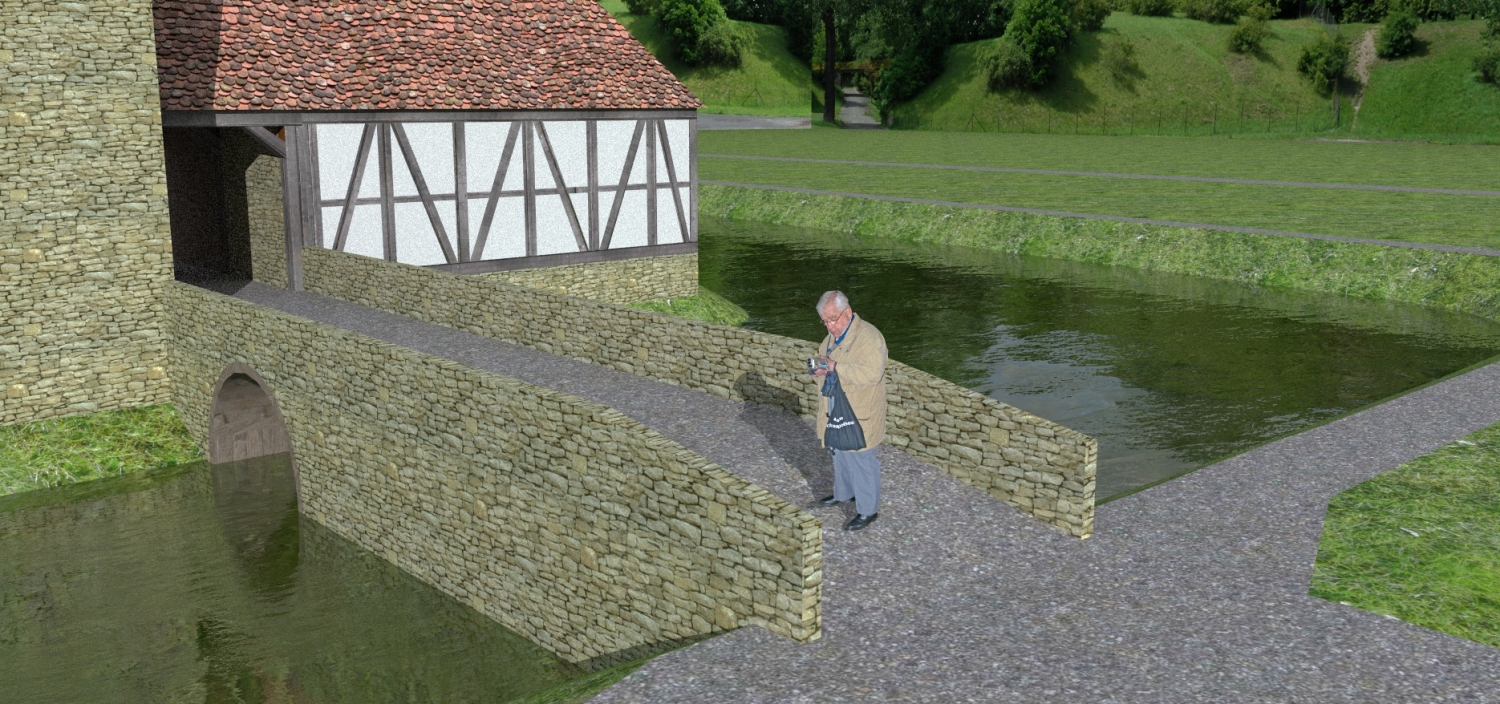
It's a really good tool.






Advertisement