Lumion
-
Waiting eagerly for your feedback. I'm not overly impressed with it as it looked similar TwinMotion which nearly 'killed rendering' all by it's self.
But I am genuinely excited by these affordable approaches to rendering. And Lumion's marketing has been subtle to say the least
-
-
Thanks Miguel, you are fast out the gates on this one.
I hope to be done with a monster project next week and will give this a good run and see if I can use it for my future needs.
-
Here are my impressions so far:
-At first, I experienced some crashes that were solved by updating to the latest NVIDIA driver for my GeForce 9600 GT card.
-I need a better graphics card.
 It runs fast with a small hill and some trees but after importing a real SketchUp project it became sloooow.
-Fortunately, you can easily set the quality of the real-time preview via a four-star system, and you can also make things even faster by lowering the resolution.
-Exporting from SketchUp to Lumion seems to be straightforward via Collada. Just check the right boxes in the export settings: http://lumion3d.com/forum/importing/how-to-import-a-scene-from-sketchup-tutorial/
-Everything in the UI has been almost completely intuitive to me, except for...
-After accidentally importing my project twice and not being able to figure out how to delete the copy or how to move the model, I decided to have a look at the tutorials.
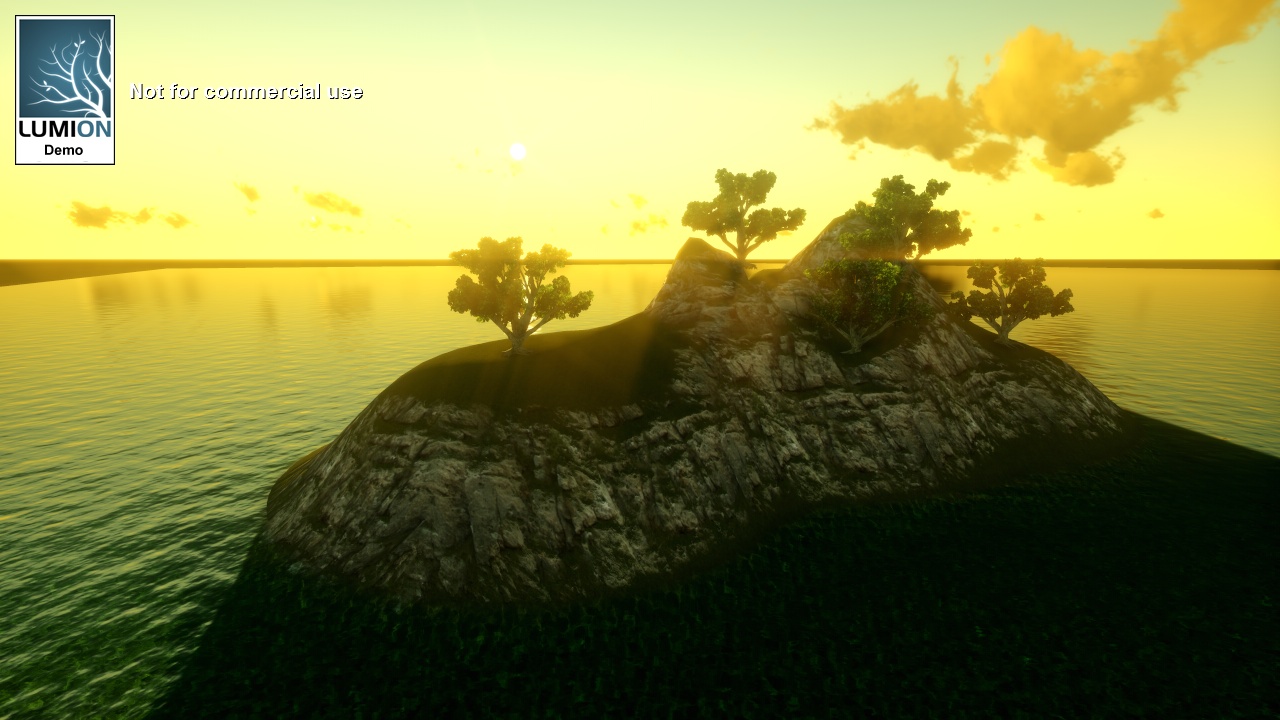
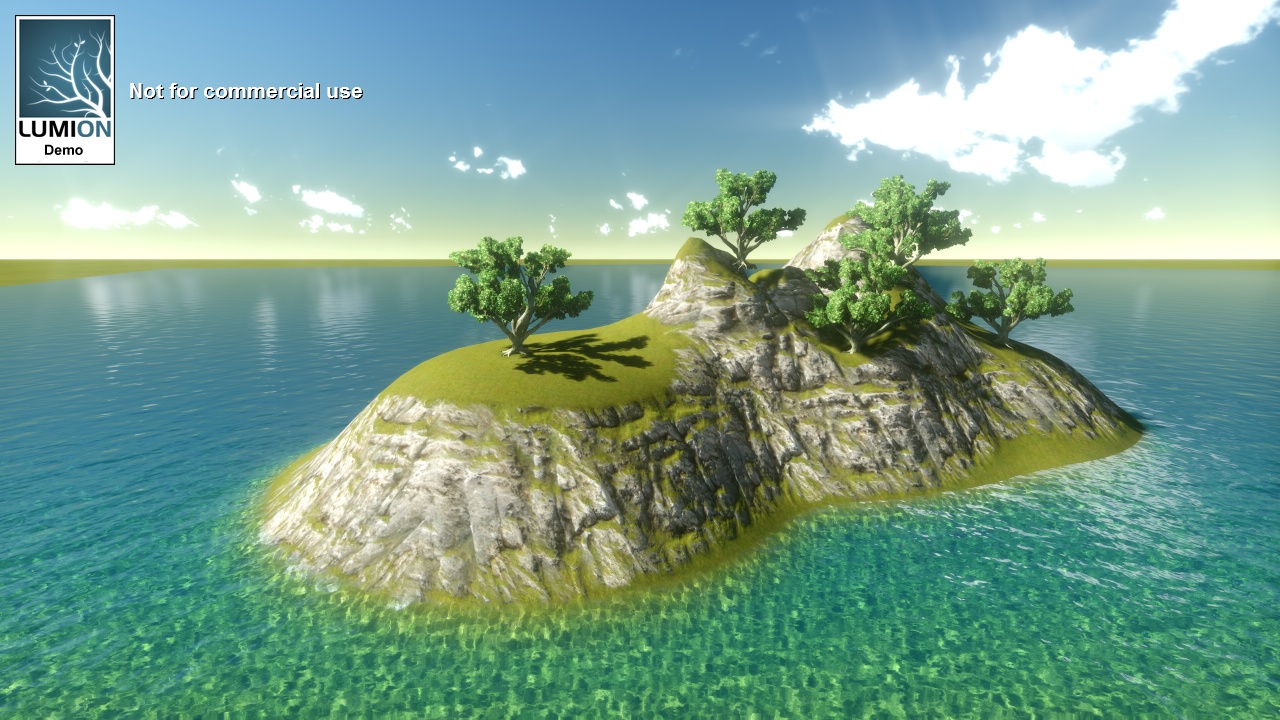
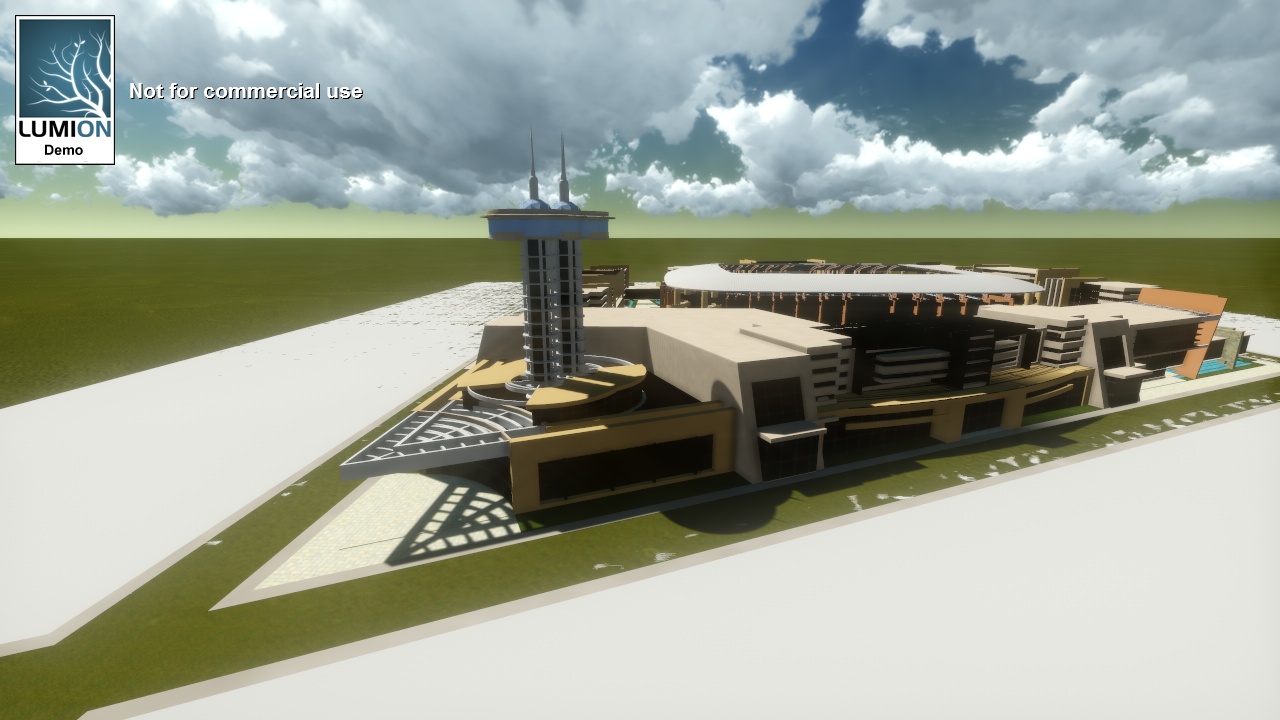
-Output seems to be good enough to fool most people (Except render experts, of course). Here are my lazy attempts so far with no materials at all changed after importing the SU model in the third image.
-
Too bad you cannot save a project with the demo. Learning a completely new app (and deciding if I want to buy) cannot be done in one session.
I see that there are different "amount" of materials in the demo and the pro versions. Does it mean that I am limited to those numbers and cannot have custom materials?
Also custom people and such? If I were to model/render a Roman city, I would like to have Romans in there and not two guys in jeans and a chick in bikini.

-
Guys and a chick in a bikini? You sure you're talking about Lumion? Sounds like you're up to no good again
-
The numbers on the material are just to show how many texture + bumpmap using our autouv material are in the full version.
You can import character models but they won't animate.
-
Lumion2?
Just noticed on their site that version 2 will have some kinda city builder...interesting.
-
@solo said:
Lumion2?
Just noticed on their site that version 2 will have some kinda city builder...interesting.
Where did you find that info?
-
see bottom of page.
-
I don't think that is a city builder. I think that the video is meant to show that Lumion can handle city scenes with cars and lots of buildings...but I can be wrong.
-
@pixero said:
I don't think that is a city builder. I think that the video is meant to show that Lumion can handle city scenes with cars and lots of buildings...but I can be wrong.
I think you're right.
-
Check out this movie someone made with Lumion. I'm wondering what model app he used.
http://digitart3d.com/blog/ -
Hi guys! kinda new here.. well anyway, i have a question regarding the system requirements of lumion. My video card is ATI 4650, will Lumion run with this specification? thanks a lot in advance!

-
You can check their forums, there is a good thread on the size of the video cards. They seem to like Nvidia cards, but I have an ATI Firepro V8700 with a gig on board.
BTW - what happened to our big Lumion thread...it seems to have disappeared?
I just got my licensed copy!
-
@unknownuser said:
Hi guys! kinda new here.. well anyway, i have a question regarding the system requirements of lumion. My video card is ATI 4650, will Lumion run with this specification? thanks a lot in advance!
Not exact the same but my 4850 works great, why don't you try the demo?
-
Difficulties have been resolved. There is a more informative thread on Lumion here,
Lumion - Test drive
http://forums.sketchucation.com/viewtopic.php?f=295&t=33486&start=0
-
@unknownuser said:
Hi guys! kinda new here.. well anyway, i have a question regarding the system requirements of lumion. My video card is ATI 4650, will Lumion run with this specification? thanks a lot in advance!
From their FAQ thread...
@unknownuser said:
- What is the best 3d card and what is the most cost effective 3d card I should buy?
We developed Lumion on the 260 GTX therefore NVIDIA cards are often the best tested for Lumion. The best card you can get is the 580GTX with 1.5gb of memory. We really like the 460 GTX 1 or 2 GB memory as cost effective solution.
-
I have a 9600 GT (1Gb ram) and Lumion works pretty fine on it. Certainly not the most modern card of course (and I also have a 32 bit XP - and Lumion is coming out on a 64 bit version soon so I should really upgrade my system and HW as well)








Advertisement