[REQ] urgent maple
-
Anyone got a seamless material similar to this:
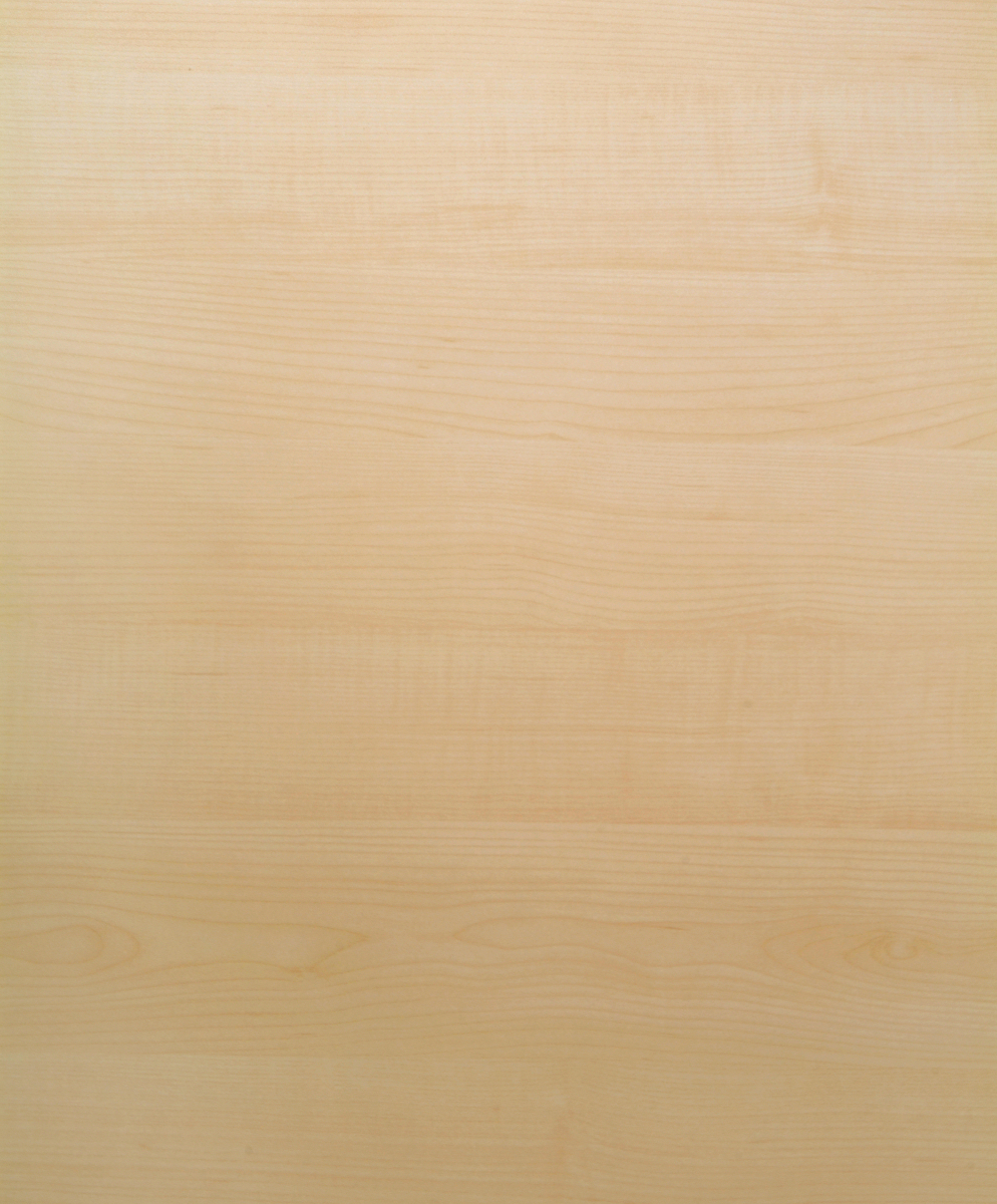
-
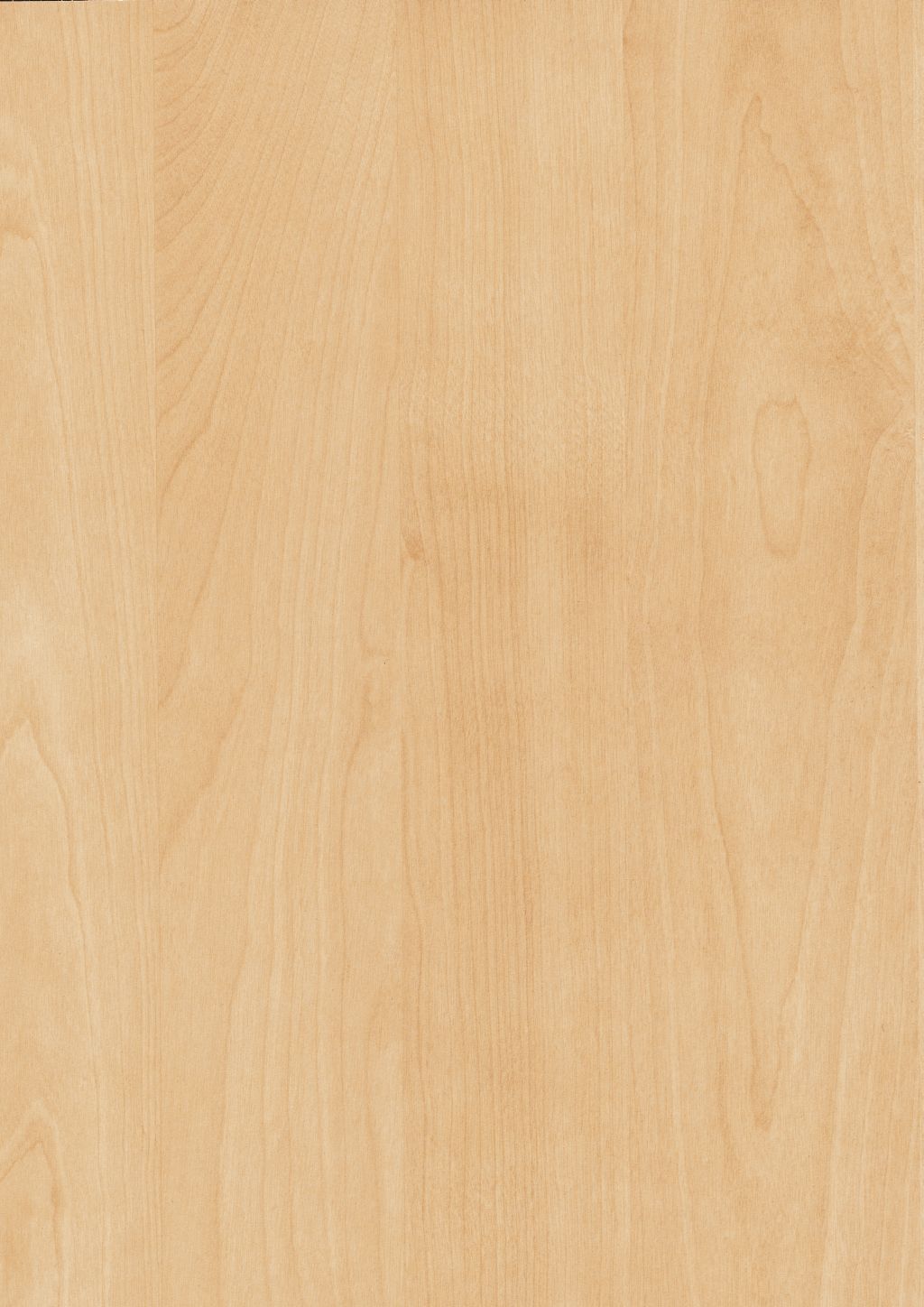
I have this in 3508 x 4961 px
Not tillable. -
Quickly made your texture seamless. Hope it's good enough...

-
Thanks dedmin, thats a great texture, however the surface I need to cover is 7x5 ft, I will be saving this as it's awesome and will be used very soon.
Massimo, thank you mate, you may have saved my day and hair as I've been pulling it out from frustration. How in God's name did you do that? I tried Imagesynth and Pixplant without success, so please oh please make a tutorial as I need to learn this or call on you for every texture I need seamless from now to eternity.

-
Have you tried WoodWorkshop? http://www.spiralgraphics.biz/ww_overview.htm

-
@solo said:
Thanks dedmin, thats a great texture, however the surface I need to cover is 7x5 ft, I will be saving this as it's awesome and will be used very soon.
Massimo, thank you mate, you may have saved my day and hair as I've been pulling it out from frustration. How in God's name did you do that? I tried Imagesynth and Pixplant without success, so please oh please make a tutorial as I need to learn this or call on you for every texture I need seamless from now to eternity.
Here is the full size
H1727_ST15.part1.rar
H1727_ST15.part2.rar -
Just a couple of iterations with the tiler plugin (play a bit with settings) and then sharpened in photoshop.

-
oooH cool site!!
Okay now for Pete the noobie to emerge.
I have just recently (read last week) downloaded a trial version of Adobe CS5 and as of yet just learned curves and content aware fill. I'm a seasoned Paintshop user but kinda out of my depth with Photoshop, so can you explain where you put this preset and how you access it in PS.
-
When You download tiler there is a text file inside the archive with instructions.
-
I read that and installed it accordingly, however it goes on to say you can select that in the plugin menu...where is that in CS5? I do not have anything there called plugins, I have filters and effects but no plugins.
-
Filter > Richard Rosenman > tiler
-
Pete the noobie (
 ) I have Ps CS5 64-bit now, so that plugin doesn't work. I've installed it in XN-view: just put it in a folder called "8bf" and find it under "filters"-->"adobe photoshop plugin". If you have PS 32 bit I assume you can put that in the plugin-->filter folder and find it under "filter" menu.
 -
So where is the plugin menu?
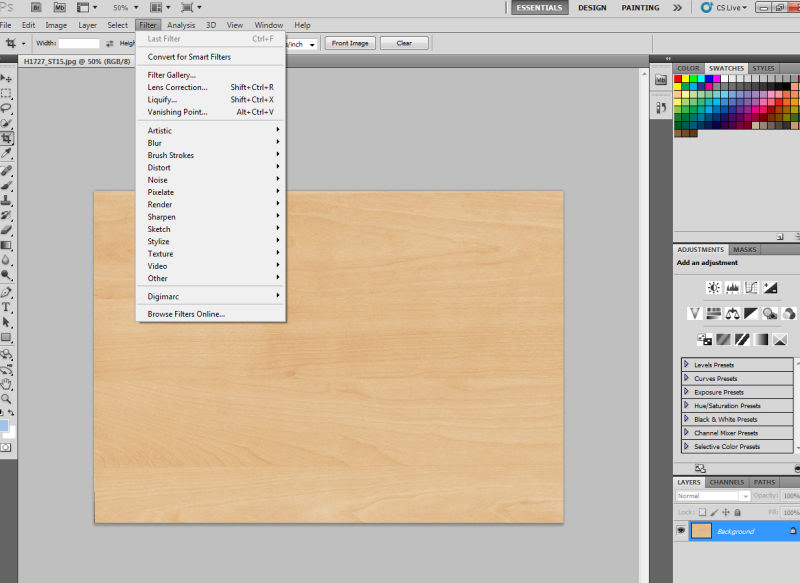
-
AHA!! so I'm not going mad.
-
As I said I don't have it in PS, sorry, but could you try under "filter-->other" maybe?
-
Just fyi, those filters work just fine in Irfanview.
-
Pete, install it here:
C:\Program Files\Adobe\Photoshop 7.0\Plug-Ins\Filters
You should see it here:
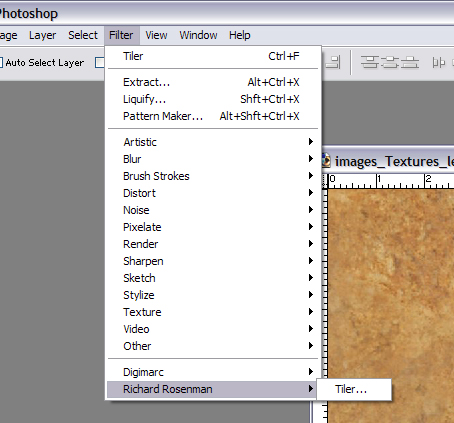
-
Pete,
Have you seen Arroways new vaneers? I bought both and they are fantstic
Scott
-
Scott, I have those also, I bought them for this in the hopes they would work, but just not close enough to clients samples.
-
Damn clients




Hello! It looks like you're interested in this conversation, but you don't have an account yet.
Getting fed up of having to scroll through the same posts each visit? When you register for an account, you'll always come back to exactly where you were before, and choose to be notified of new replies (either via email, or push notification). You'll also be able to save bookmarks and upvote posts to show your appreciation to other community members.
With your input, this post could be even better 💗
Register Login


Advertisement