sketchucation logo sketchucation
    • 登入
    Oops, your profile's looking a bit empty! To help us tailor your experience, please fill in key details like your SketchUp version, skill level, operating system, and more. Update and save your info on your profile page today!
    🔌 Smart Spline | Fluid way to handle splines for furniture design and complex structures. Download

    Bonzai 2.0 released

    已排程 已置頂 已鎖定 已移動 Extensions & Applications Discussions
    extensions
    215 貼文 28 Posters 37.3k 瀏覽 28 Watching
    正在載入更多貼文
    • 從舊到新
    • 從新到舊
    • 最多點贊
    回覆
    • 在新貼文中回覆
    登入後回覆
    此主題已被刪除。只有擁有主題管理權限的使用者可以查看。
    • X 離線
      xrok1
      最後由 編輯

      well we know jim knows how to code an importer (JF obj import) i wonder if he (someone) could figure out how to get the 3DS scene/camera info into SU.

      “There are three classes of people: those who see. Those who see when they are shown. Those who do not see.”

      http://www.Twilightrender.com try it!

      1 條回覆 最後回覆 回覆 引用 0
      • thomthomT 離線
        thomthom
        最後由 編輯

        Does OBJ support views/cameras?

        Thomas Thomassen — SketchUp Monkey & Coding addict
        List of my plugins and link to the CookieWare fund

        1 條回覆 最後回覆 回覆 引用 0
        • J 離線
          Jim
          最後由 編輯

          Maybe this can be made into something useful?

          http://forums.sketchucation.com/viewtopic.php?f=323&t=26185

          Hi

          1 條回覆 最後回覆 回覆 引用 0
          • X 離線
            xrok1
            最後由 編輯

            @unknownuser said:

            Does OBJ support views/cameras?

            i don't think so, i was suggesting perhaps a new or modified importer based on the obj importer that could properly handle 3DS. 😳

            does someone care to do Googles job for them yet again? 😡

            “There are three classes of people: those who see. Those who see when they are shown. Those who do not see.”

            http://www.Twilightrender.com try it!

            1 條回覆 最後回覆 回覆 引用 0
            • B 離線
              bonzai3d support
              最後由 編輯

              Thomas,

              Bonzai3d also supports cameras via DWG format (although Autodesk automatically turns on clipping). If you uncheck this option (if you have such an option in SketchUp) then you should be able to get the view to match this way as well.

              However, I don't see anything in SketchUp's scenes after importing a DWG file that includes (views or scenes). Perhaps the question "How to import views to SketchUp" is a question for the main SketchUp forum?

              Explore * Design * Deliver
              http://www.bonzai3d.com
              Version 2.5 Now Available!

              1 條回覆 最後回覆 回覆 引用 0
              • F 離線
                fossa
                最後由 編輯

                @xrok1 said:

                @unknownuser said:

                Does OBJ support views/cameras?

                i don't think so, i was suggesting perhaps a new or modified importer based on the obj importer that could properly handle 3DS. 😳

                does someone care to do Googles job for them yet again? 😡

                Exactly, way beyond tired of waiting for Google.

                1 條回覆 最後回覆 回覆 引用 0
                • thomthomT 離線
                  thomthom
                  最後由 編輯

                  @bonzai3d support said:

                  Thomas,

                  Bonzai3d also supports cameras via DWG format (although Autodesk automatically turns on clipping). If you uncheck this option (if you have such an option in SketchUp) then you should be able to get the view to match this way as well.

                  However, I don't see anything in SketchUp's scenes after importing a DWG file that includes (views or scenes). Perhaps the question "How to import views to SketchUp" is a question for the main SketchUp forum?

                  Will look into that. The DWGs I've seen this with has been exported from Revit.

                  Thomas Thomassen — SketchUp Monkey & Coding addict
                  List of my plugins and link to the CookieWare fund

                  1 條回覆 最後回覆 回覆 引用 0
                  • X 離線
                    xrok1
                    最後由 編輯

                    HEY! dwg worked! it created a new scene tab that seems to match except that B3D and SU seem to not agree where the origin is. try it out!

                    “There are three classes of people: those who see. Those who see when they are shown. Those who do not see.”

                    http://www.Twilightrender.com try it!

                    1 條回覆 最後回覆 回覆 引用 0
                    • X 離線
                      xrok1
                      最後由 編輯

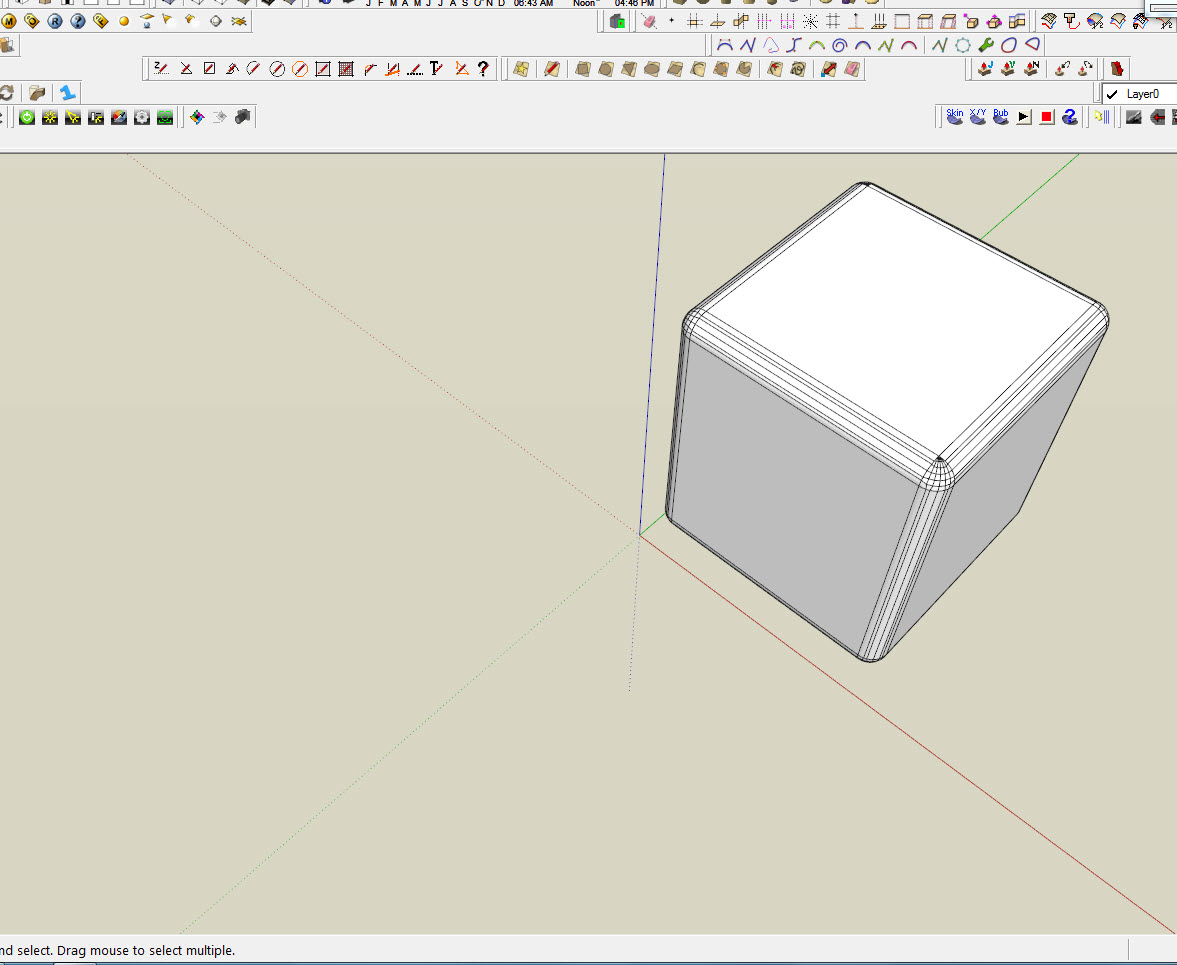
                      yes i have toolbar hell.. i'm just to tired of it to rearrange them again. 😢


                      Capture1.JPG


                      Capture2.JPG

                      “There are three classes of people: those who see. Those who see when they are shown. Those who do not see.”

                      http://www.Twilightrender.com try it!

                      1 條回覆 最後回覆 回覆 引用 0
                      • X 離線
                        xrok1
                        最後由 編輯

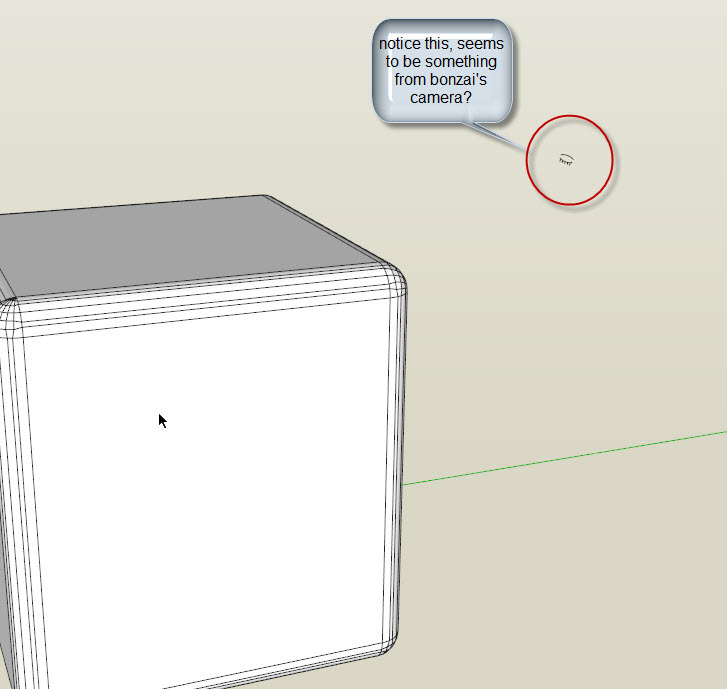
                        hmm...


                        Capture1.JPG

                        “There are three classes of people: those who see. Those who see when they are shown. Those who do not see.”

                        http://www.Twilightrender.com try it!

                        1 條回覆 最後回覆 回覆 引用 0
                        • thomthomT 離線
                          thomthom
                          最後由 編輯

                          @xrok1 said:

                          yes i have toolbar hell.. i'm just to tired of it to rearrange them again. 😢
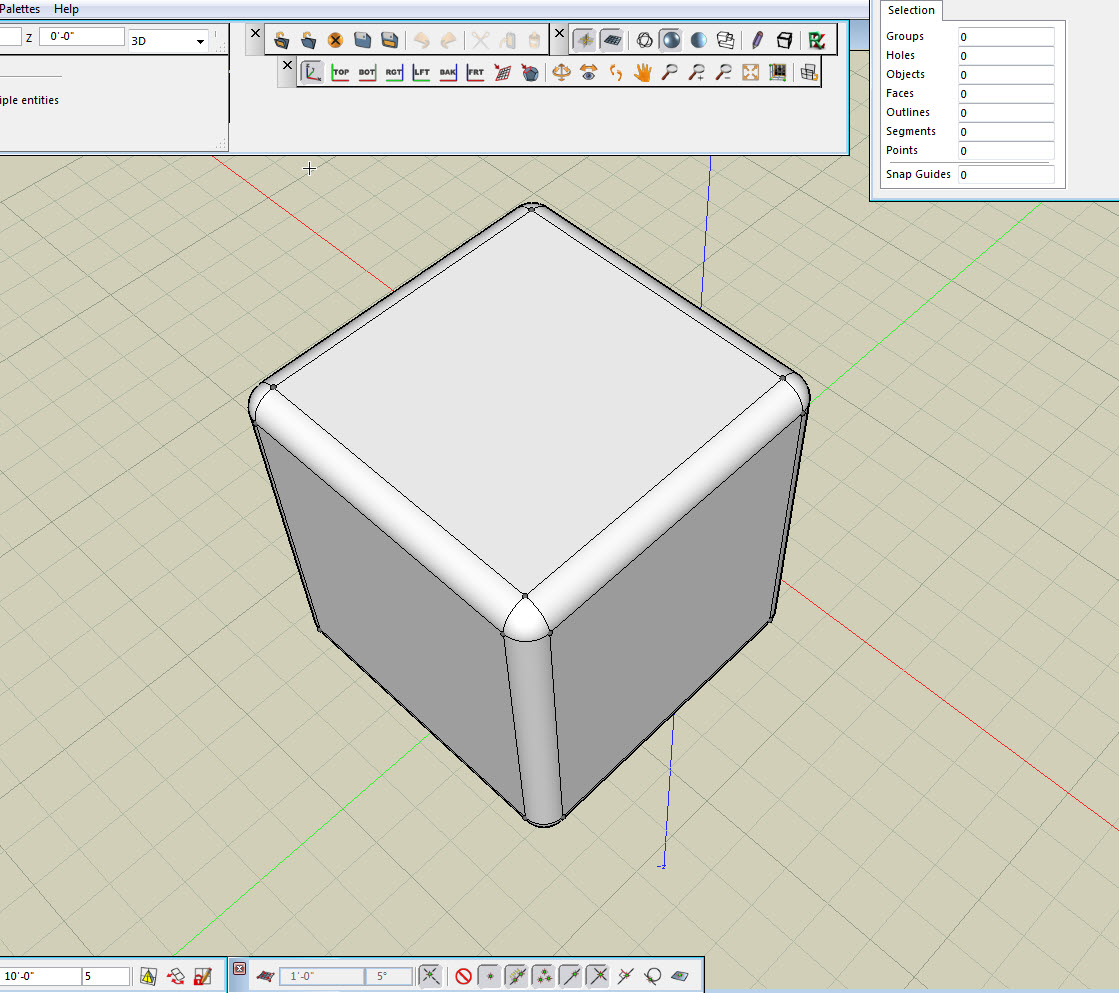
                          Speaking of toolbars - I was having some trouble arranging the B3D toolbars today. Accidentally moved one of them and it suddenly appeared underneath another one. Tried to move it back - and I got a strange feeling of SU-toolbar-déjà-vu. They didn't seem to stay where I dropped them.

                          Thomas Thomassen — SketchUp Monkey & Coding addict
                          List of my plugins and link to the CookieWare fund

                          1 條回覆 最後回覆 回覆 引用 0
                          • X 離線
                            xrok1
                            最後由 編輯

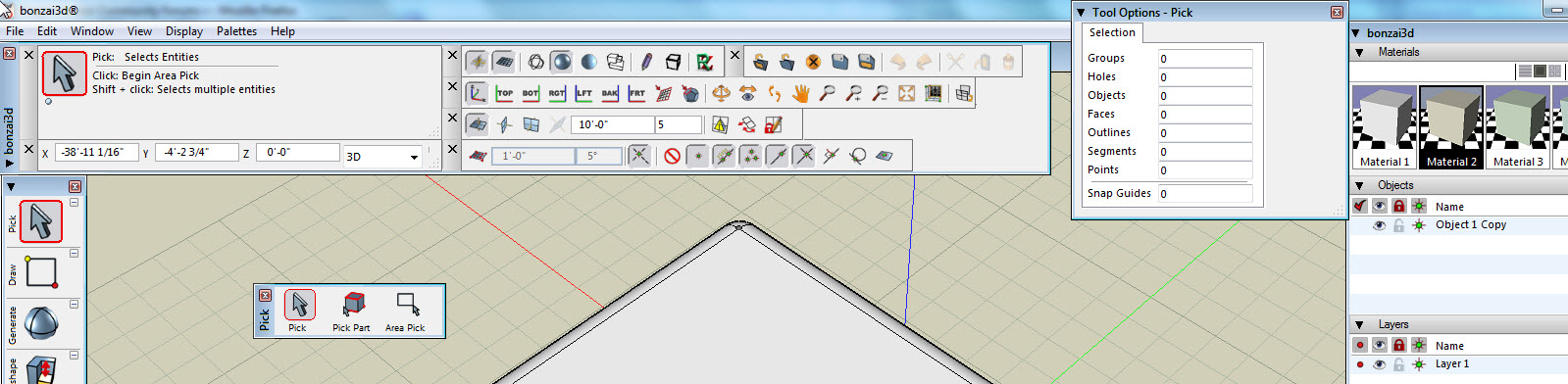
                            seem to work alright for me.Capture1.JPG

                            love the fact that you can detach the flyout toolbars.
                            i really think that this:Capture2.JPG
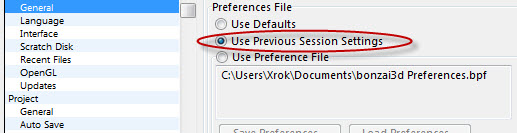
                            should be the default though, for a while i could'nt figure why i had to rearange my tools to my liking everytime i started. 👊

                            “There are three classes of people: those who see. Those who see when they are shown. Those who do not see.”

                            http://www.Twilightrender.com try it!

                            1 條回覆 最後回覆 回覆 引用 0
                            • thomthomT 離線
                              thomthom
                              最後由 編輯

                              @xrok1 said:

                              love the fact that you can detach the flyout toolbars.
                              i really think that this:[attachment=0:1dckt4eq]<!-- ia0 -->Capture2.JPG<!-- ia0 -->[/attachment:1dckt4eq]
                              should be the default though, for a while i could'nt figure why i had to rearange my tools to my liking everytime i started. 👊

                              Ah hah! 👍

                              Thomas Thomassen — SketchUp Monkey & Coding addict
                              List of my plugins and link to the CookieWare fund

                              1 條回覆 最後回覆 回覆 引用 0
                              • ken28875K 離線
                                ken28875
                                最後由 編輯

                                @unknownuser said:

                                should be the default though, for a while i could'nt figure why i had to rearange my tools to my liking everytime i started.

                                This is the setting for bonzai3d. Does anyone knows if there is a similar option for sketchup? Each time I add a new plugin, everything gets messed up and I have to rearrange all my icons when I start sketchup.

                                Thanks.

                                _KN

                                Follow Your Dreams.

                                1 條回覆 最後回覆 回覆 引用 0
                                • X 離線
                                  xrok1
                                  最後由 編輯

                                  @ken28875 said:

                                  @unknownuser said:

                                  should be the default though, for a while i could'nt figure why i had to rearange my tools to my liking everytime i started.

                                  This is the setting for bonzai3d. Does anyone knows if there is a similar option for sketchup? Each time I add a new plugin, everything gets messed up and I have to rearrange all my icons when I start sketchup.

                                  Thanks.

                                  _KN

                                  sorry, this is the age old question. i'm afaid you, and everyone else is SOL when it comes to this issue! 👿

                                  maybe there will be a couple users left by version 8 who can enjoy fixed toolbars! 😒 MAYBE...

                                  “There are three classes of people: those who see. Those who see when they are shown. Those who do not see.”

                                  http://www.Twilightrender.com try it!

                                  1 條回覆 最後回覆 回覆 引用 0
                                  • B 離線
                                    bonzai3d support
                                    最後由 編輯

                                    Rocky,

                                    I was not able to get the view into SketchUp -- but you may know something about SketchUp that I don't...

                                    Regarding bonzai3d preferences, the palette locations AND the tool options are stored in the System General: Preference file (or Previous Session settings). Personally, I don't like the Previous Session option, as it can cause tools to behave differently every time you launch bonzai3d (if you are changing tool options and then quitting). Personally, I like to launch with Default Prefs, change anything and everything I can think of, Save a Preference File, quit, and relaunch once more -- and then exactly the preferences (and only the preferences) that I want will be saved.

                                    Does this help?

                                    Explore * Design * Deliver
                                    http://www.bonzai3d.com
                                    Version 2.5 Now Available!

                                    1 條回覆 最後回覆 回覆 引用 0
                                    • jeff hammondJ 離線
                                      jeff hammond
                                      最後由 編輯

                                      @xrok1 said:

                                      sorry, this is the age old question. i'm afaid you, and everyone else is SOL when it comes to this issue! 👿

                                      not quite everyone 
                                      😄

                                      dotdotdot

                                      1 條回覆 最後回覆 回覆 引用 0
                                      • X 離線
                                        xrok1
                                        最後由 編輯

                                        @unknownuser said:

                                        @xrok1 said:

                                        sorry, this is the age old question. i'm afaid you, and everyone else is SOL when it comes to this issue! 👿

                                        not quite everyone 
                                        😄

                                        ??????????
                                        do tell!

                                        “There are three classes of people: those who see. Those who see when they are shown. Those who do not see.”

                                        http://www.Twilightrender.com try it!

                                        1 條回覆 最後回覆 回覆 引用 0
                                        • jeff hammondJ 離線
                                          jeff hammond
                                          最後由 編輯

                                          @bonzai3d support said:

                                          Jeff,

                                          We have found that as you get close to the limits of what fillets can be generated, bonzai3d may not allow them to occur when you are doing these as 2d fillets. If you extrude the shape after it has been joined, you should then be able to apply a 2d Round to the desired segment, and derive the bottom edge to get what you want.

                                          Thanks for bringing this to our attention, we will get this corrected so that you can apply the same fillets in 2d as you can with rounding in 3d.

                                          i'm a dunce 😞
                                          i cannot figure this out...

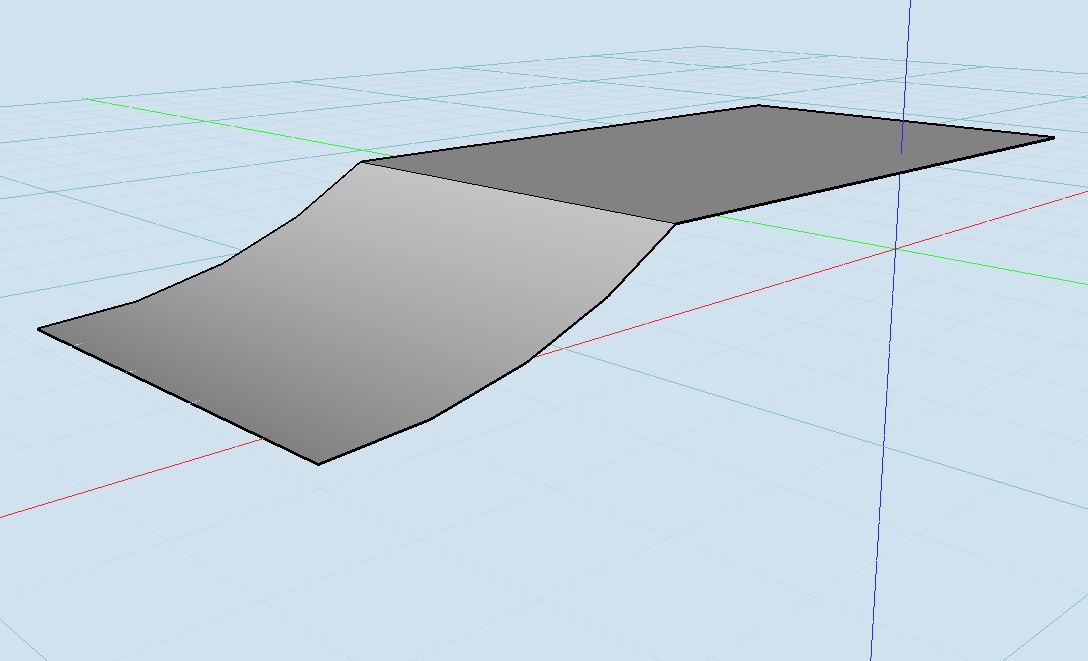
                                          are you saying to first extrude like this:
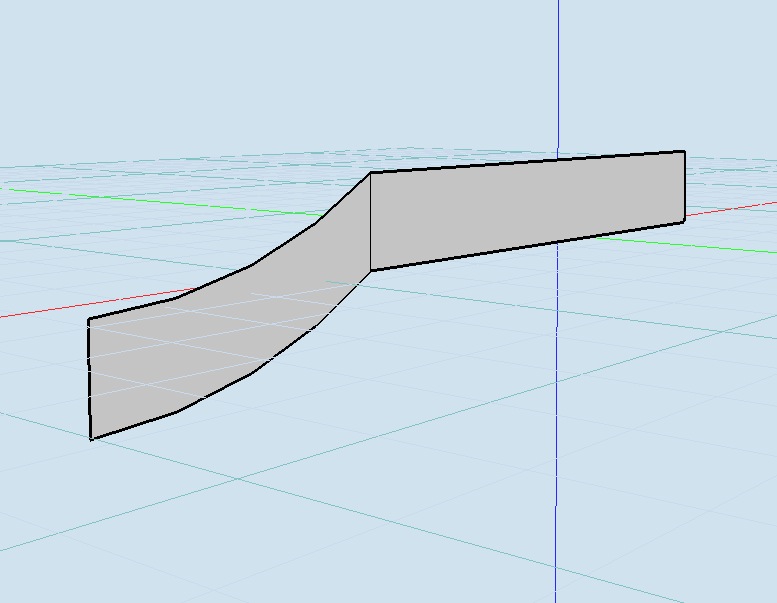
                                          screen 2.jpg

                                          or like this?
                                          screen 3.jpg

                                          if it's either of those two, it's not working for me..

                                          dotdotdot

                                          1 條回覆 最後回覆 回覆 引用 0
                                          • X 離線
                                            xrok1
                                            最後由 編輯

                                            @bonzai3d support said:

                                            Rocky,

                                            Your second example (extruding horizontally) is the right way -- and you should then use the Round tool on (only) the horizontal segment that is visually close to the (green) Y axis.

                                            If you are having any further trouble with this, please email your BNZ file to support@bonzai3d.com so we can get you a more specific answer.

                                            😆 that was jeff.

                                            “There are three classes of people: those who see. Those who see when they are shown. Those who do not see.”

                                            http://www.Twilightrender.com try it!

                                            1 條回覆 最後回覆 回覆 引用 0
                                            • 1
                                            • 2
                                            • 3
                                            • 4
                                            • 5
                                            • 6
                                            • 7
                                            • 10
                                            • 11
                                            • 5 / 11
                                            • 第一個貼文
                                              最後的貼文
                                            Buy SketchPlus
                                            Buy SUbD
                                            Buy WrapR
                                            Buy eBook
                                            Buy Modelur
                                            Buy Vertex Tools
                                            Buy SketchCuisine
                                            Buy FormFonts

                                            Advertisement