Lookin for a plugin
-
Hello,
Say I create a an organic plane made from a series of planes... I want to place a group/component on each edge/face... Hower the component/group if placed on a face should align with it so that the components/groups still form the same organic feel.... I only look to arrange those shapes groups/components to follow a specific shape...
I put on some example of what I mean in the attachment,
Thanks,
Milo
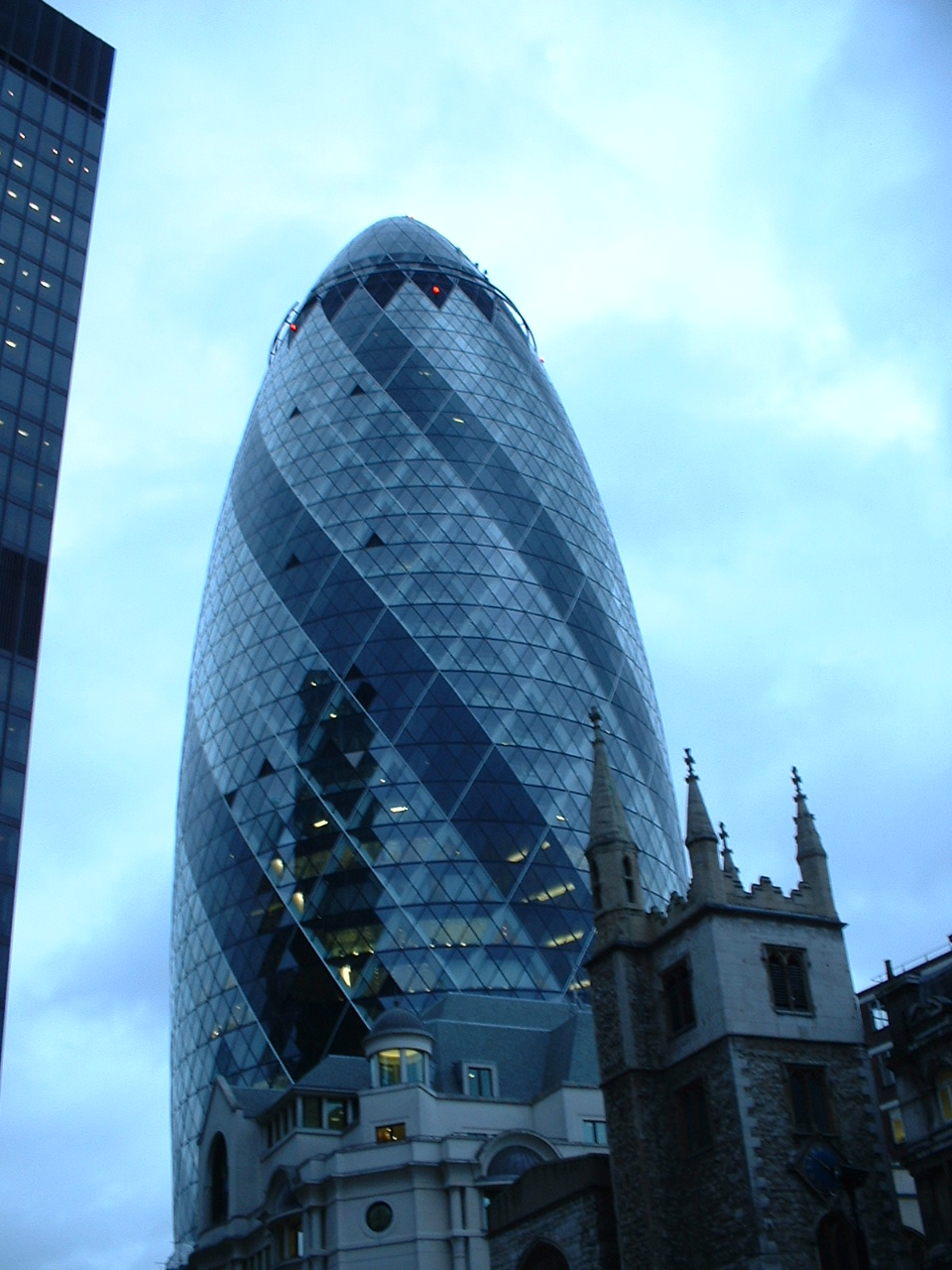
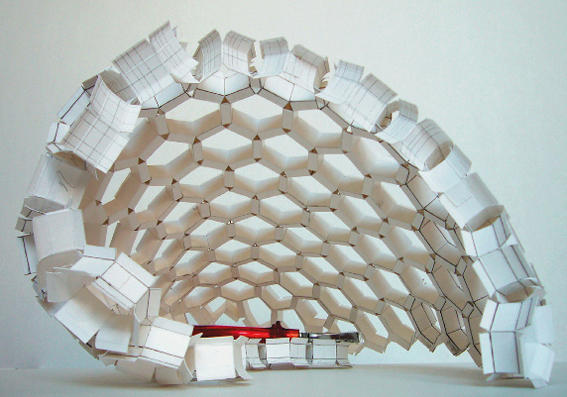

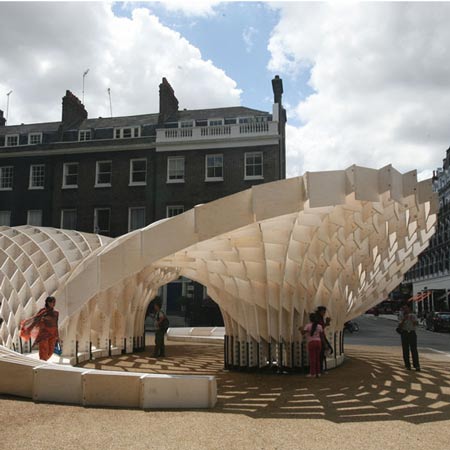
-
-
@dedmin said:
Rhino 3D + Grasshopper
Rhino 3D + Paneling tools
Doesn't help much for a SketchUp user though.
mspisz: have you explored the Plugin section? There's a number of plugins that will place components on faces or edges. I've not used them myself so I don't remember their names. But I've noted they're there.
-
Also, if you set your components to "Glue to any" (and of course, set their axes correctly), they will always simply snap onto and align themselves automatically to the face you want to put them on.
Certainly all your examples have "components" of different sizes and rotation on those faces so this would not help too much... -
There are lots of Plugins to help...
Here are a few simple examples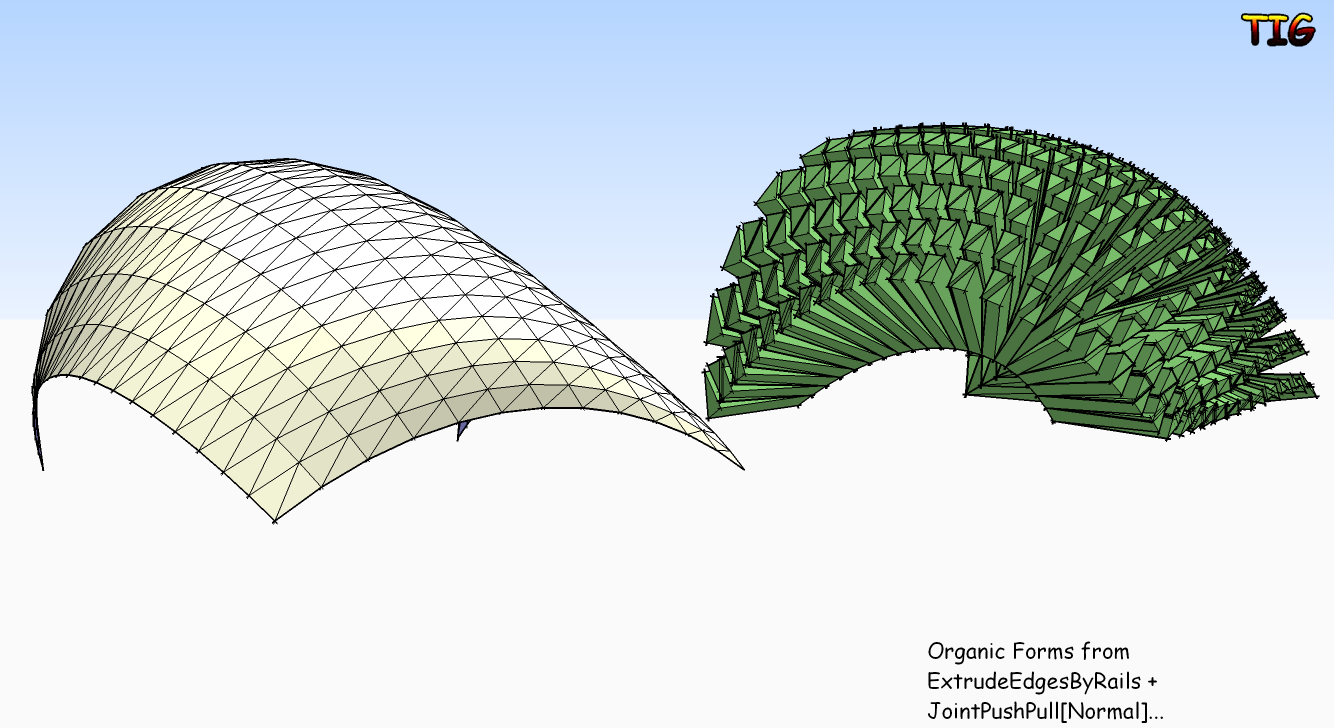
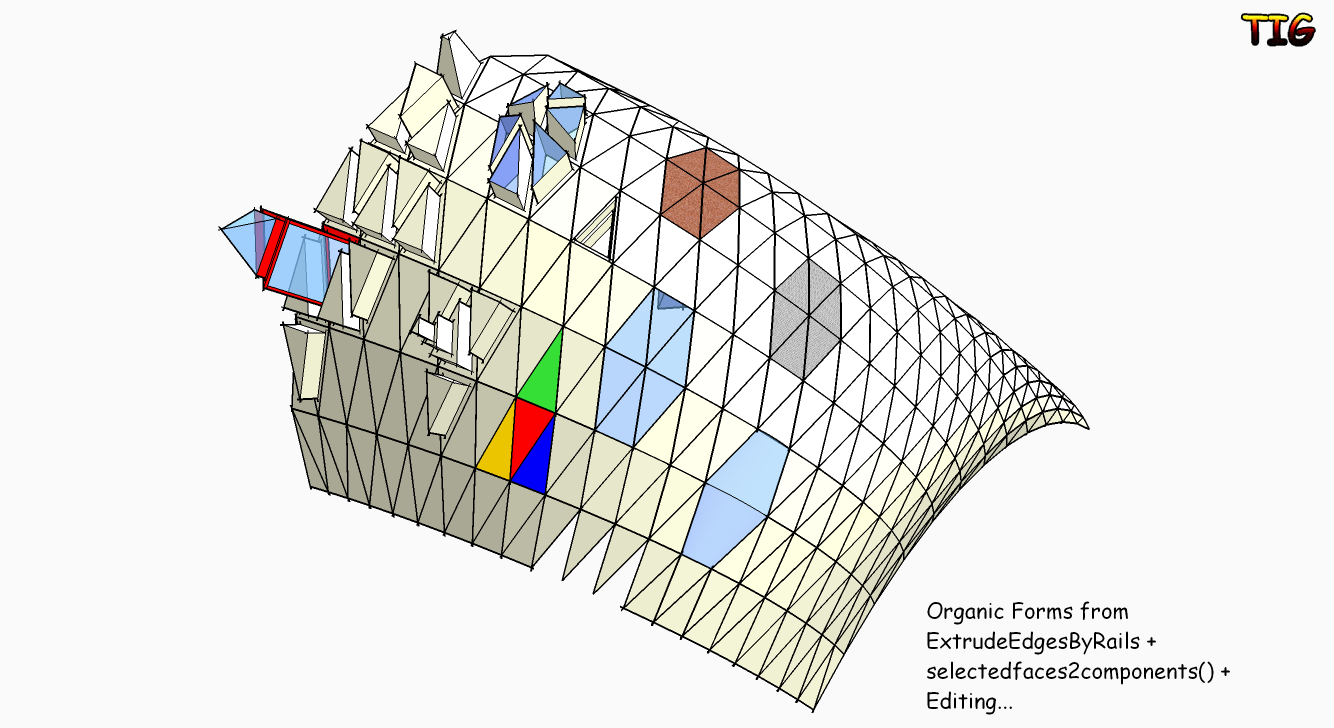 OrganicForms.skp



Hello! It looks like you're interested in this conversation, but you don't have an account yet.
Getting fed up of having to scroll through the same posts each visit? When you register for an account, you'll always come back to exactly where you were before, and choose to be notified of new replies (either via email, or push notification). You'll also be able to save bookmarks and upvote posts to show your appreciation to other community members.
With your input, this post could be even better 💗
Register Login


Advertisement