Faces from edges?
-
hi all,
i was amazed by sketchup since few weeks, and thanks to you, my drawings were more simply to make and detailed with the plugins i've found here. today morning i faced some real challange, where i have many doubt about my skills. i'm not pro, but i decided to make a difficult project, what i'd like to use as my first woodworking project for my almost ready homemade CNC machine. so it should be double experience on a really new field.
i understand many of the geometry of this software, but my main problem is: i'm not able make faces from edges somewhere really deep in my drawing, however these tiny details are really important. for those, who'd like to have a look, i attach my SKP file. i've all of my hope in you, please share the secret. where i was wrong?many thanks:
pet
-
Oops, I think you forgot to attach the file...another option that may be easier is to post some pictures of the problem areas.
-
@d12dozr said:
Oops, I think you forgot to attach the file...another option that may be easier is to post some pictures of the problem areas.
yes, i forgot, but i fixed it already. i hope now its ok.
-
Ok, Sketchup cannot make faces smaller than about 2mm (1/16 in)...workaround is to scale it up 10 or 100x to model, then scale back down when you are done.
-
You have made a relatively complex [many faces and edges] but a relatively small object. SUp [OpenGL] cannot cope with very small dimensions so if you have a multi-segment curve and want to do perhaps a FollowMe around it then some resultant faces might be v e r y small and they'll not get made !
The trick with small stuff is to model bigger and then scale down...
So lets say you are modelling in millimeters, you already have some stuff made - select all and use Scale x1000. Change the Models units to meters in Model Info [omit the unit suffix 'm', so as not to confuse you]. Continue modelling in meters but entering dimensions as if you were in mm 100 = 100m but think in mm ! When you are done select all and then Scale x0.001 and change your units back to mm...
All of the small faces etc will be made and kept after re-scaling... You can now continue modelling in mm for the bigger stuff - e.g. the car v the steering-wheel !
-
thanks, that sounds useful. at the other hand let me ask you if am i doing it the right way? this will be a wood pattern to our foundry, so its far not ready. tomorrow i will post a photo of an original old wood pattern, you can see then what i should do with this.
anyway, thanks for the fast reply! -
here are the pictures of my molding pattern, what i'd like to remake with sketchup. this also has a negative. any ideas how do i need really exact opposite side with the same dimensions? i think this will be the next difficult step for me.
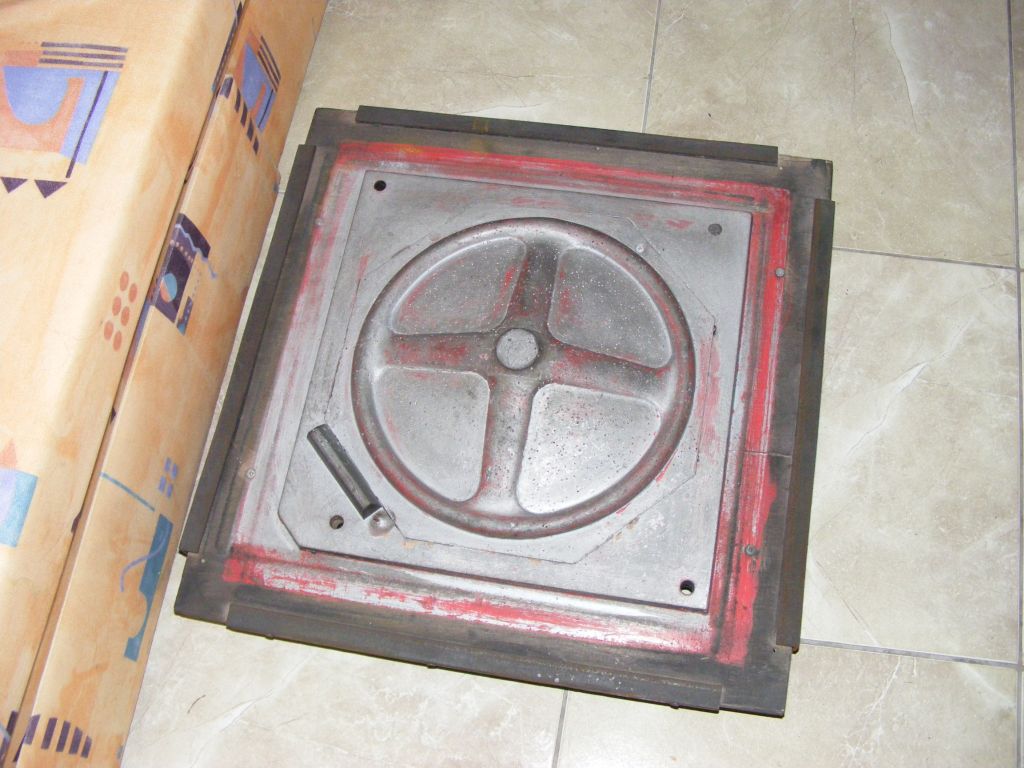
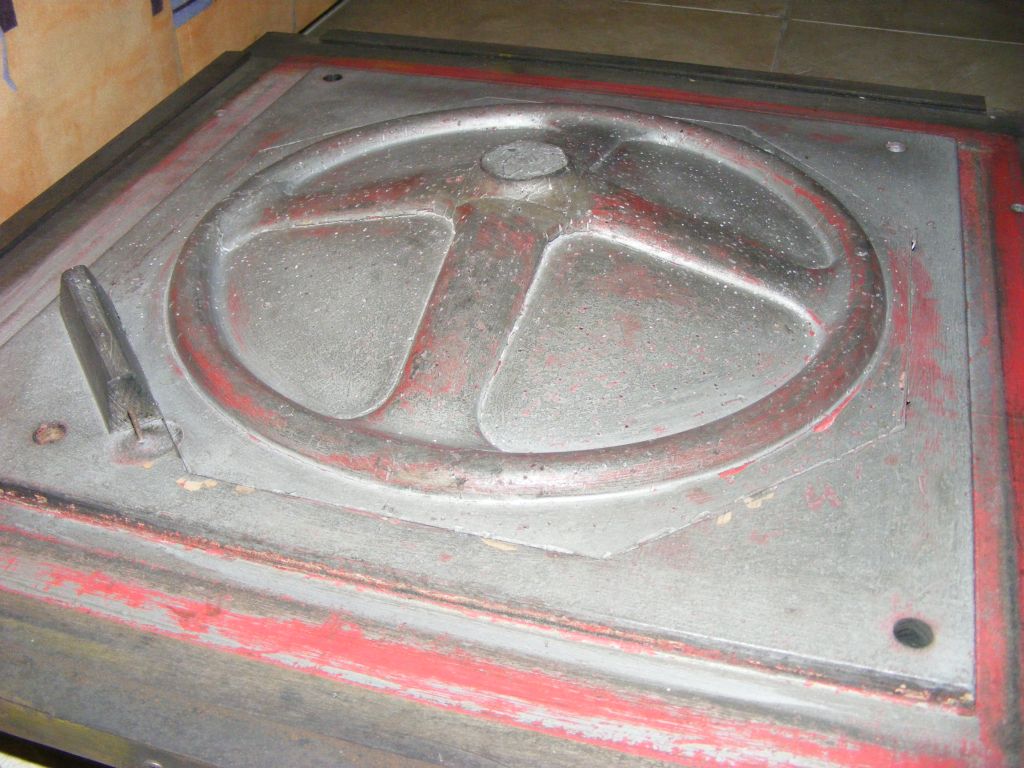
-
@petrence said:
here are the pictures of my molding pattern, what i'd like to remake with sketchup. this also has a negative. any ideas how do i need really exact opposite side with the same dimensions? i think this will be the next difficult step for me.
Think you are looking for a mirror image. Use the scale tool and scale at -1. If you first do a copy , then the mirror and then paste in place you have the two.

Hello! It looks like you're interested in this conversation, but you don't have an account yet.
Getting fed up of having to scroll through the same posts each visit? When you register for an account, you'll always come back to exactly where you were before, and choose to be notified of new replies (either via email, or push notification). You'll also be able to save bookmarks and upvote posts to show your appreciation to other community members.
With your input, this post could be even better 💗
Register Login


Advertisement