Intersection problem
-
Hi everyone,
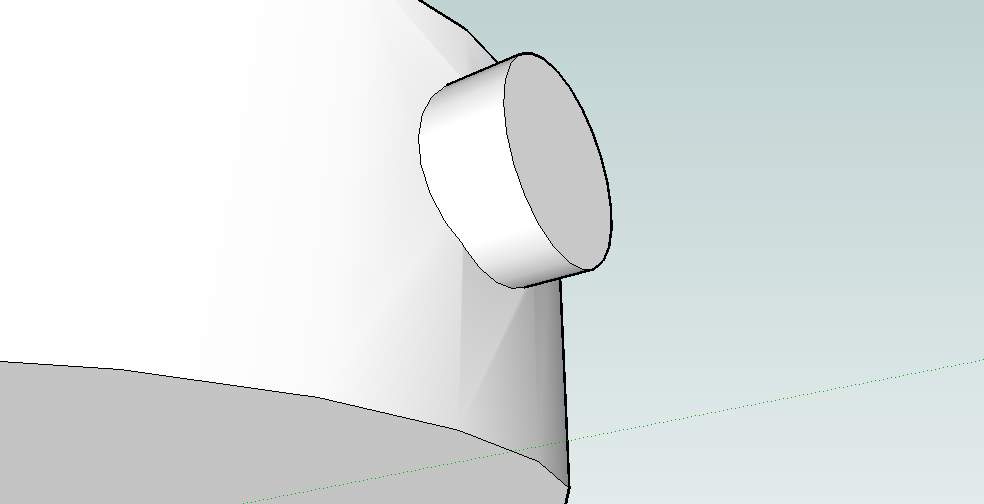
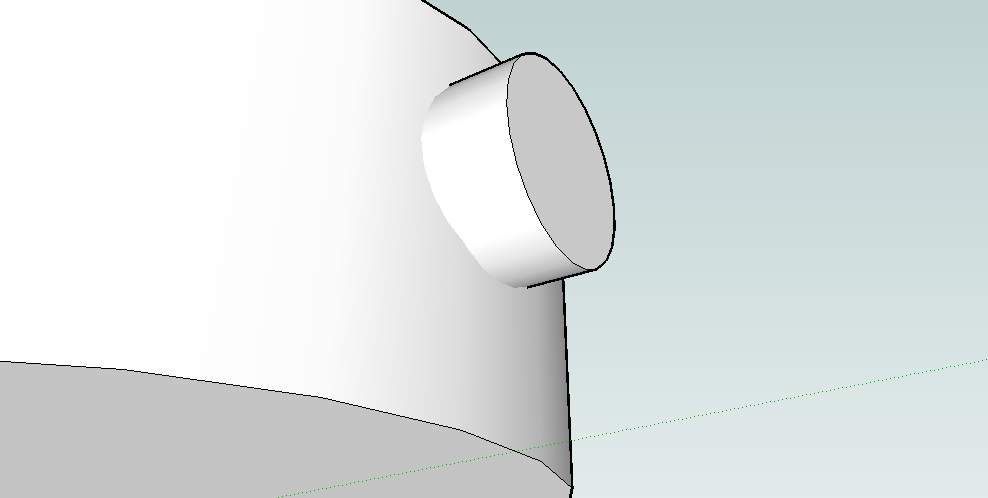
I don´t know if this has been answered before, but I have noticed that, when intersecting spherical objects, surface becomes somehow "shrinked" after the intersection, as seen on the picture I´ve attached.
Has it something to do with scaling up the object prior to intersection ( and rescaling afterwards )? Does it affect texturing?
-
Do it with Menu > View > Hidden Geometry 'on' and see what's happening - also use X-ray mode to see if there's stuff inside that's clashing...
-
Well, if you scale (but especially when you rescale) everything proportionally, this shouldn't happen. There might be some fault in the process but do what TIG says and reveal hidden geometry to checkout the details.
-
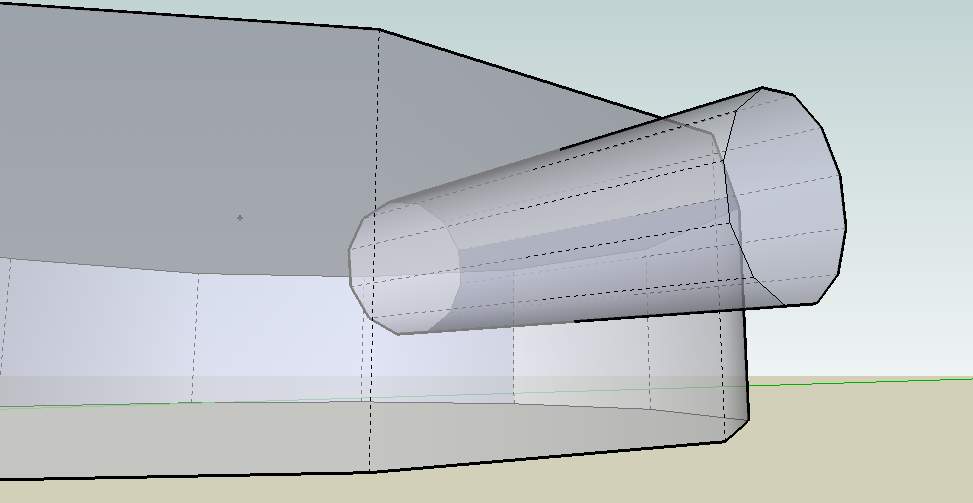
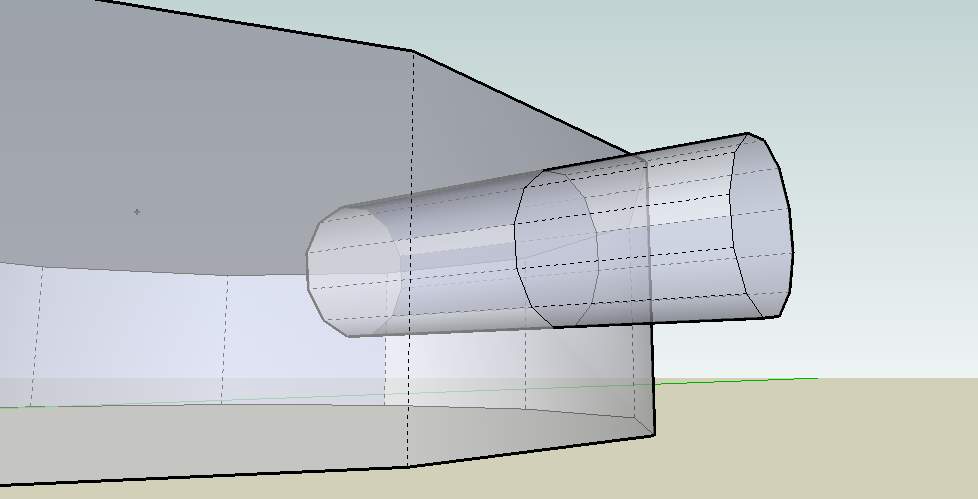
I´ve tried to do so, but I can´t tell what´s wrong with it. Here are the screenshots with hidden geometry turned on, in X-ray mode, before and after the intersection ( I didn´t clean up the model afterwards ).It still looks the same in monochrome view.
Can you help me with this?
-
As was said, what size is this thing ? If it's very small [a few cm] it can cause problems as any newly made faces can get too small to be made correctly. If so try scaling it all by x10, redo intersection and then scale back x0.1...
-
It´s about 400 cm in diameter.
Unless this means that the model is seriously messed up, I can get over it. But I guess that this affects the texturing also?



Hello! It looks like you're interested in this conversation, but you don't have an account yet.
Getting fed up of having to scroll through the same posts each visit? When you register for an account, you'll always come back to exactly where you were before, and choose to be notified of new replies (either via email, or push notification). You'll also be able to save bookmarks and upvote posts to show your appreciation to other community members.
With your input, this post could be even better 💗
Register Login


Advertisement