sketchucation logo sketchucation
    • 登入
    Oops, your profile's looking a bit empty! To help us tailor your experience, please fill in key details like your SketchUp version, skill level, operating system, and more. Update and save your info on your profile page today!
    🔌 Smart Spline | Fluid way to handle splines for furniture design and complex structures. Download

    Let's have a Hardware speed test for SU

    已排程 已置頂 已鎖定 已移動 Hardware, Software & Gadgets
    132 貼文 72 Posters 88.9k 瀏覽 72 Watching
    正在載入更多貼文
    • 從舊到新
    • 從新到舊
    • 最多點贊
    回覆
    • 在新貼文中回覆
    登入後回覆
    此主題已被刪除。只有擁有主題管理權限的使用者可以查看。
    • S 離線
      setniew
      最後由 編輯

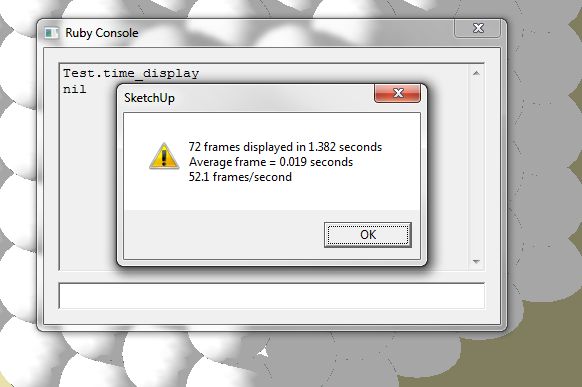
      So I'am getting results as follow:

      no shadows
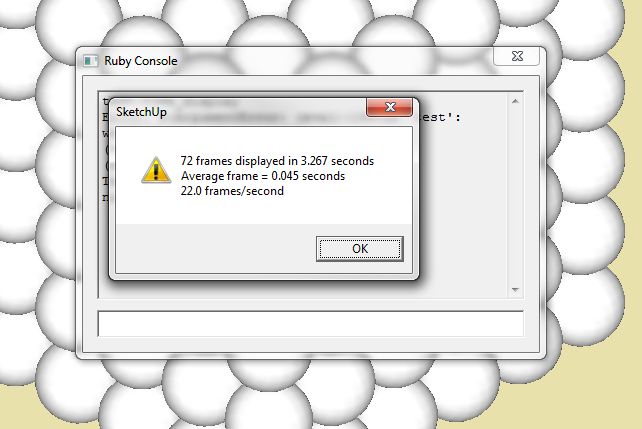
      time test

      shadows on
      ttest shadows

      I'am wondering... I'am getting low performance when "having fun" with big models like this one:

      Error 404 (Not Found)!!1

      favicon

      (sketchup.google.com)

      Is there a way to orbit this model smoothly?

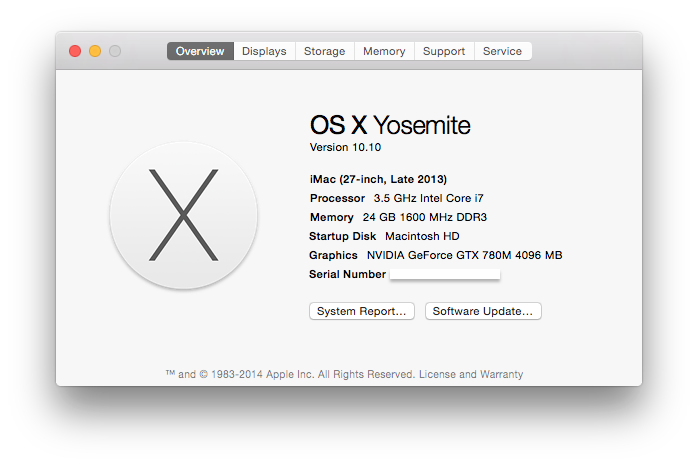
      oh and this is my hardware:
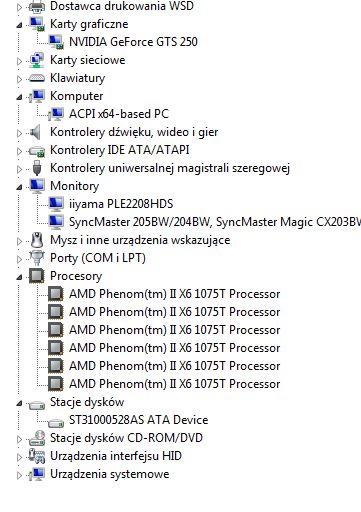
      hrdw.jpg

      1 條回覆 最後回覆 回覆 引用 0
      • S 離線
        sketchymick
        最後由 編輯

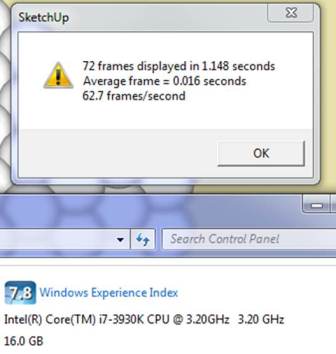
        Picture1.jpg

        GPU is reference GTX680

        Made negligible difference whether shadows were on or off, or whether window was full screen (1920x1080) or partial. Range was 60.1 (first run, full screen no shadows) to 64.5 (middle run, shadows off, full screen).

        Cheers

        • Mick

        "I love the sound that deadlines make as they rush past"

        1 條回覆 最後回覆 回覆 引用 0
        • F 離線
          function
          最後由 編輯

          Any way someone can post an updated file or ruby for benchmarking SKP8? I'm building a new rig and want to benchmark my applications. I have a quadro 5000 and will be picking up a keplar 6xx series to compare photoshop, 3ds max, and skp. I know SKP isn't gpu based and works 1 core on the geometry, but I'm interested in comparing the hardware anyhow.

          1 條回覆 最後回覆 回覆 引用 0
          • thomthomT 離線
            thomthom
            最後由 編輯

            @function said:

            Any way someone can post an updated file or ruby for benchmarking SKP8? I'm building a new rig and want to benchmark my applications. I have a quadro 5000 and will be picking up a keplar 6xx series to compare photoshop, 3ds max, and skp. I know SKP isn't gpu based and works 1 core on the geometry, but I'm interested in comparing the hardware anyhow.

            All you do is just type Test.time_display into the Ruby Console - it is not specific to SketchUp version.

            Thomas Thomassen — SketchUp Monkey & Coding addict
            List of my plugins and link to the CookieWare fund

            1 條回覆 最後回覆 回覆 引用 0
            • micioneM 離線
              micione
              最後由 編輯

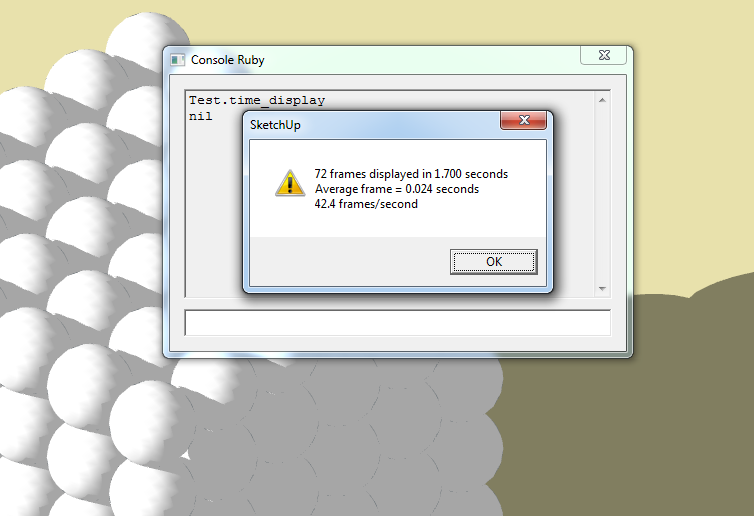
              Intel Core i7-2600 GPU
              Nvidia quadro 4000
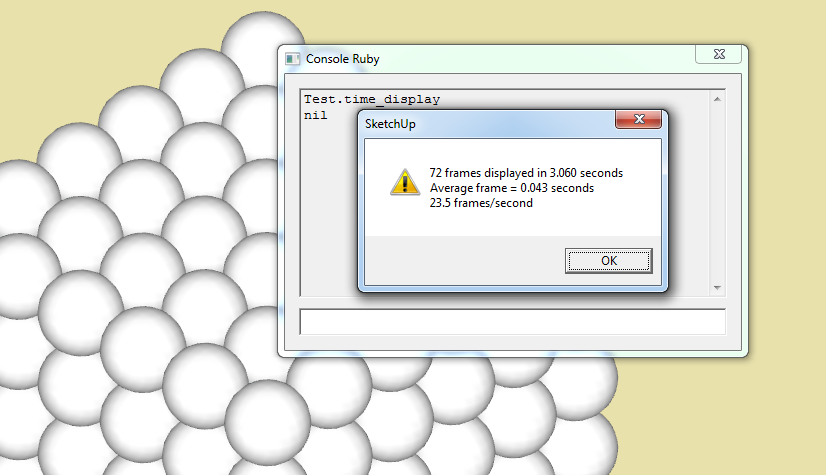

              a.png


              b.png

              1 條回覆 最後回覆 回覆 引用 0
              • G 離線
                garyhr
                最後由 編輯

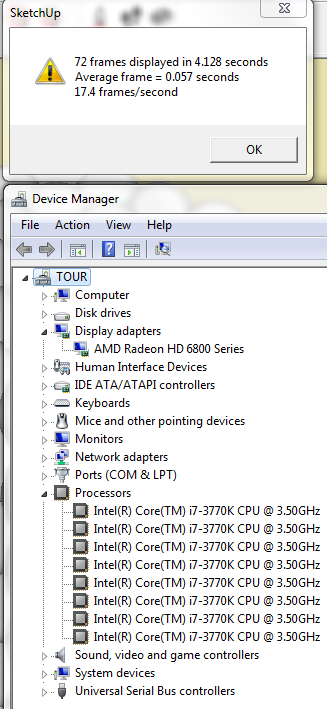
                not bad for a single video card


                intel i7 3770k
radeon hd 6870

                1 條回覆 最後回覆 回覆 引用 0
                • M 離線
                  miggy
                  最後由 編輯

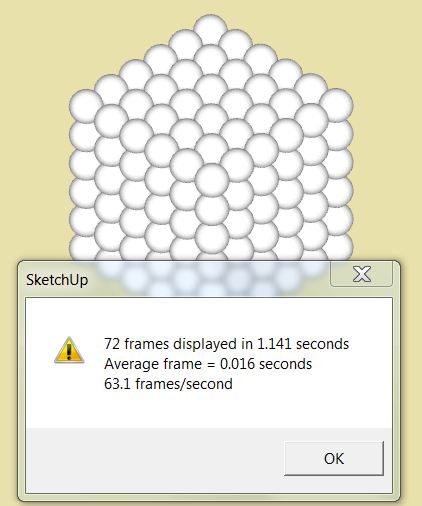
                  no shadows

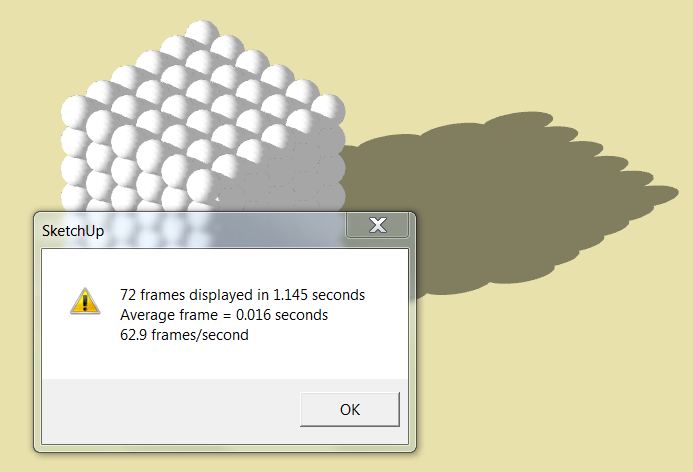
                  with shadows

                  Intel i7 @2.2GHz, 6GB RAM, GeForce 550M w/ 1GB onboard + 2GB shared
                  I really can't understand why I get this fantastic fps when others out-spec my Dell XPS laptop quite considerably.
                  No shadows: 63.1 fps !!!
                  w/ shadows: 62.9 fps...?

                  I didn't have any other applications open (other than FF), just an empty, standard environment.
                  I noticed a massive slow-down when I then opened up some other apps - Word + Excel + Photoshop - down to 25 fps...
                  looks like maybe SU couldn't re-allocate some shared memory that was taken away?

                  I then made a component of the existing cube & then made a 4x4x4 version, so 64 times the existing. (btw, disk space only doubled)
                  There I got about 9fps.
                  I then moved the whole 64x block up the blue axis so as to hide the top half of the model out of the FOV.
                  I then got 18fps...
                  Looks like SU only calculates the rendering of the visible FOV, which is great...
                  But, every manipulation in the sketchup window was molasses-slow - menu display, pasting into the ruby console, etc.

                  Then I rebooted, and try as I might, after some 50 times, I consistently only got around 31 fps on the standard cube...???
                  I have no complaints about my speed, but I can't understand where that turbo effect came from when I first tried it...

                  food for thought...?

                  1 條回覆 最後回覆 回覆 引用 0
                  • N 離線
                    nabee
                    最後由 編輯

                    I have c2q 8200 @ 3.0 ghz and I always wanted to upgrade cpu/mobo when SU was chuggin.

                    But seeing the results here, because of SU's architecture, maybe I won't get much gain with upgraded Cpu.

                    I get 60fps for this test.

                    I mean, I am getting same results with a person with i5 2500k @ 4.8ghz!. (i plan to get 3750k)

                    true?

                    1 條回覆 最後回覆 回覆 引用 0
                    • ELoE 離線
                      ELo
                      最後由 編輯

                      I have a Gateway P8400 - FX Laptop - Intel Core Duo @ 2.26GHz/2.27GHz with 4GB and 64-Bit OS and the results I got where:
                      72 Frames displayed in 1.215 seconds
                      Average frame = 0.017 seconds
                      59.3 frames/second
                      I am assuming this is a good result? My Laptop is 3 years old and have been wondering if I need to upgrade?

                      I have been using IDX Renditioner for Photo Renders and that seems to be sluggish when I build models that exceed 200MB. Is there any way to imporve performance for IDX Renditioner or do I need to upgrade my laptop for this?

                      1 條回覆 最後回覆 回覆 引用 0
                      • L 離線
                        liam887
                        最後由 編輯

                        Excited to finally give this test a go after so long, new computer in t-Minus 4 days. Will edit this post with results.


                        Here are the Results for my machines:
                        MAC BOOK AIR:
                        Processor: 2 GHz Intel Core i7
                        Memory: 8 GB 1600 MHz DDR3
                        Graphics: Intel HD Graphics 4000 512 MB
                        SHADOWS OFF:
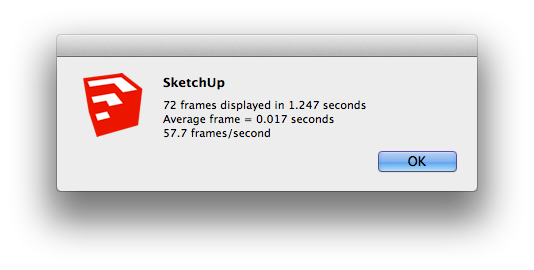
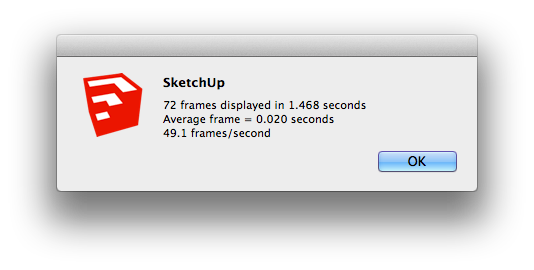
                        Screen Shot 2013-02-03 at 15.53.03.png
                        SHADOWS ON:
                        Screen Shot 2013-02-03 at 15.47.04.png


                        MAC BOOK PRO
                        Processor: 2.3 GHz Intel Core i7
                        Memory: 8 GB 2600 MHz DDR3
                        Graphics card 1: AMD Radeon HD 6750M
                        Graphics card 2: INTEL HD Graphics 3000
                        SHADOWS OFF:
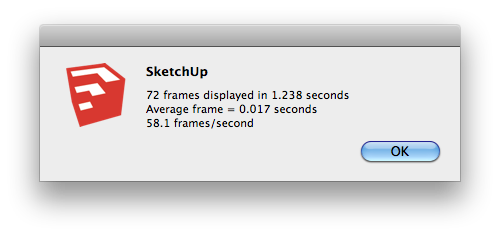
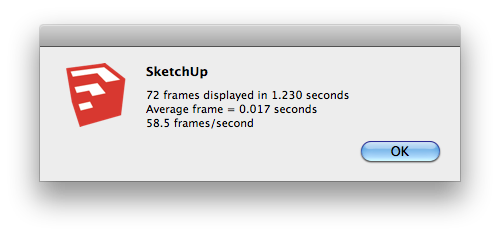
                        Screen shot 2013-02-03 at 16.04.05.png
                        SHADOWS ON:
                        Screen shot 2013-02-03 at 16.01.09.png

                        CUSTOM RENDER PC
                        Processor: i7-3820 - 3.6GHz over-clocked to 4.4GHz
                        Memory: 16GB KINGSTON HYPERX BEAST QUAD-DDR3 2400MHz X.M.P
                        Graphics: 2GB NVIDIA GEFORCE GTX 680
                        SHADOWS OFF: 8th FEB EST

                        SHADOWS ON: 8th FEB EST

                        VISIT MY ONLINE GALLERY
                        http://www.robotsvdinosaurs.com/

                        1 條回覆 最後回覆 回覆 引用 0
                        • N 離線
                          numerobis
                          最後由 編輯

                          i think without sorting all these resuls in different charts per display size this thread is pretty useless. The way it works now the only results that help are if someone tests two different CPUs or GPUs in the same machine. Or if a configuration matches your own with different clock rates...

                          1 條回覆 最後回覆 回覆 引用 0
                          • B 離線
                            bigsur
                            最後由 編輯

                            http://i1294.photobucket.com/albums/b612/barraweather/Capture2_zps27a7219e.jpg

                            http://i1294.photobucket.com/albums/b612/barraweather/Capture1_zpse58f32ab.jpg

                            1 條回覆 最後回覆 回覆 引用 0
                            • alexandre skA 離線
                              alexandre sk
                              最後由 編輯

                              ohhh I been looking for something like this for ages.

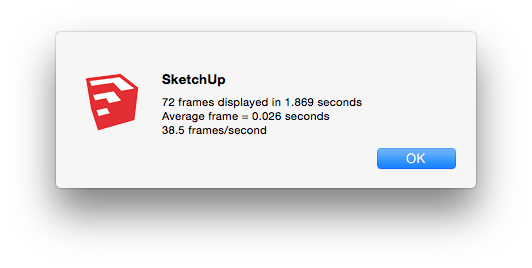
                              I noted that in sketch2013 if you turned on the shadows it make 63fps, and if you only open the file and run the command line (without make anything else), it make a more correct value. In 2014 it has no change.

                              ACER Notebook i7 3632QM 2.2GHZ - 6BG RAM - win 7
                              Intel HD 4000
                              22.3 FPS @ sketch 2014

                              ASUS Desktop i7 860 2.8Ghz - 4GB RAM - win 7 ( this processor is slower then the 3632QM above )
                              Geforce 8600 GT - Old but better than the HD 4000
                              33 FPS @ sketch 2014

                              So YES a better video card give better results. (At least this between these 2) I can sleep now 😄

                              Now a probably will upgrade to i7 4770k and a GTX 750

                              1 條回覆 最後回覆 回覆 引用 0
                              • jeff hammondJ 離線
                                jeff hammond
                                最後由 編輯

                                .

                                so, according to this test, my sketchup experience was better with a 2006 mac pro and sketchup 7.1..
                                it doesn't feel like that at all..
                                so, i'm not sure how i feel about this 'test'..

                                (actually, i'm pretty sure the test doesn't translate well to real world usage)

                                sketchup pro 2015
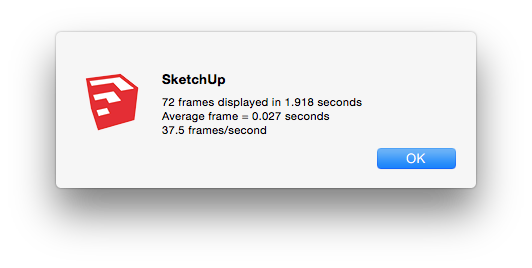
                                shadows ON

                                shadows OFF


                                Screen Shot 2014-11-17 at 11.54.22 PM.png

                                dotdotdot

                                1 條回覆 最後回覆 回覆 引用 0
                                • eidam655E 離線
                                  eidam655
                                  最後由 編輯

                                  so, is this benchmark still relevant? could we get enough data to compare quadros vs gtxs (and especially their mobile versions)?

                                  I'm using SketchUp 2017, V-Ray 3.4

                                  1 條回覆 最後回覆 回覆 引用 0
                                  • U 離線
                                    urban journey
                                    最後由 編輯

                                    If anyone is still following this, here's mine out of interest. I'm only here as periodically like to see where things are at in way of speed - I'm working a model at the moment with loads of 3D vegetation components and it's seriously chugging along.
                                    I've also wondered about the effectiveness of PC v Mac in Sketchup - i've got friends with PC who never seem to complain about it.
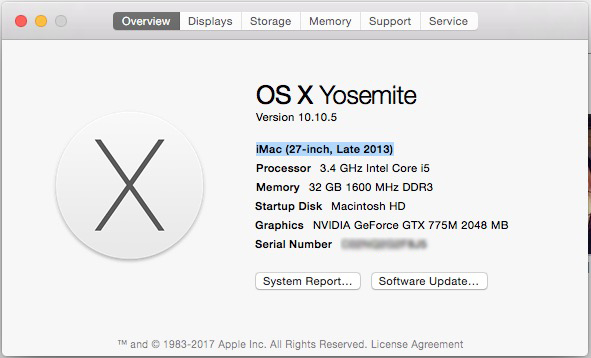
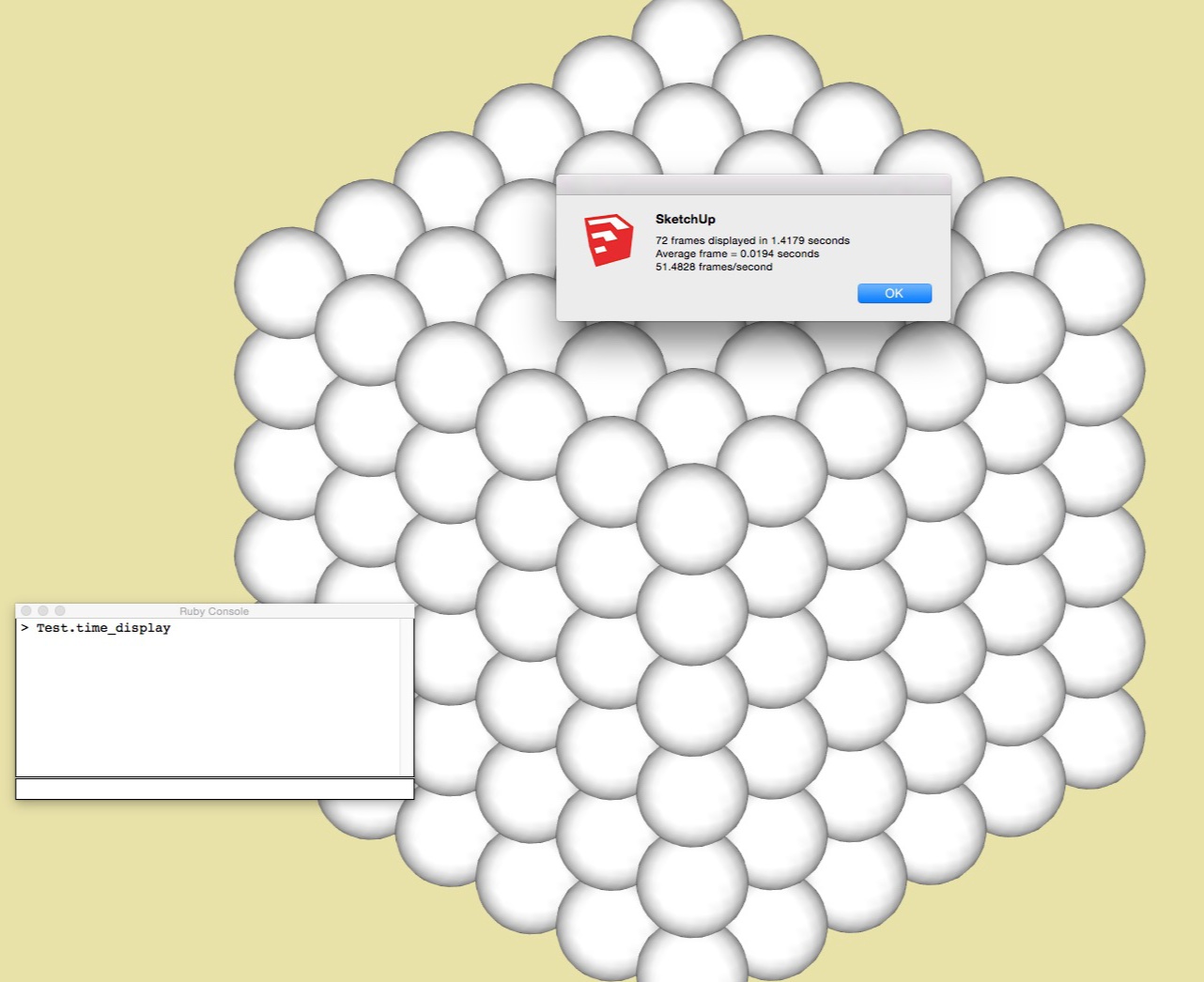
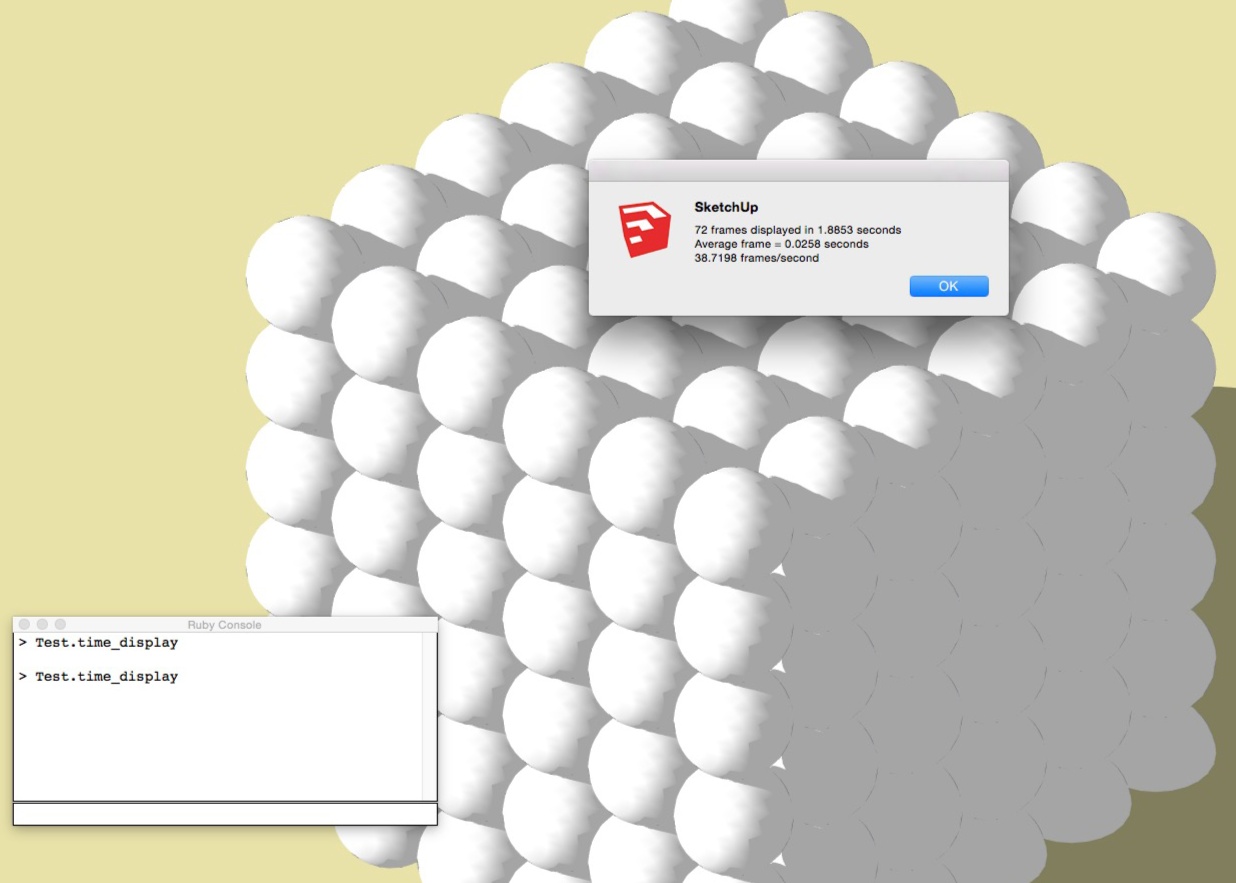
                                    Specs


                                    No Shadows


                                    Shadows

                                    1 條回覆 最後回覆 回覆 引用 0
                                    • 1
                                    • 2
                                    • 3
                                    • 4
                                    • 5
                                    • 6
                                    • 7
                                    • 7 / 7
                                    • 第一個貼文
                                      最後的貼文
                                    Buy SketchPlus
                                    Buy SUbD
                                    Buy WrapR
                                    Buy eBook
                                    Buy Modelur
                                    Buy Vertex Tools
                                    Buy SketchCuisine
                                    Buy FormFonts

                                    Advertisement