sketchucation logo sketchucation
    • 登入
    Oops, your profile's looking a bit empty! To help us tailor your experience, please fill in key details like your SketchUp version, skill level, operating system, and more. Update and save your info on your profile page today!
    🔌 Smart Spline | Fluid way to handle splines for furniture design and complex structures. Download

    Let's have a Hardware speed test for SU

    已排程 已置頂 已鎖定 已移動 Hardware, Software & Gadgets
    132 貼文 72 Posters 89.0k 瀏覽 72 Watching
    正在載入更多貼文
    • 從舊到新
    • 從新到舊
    • 最多點贊
    回覆
    • 在新貼文中回覆
    登入後回覆
    此主題已被刪除。只有擁有主題管理權限的使用者可以查看。
    • Jean LemireJ 離線
      Jean Lemire
      最後由 編輯

      Hi folks.

      I did some test with this file. I first ran the test with shadows off. Then I turned shadows on and got a faster time 😮 I turned shadows off again and I got an even faster time 😮 😮 Go figure.

      Here are the results:

      On my 2 years old Dell Precision Workstation with a 2.667 GHz processor and 12 Gigs of RAM with a NVIDIA Quadro FX 3800 with 1 Gb of VRAM, I get 63 f/s (frames per second) with shadows off and 53 f/s with shadows on. This is the machine I use at work.

      With my one month old Mac Book Pro with i7 processor at 2.2 GHz and 8 Gigs RAM with a AMD Radeon HD 6750 with 1 Gb of VRAM, I get 58.4 f/s with shadows off and 47.5 f/s with shadows on using SU 8 on Mac OS X (Snow Leopard) and 61.9 f/s with shadows off and 54.1 f/s with shadows on using SU 8 with Windows 7 on Bootcamp.

      Just ideas.

      Jean (Johnny) Lemire from Repentigny, Quebec, Canada.

      1 條回覆 最後回覆 回覆 引用 0
      • brodieB 離線
        brodie
        最後由 編輯

        Jean, i had a very similar experience (see my post about 5 posts up.

        Brodie

        steelblue http://www.steelbluellc.com

        1 條回覆 最後回覆 回覆 引用 0
        • M 離線
          mp1963
          最後由 編輯

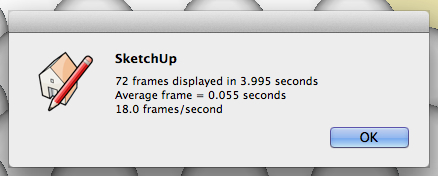
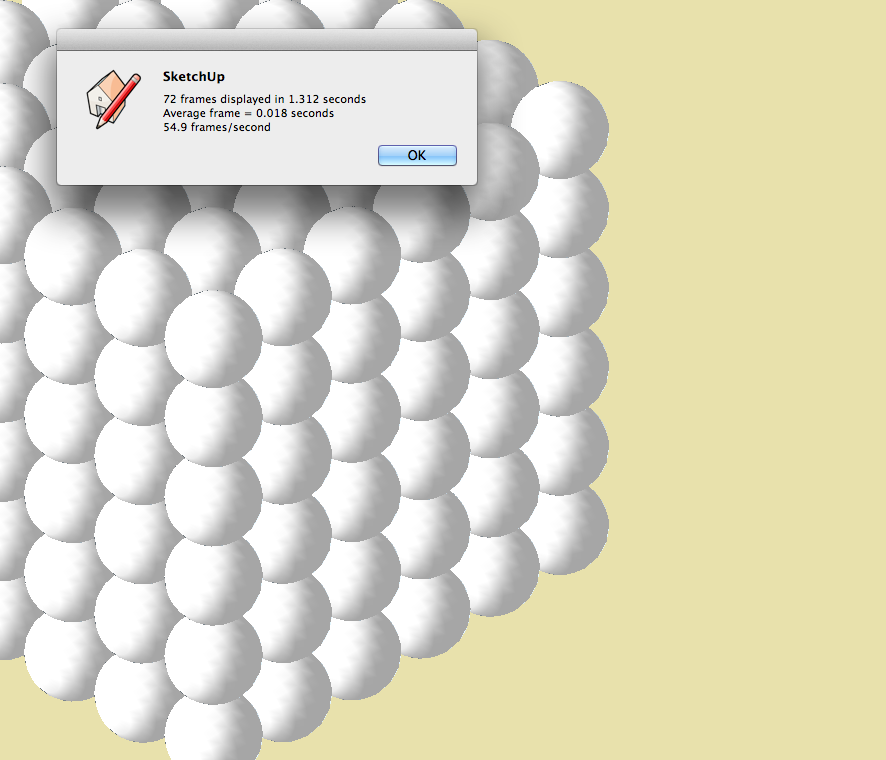
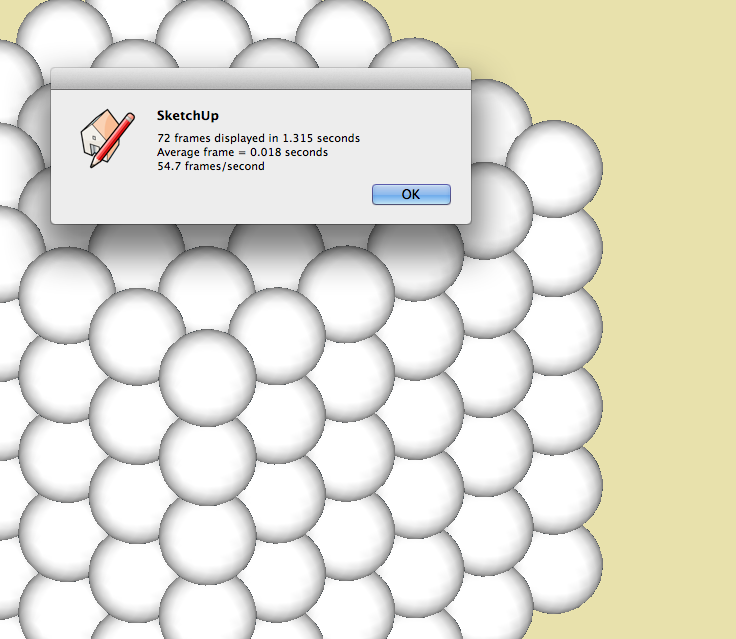
          After reading other posts I thought I would turn shadows on first and run the speed test...
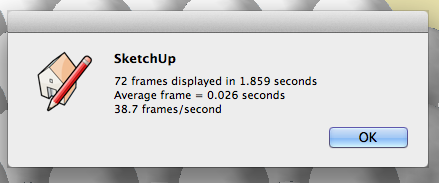
          Screen Shot 2012-01-09 at 13.19.10.png

          Then I turned shadows off..

          Screen Shot 2012-01-09 at 13.15.45.png

          Late 2009 iMac - 2.93Ghz Core 2 Duo, 8Gb 1067Mhz DDR RAM, Nvidia GT130 video card.

          1 條回覆 最後回覆 回覆 引用 0
          • daikuD 離線
            daiku
            最後由 編輯

            I find this frame rate is very dependent on the window size. I just got a 30" display with 2560x1600 resolution. With the window maximized, I get 16 fps. If I shrink it to about half, I get 20 fps. I ran it several times on each setting to get an average.

            Core2 Duo E8400 3Ghz
            GeForce 9500 GT (x2)

            But here's what's really puzzling me:

            One of the GPUs (sitting in a PCIE x16 slot)is driving the big monitor. The other (sitting in a PCIE x4 slot) is driving two 1050x1680 displays. If I size the sketchup window to span over and fill both the small displays, I get over 20 fps. If I then drag that same window onto the big display, I see much lower rates, around 15 fps. Anyone have an idea what's happening? I'm disappointed with the frame rate compared to what I had on the smaller monitors.

            Also, we should run the test full screen, and report our screen resolution, so we are comparing apples to apples.

            Clark Bremer
            http://www.northernlightstimberframing.com

            1 條回覆 最後回覆 回覆 引用 0
            • bmikeB 離線
              bmike
              最後由 編輯

              Results are all over the place for me. 17" MacBook Pro.
              21(ish) frames per second on running from opening.
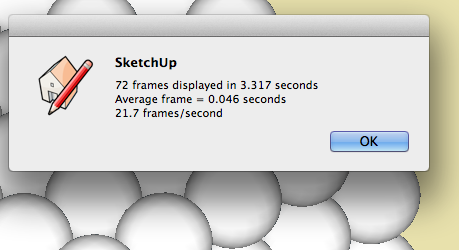
              runon-open.png

              54 after I turn shadows on!

              shadowson.png

              shadowsoff.png

              I suspect it may have to do with the dual graphics card switching over.
              Ran at full screen and in a small window as well.
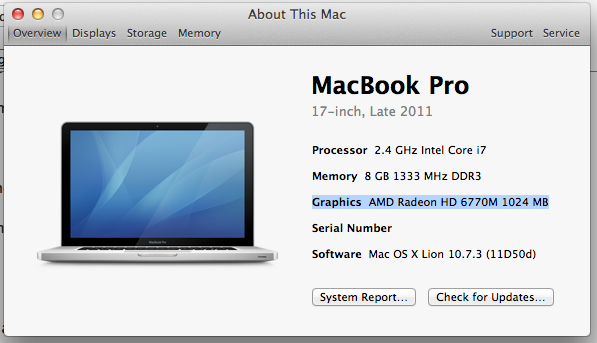
              Screen Shot 2012-03-22 at 11.07.21 AM.png

              mike beganyi design + consulting llc

              1 條回覆 最後回覆 回覆 引用 0
              • daikuD 離線
                daiku
                最後由 編輯

                Not sure why, but If I move the big display to the secondary port on the secondary card, it runs really well. Over 45 fps, at 2560x1600. That's the x4 slot, shared with another monitor. Go figure. ❓

                Clark Bremer
                http://www.northernlightstimberframing.com

                1 條回覆 最後回覆 回覆 引用 0
                • bmikeB 離線
                  bmike
                  最後由 編輯

                  @daiku said:

                  Not sure why, but If I move the big display to the secondary port on the secondary card, it runs really well. Over 45 fps, at 2560x1600. That's the x4 slot, shared with another monitor. Go figure. ❓

                  I don't think this test is the most accurate...

                  mike beganyi design + consulting llc

                  1 條回覆 最後回覆 回覆 引用 0
                  • daikuD 離線
                    daiku
                    最後由 編輯

                    I agree, Mike. But I don't know of any other way to test SU performance. And I have to say that the configuration that gives me the best benchmark numbers is definitely faster in everyday use. Especially orbiting and zooming with the space navigator. 😄

                    Clark Bremer
                    http://www.northernlightstimberframing.com

                    1 條回覆 最後回覆 回覆 引用 0
                    • bmikeB 離線
                      bmike
                      最後由 編輯

                      Can you fix the widow size with a ruby script? Might be an advantage to force this to open in 1200x800 or 800x600 and do its thing. Then there might be some baselines that start to make sense.

                      Otherwise, I have no idea why mine jumps up to 50+ with shadows on full screen, but plods along at 20something when I do a reboot and only open SketchUp and that file.

                      Odd.

                      mike beganyi design + consulting llc

                      1 條回覆 最後回覆 回覆 引用 0
                      • EscapeArtistE 離線
                        EscapeArtist
                        最後由 編輯

                        This is interesting:

                        Load the model by double clicking the .skp file - 72 frames/2.698 sec

                        Turn shadows on - 72 frames/12.237 sec

                        Turn shadows back off - 72 frames/1.168 sec (?!)

                        Try again with shadows on - 72 frames/1.168 sec.

                        Now that's just strange.

                        1 條回覆 最後回覆 回覆 引用 0
                        • EarthMoverE 離線
                          EarthMover
                          最後由 編輯

                          Results on my newer laptop. Video card is Nvidia GTX 560m 3GB GPU. Higher score with shadows on for some reason. SU 8 most recent update.
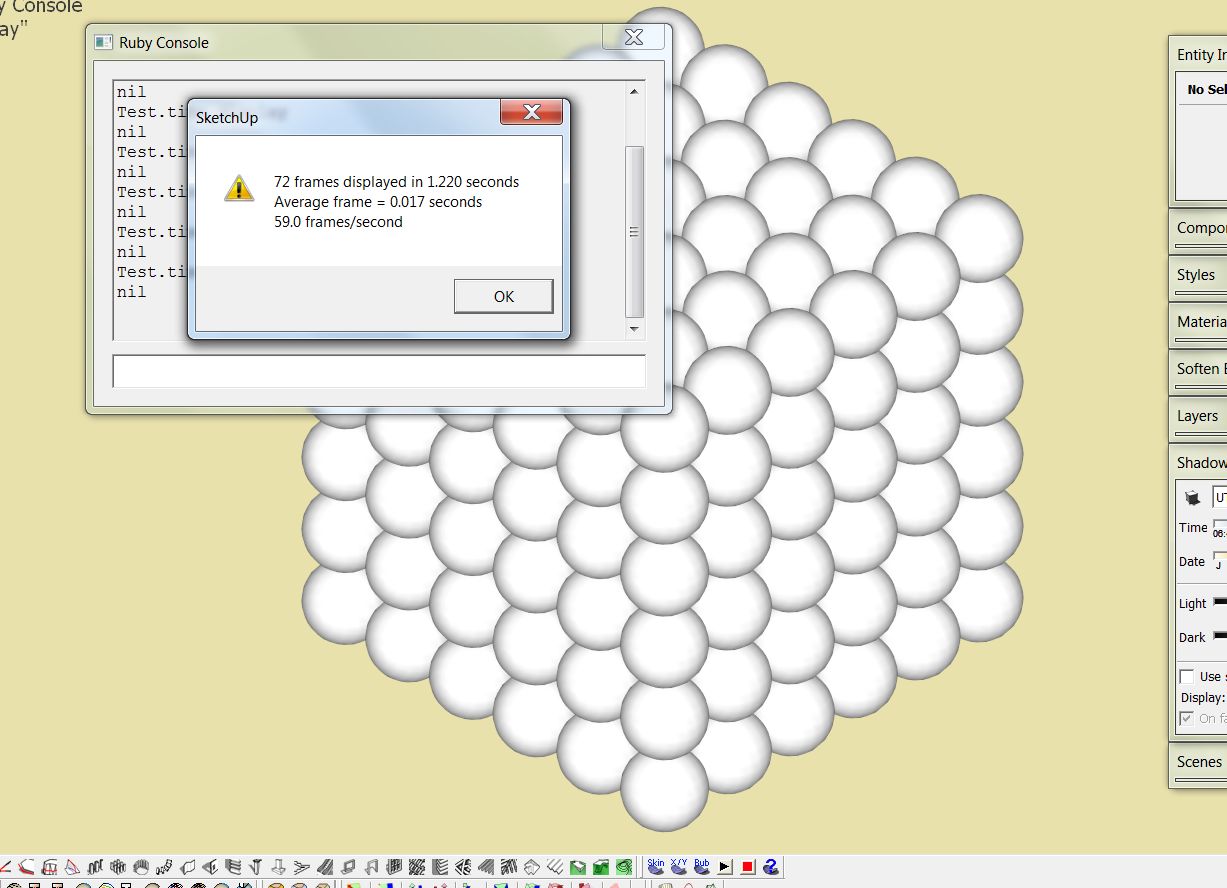
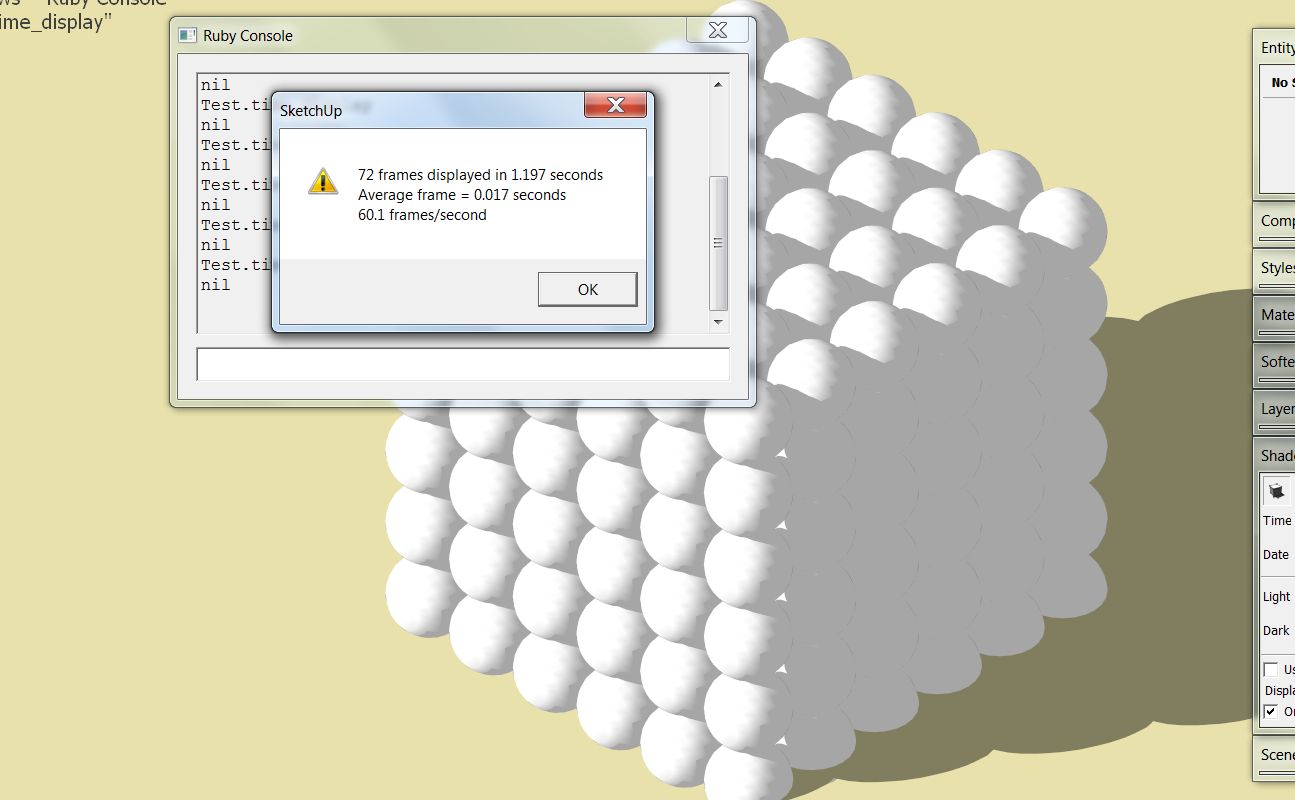

                          Clipboard01.jpg


                          Clipboard02.jpg


                          Clipboard03.jpg

                          3D Artist at Clearstory 3D Imaging
                          Guide Tool at Winning With Sketchup
                          Content Creator at Skapeup

                          1 條回覆 最後回覆 回覆 引用 0
                          • brodieB 離線
                            brodie
                            最後由 編輯

                            This test used to work quite well as a comparison but was completely broken after an update some time ago. It's no longer good for any sort of comparison.

                            -Brodie

                            steelblue http://www.steelbluellc.com

                            1 條回覆 最後回覆 回覆 引用 0
                            • S 離線
                              setniew
                              最後由 編輯

                              So I'am getting results as follow:

                              no shadows
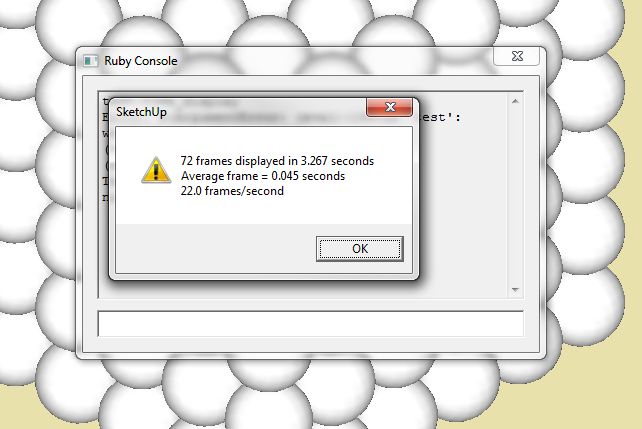
                              time test

                              shadows on
                              ttest shadows

                              I'am wondering... I'am getting low performance when "having fun" with big models like this one:

                              Error 404 (Not Found)!!1

                              favicon

                              (sketchup.google.com)

                              Is there a way to orbit this model smoothly?

                              oh and this is my hardware:
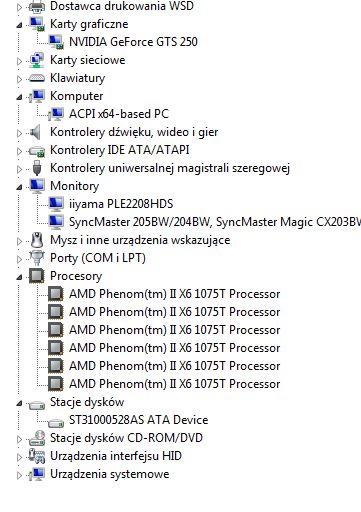
                              hrdw.jpg

                              1 條回覆 最後回覆 回覆 引用 0
                              • S 離線
                                sketchymick
                                最後由 編輯

                                Picture1.jpg

                                GPU is reference GTX680

                                Made negligible difference whether shadows were on or off, or whether window was full screen (1920x1080) or partial. Range was 60.1 (first run, full screen no shadows) to 64.5 (middle run, shadows off, full screen).

                                Cheers

                                • Mick

                                "I love the sound that deadlines make as they rush past"

                                1 條回覆 最後回覆 回覆 引用 0
                                • F 離線
                                  function
                                  最後由 編輯

                                  Any way someone can post an updated file or ruby for benchmarking SKP8? I'm building a new rig and want to benchmark my applications. I have a quadro 5000 and will be picking up a keplar 6xx series to compare photoshop, 3ds max, and skp. I know SKP isn't gpu based and works 1 core on the geometry, but I'm interested in comparing the hardware anyhow.

                                  1 條回覆 最後回覆 回覆 引用 0
                                  • thomthomT 離線
                                    thomthom
                                    最後由 編輯

                                    @function said:

                                    Any way someone can post an updated file or ruby for benchmarking SKP8? I'm building a new rig and want to benchmark my applications. I have a quadro 5000 and will be picking up a keplar 6xx series to compare photoshop, 3ds max, and skp. I know SKP isn't gpu based and works 1 core on the geometry, but I'm interested in comparing the hardware anyhow.

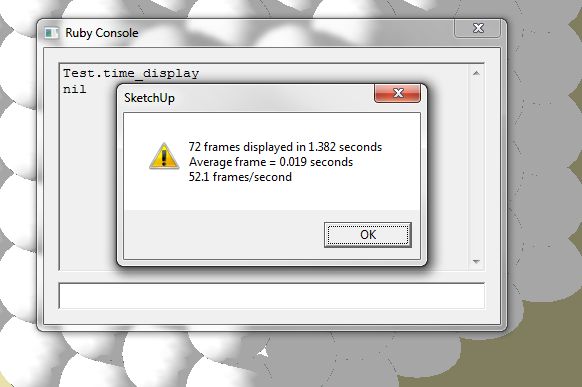
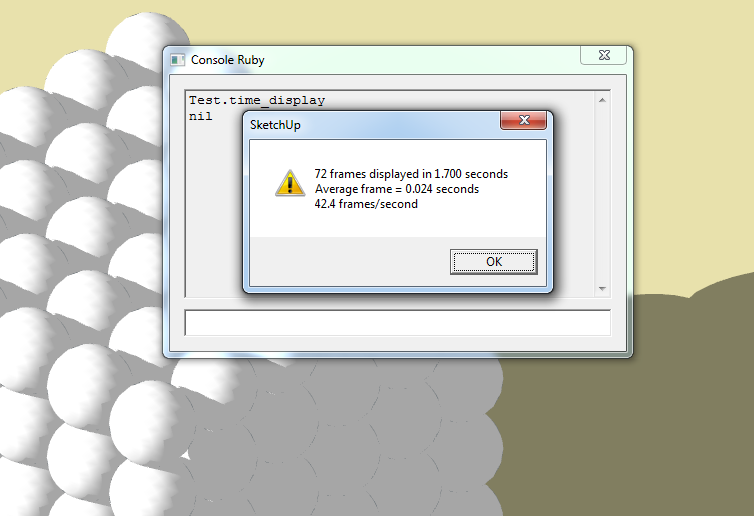
                                    All you do is just type Test.time_display into the Ruby Console - it is not specific to SketchUp version.

                                    Thomas Thomassen — SketchUp Monkey & Coding addict
                                    List of my plugins and link to the CookieWare fund

                                    1 條回覆 最後回覆 回覆 引用 0
                                    • micioneM 離線
                                      micione
                                      最後由 編輯

                                      Intel Core i7-2600 GPU
                                      Nvidia quadro 4000
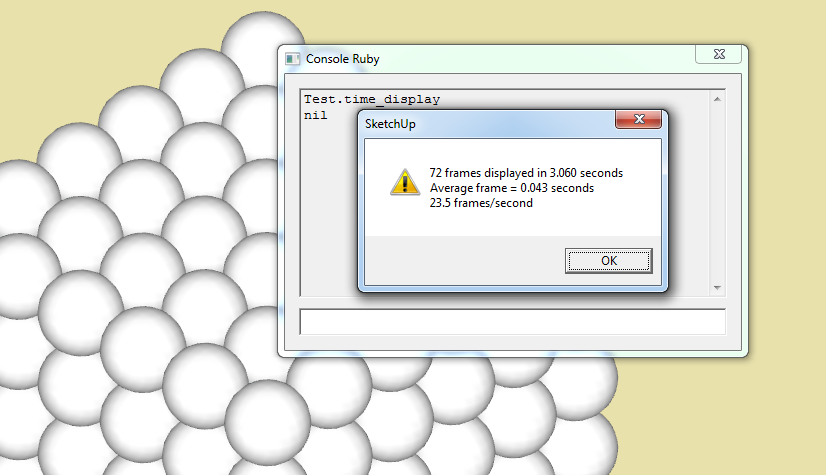

                                      a.png


                                      b.png

                                      1 條回覆 最後回覆 回覆 引用 0
                                      • G 離線
                                        garyhr
                                        最後由 編輯

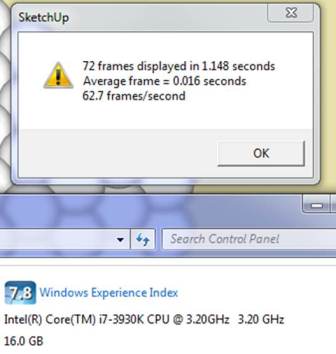
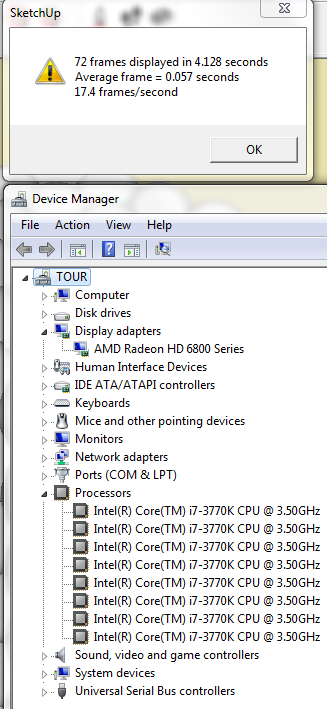
                                        not bad for a single video card


                                        intel i7 3770k
radeon hd 6870

                                        1 條回覆 最後回覆 回覆 引用 0
                                        • M 離線
                                          miggy
                                          最後由 編輯

                                          no shadows

                                          with shadows

                                          Intel i7 @2.2GHz, 6GB RAM, GeForce 550M w/ 1GB onboard + 2GB shared
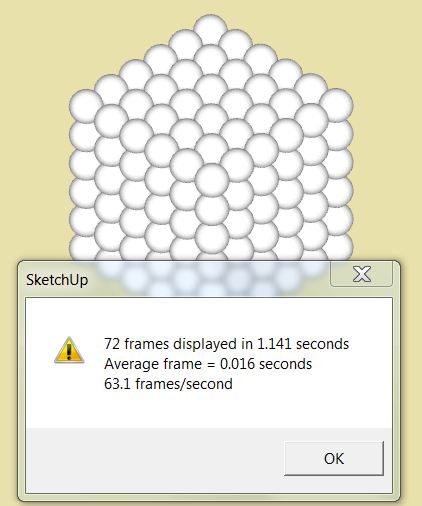
                                          I really can't understand why I get this fantastic fps when others out-spec my Dell XPS laptop quite considerably.
                                          No shadows: 63.1 fps !!!
                                          w/ shadows: 62.9 fps...?

                                          I didn't have any other applications open (other than FF), just an empty, standard environment.
                                          I noticed a massive slow-down when I then opened up some other apps - Word + Excel + Photoshop - down to 25 fps...
                                          looks like maybe SU couldn't re-allocate some shared memory that was taken away?

                                          I then made a component of the existing cube & then made a 4x4x4 version, so 64 times the existing. (btw, disk space only doubled)
                                          There I got about 9fps.
                                          I then moved the whole 64x block up the blue axis so as to hide the top half of the model out of the FOV.
                                          I then got 18fps...
                                          Looks like SU only calculates the rendering of the visible FOV, which is great...
                                          But, every manipulation in the sketchup window was molasses-slow - menu display, pasting into the ruby console, etc.

                                          Then I rebooted, and try as I might, after some 50 times, I consistently only got around 31 fps on the standard cube...???
                                          I have no complaints about my speed, but I can't understand where that turbo effect came from when I first tried it...

                                          food for thought...?

                                          1 條回覆 最後回覆 回覆 引用 0
                                          • N 離線
                                            nabee
                                            最後由 編輯

                                            I have c2q 8200 @ 3.0 ghz and I always wanted to upgrade cpu/mobo when SU was chuggin.

                                            But seeing the results here, because of SU's architecture, maybe I won't get much gain with upgraded Cpu.

                                            I get 60fps for this test.

                                            I mean, I am getting same results with a person with i5 2500k @ 4.8ghz!. (i plan to get 3750k)

                                            true?

                                            1 條回覆 最後回覆 回覆 引用 0
                                            • 1
                                            • 2
                                            • 3
                                            • 4
                                            • 5
                                            • 6
                                            • 7
                                            • 7 / 7
                                            • 第一個貼文
                                              最後的貼文
                                            Buy SketchPlus
                                            Buy SUbD
                                            Buy WrapR
                                            Buy eBook
                                            Buy Modelur
                                            Buy Vertex Tools
                                            Buy SketchCuisine
                                            Buy FormFonts

                                            Advertisement