sketchucation logo sketchucation
    • 登入
    Oops, your profile's looking a bit empty! To help us tailor your experience, please fill in key details like your SketchUp version, skill level, operating system, and more. Update and save your info on your profile page today!
    🔌 Smart Spline | Fluid way to handle splines for furniture design and complex structures. Download

    Subdivide and Smooth Feature Requests

    已排程 已置頂 已鎖定 已移動 Extensions & Applications Discussions
    extensions
    63 貼文 25 Posters 14.5k 瀏覽 25 Watching
    正在載入更多貼文
    • 從舊到新
    • 從新到舊
    • 最多點贊
    回覆
    • 在新貼文中回覆
    登入後回覆
    此主題已被刪除。只有擁有主題管理權限的使用者可以查看。
    • ely862meE 離線
      ely862me
      最後由 編輯

      @solo said:

      A feature that I'd like is 'undivide' I suppose it would work like a poly reducer, but it would be great to be able to go back and forth without needing to use the undo button.

      Another feature that would be awesome is the 'subdivide' feature to offer levels of subdivision and different subdivision options/mapping.

      SECOND THAT
      I would also like to apply sds to a group or component without making the proxy.
      SketchUp tools are pretty useless for high-poly editing. Any ideas?
      A magnet tool perhaps.

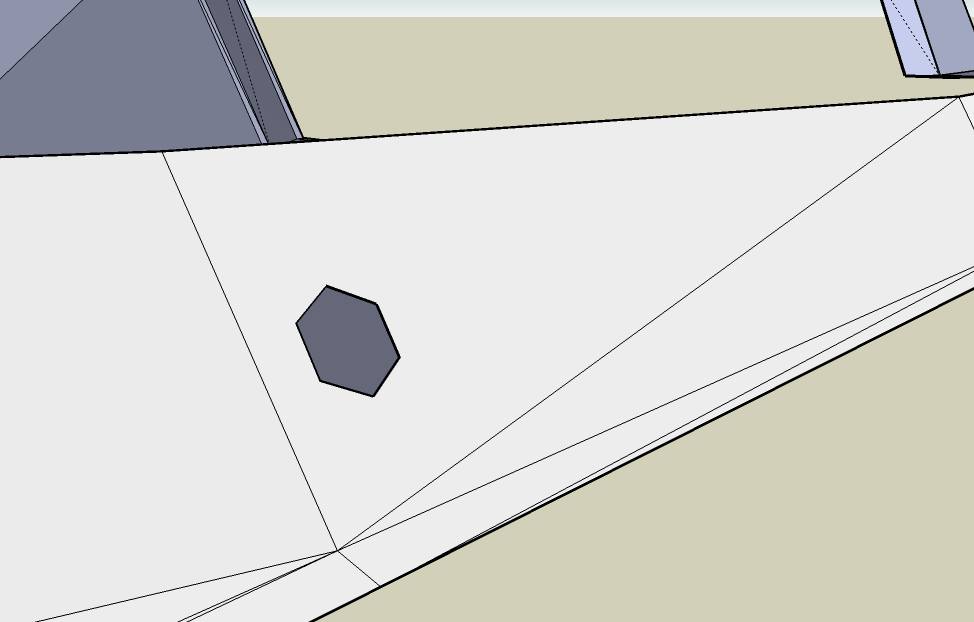
      I want to ask...maybe is not the right thread...Is it possible in future to change the triangle with rectangular?..like in cinema 4d ..it will be a lot easier to add extra lines and details.
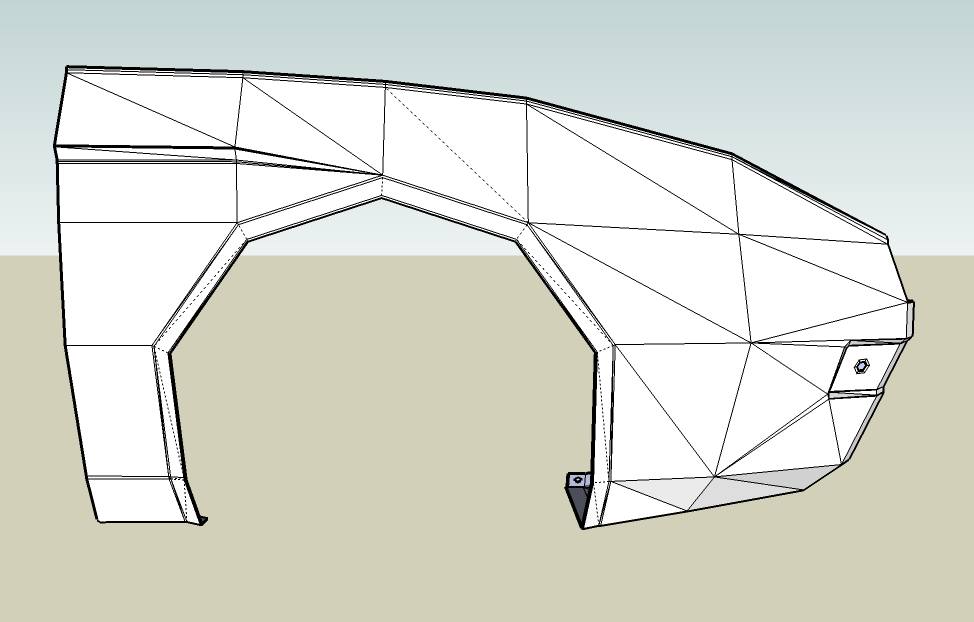
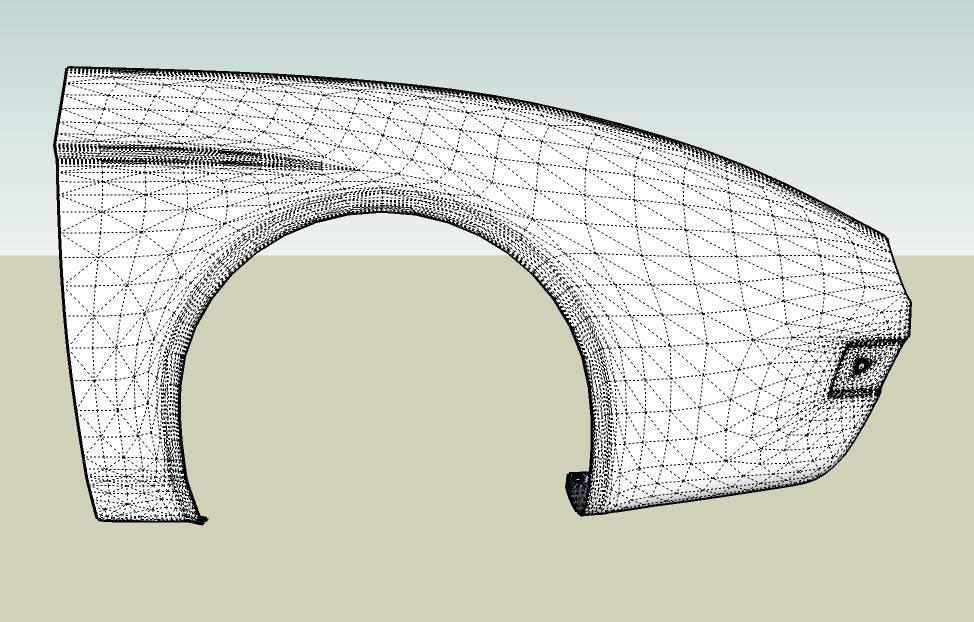
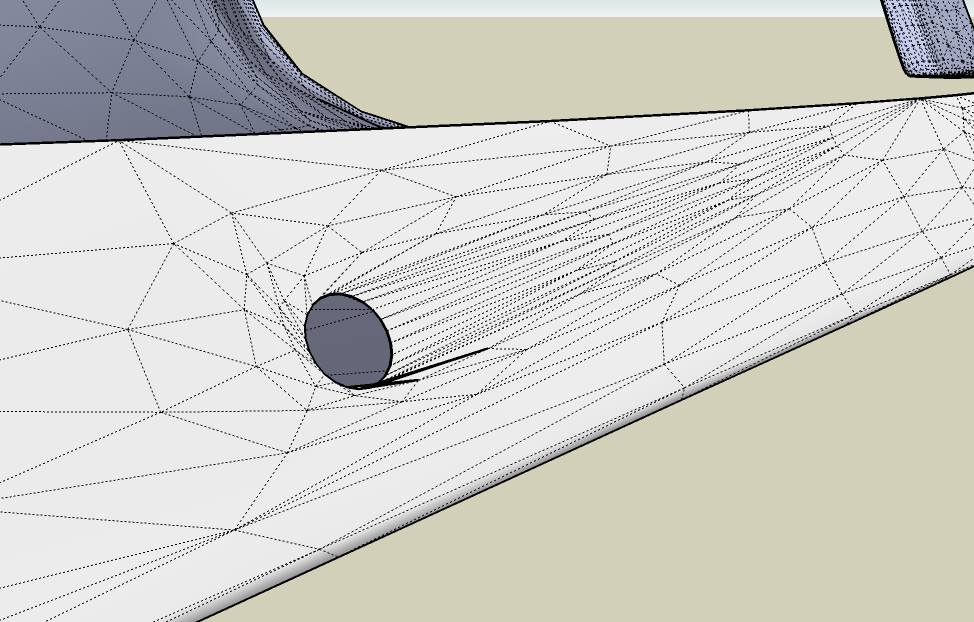
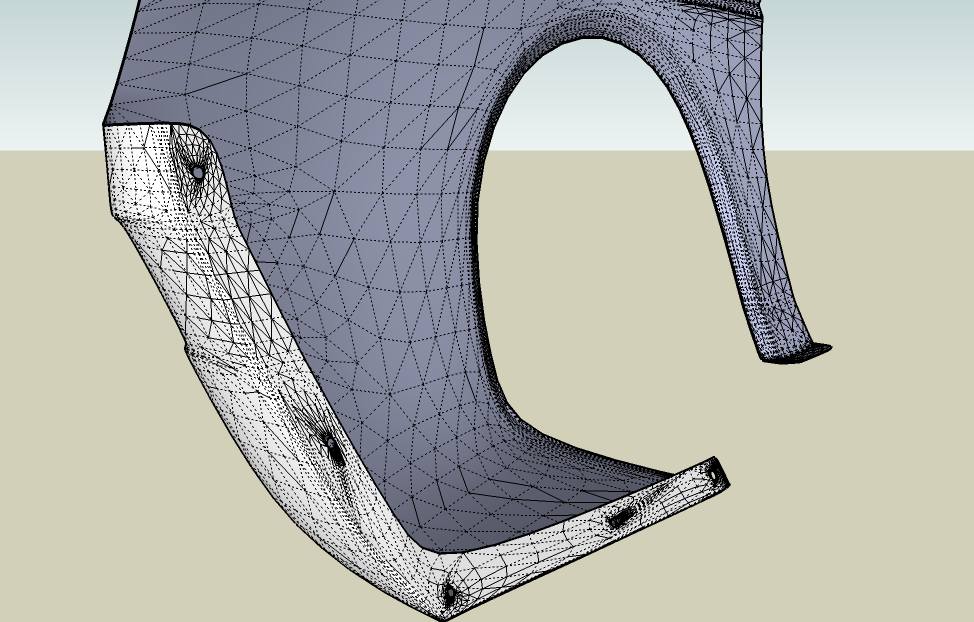
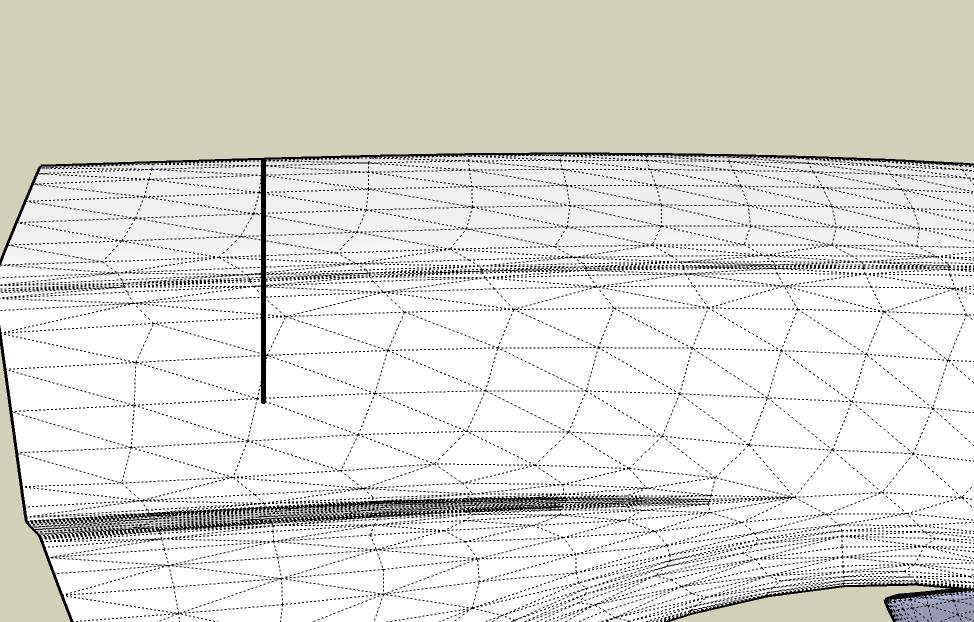
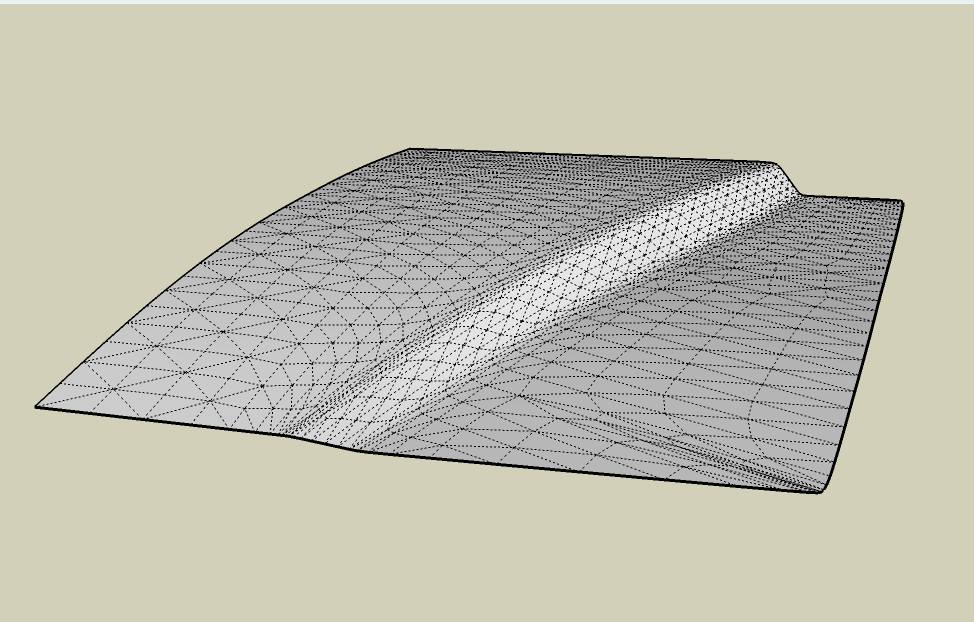
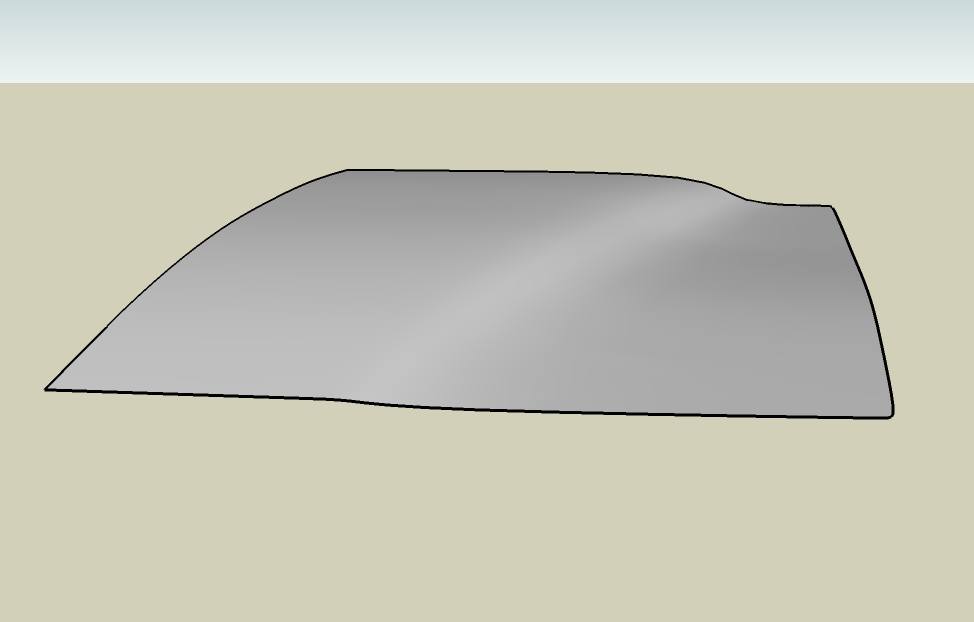
      sds test fender.jpg


      sds test fender 2.jpg


      sds test fender 4.jpg


      CAN BE SOLVED THIS PROBLEM ?


      IF POSSIBLE DO NOT MAKE UNNEEDED LINES


      CAN THOSE WIRES BE ARRANGED ?

      Elisei (sketchupper)


      Before no life was done on Earth it was THE LIFE ITSELF...GOD
      Come and See EliseiDesign

      1 條回覆 最後回覆 回覆 引用 0
      • L 離線
        l.frisken
        最後由 編輯

        a vertice editing mode, where you can select single or several vertices to be moved, rotated or scale would be great.

        1 條回覆 最後回覆 回覆 引用 0
        • X 離線
          xrok1
          最後由 編輯

          divide/smooth by angle and soft selection please 😄

          “There are three classes of people: those who see. Those who see when they are shown. Those who do not see.”

          http://www.Twilightrender.com try it!

          1 條回覆 最後回覆 回覆 引用 0
          • X 離線
            xrok1
            最後由 編輯

            oooh! we could really use an edge slide (offset) on non planar surface. like offset contour on surface but with edges.

            “There are three classes of people: those who see. Those who see when they are shown. Those who do not see.”

            http://www.Twilightrender.com try it!

            1 條回覆 最後回覆 回覆 引用 0
            • EscapeArtistE 離線
              EscapeArtist
              最後由 編輯

              I gotta second the SD&S by selection.

              I rarely want to smooth the entire model, it'd be great to selectively smooth an area.

              1 條回覆 最後回覆 回覆 引用 0
              • W 離線
                Whaat
                最後由 編輯

                @escapeartist said:

                I gotta second the SD&S by selection.

                I rarely want to smooth the entire model, it'd be great to selectively smooth an area.

                Tell me if this method accomplishes what you want:

                1. Select only the faces that you want to smooth.
                2. Make these faces into a new group
                3. Enter group-edit mode for the new group
                4. Select all the border edges in the new group that you want to connect to the unsmoothed portion of the mesh
                5. Go to Subdivide and Smooth->Crease Selection and select Crease Edges and Vertices
                6. Subdivide and Smooth the new group (don't create a proxy)
                7. Exit group-edit mode and explode

                Would you like these operations to be made more 'automatic'?
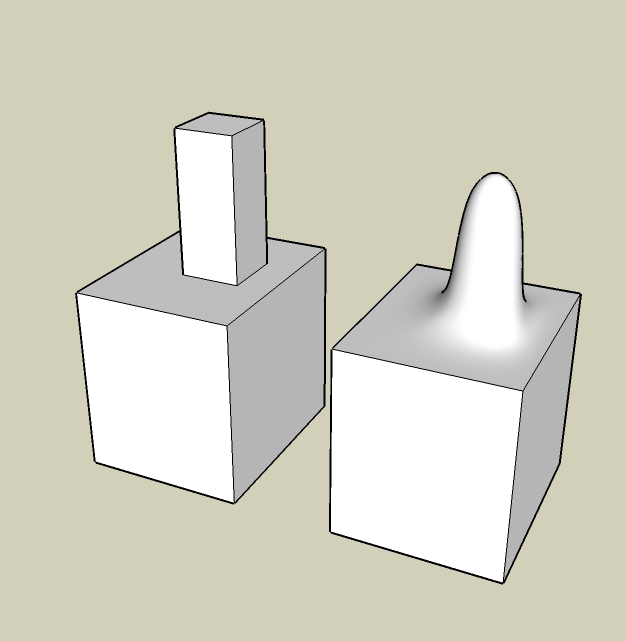

                The cube is not subdivided (only the top part)

                SketchUp Plugins for Professionals

                1 條回覆 最後回覆 回覆 引用 0
                • K 離線
                  kwistenbiebel
                  最後由 編輯

                  My feature requests:

                  1. A soft selection tool that lets you select the polygons you want.
                    It could work like a 'brush selection tool' where you define the size and form of the brush (square, circle, etc...) that selects the polygons. Selected polygons will be highlighted.

                  Very handy for SDS operations on local areas of your mesh and also handy for texturing parts of that mesh.

                  1. A UV-mapping / texturing tool for Subdivided mesh.
                    Currently, texturing organic shapes is still a pain in sketchup.
                    The UV tools ruby already helps, but we need more options..
                  1 條回覆 最後回覆 回覆 引用 0
                  • mitcorbM 離線
                    mitcorb
                    最後由 編輯

                    Hi, Whaat:
                    I commend you for developing this very versatile tool. SDS appears to be the first breakthrough tool that puts Sketchup on a par with other modelers.
                    How about a floating 3d orientation tool so that you can move verts and edges any specified distance and angle that you wish?
                    If you are looking for ideas for enhancements, may I suggest a series of streaming tutorials made by a professor at Tufts University for Blender at http://www.gryllus.net. These demonstrate many of the capabilities of that program on a parallel to what many of your respondents are requesting.

                    I take the slow, deliberate approach in my aimless wandering.

                    1 條回覆 最後回覆 回覆 引用 0
                    • G 離線
                      gaganraj
                      最後由 編輯

                      a tool to toggle between subdivied/unsubdivided?

                      1 條回覆 最後回覆 回覆 引用 0
                      • R 離線
                        remus
                        最後由 編輯

                        Just to register my votes for stuff thats already been mentioned:

                        1. Subdivide selected (in the more automated way you described)
                        2. More options for subdivision type (doo-sabin being the main one that springs to mind.)
                        3. Being able to flip between subdivide/unsubdivide without undo.

                        A few new ones:

                        1. a crease tool that you can drag, the current method is too slow in my opinion, its almost always easier to use crease selection from the menu.
                        2. Some sculpting tools would be sweet. id guess this is easier said than done, though.

                        http://remusrendering.wordpress.com/

                        1 條回覆 最後回覆 回覆 引用 0
                        • G 離線
                          gaganraj
                          最後由 編輯

                          how about a way to easily select loops, and perhaps slicing them?

                          1 條回覆 最後回覆 回覆 引用 0
                          • F 離線
                            fbartels
                            最後由 編輯

                            Hi Dale,

                            It would be really helpful to be able to select multiple proxy shapes and set SDS working on them automatically in sequence. Running SDS on a complex shape at levels 3 or 4 can take quite a while and you can't use SU while that's happening, but if you are doing multiple proxies you need to hang around and wait for each one to finish before starting on the next. Ideally, I'd like to be able to select X number of proxies and leave the computer chugging away at them.

                            Thanks for the current SDS and versions to come.

                            Fred

                            1 條回覆 最後回覆 回覆 引用 0
                            • R 離線
                              remus
                              最後由 編輯

                              being ale to crease edge with varying degrees of 'crease' would be cool. i.e. being able to make the crease softer or harder.

                              http://remusrendering.wordpress.com/

                              1 條回覆 最後回覆 回覆 引用 0
                              • P 離線
                                princedragoncok
                                最後由 編輯

                                How about a smoove tool which works always perpendicular to the surface/face you are working on. ex. A sphere to which the smoove tool can be applied to from any direction.

                                1 條回覆 最後回覆 回覆 引用 0
                                • W 離線
                                  Whaat
                                  最後由 編輯

                                  @remus said:

                                  1. Being able to flip between subdivide/unsubdivide without undo.

                                  This seems to be a common request. Users seem to be not using proxy subdivision modelling in favour of applying SDS and then hitting the 'undo' button to get back to unsubdivided. This leads me to believe that there are some workflow issues with proxy modelling. Can someone tell me what are the reasons that users do not like to use the low-poly proxy modelling workflow?

                                  Another question I have is this:
                                  Does anyone ever use the 'copy materials' option? It is slow and does not properly interpolate the UV coordinates. I had in mind to fix the UV issue but my preference would be to remove the feature entirely. It will always be slow and I wonder if there is any significant benefit to it. Fixing the UV issue will take a lot of time and I would rather devote time to other features. Any thoughts?

                                  SketchUp Plugins for Professionals

                                  1 條回覆 最後回覆 回覆 引用 0
                                  • L 離線
                                    l.frisken
                                    最後由 編輯

                                    if it automatically applied smoothing when it finished then I reckon more people would use the apply materials option

                                    1 條回覆 最後回覆 回覆 引用 0
                                    • ely862meE 離線
                                      ely862me
                                      最後由 編輯

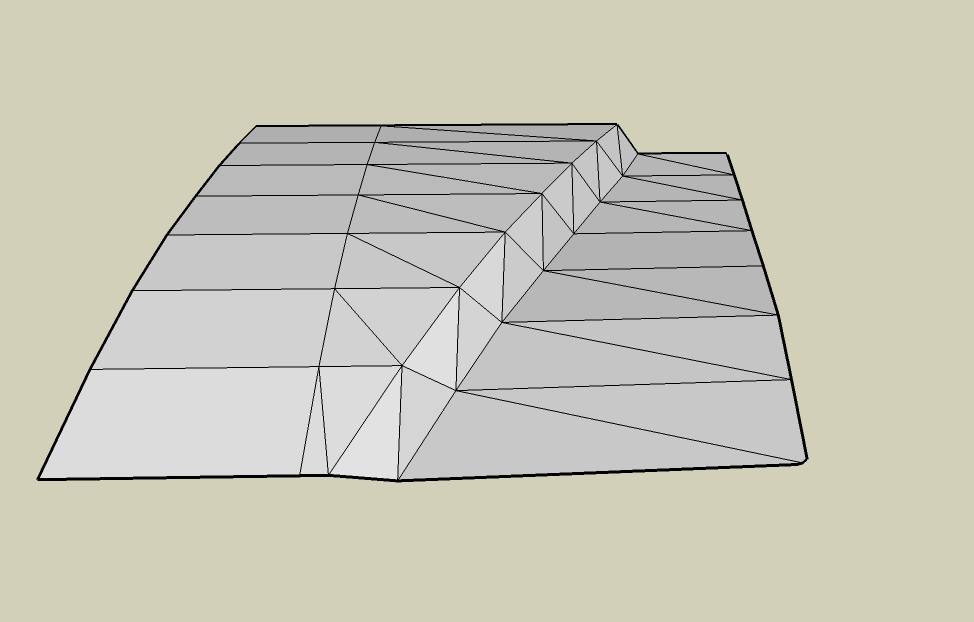
                                      i don t know if u can make a chamfer tool..this will be great and save a lot of work(at last for me)
                                      the only bad thing and decisive is that SU works with triangulation 😐,and because of this is almost impossible to create chamfer

                                      Elisei (sketchupper)


                                      Before no life was done on Earth it was THE LIFE ITSELF...GOD
                                      Come and See EliseiDesign

                                      1 條回覆 最後回覆 回覆 引用 0
                                      • bazB 離線
                                        baz
                                        最後由 編輯

                                        @ely862me said:

                                        i don t know if u can make a chamfer tool..this will be great and save a lot of work(at last for me)
                                        the only bad thing and decisive is that SU works with triangulation 😐,and because of this is almost impossible to create chamfer

                                        perhaps 'sketchy bevel' by chris philips would do this for you? It draws chamfers.

                                        baz

                                        1 條回覆 最後回覆 回覆 引用 0
                                        • ely862meE 離線
                                          ely862me
                                          最後由 編輯

                                          that is good for flat areas ,,on the triangulated areas it s a mess
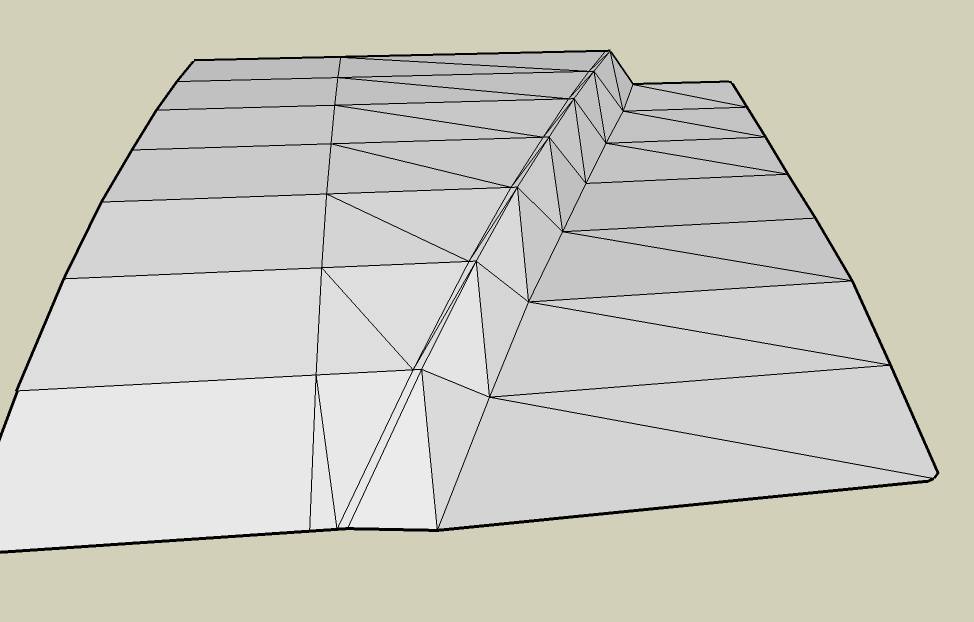
                                          this is what i m talking about ..this is a normal meshthis is what i want for chamfer to do :adding one or more lines   to the selected linessds result after chamfersds result without chamfer
                                          Elisei (sketchupper)


                                          Before no life was done on Earth it was THE LIFE ITSELF...GOD
                                          Come and See EliseiDesign

                                          1 條回覆 最後回覆 回覆 引用 0
                                          • X 離線
                                            xrok1
                                            最後由 編輯

                                            @unknownuser said:

                                            Another question I have is this:
                                            Does anyone ever use the 'copy materials' option? It is slow and does not properly interpolate the UV coordinates. I had in mind to fix the UV issue but my preference would be to remove the feature entirely. It will always be slow and I wonder if there is any significant benefit to it. Fixing the UV issue will take a lot of time and I would rather devote time to other features. Any thoughts?

                                            it would be great if it worked, i think everyone would use it. if for nothing else than selection sets by material.


                                            “There are three classes of people: those who see. Those who see when they are shown. Those who do not see.”

                                            http://www.Twilightrender.com try it!

                                            1 條回覆 最後回覆 回覆 引用 0
                                            • 1
                                            • 2
                                            • 3
                                            • 4
                                            • 2 / 4
                                            • 第一個貼文
                                              最後的貼文
                                            Buy SketchPlus
                                            Buy SUbD
                                            Buy WrapR
                                            Buy eBook
                                            Buy Modelur
                                            Buy Vertex Tools
                                            Buy SketchCuisine
                                            Buy FormFonts

                                            Advertisement