sketchucation logo sketchucation
    • 登入
    Oops, your profile's looking a bit empty! To help us tailor your experience, please fill in key details like your SketchUp version, skill level, operating system, and more. Update and save your info on your profile page today!
    🔌 Easy Offset | Offset selected faces in SketchUp in positive and negative offsets. Download

    [Plugin] Shape Bender Beta

    已排程 已置頂 已鎖定 已移動 Plugins
    1.3k 貼文 331 Posters 1.8m 瀏覽 329 Watching
    正在載入更多貼文
    • 從舊到新
    • 從新到舊
    • 最多點贊
    回覆
    • 在新貼文中回覆
    登入後回覆
    此主題已被刪除。只有擁有主題管理權限的使用者可以查看。
    • charly2008C 離線
      charly2008
      最後由 編輯

      Hi Dave,

      I started sketchup again and made a new model then it worked. Strange!

      Charly

      He who makes no mistakes, makes nothing

      1 條回覆 最後回覆 回覆 引用 0
      • charly2008C 離線
        charly2008
        最後由 編輯

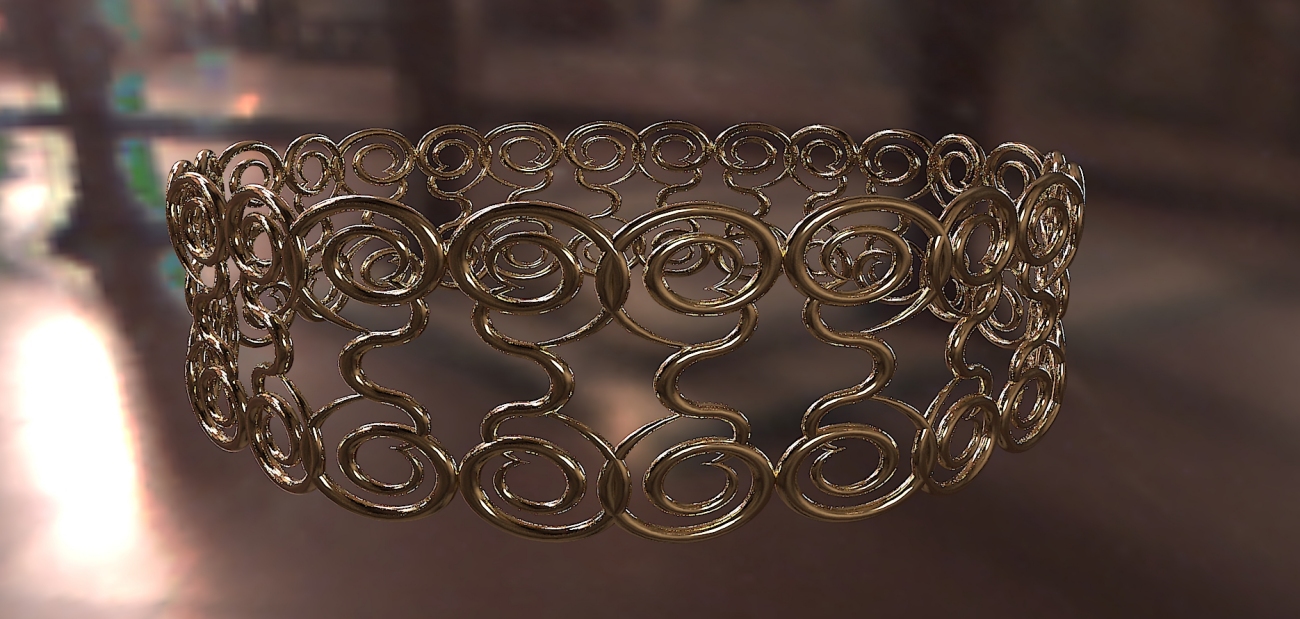
        With a little imagination you can create some interesting shapes.
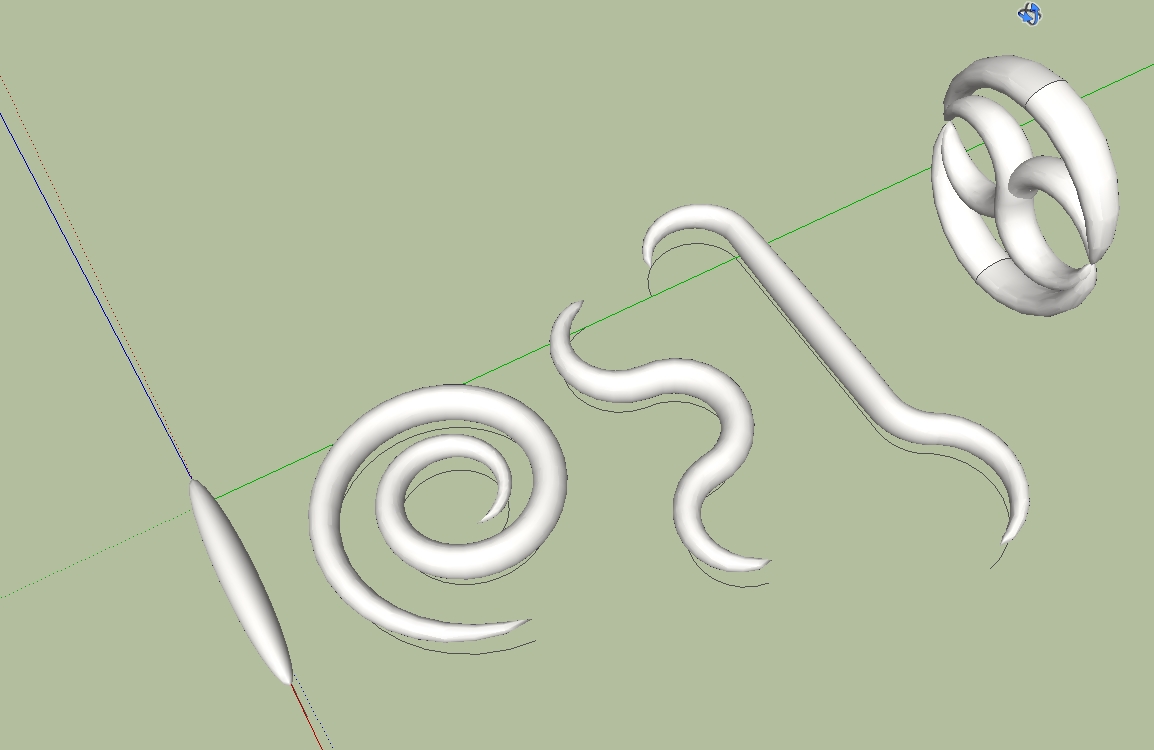

        2011-06-29_232310.jpg

        He who makes no mistakes, makes nothing

        1 條回覆 最後回覆 回覆 引用 0
        • Dave RD 離線
          Dave R
          最後由 編輯

          Reminds me of hook worms. 😄

          Etaoin Shrdlu

          %

          (THERE'S NO PLACE LIKE)

          G28 X0.0 Y0.0 Z0.0

          M30

          %

          1 條回覆 最後回覆 回覆 引用 0
          • charly2008C 離線
            charly2008
            最後由 編輯

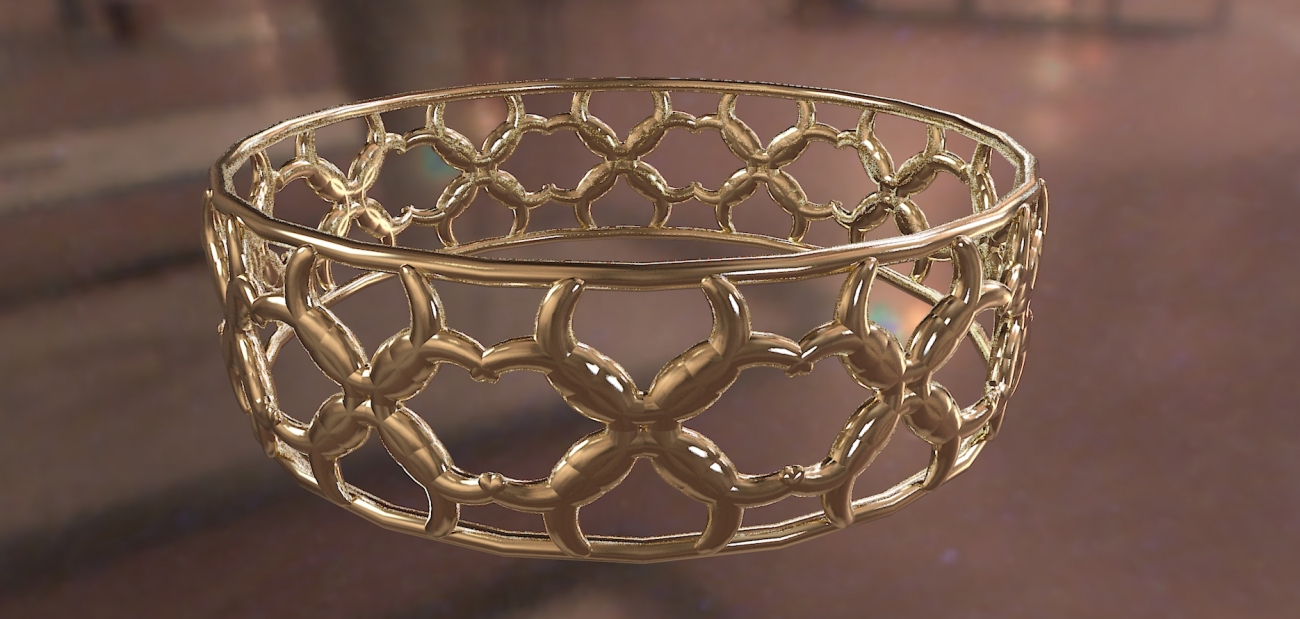
            Hi,

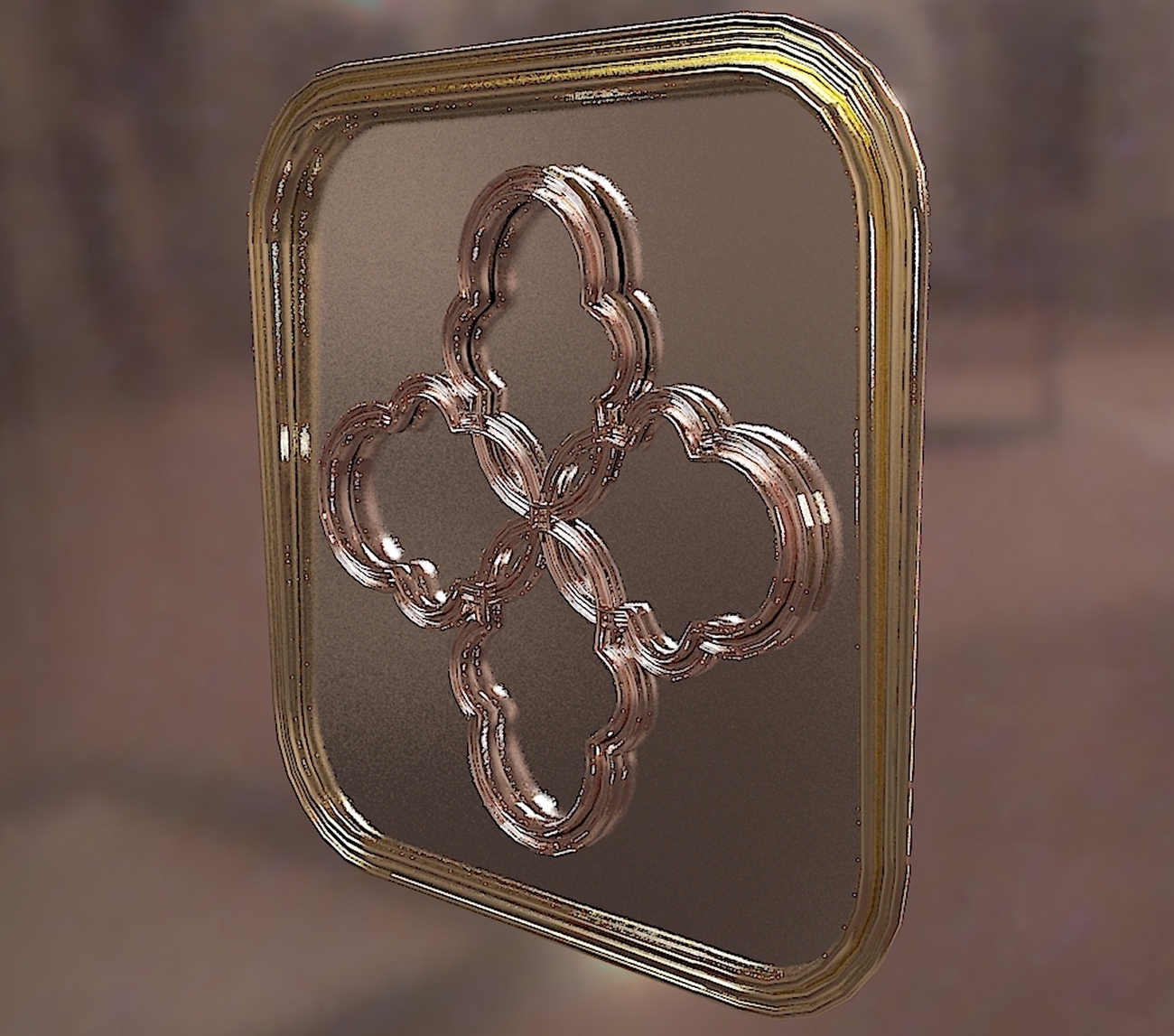
            by ShapeBender


            ShapeBender Art1.jpg


            ShapeBender Art.jpg

            He who makes no mistakes, makes nothing

            1 條回覆 最後回覆 回覆 引用 0
            • V 離線
              vidy
              最後由 編輯

              surely nice try charly 👍

              still so much to learn..

              1 條回覆 最後回覆 回覆 引用 0
              • Chris FullmerC 離線
                Chris Fullmer
                最後由 編輯

                What the up and down arrow keys do is reverse the start and end points of the shape and the line. They should always be to the "left" of the model. This is mostly due to my poor programming skills at the time I made this thing, this was afterall my 3rd plugin I'd ever written. When you press the up/down key, you should see the start and end tags flipping places. And when you press the left/right keys, the other start/end tags will flip places. Please align them to the "left" side. If you are looking straight down on the model, with the solid red line going out to the right, then both "start" tags should be on the left of the model. I don't know how to make it more clear unfortunately. Its a little bit of bad programming, and a lot of "the ruby script can't read your mind". It needs to know which end of the shape should match up to which end of the line. Choosing the wring thing will cause the results you are seeing.

                The reason it work once the model is closed and re-opened is because SketchUp does not remember the start and end positions of lines in between sessions - once the model is close, SU dumps its memmory of start and end. So often they come in backwards of what they were originally, meaning my script will interperet the start and end differently.

                Anyhow, just play with pressing up/down and left/right and get good at making the starts both line up on the "left" side of the model (also known as the more negative x value, if that makes more sense in your head).

                Good luck!

                Chris

                Lately you've been tan, suspicious for the winter.
                All my Plugins I've written

                1 條回覆 最後回覆 回覆 引用 0
                • Dave RD 離線
                  Dave R
                  最後由 編輯

                  Thanks for the explanation Chris. Much appreciated.

                  FWIW, on my computer, the Up arrow toggles the start and end positions on the curve and the Down Arrow toggles the start and end positions for the straight line. The Left and Right arrows don't do diddly.

                  Etaoin Shrdlu

                  %

                  (THERE'S NO PLACE LIKE)

                  G28 X0.0 Y0.0 Z0.0

                  M30

                  %

                  1 條回覆 最後回覆 回覆 引用 0
                  • S 離線
                    SketchUpNoobie
                    最後由 編輯

                    That helps a bunch! Thanks!

                    @dave r said:

                    FWIW, on my computer, the Up arrow toggles the start and end positions on the curve and the Down Arrow toggles the start and end positions for the straight line. The Left and Right arrows don't do diddly.

                    Mine works the same way. 😕

                    --

                    SketchUpNoobie: the complete noob in all things SketchUp.

                    1 條回覆 最後回覆 回覆 引用 0
                    • charly2008C 離線
                      charly2008
                      最後由 編輯

                      Hi,

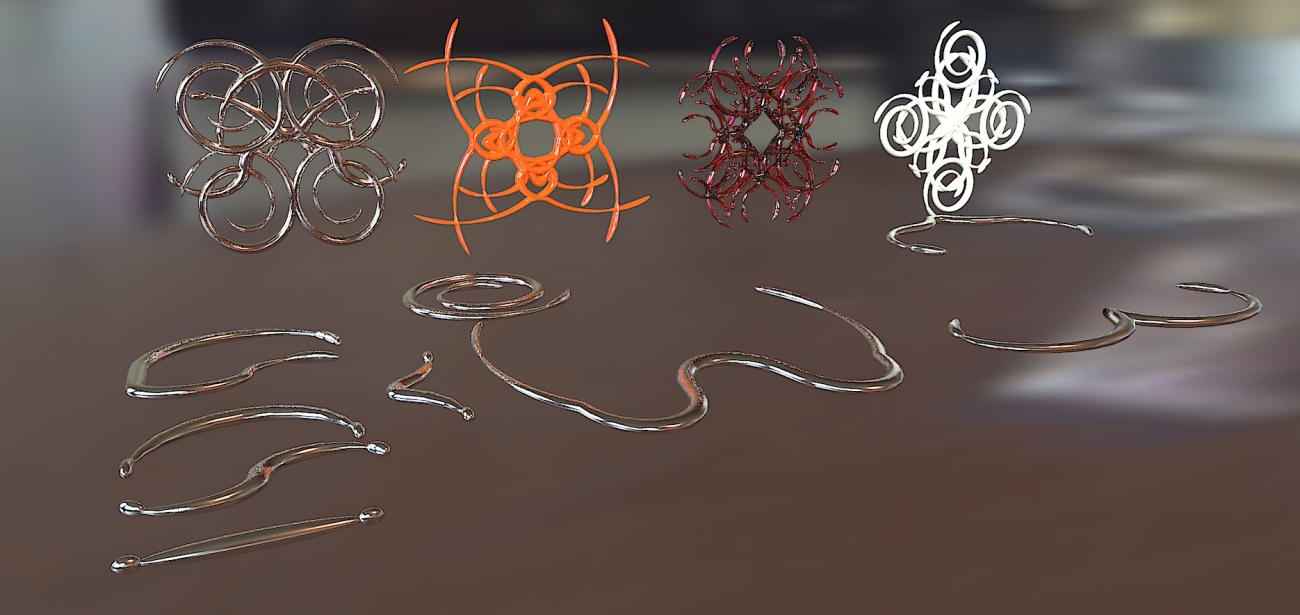
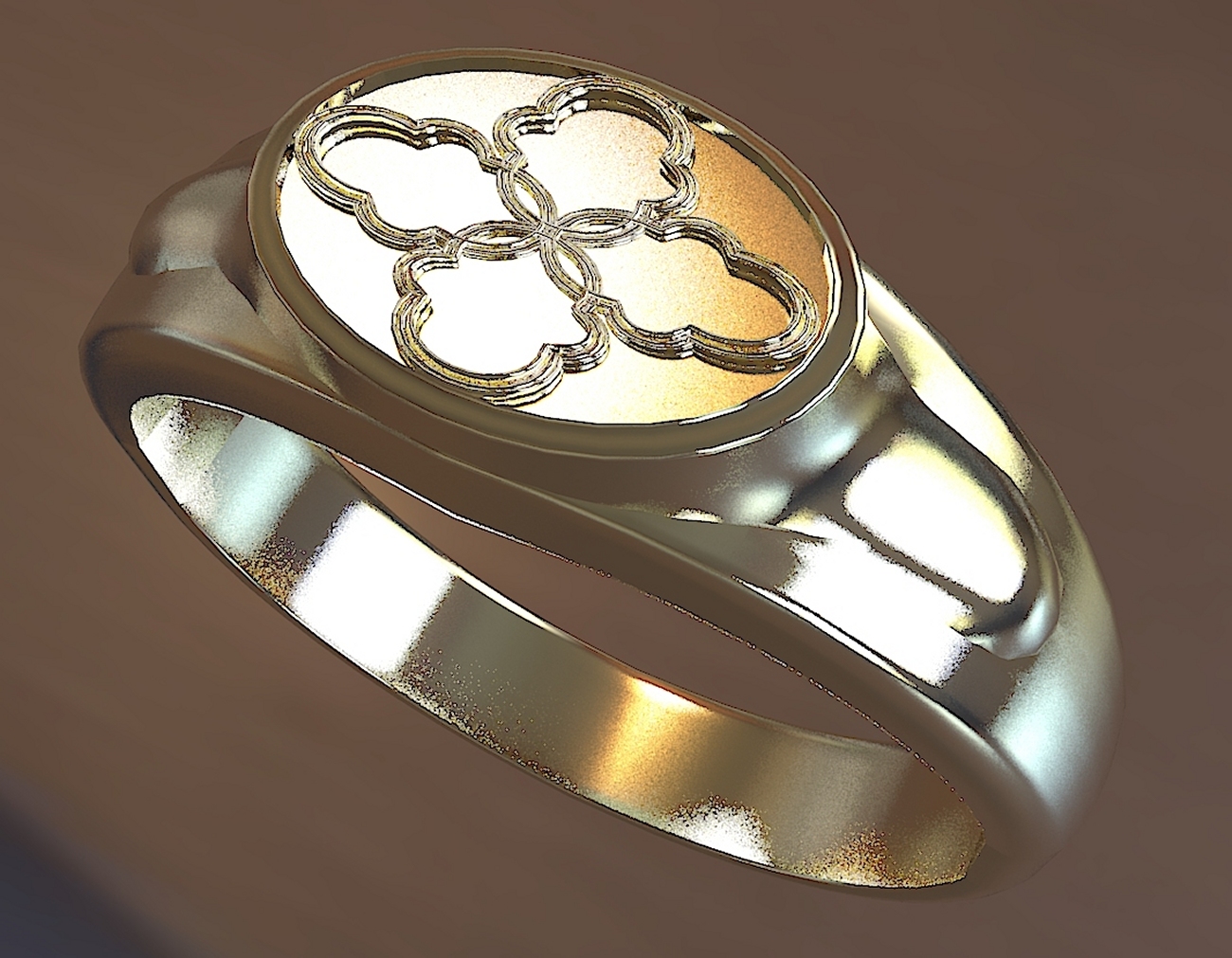
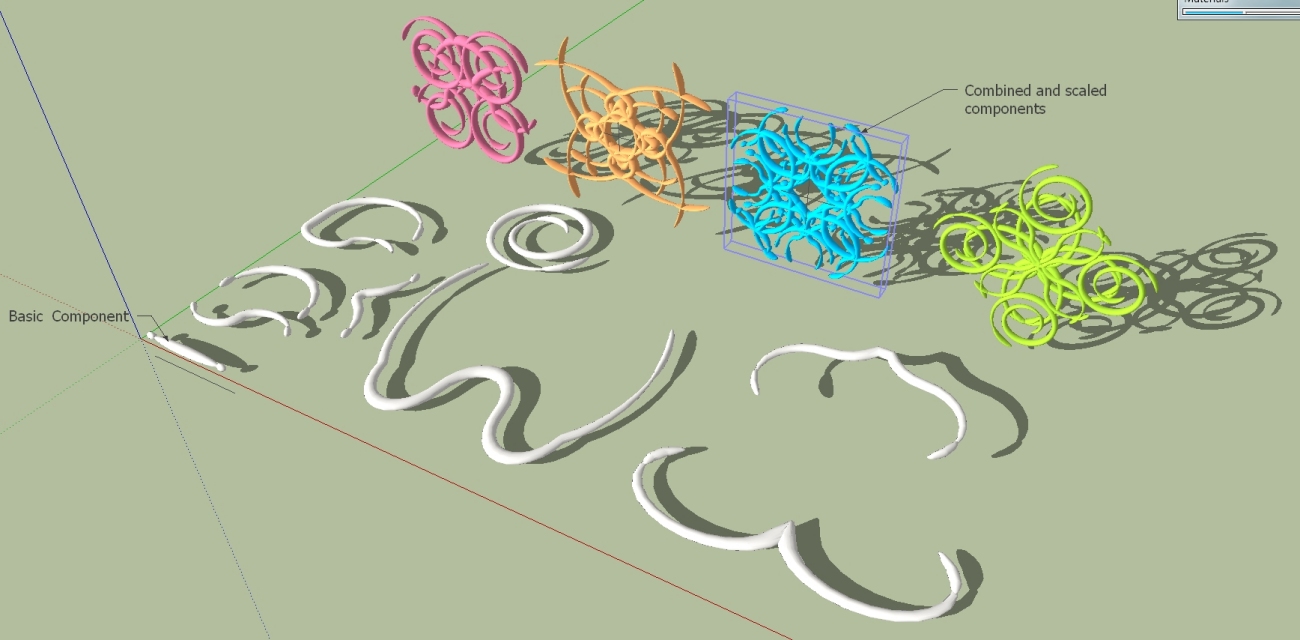
                      This opens up many possibilities for jewelry or stucco designs. Who has other ideas.

                      Charly

                      2011-07-02_152703.jpg


                      shapes.jpg

                      He who makes no mistakes, makes nothing

                      1 條回覆 最後回覆 回覆 引用 0
                      • D 離線
                        d12dozr
                        最後由 編輯

                        Those are some wild shapes, Charly 👍

                        3D Printing with SketchUp Book
                        http://goo.gl/f7ooYh

                        1 條回覆 最後回覆 回覆 引用 0
                        • Chris FullmerC 離線
                          Chris Fullmer
                          最後由 編輯

                          Thanks for clarifying Dave - I have not used the plugin in a whle obviously!, I've forgotten how it works apparently.

                          Great shapes there Charly, looks like you're getting the hang of shapebender quite nicely now!

                          Chris

                          Lately you've been tan, suspicious for the winter.
                          All my Plugins I've written

                          1 條回覆 最後回覆 回覆 引用 0
                          • charly2008C 離線
                            charly2008
                            最後由 編輯

                            Thanks Chris

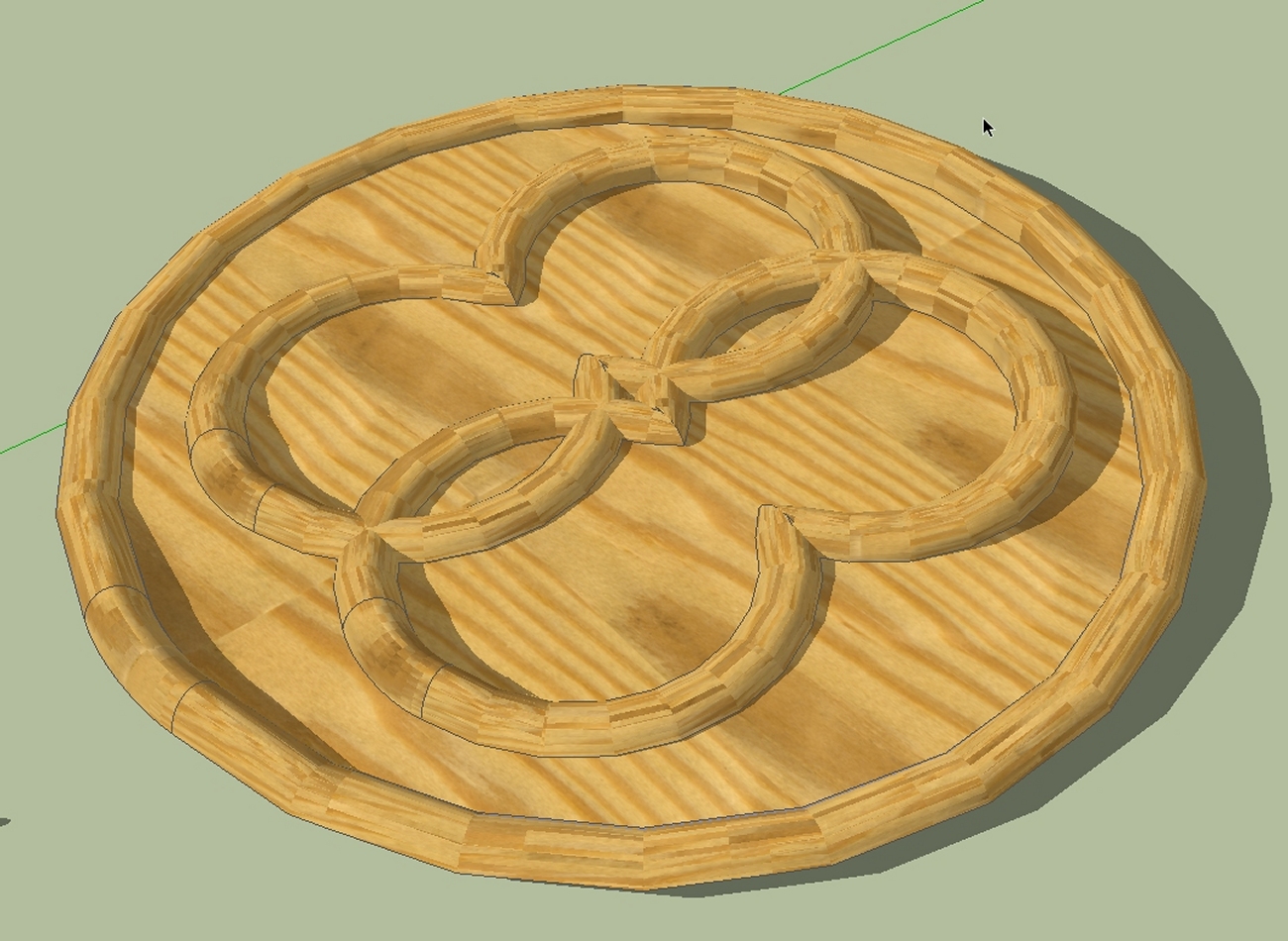
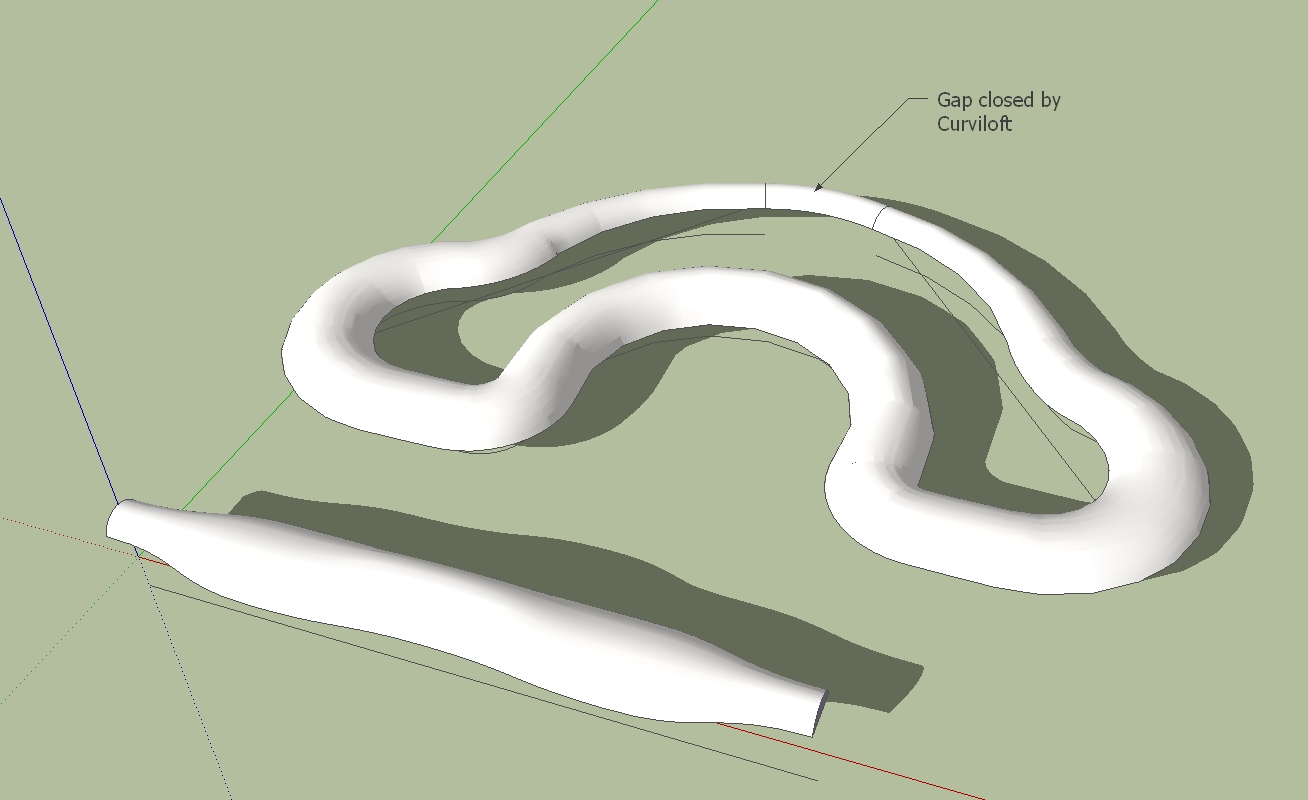
                            could be interesting also for wood working.

                            Charly

                            2011-07-03_005613.jpg

                            He who makes no mistakes, makes nothing

                            1 條回覆 最後回覆 回覆 引用 0
                            • L 離線
                              liviuroman
                              最後由 編輯

                              Google SketchUp 8 - Windows 7 x64

                              Error; #<NoMethodError; undefined method `all_connected' for #<Sketchup;;ComponentInstance;0xaccf740>>
                              C;/Program Files (x86)/Google/Google SketchUp 8/Plugins/clf_shape_bender/clf_shape_bender.rb;307;in `line_picker'
                              C;/Program Files (x86)/Google/Google SketchUp 8/Plugins/clf_shape_bender/clf_shape_bender.rb;239;in `onLButtonUp'
                              C;/Program Files (x86)/Google/Google SketchUp 8/Plugins/clf_shape_bender/clf_shape_bender.rb;307
                              
                              1 條回覆 最後回覆 回覆 引用 0
                              • Chris FullmerC 離線
                                Chris Fullmer
                                最後由 編輯

                                That looks like a problenm with what you are selecting. I think you need to have just a single component selected when you begin the tool. Then click on a line.

                                Could you upload the model you tried it on? I could look at it and see what is wrong,

                                Chris

                                Lately you've been tan, suspicious for the winter.
                                All my Plugins I've written

                                1 條回覆 最後回覆 回覆 引用 0
                                • charly2008C 離線
                                  charly2008
                                  最後由 編輯

                                  Hi,
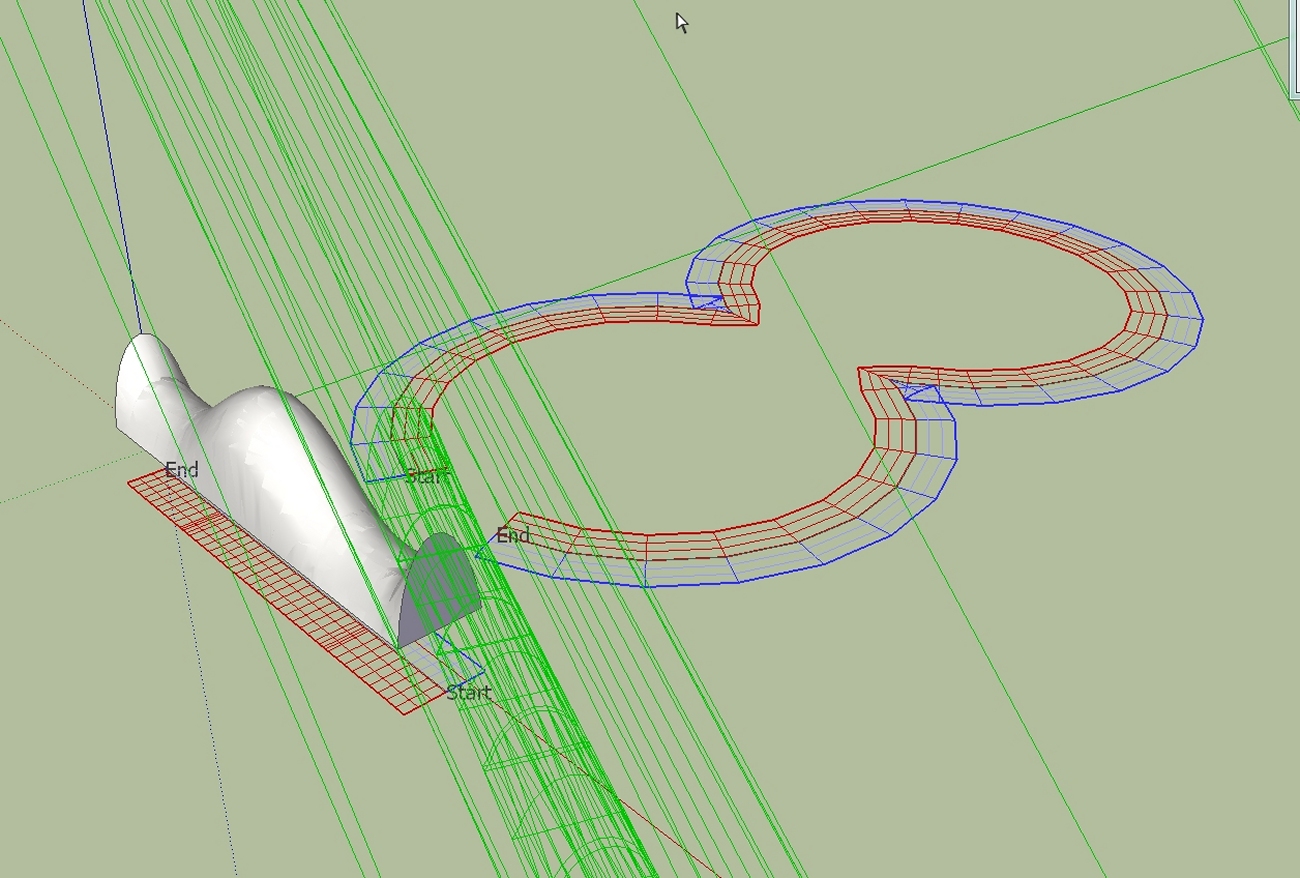
                                  I'm still experimenting with the different profiles and different paths.

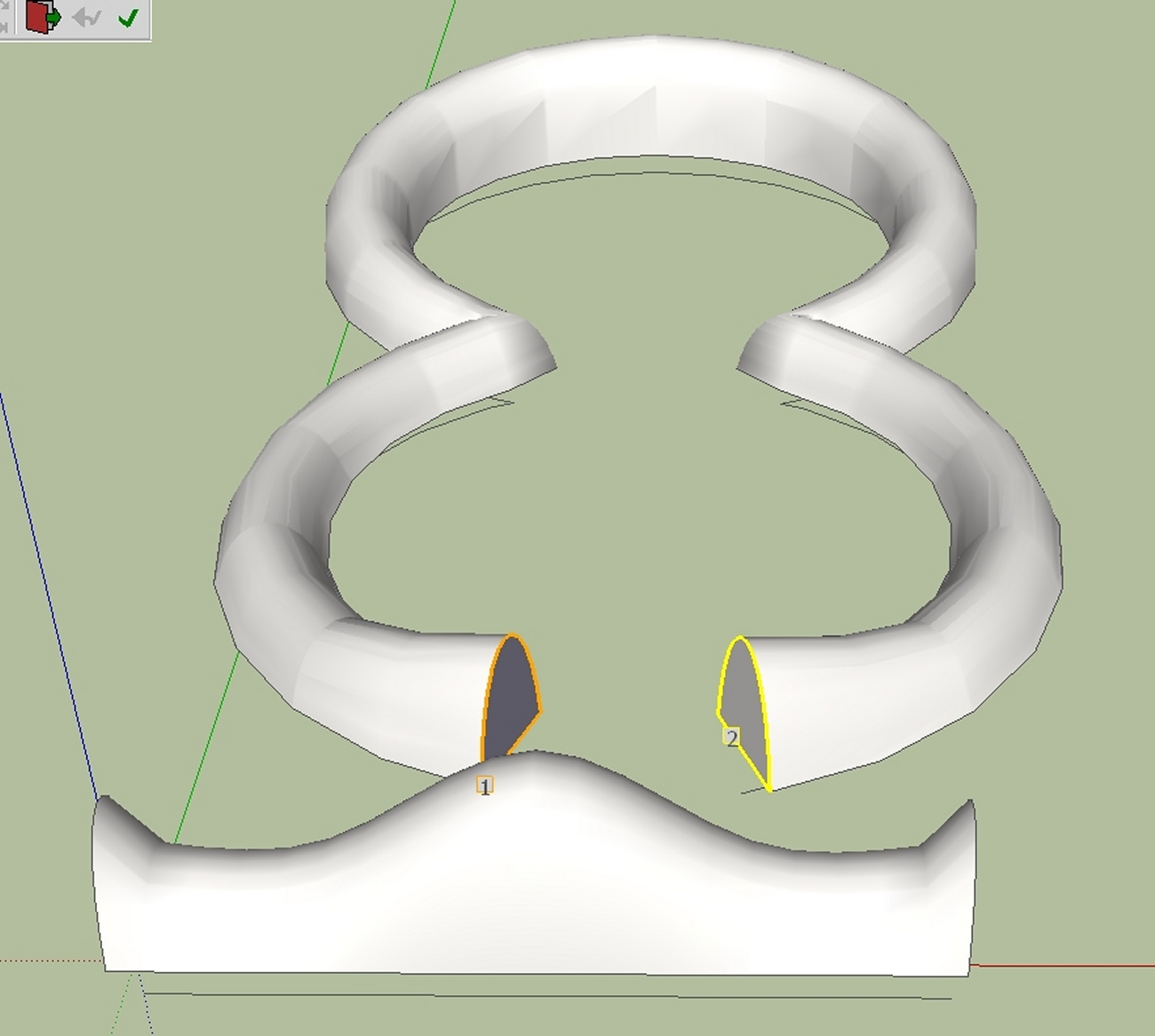
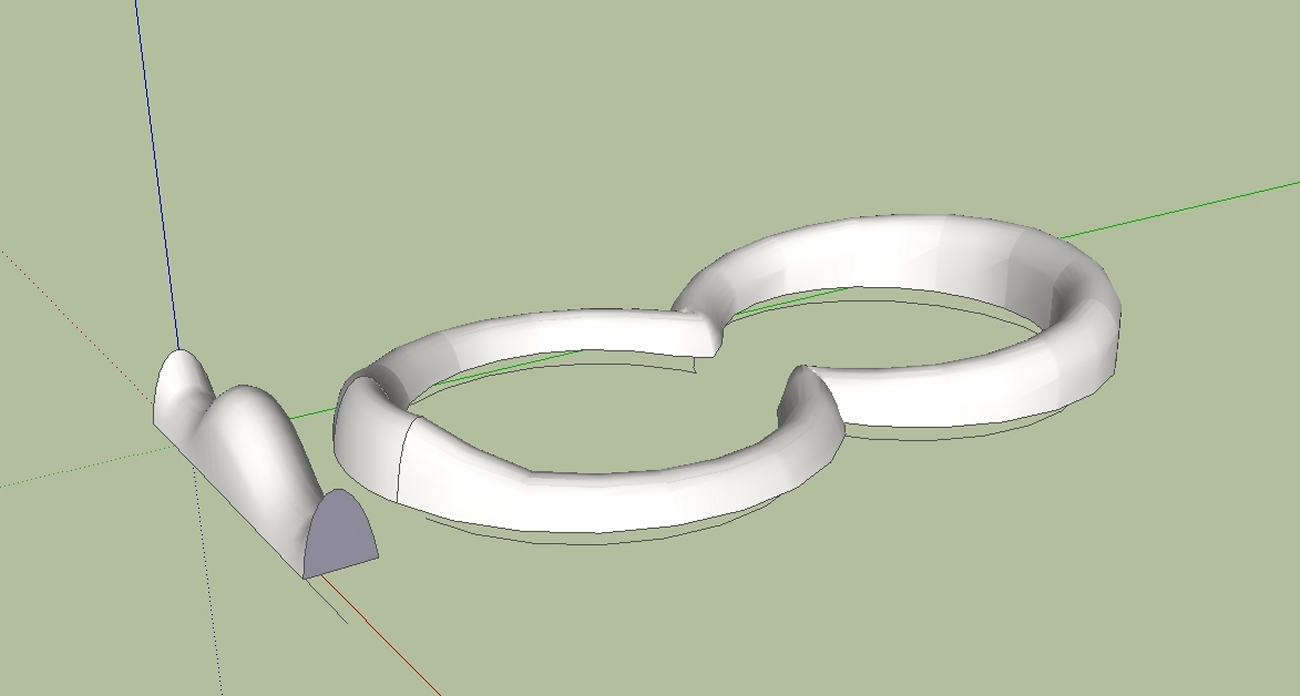
                                  In the example shown below,at the first step the profile is messed up. But that's not a problem. Press the up arrow key and then the down arrow key and the profile is then aligned.

                                  Charly

                                  1.jpg


                                  2.jpg


                                  4.jpg


                                  5.jpg


                                  7.jpg

                                  He who makes no mistakes, makes nothing

                                  1 條回覆 最後回覆 回覆 引用 0
                                  • L 離線
                                    liviuroman
                                    最後由 編輯

                                    I solved the problem. I didn`t have any line parallel to x-axis (red axis).

                                    1 條回覆 最後回覆 回覆 引用 0
                                    • charly2008C 離線
                                      charly2008
                                      最後由 編輯

                                      Hi,

                                      Another attempt.


                                      2011-07-04_130252.jpg


                                      shape.jpg


                                      temp_ppt.jpg

                                      He who makes no mistakes, makes nothing

                                      1 條回覆 最後回覆 回覆 引用 0
                                      • charly2008C 離線
                                        charly2008
                                        最後由 編輯

                                        Hi,

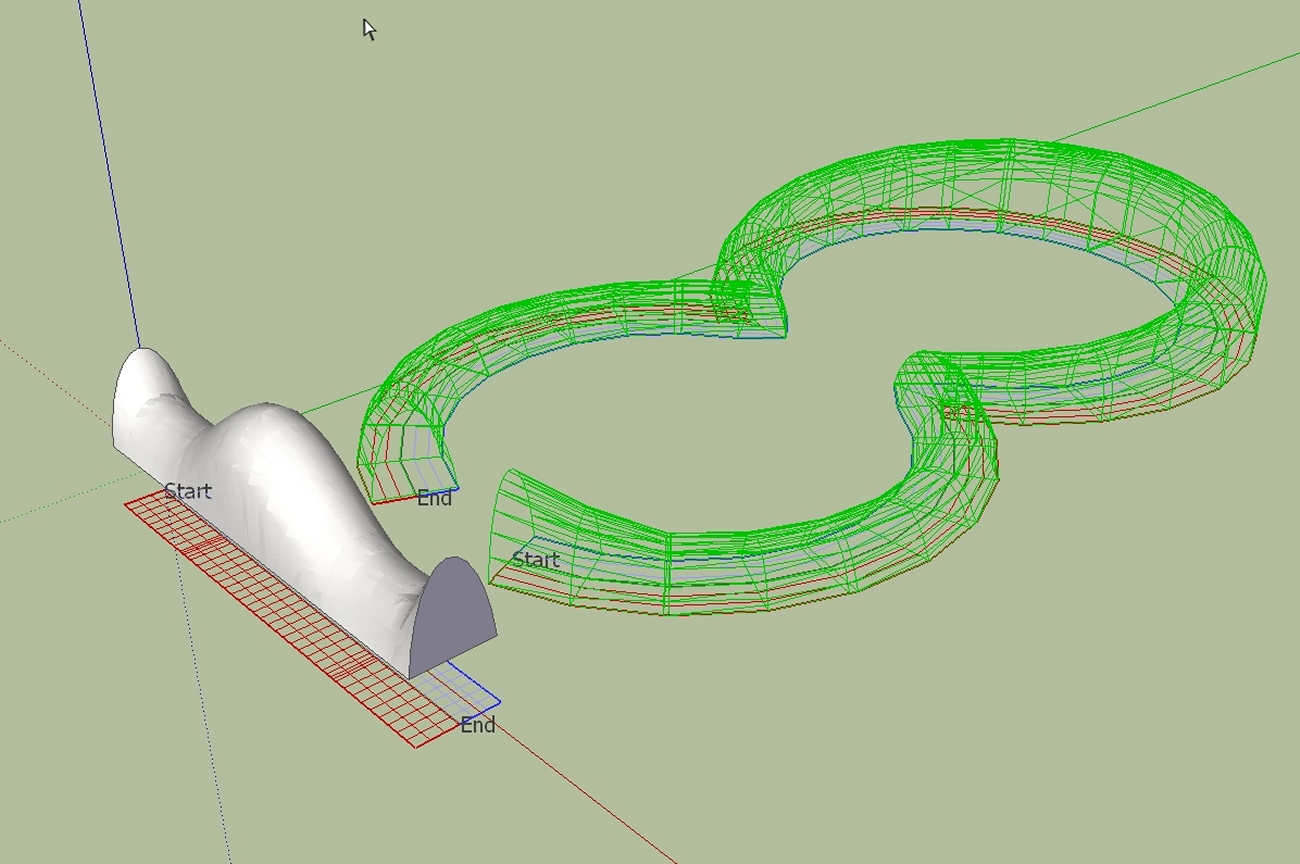
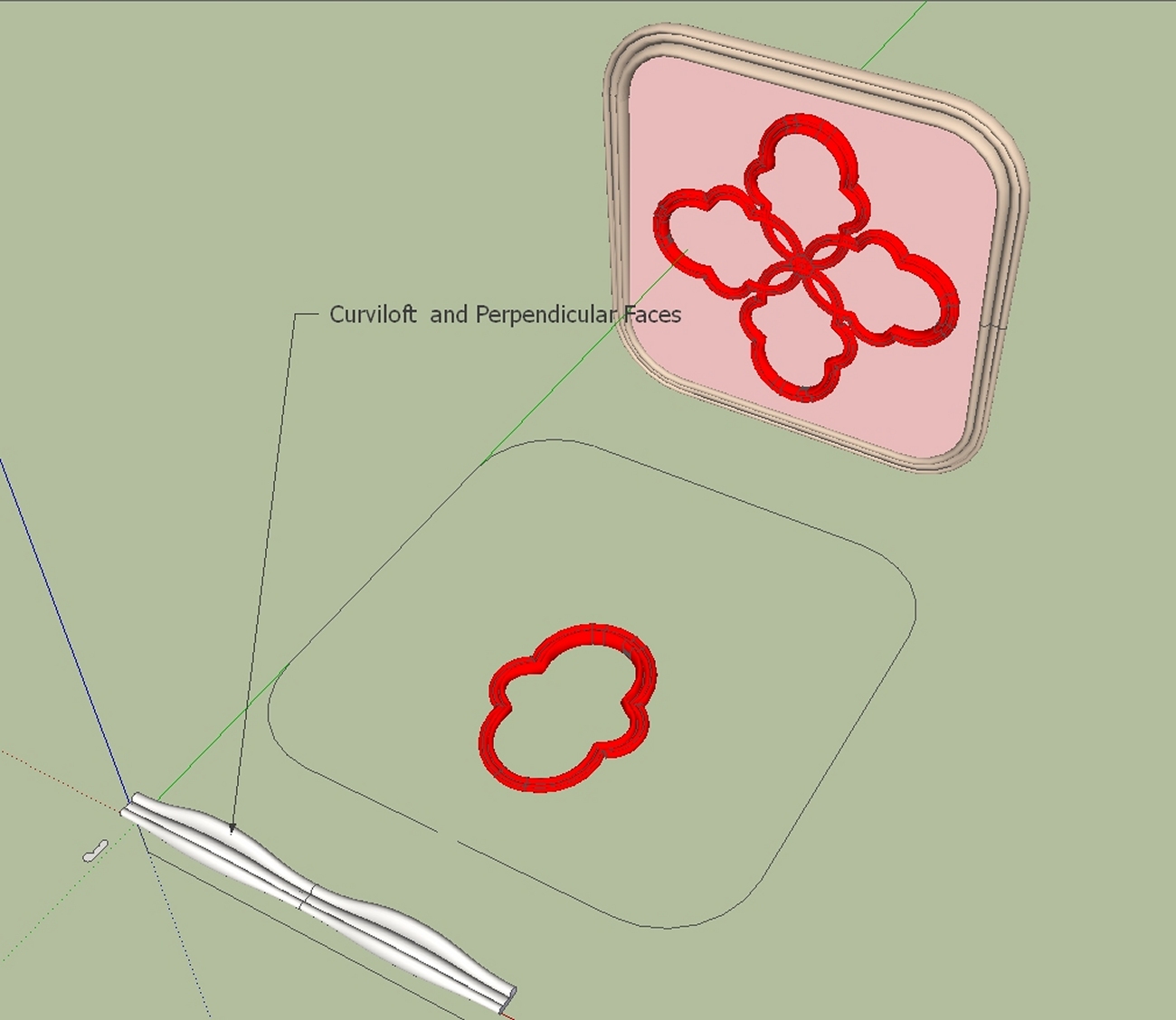
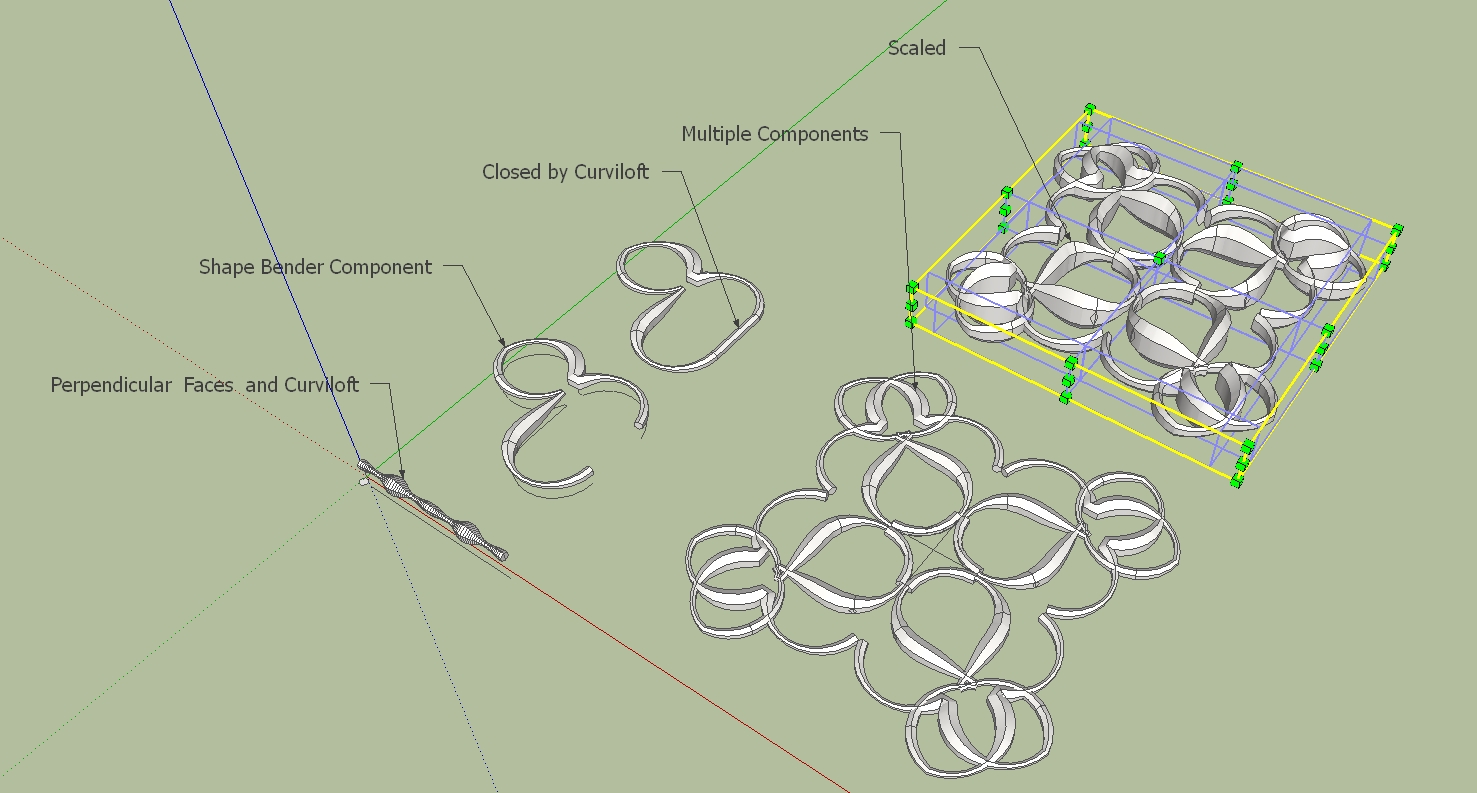
                                        here again, the individual steps.

                                        Charly


                                        2011-07-04_231541.jpg


                                        ShapeBender1.skp

                                        He who makes no mistakes, makes nothing

                                        1 條回覆 最後回覆 回覆 引用 0
                                        • C 離線
                                          cancincon
                                          最後由 編輯

                                          Hello,

                                          First of all I thank you a lot for the script, a great idea and a great work.

                                          However I am having trouble with making it work, probably because i am being a noob, but i would still appreciate some help.

                                          When I try to make the script work it tells me to "select something" even though I already selected the object.

                                          I tried many times but still get this error.

                                          Can anyone point me out what i am doing wrong?

                                          Thanks

                                          1 條回覆 最後回覆 回覆 引用 0
                                          • Dave RD 離線
                                            Dave R
                                            最後由 編輯

                                            Did you select a component before trying to run the plugin?

                                            Etaoin Shrdlu

                                            %

                                            (THERE'S NO PLACE LIKE)

                                            G28 X0.0 Y0.0 Z0.0

                                            M30

                                            %

                                            1 條回覆 最後回覆 回覆 引用 0
                                            • 1
                                            • 2
                                            • 3
                                            • 4
                                            • 5
                                            • 6
                                            • 63
                                            • 64
                                            • 4 / 64
                                            • 第一個貼文
                                              最後的貼文
                                            Buy SketchPlus
                                            Buy SUbD
                                            Buy WrapR
                                            Buy eBook
                                            Buy Modelur
                                            Buy Vertex Tools
                                            Buy SketchCuisine
                                            Buy FormFonts

                                            Advertisement