sketchucation logo sketchucation
    • Login
    Oops, your profile's looking a bit empty! To help us tailor your experience, please fill in key details like your SketchUp version, skill level, operating system, and more. Update and save your info on your profile page today!
    Check out Febhouse | New extensions for Shadow Analysis in SketchUp Download

    [Plugin][$] FredoScale - v3.6a - 01 Apr 24


    Scheduled Pinned Locked Moved Plugins
    1.2k Posts 346 Posters 2.9m Views 344 Watching
    Loading More Posts
    • Oldest to Newest
    • Newest to Oldest
    • Most Votes
    Reply
    • Reply as topic
    Log in to reply
    This topic has been deleted. Only users with topic management privileges can see it.
    • Rich O BrienR Offline
      Rich O Brien Moderator
      last edited by

      @fimo

      Dunno... it does behave correctly Left/Right. Just not Up/Down.

      In this video you can see it working as expected. Maybe @fredo6 knows more?

      Download the free D'oh Book for SketchUp πŸ“–

      1 Reply Last reply Reply Quote 0
      • fredo6F Offline
        fredo6
        last edited by Rich O Brien

        NEW RELEASE: FredoScale v3.7a - 09 Jul 26

        Requirements:

        • LibFredo6 v15.9d.
        • Sketchucation PluginStore v5.0.7.

        FredoScale 3.7a includes changes for:

        • Bug fixing and adjustment for Dimension dialog box

        Home Page of FredoScale for information and Download.

        Main post of this FredoScale thread.

        1 Reply Last reply Reply Quote 1
        • pep75P Offline
          pep75
          last edited by

          I've installed the latest version of FredoScale, and I'm not sure it's really an improvement, at least not for me. Also, the fact that I have to manually turn off "Uniform" every single time is very irritating. Is there a way to change this so that Uniform is disabled by default?

          fredo6F 1 Reply Last reply Reply Quote 0
          • fredo6F Offline
            fredo6 @pep75
            last edited by

            @pep75 said:

            I've installed the latest version of FredoScale, and I'm not sure it's really an improvement

            Improvement on what? There was a bug which was fixed so that it works as designed.

            1 Reply Last reply Reply Quote 0
            • pep75P Offline
              pep75
              last edited by

              Well, it seems to me that the user interface has changed, or am I completely mistaken?

              1 Reply Last reply Reply Quote 0
              • pep75P Offline
                pep75
                last edited by

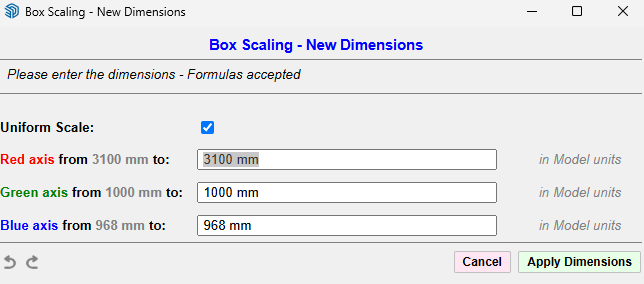
                box ui.png

                This is completely new to me, or am I wrong?

                1 Reply Last reply Reply Quote 0
                • fredo6F Offline
                  fredo6
                  last edited by

                  This dialog always existed and is invoked by prssing Tab when the mouse is over a handle. Simply there was a bug for some situations.

                  alexpacio2013A pep75P 2 Replies Last reply Reply Quote 0
                  • alexpacio2013A Offline
                    alexpacio2013 @fredo6
                    last edited by

                    @fredo6 Great work. This latest β€œUniform Scale” modification, although visually a small change, has actually been a major breakthrough for me. Congratulations!

                    1 Reply Last reply πŸ‘ Reply Quote 1
                    • pep75P Offline
                      pep75 @fredo6
                      last edited by

                      @fredo6 😐
                      I always got this dialog when pressed the tab and LOVED it! Schermafbeelding 2026-08-16 150109.png. When pressing ctrl- & shift I could scale uniformly. I don't see the improvement...sorry 😞
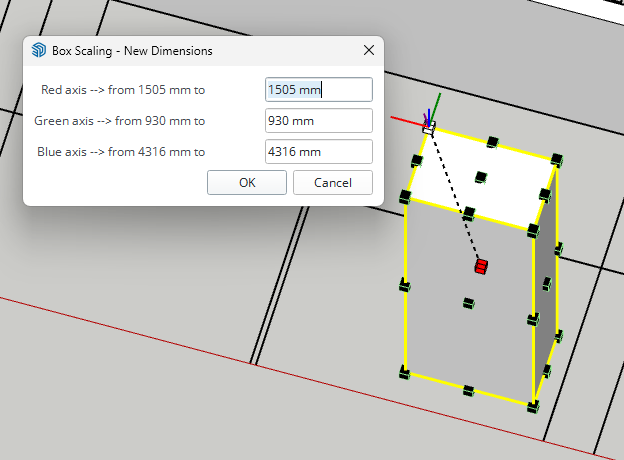
                      alexpacio2013A 1 Reply Last reply Reply Quote 0
                      • alexpacio2013A Offline
                        alexpacio2013 @pep75
                        last edited by

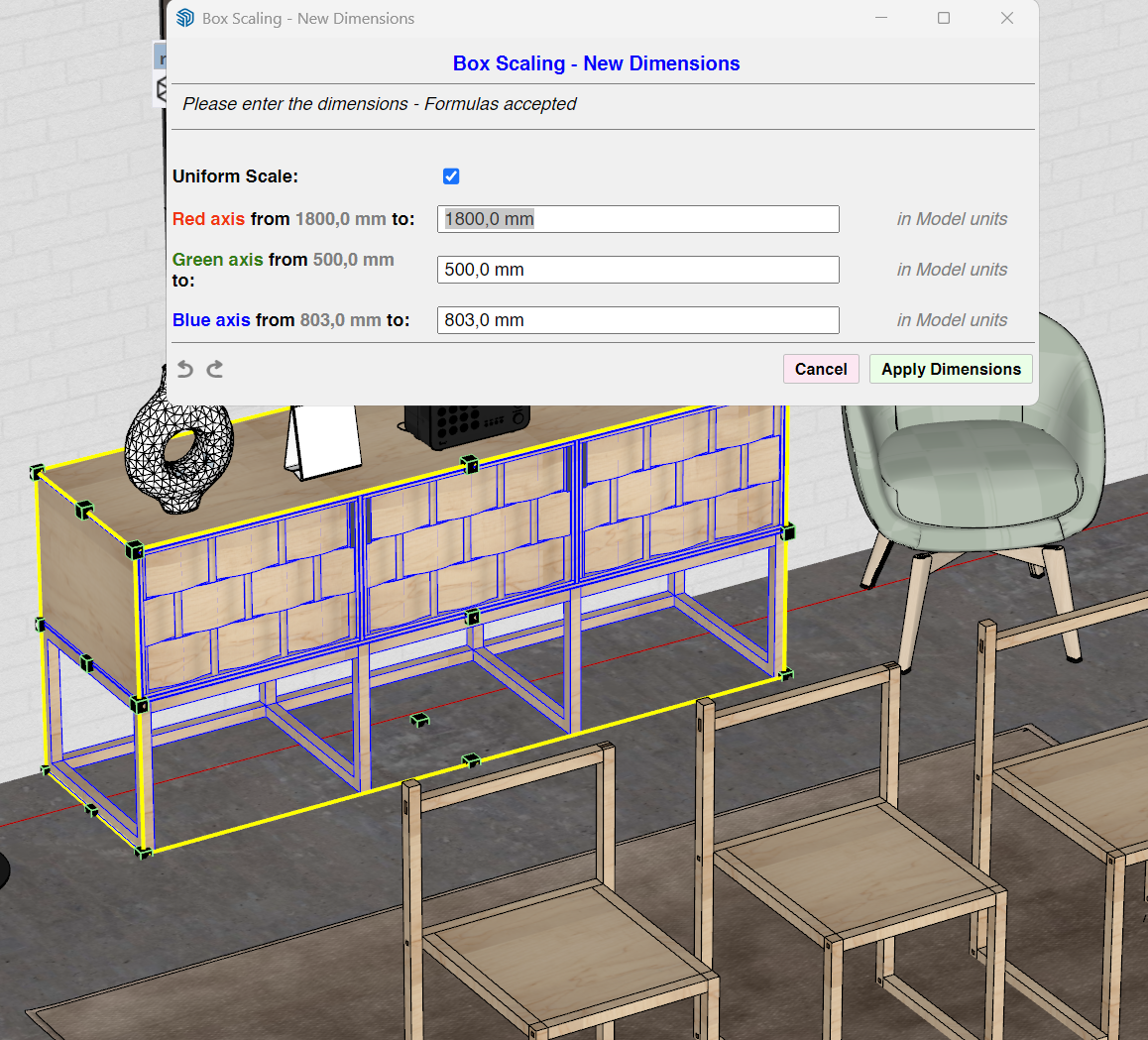
                        @pep75 This is the panel that appears with the button in the latest version 3.7a, with a tab in one corner of the box. It's improved because now you can disconnect the measurements.![alt text]![alt text]SketchUp_OMua0V52fN.png

                        1 Reply Last reply Reply Quote 0

                        Hello! It looks like you're interested in this conversation, but you don't have an account yet.

                        Getting fed up of having to scroll through the same posts each visit? When you register for an account, you'll always come back to exactly where you were before, and choose to be notified of new replies (either via email, or push notification). You'll also be able to save bookmarks and upvote posts to show your appreciation to other community members.

                        With your input, this post could be even better πŸ’—

                        Register Login
                        • 1
                        • 2
                        • 46
                        • 47
                        • 48
                        • 49
                        • 50
                        • 57
                        • 58
                        • 48 / 58
                        • First post
                          Last post
                        Buy SketchPlus
                        Buy SUbD
                        Buy WrapR
                        Buy eBook
                        Buy Modelur
                        Buy Vertex Tools
                        Buy SketchCuisine
                        Buy FormFonts

                        Advertisement