[Plugin] Material Tools
-
OK, figured out what is up with "List Textures in Console" I think...
I changed puts to print in the following def from Plugins/tt_material_tools/core.rb and it works in SU2018 (sorry ThomThom - I'm probably not supposed to be messing around in there!?). So general question... is puts no longer valid in 2018?
def self.list_textures Sketchup.send_action('showRubyPanel;') # Collect textures and sort by size mats = Sketchup.active_model.materials.select { |m| !m.texture.nil? } mats.sort! { |a,b| size_a = a.texture.image_width * a.texture.image_height size_b = b.texture.image_width * b.texture.image_height size_b <=> size_a } # Print textures print "=== TEXTURE MATERIALS BY SIZE ===" buffer = '' mats.each { |m| next if m.texture.nil? t = m.texture size = t.image_width * t.image_height file = File.basename( t.filename ) path = File.dirname( t.filename ) #puts "#{m.display_name} - #{t.image_width}x#{t.image_height} - #{t.filename}" buffer << "#{m.display_name}\n" buffer << " Size; #{t.image_width}x#{t.image_height} pixels\n" buffer << " Size; #{self.readable_file_size(size*3, 2)} estimated uncompressed RGB\n" buffer << " Size; #{self.readable_file_size(size*4, 2)} estimated uncompressed RGBA\n" if File.exist?( t.filename ) disksize = File.size( t.filename ) buffer << " Size; #{self.readable_file_size(disksize, 2)} on disk\n" end buffer << " File; #{file}\n" buffer << " Path; #{path}\n" } print buffer print "---" end -
This is a great extension! - and the only one I've found that lists in model textures and their file sizes, which is key when trying to reduce size of the SketchUp model.
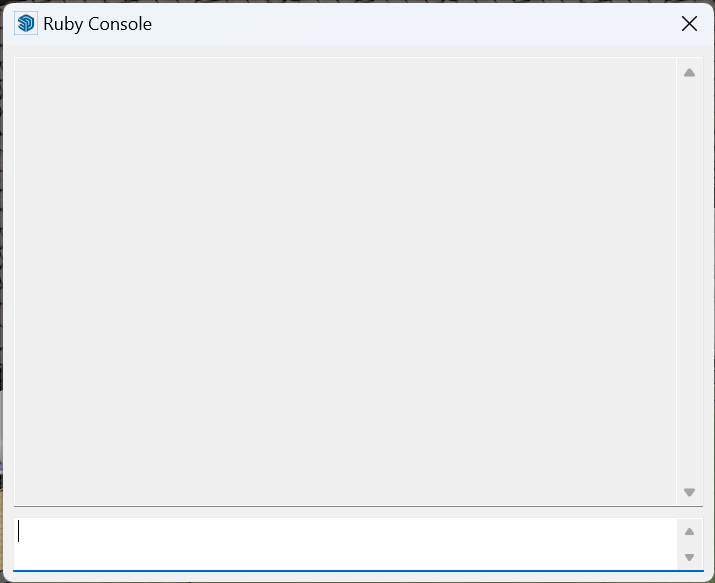
Only problem is: It only work on my Mac. When running "List textures in console", an empty console appears (in SketchUp 2022 and 2023)

I've tried to disable all other extensions but no luck, the console still doesn't list any textures on my Windows computer.
Any advice?
-
@stefankaplan said:
... the console still doesn't list any textures on my Windows computer.
Any advice?
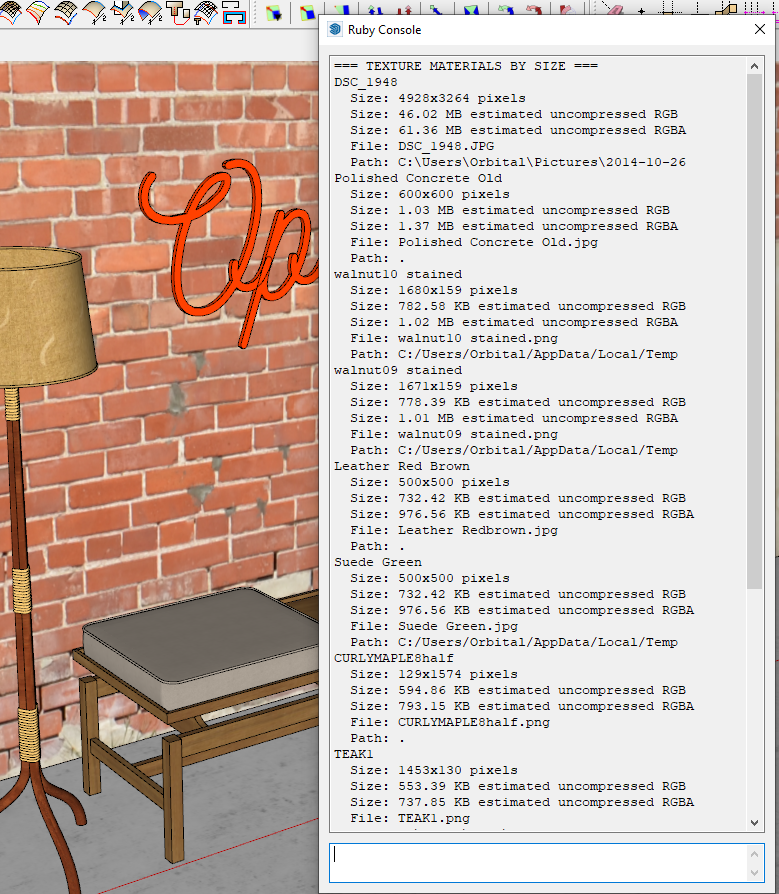
This is what I get in the console when I run this feature. This is in SketchUp 2023.
Did you install SketchUp correctly? That requires right clicking on the downloaded installer file and selecting Run as administrator from the context menu. If you didn't or don't remember, close SketchUp, find the installer in your Downloads folder, right click on it, choose Run as administrtor and then Repair.
BTW, did you have the Ruby Console opened before you ran the extension?
-
@thomthom Same error as the others above. - When running "List textures in console", an empty console appears (in SketchUp 2025). Any solutions?



Advertisement