sketchucation logo sketchucation
    • 登入
    Oops, your profile's looking a bit empty! To help us tailor your experience, please fill in key details like your SketchUp version, skill level, operating system, and more. Update and save your info on your profile page today!
    🔌 Smart Spline | Fluid way to handle splines for furniture design and complex structures. Download

    [Plugin] Proper Animation V1.08 Beta(Updated 14/11/10)

    已排程 已置頂 已鎖定 已移動 Plugins
    246 貼文 108 Posters 190.7k 瀏覽 108 Watching
    正在載入更多貼文
    • 從舊到新
    • 從新到舊
    • 最多點贊
    回覆
    • 在新貼文中回覆
    登入後回覆
    此主題已被刪除。只有擁有主題管理權限的使用者可以查看。
    • charly2008C 離線
      charly2008
      最後由 編輯

      Hi

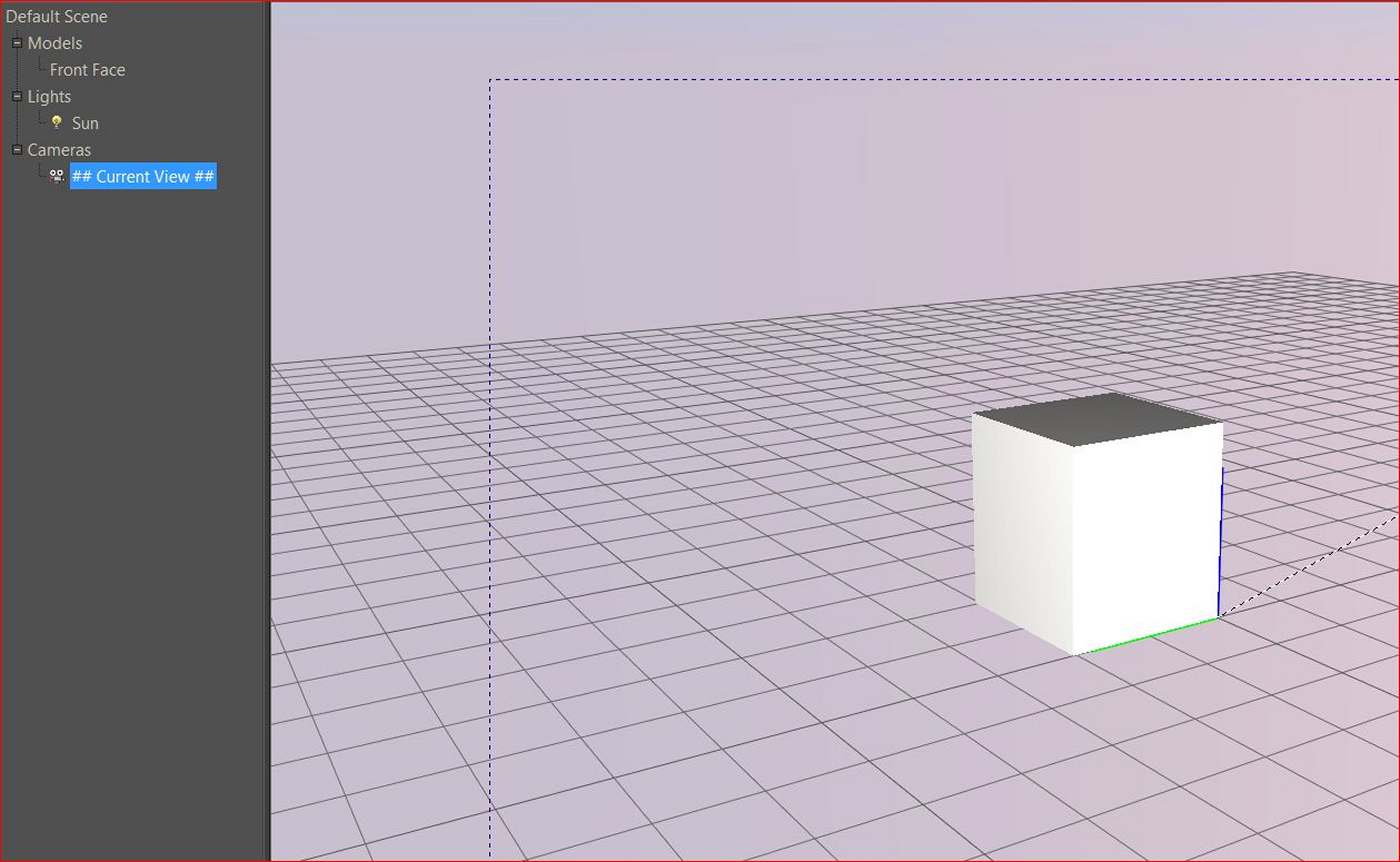
      Before i was loading the wrong script. When i loaded the correct script it tooks about 1 and 1/2 hour to render. Below the result no animation!

      Charly

      Unbenannt.JPG

      He who makes no mistakes, makes nothing

      1 條回覆 最後回覆 回覆 引用 0
      • T 離線
        tomasz
        最後由 編輯

        Excellent update Morris!
        I do like Fletch's animation 😄

        @charly2008 said:

        Before i was loading the wrong script. When i loaded the correct script it tooks about 1 and 1/2 hour to render. Below the result no animation!
        Charly

        I don't want to hijack the thread so please join the Kerkythea thread or PM me with questions.
        The important things:

        • enable Proper Animation observers
        • export animation using: Full model per frame
          Your animation will be stored in the export folder as jpgs. Use VirtualDub or similar software to build an animation file from them.

        ... now .. where is that animation feature in SU2Thea ... 😄

        Author of Thea Render for SketchUp

        1 條回覆 最後回覆 回覆 引用 0
        • D 離線
          danbig
          最後由 編輯

          Hi Morisdov -

          Thank you for the incredible tool.

          Is there any limit on the number of positions that can be set?

          1 條回覆 最後回覆 回覆 引用 0
          • D 離線
            danbig
            最後由 編輯

            Also -

            How does the linking of positions and scenes work if you rename your scenes?

            Does the Position 3 always link to the third scene that was created?

            1 條回覆 最後回覆 回覆 引用 0
            • A 離線
              akobunge
              最後由 編輯

              hi to all.. i used this plugin. but once i save the animation in video file.. i cannot see the object move..please help...

              1 條回覆 最後回覆 回覆 引用 0
              • R 離線
                rachmatrf
                最後由 編輯

                Thank you for this valuable tool...

                1 條回覆 最後回覆 回覆 引用 0
                • R 離線
                  rickymon
                  最後由 編輯

                  I solved the proper animation export issue by using another free RB plugin:
                  SmoothStepAnim.rb (Smooth Step Animation)

                  This plugin has its own export window and it recognizes all Properanimation modifications
                  AND it helps you to get smooth scenes transitions just in case u dont like the native scenes transitions from SU.

                  utube test here
                  http://www.youtube.com/watch?v=UL6tnTvphAE

                  Regards

                  Note: U can always use Twilight too...!
                  Images compiled using Sony Vegas 8

                  1 條回覆 最後回覆 回覆 引用 0
                  • F 離線
                    Funerall
                    最後由 編輯

                    Twilight does fine with animated scenes. I'm using it too. After rendering images, than I combine them with VirtualDub. Works great but takes long 😄

                    But I have some problems with Proper Animation 1.08B. I'm doing everything as I should (I think), but while moving objects with scenes, linear objects become unlinear 😄 I mean some part of the object disappears and then returns back. While rendering the same thing happens. Will there be any final version of 1.08B or a new version?

                    Thanks again for the wonderful plug-in Morisdov...

                    1 條回覆 最後回覆 回覆 引用 0
                    • ashscottA 離線
                      ashscott
                      最後由 編輯

                      Can anyone explain why the traditional exporter won't recognize the proper animation moving objects?

                      I'm having to export through twilight as smoothstep forces me to cut out small pauses in the animation that need to be there. However, leaving my machine for 8 hours to render an animation only to come back and find that something has been mis-interpreted or I haven't set up properly is a bit of a pain.

                      Just some stuff I do with Sketchup.

                      1 條回覆 最後回覆 回覆 引用 0
                      • J 離線
                        Jim
                        最後由 編輯

                        @ashscott said:

                        Can anyone explain why the traditional exporter won't recognize the proper animation moving objects?

                        Exporting the object animations is just not something SketchUp does natively.

                        You could try the Key Frame plugin - it currently costs $19 but has a 10-day trial. It can export the animation to Scenes which can them be exported using SketchUp's built-in export options, or allow anyone to view the animation in SketchUp.

                        Link Preview Image
                        Regular Polygon

                        Ruby Plugins for SketchUp

                        favicon

                        (regularpolygon.blogspot.com)

                        Hi

                        1 條回覆 最後回覆 回覆 引用 0
                        • ashscottA 離線
                          ashscott
                          最後由 編輯

                          Ok, but will that give a 'clean' export of animated objects to an AVI? Sounds like it just gives me scenes....within which SU's exporter still wont recognize animated objects.....

                          Thanks for the reponse

                          Just some stuff I do with Sketchup.

                          1 條回覆 最後回覆 回覆 引用 0
                          • ashscottA 離線
                            ashscott
                            最後由 編輯

                            I get the gist of your keyframe tool now, very clever, currently exporting the animation, will give an update.

                            I'm surprised there isn't a simple ruby exporter based (perhaps) on add_frame_change_observer that would allow you to export an image stream of exactly what is seen in SU......Google Earth has this kind of functionality; in fact it appears to be the most robust hi res export option in Google Earth.....

                            Excuse me if this is a poor suggestion as I don't understand ruby well.

                            Just some stuff I do with Sketchup.

                            1 條回覆 最後回覆 回覆 引用 0
                            • ashscottA 離線
                              ashscott
                              最後由 編輯

                              So if I am going to use keyframes animation the whole animation needs to be done with the plugin.....

                              It looks like a nice bit of gear but I have three models in sequence which will be edited together to make a movie and all the models have been prepared with proper_animation.rb

                              Looks like I will have to use fraps (high res screen capture) for this one.

                              Thanks for your help.

                              Just some stuff I do with Sketchup.

                              1 條回覆 最後回覆 回覆 引用 0
                              • ashscottA 離線
                                ashscott
                                最後由 編輯

                                Anyone else noticed that object transitions cease to work after 25 scenes?

                                Just some stuff I do with Sketchup.

                                1 條回覆 最後回覆 回覆 引用 0
                                • ashscottA 離線
                                  ashscott
                                  最後由 編輯

                                  Morisdov,

                                  not sure if you know, although I'm sure you do, but the longer a scene transition is the further "out of sync" the animation easing settings become. That is, if the scene transition time is set to a longer period (say 10 seconds), in proper animation, then the default animation easing settings (0.3 - whatever that means!) will cause the transition to occur too quickly (IE the object will animate in 6 seconds and sit idle for 4). Yet if the object's transition time is very short - say 0.5 seconds - the animation easing settings will often need to be increased to stop the object animating too slowly and 'jumping' to position at the end of the scene.

                                  This is all supposing that the goal is to get objects to animate for the whole scene transition time and no more resulting in the smoothest animation possible.

                                  It appears, after many hours using your wonderful plugin, that the correlation between the animation easing requirement and the scene transition time setting is linear. But I haven't tested that theory. If the correlation is linear then it would be easy to have the animation easing settings automatically set themselves in relation to the scene transition time that the user selects.....

                                  Perhaps this is all hogwash but it seemed logical to me so thought I would contribute it if it will help this wonderful plugin become even better.

                                  Have created a very large animation (have used 5 different models with 25 scenes in each as there appears to be issues after scene 25) and am very grateful for your work. Please keep it up.

                                  Regards

                                  Ash

                                  Just some stuff I do with Sketchup.

                                  1 條回覆 最後回覆 回覆 引用 0
                                  • F 離線
                                    Fletch
                                    最後由 編輯

                                    Morisdov, just wanted to let you know, we just put this vid. up on youtube - keep up the great work. 👍
                                    http://www.youtube.com/watch?v=JKLp1q4b3YU
                                    [youtube]JKLp1q4b3YU[/youtube] <-- how to embed youtube video?

                                    Fletch
                                    Twilight Render Cross-platform Plugin for SketchUp on PC or Mac

                                    1 條回覆 最後回覆 回覆 引用 0
                                    • GaieusG 離線
                                      Gaieus
                                      最後由 編輯

                                      @fletch said:

                                      how to embed youtube video?
                                      YouTube - Twilight Render SketchUp Animation - Building Progress
                                      [flash=480,385:232rymld]http://www.youtube.com/v/JKLp1q4b3YU?fs=1&hl=en_US[/flash:232rymld]

                                      [url=http://www.youtube.com/watch?v=JKLp1q4b3YU]YouTube - Twilight Render SketchUp Animation - Building Progress[/url]
                                      [flash=480,385]http://www.youtube.com/v/JKLp1q4b3YU?fs=1&hl=en_US[/flash]
                                      

                                      Gai...

                                      1 條回覆 最後回覆 回覆 引用 0
                                      • ashscottA 離線
                                        ashscott
                                        最後由 編輯

                                        Fletch,

                                        Thats awesome! Very nice work

                                        If it's useful to anyone, turning off Vsync on your graphics card improves the 'smoothness' of animations recorded with fraps.

                                        This isn't a problem if you use rendering software that exports to image stream......A render tool called 'Twilight' comes to mind. 😉

                                        Just some stuff I do with Sketchup.

                                        1 條回覆 最後回覆 回覆 引用 0
                                        • O 離線
                                          otb designworks
                                          最後由 編輯

                                          I am experiencing a SU crash every time I open a file and attempt to get a previously set position.

                                          Almost always on the first attempt and, rarely, on the second attempt. I have never been able to get 3 positions without a crash.

                                          It doesn't matter if I attempt to get a position for a single component or different ones.

                                          Mac 10.5.8 and SU 8

                                          I am attaching one of Google's crash logs, if that helps.


                                          EFF94107-F3E1-42A2-A8A7-EFB34A8829FE.dmp.zip

                                          Cheers, Chuck

                                          OTB Designworks is on Youtube

                                          6 core nMP, 32 gig RAM, (2) D700 GPU's, dual monitors

                                          1 條回覆 最後回覆 回覆 引用 0
                                          • L 離線
                                            lampliter
                                            最後由 編輯

                                            I just used this plugin for the first time. It is the coolest thing since su.However I had a huge problem. It seems the objects disappear in the animation. It occured to me the objects only render as long as they are with in the thickness of the geometry itself. So I put some stationary geometry out side the paramerters of my animation and everything works fine. I just wanted to share this incase someone else has the same problem. Sorry if this is already well known, but I couldn`t find a fix other than this. Thanks again for the plugin.


                                            1 條回覆 最後回覆 回覆 引用 0
                                            • 1
                                            • 2
                                            • 3
                                            • 4
                                            • 5
                                            • 6
                                            • 7
                                            • 12
                                            • 13
                                            • 5 / 13
                                            • 第一個貼文
                                              最後的貼文
                                            Buy SketchPlus
                                            Buy SUbD
                                            Buy WrapR
                                            Buy eBook
                                            Buy Modelur
                                            Buy Vertex Tools
                                            Buy SketchCuisine
                                            Buy FormFonts

                                            Advertisement