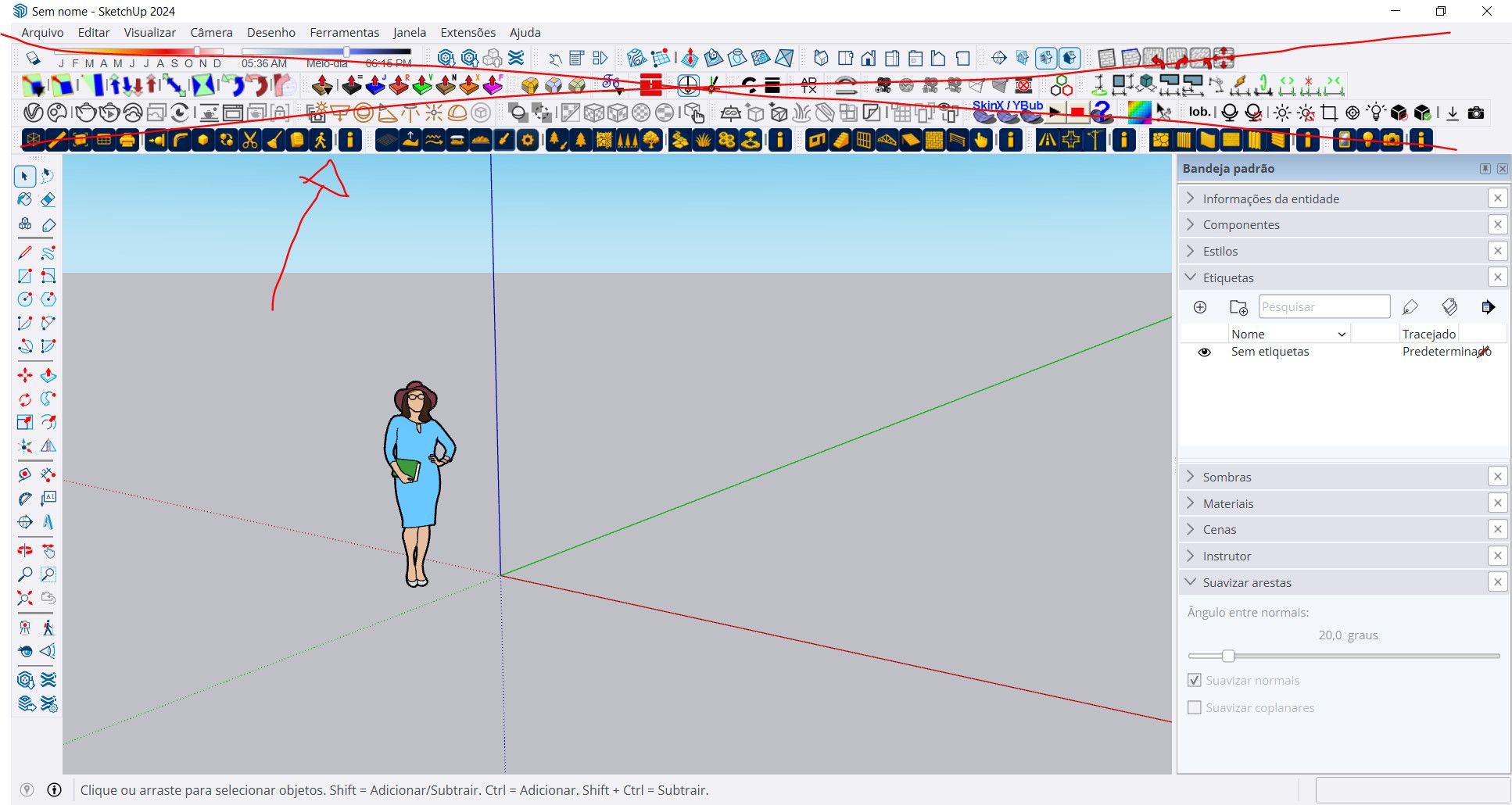
Is there any way (or a plugin) to hide the toolbar from the screen?
-
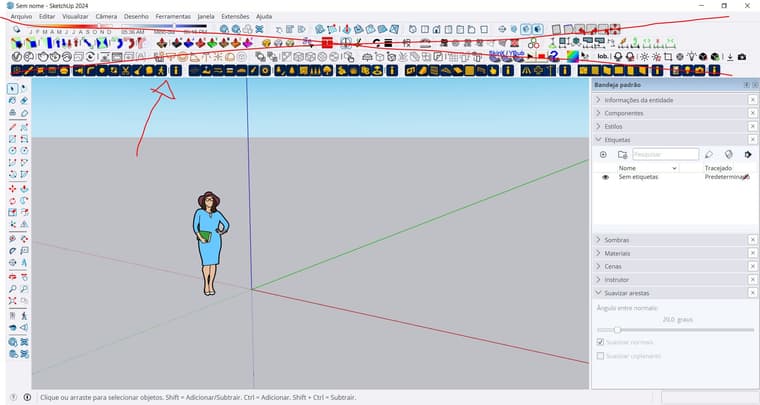
Especially the top toolbar where i put all my plugins. Im fine with the left one.
-
hello,
if you don't want to display the plugin toolbars, you only have to close them and save., The you can then access to extensions with a right click on the topbar menu. or you can manualy display plugin toolbars where you want and save. or you can use Lord of the toobars by Fredo 6Krass
-
-
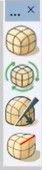
@Krass what is this?

-
A free subdivision plugin, Mesh Tools. Great extension
-
@Krass can you share a link to it please?
Also, check your inbox. -
I'm not home. I will look tomorrow morning if Mesh Tools is one of these old plugins that I share with friends or if it is still available on sketchucation library
-
Another approach is to not have so many extensions loading at startup. You can use the native Extension Manager to stop rarely used-extensions loading and showing a toolbar. OR you can use the SketchUcation tools Plugins Manager which works in a similar way, BUT you can reload a rarely-used extension for that session and when you restart it is not loaded. It also has a 'Sets' function allowing you to set up sets of plugins to load at the next restart - so if you spend a few minutes setting up useful sets you can quickly switch between them and restart and have a minimal set of toolbars showing...

Hello! It looks like you're interested in this conversation, but you don't have an account yet.
Getting fed up of having to scroll through the same posts each visit? When you register for an account, you'll always come back to exactly where you were before, and choose to be notified of new replies (either via email, or push notification). You'll also be able to save bookmarks and upvote posts to show your appreciation to other community members.
With your input, this post could be even better 💗
Register Login


Advertisement