Area of entity
-
Not exactly new to SketchUp, I have been using it since 2008 or so, however, I am new to SU2021 Pro, the latest version I had was 2017 before upgrading. I found out that the layers are now called Tags but in the entity info "area" is missing. Is this gone or just hiding?
-
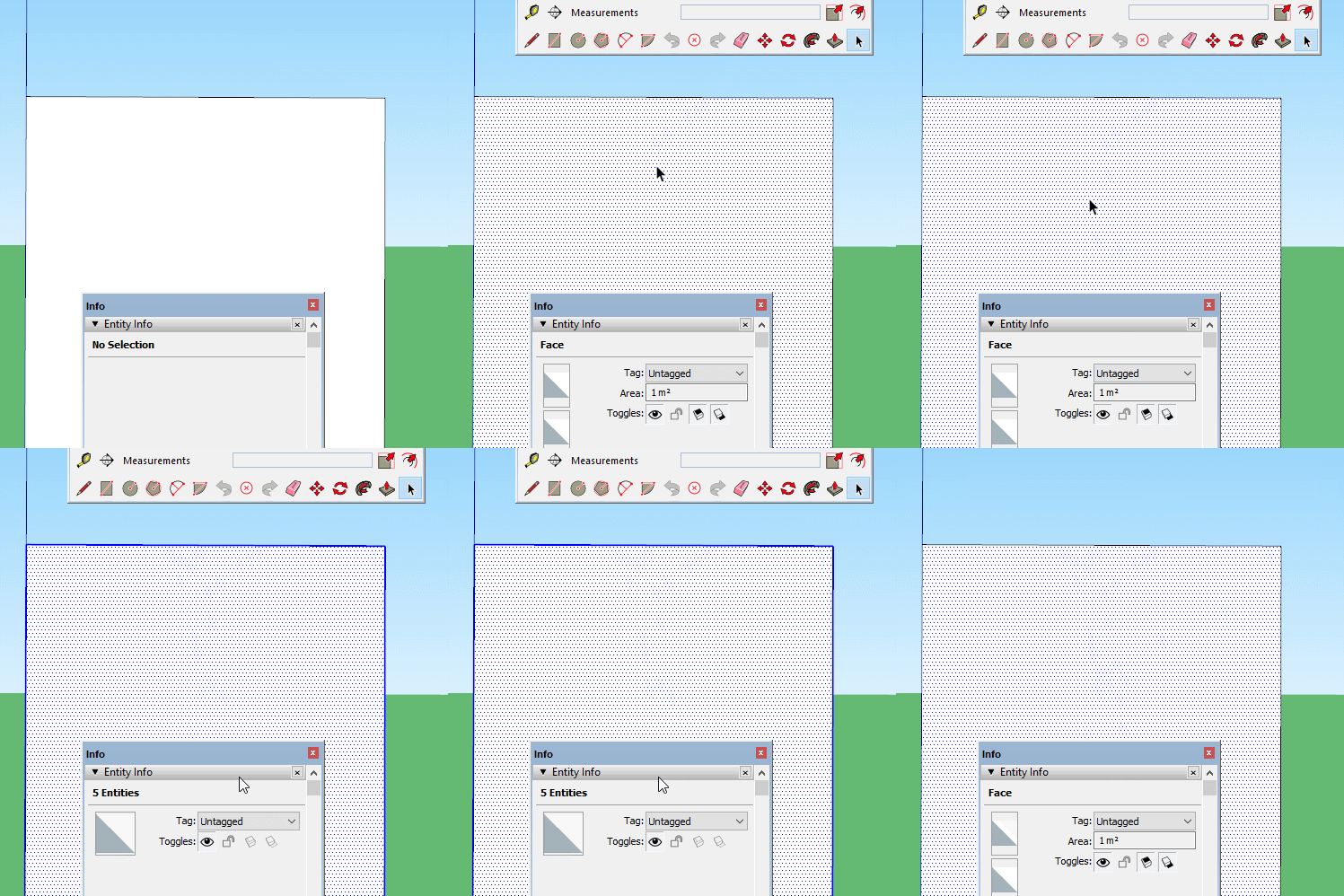
Make sure you are only selecting a face, if you select the face and edges it won't show.
-
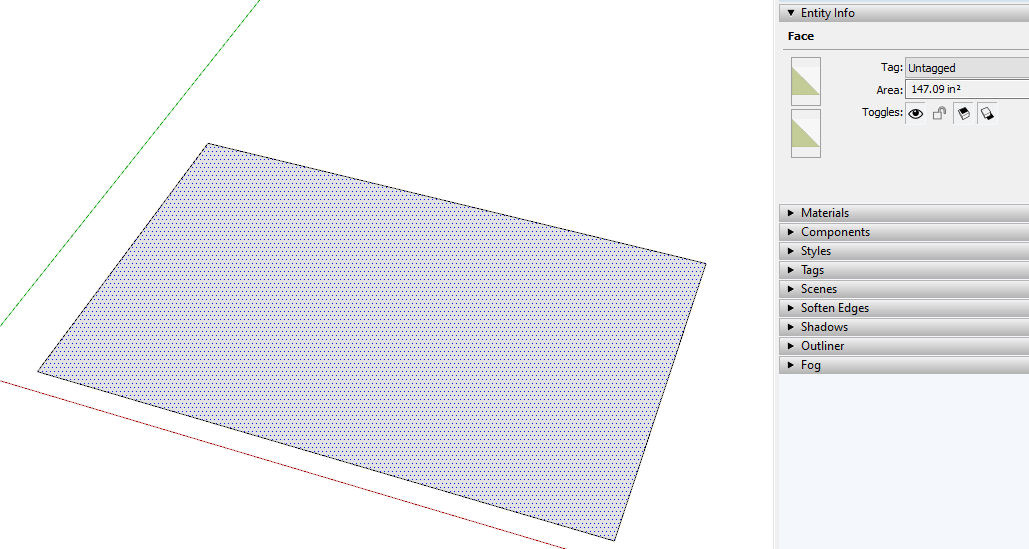
As it has always been, area is only shown in Entity Info if you have a face or faces selected.
Please update your profile. It shows you are still using SketchUp 2013.
-
@dave r said:
As it has always been, area is only shown in Entity Info if you have a face or faces selected.
Please update your profile. It shows you are still using SketchUp 2013.
Profile updated and I found the area, thanks Dave, Merry Christmas!
-
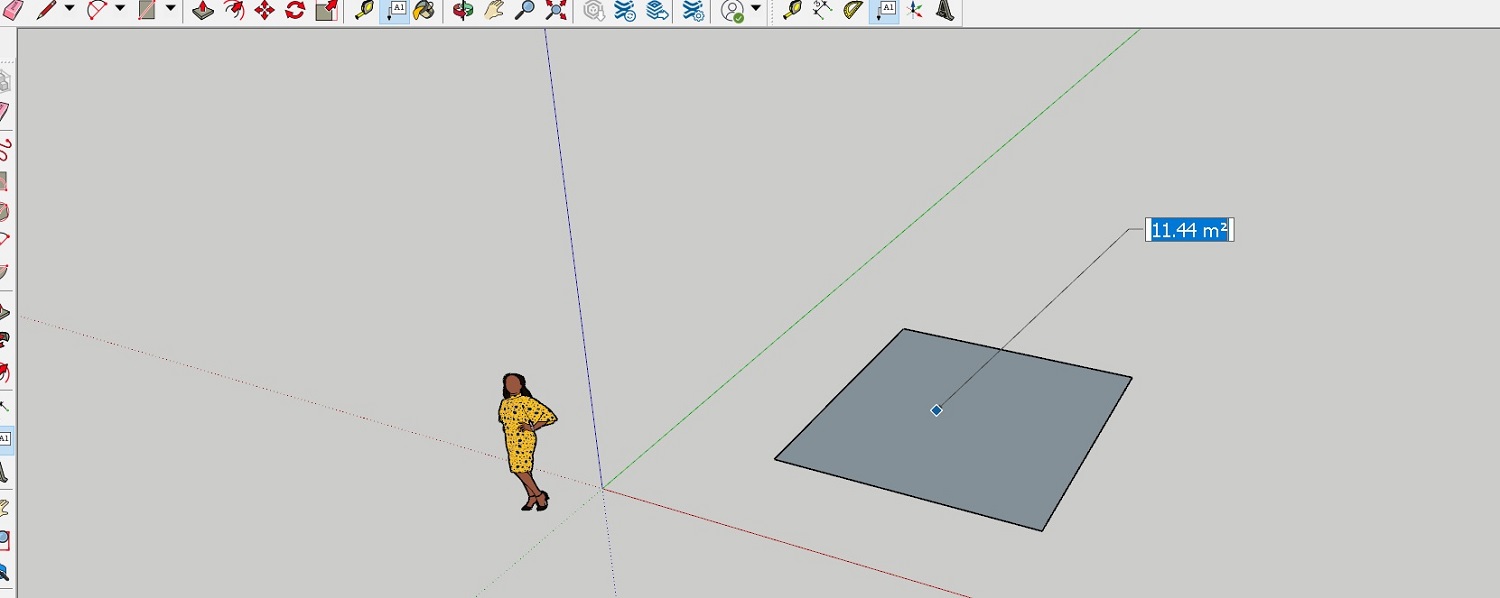 I just use Tools/Text, click on the surface. SU pro 2021
 -
That can be useful although you then need to either escape or undo the label if you don't want to leave it there.


Hello! It looks like you're interested in this conversation, but you don't have an account yet.
Getting fed up of having to scroll through the same posts each visit? When you register for an account, you'll always come back to exactly where you were before, and choose to be notified of new replies (either via email, or push notification). You'll also be able to save bookmarks and upvote posts to show your appreciation to other community members.
With your input, this post could be even better 💗
Register Login


Advertisement