PNG export has white color in model
-
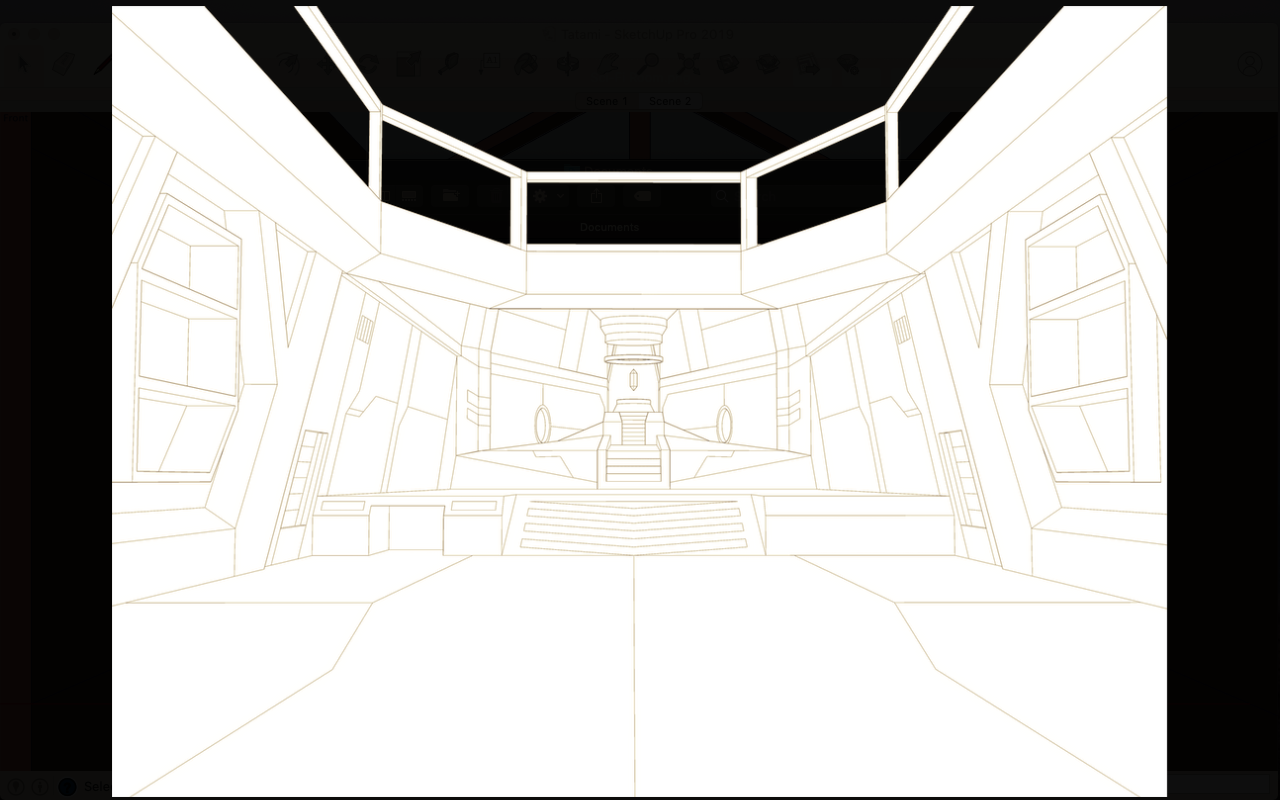
I want to export my model as a plain lineart so I checked Hidden Line and choose transparent PNG. But when I successfully exported it, the background is transparent but the model has white fill color (attached image).
How can I export with a fully transparent background? I just want the lines only.
-
It's easy enough to post-process the image...
Give the model a simple pure-white background.
Export the PNG...
In Photoshop / Gimp [or similar image-editor] choose the magic-wand tool and click any white pixel in the model's image to select all similar pixels.
Hit delete and they are all gone.
Repeat this with the background as necessary - e.g. if that's considered different color pixel-wise...Save changes - you should now have a transparent PNG with black line-work...

Hello! It looks like you're interested in this conversation, but you don't have an account yet.
Getting fed up of having to scroll through the same posts each visit? When you register for an account, you'll always come back to exactly where you were before, and choose to be notified of new replies (either via email, or push notification). You'll also be able to save bookmarks and upvote posts to show your appreciation to other community members.
With your input, this post could be even better 💗
Register Login


Advertisement