Importing AutoCad to Sketchup Pro
-
Hello,
I have a problem when importing CAD files to sketchup 8 pro where lines appear to be extended and on different heights like in the pictures attached.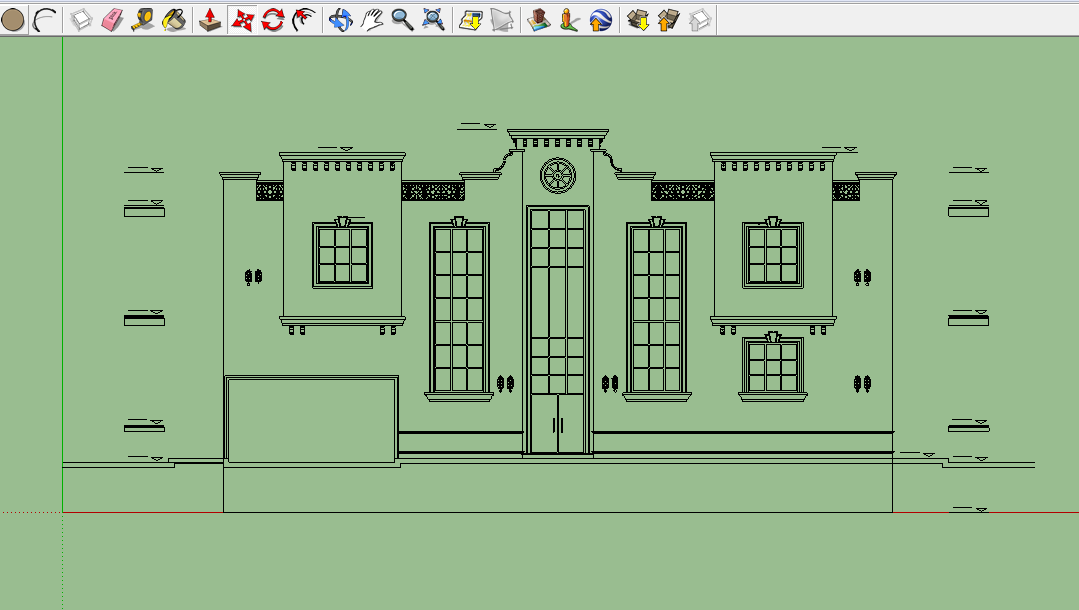
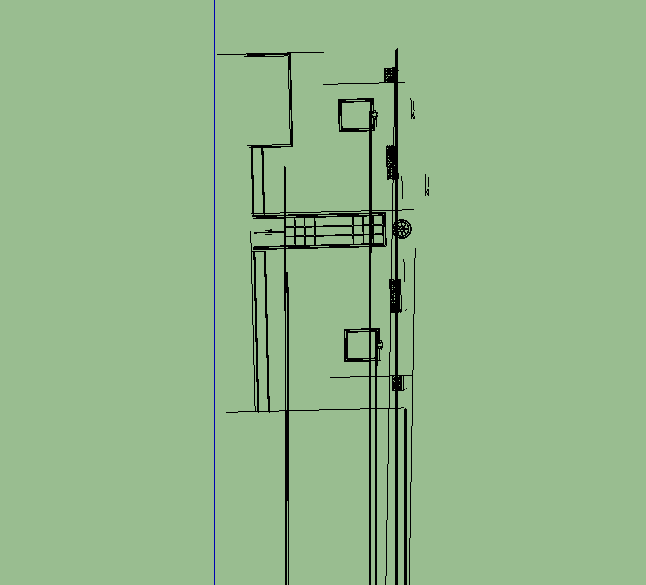
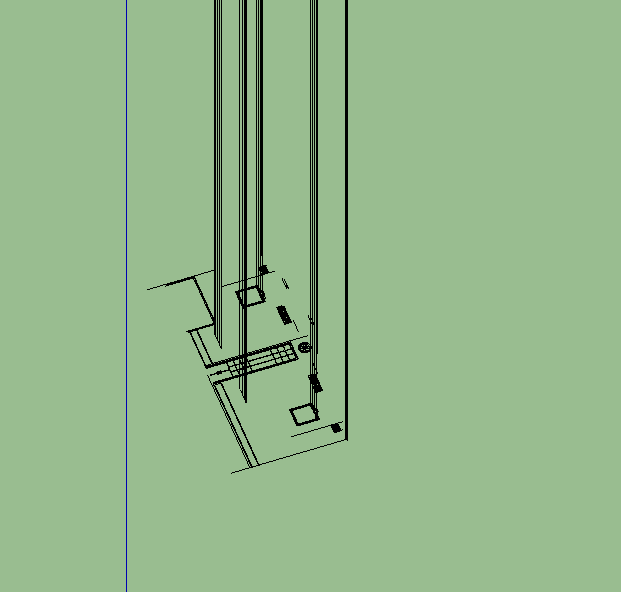
-
Are you importing as 2D or 3D?
-
Also what format? dxf of dwg?
-
This looks like a job for FLATTENator.
-
This simply looks like a bad AutoCAD user to me. Set your front view in SU and set your camera to parallel. Then go to File - Export 2D graphic and select DWG. This will "flatten" your file. Re-import your new DWG and away you go.
-
lines you've shown are not coplanar.It is badly drawn. These are the few things you need to check before you import:
-
Lines are coplanar (flat). If they are not, try to fix with flatten command (express tools)in CAD but may result in exploded blocks. you may want to redraw things if this don't work.
-
the drawings should not be far from origin. keep it near to 0,0,0.
-



Hello! It looks like you're interested in this conversation, but you don't have an account yet.
Getting fed up of having to scroll through the same posts each visit? When you register for an account, you'll always come back to exactly where you were before, and choose to be notified of new replies (either via email, or push notification). You'll also be able to save bookmarks and upvote posts to show your appreciation to other community members.
With your input, this post could be even better 💗
Register Login


Advertisement