FollowAndRotate Not Closing The Circle Path?
-
I can overcome this and cut the model to halves and make flips & join the "good" halves.
I have 24S circle * 15 degrees = 360 deg. Perhaps I'm on a wrong way...
The photo clarifies the question: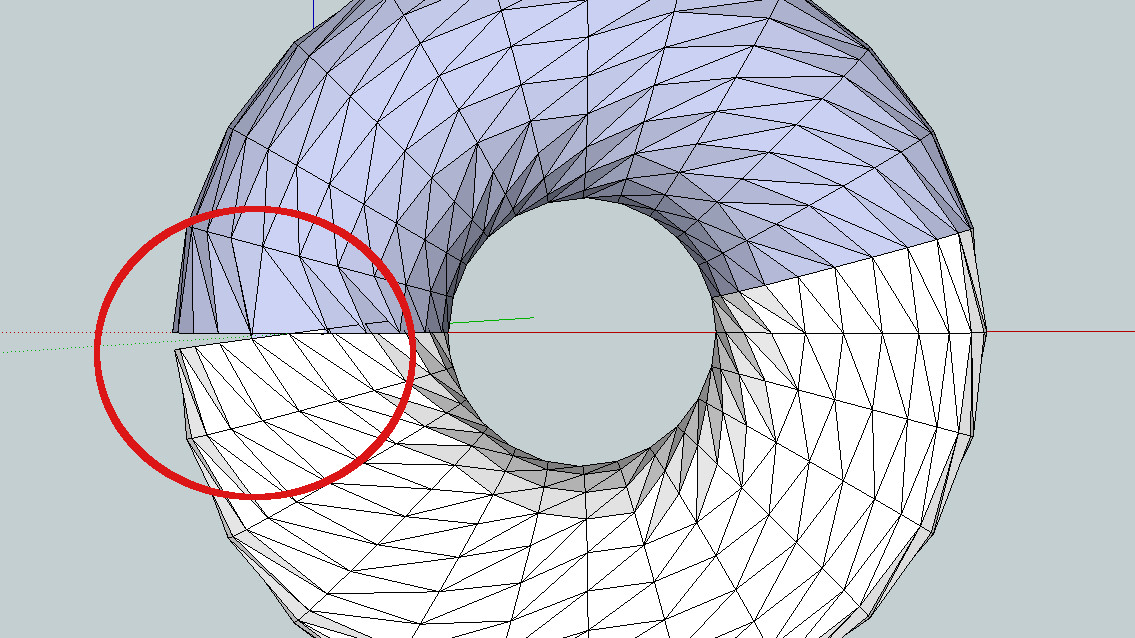
-
Why are you using Follow and Rotate to make that shape? Native Follow Me would make it correctly.
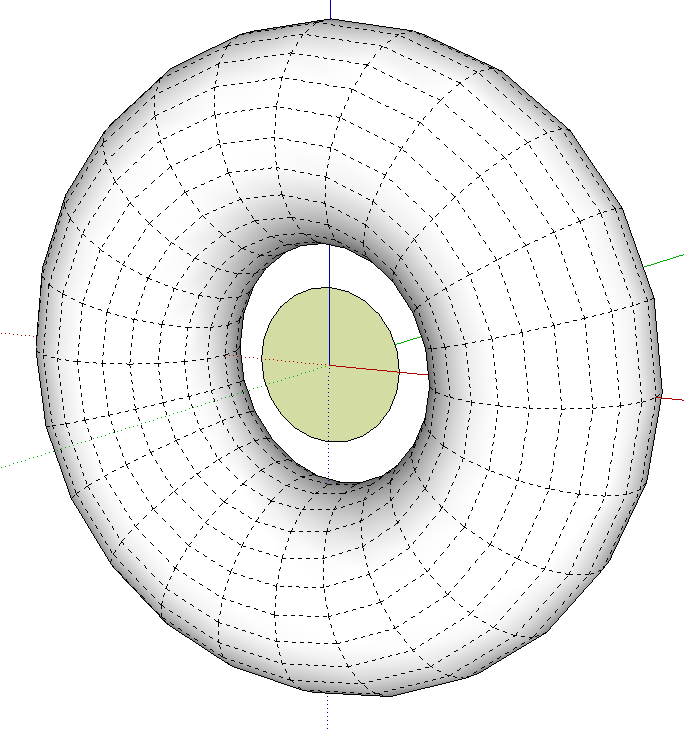
-
Here is the reason. It has to rotate:
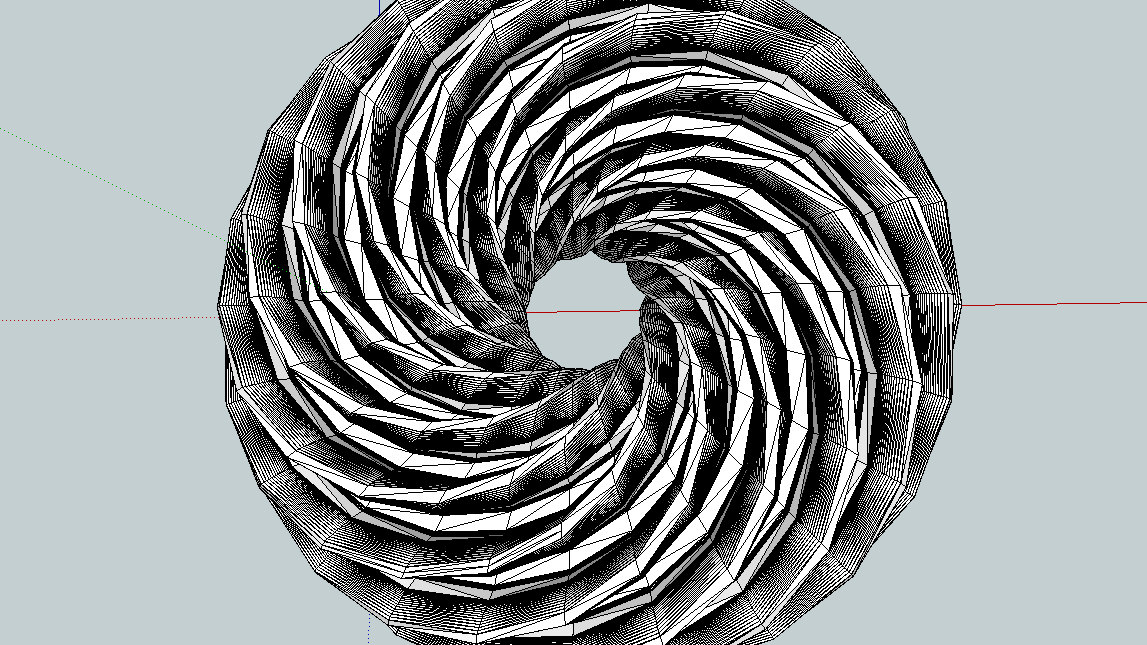
-
I see.
Check to see what the angle is on that last section in your first screen shot. It doesn't look like 15°
I can see a better way but I need to think about the numbers.
-
The last section extrudes turning less. Overlapping etc. Well the plug-in is still very useful when I can cut and join the halves = solid object. This was (the last twisted torus) extruded from an involute gear. 12 tooth. A quite heavy task.

Hello! It looks like you're interested in this conversation, but you don't have an account yet.
Getting fed up of having to scroll through the same posts each visit? When you register for an account, you'll always come back to exactly where you were before, and choose to be notified of new replies (either via email, or push notification). You'll also be able to save bookmarks and upvote posts to show your appreciation to other community members.
With your input, this post could be even better 💗
Register Login


Advertisement