How to create realistic gravel from mapping texture ?
-
hello, i have a problem with rendering gravel. can you help me?
when i make gravel from mapping texture and add some bump and displacement, it doesn't look good when i rendered.
how can i make this texture look realistic?
thank you. -
You need to give more info. What rendering program? Show us the results you're getting and tell us in detail what you want to get as a result
-
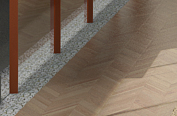
Here, sample from my render
i want a realistic result
but in my rendered image it look flat, like i dont use displacement
but if i increase number pf displacement
the result is so ugly
-
oh sorry i used vray for sketchup
-
@dave r said:
... What rendering program? ...
-
I used vray from sketchup
-
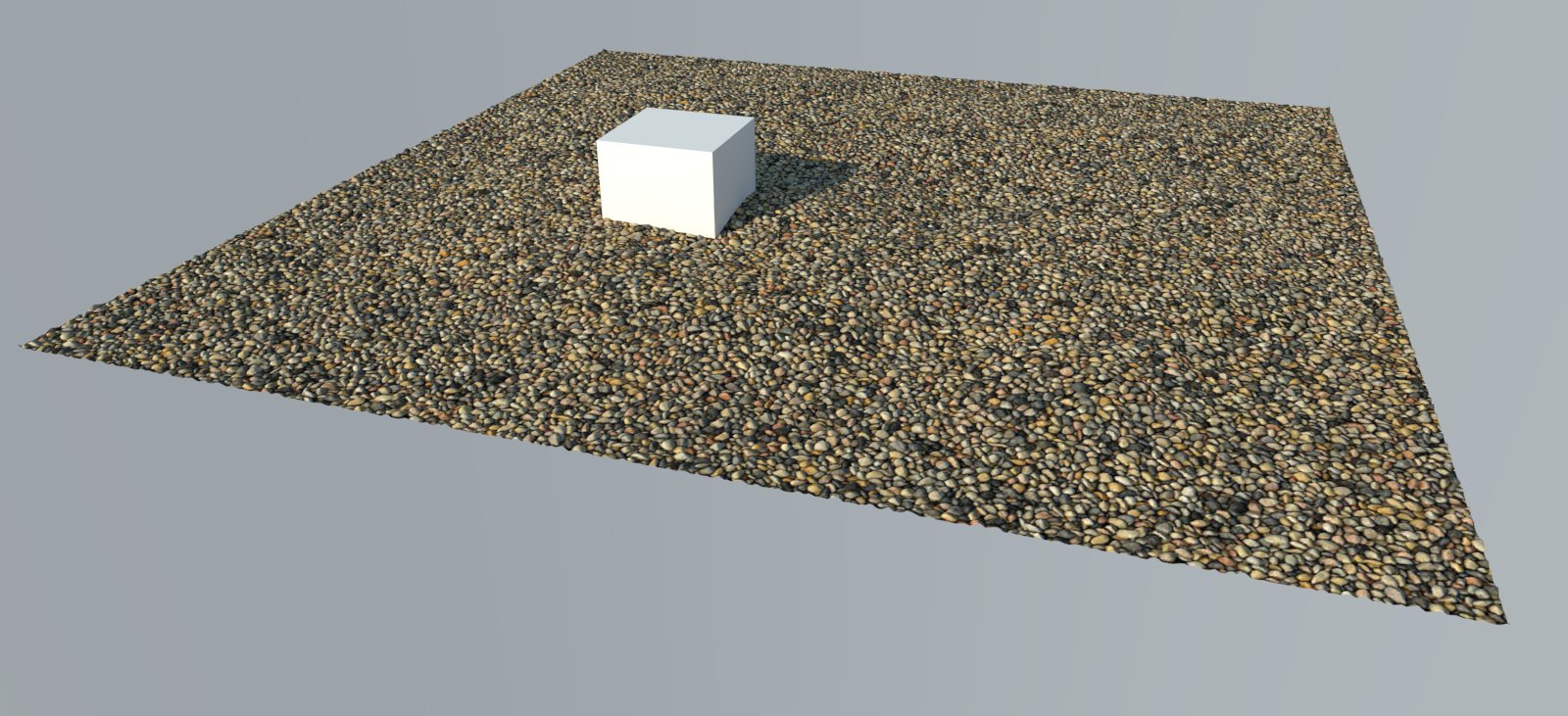
Here's a low quality example of gravel. This is an Aaroway material you can purchase in high resolution here: https://www.arroway-textures.ch/en/textures/gravel-002?browser
This is a good example of a gravel texture with displacement. Remember to use displacement sparingly and only on a single grouped object. Do not use it with a piece of geometry that has multiple textures or materials applied to the same mesh, or you'll run into problems.
Hope that helps!
-
tankyu @TedVitale_CG
it really work




Hello! It looks like you're interested in this conversation, but you don't have an account yet.
Getting fed up of having to scroll through the same posts each visit? When you register for an account, you'll always come back to exactly where you were before, and choose to be notified of new replies (either via email, or push notification). You'll also be able to save bookmarks and upvote posts to show your appreciation to other community members.
With your input, this post could be even better 💗
Register Login


Advertisement