sketchucation logo sketchucation
    • Login
    Oops, your profile's looking a bit empty! To help us tailor your experience, please fill in key details like your SketchUp version, skill level, operating system, and more. Update and save your info on your profile page today!
    ⚠️ Important | Libfredo 15.6b introduces important bugfixes for Fredo's Extensions Update

    Is there pluging for expanding/making face along line/edges?

    Scheduled Pinned Locked Moved Plugins
    41 Posts 12 Posters 2.4k Views 12 Watching
    Loading More Posts
    • Oldest to Newest
    • Newest to Oldest
    • Most Votes
    Reply
    • Reply as topic
    Log in to reply
    This topic has been deleted. Only users with topic management privileges can see it.
    • pilouP Offline
      pilou
      last edited by

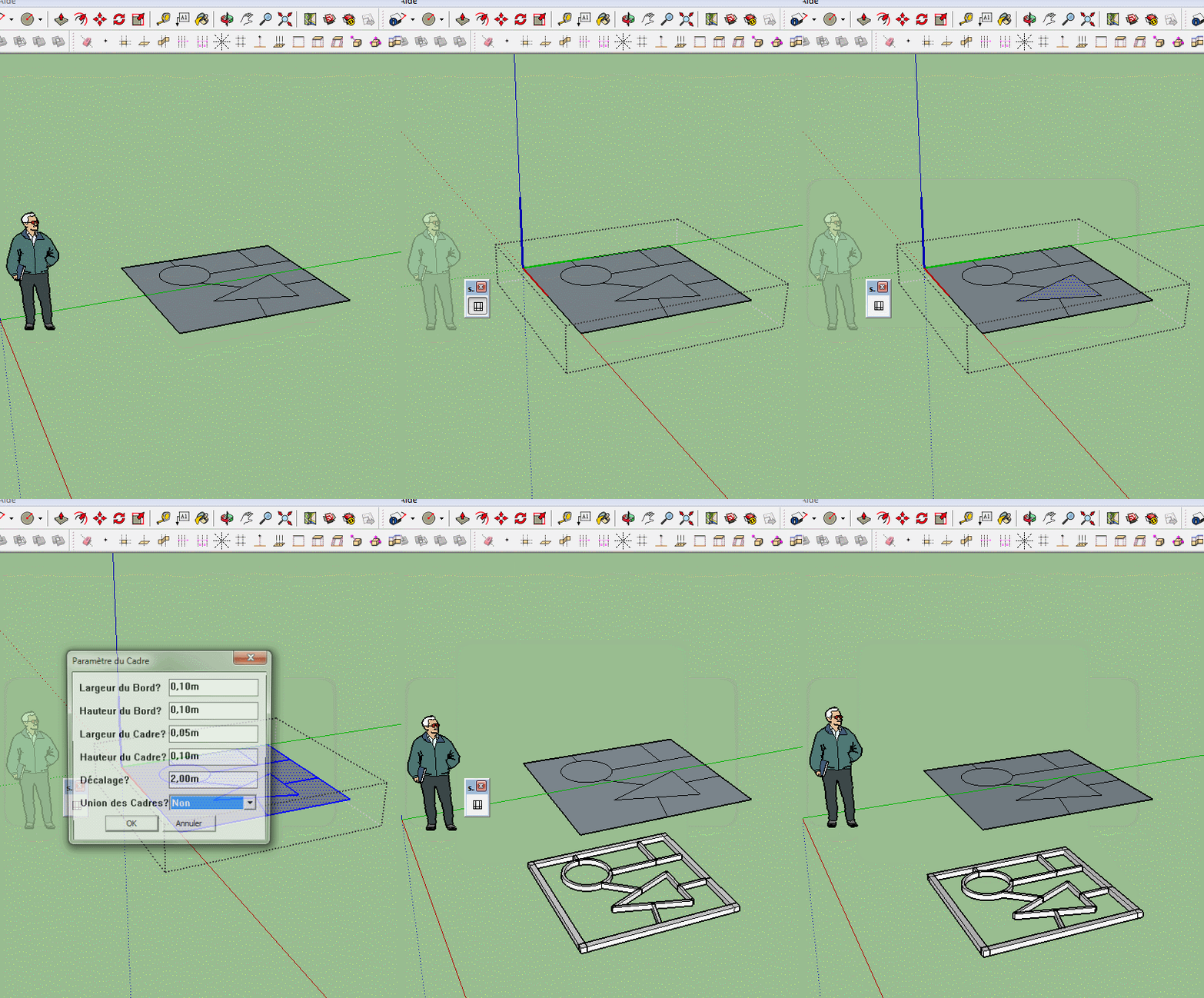
      French version πŸ˜‰
      Click image for Animation! πŸ€“

      s4u_frame.zip


      Su_cadre.gif

      Frenchy Pilou
      Is beautiful that please without concept!
      My Little site :)

      1 Reply Last reply Reply Quote 0
      • pilouP Offline
        pilou
        last edited by

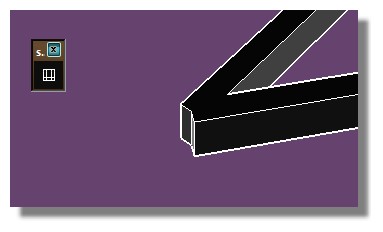
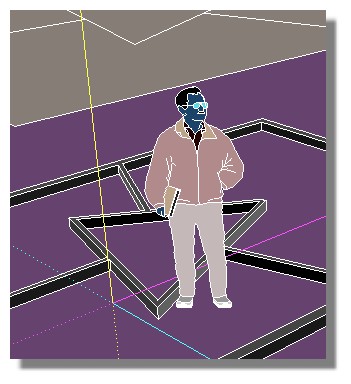
        PS Seems Triangulated frames must be refined! πŸ˜‰

        Triangle.jpg

        Frenchy Pilou
        Is beautiful that please without concept!
        My Little site :)

        1 Reply Last reply Reply Quote 0
        • D Offline
          dtrarch
          last edited by

          Hi All
          s4u Frame and s4u Slice are just must have plugins.
          Perfect for this use and ONE click to go. πŸ‘ πŸ‘ πŸ˜„ πŸ˜„

          Thanks Vi

          dtr

          1 Reply Last reply Reply Quote 0
          • hdpvH Offline
            hdpv
            last edited by

            Thank you!
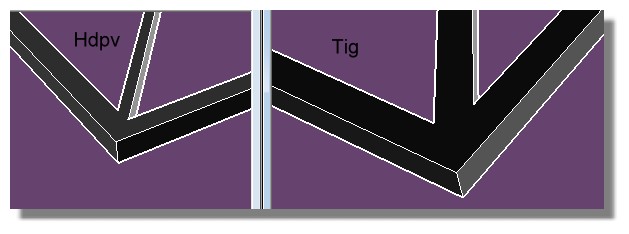
            @Pilou: convert lines to curve ,It'll work correct.

            Suforyou
            http://www.sketchupforyou.com

            1 Reply Last reply Reply Quote 0
            • pilouP Offline
              pilou
              last edited by

              @unknownuser said:

              Convert line to curves

              Very cool trick! πŸ‘ 😎 β˜€

              Triangle2.jpg

              Frenchy Pilou
              Is beautiful that please without concept!
              My Little site :)

              1 Reply Last reply Reply Quote 0
              • cottyC Offline
                cotty
                last edited by

                Can you explain the "trick" a bit more, please?
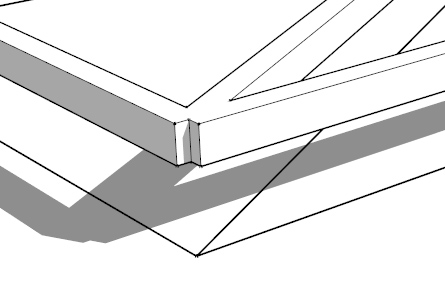
                frameedge.jpg

                my SketchUp gallery

                1 Reply Last reply Reply Quote 0
                • pilouP Offline
                  pilou
                  last edited by

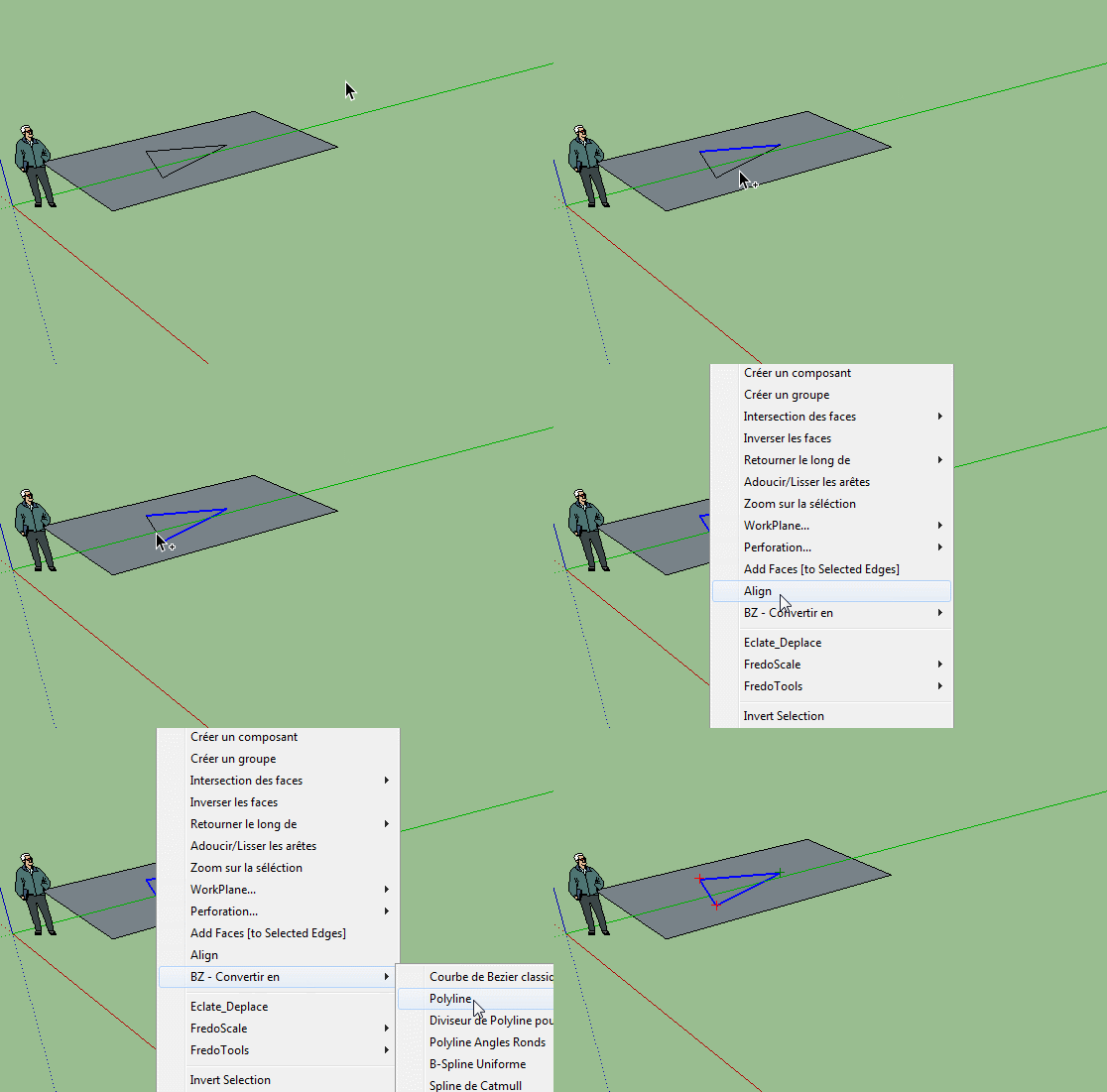
                  The trick! πŸ˜‰
                  And all will work fine! 😎
                  convert.gif


                  fine.jpg

                  Frenchy Pilou
                  Is beautiful that please without concept!
                  My Little site :)

                  1 Reply Last reply Reply Quote 0
                  • cottyC Offline
                    cotty
                    last edited by

                    And for my example (e.g. rectangle with diagonal)?

                    my SketchUp gallery

                    1 Reply Last reply Reply Quote 0
                    • TIGT Offline
                      TIG Moderator
                      last edited by

                      My original http://sketchucation.com/pluginstore?pln=Latticeizer
                      Maybe not the best, but you judge...

                      TIG

                      1 Reply Last reply Reply Quote 0
                      • pbacotP Offline
                        pbacot
                        last edited by

                        S4U Frame worked for me (though I was confused trying to figure out the settings). But with this plugin loaded, SU crashes on relaunch--on my Mac.

                        MacOSX MojaveSketchUp Pro v19 Twilight v2 Thea v3 PowerCADD

                        1 Reply Last reply Reply Quote 0
                        • cottyC Offline
                          cotty
                          last edited by

                          @tig said:

                          My original http://sketchucation.com/pluginstore?pln=Latticeizer
                          Maybe not the best, but you judge...

                          πŸ‘
                          It's hard to remember all your great plugins, isn't it?

                          my SketchUp gallery

                          1 Reply Last reply Reply Quote 0
                          • pilouP Offline
                            pilou
                            last edited by

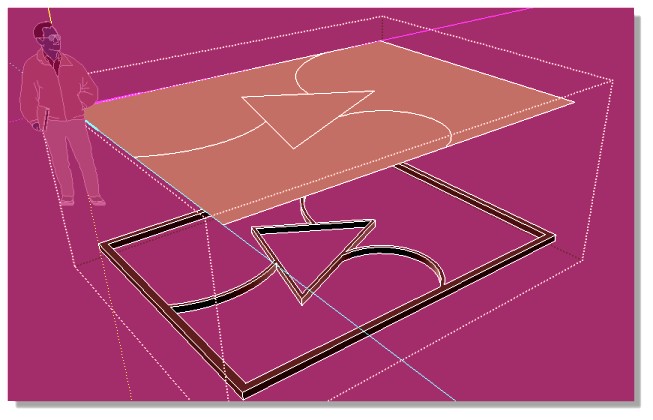
                            @Cotty
                            As a rectangle + diagonal = 2 triangles πŸ’­
                            Select all segments and same trick! πŸ˜„

                            But the result will be not so nearly almost perfect that the excellent Lattice-izer of TIG that I have used
                            in this thread of anthology (2010) πŸ˜„

                            You will find inside that some same results can be made with Windowizer by Rick Wilson, Street Generator by Thomthom, 1001bits etc...! πŸ’š

                            lattice_izer.jpg

                            Frenchy Pilou
                            Is beautiful that please without concept!
                            My Little site :)

                            1 Reply Last reply Reply Quote 0
                            • hdpvH Offline
                              hdpv
                              last edited by

                              @Cotty
                              Because you only select edges. In this case(rectangle + diagonal) ,first you need make face (Edges have faces).

                              Suforyou
                              http://www.sketchupforyou.com

                              1 Reply Last reply Reply Quote 0
                              • TIGT Offline
                                TIG Moderator
                                last edited by

                                My 'Latticeizer' uses all faced-Edges in the preselected Group as the center-lines for its extrusions -
                                including the perimeter edges, so offset the main face inwards by half the extruded width before sub-dividing and erase the outer edges to move the assumed perimeter inwards, and then the over all size will be maintained when it's a lattice...
                                In its dialog you can choose different dimensions, materials and whether or not there are 'panes' to the lattice etc...

                                TIG

                                1 Reply Last reply Reply Quote 0
                                • 1
                                • 2
                                • 3
                                • 2 / 3
                                • First post
                                  Last post
                                Buy SketchPlus
                                Buy SUbD
                                Buy WrapR
                                Buy eBook
                                Buy Modelur
                                Buy Vertex Tools
                                Buy SketchCuisine
                                Buy FormFonts

                                Advertisement