Imported picture doesn't appear into photomatch
-
hi
I am trying to use a .jpg picture into photomatch.
The problem is that every time, I can see the picture for a fraction of a second and then "pouf" it is gone. On my screen I just see the photomatch's setting window, the axes and just a plain gray background.
But no picture to align my axes.so any suggestion is more than welcome, I thank you all for your efforts.
kind regards
Triopis
-
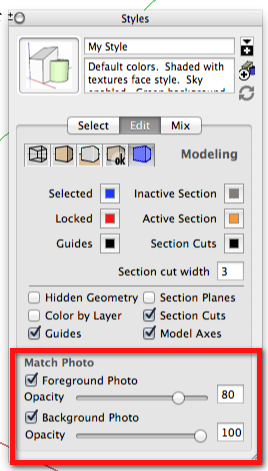
Check the settings in Styles>Edit>Modeling.
-
Thank you Dave for the support.
But these settings are already checked and with the same values.Triopis
-
Could you share the image?
Please complete your profile with OS and SU version. Thank you.
-
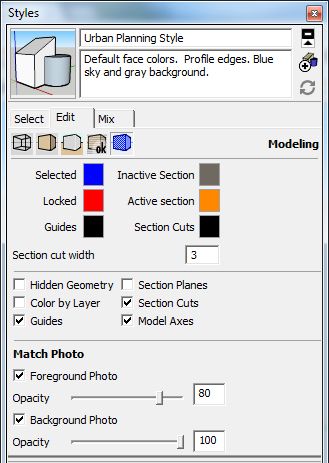
OS Windows 7 Ultimate 64 bits
Sketchup Pro 14.0.4900 -
I meant the image you're trying to use for Match Photo.

And I was asking you to complete your profile with the OS and SU version. It helps others when they are trying to answer your questions.
-
Ho Sorry

I was thinking you wanted to check on my settings.
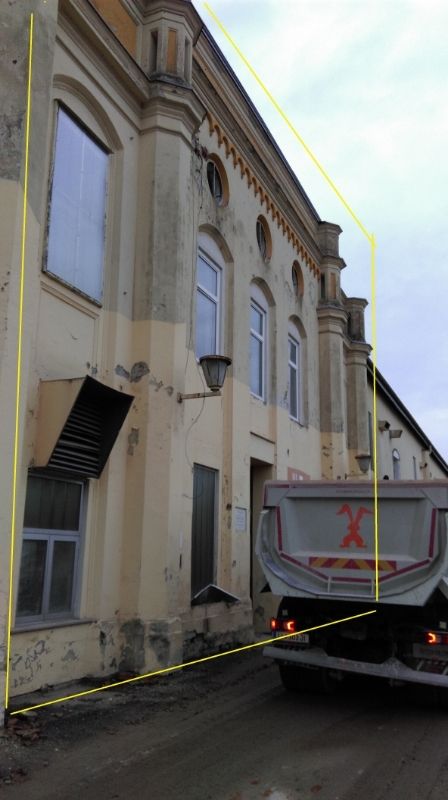
-
Hmmmm... It worked for me.
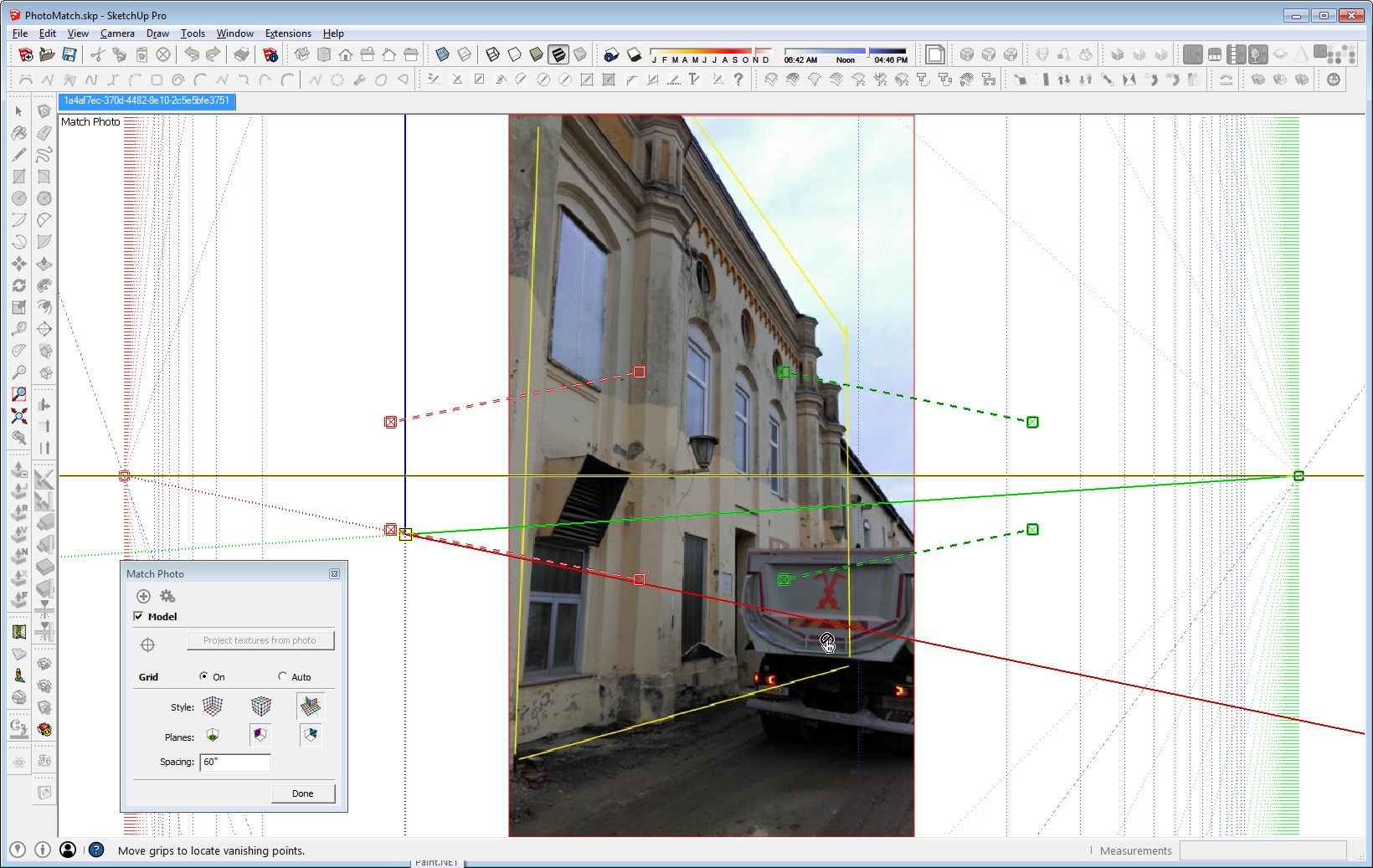
I attached the SKP file. When you open it, is the image there? Can you import a different image as a Match Photo?



Hello! It looks like you're interested in this conversation, but you don't have an account yet.
Getting fed up of having to scroll through the same posts each visit? When you register for an account, you'll always come back to exactly where you were before, and choose to be notified of new replies (either via email, or push notification). You'll also be able to save bookmarks and upvote posts to show your appreciation to other community members.
With your input, this post could be even better 💗
Register Login


Advertisement