Texture breaks up into triangle on export
-
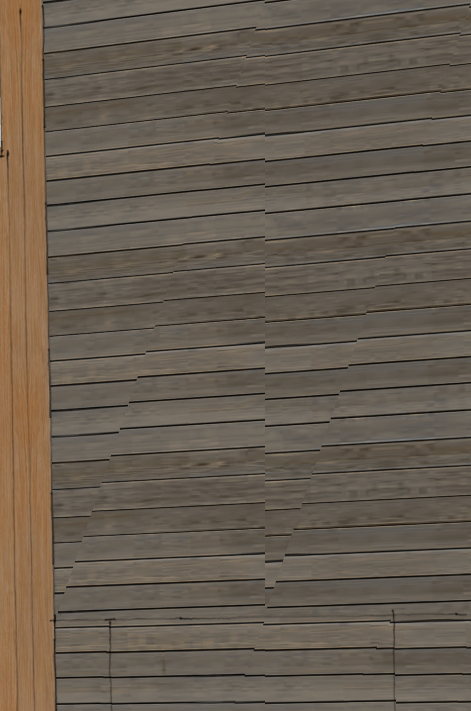
I have a wood siding texture that looks fine on the screen, but when I export, it breaks up into triangles (see attached). its a simple flat plane. I've tried painting both sides and recreating the object.
thoughts?
thanks!
-
A bit too cryptic

What exporter ?
Make sure all faces are oriented correctly - no reversed facets.
What does it look like*** in both Textured AND Monochrome mode before you export ?
***View > Hidden Geometry ON.
Is this Textured material UV-mapped on the faces in question ?
Is that material on both sides of the face ?
Try removing it from the backs - paint those with default material...Most exporters do triangulate faces, but most keep the front UV-mapping nicely... many ignore the back material all together.
Can we have sight of the SKP file itself [or problem part], rather that selective screen-shots...
-
thanks for the initial response. here's some more info.
-By 'export', I mean exporting an image straight out of sketchup (file, export,2d graphic...)
-the face is properly oriented (per monochromatic check) and a simple flat plane
-I tried rendering it with the back face (inside wall)painted the same as the front AND with it painted a default color. they both render with the triangulated face.-I don't know if its a 'UV mapped' material. We typically create a new material by copying an existing material, changing the linked image and scaling accordingly.
I'll try to attach the file with just the wall.
thanks!
-
I, for one, cannot recreate your problem with png or jpg. So can't be of any use to you...
-
No problem here too...
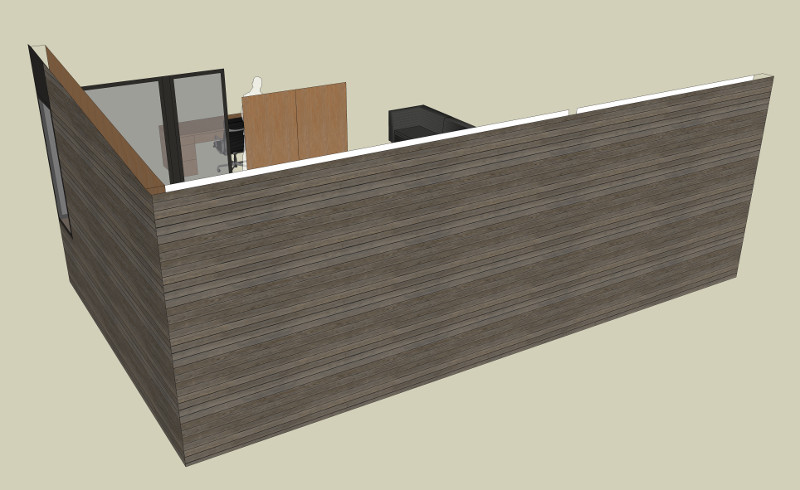
-
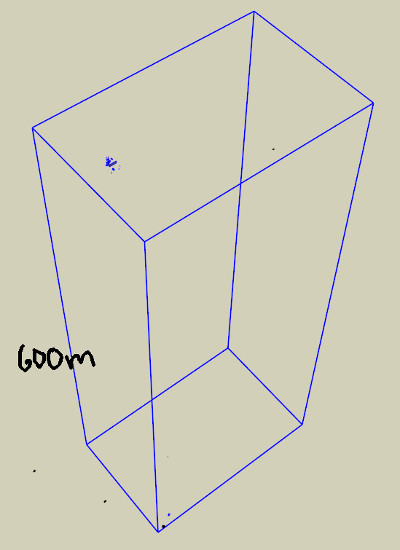
You should clean your model, you have parts far away from the origin (>600m), that's never a good idea even if it's not related to this problem...
-
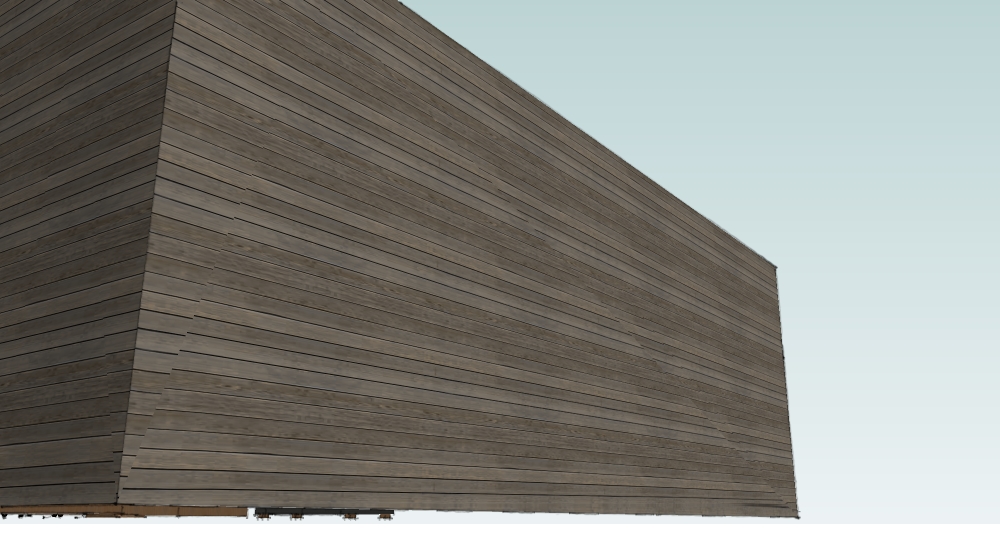
thanks to everyone who opened the model and looked at it. What makes this issue frustrating, is it isn't consistent. When I export a view from above (like cotty's) it looks fine. if I do it from below (like an int. persp. ) it distorts (see attached).
weird.
-
as for the origin, I agree, but once all the views are setup, its ALOT of work to move a reset up the views. unless there's some trick?
-
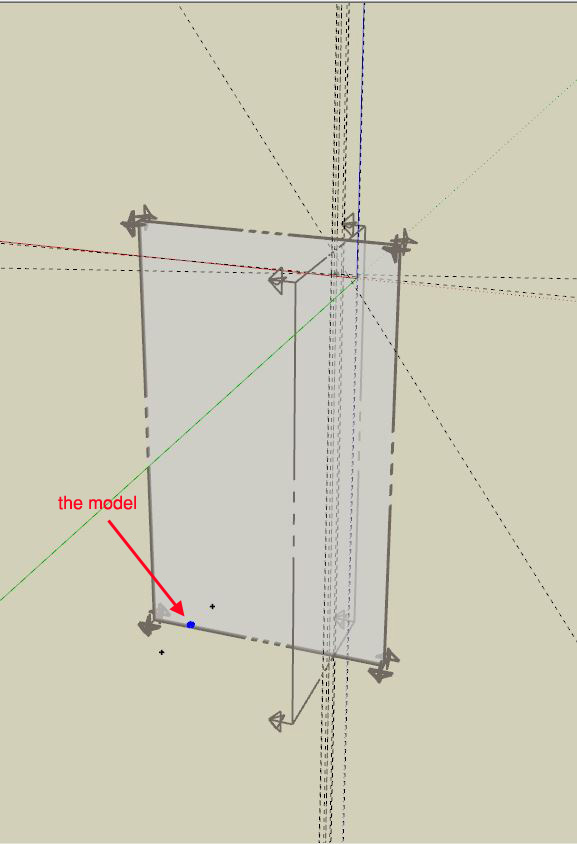
Well I have to admit that I've never seen such a mess in a model. A ton of hidden nested geometry hundreds meters distant, the visible part of the model is in orbit as well, a bunch of hidden section planes, tens of scenes. etc. etc.
Now it should work anyway.




Hello! It looks like you're interested in this conversation, but you don't have an account yet.
Getting fed up of having to scroll through the same posts each visit? When you register for an account, you'll always come back to exactly where you were before, and choose to be notified of new replies (either via email, or push notification). You'll also be able to save bookmarks and upvote posts to show your appreciation to other community members.
With your input, this post could be even better 💗
Register Login


Advertisement