Shape Bender Results
-
Thanks Dan. I selected "Hidden Geometry" under View, found "Soften Edges" under Window, the Soften Edges dialog pops up, but its blurry or not active, can't use it. How do I unsoften it? My solution has been to draw a new face over the end of the conduit, it works okay but I'd prefer to do it correctly.
-
Re: Shape Bender Results
Postby Box » Tue Jan 14, 2014 12:17 pm
It might also be worth pointing out that you could make the pipe much more easily using a path a profile and the follow me tool.
Thanks Box, I tried that initially, but the ends of the conduit comes out as an ellipse, not round. Tried compensating for the ellipse by rotating it but that didn't work either. The conduit came out great with shape bender, if I can only learn to unsoften everything.
-
@tyronius said:
How do I unsoften it?
Open the group (double click)-->triple click-->right click-->soften/smooth edges and drag the slider to left until you're satisfied with the result.
-
Thanks Massimo, Clickin is the Trickin!!!
-
@tyronius said:
Thanks Dan. I selected "Hidden Geometry" under View, found "Soften Edges" under Window, the Soften Edges dialog pops up, but its blurry or not active, can't use it. How do I unsoften it? My solution has been to draw a new face over the end of the conduit, it works okay but I'd prefer to do it correctly.
Who is Dan? You didn't follow my instructions. Select the edges that need to be unsoftened. Then you'll be able to use the slider.
If the ends came out as ellipses when you tried to use Follow Me, that would indicate that you didn't put the profile perpendicular to the starting segment of the path.
-
Shape bender is a very useful tool but for what you are doing learning how to use the normal tools is more appropriate.
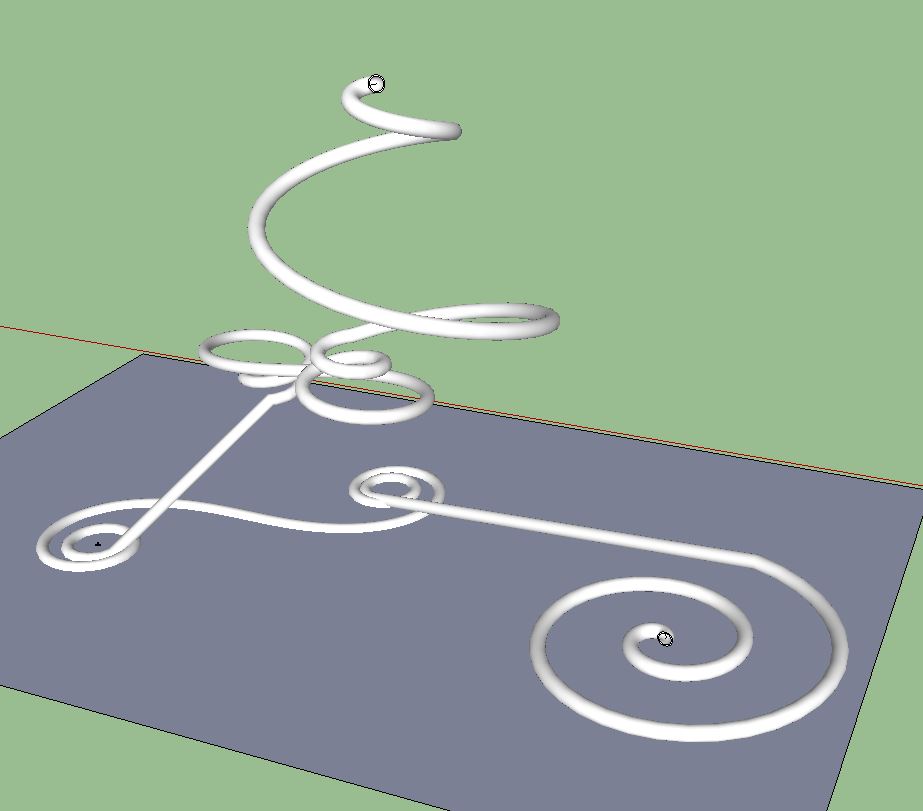
For example this is done with follow me, perfectly round and no time at all to make.
-
 Sorry Dave,
Who is Dan anyway? I had selected the end of the conduit after turning on the hidden geometry but I didn't do enough clickin'. Massimo had the ticket to that!"If the ends came out as ellipses when you tried to use Follow Me, that would indicate that you didn't put the profile perpendicular to the starting segment of the path."
You are correct. I didn't do that, because I really am a beginner. Do everything the hard way (more than once). Had I known to put the profile perpendicular I would have. Now I'll open a new drawing and see If I can't figure out how to do what you have described.
Again, Thank You Very Much for Your Time.
-
It looks like you'll be doing some pipe work, here is a quick vid showing some basics of how to do it. There are other ways, some faster, but this is a good grounding.
[screenr:2eufqzka]LALH[/screenr:2eufqzka]
-
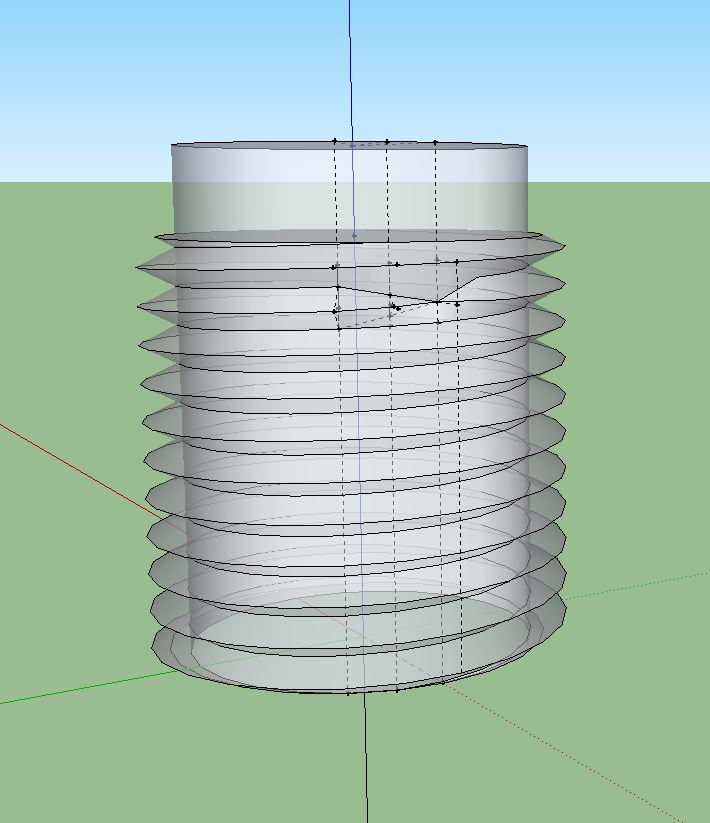
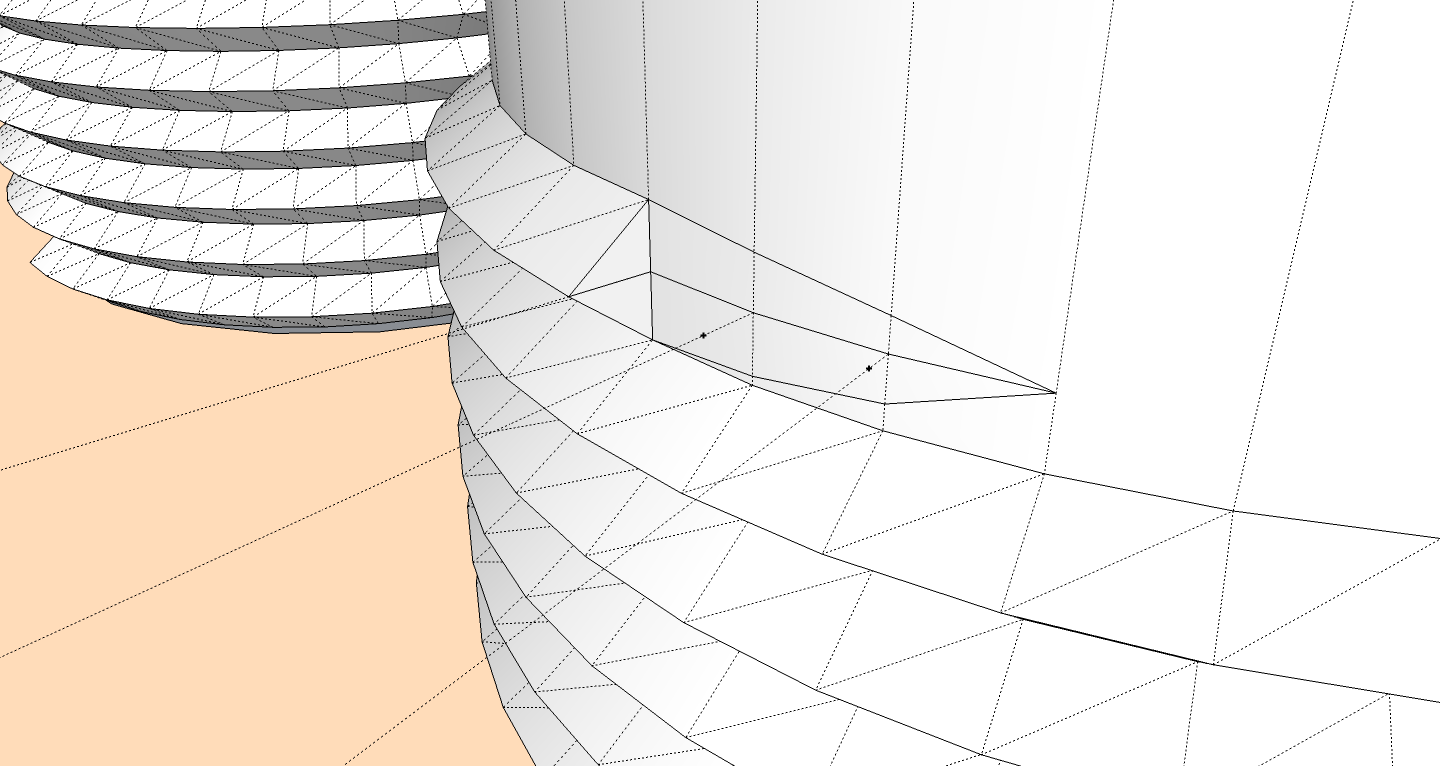
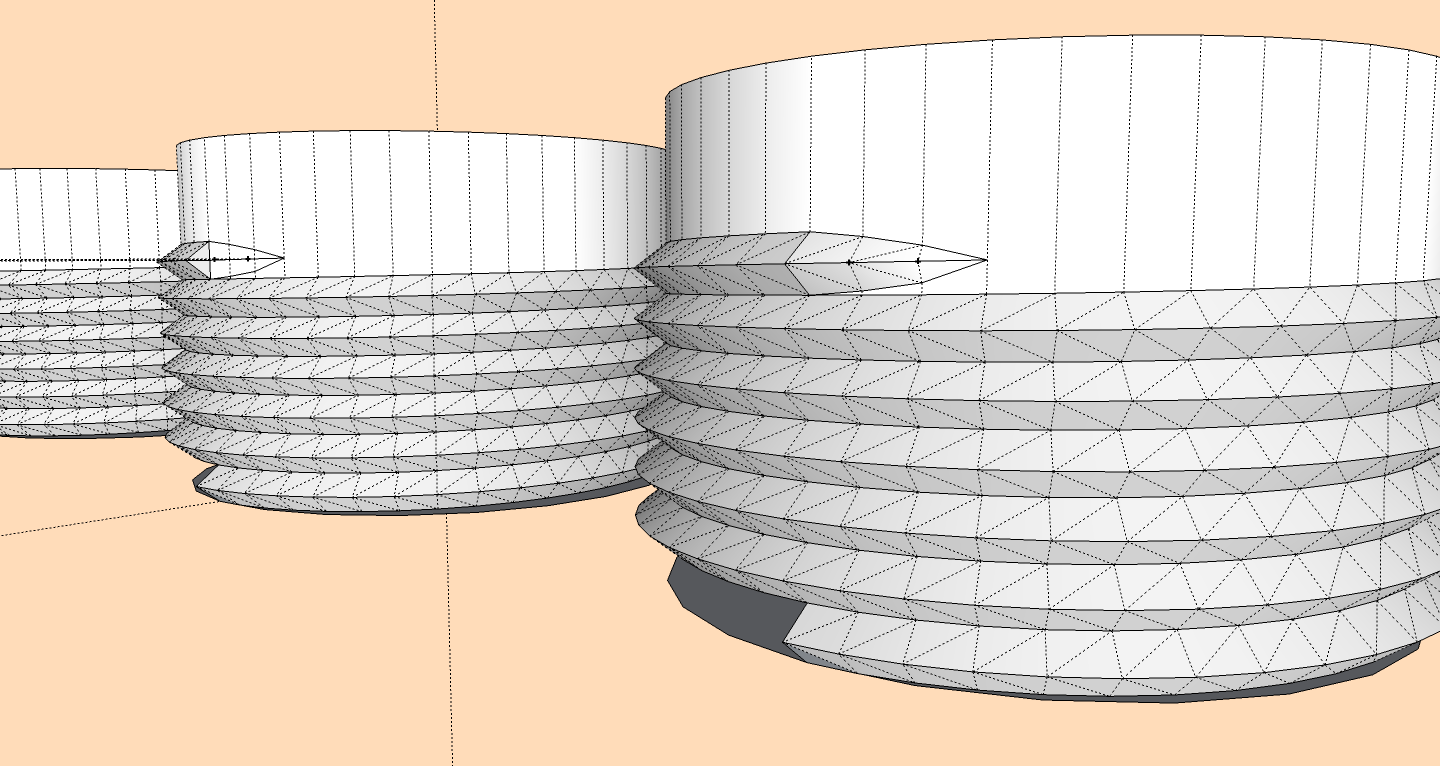
Today has been my first attempt to reach out for help with this program. As with most things I do... trial and error have always been my modus. It sure is easier with the help of everyone here. My Thanks ... again. I tried for hours to make the threaded end of a fitting, but am stuck with this (see attached). Eventually. As Chief Dan George was told by Teddy Roosevelt, "Endeavor to persevere".
By the way, thanks for the unique pipe work, Box. I'll try follow me again.
-
@tyronius said:
I had selected the end of the conduit after turning on the hidden geometry but I didn't do enough clickin'. Massimo had the ticket to that!
Well, that is a way. The triple click is needed for selecting all hidden geometries together with faces, but if you turn hidden geometry on and select a hidden line/perimeter you can do right click-->unsoften or if you select a hidden line/perimeter+a connected face you can do right click-->soften/smooth edges and drag the slider as Dave said. It depends if you want to work on all geometry or on single parts.
-
@tyronius said:
Today has been my first attempt to reach out for help with this program. As with most things I do... trial and error have always been my modus. It sure is easier with the help of everyone here. My Thanks ... again. I tried for hours to make the threaded end of a fitting, but am stuck with this (see attached). Eventually. As Chief Dan George was told by Teddy Roosevelt, "Endeavor to persevere".
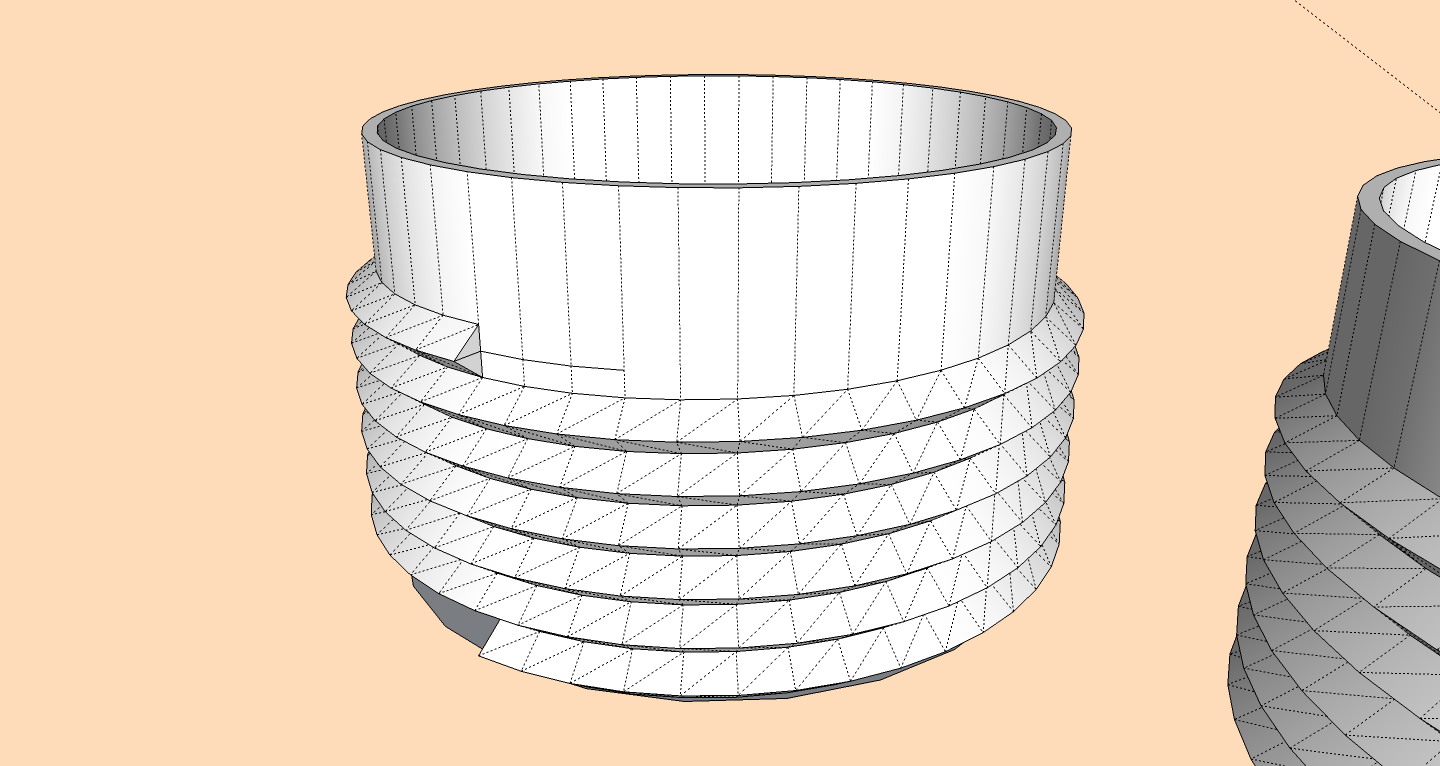
By the way, thanks for the unique pipe work, Box. I'll try follow me again.:green_heart:Another question, another post.
open a new post and I explain better.




Hello! It looks like you're interested in this conversation, but you don't have an account yet.
Getting fed up of having to scroll through the same posts each visit? When you register for an account, you'll always come back to exactly where you were before, and choose to be notified of new replies (either via email, or push notification). You'll also be able to save bookmarks and upvote posts to show your appreciation to other community members.
With your input, this post could be even better 💗
Register Login


Advertisement