Mech Head
-
Here is a pet project of mine. Don't know how much more time I will devote as Christmas is upon us now and family will be descending soon but here are progress images.
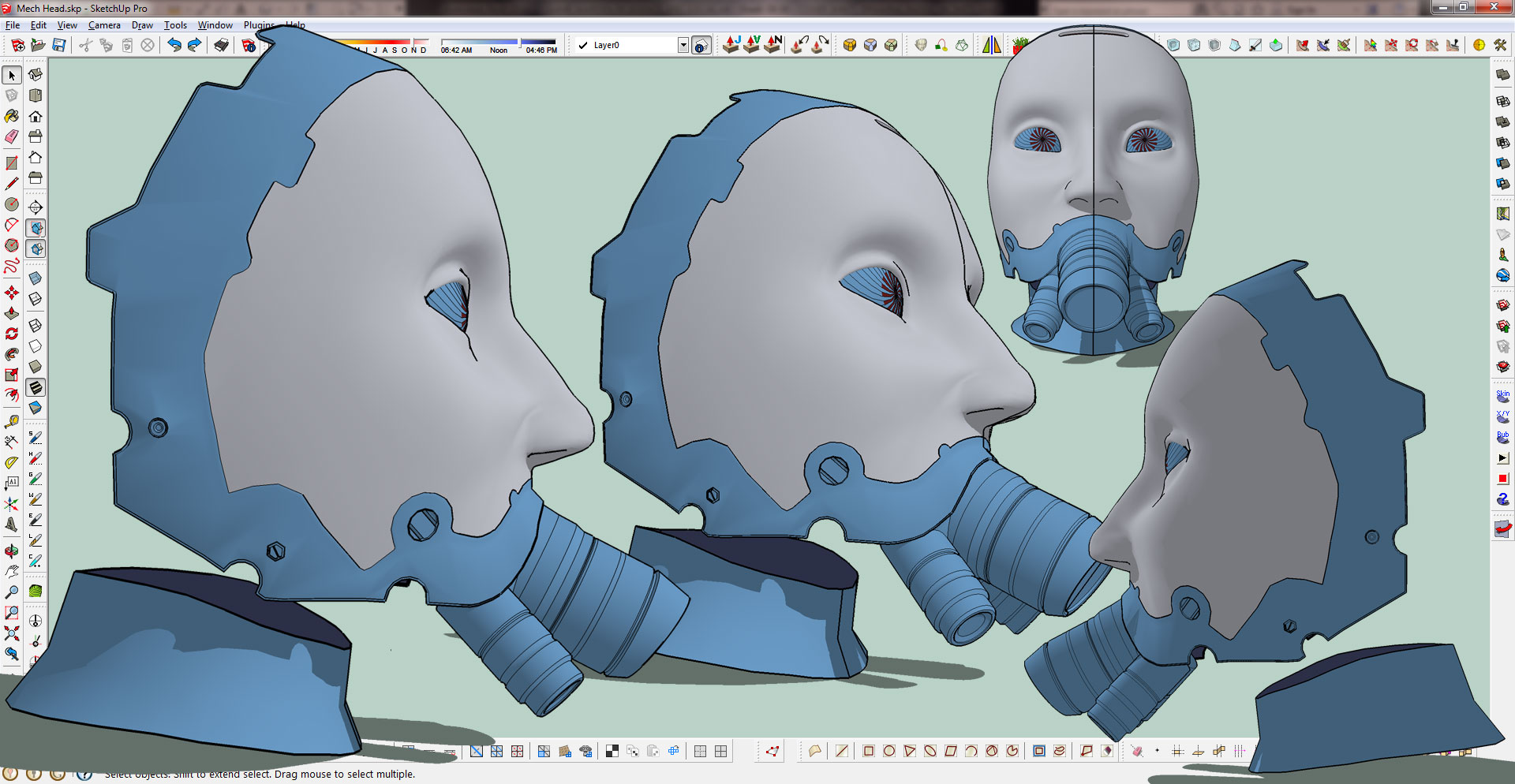
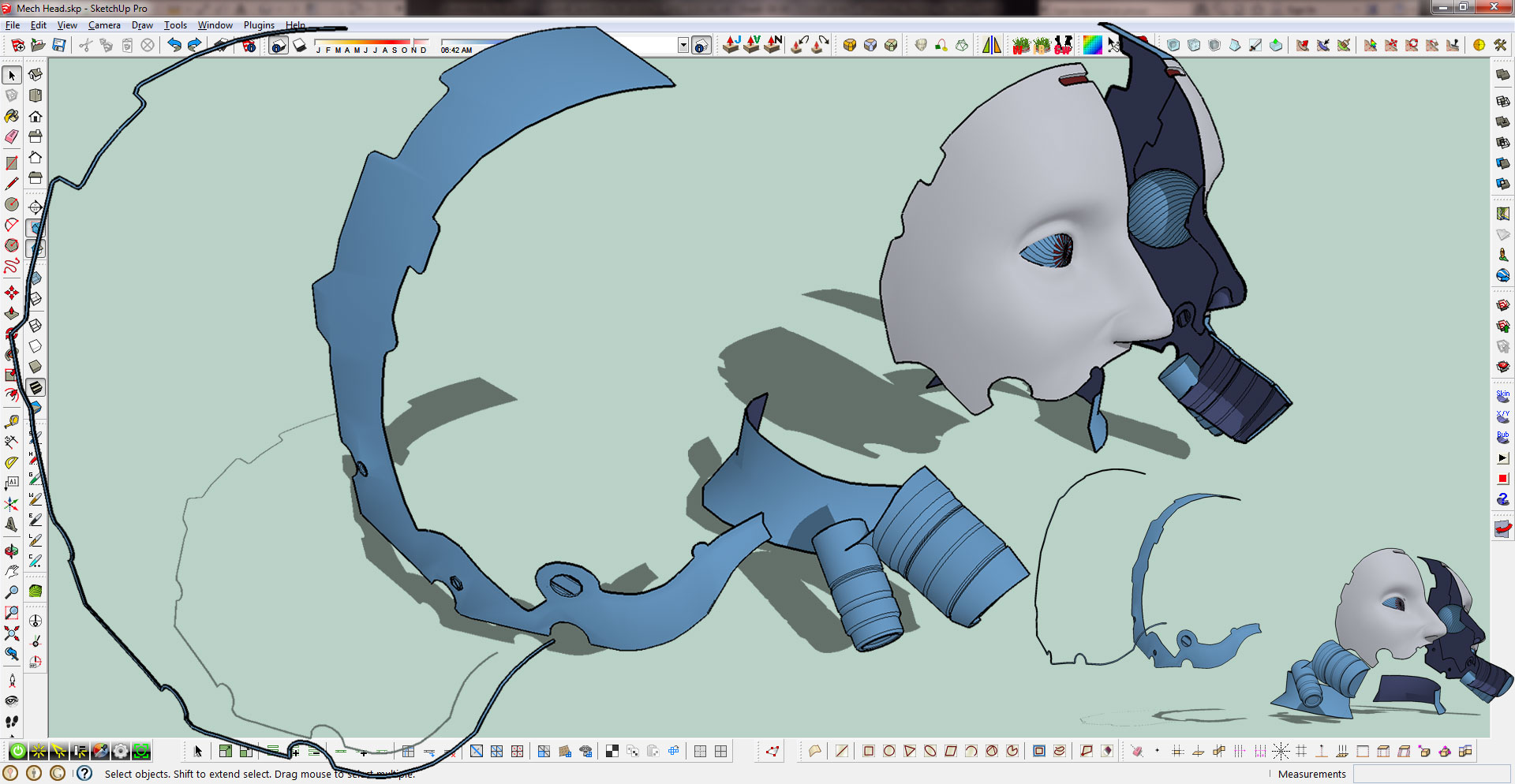
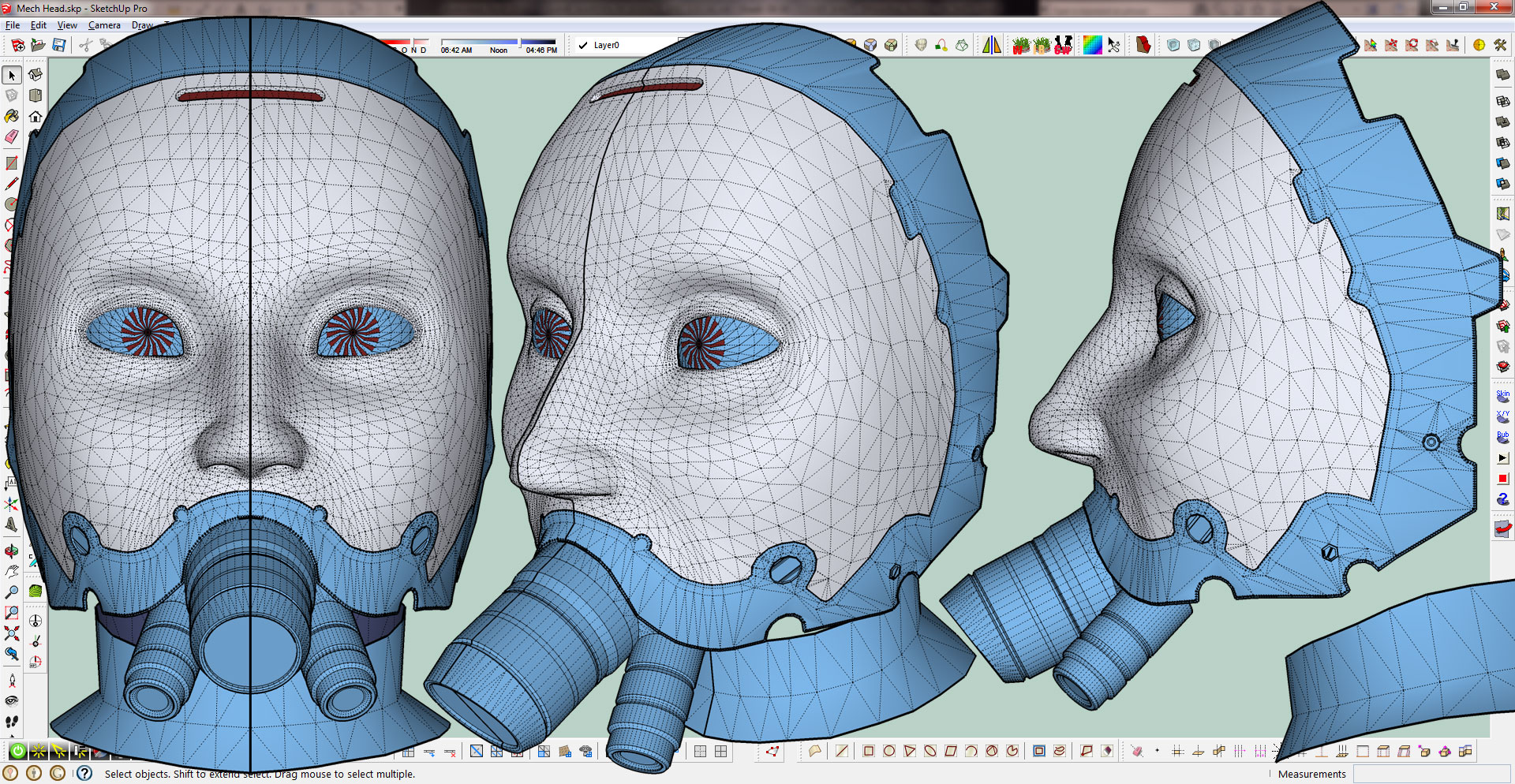
-
Not so bad!

It's a task to make human organic modeling with SU!
-
Thanks Frenchy.
-
great work eric! inspiring!

how is your model overlapping the toolbar?! or is it some skp presentation technique you are applying? nice!
-
Thanks Oli.
I have a super secret Plugin that Thomas wrote for me that allows my model to overlap the toolbars, any other programs and the wall space behind the monitor as well...

Actually I just did a screen grab of my monitor with the color background and saved it. I then exported my images with Thomas' Export 2d with Alpha plugin then mashed them up in Photoshop.
It is an old trick I picked up from Ivica years ago.
-
sneaky sneaky! looks great! thanks for the info.
-
like the face modelling. How did you approach it? Use a model or referenc picture? Just went at it? very clean modeling. What plugins did you use?
-
haha.
I was reminded of this as they sell them by my house...http://www.xhaletobacco.com/images/gas-mask-bong.jpg
-
Funny liam.
pbacot, thanks.
I used a 3DS Max training file as reference in making the face. Focusing of course only on the area I wanted. I blocked it out much like you see here then ran Artisan's Subdivide and Smooth for a couple iterations. After that I just started playing with shapes, extrusions etc. Another couple tools I have been utilizing (practicing with) are Selection Tools and Vertex Tools.
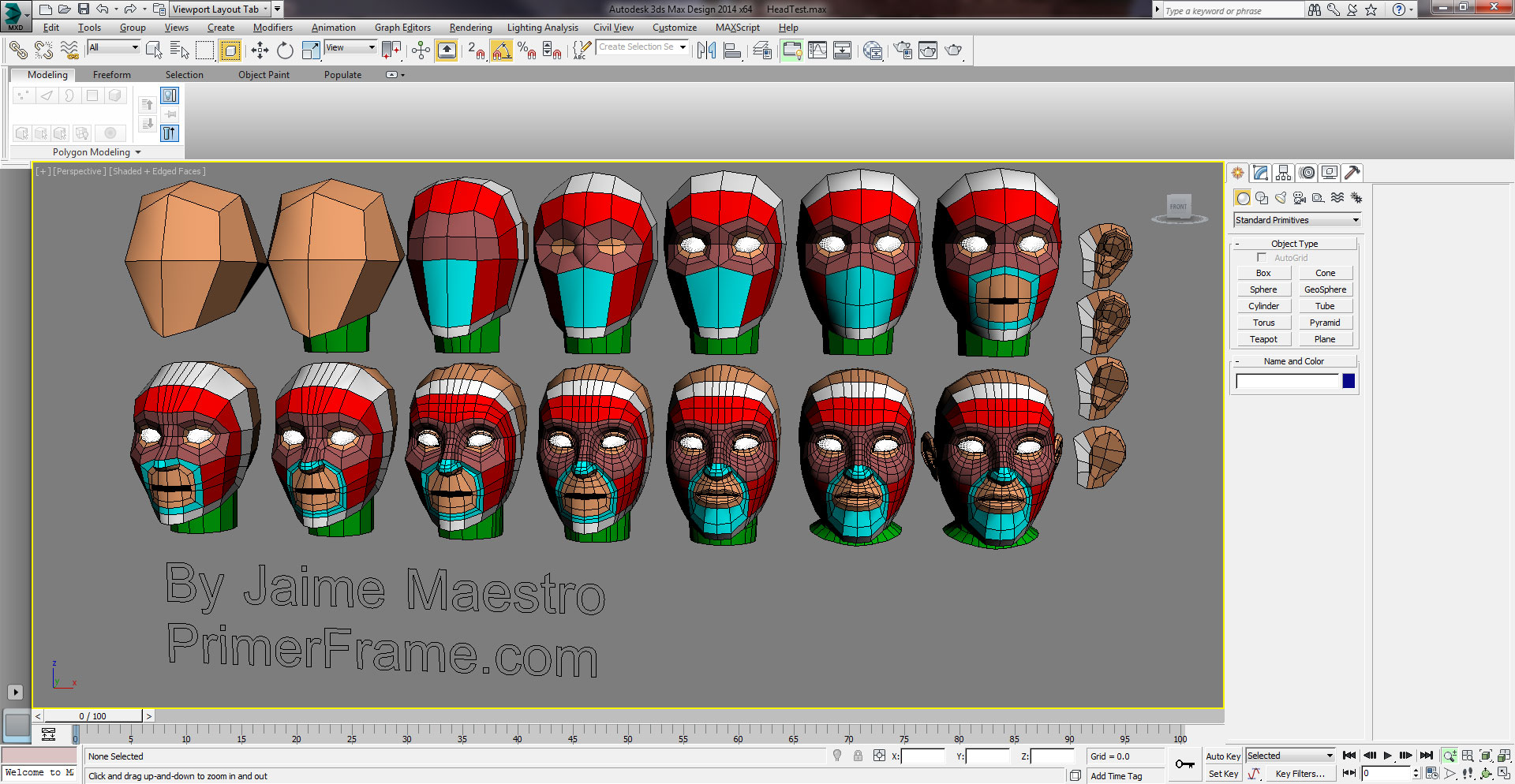
-
@boofredlay said:
Funny liam.
pbacot, thanks.
I used a 3DS Max training file as reference in making the face. Focusing of course only on the area I wanted. I blocked it out much like you see here then ran Artisan's Subdivide and Smooth for a couple iterations. After that I just started playing with shapes, extrusions etc. Another couple tools I have been utilizing (practicing with) are Selection Tools and Vertex Tools.Do you have an image of the head when you had finished blocking out and then proceeded to use SD&S?
-
No but I got it to look pretty close to the one in the above image, bottom right, without the ears, mouth, neck or back of the head (triangulated of course).
-
@boofredlay said:
No but I got it to look pretty close to the one in the above image, bottom right, without the ears, mouth, neck or back of the head (triangulated of course).
Oh nice, I bet that took a while!
-
Not too bad. Just a bunch of stitching and manipulating vertices. Plus I only had to do half

-
There are a bunch of videos out there but this one helped me as well. Using Vertex tools it makes it much less painful.
-
Bit creepy but looks nice.
-
I had some time to play a bit with this the past couple weeks or so. Just now getting around to saving images. Not sure really where this is going but it is fun.
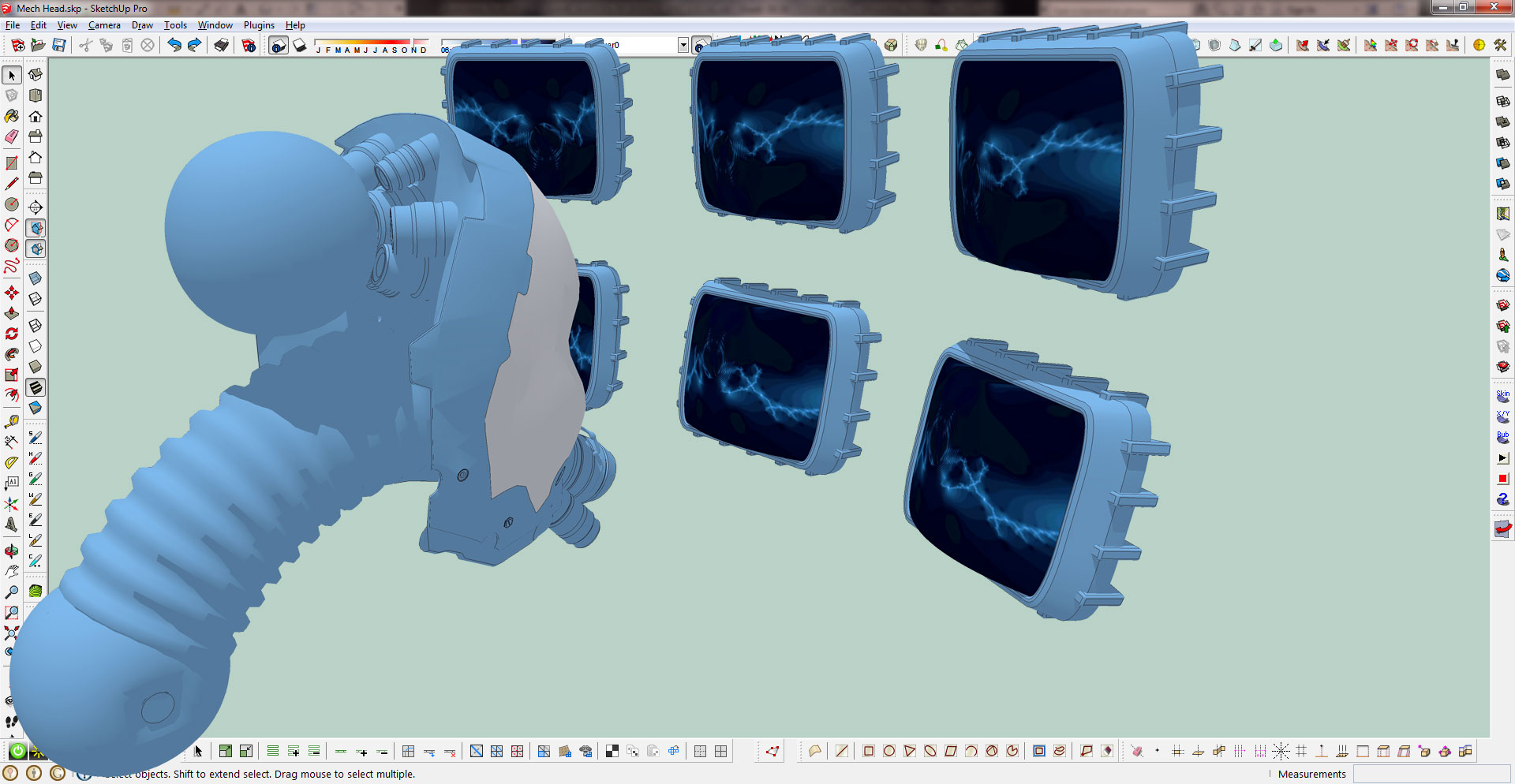
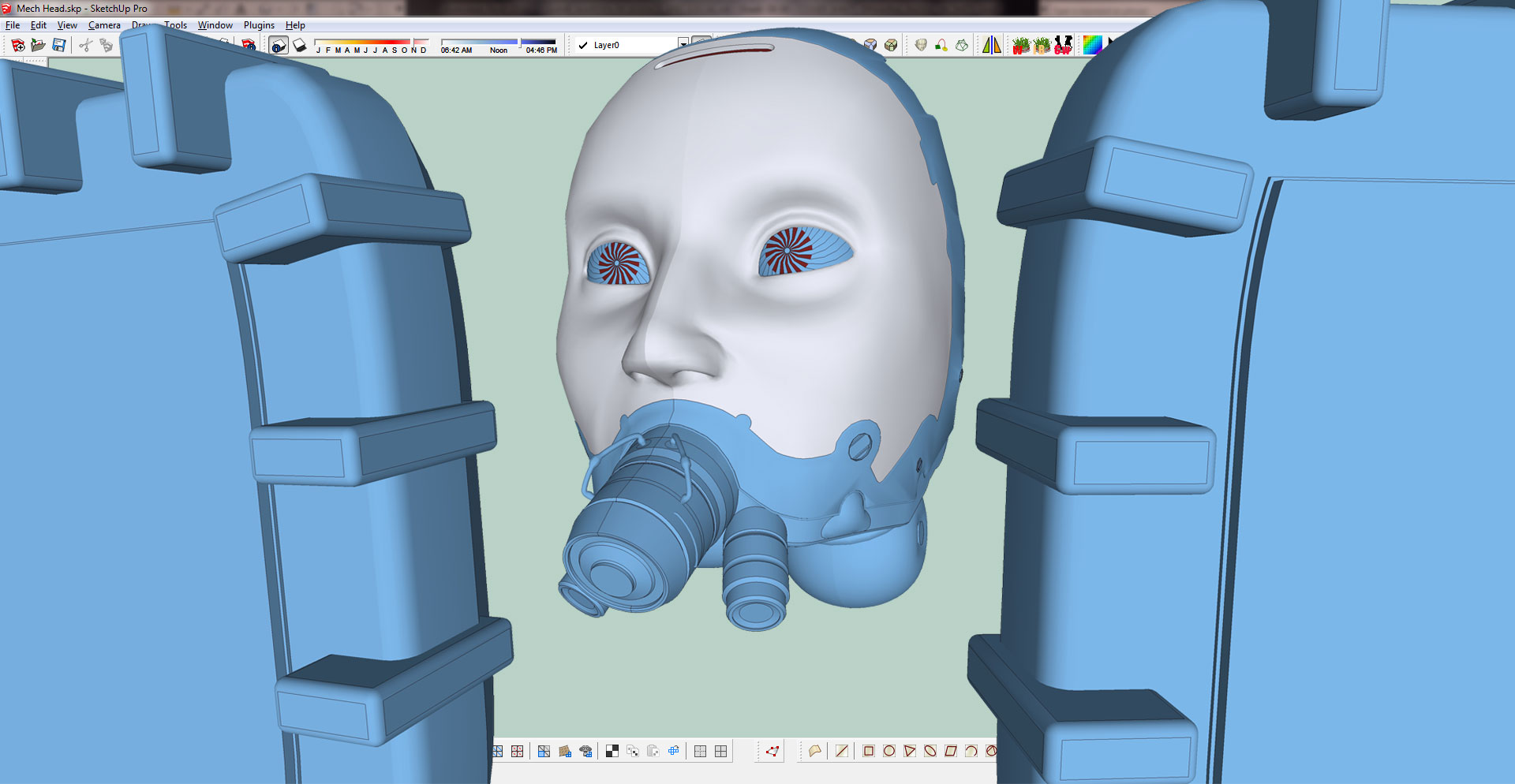
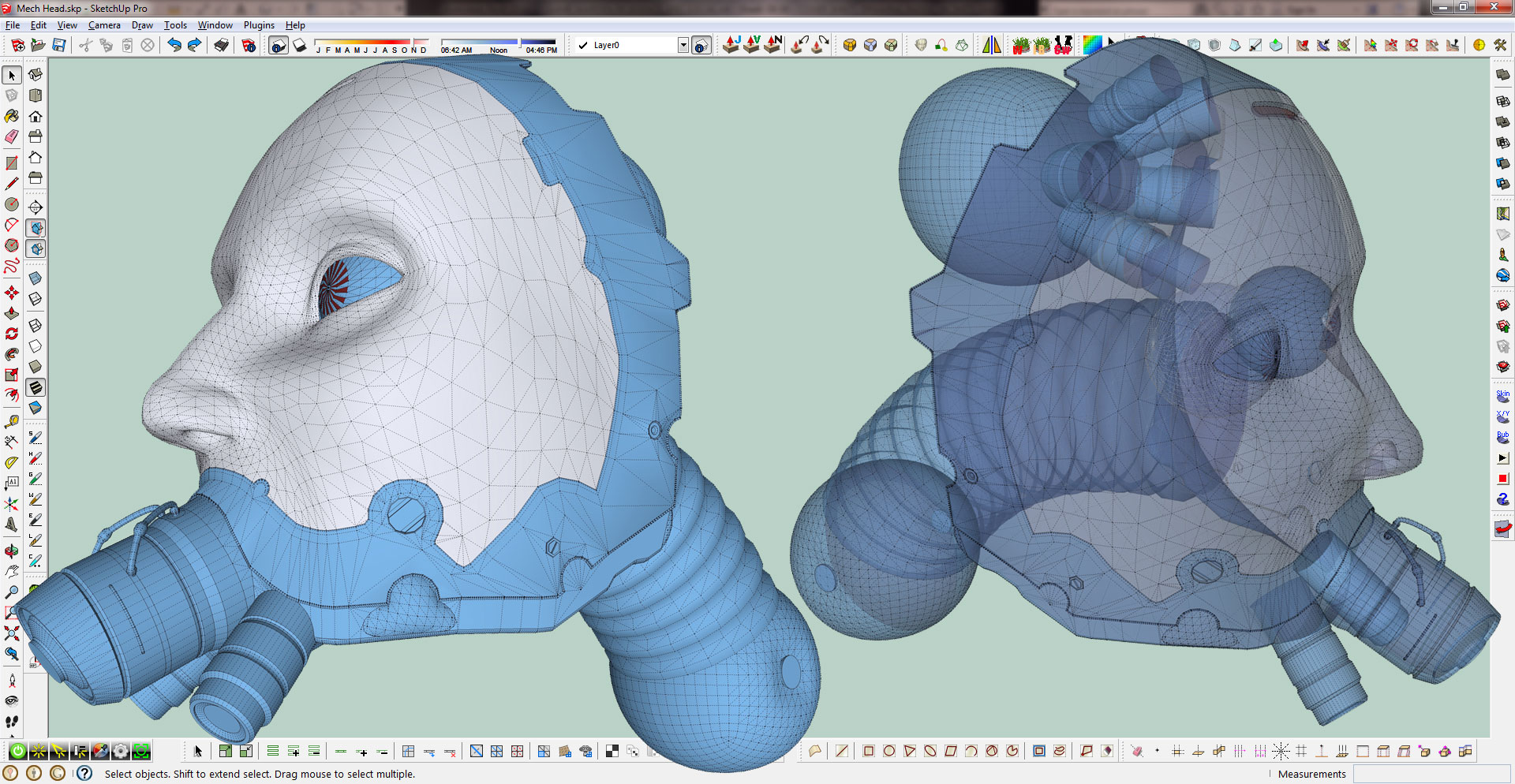
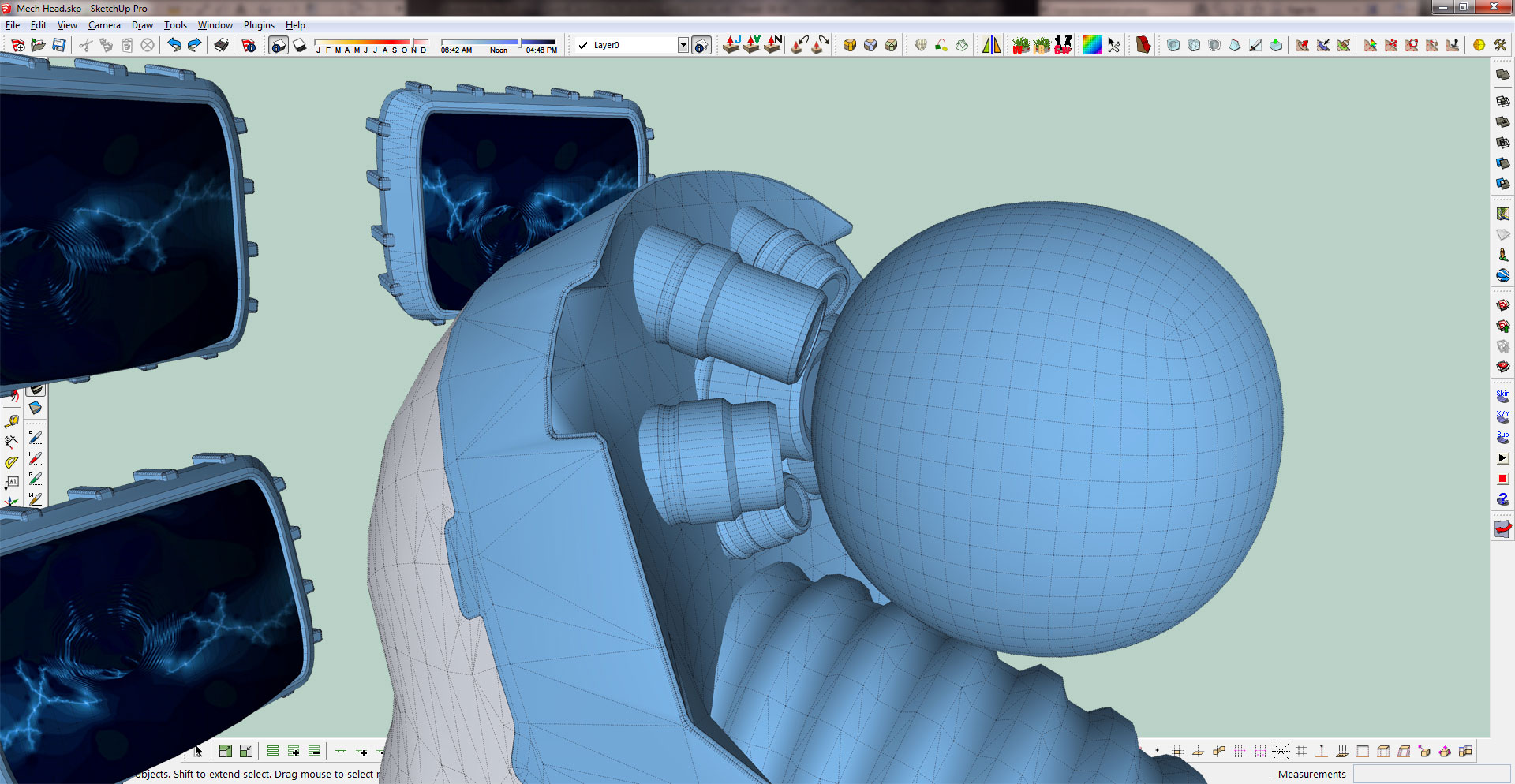
-
I had forgotten all about this one.
Looks good. Sometimes it's just fun top play around.






Hello! It looks like you're interested in this conversation, but you don't have an account yet.
Getting fed up of having to scroll through the same posts each visit? When you register for an account, you'll always come back to exactly where you were before, and choose to be notified of new replies (either via email, or push notification). You'll also be able to save bookmarks and upvote posts to show your appreciation to other community members.
With your input, this post could be even better 💗
Register Login


Advertisement