Small Problem - Curved Canopy
-
Dear members
I'm a new user of Sketchup and still a beginner.
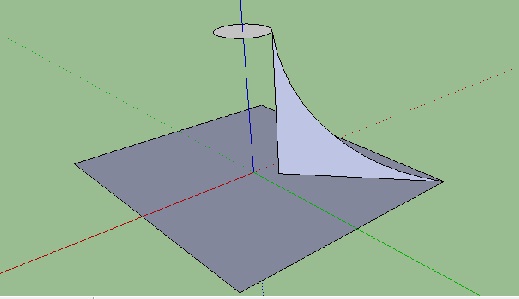
I m trying to draw a 'car canopy' in different shapes, but I can't get what I want..
I want to draw it in a curve way as in seen the picture I've attcahed.If anyone can help me with this please

Thanks and best regards
Eng.Salam
-
I'm not sure I understand what you are asking.
-
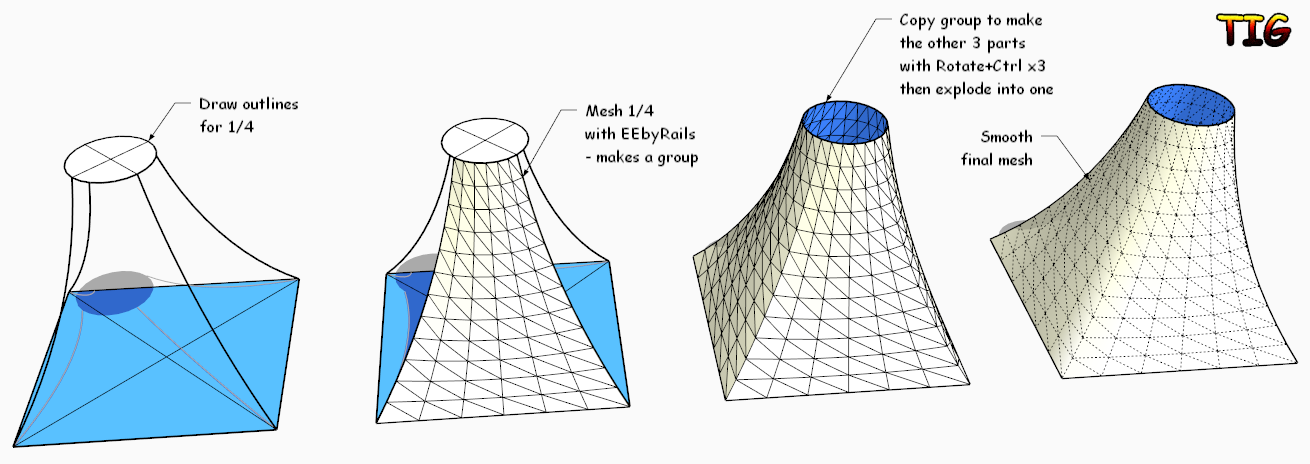
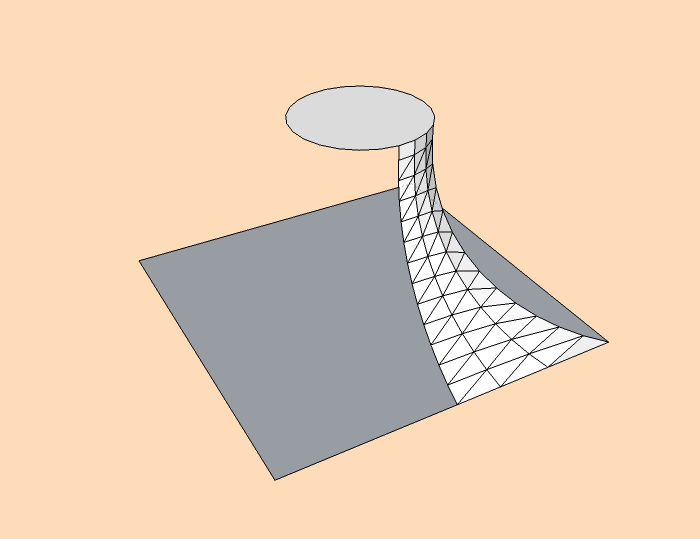
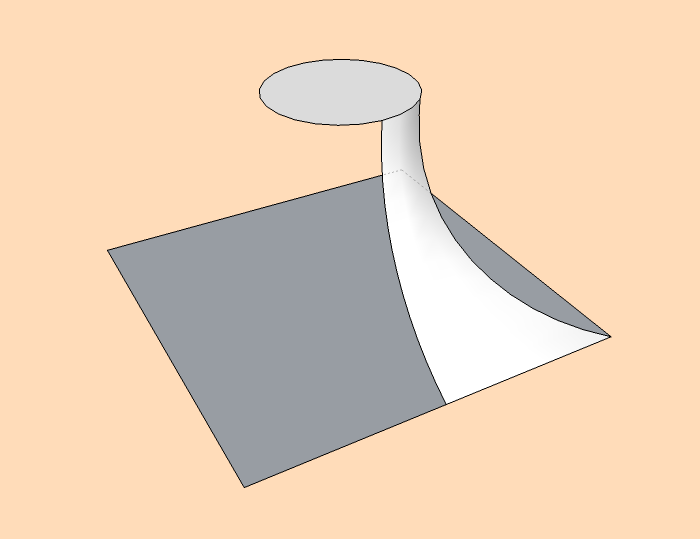
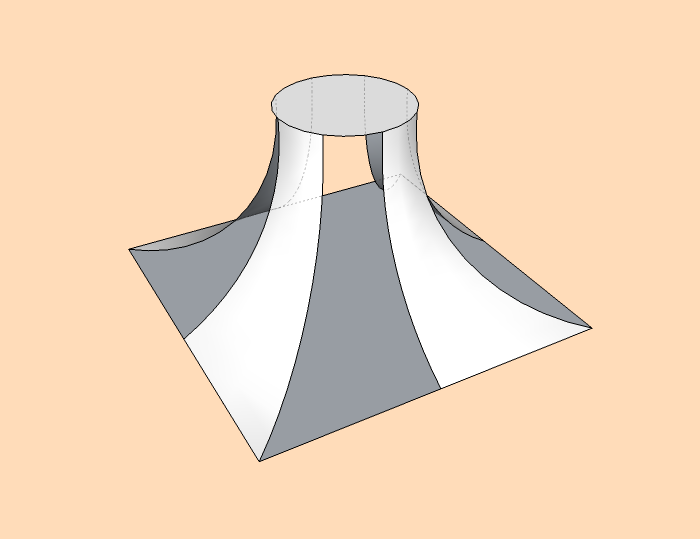
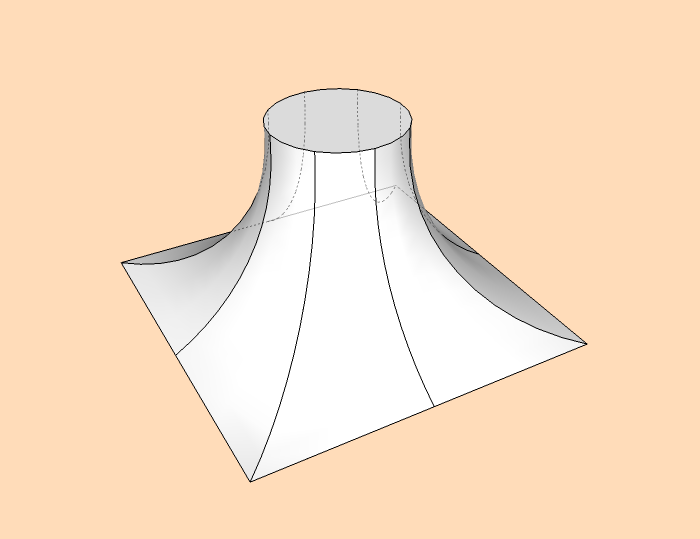
As I understand you, you want a 'tent-like' canopy that changes from a square at its bottom to a circle at its top.
This is arduous to achieve with the native tools.
Try My Extrude Tools' 'EEbyRails or Fredo's CurviLoft tools.
Get it/them and/or more info from the SCF PluginStore...
With these you can make the 'mesh' surface following the vertical curve and transforming from the square to the circle.
I have attached an image/skp of how I quickly made something similar...
-
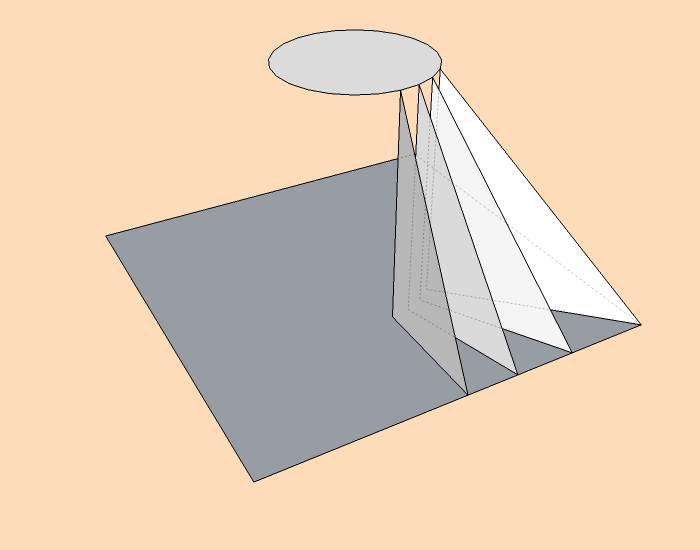
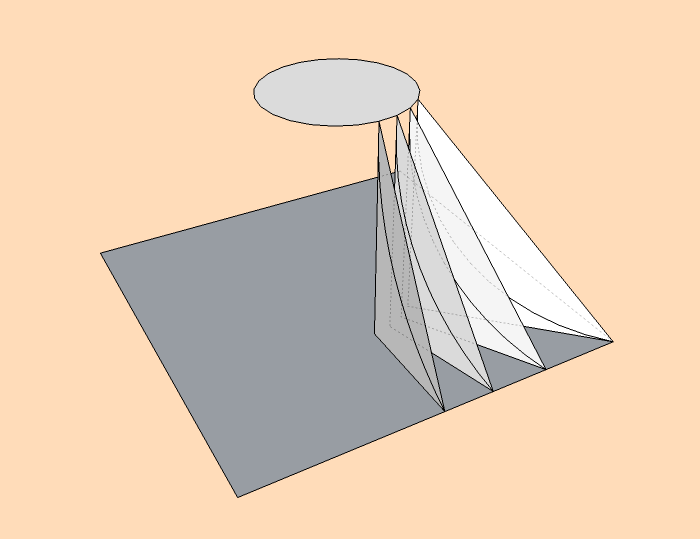
The beginner way, no plugin, little work:
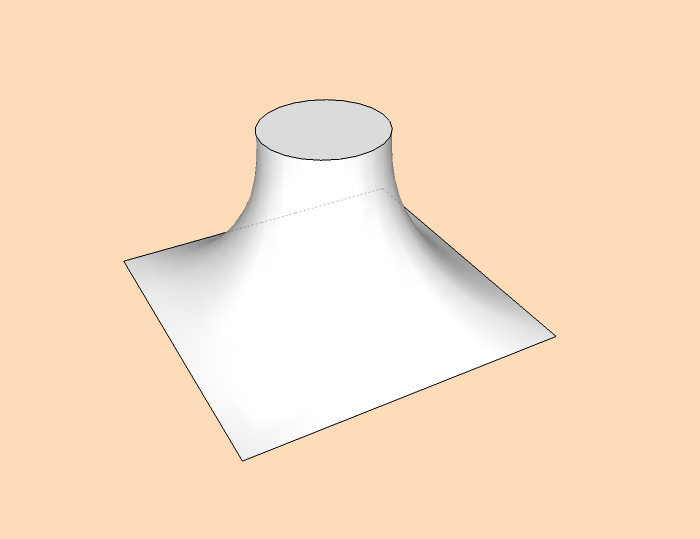
-
The CurviLoft one by Fredo 6

and Color By Z By Chris Fullmer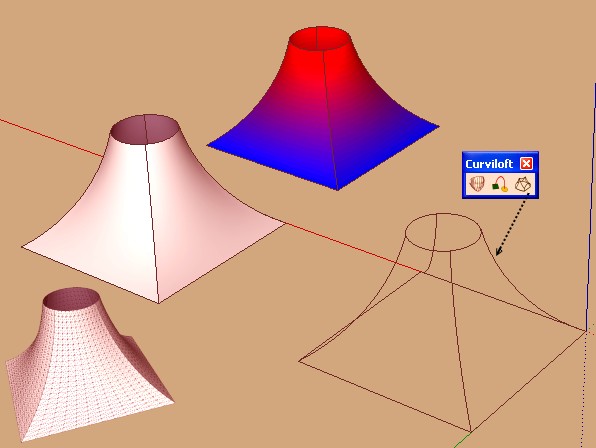
-
thanks alot i undrestand it and its done..




Hello! It looks like you're interested in this conversation, but you don't have an account yet.
Getting fed up of having to scroll through the same posts each visit? When you register for an account, you'll always come back to exactly where you were before, and choose to be notified of new replies (either via email, or push notification). You'll also be able to save bookmarks and upvote posts to show your appreciation to other community members.
With your input, this post could be even better 💗
Register Login


Advertisement