Rotated Views
-
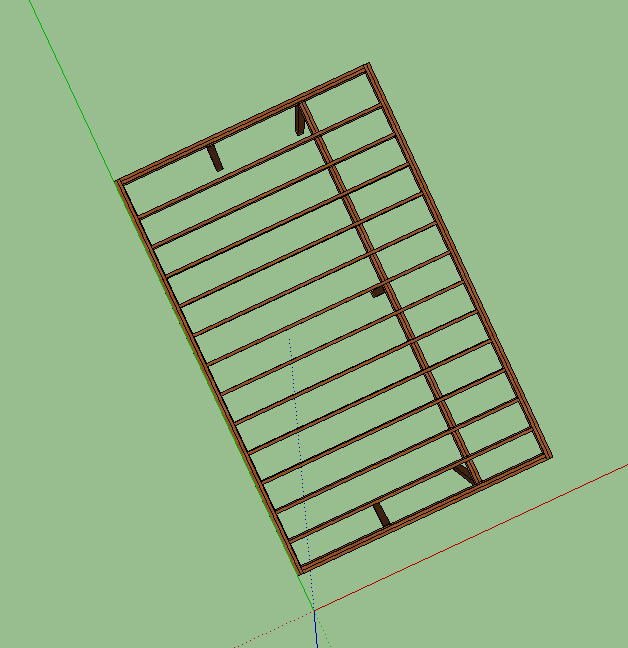
I am doing a framing plan for my deck off my house. When I do command 1 to get a standard top view, SU automatically rotates the view to an odd angle. (see attached) I think the problem is due to the fact that I dropped my house onto an image of google earth, and rotated the whole model to match the house so I could utilize accurate sun & shading features.
Obviously I could rotate the house back to true north, but then it messes up the sun and shade features based on geographic location. Is there a better way I should be doing this? I tried just changing the axis but that did not seem to do anything.
Thanks
-
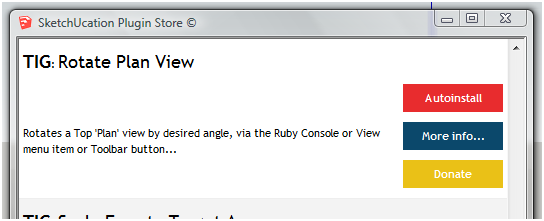
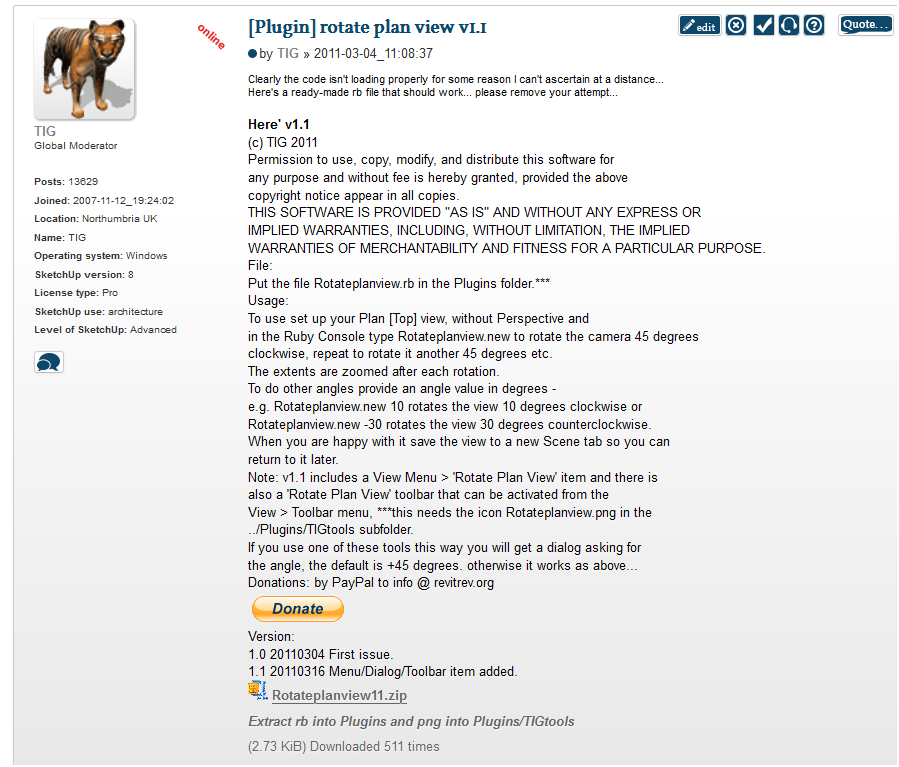
Use my 'Rotate Plan View', then pan/zoom-extents, BUT do not Orbit, and save the view as a Scene tab.
-
Ok, bit different then what I had in mind. Guess I want to just rotate it back so that I can look at any of the standard views and not have the camera rotated instead of just the plan view. How can I rotate my house back, I don't know what the original angle is that I rotated.
-
Reset the axes then you can rotate the model to the axes.
First set the solar north so you can have your sun study.


Hello! It looks like you're interested in this conversation, but you don't have an account yet.
Getting fed up of having to scroll through the same posts each visit? When you register for an account, you'll always come back to exactly where you were before, and choose to be notified of new replies (either via email, or push notification). You'll also be able to save bookmarks and upvote posts to show your appreciation to other community members.
With your input, this post could be even better 💗
Register Login


Advertisement