Invisible lights
-
As you can see in the picture,during processing the render is possible to see the spot lights on the top... but during the last process they disappear.
Which is the problem?
Thanks for the answer
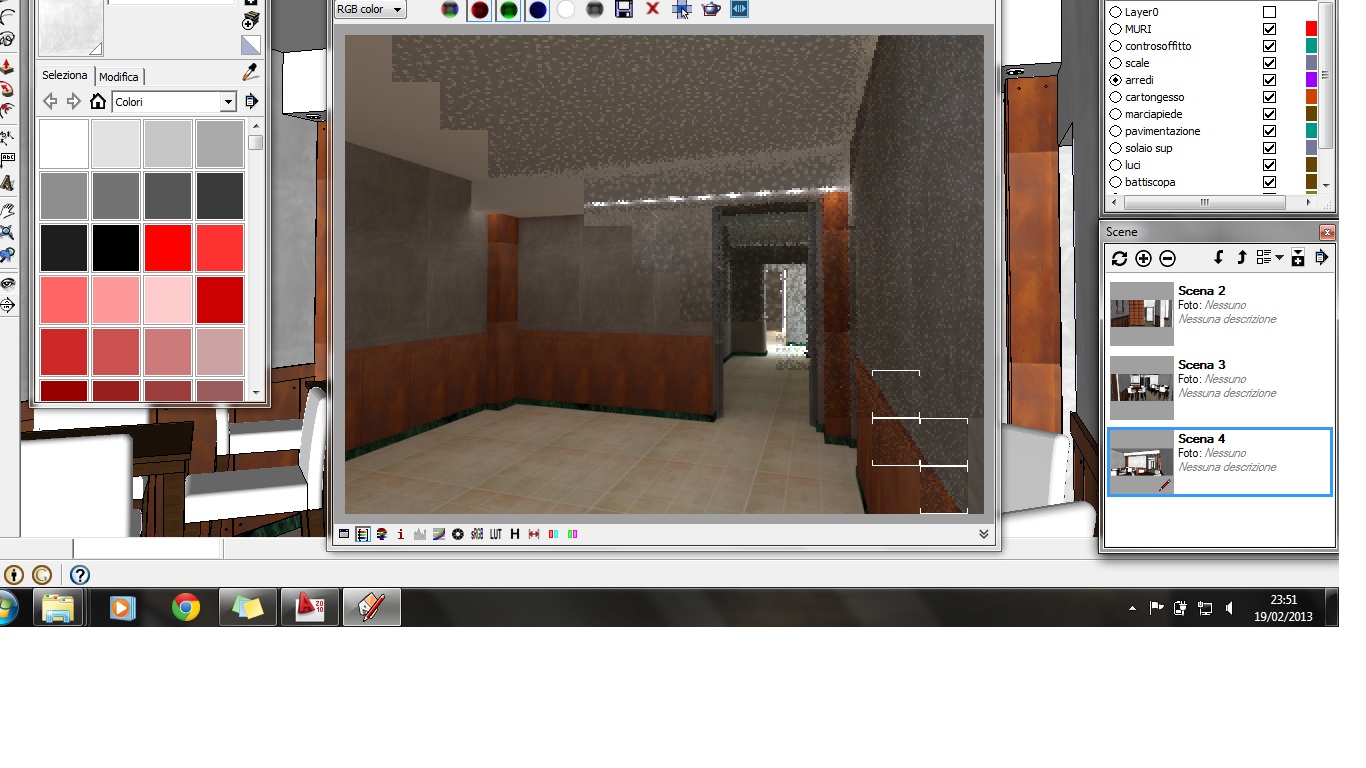
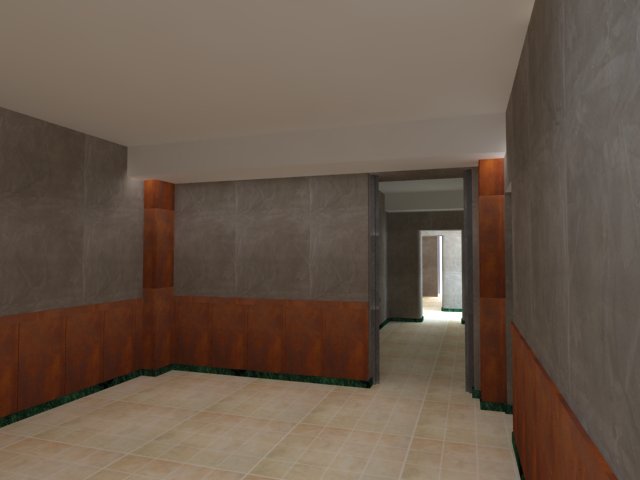
-
Will you please always specify what renderer you are using when asking rendering questions? Thanks,
Chris
-
I think it's a V-Ray render.
What type of lights are you using to light the scene?
-
Sorry, yes is a Vray renderer
are all little omni lights below a spotlight (even this not rendered)
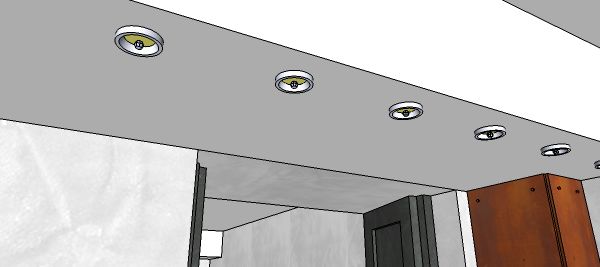
thanks
-
Can this be a reversed faces problem also, as in your disappearing furniture question?
-
@decumano said:
Sorry, yes is a Vray renderer
are all little omni lights below a spotlight (even this not rendered)
[attachment=0:28m2bxlc]<!-- ia0 -->3.jpg<!-- ia0 -->[/attachment:28m2bxlc]
thanks
Check your faces are not reversed and possibly change from Omni light to an IES light.
I tend to make one spotlight, add the IES light and make both into one component than move/copy to multiply.
-
Yes! Solved... as in my other question-post it was a component problem. I exploded and made it again a group and now it works.
Ok, tomorrow i will try to use ies+spotlight lights and not omni
Thanks for the help
-
@decumano said:
Yes! Solved... as in my other question-post it was a component problem. I exploded and made it again a group and now it works.
Ok, tomorrow i will try to use ies+spotlight lights and not omni
Thanks for the help
Anytime




Hello! It looks like you're interested in this conversation, but you don't have an account yet.
Getting fed up of having to scroll through the same posts each visit? When you register for an account, you'll always come back to exactly where you were before, and choose to be notified of new replies (either via email, or push notification). You'll also be able to save bookmarks and upvote posts to show your appreciation to other community members.
With your input, this post could be even better 💗
Register Login


Advertisement