Car paint
-
Been playing about with my car paint shader, thought I'd share. I've found the following settings do a reasonable job:
TOP LAYER: Reflection fresnel IOR: 2.2 Tint the filter colour similar to base colour.
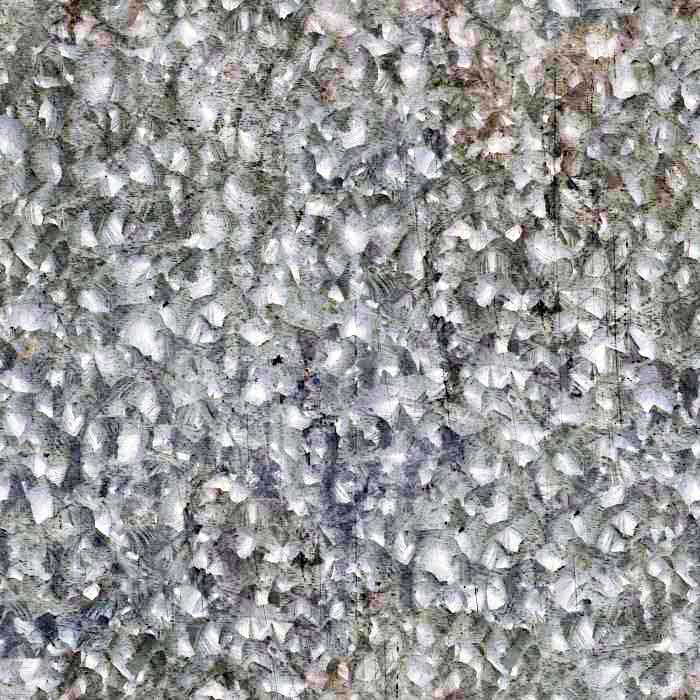
MIDDLE LAYER: Reflection fresnel IOR: 2 Use a galvanized metal texture in the hilight and glossiness maps, CGtextures has a few. I applied a contrast adjustment to map as below, this could probably do with refinement. Again, apply a tint to the reflection filter.
BASE LAYER: Use falloff with two colours (first slot the main colour, second slot darker colour for normal paint, or contrasting colour for irridescent paint). Use perpendicular/parallel for falloff type.That's it.....although I think this is decent looking I was hoping to get a better 'flake/sparkle' effect and messed about with the galvanized metal map in bump, roughness, anistropy slots to no avail. Would be interested to know how everyone else builds this shader type.

-
Very nice.

I've never built a car paint material myself from scratch - I've just used the car paint material that came with VfSU as a base and modified to fit.Really like the look of this one.
-
that looks very nice. I wonder if playing with the parallel/ perpendicular slots in the fresnel settings (adding a flake map) might do the trick with adding flakes. I'm curious to see how this compares with the Chaosgroup vismats - like thomthom, this is what I've been using as a starting point.
Andy



Hello! It looks like you're interested in this conversation, but you don't have an account yet.
Getting fed up of having to scroll through the same posts each visit? When you register for an account, you'll always come back to exactly where you were before, and choose to be notified of new replies (either via email, or push notification). You'll also be able to save bookmarks and upvote posts to show your appreciation to other community members.
With your input, this post could be even better 💗
Register Login


Advertisement